@Cooky-12 This fix works. I had another issue with the game crashing after loading a level, which I solved by deleting the cloud save in ~/.steam/steam/userdata/STEAMID/227780/
I have solved the "waiting for connection" problem. This game's timer read registry to override its calculated value based on CPU frequency. It's OK for old CPU or desktop CPU, but not right for CPU that turbo frequency ...
@MojoJojoDojo Yeah the menu one is bypassed by clicking and maybe mashing esc a few times. And yeah I'm still baffled why this started working on one machine, not on the other, with almost the exact same setup.
For some reason after i waited for awhile (and used alt+tab?) I stopped getting the "waiting for connection" thing. Maybe you just need to wait though. EDIT: This seems to only apply to the menu because i still get "wait...
Ok the confusion continues. Transferred that exact same wine prefix and game config (from Scripts) folder to my other machine also running Proton 5.0-9 and I still get the old waiting for connection. Working system: - In...
@kisak-valve Good news! It seems its working perfectly now on 5.0-9 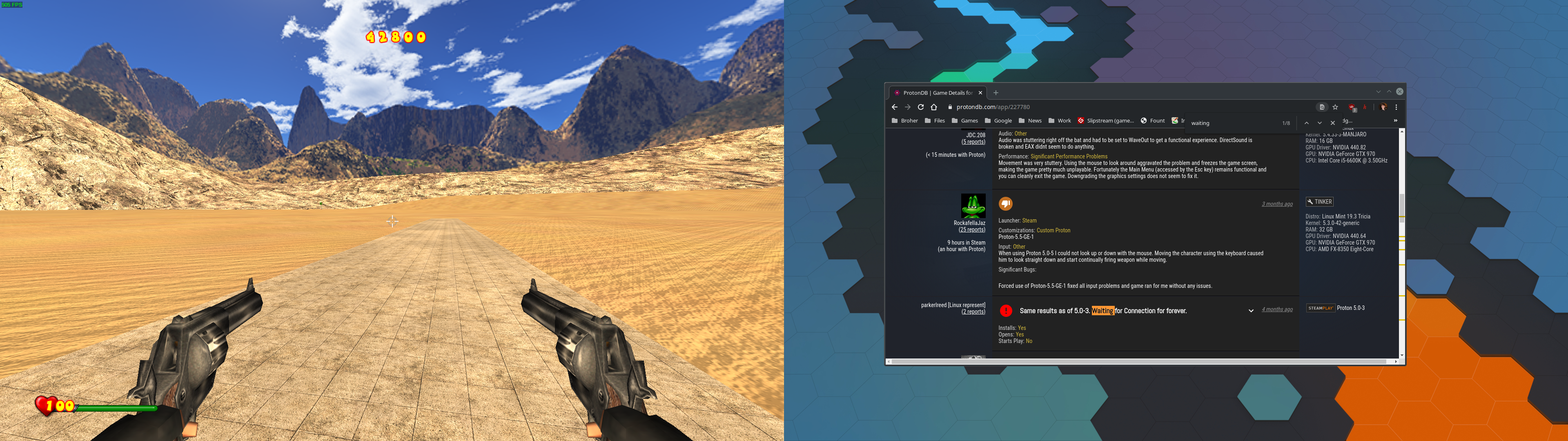 I did have to apply the gap_iDepthBits=24 a...
# Compatibility Report - Name of the game with compatibility issues: Serious Sam Classics: Revolution - Steam AppID of the game: https://steamdb.info/app/227780/ ## System Information - GPU: GTX 760 - Driver/LLVM version...
Same waiting for connection as always. Proton 5.0-5 [steam-227780.log](https://github.com/ValveSoftware/Proton/files/4364021/steam-227780.log) [system.txt](https://github.com/ValveSoftware/Proton/files/4364022/system.txt...