screen space reflections broken in Horizon Zero Dawn with RADV
Can you bisect this? Way more useful than Renderdoc.
Anyway, it's unlikely that this gets addressed for at least another week, vacation etc.
It should work to call the build script with a commit as head, instead of master, right? At least the output folder is named accordingly.
Though it seems odd that I can go back to e.g. 269bb649d7ade5455c7d8903a3da43c9697f0bf0 and the game still runs the same as with current master/2.1. I made sure that the corresponding d3d12.dll is actually loaded by the game (as proton-tkg always overwrites my symlink in system32 prefix folder).
I also wonder if the game shouldn't invalidate its shader cache with such an old vkd3d-proton commit as head. It doesn't do so for me, so no idea if the issue might be baked into the shader binary by newer vkd3d-proton versions and is picked up by older ones.
If such an old commit works with HZD then something really isn't working with your setup. Try symlinking it next to the game exe and start the game with WINEDLLOVERRIDES=d3d12=n.
I did that and made sure that the module is actually loaded from the game's dir - yet I don't notice a difference vs. vkd3d-proton 2.1.
For compiling, I did
./package-release.sh 269bb649d7ade5455c7d8903a3da43c9697f0bf0 /output --no-package
and simply copied the DLL. :confused:
Does not reproduce for me on vkd3d-proton master and Mesa master 8ecace073ea68e3819ea7c5637bd479067e1420b with 5700xt.
I also tried Mesa 574429f9528734f078c8c3a56232ba66fa818913, but same result.
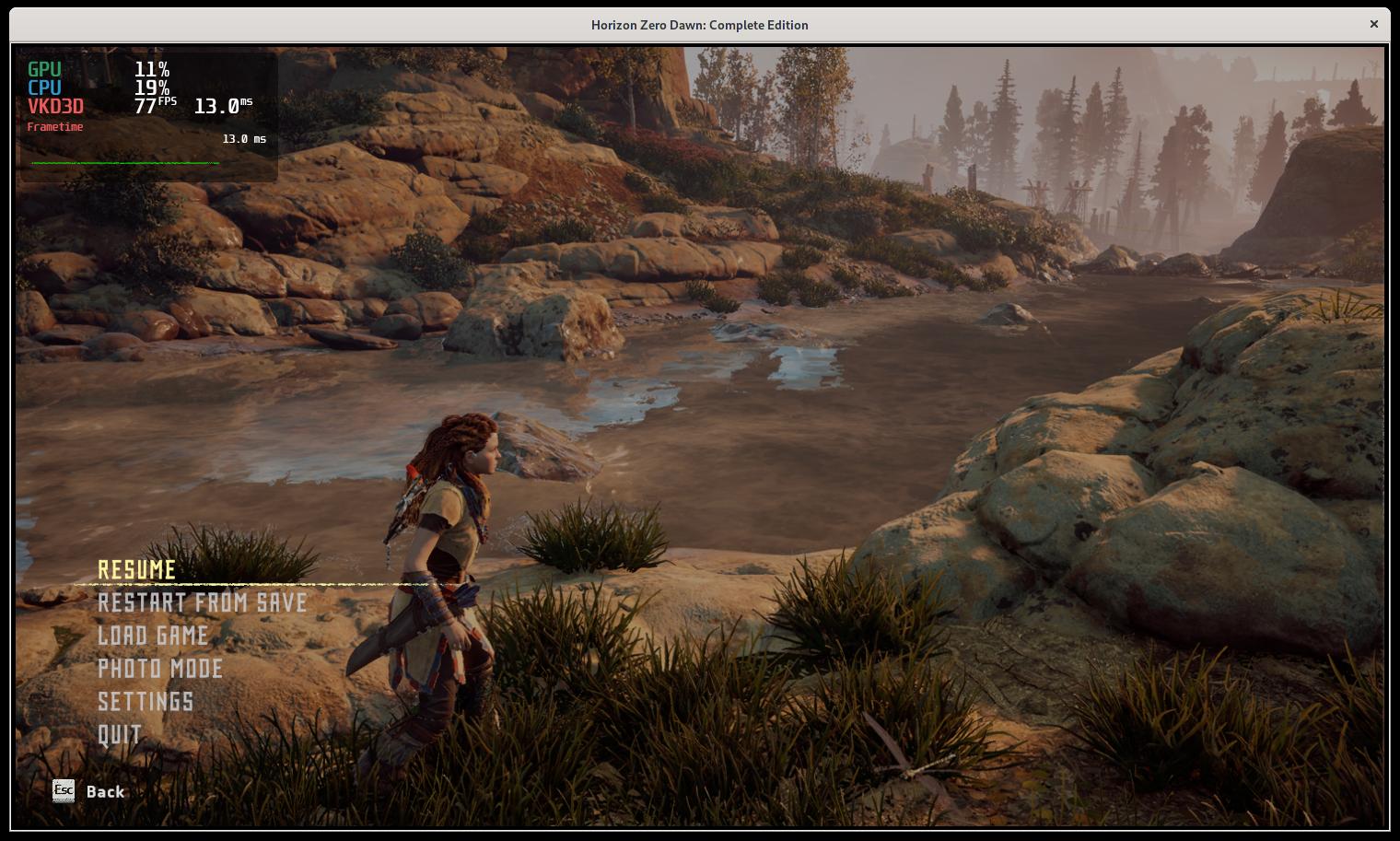
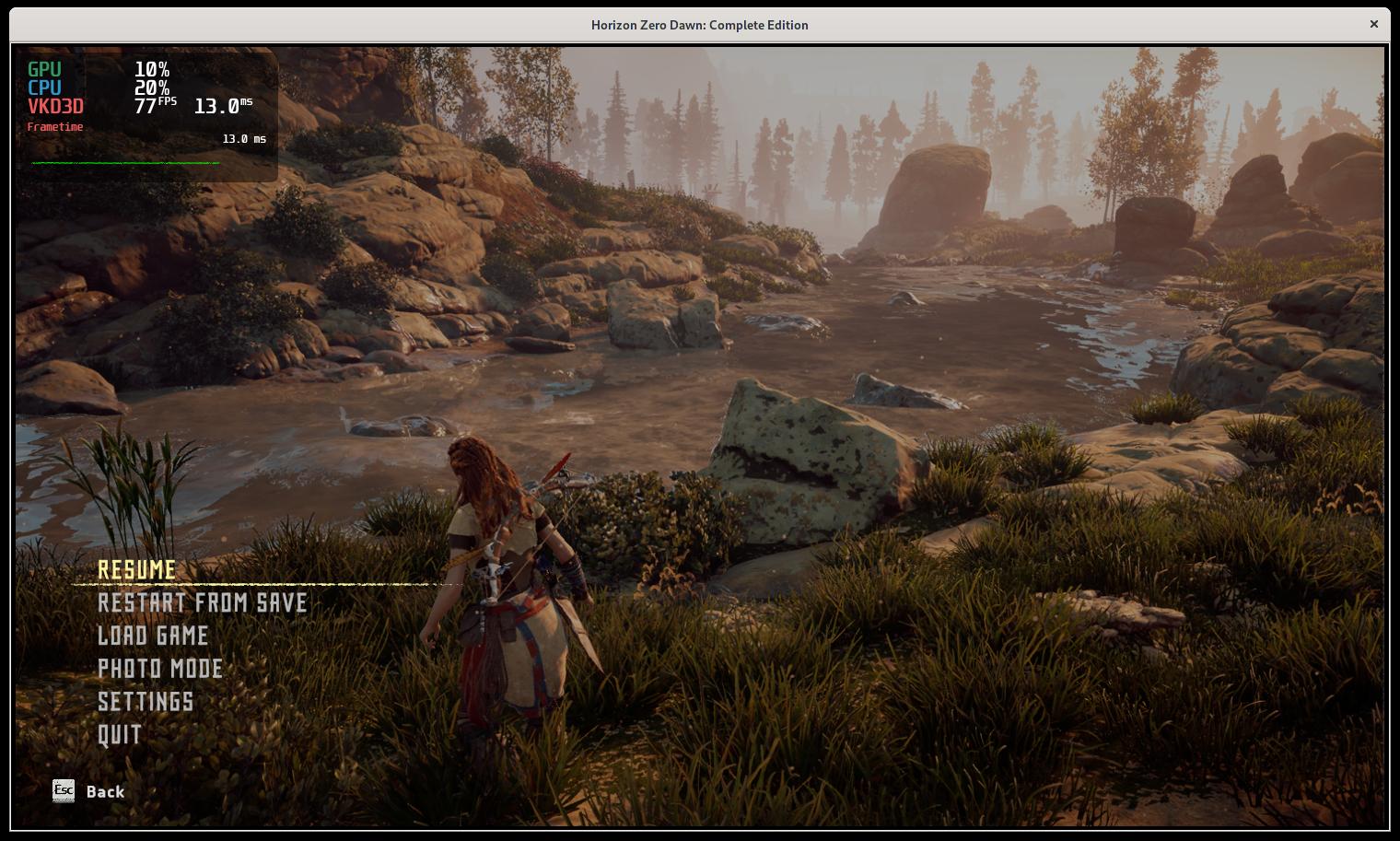
Some screenshots, looks correct to me without downloading tons of updates on Windows to compare.
I think it doesn't look correct in your screenshots: Despite of natural limitations of SSR, the weirdly bluish "holes" don't look normal to me. I'm quite certain that also the scene in your screenshots will look different on Windows. The issue btw. also occurs with latest amdvlk-open.
Ok, I guess I'll do more direct comparison then ...
I'll also do that for the scene above (or a better one). It should generally be more noticeable with huge water surfaces.
Place:
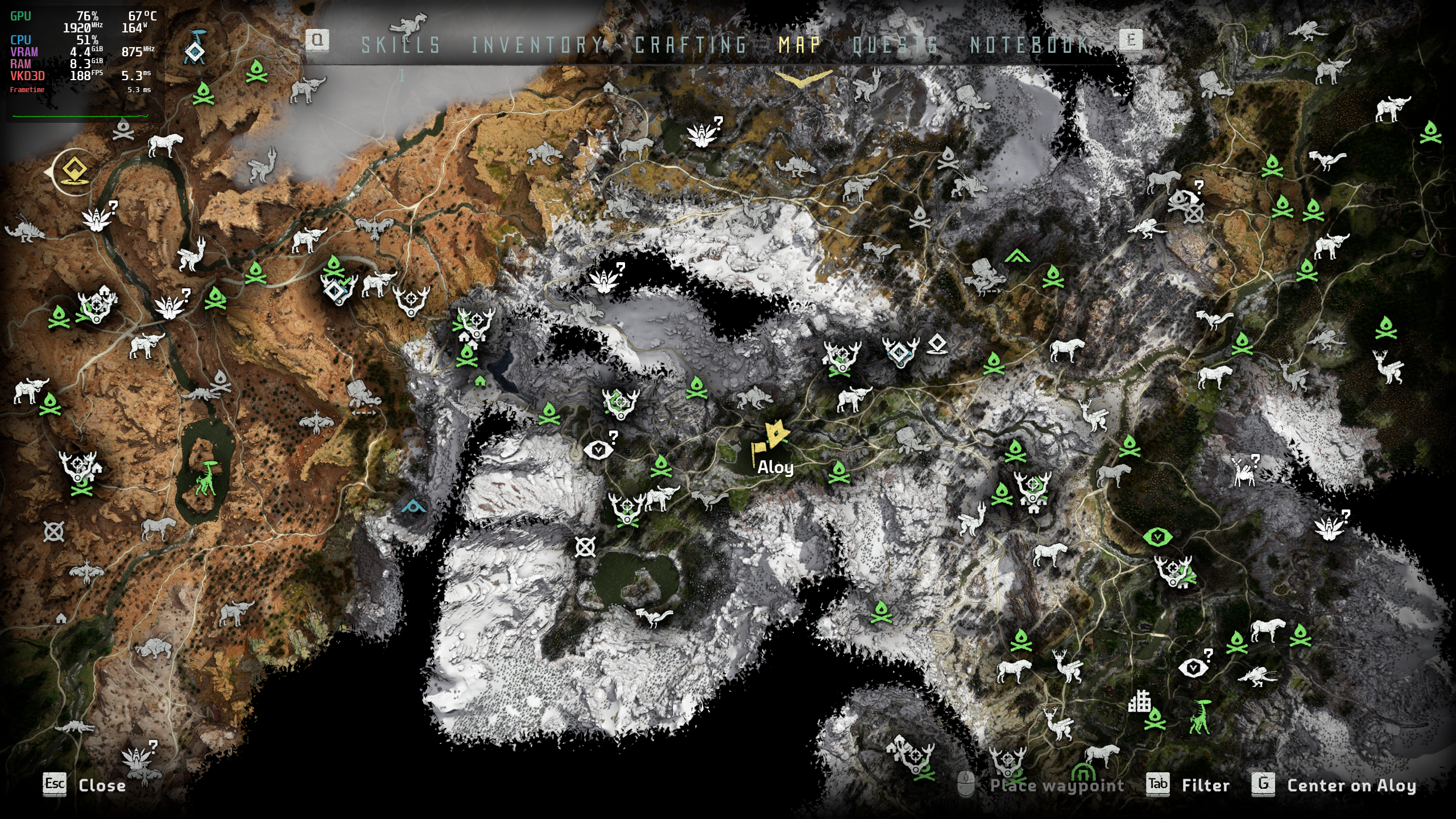
Windows D3D12:
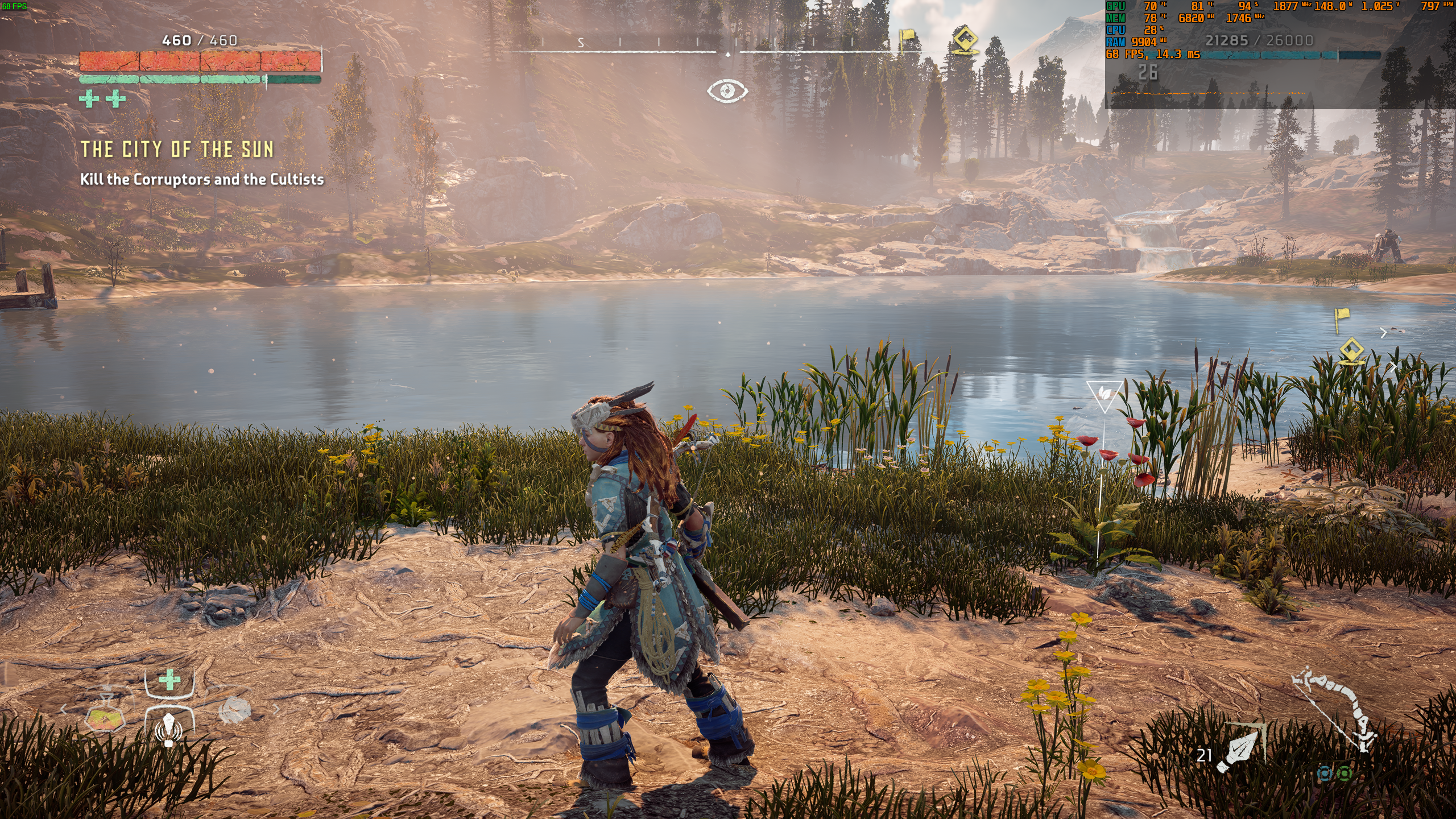
VKD3D:
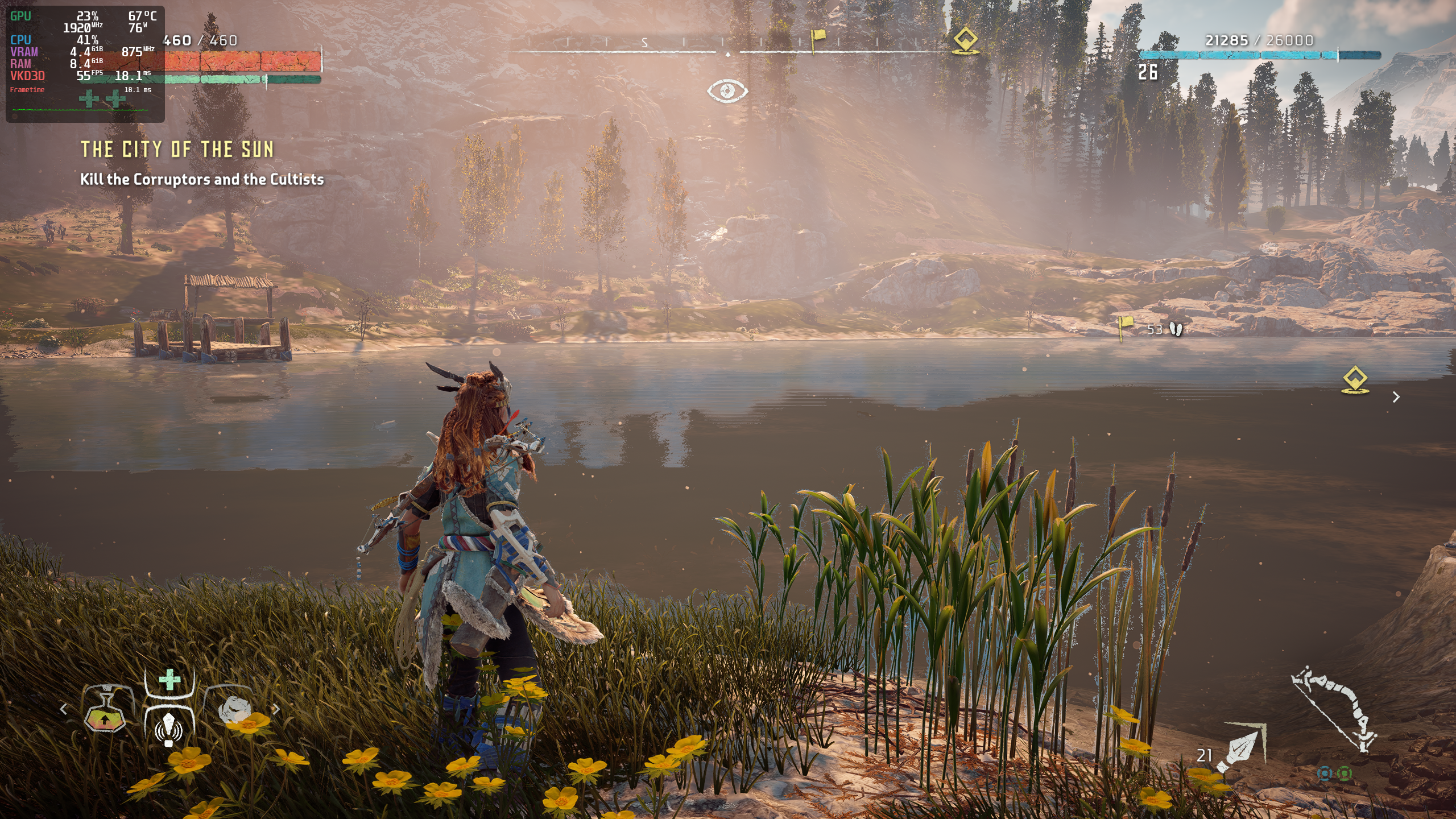
Might not be (just) the SSR, but also the cubemaps or something else.
Bisected regression to:
commit 30c417bdbf459173a7e6260f171095415f97c925
Author: Hans-Kristian Arntzen [email protected]
Date: Mon Nov 16 16:55:55 2020 +0100
dxil-spirv: Update submodule.

Signed-off-by: Hans-Kristian Arntzen <[email protected]>
subprojects/dxil-spirv | 2 +-
Hm, then I think specifying a commit as head really doesn't work with ./package-release.sh *commit* /output --no-package. :question:
package-release just takes the name of the package, it doesn't check out commits for you.
Fixed on master now. Was a fallout from the fixes required for Cyberpunk.
I can confirm it's fixed, thanks!
Btw: Does texture streaming work correctly for you with RADV? My VRAM consumption is weirdly low with 4.3GB and some textures don't stream in in high resolution (textures set to ultra):
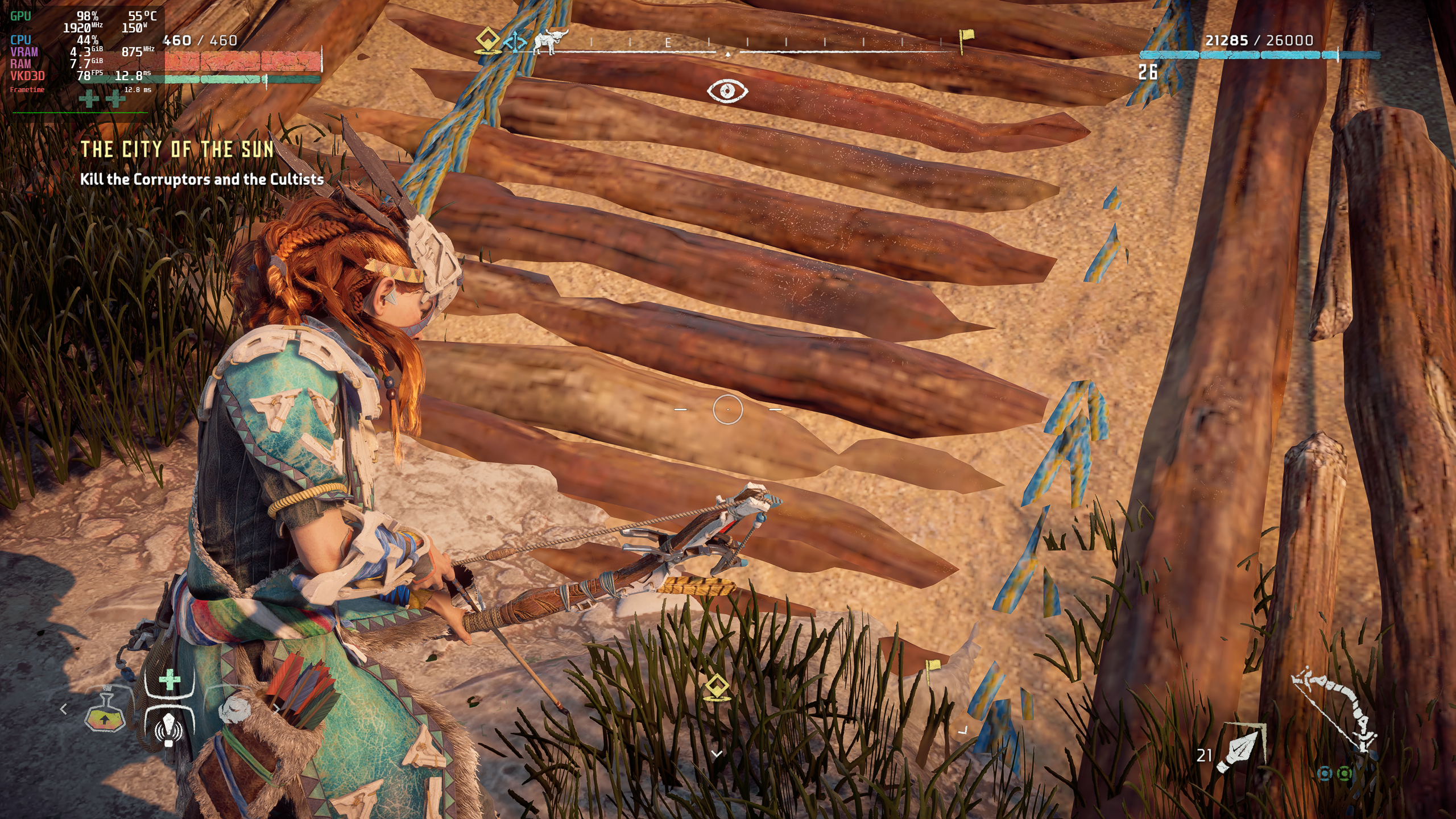
On Windows D3D12, VRAM consumption after loading is ~6.8GB and the wood textures look way more detailed.
On Linux with amdvlk-open, it allocates extreme amounts of both RAM and VRAM.
Well, and my CPU performance with the 6700k is very low too (as anticipated in #299 ), it's roughly 1/3 or less of native D3D12 performance, despite of esync/fsync etc. :(
That is with RADV, amdvlk-open seems to be even worse.
The game spams sqrt() which enters msvcrt afaik. Don't think it has ever been narrowed down to vkd3d. The game has some weird DXGI interaction going on which we cannot fix.
Looks like today's 1.10 update of the game fixed the streaming issue, VRAM consumption with RADV is now > 7.5GB and textures seem to look as expected. I fast travelled to some areas and also couldn't spot any other visual issues.
Proton versions
proton 2.1x2 2020-12
Launch options
WINEDLLOVERRIDES=d3d12=n`.x1 2020-12
DLLs
d3d12.dllx1 2020-12
Looks like this with vkd3d-proton 2.1 and RADV 21.0.0_devel.132228.574429f9528 (both ACO & LLVM) on 5700 XT:
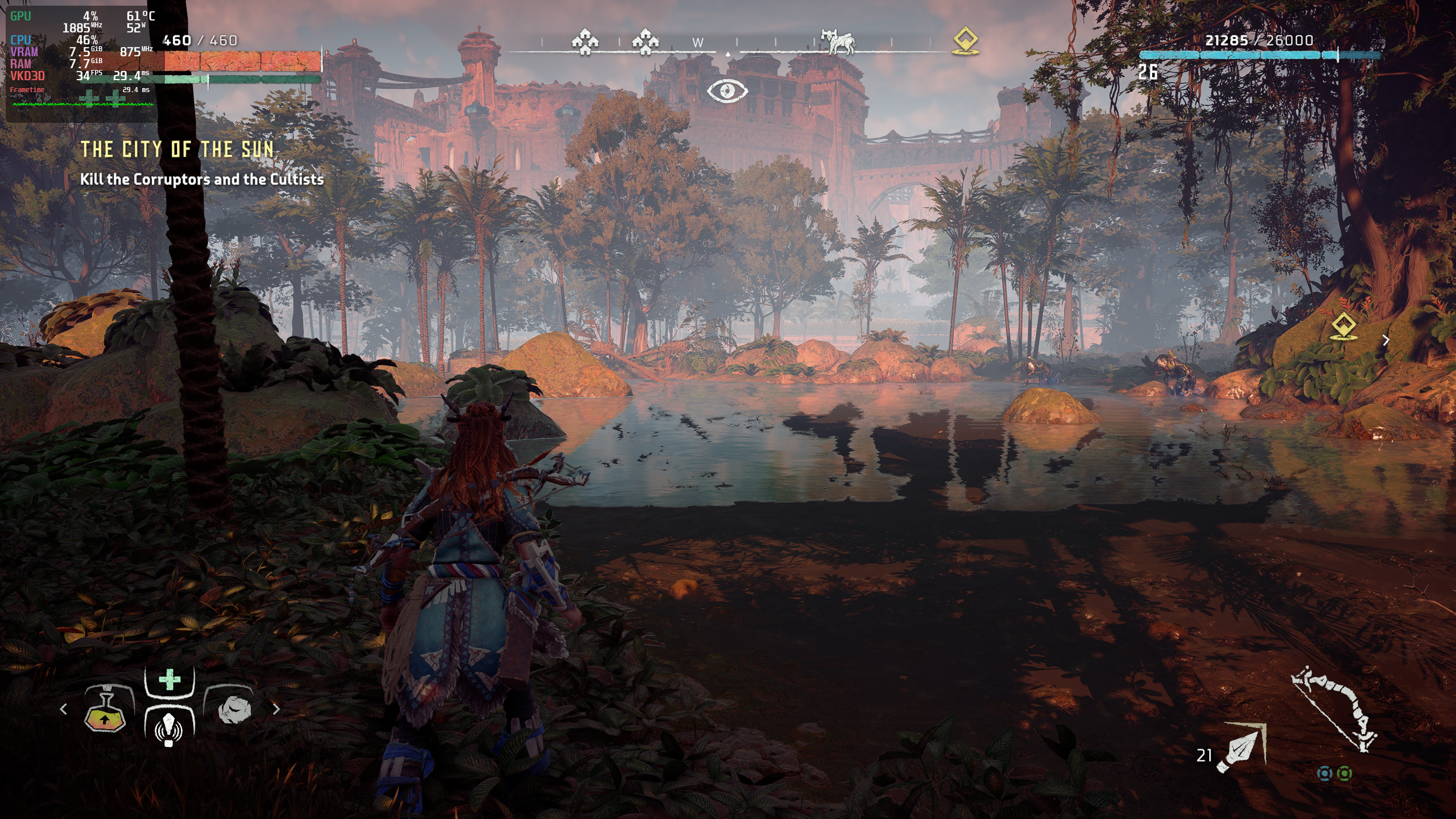
Looks correct on Windows D3D12. Would a RenderDoc capture be helpful?