Tom Clancy's The Division
Just to add here. I did play The Division for hours just fine with pure DXVK some weeks ago. It was just running perfectly. Wasn't that easy to get it running. I wish, I remember the settings, but I don't.
If you ask me to guess, I think it was DXVK 0.6.x installed Vulkan SDK and Uplay within the WinePrefix, too. Then I had to start Uplay first, before starting the game in Steam. And I think, I had to register the game manually in Uplay, too.
Overall it was a lot of fiddling, but nothing too complicated in the end. Therefore, I expect it to run just nice with Proton, too.
@Dygear Btw. you can upload such huge files to Firefox Send and link it here eg.
With Proton 4.2-7 there has been a lot of progress in the game working.
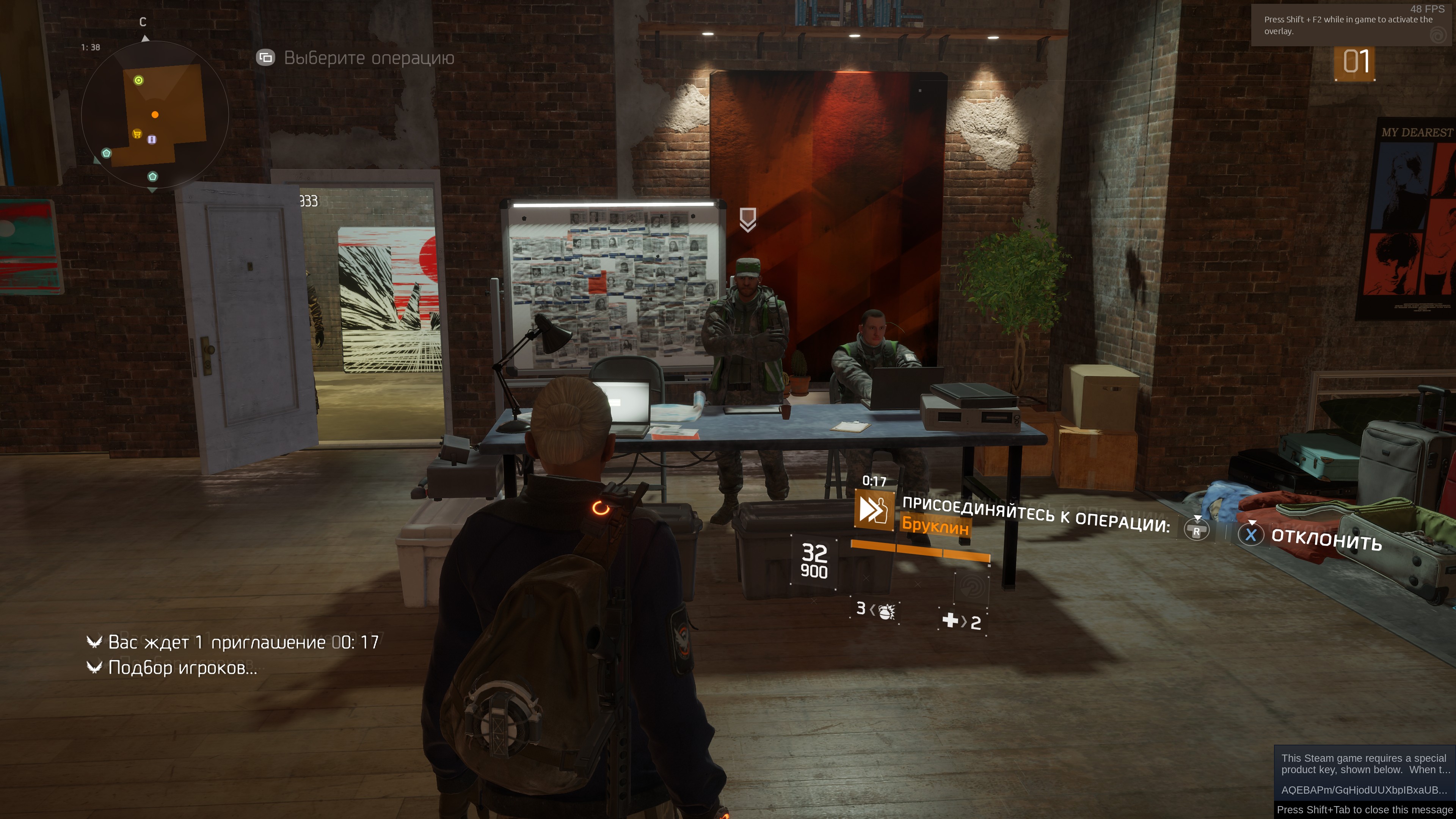
But crashes still occurs randomly in gaming process.
Upd: With "disable in-game overlay" the crashes didn't happen.
$ inxi -bM
System:    Host: localhost.localdomain Kernel: 5.1.0-1.fc31.x86_64 x86_64 bits: 64 Desktop: Gnome 3.33.2
           Distro: Fedora release 31 (Rawhide)
Machine:   Type: Desktop Mobo: ASUSTeK model: ROG STRIX X470-I GAMING v: Rev 1.xx serial: <root required>
           UEFI: American Megatrends v: 2304 date: 05/03/2019
CPU:       8-Core: AMD Ryzen 7 2700X type: MT MCP speed: 2128 MHz min/max: 2200/3700 MHz
Graphics:  Device-1: Advanced Micro Devices [AMD/ATI] Vega 20 [Radeon VII] driver: amdgpu v: kernel
           Display: wayland server: Fedora Project X.org 1.20.5 driver: amdgpu resolution: 3840x2160~60Hz
           OpenGL: renderer: AMD Radeon VII (VEGA20 DRM 3.30.0 5.1.0-1.fc31.x86_64 LLVM 8.0.0) v: 4.5 Mesa 19.1.0-rc5
Network:   Device-1: Intel I211 Gigabit Network driver: igb
           Device-2: Realtek RTL8822BE 802.11a/b/g/n/ac WiFi adapter driver: r8822be
Drives:    Local Storage: total: 11.57 TiB used: 8.62 TiB (74.5%)
Info:      Processes: 454 Uptime: 2h 20m Memory: 31.37 GiB used: 11.06 GiB (35.3%) Shell: bash inxi: 3.0.34
steam-365590.log
I am having issues with The Division (365590).
System:
R5 1500x
Rx 5700
OS:
Fedora 31 Gnome
5.4.8-200.fc31.x86_64
Mesa 20.0.0-devel (Copr Eggroll's Build)
Problem:
Continuing from the main menu, the game tabs out of full screen, freezes and crash. This didn't happen with Fedora 31 KDE which is making me suspect this is a GNOME issue.
Tried Solution:
Windowed Full screen *Failed
X11 instead of Wayland *Failed
Different Proton *Failed
Revert Mesa to Stable *Success
Is anyone else getting game crash on attempt to change screen resolution or change fullscreen mode?
Is anyone else getting game crash on attempt to change screen resolution or change full screen mode?
I am not experiencing this issue
I am not experiencing this issue
Hmm, then it could be specific to that fact I been playing the game with DRI_PRIME.
Hmm, then it could be specific to that fact I been playing the game with DRI_PRIME.
Can you post the game log, I am pretty sure one of the proton devs can use it to help you out.
PROTON_LOG=1 %command%
Game crashes when DX12 render is enabled.
Logs:
Proton5-0-6.log
Proton5-0-7-rc.log
Transferred this issue from Proton 5.0-7 RC Testing as this issue is not a regression, but a general problem.
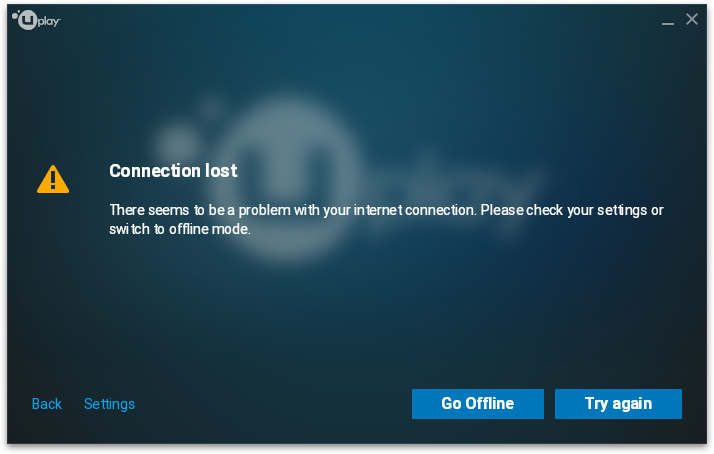
"Connection Lost" when launching The Division with Proton 5.13-1; however, runs fine with Proton 5.0-10-rc4
greping for "network" resulted in;
31385.903:00e0:0144:warn:debugstr:OutputDebugStringA "[1015/191718:ERROR:network_change_notifier_win.cc(153)] WSALookupServiceBegin failed with: 122\n"
[1015/191718:ERROR:network_change_notifier_win.cc(153)] WSALookupServiceBegin failed with: 122
steam-365590.log
https://gist.github.com/nutta-git/f6bbc7095a4fd3a1380d268b5c4d8674
Possible Regression with Proton 7.0xxx.
I have noticed constant frame pacing issue while playing the game, I thought it was shaders; however the hitching remained consistent through out hours of game play. This issue seems to only be effecting Proton version Proton 7.0xx, using older version Proton 6.3xx the game seems to run fine without the mentioned issue.
I have thought it was a DXVK issue; however using the latest DXVK (1.10.2) with proton 6.3-8 can not reproduce this issue, leading to suspect this to be Proton regression.
Please see the posted issue for more details:
System Info:
OS : Arch Linux
GPU: AMD ATI Radeon RX 5700
CPU: AMD R7 3700x
Driver: mesa 22.1.3-1
Wine Version: Proton 7.0-3
DXVK Version: 1.10.1-57-g279b4b7e
Hello @nutta-git, please add PROTON_LOG=1 %command% to the game's launch options, reproduce the regression, and attach the generated $HOME/steam-$APPID.log to this issue report as a file. (Proton logs compress well if needed.) Also, please copy your system information from Steam (Steam -> Help -> System Information) and put it in a gist, then include a link to the gist in this issue report.
Hi @kisak-valve,
I was able to replicate the issue with Proton experimental-7.0-20220714b.
Issue becomes much more consistent when fighting multiple players in the Dark Zone. (In game PVP area).
https://gist.github.com/nutta-git/548551fe110185d4d4cc0a4a48fbd90f
steam-365590.tar.gz
Is there any progress on this issue?
@bocchi810 I haven't noticed any stuttering or hitching recently, its playable and you can try and see if it stutters for you.
Not really an issue, but a cosmetic inconsistency with Windows. Ctrl key is displayed as Control and Esc key is displayed as Escape under Proton. Also occurs in Tom Clancy's The Division 2.
| Windows | Proton |
|---|---|
Proton versions
proton experimentalx1 2022-07proton 6.3-8x1 2022-07proton 7.0-3x1 2022-07proton 5.0-10x1 2020-10proton 5.13-1x1 2020-10proton 5.0-7x1 2020-04proton 4.2-7x1 2019-06
Launch options
PROTON_LOG=1x3 2022-07
Upstream links
- doitsujin/dxvk/issues/2746x1 2022-07
Compatibility Report
System Information
I confirm:
PROTON_LOG=1 %command%Ok, so the thing about this is ... The log file it generated
steam-365590.logfor the whole of 30 seconds the game fails to load, produces a log file that is 607.0 MB in size.Symptoms
Game fails to load as well as any sort of UI elements. There are no signs of life except for the log file that's FREAKING HUGE. I'm willing to bet this is a fundamental problem with uPlay and not so much an issue with Proton. As I haven't seen a report on this game yet, I figured I'd add it to the list of known games that DON'T work.
Reproduction
Press play and watch it crash and burn.