Universe Sandbox crashes at launch
For reference: err:module:LdrInitializeThunk Main exe initialization for ... failed, status c0000017
It uses dotnet20sp2, which refuses to install in 64bit prefix so the game doesn't run.
Tested with Proton 4.2-4, dotnet20sp2 is installed but the game still throws a hissy.
steam-72200.log
What can I do to help get this game running?
I installed dotnet35sp1 and I can run the game, but I can't go any further because it crashes:
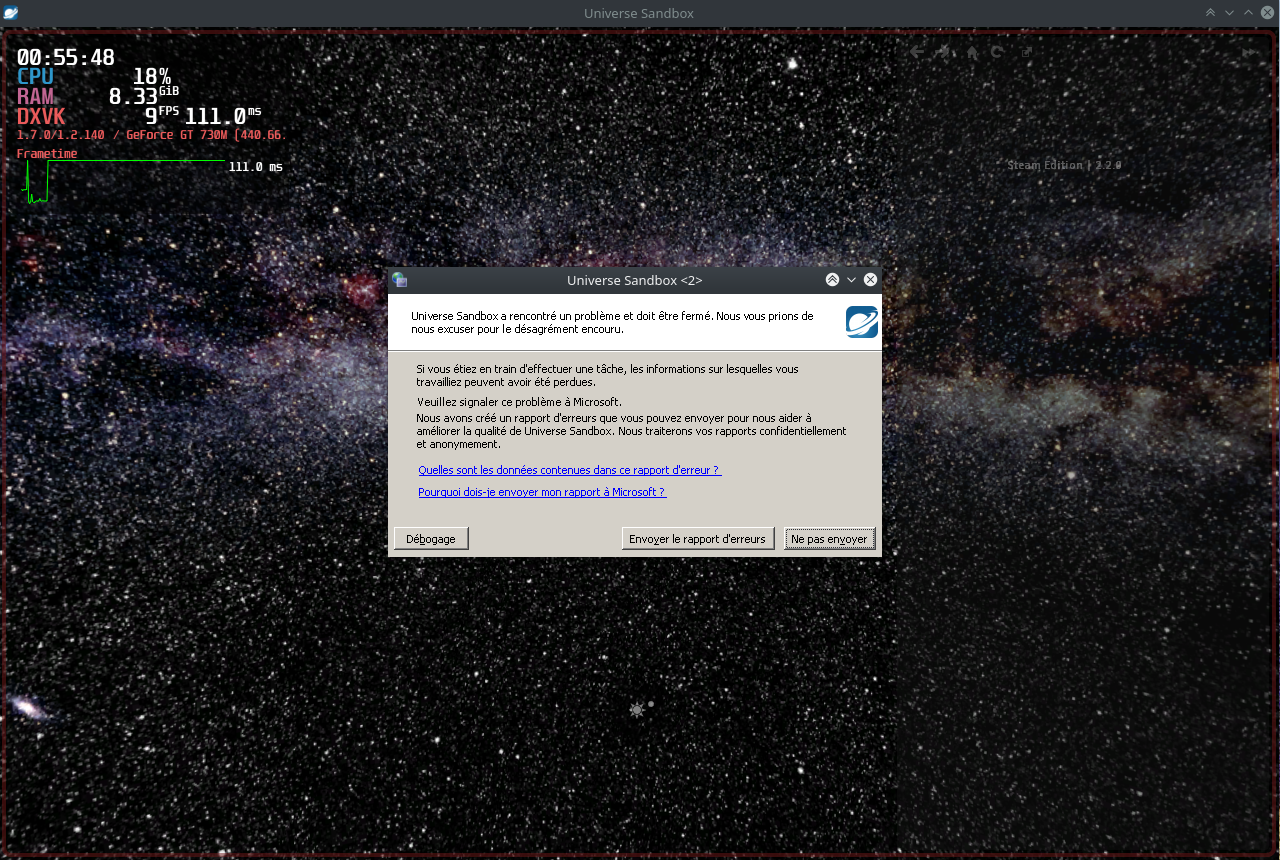
Proton log (I had to compress it, it gets huge very quickly):
steam-72200.tar.gz
Tested with Proton 5.0-7
EDIT:
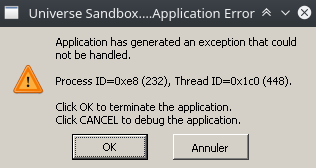
If I set the Windows version to Windows 7 in winecfg, I get this error:
Was able to play the game fine without any major issues by installing .NET framework 2.0 with protontricks
protontricks 72200 dotnet20
The game is however prone to crashing when resizing the window. The Windows version does have a similar issue though it only occurs when resizing the window too small so it's possibly related to that.
Proton versions
proton 5.0-7x1 2020-05proton 4.2-4x1 2019-05
Compatibility Report
System Information
I confirm:
steam-72200.log
Symptoms
Crashes at launch and does not play at all after installing all of the standard "extra" files like DirectX, Visual Runtime etc. then it states running and disappears and crashes does not launch nor load.
Reproduction
Activate all options in the advanced setting on Steam Play in the main menu hit download for Universe Sandbox then hit play after downloading it just states running and then dumps and nothing happens.