[Whitelist] Dead Effect
System Information
- GPU: RX VEGA 56
- GPU Driver: 19.1.0+aco+git1565970353-650031018b4-1bionic1 (Valves PPA)
- Kernel version: 5.2.8-050208-lowlatency
- Distro version: Linux Mint 19.2 Tina (64 bit) (Cinnamon)
- Proton version: 4.11-2
Compatibility Report
Game works perfectly with great performance (except one minor issue, more on that below), tested with ACO and D9VK.
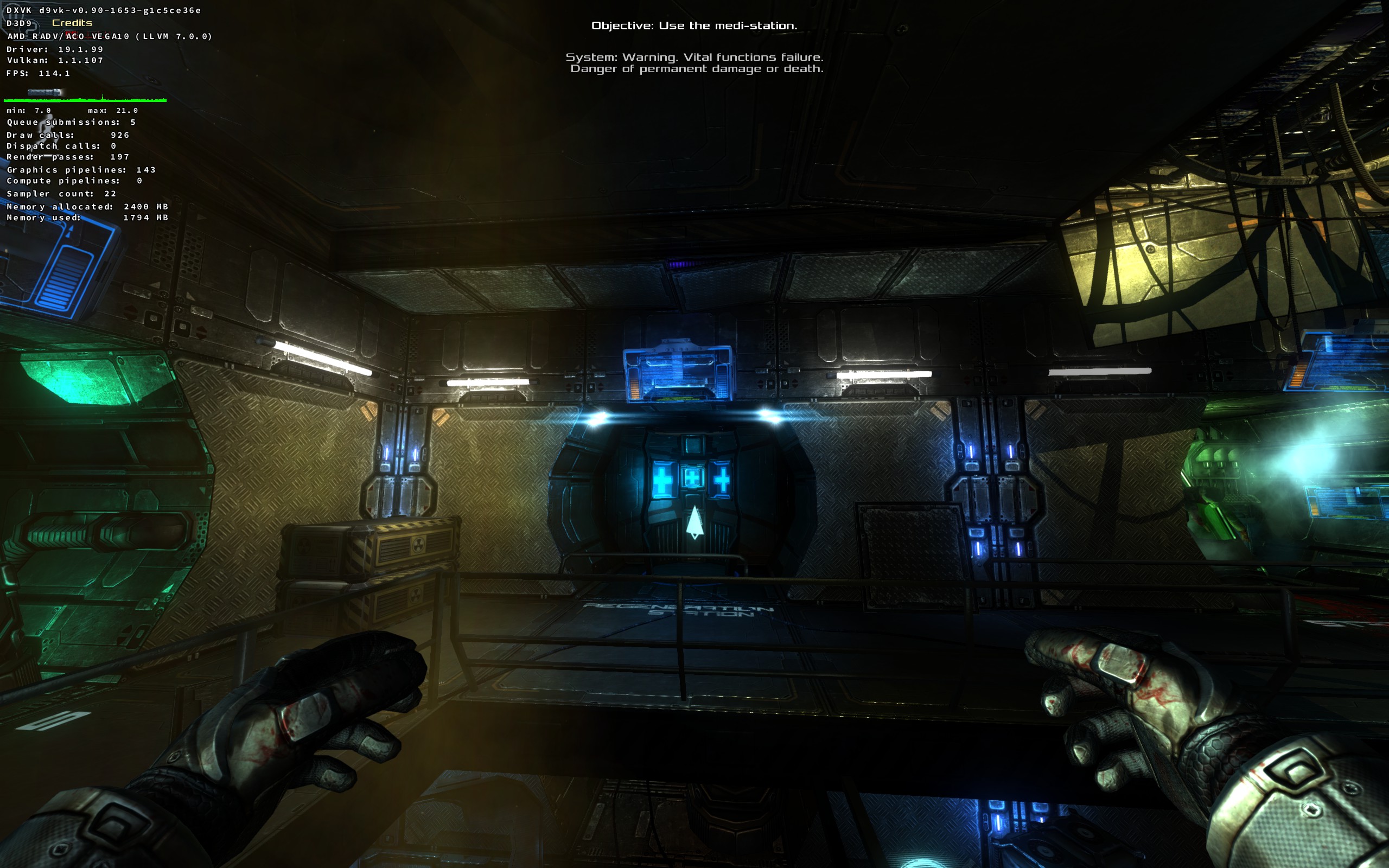
running at 114fps here with maxed setting everything including FOV
This game used to have the unity mouse pointer floating/jumping bug, but that has not been an issue since around Proton 3.16-8.
I'm seeing one remaining issue, the game does not have expected Window/Screen behaviour.
Steps to replicate:
- Start game
- Hit Alt+Enter to switch from Fullscreen to Windowed mode
- Minimize the Window
- Bring up the games window from the taskbar
- Hit Alt+Enter, and this is where it goes wrong. It minized the window instead of going fullscreen. And you can't bring up the screen/window.
Video of replicating these steps:
dead_effect.mp4.zip
This is the exact same issue that I have seen also with the game The Videokid #2667
(Note both of these are Unity engine games)
Proton versions
proton 3.16-8x1 2019-08proton 4.11-2x1 2019-08
CPU: Intel(R) Core(TM) i7-4765T RAM: 16G SSD: KINGSTON SUV300S37A120G
Video: NVIDIA GeForce GTX 960 4G (nvidia 410.78)
OS: MagOS Linux 2016.64
DE: Plasma+compiz-fusion 1680x1050
Proton version: 3.16-4
I confirm:
Playbutton in the Steam client is sufficient.are necessary to run the game.
Issues
control in game is not quite comfortable, but you can change keys and mouse sensibility