I ran the game side by side and have pin pointed the problem to these lines:
2844.913:0008:0031:fixme:dsound:IDirectSoundBufferImpl_Restore (0x81a8c50):stub
2845.042:0008:0031:fixme:dsound:IDirectSoundBufferImpl_Restore (0x81a8ae0):stub
2845.313:0008:0031:fixme:dsound:IDirectSoundBufferImpl_Restore (0x81a8ae0):stub
2845.411:0008:002c:err:d3d:wined3d_debug_callback 0x2f8cc38: "GL_INVALID_OPERATION in glVertexAttribPointer(non-VBO array)".
2845.411:0008:002c:err:d3d:wined3d_debug_callback 0x2f8cc38: "GL_INVALID_OPERATION in glVertexAttribPointer(non-VBO array)".
2845.411:0008:002c:err:d3d:wined3d_debug_callback 0x2f8cc38: "GL_INVALID_OPERATION in glVertexAttribPointer(non-VBO array)".
2845.411:0008:002c:err:d3d:wined3d_debug_callback 0x2f8cc38: "GL_INVALID_OPERATION in glVertexAttribPointer(non-VBO array)".
2845.411:0008:002c:err:d3d:wined3d_debug_callback 0x2f8cc38: "GL_INVALID_OPERATION in glVertexAttribPointer(non-VBO array)".
2845.411:0008:002c:err:d3d:wined3d_debug_callback 0x2f8cc38: "GL_INVALID_OPERATION in glVertexAttribPointer(non-VBO array)".
2845.411:0008:002c:err:d3d:wined3d_debug_callback 0x2f8cc38: "GL_INVALID_OPERATION in glVertexAttribPointer(non-VBO array)".
2847.988:0026:0027:trace:module:LdrShutdownProcess ()
Unfortunately I'm not experienced with OpenGL so I have no clue what that means or if there's a way to workaround the issue. Either way it seems to me like either the game is poorly programmed or the driver is being picky, but I could be totally wrong.
Adding the LIBGL_ALWAYS_SOFTWARE=1 will still show the errors but at least the game does not crash. Note that since I'm running Mesa I can use these variables: https://www.mesa3d.org/envvars.html
This issue seems to be fixed with version Proton 4.2
EDIT: or maybe amdgpu latest drivers? Either it didn't crash in an area that was always crashing.
Compatibility Report
System Information
I confirm:
This is similar to the following issue: https://github.com/ValveSoftware/Proton/issues/2171
However this issue didn't occur anymore and I'm not sure why. Apparently I incorrectly assumed it was because of issues on my vulkan installation but the game does not use vulkan. I'm not sure if this is because the game is a Direct3D 9 game and Vulkan is runs on Direct3D 10/11 games. If possible I'd like to know if this is the case so that I can input better issue reports.
steam-322290.log
Symptoms
Crashes in certain parts of the game.
Reproduction
Go through the door in the Potato Ruins level.
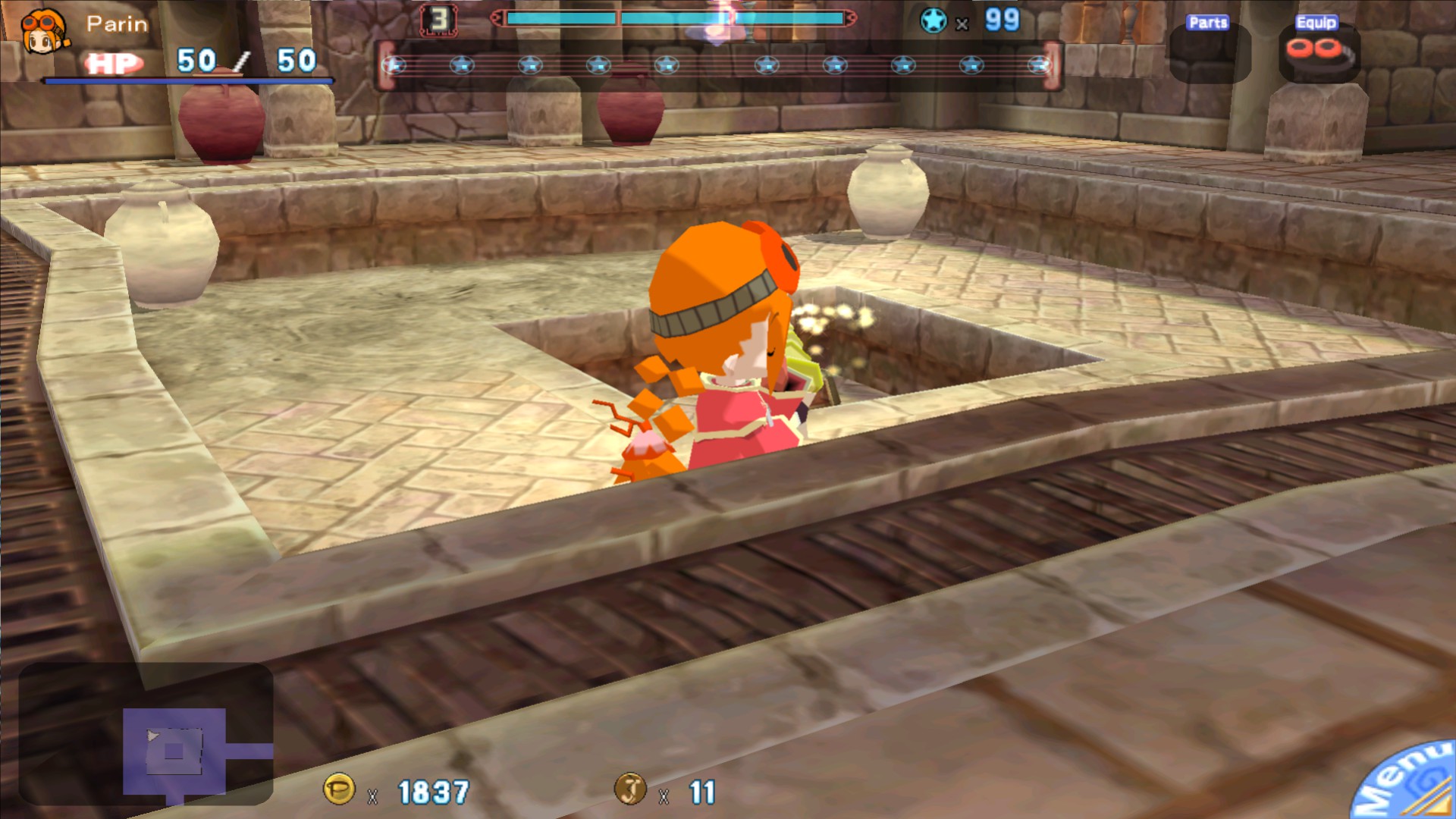
There are probably other parts of the game that crash but this one is fairly consistent.