ALLTYNEX Second
Possible line of interest from the log:
fixme:d3dx:d3dx9_mesh_OptimizeInplace D3DXMESHOPT_ATTRSORT vertex reordering not implemented.
System Information
- GPU: RX VEGA 56
- GPU Driver: 19.1.0+aco+git1566739320-db73bde35cc-1bionic1 (Valves PPA)
- Kernel version: 5.2.10-050210-lowlatency
- Distro version: Linux Mint 19.2 Tina (64 bit) (Cinnamon)
- Proton version: 4.11-3
Retest Compatibility Report
Same problems persist with newer Proton and Mesa.
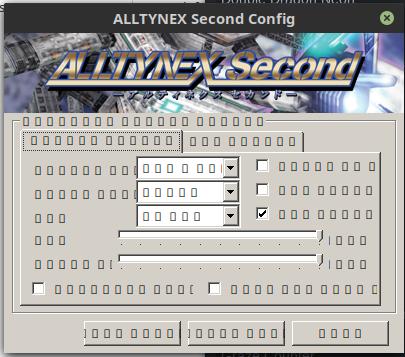
The configuration tools fonts are just boxes, and the game won't launch. Launching the game a black window opens up and then immediately exits. Tried also with d9vk, on launch I could see a black window with the d9vk overlay and then it exited.
steam-283840-proton-4.11-3.log
steam-283840-proton-4.11-3-d9vk.log
system_info.txt
Possible line of interest from the log: fixme:d3dx:d3dx9_mesh_OptimizeInplace D3DXMESHOPT_ATTRSORT vertex reordering not implemented
The game is now working with the latest version of Proton (4.11-11), installing dxsdk_jun2010 using Protontricks and disabling Steam Input to allow the controller to work.
Note that DirectX End-User Runtimes (June 2010) would also work but it is no longer available as a trick. It can be downloaded from https://www.microsoft.com/en-us/download/details.aspx?id=8109
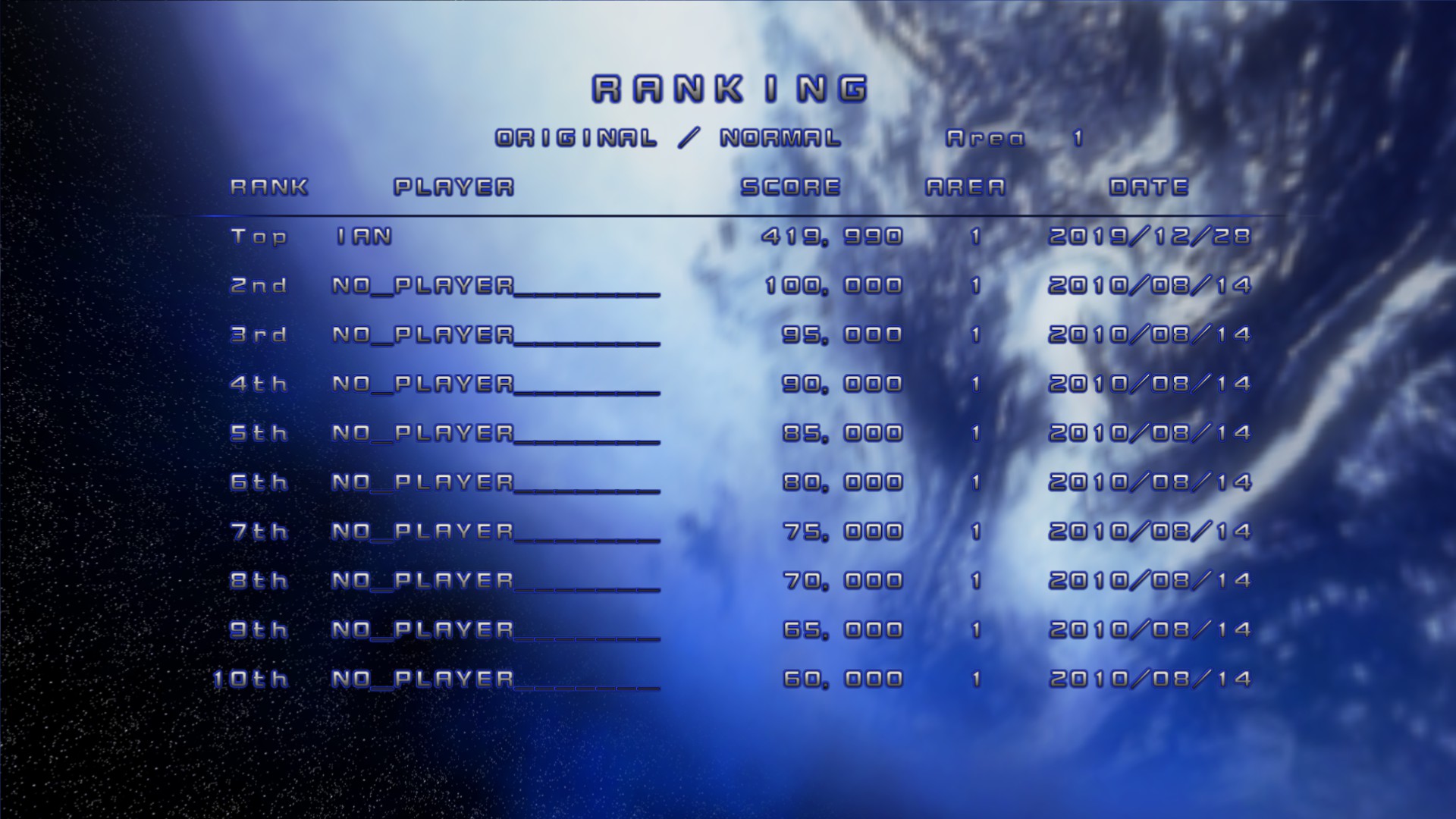
Screenshots

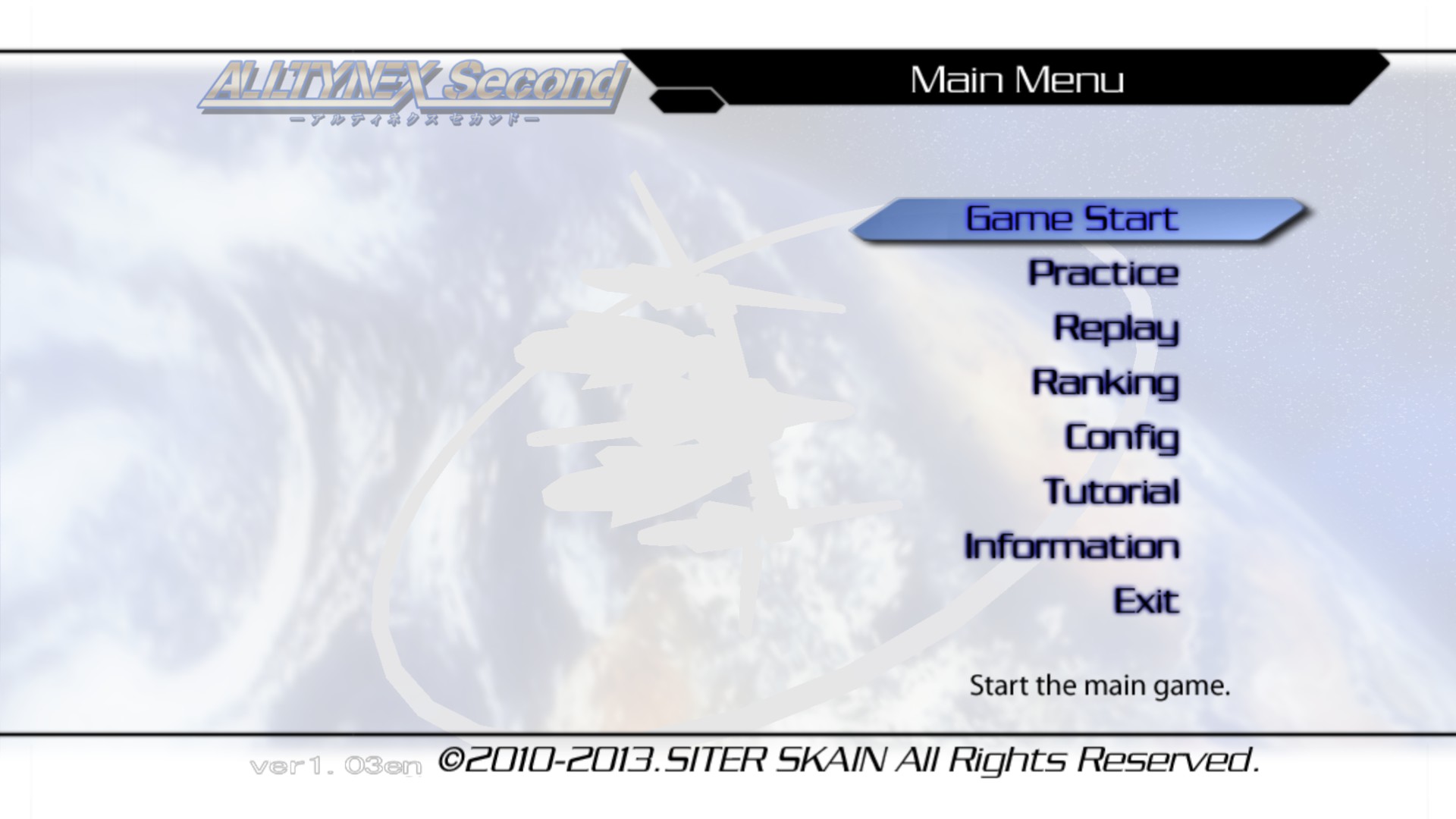
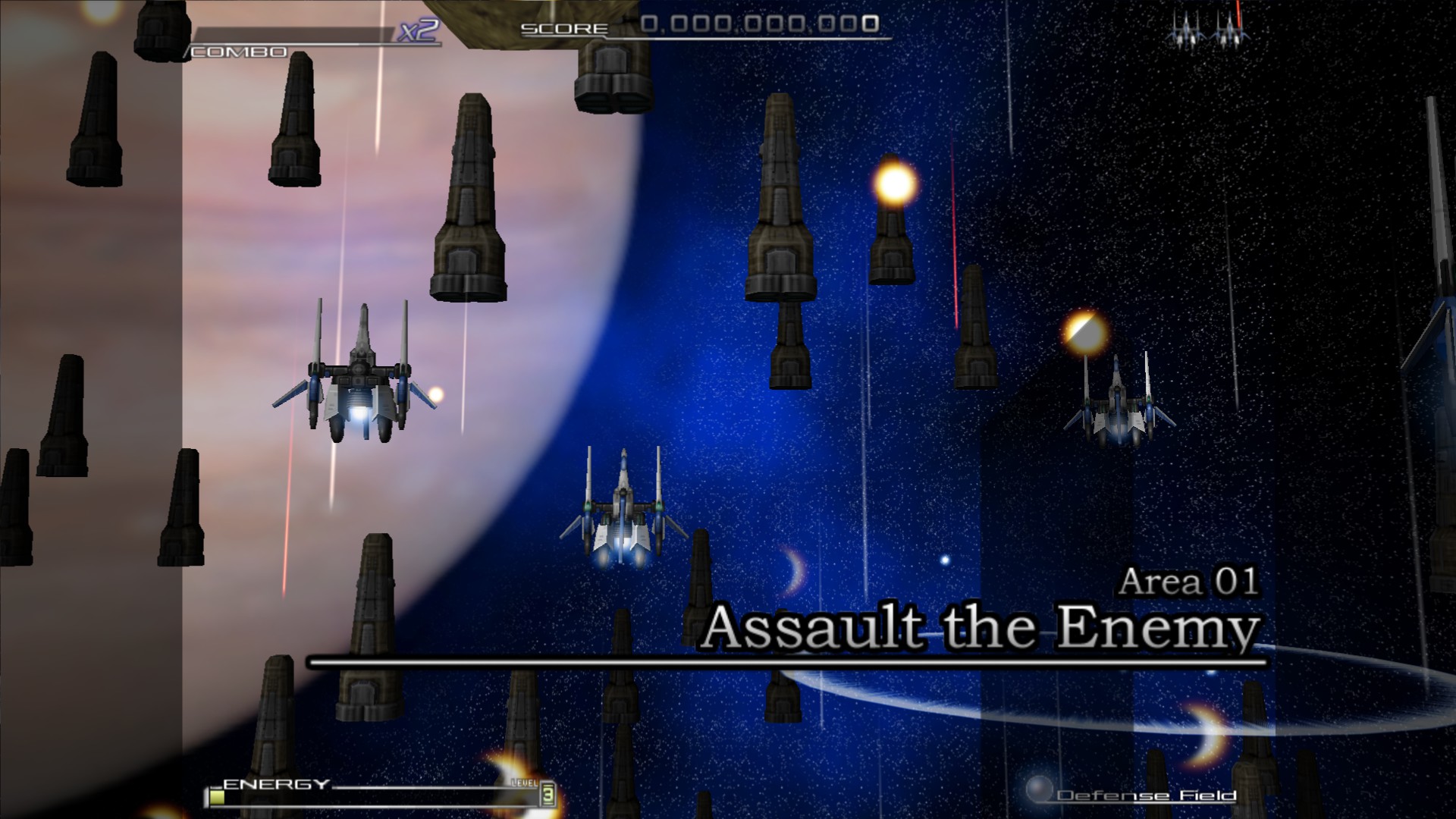
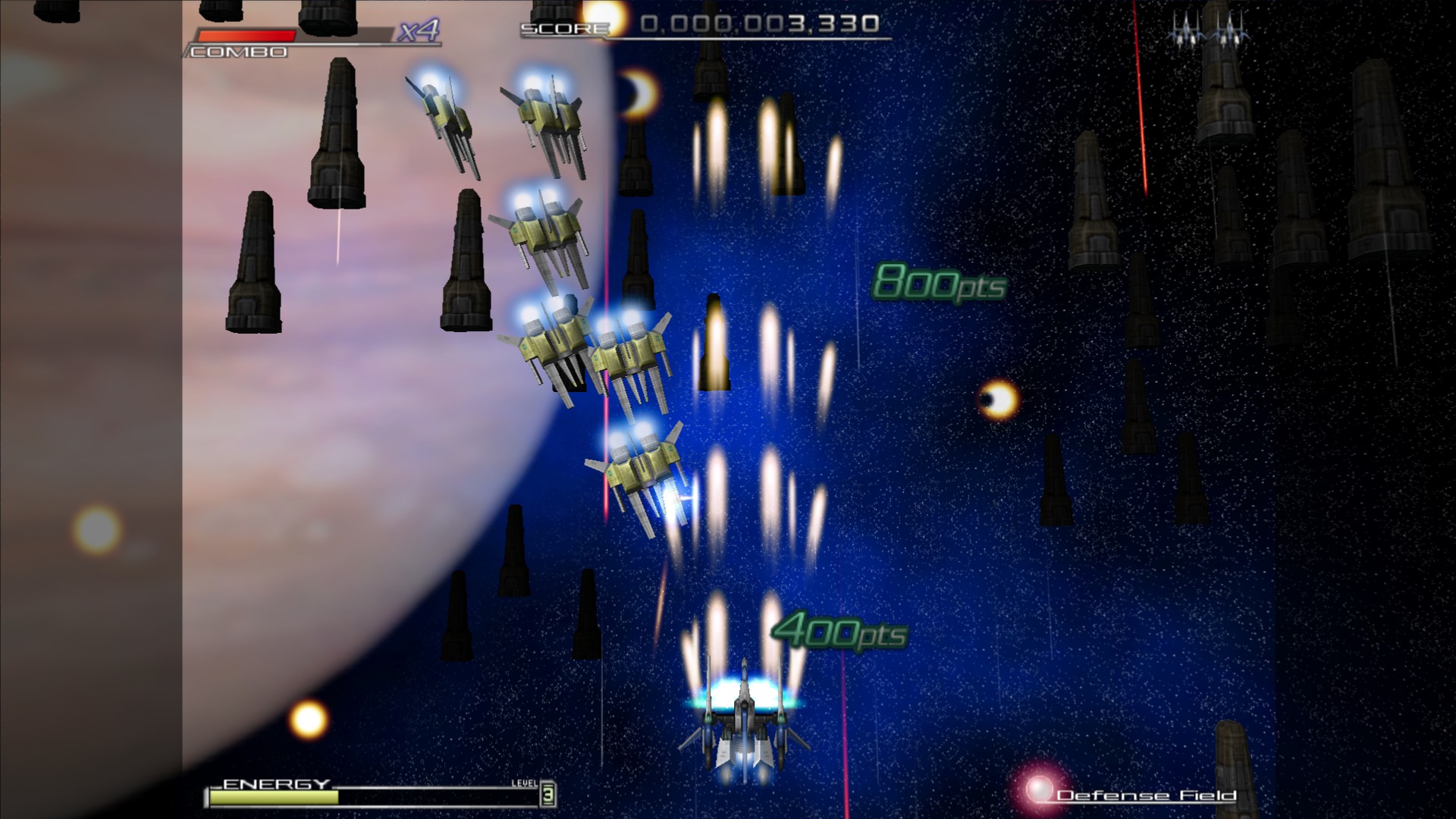
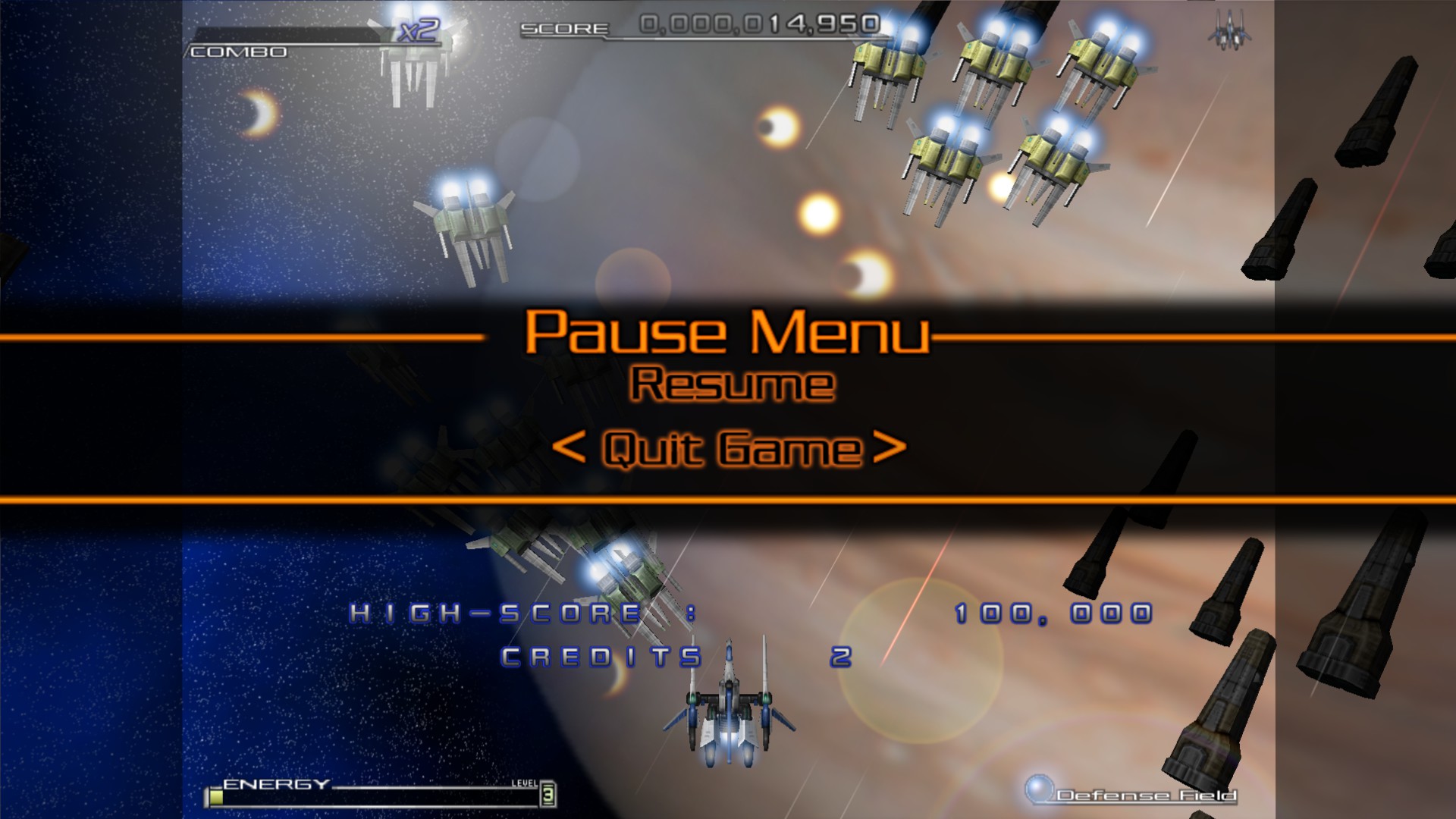
System Information
- GPU: RX 5700 ITX
- GPU Driver: Mesa 20.1.0-devel (git-5cc3ab0 2020-03-21 bionic-oibaf-ppa)
- Kernel version: 5.5.11-050511-lowlatency
- Distro version: 19.3 Tricia (64 bit) (Cinnamon)
- Proton version: 5.0-5
Retest Compatibility Report
Same problems remain with Proton 5.0-5, out of the box game does not launch. And the characters on the configuration tool are not readable.
System Information
- GPU: AMD Radeon RX 5700
- Driver/LLVM version: Mesa 23.0.0-git
- Kernel version: 5.17.14-301.fsync.fc36.x86_64
- Proton Version: proton-7.0-3
Re-test compatibility report
Game is working now out of the box, configuration tool is also readable.
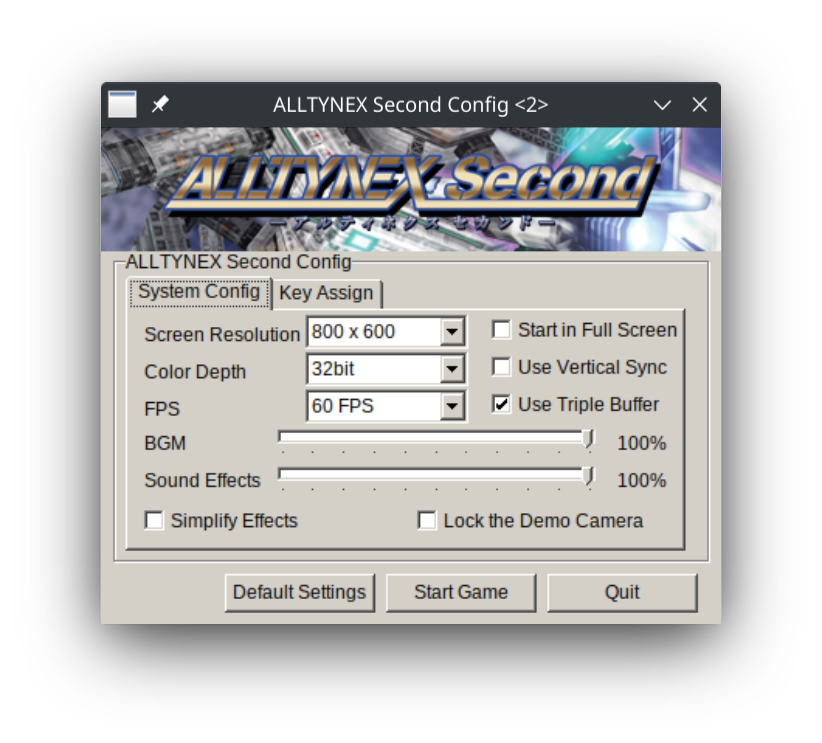
including log and system info for reference
steam-283840.log
system_info.txt
Closing this issue as I'm no longer seeing any problems.
Proton versions
proton 7.0-3x1 2022-06proton 5.0-5x1 2020-03proton 4.11-3x1 2019-08
Compatibility Report
System Information
Distro: Linux Mint 19.1 Tessa (64 bit)
GPU: Vega 56
Driver/LLVM version: Mesa 19.1.0-devel/9.0.0
Kernel version: 5.0.10-050010-lowlatency
Proton version: 4.2-3
I confirm:
Symptoms
The game won't launch, window just opens up and exits immediately.
The config tool does launch but the characters are just boxes like with the developers previous game #2625. Suspecting either locale is detected wrong or some ANSI/UTF character set problem.
steam-283840.log
steam-283840-configtool.log
system_info.txt
sislog.txt
Reproduction
Just launch the game or the config tool