Red Dead Online
With Proton Experimental it now works, but a few minutes into the intro section and I got this: https://imgur.com/a/N95XFss
Tried to reload it, could see the menu as normal and when I try to load into the world...black screen. Here's a log: https://uploads.golmedia.net/reddeadonline-liamd.log
Third attempt seemed to work smoothly again. So definitely some kinks there.
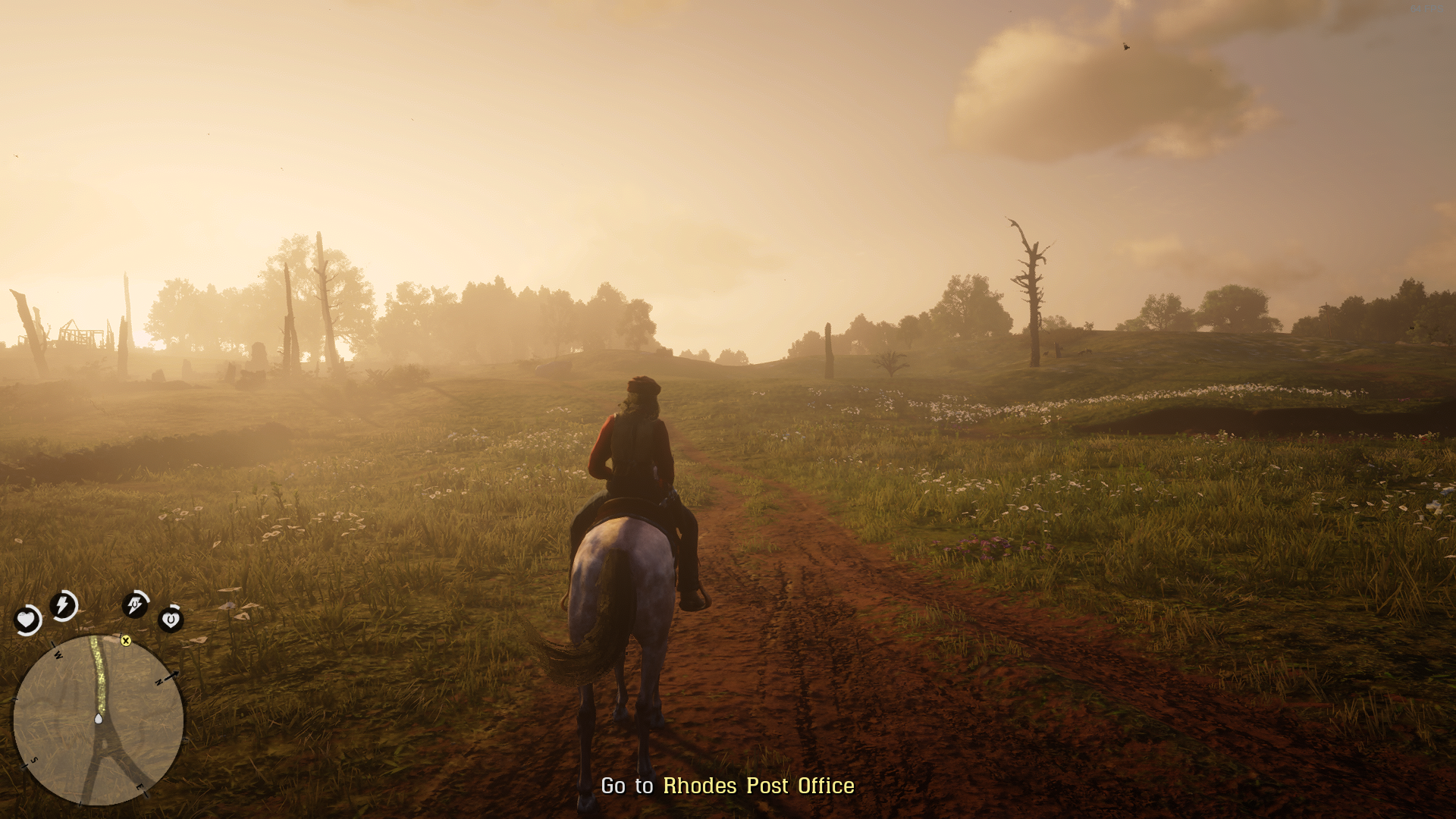
Played around ~50~ 90 minutes with Proton Experimental, seems to run alright.
Setting VK_ICD_FILENAMES to point to RADV didn't work and I had to uninstall AMDVLK for game to start.
I have no idea what the hell is wrong with my computer, but this just doesn't work at all. Instantly crashes, even when using Proton Experimental, and even after a reinstall and 2 reboots. Tried creating a log by setting PROTON_LOG=1 %command% in the launch options, that didn't do anything, then I tried using Winetricks to see if I could fix anything using that, and now my terminal tells me that its making a directory for God knows why. I am unreasonably angry at this $5 game, so please just tell me if its entirely on my end. I've got an Nvidia graphics card, so maybe that's why its upset.
Edit: Can't get logs to work with any game, but can get winetricks to work just fine with any other game. I'm thinking maybe the problem is that I'm using an external hard drive? I'd check myself, but my 128 GB SSD boot drive can't fit the game.
The game works now with the latest proton-experimental.
The game works now with the latest proton-experimental.
But it didn't. It crashed instantly.
after the launcher, immediately completion
Proton Experemental
log file
Hello @SwForust, you have encountered https://github.com/ValveSoftware/steam-runtime/issues/336.
Can also confirm the same issue as initially reported by @Sojiro84, the application crashes with the following message dialog Unknown error FFFFFFFF while loading an online session/map (Proton 5.13-5):
System Information
- GPU: RTX 2060
- Driver/LLVM version: NVIDIA 460.32.03
- Kernel version: 5.8.0-38-generic
- Link to full system information report as Gist
- Proton version: 5.13-5
I confirm:
- [x] that I have checked whether there are updates for my system available.
Launches and plays fine, but I've noticed high memory usage causing crashes/system lockup, I've seem this has been reported on #3291. Closing everything else (like browsers) gives me a more crash free experience.
Don't know if this is a game issue or a proton/wine issue, but just wanted to let people know.
OS: Manjaro Linux
KERNEL: 5.10.1-103-tkg-pds
CPU: AMD Ryzen 5 2600X Six-Core
GPU: AMD AMD Radeon RX 5700 XT (NAVI10, DRM 3.40.0, 5.10.1-103-tkg-pds, LLVM 11.0.0)
GPU DRIVER: 4.6 Mesa 21.0.0-devel (git-6c8cc9be12)
RAM: 16 GB
Red Dead Online possible vulkan regression
Issue transferred from https://github.com/ValveSoftware/Proton/issues/5109.
@gtlsgamr posted on 2021-08-23T15:14:15:
Compatibility Report
- Name of the game with compatibility issues: Red Dead Online
- Steam AppID of the game: 1404210
System Information
- GPU: GTX 1660Ti MaxQ
- Driver/LLVM version: nvidia 470.63.01-3
- Kernel version: 5.13.10
- Link to full system information report as Gist:
- Proton version: 6.3
I confirm:
- [ ] that I haven't found an existing compatibility report for this game.
- [x] that I have checked whether there are updates for my system available.
Symptoms
The game worked fine before 20th August. I used proton version 6.3, My launch options were prime-run %command% and it all worked fine. On 21st I updated my system and it updated some packages, some of which I suspect are causing this behaviour, namely
[2021-08-21T15:52:12+0530] [ALPM] upgraded glib2 (2.68.3-1 -> 2.68.4-1)
[2021-08-21T15:52:12+0530] [ALPM] upgraded lib32-glib2 (2.68.3-1 -> 2.68.4-1)
[2021-08-21T15:52:12+0530] [ALPM] upgraded mesa (21.1.6-1 -> 21.2.1-1)
[2021-08-21T15:52:13+0530] [ALPM] upgraded lib32-mesa (21.1.6-1 -> 21.2.1-1)
[2021-08-21T15:52:13+0530] [ALPM] upgraded lib32-pam (1.5.1-1 -> 1.5.1-2)
[2021-08-21T15:52:13+0530] [ALPM] upgraded lib32-vulkan-radeon (21.1.6-1 -> 21.2.1-1)
This lead to the game giving Error: Failed to initialize graphics device. Please reboot or reinstall latest graphics drivers. error everytime I try to start it with my dGPU. It start normally with my iGPU. This issue is persistent ONLY with this game. Other games seem to work fine as before.
Reproduction
- Start the game with
prime-run %command%as launch option.
Hello @gtlsgamr, please set the game's launch options to PROTON_LOG=1 prime-run %command%, reproduce the regression, and attach the generated $HOME/steam-$APPID.log to this issue report as a file. (Proton logs compress well if needed.)
@kisak-valve
Hello, I must have missed adding the logs. Here they are: proton_logs
Attaching the error screenshots, just in case.
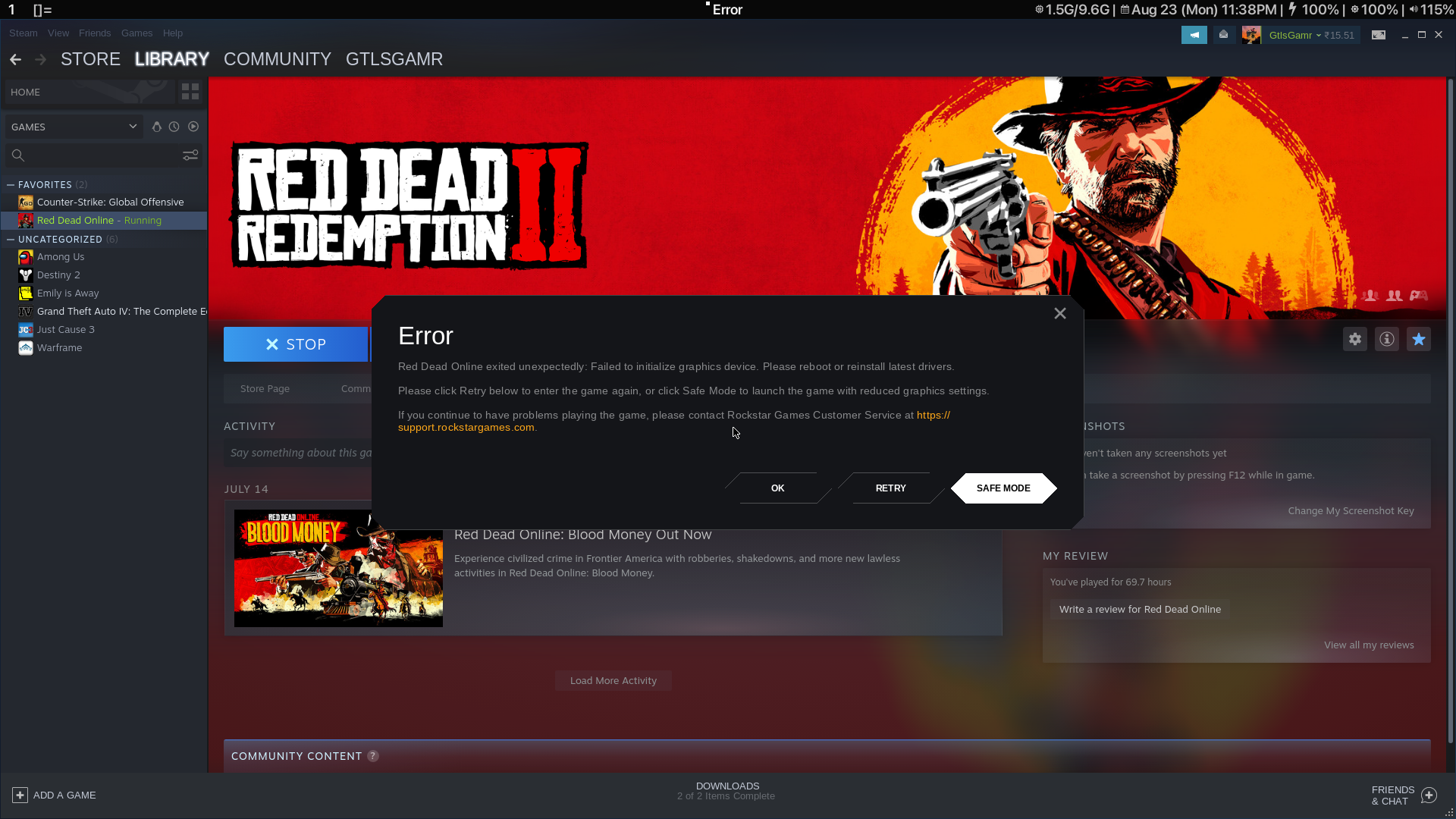
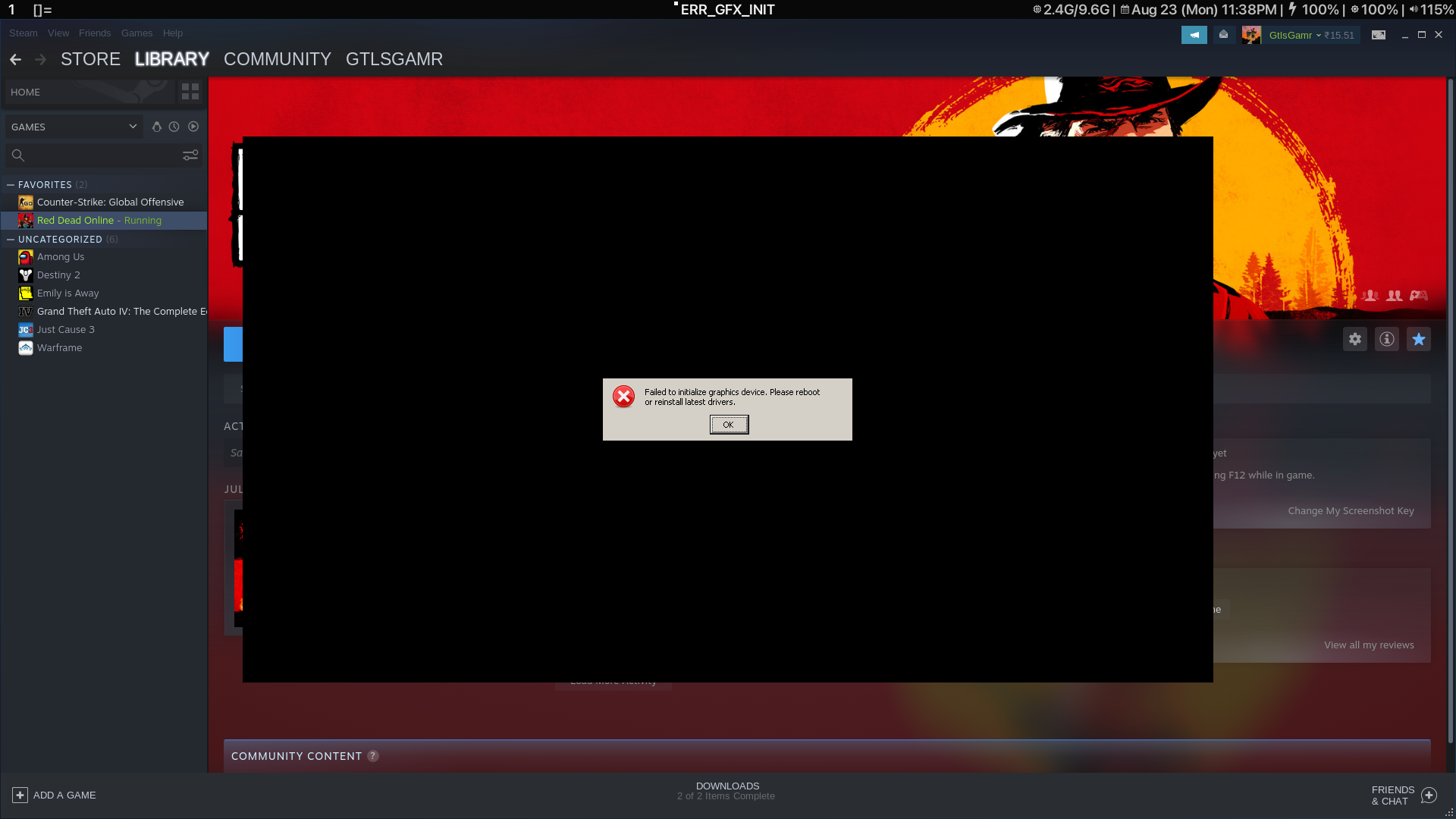
Update: This seems to be fixed by a solution I found online. I had to delete the steamapps/compatdata/1404210 folder and then start the game with proton experimental, NOT 6.3-6. Maybe it was due to updates or something else, I don't know but it is fixed for now. Please relabel as needed.
So the solution worked only one time. After that I started getting the same error and the same solution doesn't work after that. Fortunately I took PROTON_LOG for both the times when the game worked and when it didn't work. Attaching them for your reference.
rdrlogs.tar.gz
I'll write and I think. i faced the same problem. tried all the tips found on the internet but nothing helps. the only effective crutch is this script before each launch of the game
https://pastebin.com/UdVWHaP7
red dead seems to leak vram, once its almost full it starts running slower and eventually it crahes
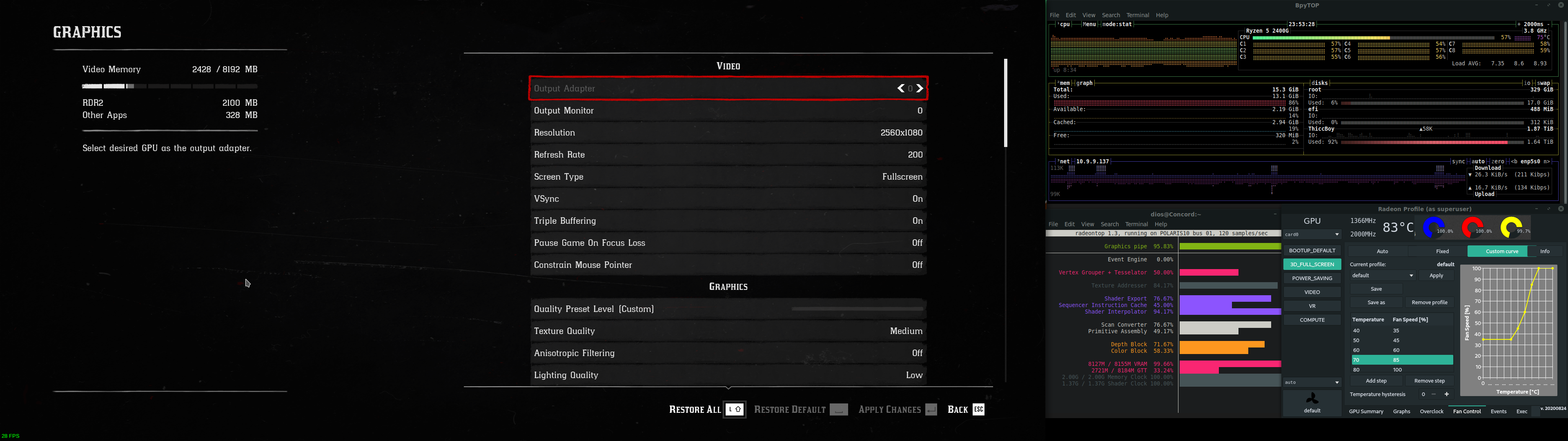
Game error. Please reboot and restart the game. This issue right
Hi, has anyone encountered the error 0x20140000 when trying to log in online?
Having spent a month trying to fix this. I genuinely cannot find anything. Like rejedai, I am experiencing error 0x20140000 when trying to load into online. Game works fine for my gf who runs windows but the game will not load into online cause of this connection issue.
Proton logs: https://go.0xfc.de/89oed
0x20140000
Replying to https://github.com/ValveSoftware/Proton/issues/4429#issuecomment-956725292 / https://github.com/ValveSoftware/Proton/issues/4429#issuecomment-971519162
Are you using pipewire?
0x20140000
Replying to [#4429 (comment)](https://github.com/ValveSoftware/Proton/issues/4429#issuecomment-956725292) / [#4429 (comment)](https://github.com/ValveSoftware/Proton/issues/4429#issuecomment-971519162)
Are you using pipewire?
Indeed. Why would that cause problems?
No clue. Go back to pulse and give it a shot.
After a month stuck with this issue and initially thinking it was just server issues, I thought about what had changed in my system recently and the only thing was changing to pipewire. Went back to pulse and the game is working fine.
Related threads
- Red Dead Redemption 2protonopen same upstream bug
Proton versions
proton experimentalx6 2021-08proton 5.13-5x1 2020-12
Launch options
PROTON_LOGx1 2021-09PROTON_LOG=1x2 2021-08
Launch lines
prime-run %command%x1 2021-08
Upstream links
- ValveSoftware/Proton/issues/5109x1 2021-08
- ValveSoftware/steam-runtime/issues/336x1 2020-12
Compatibility Report
System Information
I confirm:
PROTON LOG = steam-1404210.log
Symptoms
Rockstar Launcher appears, loads for a while and then goes away and nothing else happens. Steam still say's the game is running and need to press "STOP" to kill Red Dead Online leftover processes.
Reproduction
Start the game.