Bioshock 2 Remastered
Can you attach a controller and see if that works?
I've been having the same problem. Bioshock doesn't register any of my controller input (tested it on other games and it works)
@DarkZek
My controllers are recognized though, I tested a Steam Controller and a Xbox360 one. The Xbox360 has also the rumble working.
Same here - controller and keyboard/mouse input work fine in the menu, but once a game is started it does not register any input anymore (i'm stuck at "press space to continue" as well)
BioShock 2 Remastered displays black screen during first start (409720)
Issue transferred from https://github.com/ValveSoftware/Proton/issues/504.
@pprotonrep posted on 2018-08-25T09:16:37:
I could not even Alt+Tab out of it, and had to kill it changing to a terminal via Ctrl+Alt+F Key.
Changing the configuration file steamapps/compatdata/409720/pfx/drive_c/users/steamuser/Application Data/BioshockHD/Bioshock2/Bioshock2SP.ini wouldn't work at all (the settings would be reset as soon as the game starts). I had to start the game within a virtual desktop¹ and then change the settings from the game's UI. After that i experienced https://github.com/ValveSoftware/Proton/issues/482.
- Ubuntu 18.04.1 LTS (64 bit 4.15.0-33-generic)
- GeForce GTX 1070/PCIe/SSE2 (396.54)
- tested with Proton 3.7-3 and 3.7-4 Beta
¹ via
WINEPREFIX=/media/pedro/SteamWin/Steam/steamapps/compatdata/409720/pfx winecfg
as suggested here.
The game is always blocked here and then it does not continue:
https://i.imgur.com/kCbLKHP.jpg

Reborn OS (Arch Linux)
Proton 3.7-3
Nvidia Geforce GTX 950
396.54-1
CPU AMD FX
https://gist.github.com/Xeers/219b4b3e5eb10c6ec225d7cc8c61be44
Pastebin:
https://paste.drhack.net/?0d65bf433873550d#2oC0uqH14uKzxlpaSiam56Zd7ZzDiGD4q6opEakDT0M=
With Steam Play (Proton 3.7-5-Beta) the gamepad buttons appear, it does not freeze and I can start the game correctly.
For me on 3.7-6, the space bar is not working.
True, with Proton 3.7.6_Beta the game does not detect and can not be played with the Steam Controller. In the spacebar image the game freezes.
@Xeers
Make sure you're using the launch option:
PROTON_NO_ESYNC=1 %command%
I'm playing the game with the Steam Controller and it works perfectly.
Without the command PROTON_NO_ESYNC = 1% command% I can not select the Steam Comtroller gamepad. The game is blocked at the beginning where it says press the space bar.
Image:
https://i.imgur.com/sEYKCCV.png

With PROTON_NO_ESYNC = 1% command% I can use the gamepad and the game works perfectly (Small defects: it takes a few seconds to start some puzzles, it does not allow to adjust the brightness, faults in textures in paintings and posters)
@Xeers
Interesting, I never noticed any kind of issues (I never tried to adjust the brightness though).
"faults in textures and paintings" can you give some details about this?
The paintings, the posters, the drawings of the weapons sale machines ... appear blurred, pixelated at low resolution.
I tested using PROTON_NO_ESYNC=1 %command% and game controller (Xbox One S over bluetooth). Without controller, I am stuck at "Press space to continue" screen. With controller, I can go past this screen (by pressing A), and then turn controller off in Options and continue playing using keyboard and mouse. Performance seems great (comparable, maybe even better than on Windows? I am not sure).
[edit] Seems like problem with "Press space to continue" happens on Windows as well: 1, 2 (or at least happened at some point).
As long as I don't have browser opened in the background, I seem to have ridiculously high FPS (150-200 FPS on GTX 770, when I had ~80 when I played original Bioshock 2 on Windows) - not complaining :D
I've got proton_no_esync 1 and the game shows the logo, gives me a black box, and then crashes.
unfortunately can't even get to "space to continue"
@Kommynct System info? Which proton version are you testing? Logs? We can't help if we don't know what the problem is.
I played some more trying to turn on/off different workarounds (using 3.16-4) and the game works best with following settings: PROTON_NO_ESYNC=1 %command% -nointro
PROTON_NO_ESYNC=1prevents bug with low-resultion textures-nointrodisables developers' logos from showing up (real intro when game starts is still there), but what is more important - it prevents "space to continue" bug. Game starts as soon as it's loaded, no workaround with controller required.
PROTON_NO_ESYNC=1 %command% -nointro
Nice! Works for me too.
PROTON_NO_ESYNC=1 %command% -nointro
OK
I'm seeing the same crash as Kommynct on my machine (logo, then black box, then crash). Here's my sysinfo and log.
My command string is PROTON_NO_ESYNC=1 PROTON_USE_WINED3D11=1 %command%, I added PROTON_USE_WINED3D11 as I needed that to get Bioshock 1 Remastered working, and I don't get the black box for a second without it.
Hello @jgkamat, err:vulkan:wine_vk_instance_load_physical_devices Failed to enumerate physical devices, res=-3 and err:vulkan:wine_vkCreateInstance Failed to load physical devices, res=-3 in your log hint that there might be an issue with your vulkan video driver. Please verify you have the mesa-vulkan-drivers and mesa-vulkan-drivers:i386 packages installed and that any vulkan application like vulkaninfo from vulkan-tools works.
Actually, mine was fixed by installing 32-bit vulkan Radeon. So I'm just dumb for not having that installed anywho. Forgot to report back with logs, my bad.
I tried the GOG version of this game via Codeweavers Crossover 18 and the "press space to continue" bug is present too...
And I tried the game on a Windows 7 machine and the bug is not present there...the game works fine. That means that the "press space to continue" not responding bug is a wine issue.
-nointro in launch options get's the game past the "press space to continue" bug for me, I haven't needed anything else to get the game running.
@lucifertdark , I know, but that is not a bug fix...
I confirmed that the "press space to continue" is a proton /wine issue that must be solved by Proton devs.
On Windows, the minimum system requirements are Win7 SP1 with Platform update KB2670838 -
I wonder if Proton/wine is equivalent to that.
The "Press space to continue" bug still present in PROTON 3.16-7....
The "Press space to continue" bug still present in PROTON 4.2-1
Here is the game log:
Is that possible that dinput8.dll is the guilty of the "Press space to continue" bug?
The "Press space to continue" bug still present in PROTON 4.2-3
Adding PROTON_NO_ESYNC=1 %command% -nointro -allowconsole works well for me using NVIDIA proprietary drivers on Pop!_OS. I have it running at home with the same commands using amdgpu on Manjaro.
The "Press space to continue" bug still present in PROTON 4.2-4
steam-409720.log
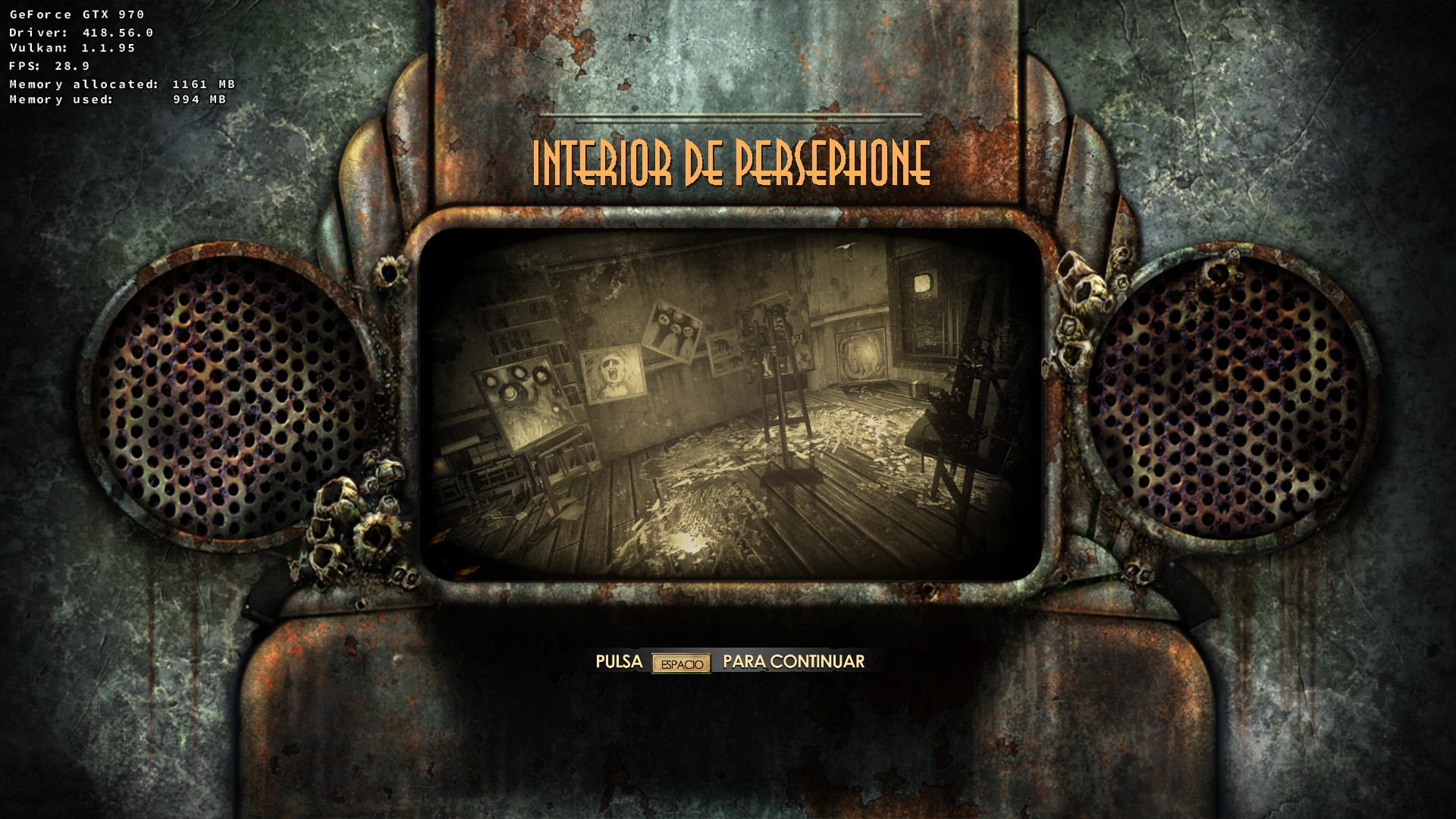
The "Press space to continue" bug is still present in PROTON 4.11-1
steam-409720.log
The "Press space to continue" bug is still present in PROTON 4.11-3
steam-409720.log
The "Press space to continue" bug is still present in PROTON 4.11-7
steam-409720.log
The "Press space to continue" bug is still present in PROTON 4.11-12
steam-409720.log

The "Press space to continue" bug is still present in PROTON 5.0-1
steam-409720.log
Brightness adjust does not stay at desired level while in game. Brightness will change while playing without going into any menus or alt-tabbing.
The "Press space to continue" bug is still present in PROTON 5.0-7

The "Press space to continue" bug is still present in Proton 5.0-8 RC2
steam-409720.log
-nointro in launch options get's the game past the "press space to continue" bug for me, I haven't needed anything else to get the game running.
this solved my problem in archlinux. thanks
I tried PROTON_NO_ESYNC=1 PROTON_USE_WINED3D11=1 %command% -nointro, PROTON_NO_ESYNC=1 %command% -nointro and %command% -nointro and only the second works acceptable for Bioshock 2 Remastered. However, I get a lot of stutters in the game. My CPU is only using ~4% and I have plenty of Memory available.
Archlinux, Proton 5.0-9, Radeon RX5700XT, Threadripper 3970X
The "Press space to continue" bug is still present in Proton 5.0-10
steam-409720-PROTON50-10.log
and PROTON 5.13-2
steam-409720-PROTON513-2.log
The "Press space to continue" bug is still present in Proton 5.13-3
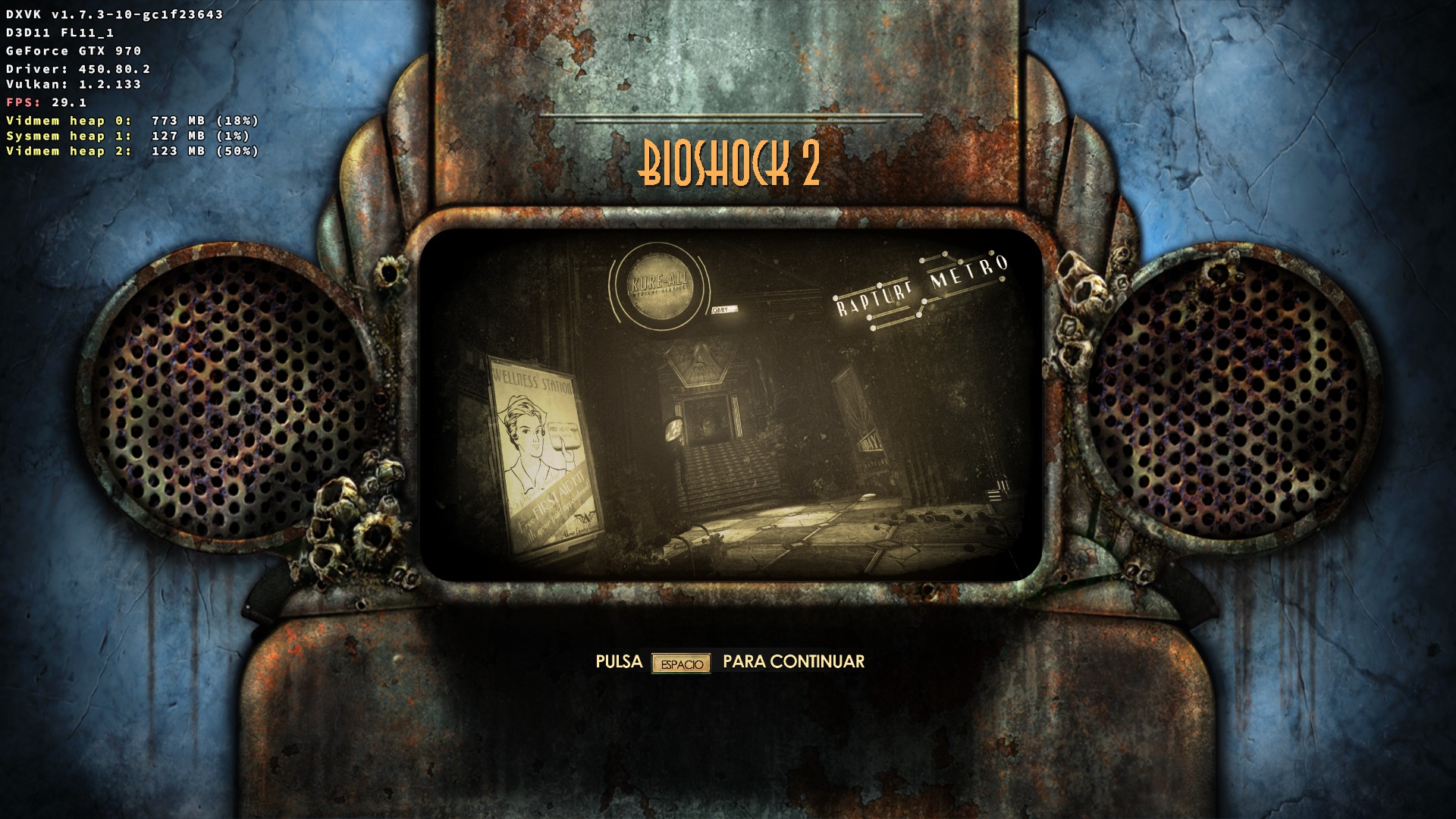
steam-409720-PROTON513-3.log
The "Press space to continue" bug seems to be FIXED in Experimental PROTON!!!
steam-409720experimental-5.13-shmem-20201209.log
Now, I would like to know why, because that can help other games.
The "Press space to continue" bug IS BACK!
REGRESSION on LATEST Experimental PROTON
steam-409720experimental-5.13-20210126.log
How to get back to previous version?
The "Press space to continue" bug is still present in Proton 5.13-6 RC TESTING
steam-409720-proton-5.13-6.log

It is obvious that you broke something ....
And it is obvious that nobody cares....
@CSahajdacny people don't really care about this because the workaround is quite trivial…
But thanks to your testing we know that the bug was temporarily fixed and then regressed back between two unreleased versions:
======================
Proton: 1607523597 experimental-5.13-shmem-20201209
SteamGameId: 409720
Command: ['/mnt/InstalledGames/SteamWorks/CASprotonicTests/PROTON/steamapps/common/BioShock 2 Remastered/Build/Final/Bioshock2HD.exe']
Options: {'noesync', 'forcelgadd'}
SteamLinuxRuntime: v0.20201124.0-2-g0f9c98f
pressure-vessel: 0.20201203.0+srt1 scout 0.20201203.1
soldier: 0.20201203.0 soldier 0.20201203.0
======================
And
======================
Proton: 1611698283 experimental-5.13-20210126
SteamGameId: 409720
Command: ['/mnt/InstalledGames/SteamWorks/CASprotonicTests/PROTON/steamapps/common/BioShock 2 Remastered/Build/Final/Bioshock2HD.exe']
Options: {'forcelgadd', 'noesync'}
SteamLinuxRuntime: v0.20210114.1-0-g5a1cbb7
pressure-vessel: 0.20210126.0+srt1 scout 0.20210127.0
soldier: 0.20210126.1 soldier 0.20210126.1
======================
… but please note: these are different Proton builds, different Steam Runtime versions, different pressure-vessel versions, different soldier runtime versions… in a game that's not whitelisted. It's really hard to pinpoint what exactly changed between those two runs.
Most likely nobody was actually fixing this low-priority Bioshock 2 issue specifically - it was a side effect of some other change that was being tested.
And the worst is that experimental-5.13-shmem-20201209 is not available for download....
Previous versions of Proton Experimental should be available for download on the "beta" tab.
Hello. We think the regression in the Experimental branch has been fixed with today's build. Bioshock 2 Remastered should be playable again.
@CSahajdacny There is no need to be rude.
It's only me, or disabling Esync isn't required anymore, as of Proton 6.3-8?
It's not just you, esync and fsync have been disabled by default for Bioshock (1) and Bioshock 2 (original and remastered variants).
Commenting to say the game got a "quality of life" update alongside Bioshock 1 remastered and Infinite that adds on a third party launcher that's causing issues now. Makes it even worse on 2k's end considering it was "Deck verified" beforehand.
Commenting to say the game got a "quality of life" update alongside Bioshock 1 remastered and Infinite that adds on a third party launcher that's causing issues now. Makes it even worse on 2k's end considering it was "Deck verified" beforehand.
Message is irrelevant now that they finally got rid of the launcher
It's not just you, esync and fsync have been disabled by default for Bioshock (1) and Bioshock 2 (original and remastered variants).
Hi @kisak-valve, do you mind referencing where exactly esync and fsync are disabled for those titles? It's not clear to me where they are being disabled as it's not set in the proton script nor in wine.
Proton versions
proton 6.3-8x1 2021-12proton experimentalx1 2021-02proton 5.13-6x1 2021-02proton 5.13-3x1 2020-12proton 5.0-10x1 2020-12proton 5.13-2x1 2020-12proton 5.0-9x1 2020-08proton 5.0-8x1 2020-06proton 5.0-7x1 2020-05proton 5.0-1x1 2020-02proton 4.11-12x1 2020-02proton 4.11-7x1 2019-11proton 4.11-3x1 2019-08proton 4.11-1x1 2019-07proton 4.2-4x1 2019-05
Launch options
PROTON_NO_ESYNC=1x8 2020-08PROTON_USE_WINED3D11=1x2 2020-08PROTON_USE_WINED3D11x1 2019-01PROTON_NO_ESYNC=1`x1 2018-11PROTON_NO_ESYNCx1 2018-09WINEPREFIX=/media/pedro/SteamWin/Steam/steamapps/compatdata/409720/pfxx1 2018-08
Launch lines
PROTON_NO_ESYNC=1 %command% -nointrox4 2020-08%command% -nointrox1 2020-08PROTON_NO_ESYNC=1 PROTON_USE_WINED3D11=1 %command% -nointrox1 2020-08PROTON_NO_ESYNC=1 %command% -nointro -allowconsolex1 2019-05PROTON_NO_ESYNC=1 PROTON_USE_WINED3D11=1 %command%x1 2019-01PROTON_NO_ESYNC=1 %command%x2 2018-09
Upstream links
- ValveSoftware/Proton/issues/141x1 2018-08
- ValveSoftware/Proton/issues/504x1 2018-08
DLLs
dinput8.dllx1 2019-03
The menu loads and I'm about to click continue (and change key-bindings), but when the loading screen asks me to click the space bar, nothing happens.
steam-409720.log
Bioshock 1 Remastered works fine after adding the esync parameter.