Still Life
Ok, so i tested Proton 6.3-8 and the game launched immediately.
Seems to be a regression here.
steam-46480.log
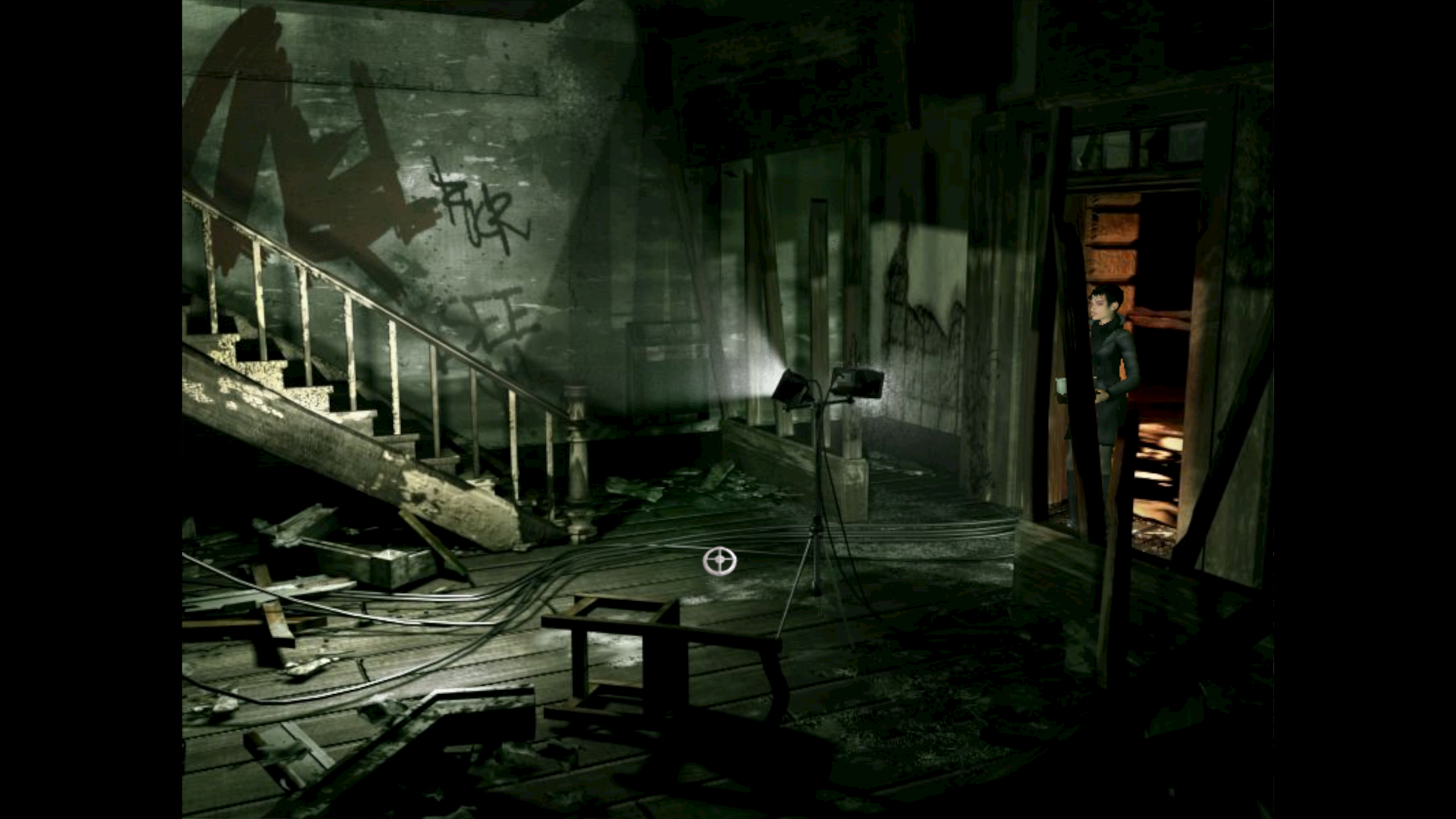
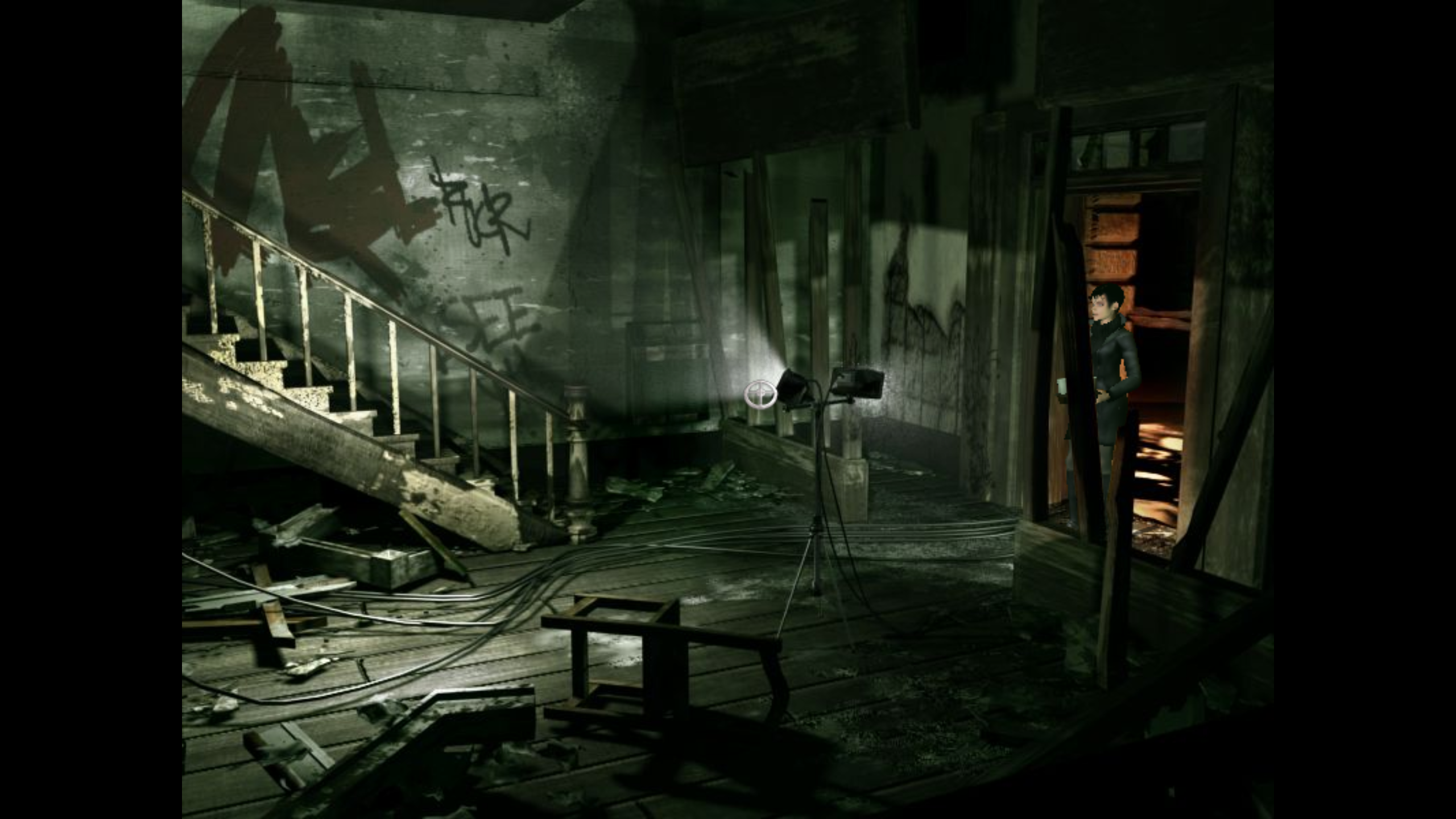
Also noticed some weird issues with the coloring, really noticable i dark areas.
You can see it clearly on the top of the wall.
Uncorrect (Proton 6.3-8)
Correct (Windows)
@Mephistople Unfortunately I can't reproduce. The game launches fine for me in 7.0-1. Can you try launching the game with Proton 7.0 with this in your launch options: PROTON_NO_FSYNC=1 %command% and let us know if it helps?
Hi
Tried with launch command PROTON_NO_FSYNC=1 %command%, with Proton 7.0-1 as you mentioned.
But the game still won't launch, tried the bleeding edge build of Proton Experimental too, no dice.
Tried with a different PC, witch i did fresh install of steam on, but there too the same problem.
Tried with both AMD and NVIDIA Graphics cards neither makes a difference.
One thing always the same, Proton 6.3-8 always works for some reason.
Runs fine on Proton 7.0, Mesa 21.3.5, kernel 5.16.11 (AMD GPU)
Also noticed some weird issues with the coloring, really noticable i dark areas. You can see it clearly on the top of the wall.
Some texture filtering or anti-aliasing code is likely different (it is not same code in DX-level and not same drivers either). If that is the reason, it might look different each time driver or other code changes.. Just one of those things to live with.
But I would not call that noticeable, without knowing where to look and having a picture to compare with I would not have noticed or known about that difference.
I have a problem with Still Life cut-scenes. Running on Proton: 8.0-4, Mesa: 23.0.4, GPU: RX 6750 XT and Linux Mint Kernel: 5.15.0-89.
I can start and play the game fine but the cut-scene where you open the chest in the attic freezes the whole game and I have to alt + F4. I have tried proton 8 and 6, experimental, GE Proton and also set my display to 60 from 120 and it makes no difference.
Proton versions
proton 7.0x3 2022-03proton 6.3-8x3 2022-02proton 7.0-1x1 2022-02proton experimentalx1 2022-02
Launch options
PROTON_NO_FSYNC=1x2 2022-02
Launch lines
PROTON_NO_FSYNC=1 %command%x2 2022-02
Compatibility Report
System Information
I confirm:
steam-46480.log
Symptoms
When clicking play in the steam client, the game starts but no window ever appears.
left it running for about a minute before I closed it.
Reproduction
But it says it's running.