[BUG] "The Cubicle." window
I've been seeing this since 1.8.2.
Sometimes I get two of them.
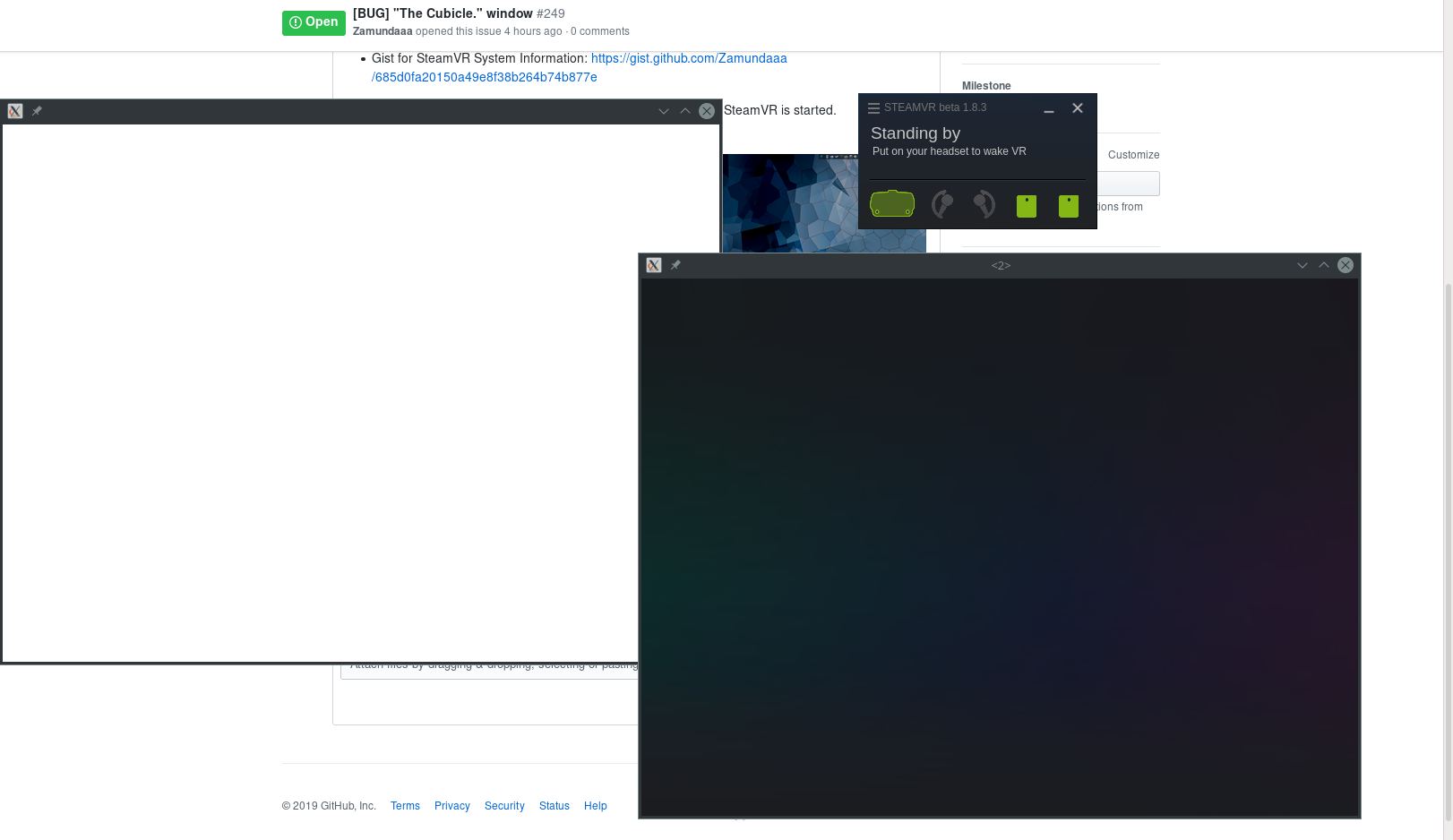
https://gist.github.com/Goofybud16/e1203c3bd7399c0c93026642fad5e1c0
Opening debug commands spawns another "The Cubicle." window like you have it, but with the actual debug commands in it. There is a second actual "Debug Commands" window that doesn't even get cleared.
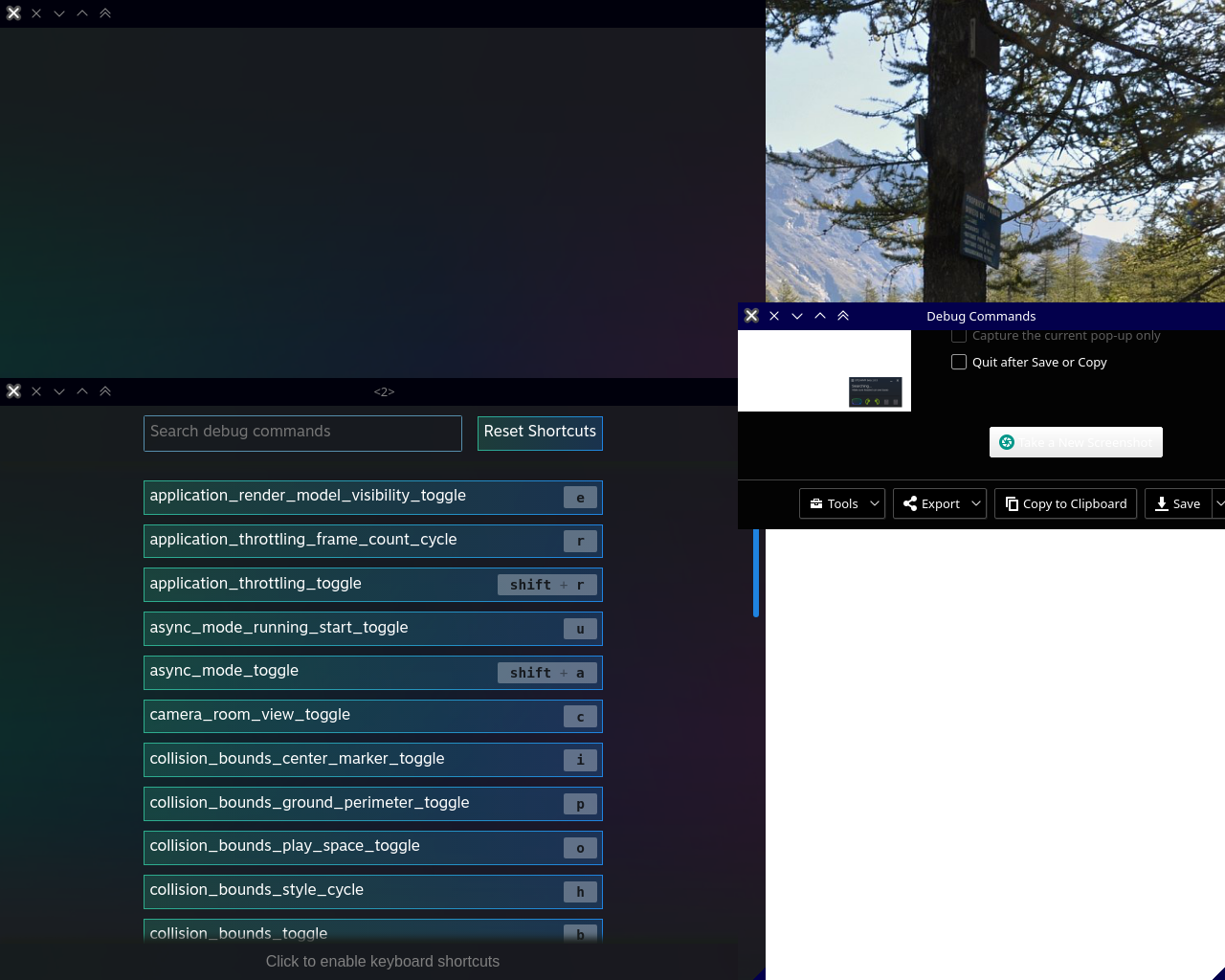
The debug commands at http://localhost:8998/dashboard/debugcommands.html don't seem to work anymore, I get a white page. The controller binding page still works (and I'm happy to say that the controller binding page in the dashboard seems to work now as well, although I am kind of lost on how to get to that page unless the application is missing bindings and it pops up automatically)
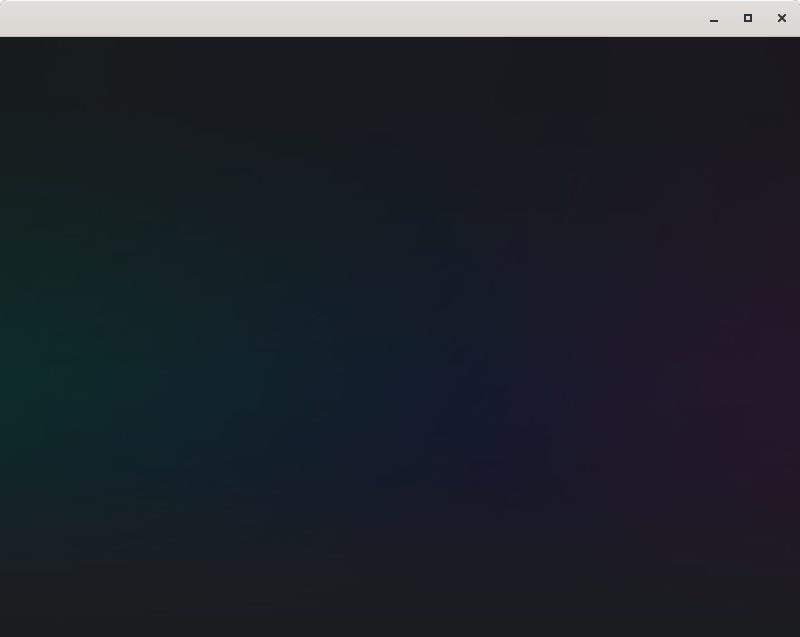
I get one of these windows too, but on Gnome is shows up as "Unknown" I have included a screenshot of the window.
So I now accidentally started SteamVR from an app now again (#209) and it spawned a lot of "vrwebhelper" processes. Whilst killing them and after that every other SteamVR process one additional such window popped up and showed instructions for pairing the index controllers.
I've found that setting STEAMVR_WEBHELPER=0 gets rid of the window.
Is there an easy way to set this variable other than /etc/environment or changing the .desktop file? Is there a "proper" way to set this in steam?
Set the launch options to
STEAMVR_WEBHELPER=0 %command%
in Steam.
That doesn't work for me... Especially since I usually launch Steam VR via the VR button and not as a game/app. Setting it in my Environment file fixes it though wish that there was a better fix :/
Now I'm seeing a second window with the controller bindings. Not what I wished for with #264 but better than not having easy access to the controller bindings at all I guess.
The empty window is still there.
Same experience as Zamundaaa. After the latest grabbing changes, I had to adjust some stuff, and I noticed the same problem.
With 1.8.19, this appears to be fixed. There are no longer extra windows popping up.
The controller pairing interface, however, does not appear to be working. Just get an empty gradient filled window.
Launch lines
STEAMVR_WEBHELPER=0 %command%x1 2019-09
System Information (please complete the following information):
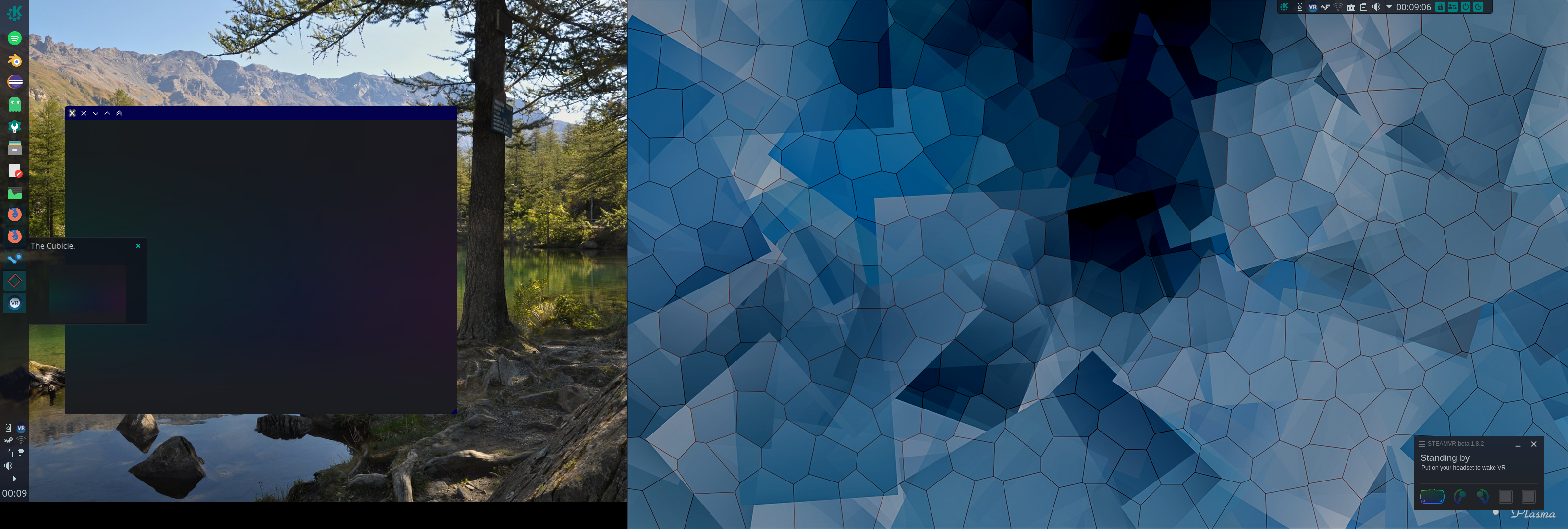
This window, apparently named "The Cubicle." appears every time SteamVR is started.
Screenshots
Note: Commenters who are also experiencing this issue are encouraged to include the "System Information" section in their replies.