Saints Row 4 broke since driver 440.66.02
Please try 440.66.08. You're not only using a beta driver, you're using an outdated beta driver.
That said, SR4 has a ton of bugs on its own, I've given up on working around them all at this point.
Im using the latest 440.66.08 but it broke since 440.66.02, also i looked into the log and it has alot of this: D3D11: CopySubresourceRegion: Incompatible texel size, to be honest don't know what it means but doesn't seem right
It means that the game is broken as fuck. That isn't a DXVK issue, it doesn't even work properly on Windows.
Anyway, sounds very much like a driver regression rather than a DXVK problem if the rendering issues only happen with the beta driver.
Yeah it's clearly a driver problem but isn't there any workaround? This game had a issue with the Z-fighting fixed on 1.5.5 and it was also a driver regression
This doesn't look like Z fighting to me. The d3d11.invariantPosition = True to work around that is already being used.
Actually, looking at your log:
info: DXVK: v1.6-9-g16c3c487-async
Please do not use unofficial, patched DXVK builds to report issues.
I was testing all proton versions and the official proton has the same problem, changed this command in dxvk.conf " d3d11.enableRtOutputNanFixup = True "and it fixed the glowing trees and doesn't crash anymore when i'm close to them but the texture is still bugged
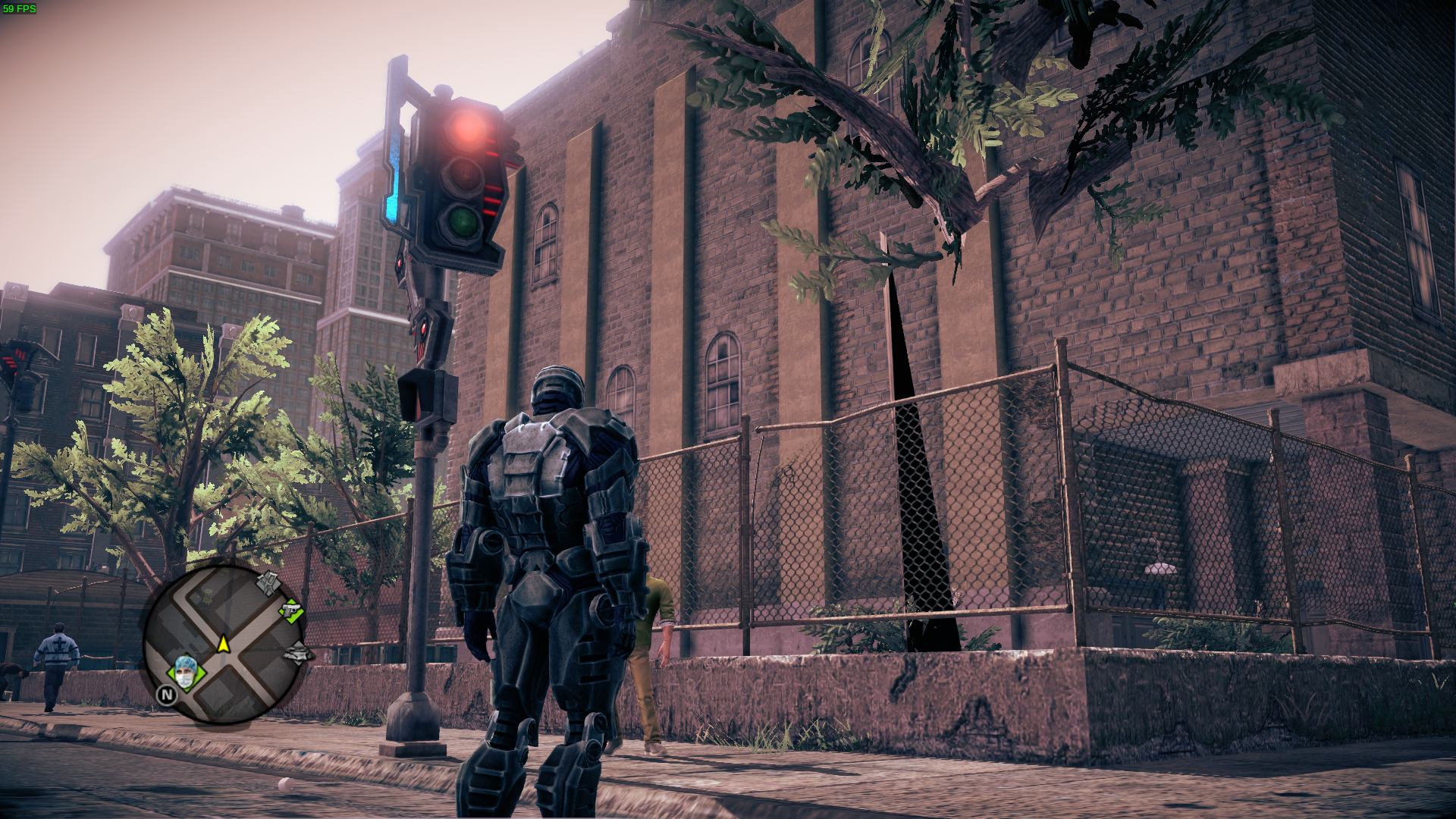
Ok so i tried the game again with the latest beta driver (440.66.12) and now the game is still broken but when use the " d3d11.enableRtOutputNanFixup = True " the game is perfect, no crashes or bugs so far and also not sure if was some fix from dxvk or the driver
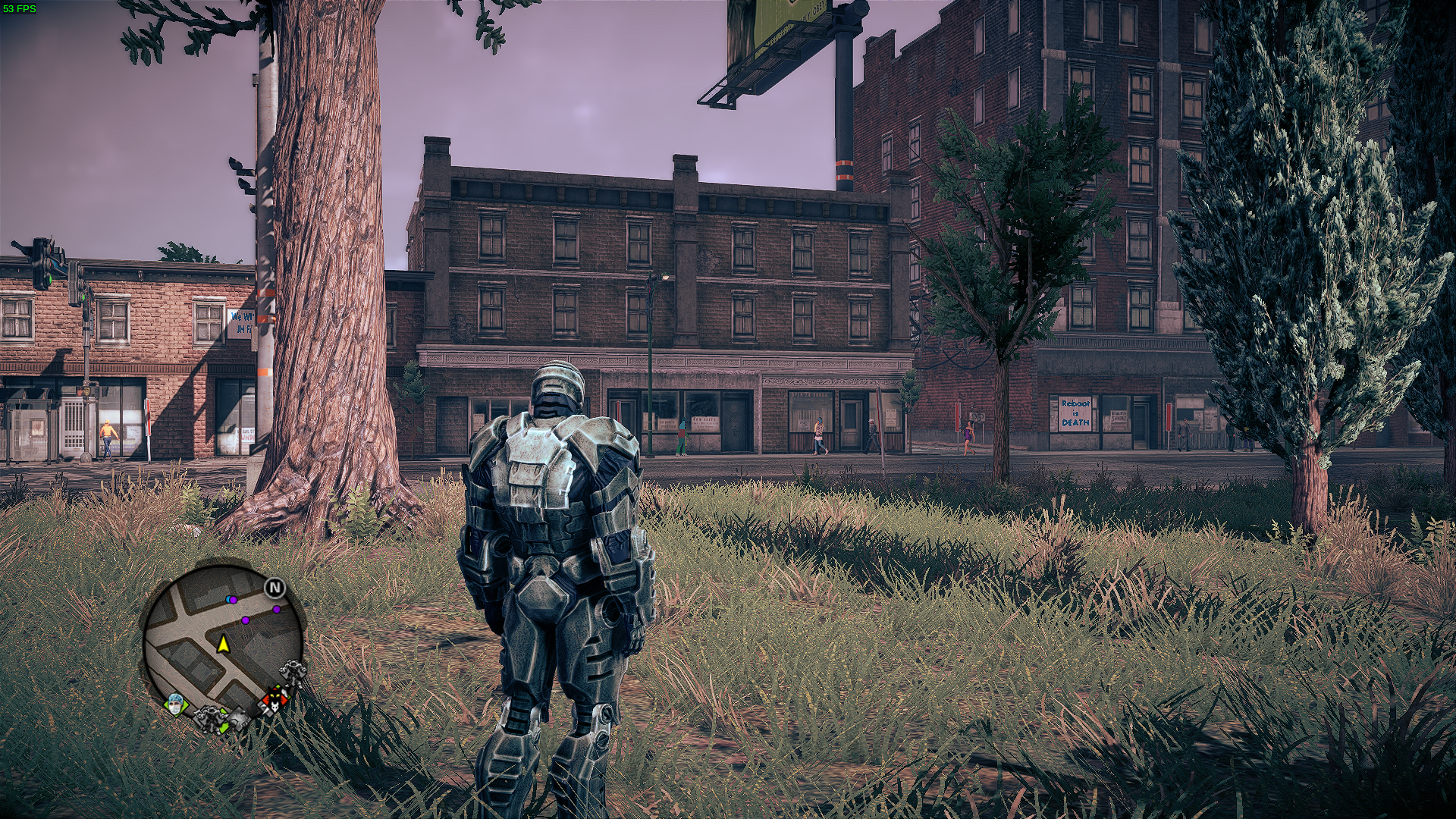
@NikoBellicRU Friendly ping. Is this still an issue with latest supported driver and dxvk?
@NikoBellicRU Friendly ping. Is this still an issue with latest supported driver and dxvk?
It's been a while i dont use that card / nvidia so can't really tell. . .
I'm having random hangs after a bit right now but that's probably not related with dxvk.
Mkay. I've played a bit with my 960 + latest driver and dxvk and haven't noticed any visual issues so i think we can just assume that isn't a problem anymore.
What does it say in a proton log when it hangs?
On my end visually all looks good i just really need to play in offline mode to stop the stuttering but even then it crashes some times right away and others takes longer, i had a look at the log and i dont see anything obvious but i'm not that into this stuff.
Have a look
https://www.mediafire.com/file/23t72uiauhai1c7/steam-206420.log/file
I'm not seeing anything obvious either in the log.
I tried playing for a bit without noticing anything. But wasn't like for an hour.
Try seeing if disabling fsync and esync helps
PROTON_NO_FSYNC=1 PROTON_NO_ESYNC=1 %command%
Ok great with esync / fsync off it seems to be working fine no hangs so far and i played quite a bit, dont really know if will crash later on but so far is looking good.
It's possible that turning both esync and fsync off reduces the performance of the game.
If it works you can try only turning off fsync and see if that still seems to hold water.
PROTON_NO_FSYNC=1 %command%
Well even with both off eventualy it hanged again but at least this time took way longer than usual and i dont really know what to try more, i see on steam discussions that this game has alot of issues even on windows so i dont know.
Ye i see it has issues from what i guess is windows users. So the game itself might just be a bit unstable.
https://steamcommunity.com/app/206420/discussions/0/6202034451742431973/
https://steamcommunity.com/app/206420/discussions/0/3419937087358150285/
https://steamcommunity.com/app/206420/discussions/0/6202034451745223192/
Could you as a last attempt try and bypass dxvk? The performance might be bad but just as a experiment.
PROTON_USE_WINED3D=1 %command%
I tried wined3d today and i get like 5-10fps right at the start all slow motion really unplayable and even worse when i start moving.
My gut instinct is that the hangs above could be the game itself from looking online. Or at least not a dxvk issue.
@Blisto91
Mkay. I've played a bit with my 960 + latest driver and dxvk and haven't noticed any visual issues so i think we can just assume that isn't a problem anymore.
Everything seem ok, except some glitches around characters near light sources.
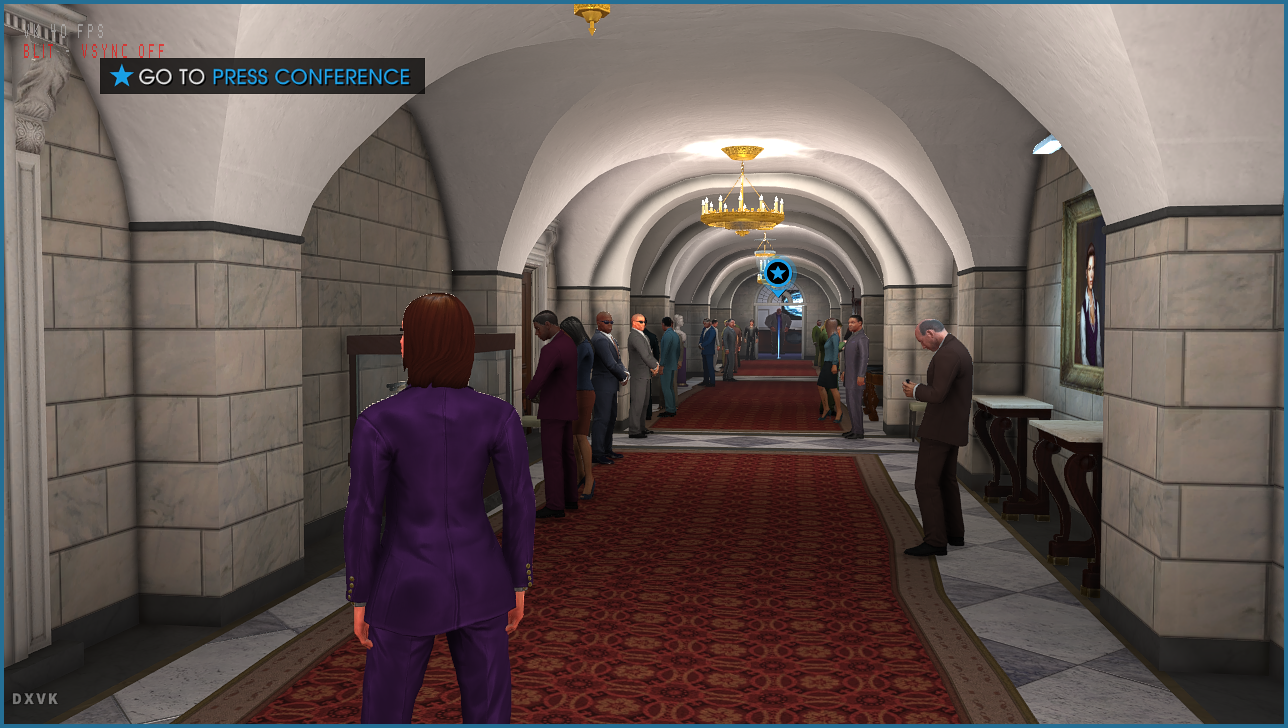
Looks ok when near shadows.
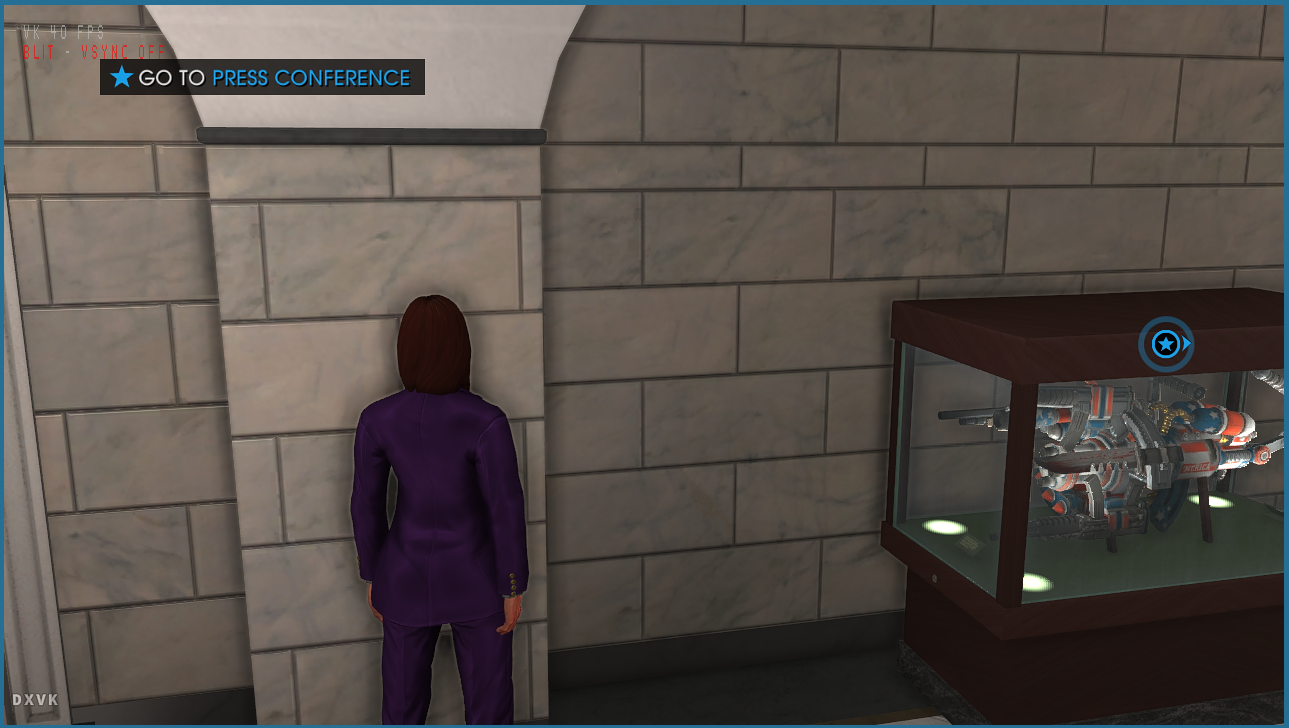
I played to the city and noticed no other issues.
515.57 + dxvk master branch
Could maybe be a game issue. :thinking: I see the same when i use wined3d
Edit: ye looks like it
https://gamefaqs.gamespot.com/boards/649271-saints-row-iv/67035153
https://steamcommunity.com/app/206420/discussions/0/846961716484251875/
Proton versions
proton 5.0x1 2020-04
Launch options
PROTON_USE_WINED3D=1x1 2022-07PROTON_NO_FSYNC=1x2 2022-07PROTON_NO_ESYNC=1x1 2022-07
Launch lines
PROTON_USE_WINED3D=1 %command%x1 2022-07PROTON_NO_FSYNC=1 %command%x1 2022-07PROTON_NO_FSYNC=1 PROTON_NO_ESYNC=1 %command%x1 2022-07
I dont know if this a problem on amd too but on nvidia this game keeps breaking from time to time, the trees are all black, sometimes no floor or buildings, i posted a video:
https://www.youtube.com/watch?v=RxN_uWjtP1g&feature=youtu.be
GPU:GTX 670
Driver:440.48.02
Wine version: Proton 5.0 (also tried GE and TKG with same results)
DXVK version: 1.6
steam-206420.log
Also the game crashes if i minimize, try to load a new save game or if i get near the bugged trees