GTA V rendering issues with MSAA enabled
Can you also provide screenshots of how it's supposed to look? It doesn't look obviously broken to me.
Also you could try with RADV_DEBUG=nodcc,notccompatcmask,nohiz,nofastclears RADV_DEBUG=llvm or using AMDVLK.
As for recording an apitrace, you want to download the win64 release from here and place the d3d11.dll, dgxi.dll and dxgiretrace.dll from there next to the game's .exe and then run the game. The trace file will be in $WINEPREFIX/drive_c/users/$USER/Desktop
Sure, here's how the tree from the first screenshot is supposed to look like
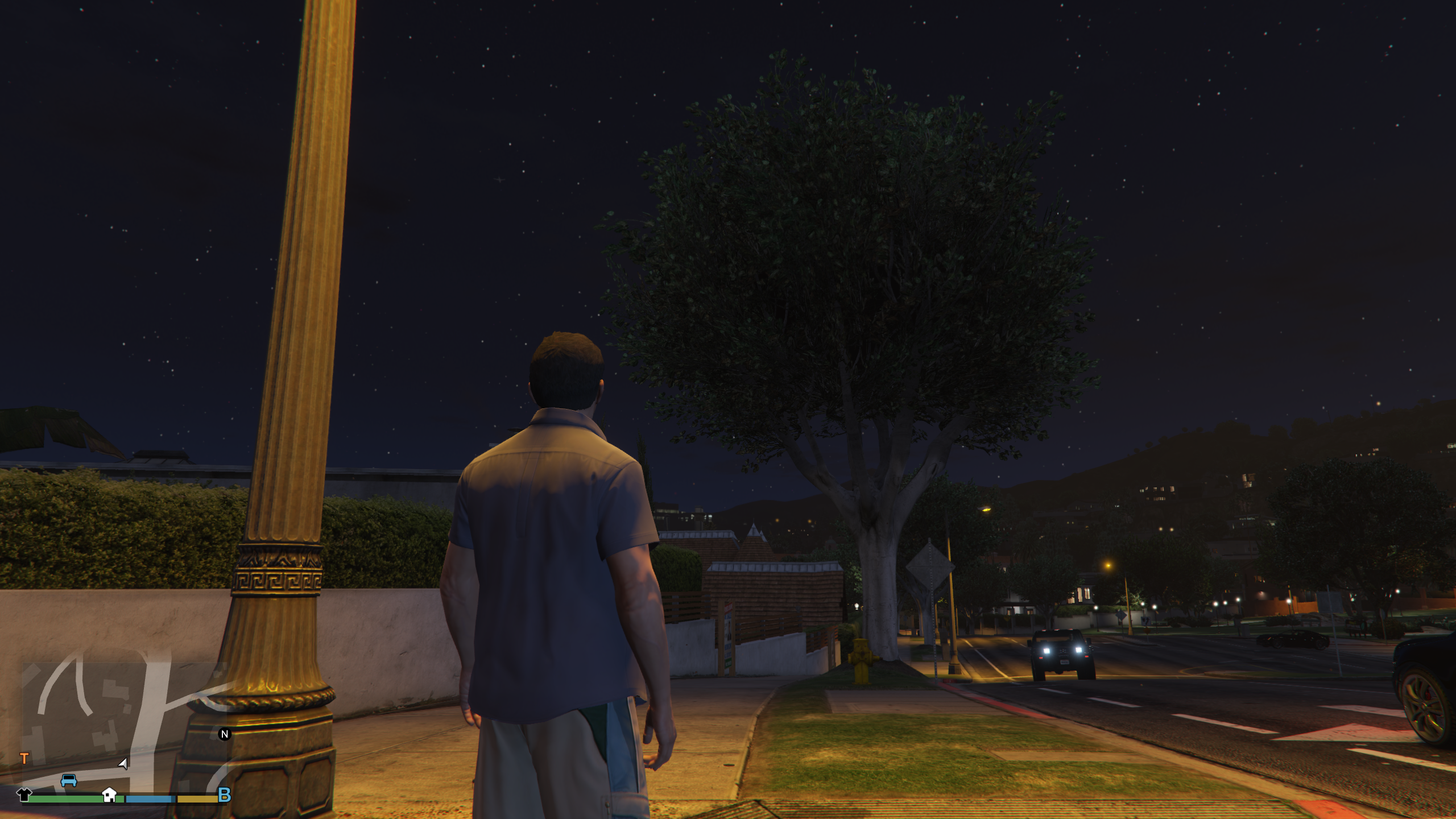
And the same tree again during the day for better clarity

Copying the DLLs from apitrace just makes the game crash instantly.
AMDVLK seems to render correctly, and I also found another game with rendering issues with MSAA that worked fine 2 weeks ago, so it may be a Mesa or a RADV bug introduced with 21.3.7 (I'm guessing Mesa since this other game doesn't use vulkan)
Try the RADV_DEBUG options i mentioned earlier and open a bugreport on the Mesa gitlab. If you can it would probably be helpful to record a renderdoc capture of the issue or to bisect Mesa if you think it's a regression introduced with 21.3.7.
I managed to build the current mesa master and it doesn't seem to have this problem. I wasn't able to test the other problematic game because I couldn't figure out how to build a 32 bit version of mesa.
I'm closing the issue since it's clearly not a DXVK problem.
Launch options
RADV_DEBUGx1 2022-03RADV_DEBUG=llvmx1 2022-03RADV_DEBUG=nodcc,notccompatcmask,nohiz,nofastclearsx1 2022-03WINEPREFIXx1 2022-03
DLLs
d3d11.dllx1 2022-03dgxi.dllx1 2022-03dxgiretrace.dllx1 2022-03
When MSAA is enabled, some transparencies are not rendered correctly (see attached screenshots).
Sometimes this happens immediately after launching the game or it can take a few minutes or a few character switches. It does not happen when MSAA is disabled.
Foliage becomes either invisible or semi translucent, occasionally the wrong LOD is rendered, broken shadows on foliage was also observed once but I wasn't able to replicate it. Other transparencies (like particle effects, wires, etc.) are also affected occasionally.
Changing graphics settings or pressing Alt+Enter solves this issue temporarily, but it occurs again after a few minutes.
Software information
GTA V (tested current version as well as older 1.41 version, same result)
System information
Apitrace file(s)
I was unable to make a caputre so I'm open to suggestions. I tried the following commands:
apitrace trace --api dxgi --output "C:\gtav.trace" PlayGTAV.exe: this causes the game to crash while loadingapitrace trace --api dxgi --output "C:\gtav.trace" GTA5.exe: the game works but apitrace fails to inject its DLLLog files
logs.zip
Note: the logs mention a dxvk.conf file, I used it to test various settings but it was empty when the screenshots and these logs were made.
Screenshots