Proton 4.14-4 virtual desktop regression in some games
Hello @Bryophyllum, what's the most recent known working Proton version to go along with this regression?
I also am unable to use the virtual desktop anymore. I used to require it for AC Odyssey (though the bug that required it seems to be fixed).
With 4.11-4, the game no longer launches with the virtual desktop enabled.
The previous version that worked was 4.11-3
Hello @kisak-valve, Proton 4.14-3 is the most recent one.
I also tested 4.2-9 for the regression just to be sure; Fallout New Vegas launches with the virtual desktop enabled.
For me, the Fallout New Vegas launcher works without the virtual desktop, but freezes in virtual desktop mode. However, this is true when using Proton 4.2-9, Proton 4.11-3, and Proton 4.11-4, so it doesn't appear to be a regression. I'll keep looking into this.
Edit: The freeze seems to be related to multiple monitors. It's working for me when launched on my secondary monitor. Weird.
@aeikum, Basically, I launch these two games in virtual desktop mode to work around a problem (it only affects GNOME's Wayland implementation), where window vanishes when the game loses focus and regains it back; and while the said problem is not exactly why I'd opened this issue, I allowed myself to record two video showcasing it.
- Fallout New Vegas launched without the virtual desktop:
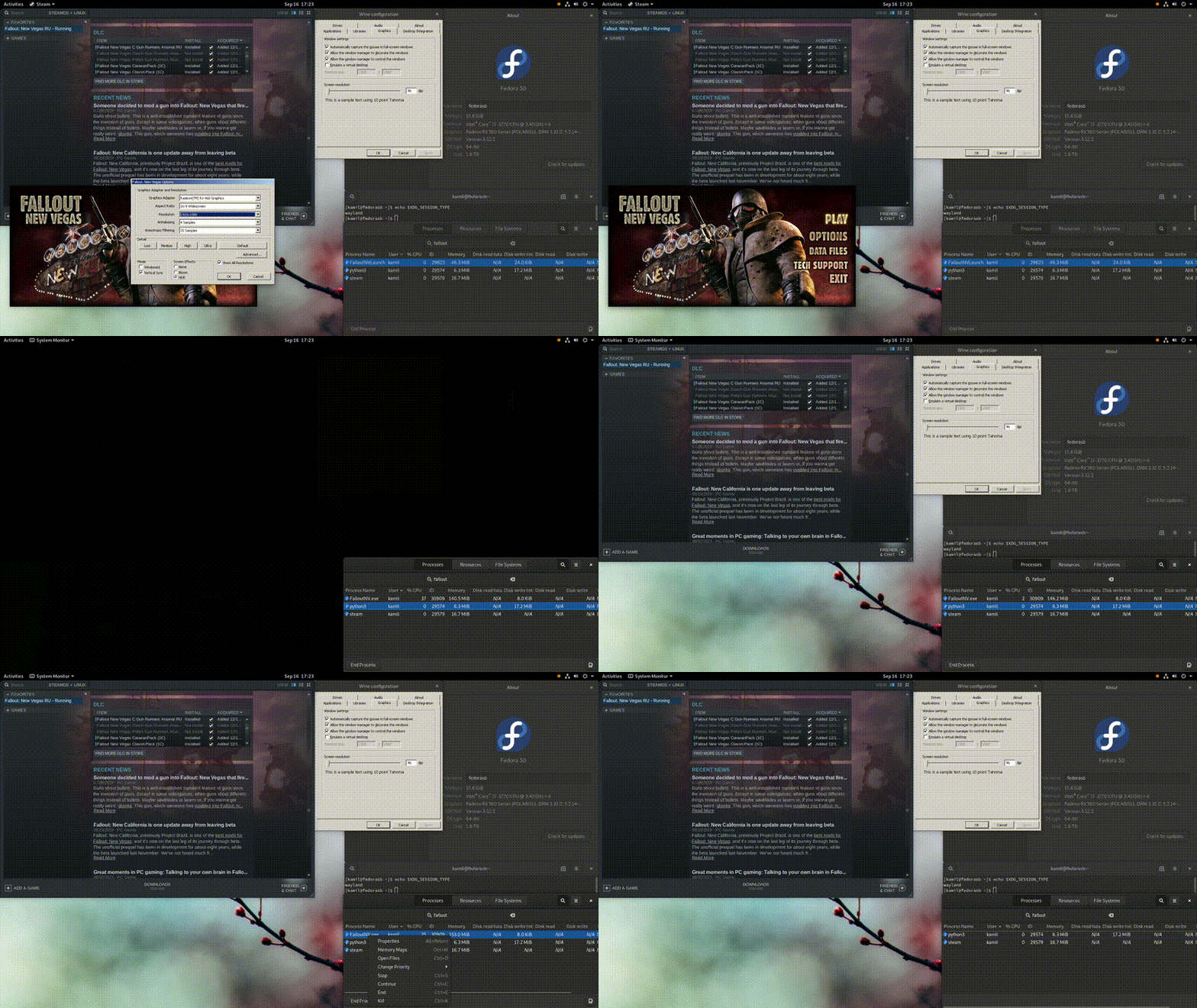
- Fallout New Vegas launched in virtual desktop mode (this works on 4.2-9):
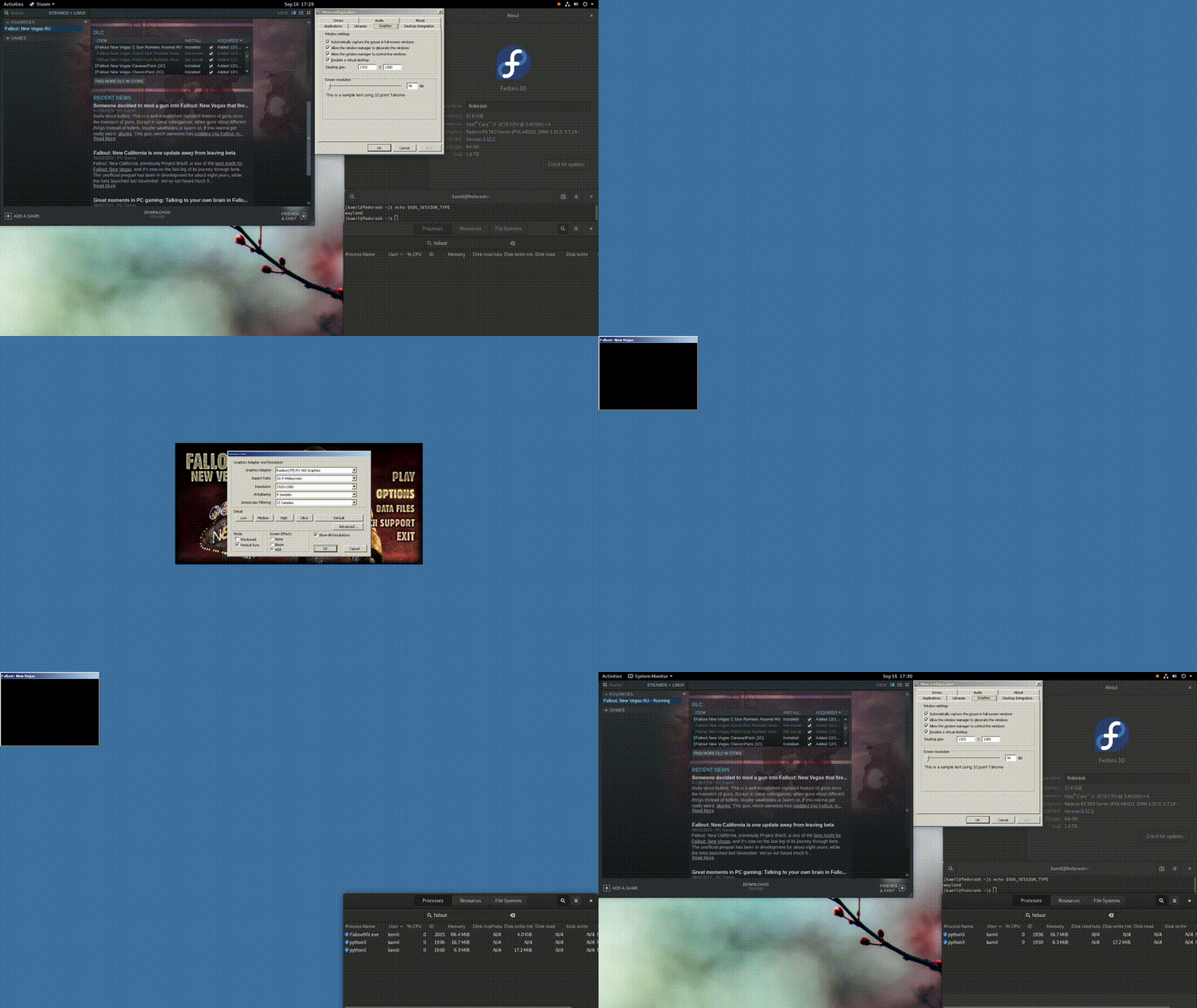
On top of those, Fallout New Vegas launched windowed (the game itself is launched windowed, not the virtual desktop) in virtual desktop mode is unbearably slow, taking a lot of time to display the main menu, but it doesn't crash. If I launch it windowed without the virtual desktop, it works just fine.
Our QA was able to reproduce your problem. It is specific to Mutter (which is why I couldn't), and is caused by this commit: ValveSoftware/Wine@0bda58158a2de709002800ab112782c0740a5bef We're working on a fix.
Does this also affect Muffin, I am having a regression with 4.11-4 with Muffin, all launchers show up as a blank window with my DE's Window Decorations, minimizing and maximizing it sort of fixes it (enough that you can launch the game anyways), 4.11-3 does not have this problem
@Vthyarilops That sounds more like this problem: https://github.com/ValveSoftware/Proton/issues/556#issuecomment-531589730
@aeikum You are absolutely correct, this also seems to affect Uplay and other launchers, thanks for pointing me to the right bug
I noticed similar issue recently (with manually built 4.11-4, Gentoo, KDE). Some games with enabled virtual desktop mode became very slow (minimal CPU/GPU usage). I disabled virtual desktop mode as a workaround.
FWIW, the reason why I need virtual desktop: to set border-less 1920x1080 (or smaller) window at the center of my Ultra-wide monitor.
The problem is understood and a fix will be in the next release.
Hello, 4.11-5 was released today and contains a fix for the virtual desktop problem. Please retest!
@aeikum Fallout New Vegas doesn't hang up anymore! As to GTA 5, it's been borked since Rockstar Games updated the social club launcher.
BTW any idea as to why Fallout New Vegas/GTA 5 may disappear when it loses focus on GNOME Shell running on Wayland? As I pointed out, it's a separate issue, but it might not be a bad idea to get onto it. I'm thinking it's an upstream issue.
Edit: Thanks for your work!~
No idea, sorry. Wine makes a lot of demands of X11 the window manager, and I know a lot of that doesn't translate well into how Wayland operates, especially through a X11->Wayland translator. Something's just going wrong along the way, I guess.
OK to close this bug?
Sure! I think there's no more things regarding this issue to report.
Related threads
- Proton 5.13-4 not suspending compositing when lauching gamesprotonopen same upstream bug
- Game launchers hang, show connection timeouts or render incorrectlyprotonclosed same upstream bug
- iscriptevaluator.exe: cannot execute binary file: Exec format error` - Proton 3.16-4 & -5 betasteamclosed same upstream bug
- [Whitelist] Elder Scroll Online [306130] (PROTON_NO_ESYNC=1) but need optimizationprotonclosed same upstream bug
- Elder Scrolls Online FPS dropdownprotonclosed same upstream bug
- Elder Scrolls Online: Minion Appprotonclosed same upstream bug
- Elder Scrolls Online not Launchingprotonclosed same upstream bug
- The Elder Scrolls Online Framerate drops to unplayable levels.protonclosed same upstream bug
- Launchers with transparency now have a blank window with a WM Bar and don't show launcher.protonclosed same upstream bug
- The Elder Scrolls Onlineprotonclosed same upstream bug
Proton versions
proton 4.11-3x1 2019-09proton 4.11-4x1 2019-09proton 4.2-9x1 2019-09proton 4.14-3x1 2019-09proton 4.14-4x1 2019-09
Upstream links
- ValveSoftware/Proton/issues/556x1 2019-09
I'm an early Wayland adopter and I've been facing a lot of impediments to Wayland adoption on my production machine. Gaming has been the biggest obstacle to using it on a daily basis. Recently, I found out about Virtual Desktop in Wine and it allowed me to work around a problem with some games vanishing from desktop when they lose focus that's been nagging me on GNOME Wayland for a while.
That workaround came to an end with the release of Proton 4.14-4. Games, such as Grand Theft Auto 5 and Fallout New Vegas, do hard-lock at launch, giving me no choice but to kill their processes. Disabling the virtual desktop prevents it from happening, but then the aforementioned problem returns.
To reproduce the bug, enable the virtual desktop via Protontricks, and run the games in question in fullscreen mode. It's also worth mentioning that launching Grand Theft Auto 5 in windowed mode while the virtual desktop is enabled doesn't freeze the game; on the other hand, this doesn't work for Fallout New Vegas.
I understand that individual regressions/bugs like this should have bug reports filled against corresponding games in order to have them properly fixed, but, in this case, the aforementioned problem has been long-known (at least the annoyance that it causes on Xorg is), and to enjoy some games, I need to do hacky workarounds if I want to play them at all.
Fallout New Vegas: steam-22490.log
Unfortunately, I don't own Grand Theft Auto 5 on Steam.