Red Dead Redemption 2
i have the exact same issue:
Proton 4.11-9 steam-1174180.log
Proton 4-20-1-GE does not work either
i hope someone could fix it for us <3
I've not been able to get past the infinite splash screen in the launcher (1st screenshot in OP). Tried 4.11.9, 4.21-1-GE and a version of 4.11.5 I built to get the launcher running for GTA V back when it came out. All with fresh compatdata directories.
This error is due to the launcher crashing before it's able to launch the game, it's not actually related to the files being corrupted. I experienced the same crash when using vanilla Wine (and -staging) to launch RDR2 from the launcher outside of Steam as well. It's a weird crash and I wasn't able to make much progress troubleshooting it, unfortunately I won't be able to work on it for the next few weeks.
This error is due to the launcher crashing before it's able to launch the game, it's not actually related to the files being corrupted. I experienced the same crash when using vanilla Wine (and -staging) to launch RDR2 from the launcher outside of Steam as well. It's a weird crash and I wasn't able to make much progress troubleshooting it, unfortunately I won't be able to work on it for the next few weeks.
Any good way to bypass the launcher?
Same with me. Starts up to the launcher and loads infinitely.
The strange thing is that RDR2 is not shown in my Social Club account (website). But my other games (GTA V and GTA IV) are. Somehow the communication between Steam and the SC doesn't seem to have worked.
BTW - GTA V with the R-Launcher via Steam Play still works for me with the newest Proton.
I have now requested a refund and will buy it from Google Stadia.
This error is due to the launcher crashing before it's able to launch the game, it's not actually related to the files being corrupted. I experienced the same crash when using vanilla Wine (and -staging) to launch RDR2 from the launcher outside of Steam as well. It's a weird crash and I wasn't able to make much progress troubleshooting it, unfortunately I won't be able to work on it for the next few weeks.
Any good way to bypass the launcher?
When I tried launching the RDR2 exe directly, nothing happend. It's normally supposed to say ERR_NO_LAUNCHER which it does on Windows but not on Wine. Can anyone else confirm this?
I've got an idea. Unfortunately, my request for a refund has already been approved. Therefore I can't try it for myself anymore. But maybe there can be another try here?
I have a working GTA V with Rockstar Launcher and Proton running. I can always start the game with the latest Proton 4.11-9.
It would be interesting to see if you copied the prefix folder from GTA V
/steam/steamapps/compatdata/271590/"
(-> this is the Proton prefix-path for GTA V)
and made it a prefix folder for RDR2
/steam/steamapps/compatdata/1174180/
(-> this is the Proton prefix-path for RDR2)
Maybe RDR2 will start with the working R-Launcher of GTA V?
Maybe it'll help someone. I got the 4 log-files of the launcher from my folder
/home/kai/MyDocuments/Rockstar Games/Launcher
and I've attached it here.
Looks like he didn't realize I had the game on the record:
[2019-12-06 12:13:35.286] [DISPLAY] [Main ] [titlemanager] - Title rdr2 : Not installed
launcher.01.log
launcher.02.log
launcher.03.log
launcher.log
Maybe RDR2 will start with the working R-Launcher of GTA V?
That didn't work.
Maybe the problem is the cloud save. This is the log from a launch on windows. With linux the launcher stops right before the cloud save request.
[2019-12-05 21:21:09.113] [DISPLAY] [Admin] [external] Ready to attempt a launch.
[2019-12-05 21:21:09.113] [DISPLAY] [Admin] [external] Attempting Steam launch. User is 'Wofferl'
[2019-12-05 21:21:09.250] [DISPLAY] [10968] [gamelaunch] Title has no minimum RGL version.
[2019-12-05 21:21:09.250] [DISPLAY] [10968] [gamelaunch] Title has no minimum RGL version.
[2019-12-05 21:21:13.694] [DISPLAY] [Main ] [cloudsaveop] Cloud Save sync requested for title 'rdr2'
[2019-12-05 21:21:13.711] [DISPLAY] [Main ] [cloudsaveop] Starting cloud save enabled check for title 'rdr2'
[2019-12-05 21:21:17.039] [DISPLAY] [Main ] [cloudsaveop] Received cloud saves enabled state for title 'rdr2' = disabled
[2019-12-05 21:21:17.040] [DISPLAY] [Main ] [cloudsaveop] Finished syncing cloud saves for title 'rdr2'
[2019-12-05 21:21:17.089] [DISPLAY] [ 1180] [audio] Valid Audio Device: true
[2019-12-05 21:21:18.059] [DISPLAY] [10968] [gamelaunch] Launching game...
[2019-12-05 21:21:18.059] [DISPLAY] [10968] [gamelaunch]  Path: E:\SteamLibrary\steamapps\common\Red Dead Redemption 2\RDR2.exe
[2019-12-05 21:21:18.059] [DISPLAY] [10968] [gamelaunch]  Command Line: "E:\SteamLibrary\steamapps\common\Red Dead Redemption 2\RDR2.exe" -skipPatcherCheck @args.txt @commandline.txt -useSteam
[2019-12-05 21:21:18.059] [DISPLAY] [10968] [gamelaunch]  Working Directory: E:\SteamLibrary\steamapps\common\Red Dead Redemption 2
[2019-12-05 22:11:06.667] [DISPLAY] [10968] [gamelaunch] Game exited with code 0x0 (0)
i think the problem is not this :D / GTA 5 has the same and still works
[2019-12-06 18:46:07.481] [DISPLAY] [Main ] [minmode] Location: Z:\home\mcmarius11.local\share\Steam\steamapps\common\Red Dead Redemption 2
[2019-12-06 18:46:07.481] [DISPLAY] [Main ] [launcher] Opening log file.
[2019-12-06 18:46:07.498] [WARNING] [Main ] [title] No default branch for title rdr2
[2019-12-06 18:46:07.498] [DISPLAY] [Main ] [titlemanager] Installation status:
[2019-12-06 18:46:07.498] [DISPLAY] [Main ] [titlemanager] - Title rdr2 : Not installed
GTA 5 launcher.log working
RDR2 launcher.log not working
i hope @mrpippy can fix it when he's back :)
This error is due to the launcher crashing before it's able to launch the game, it's not actually related to the files being corrupted. I experienced the same crash when using vanilla Wine (and -staging) to launch RDR2 from the launcher outside of Steam as well. It's a weird crash and I wasn't able to make much progress troubleshooting it, unfortunately I won't be able to work on it for the next few weeks.
Any good way to bypass the launcher?
When I tried launching the RDR2 exe directly, nothing happend. It's normally supposed to say ERR_NO_LAUNCHER which it does on Windows but not on Wine. Can anyone else confirm this?
Same problem
I have an idea. Not sure if it would work, but could we possibly use the launcher from GTAV to load Red Dead Redemption 2? Just thinking if this is maybe a launcher version solution. We know the launcher for GTAV loads and runs the game, even though it's horrible.
I have an idea. Not sure if it would work, but could we possibly use the launcher from GTAV to load Red Dead Redemption 2? Just thinking if this is maybe a launcher version solution. We know the launcher for GTAV loads and runs the game, even though it's horrible.
Ehm ... look some comments above ...
"... Maybe RDR2 will start with the working R-Launcher of GTA V?"
-> https://github.com/ValveSoftware/Proton/issues/3291#issuecomment-562786062
"That didn't work."
-> https://github.com/ValveSoftware/Proton/issues/3291#issuecomment-562662578
That didn't work.
Maybe the problem is the cloud save. This is the log from a launch on windows. With linux the launcher stops right before the cloud save request.
[2019-12-05 21:21:09.113] [DISPLAY] [Admin] [external] Ready to attempt a launch.
[2019-12-05 21:21:09.113] [DISPLAY] [Admin] [external] Attempting Steam launch. User is 'Wofferl'
[2019-12-05 21:21:09.250] [DISPLAY] [10968] [gamelaunch] Title has no minimum RGL version.
[2019-12-05 21:21:09.250] [DISPLAY] [10968] [gamelaunch] Title has no minimum RGL version.
[2019-12-05 21:21:13.694] [DISPLAY] [Main ] [cloudsaveop] Cloud Save sync requested for title 'rdr2'
[2019-12-05 21:21:13.711] [DISPLAY] [Main ] [cloudsaveop] Starting cloud save enabled check for title 'rdr2'
[2019-12-05 21:21:17.039] [DISPLAY] [Main ] [cloudsaveop] Received cloud saves enabled state for title 'rdr2' = disabled
[2019-12-05 21:21:17.040] [DISPLAY] [Main ] [cloudsaveop] Finished syncing cloud saves for title 'rdr2'
[2019-12-05 21:21:17.089] [DISPLAY] [ 1180] [audio] Valid Audio Device: true
[2019-12-05 21:21:18.059] [DISPLAY] [10968] [gamelaunch] Launching game...
[2019-12-05 21:21:18.059] [DISPLAY] [10968] [gamelaunch]  Path: E:\SteamLibrary\steamapps\common\Red Dead Redemption 2\RDR2.exe
[2019-12-05 21:21:18.059] [DISPLAY] [10968] [gamelaunch]  Command Line: "E:\SteamLibrary\steamapps\common\Red Dead Redemption 2\RDR2.exe" -skipPatcherCheck @args.txt @commandline.txt -useSteam
[2019-12-05 21:21:18.059] [DISPLAY] [10968] [gamelaunch]  Working Directory: E:\SteamLibrary\steamapps\common\Red Dead Redemption 2
[2019-12-05 22:11:06.667] [DISPLAY] [10968] [gamelaunch] Game exited with code 0x0 (0)
In Linux have you tried disabling cloud saves prior to launching the game?
Interesting watching.
Since I gave the game back I can't test it anymore. Maybe someone else here?
Interesting watching.
Since I gave the game back I can't test it anymore. Maybe someone else here?
Posting debug logs after you returned the game had me thinking you'd maybe repurchased it again, oh well 😕
The reason why the game does not start lies in the file rdr2.exe
Doesn’t even show an error

The reason why the game does not start lies in the file rdr2.exe
Doesn’t even show an error
What should WINEDEBUG be set to in this case?
Even in the terminal didn't show anything
Maybe the problem can be discovered using the +relay in WINEDEBUG
Interesting watching.
Since I gave the game back I can't test it anymore. Maybe someone else here?Posting debug logs after you returned the game had me thinking you'd maybe repurchased it again, oh well confused
When refunding a game the files are not deleted. So I was able to attach the files that were created before refunding.
BTW - has someone tested it with diasbling the cloud-saves function?
american.txt
This is what my errorcodes file says in /Read Dead Redemption 2/x64/data/errorcodes/ I wonder if it's something we could fix with protontricks.
Wow, alot of people are saying the game crashes because their motherboard BIOS isn't up to date. https://www.reddit.com/r/reddeadredemption/comments/drzrdf/rdr2_launch_issues_megathread/
BTW - has someone tested it with diasbling the cloud-saves function?
The launcher dies before you were asked if you want to enable cloud saves.
I tried with the My Documents/Rockstar Games/Launcher/Profiles/XXXXXXX/settings_account.dat
from my windows installation where I have cloud saves disabled and it did not work, but don't know if this info is stored there.
The launcher dies before you were asked if you want to enable cloud saves.
I tried with the My Documents/Rockstar Games/Launcher/Profiles/XXXXXXX/settings_account.dat
from my windows installation where I have cloud saves disabled and it did not work, but don't know if this info aren't stored there.
Oh, that's true, I forgot. I meant disabling it in the general Steam options. But the logs of the Steam function islstored in the R*-Launcher logs.
Wow, alot of people are saying the game crashes because their motherboard BIOS isn't up to date. https://www.reddit.com/r/reddeadredemption/comments/drzrdf/rdr2_launch_issues_megathread/
Just a theory, but maybe the launcher checks for CPU microcode exploits as an anti-cheat method.
Microcode exploits are patched in BIOS updates and so the checks pass.
It may also be why it fails in Linux, microcode exploit check might be using Windows APIs not implemented in Wine/Proton.
This error is due to the launcher crashing before it's able to launch the game, it's not actually related to the files being corrupted. I experienced the same crash when using vanilla Wine (and -staging) to launch RDR2 from the launcher outside of Steam as well. It's a weird crash and I wasn't able to make much progress troubleshooting it, unfortunately I won't be able to work on it for the next few weeks.
Any good way to bypass the launcher?
When I tried launching the RDR2 exe directly, nothing happend. It's normally supposed to say ERR_NO_LAUNCHER which it does on Windows but not on Wine. Can anyone else confirm this?
RDR2.exe has its own issue where it exits very early because it tries to detect a debugger with a crazy method (direct NT syscalls) that’s not supported by Wine. It thinks a debugger is attached, and then calls TerminateProcess() to exit.
It’s fairly easy to bypass by making TerminateProcess() a no-op, but even with that, RDR2.exe just launches the launcher (which crashes because of the main bug) and then exits. Makes it a moot point until the launcher bug is figured out.
Wow, alot of people are saying the game crashes because their motherboard BIOS isn't up to date. https://www.reddit.com/r/reddeadredemption/comments/drzrdf/rdr2_launch_issues_megathread/
The Game works fine under Windows, even on my old 2016 Asrock Motherboard.
I'm really sure its about cloud saving. It doesnt matter if you enable oder disable it, because when you switch to linux and install it via. Proton it is handled like a fresh install and the launcher will ask again if you want to enable cloud savegames but it crashes beforehand.
This error is due to the launcher crashing before it's able to launch the game, it's not actually related to the files being corrupted. I experienced the same crash when using vanilla Wine (and -staging) to launch RDR2 from the launcher outside of Steam as well. It's a weird crash and I wasn't able to make much progress troubleshooting it, unfortunately I won't be able to work on it for the next few weeks.
Any good way to bypass the launcher?
When I tried launching the RDR2 exe directly, nothing happend. It's normally supposed to say ERR_NO_LAUNCHER which it does on Windows but not on Wine. Can anyone else confirm this?
RDR2.exe has its own issue where it exits very early because it tries to detect a debugger with a crazy method (direct NT syscalls) that’s not supported by Wine. It thinks a debugger is attached, and then calls TerminateProcess() to exit.
It’s fairly easy to bypass by making TerminateProcess() a no-op, but even with that, RDR2.exe just launches the launcher (which crashes because of the main bug) and then exits. Makes it a moot point until the launcher bug is figured out.
Interesting analysis but
Making TerminateProcess a noop would be similar to commenting the terminateprocess call as below, and so on, the execution fall in an unexpected chunck of code without even executing runGame because the program is globally known to have a debugger attached
if (debuggerDetected) { //TerminateProcess(); } else { runGame(); }
I would have tested instead to trick the program so runGame() is executed instead (or with anti-debugger plugin capable to hide a debugger)
if (!debuggerDetected) { TerminateProcess(); } else { runGame(); }
It seems like it won't be playable in anytime soon.
@laichiaheng I really hope it will. The game itself will probably run great (after the current bugs are fixed) since it has Vulkan renderer and having such game running on Linux with a good performance is a big thing, especially if multiplayer will work as well.
@AsciiWolf It seems like all the Rock Star games are dead now, such as GTA5.
It's 20% off now!
@AsciiWolf It seems like all the Rock Star games are dead now, such as GTA5.
It's 20% off now!
Why for me GTA 5 runs without any problems (steam version)
Which version of Proton are you running McMarius11?
Cheers,
David
On 14 Dec 2019, at 16:40, McMarius11 [email protected] wrote:
@AsciiWolf It seems like all the Rock Star games are dead now, such as GTA5.It's 20% off now!
Why for me GTA 5 runs without any problems (steam version)
—
You are receiving this because you are subscribed to this thread.
Reply to this email directly, view it on GitHub, or unsubscribe.
I'm unable to install the game through Steam. The install button is disabled for me. Anyone else with this issue on Linux?
You can install the game on Steam within Linux, but it just doesn't work.
What makes me pissed off about this...is the Stadia version (Linux Version), is obviously running well on the stadia platform, compared to all the issues they are having on the steam release. It makes you wonder if the Linux version is just a way better port, than native windows. Yet they get all this negative feedback about their game not running correctly, and they wont release the Linux desktop version.
@mintylinux I know its broken. I still want to try using Proton. I have only installed one game in Proton up until now and don't remember doing anything to enable the install button.
Hello @Alko89, you should be able to go to the per-game properties in Steam and check Force the use of a specific Steam Play compatibility tool, then select a version of Proton from the list to test.
@kisak-valve thanks! I didn't notice that before, nor do I remember setting this for Stick of Truth. I'm guessing it installs the recommended version of Proton with the game (if it exists).
There's a new Proton-GE build out, can somebody who owns RDR2 please test it and see if you get any further? https://github.com/GloriousEggroll/proton-ge-custom/releases/tag/4.21-GE-2
There's a new Proton-GE build out, can somebody who owns RDR2 please test it and see if you get any further? https://github.com/GloriousEggroll/proton-ge-custom/releases/tag/4.21-GE-2
same here
I just tried it with Proton-GE-2, and i get the same crash "Please verify game data"
here is my log file with the newest proton-4.11-11
steam-1174180.log
i think @mrpippy is our only hope
Could be cloud save issue...
This is where the launcher.log just abruptly ends when using Proton (4.21-GE-2):
[2019-12-21 11:43:29.582] [DISPLAY] [Admin] [external] Ready to attempt a launch.
[2019-12-21 11:43:29.582] [DISPLAY] [Admin] [external] Attempting Steam launch. User is 'tin'
[2019-12-21 11:43:30.255] [DISPLAY] [  255] [gamelaunch] Title has no minimum RGL version.
[2019-12-21 11:43:30.255] [DISPLAY] [  255] [gamelaunch] Title has no minimum RGL version.
And this snippet is from my Windows 10 install "launcher.log" (it has a lot more after this):
[2019-12-20 20:01:12.233] [DISPLAY] [Admin] [external] Ready to attempt a launch.
[2019-12-20 20:01:12.233] [DISPLAY] [Admin] [external] Attempting Steam launch. User is 'tin'
[2019-12-20 20:01:12.256] [DISPLAY] [10804] [gamelaunch] Title has no minimum RGL version.
[2019-12-20 20:01:12.256] [DISPLAY] [10804] [gamelaunch] Title has no minimum RGL version.
[2019-12-20 20:01:18.311] [DISPLAY] [Main ] [cloudsaveop] Cloud Save sync requested for title 'rdr2'
[2019-12-20 20:01:18.328] [DISPLAY] [Main ] [cloudsaveop] Starting cloud save enabled check for title 'rdr2'
This error is due to the launcher crashing before it's able to launch the game, it's not actually related to the files being corrupted. I experienced the same crash when using vanilla Wine (and -staging) to launch RDR2 from the launcher outside of Steam as well. It's a weird crash and I wasn't able to make much progress troubleshooting it, unfortunately I won't be able to work on it for the next few weeks.
Any good way to bypass the launcher?
When I tried launching the RDR2 exe directly, nothing happend. It's normally supposed to say ERR_NO_LAUNCHER which it does on Windows but not on Wine. Can anyone else confirm this?
RDR2.exe has its own issue where it exits very early because it tries to detect a debugger with a crazy method (direct NT syscalls) that’s not supported by Wine. It thinks a debugger is attached, and then calls TerminateProcess() to exit.
It’s fairly easy to bypass by making TerminateProcess() a no-op, but even with that, RDR2.exe just launches the launcher (which crashes because of the main bug) and then exits. Makes it a moot point until the launcher bug is figured out.
Nt* calls ARE being implemented by wine where documentation is available. That being said, the correct approach that Wine should be taking is to hide the fact that a debugger is attached.
Did anyone run the game with +relay enabled? Preferably after the last GTAV Proton patch dropped.
Nt* calls ARE being implemented by wine where documentation is available. That being said, the correct approach that Wine should be taking is to hide the fact that a debugger is attached.
Which function is that actually? Because according to wine source code, NtQuerySystemInformation already returns FALSE when being queried for an attached debugger.
Looking at the logs, it seems more likely that whatever the launcher tries to launch simply crashes, that's detected by the launcher and thus it tells to verify game files. In the end, it's likely that a crash is caused by damaged game files. But we know, that's most probably not the case here.
It's getting an exception error:
wine: Unhandled exception 0xc0000409 in thread 3c at address 0x18023bf57 (thread 003c), starting debugger...
But all I can see from this thread is:
714499.234:0033:003c:fixme:module:LdrLockLoaderLock flags 1 not supported
714499.393:0033:003c:fixme:module:LdrLockLoaderLock flags 1 not supported
714499.395:0033:003c:fixme:module:LdrLockLoaderLock flags 1 not supported
714499.395:0033:003c:fixme:module:LdrLockLoaderLock flags 1 not supported
714499.395:0033:003c:fixme:module:LdrLockLoaderLock flags 1 not supported
714499.397:0033:003c:fixme:module:LdrLockLoaderLock flags 1 not supported
714499.398:0033:003c:fixme:module:LdrLockLoaderLock flags 1 not supported
714499.398:0033:003c:fixme:module:LdrLockLoaderLock flags 1 not supported
714499.398:0033:003c:fixme:module:LdrLockLoaderLock flags 1 not supported
714499.399:0033:003c:fixme:module:LdrLockLoaderLock flags 1 not supported
714499.399:0033:003c:fixme:module:LdrLockLoaderLock flags 1 not supported
714499.399:0033:003c:fixme:heap:GetPhysicallyInstalledSystemMemory stub: 0x3d1f638
714499.400:0033:003c:fixme:module:LdrLockLoaderLock flags 1 not supported
714499.402:0033:003c:fixme:module:LdrLockLoaderLock flags 1 not supported
714499.402:0033:003c:fixme:module:LdrLockLoaderLock flags 1 not supported
714499.402:0033:003c:fixme:module:LdrLockLoaderLock flags 1 not supported
714499.403:0033:003c:trace:seh:NtRaiseException code=c0000005 flags=0 addr=0x18007e101 ip=18007e101 tid=003c
714499.403:0033:003c:trace:seh:NtRaiseException  info[0]=0000000000000001
714499.403:0033:003c:trace:seh:NtRaiseException  info[1]=000000001319c94d
714499.403:0033:003c:trace:seh:NtRaiseException  rax=0000000000000001 rbx=0000000000000000 rcx=0000000003d1f478 rdx=0000000003d1f480
714499.403:0033:003c:trace:seh:NtRaiseException  rsi=0000000003d1f8d8 rdi=0000000000000000 rbp=0000000003d1f750 rsp=0000000003d1f480
714499.403:0033:003c:trace:seh:NtRaiseException   r8=000000007bceb1c0  r9=0000000000000000 r10=0000000000000008 r11=0000000000000246
714499.403:0033:003c:trace:seh:NtRaiseException  r12=000000000067ff90 r13=000000000067bfa0 r14=000000000067ff90 r15=0000000001704040
714499.403:0033:003c:trace:seh:call_vectored_handlers calling handler at 0x69f63c10 code=c0000005 flags=0
714499.403:0033:003c:trace:seh:call_vectored_handlers handler at 0x69f63c10 returned 0
714499.403:0033:003c:trace:seh:call_vectored_handlers calling handler at 0x6a435200 code=c0000005 flags=0
714499.403:0033:003c:trace:seh:call_vectored_handlers handler at 0x6a435200 returned 0
714499.403:0033:003c:trace:seh:RtlVirtualUnwind type 1 rip 18007e101 rsp 3d1f480
714499.403:0033:003c:trace:seh:dump_unwind_info **** func 7e022-7fca8
714499.403:0033:003c:trace:seh:dump_unwind_info unwind info at 0x1802473f8 flags 4 prolog 0x0 bytes function 0x18007e022-0x18007fca8
714499.403:0033:003c:trace:seh:dump_unwind_info     0x0: movq %r14,0x100(%rsp)
714499.403:0033:003c:trace:seh:dump_unwind_info     0x0: movq %r13,0x108(%rsp)
714499.403:0033:003c:trace:seh:dump_unwind_info     0x0: movq %r12,0x110(%rsp)
714499.403:0033:003c:trace:seh:dump_unwind_info     0x0: movq %rdi,0x118(%rsp)
714499.403:0033:003c:trace:seh:dump_unwind_info     0x0: movq %rsi,0x120(%rsp)
714499.403:0033:003c:trace:seh:dump_unwind_info     0x0: movq %rbp,0x128(%rsp)
714499.403:0033:003c:trace:seh:dump_unwind_info     0x0: movq %rbx,0x150(%rsp)
714499.403:0033:003c:trace:seh:dump_unwind_info     chained to function 0x18007dd40-0x18007dd5e
714499.403:0033:003c:trace:seh:dump_unwind_info unwind info at 0x180247460 flags 3 prolog 0x1e bytes function 0x18007dd40-0x18007dd5e
714499.403:0033:003c:trace:seh:dump_unwind_info     0xc: subq $0x130,%rsp
714499.403:0033:003c:trace:seh:dump_unwind_info     0x5: pushq %r15
714499.403:0033:003c:trace:seh:dump_unwind_info     handler 0x18023bf44 data at 0x180247470
714499.403:0033:003c:trace:seh:call_handler calling handler 0x18023bf44 (rec=0x3d1f340, frame=0x3d1f480 context=0x3d1e810, dispatch=0x3d1e5b0)
714499.403:0033:003c:trace:seh:RtlVirtualUnwind type 0 rip 18023c385 rsp 3d1e460
714499.403:0033:003c:trace:seh:dump_unwind_info **** func 23c368-23c482
714499.403:0033:003c:trace:seh:dump_unwind_info unwind info at 0x18023d958 flags 0 prolog 0x10 bytes function 0x18023c368-0x18023c482
714499.403:0033:003c:trace:seh:dump_unwind_info     0x10: subq $0x80,%rsp
714499.403:0033:003c:trace:seh:dump_unwind_info     0x6: pushq %rbp
714499.404:0033:003c:trace:seh:start_debugger Starting debugger "winedbg --auto 51 964"
The exception indicates a stack overflow. Maybe something is just recursing too deep because of a missing feature in wine? The repeating fixme lines may indicate that.
I'll attach the logs later, my system needs a reboot first.
Update: Attaching logs:
https://gist.github.com/kakra/8a374942a24e4aeecf68243e7f994f38
Nt* calls ARE being implemented by wine where documentation is available. That being said, the correct approach that Wine should be taking is to hide the fact that a debugger is attached.
Which function is that actually? Because according to wine source code,
NtQuerySystemInformationalready returnsFALSEwhen being queried for an attached debugger.Looking at the logs, it seems more likely that whatever the launcher tries to launch simply crashes, that's detected by the launcher and thus it tells to verify game files. In the end, it's likely that a crash is caused by damaged game files. But we know, that's most probably not the case here.
It's getting an exception error:
wine: Unhandled exception 0xc0000409 in thread 3c at address 0x18023bf57 (thread 003c), starting debugger...But all I can see from this thread is:
The exception indicates a stack overflow. Maybe something is just recursing too deep because of a missing feature in wine? The repeating
fixmelines may indicate that.I'll attach the logs later, my system needs a reboot first.
Sorry that I'm a bit delayed on the reply, between holidays and other stuff I haven't had much time to circle back around. Note that I do not speak for Valve, or for the Wine team, or DXVK or anyone else, My experience stems solely on working on Wine (passively, meaning I was never a core Wine developer) over a decade ago, being an experienced Windows developer, and also having somewhat dated knowledge of a large portion of Windows 7 (and older) internals. That being said, lets stop to address a few things:
-
a large majority of Nt* syscalls are implemented in ntdll.dl, for example, https://source.winehq.org/git/wine.git/blob/HEAD:/dlls/ntdll/nt.c itself has over 3000 lines of code. Yes some aren't implemented and many more may be incomplete or incorrect. However, progress is being made. I won't venture a guess as to if something is breaking the game here or not because I do not own and cannot debug it. While Rockstar might be using Nt* calls, that would be foolish (though after looking into GTA V issues nothing surprises me at this point). They would effectively tie the game to a single version or two of Windows. Nt* calls can change from release to release. Microsoft is pretty adamant about this, for example, see the warning on this page: https://docs.microsoft.com/en-us/windows/win32/api/winternl/nf-winternl-ntquerysysteminformation. This leads me to my other point...
-
In order to get a proper trace you need to disable winedbg (winedbg=d) and use +relay along with a few other flags for timestamps, threads, etc. It looks like you are already doing most of that that above, but I noticed winedbg is enabled, that's why I brought it up. We've already seen what GTA V does if it's put in a debugger. RDR2 uses an older, heavily modified fork of the RAGE engine from what I've been able to observe, so I have no reason to think that the game will fair any better than GTAV. Especially as Rockstar is now apparently adamant on stomping out debuggers (I won't even get into the reasons for this, as I'd be borderline trolling).
-
I'm sure someone somewhere has taken or is taking a look at this. However nonetheless it's important to have links to good logging. Using GitHub Gists allows you to paste a log in it's entirety, you can then just link to it here. Also of importance is the DXVK logs, if any.
-
RDR2 apparently does not completely install for many users under Linux. Your best bet is to attempt to install, then copy a full install over from Windows. If you have a way of capturing any registry or other changes during the install process under Windows that would be helpful as well. Just be aware of Wine's Clean Room Guidelines. I bring this up because I've seen games and applications crash because they don't handle non-existent registry settings properly. There used to be uninstaller packages that tracked all this stuff, but I'm not sure if they exist any longer.
-
I can't really be of further help here, as I don't own the game, and I'm not working at the moment so putting down $50-$60 for a game would be a bit foolish (especially since it doesn't work on Linux! :wink:). That being said, hopefully it gets resolved soon. It is a game that I definitely want to eventually pick up once the price drops and I'm in a slightly better situation.
Good luck! A mild disclaimer on spelling and grammar here. I may or may not have had one or many beers prior to writing this and may or may not have written this after being awake for 36 hours straight. Time for bed. :wink:
@betam4x Thanks for the update - it reminded me of something... ;-) I managed to miss that I wanted to upload the logs after reboot. The logs are huge, I've managed to squeeze them into a gist (post above updated): https://gist.github.com/kakra/8a374942a24e4aeecf68243e7f994f38
I happily update the logs if you give instruction how to create them.
As far as I know, you should be able to switch the graphics engine to Vulkan after successfully launching into the game: https://www.youtube.com/watch?v=xnatU6Uhz48
So I'd expect the graphics engine itself running pretty well after we fixed the startup issues (and maybe editing some config file).
This error is due to the launcher crashing before it's able to launch the game, it's not actually related to the files being corrupted. I experienced the same crash when using vanilla Wine (and -staging) to launch RDR2 from the launcher outside of Steam as well. It's a weird crash and I wasn't able to make much progress troubleshooting it, unfortunately I won't be able to work on it for the next few weeks.
Any good way to bypass the launcher?
@laichiaheng There's this handy command line snippet to bypass launchers in Steam, it simply replaces the command that Steam wants to launch with a command you want to launch. Just put it in your game launch options:
bash -c 'exec "${@/PlayRDR2.exe/RDR2.exe}"' -- %command%
It works the same with other games, simply adjust the file names. I.e., the Borderlands GOTY launcher won't properly run with Proton, I'm using such a launch option to skip it.
For RDR2, tho, it doesn't work. The game will just silently exit after a few seconds of Proton thinking it's running.
Same result as the OP, "please verify game data". GTA V runs flawlessly on this system.
GTAV and RDR2 do not work with the same error "please verify game data"
GTAV and RDR2 do not work with the same error "please verify game data"
GTAV has always worked flawlessly for me. Make sure your distro is up to date.
no problem with GTA 5 for me on archlinux, just RDR 2
Has anyone been able to get past the "please verify your game data" error?
Has anyone been able to get past the "please verify your game data" error?
Do not believe so, bypassing that seems to be the only obstacle to get this game to work currently.
Shame because the game is indeed Vulkan, it would probably run great if it wasn't for that
New Proton-GE release. Anybody available to do a quick test?
Cheers,
David
On 19 Jan 2020, at 14:45, Evernow [email protected] wrote:
Has anyone been able to get past the "please verify your game data" error?Do not believe so, bypassing that seems to be the only obstacle to get this game to work currently.
Shame because the game is indeed Vulkan, it would probably run great if it wasn't for that
—
You are receiving this because you are subscribed to this thread.
Reply to this email directly, view it on GitHub, or unsubscribe.
@davidjmemmett
New Proton-GE release. Anybody available to do a quick test? Cheers, David
Unfortunately no luck, tried re validating the files as well, nothing.
Further discussion about direct NT syscall can be seen here: https://bugs.winehq.org/show_bug.cgi?id=48291
Further discussion about direct NT syscall can be seen here: https://bugs.winehq.org/show_bug.cgi?id=48291
From the looks of things.. this game isn't gonna work for a long long time... shit...
I have been writing to Rockstar support and feedback to try and get some help for Valve team for porting the game with obviously not much luck.
Maybe if more people would write to their feedback suggestion we could get some help from their team.
I have been writing to Rockstar support and feedback to try and get some help for Valve team for porting the game with obviously not much luck.
Maybe if more people would write to their feedback suggestion we could get some help from their team.
And don't forget to put it on your wishlist:
https://steamcommunity.com/games/221410/announcements/detail/1475356649450732547
work via Proton 5.0-1 ?
work via Proton 5.0-1 ?
Nope. Still gives the same "unable to launch game" error as the OP has a screenshot of.
I have been working on it, there’s a lot of issues to figure out but I’ve been making steady progress. I fixed the launcher crash (working on an upstream patch for that), and the direct syscalls are pretty easy to work around.
Getting audio and video working correctly is the challenge right now, hopefully I’ll have something to show you all soon.
That is great news, thanks a lot for your work!
On Sat, Feb 8, 2020 at 9:01 AM Brendan Shanks [email protected] wrote:
I have been working on it, there’s a lot of issues to figure out but I’ve been making steady progress. I fixed the launcher crash (working on an upstream patch for that), and the direct syscalls are pretty easy to work around.
Getting audio and video working correctly is the challenge right now, hopefully I’ll have something to show you all soon.—
You are receiving this because you commented.
Reply to this email directly, view it on GitHub, or unsubscribe.
I have been working on it, there’s a lot of issues to figure out but I’ve been making steady progress. I fixed the launcher crash (working on an upstream patch for that), and the direct syscalls are pretty easy to work around.
Getting audio and video working correctly is the challenge right now, hopefully I’ll have something to show you all soon.
great! we 💓 u
I have been working on it, there’s a lot of issues to figure out but I’ve been making steady progress. I fixed the launcher crash (working on an upstream patch for that), and the direct syscalls are pretty easy to work around.
Getting audio and video working correctly is the challenge right now, hopefully I’ll have something to show you all soon.
wow, man !!!! thats awesome
sorry for ping.. but any update?
still waiting
still waiting
Must be valve time 😀
I have been working on it, there’s a lot of issues to figure out but I’ve been making steady progress. I fixed the launcher crash (working on an upstream patch for that), and the direct syscalls are pretty easy to work around.
Getting audio and video working correctly is the challenge right now, hopefully I’ll have something to show you all soon.
so we can assume you were trolling by now?
I have been working on it, there’s a lot of issues to figure out but I’ve been making steady progress. I fixed the launcher crash (working on an upstream patch for that), and the direct syscalls are pretty easy to work around.
Getting audio and video working correctly is the challenge right now, hopefully I’ll have something to show you all soon.so we can assume you were trolling by now?
This is the patch (or one of the patches) for RDR2 that he sent to the WineHQ mailing list: https://source.winehq.org/patches/data/180360
Hello, thanks for your patch, i just tested it, and currently i'm failing to launch the Rockstar launcher on wine staging 5.3 (arch based). I have a stack overflow. Here is the beginning output (which is repeated and overflow it seems)
info:  Game: Launcher.exe
info:  DXVK: v1.4
warn:  OpenVR: Failed to locate module
info:  Enabled instance extensions:
info:    VK_KHR_get_physical_device_properties2
info:    VK_KHR_surface
info:    VK_KHR_win32_surface
info:  Game: Launcher.exe
info:  DXVK: v1.4
warn:  OpenVR: Failed to locate module
info:  Enabled instance extensions:
info:    VK_KHR_get_physical_device_properties2
info:    VK_KHR_surface
info:    VK_KHR_win32_surface
info:  Game: Launcher.exe
info:  DXVK: v1.4
warn:  OpenVR: Failed to locate module
info:  Enabled instance extensions:
info:    VK_KHR_get_physical_device_properties2
info:    VK_KHR_surface
info:    VK_KHR_win32_surface
info:  Game: Launcher.exe
info:  DXVK: v1.4
warn:  OpenVR: Failed to locate module
info:  Enabled instance extensions:
info:    VK_KHR_get_physical_device_properties2
info:    VK_KHR_surface
info:    VK_KHR_win32_surface
info:  Game: Launcher.exe
info:  DXVK: v1.4
warn:  OpenVR: Failed to locate module
info:  Enabled instance extensions:
info:    VK_KHR_get_physical_device_properties2
info:    VK_KHR_surface
info:    VK_KHR_win32_surface
info:  Game: Launcher.exe
info:  DXVK: v1.4
warn:  OpenVR: Failed to locate module
info:  Enabled instance extensions:
info:    VK_KHR_get_physical_device_properties2
info:    VK_KHR_surface
info:    VK_KHR_win32_surface
002c:err:seh:setup_exception stack overflow 1680 bytes in thread 002c eip 000000007bc696a5 esp 0000000000130f80 stack 0x130000-0x131000-0x230000
using regular wine-staging package without your patch permits to launch the launcher (it blocks on the update but it's launched)
Is there anything a user with some decent Linux and programming knowledge (as well as the game in their Steam library) can do to help?
Any news?
@mrpippy has a branch for RDR2 related commits located here https://github.com/mrpippy/wine/tree/rdr2
you can also keep up to date with submitted wine patches here, also useful if you're interested in seeing progress on mfplat stuff
Sorry guys, still working on it but making good progress. I was able to get a hack working with seccomp-bpf to trap and emulate the direct syscalls, this fixed audio. Work is ongoing for the various Vulkan extensions and Windows display functions that are needed.
any update in this topic?
I'm playing this game, way too much, and would love to not have to run Windows for it. Can I help? What needs doing?
Tested running it under:
- Proton 4.11-13
- Proton 5.0.6
- Steam native Linux
None of the options worked. I even tried bypassing Rockstar Launcher through these launch options (but this launches RDR2.exe and silently crashes):
bash -c 'exec "${@/PlayRDR2.exe/RDR2.exe}"' -- %command%
GTA IV and GTA V both work fine, just not RDR2.
Tested running it under:
* Proton 4.11-13

* Proton 5.0.6

* Steam native Linux
None of the options worked. I even tried bypassing Rockstar Launcher through these launch options (but this launches RDR2.exe and silently crashes):
bash -c 'exec "${@/PlayRDR2.exe/RDR2.exe}"' -- %command%GTA IV and GTA V both work fine, just not RDR2.
You should be testing with upstream wine if you wanted to test if the game works or not as that is the place where those patches land.
@mrpippy Any progress update?
Has any one who owns this game tried PROTON_USE_SECCOMP=1 yet?
Has any one who owns this game tried
PROTON_USE_SECCOMP=1yet?
Yes, does not work yet. I tried Proton GE 5.6 because it should also have all the wine upstream commits up to and including wine 5.6. While the Rockstar launcher looks fine now visually, the game still silently crashes or exits. At least as of 5.6 the seccomp patches are either yet incomplete or only part of the solution.
Has any one who owns this game tried
PROTON_USE_SECCOMP=1yet?Yes, does not work yet. I tried Proton GE 5.6 because it should also have all the wine upstream commits up to and including wine 5.6. While the Rockstar launcher looks fine now visually, the game still silently crashes or exits. At least as of 5.6 the seccomp patches are either yet incomplete or only part of the solution.
Hey, you had anymore luck? This is one of those games keeping me on Windows sadly.
It seems to be hopeless. Has anyone tried the latest Proton-5.8-GE2-MF build?
The game does not work for me as well. However, I am not experiencing crashes or anything, it's just stuck on the Rockstar Launcher forever like this:

Has anyone else experienced this? I will try to debug anyway, and will let you know what the results are. Also, let me know if more system specs or logs are needed from my side.
Specs:
Operating system: Pop!_OS 20.04
Proton Version: 5.0-7
Graphics Card: Nvidia 1050 Ti 4GB
@nushkovg you're not alone :smile: I noticed the same thing around a week ago.
Pretty new to Proton (I've been using Linux for a few weeks now, though), but maybe I can help by sending specs, logs, or things like that.
Thank you for your hard work, everyone!
I had been having some luck with Brendan's patches from https://github.com/mrpippy/wine/tree/rdr2 although I would often get stuck at an "Activation Failed" error after displaying the splash screen. However I was able to get into the game a few times. Unscientifically, probably around once per five attempts.
Unfortunately, it seems that a recent update to either the game or the launcher is preventing me from even getting that far. Now when I click "Play" the game exits before displaying anything at all.
With WINEDEBUG=+relay, I notice that the following snippet is printed 8 times, about once per second, before KERNEL32.TerminateProcess gets called. I'm not sure if that might be significant? Maybe like it's waiting for something, times out, and decides to give up?
00b0:Ret ntdll.NtWaitForMultipleObjects() retval=00000000 ret=7b082743 00b0:Ret winex11.drv.MsgWaitForMultipleObjectsEx() retval=00000000 ret=7f090b495edf 00b0:Call window proc 0x7f090ac59da0 (hwnd=0x1002c,msg=WM_TIMER,wp=00000001,lp=00000000) 00b0:Ret window proc 0x7f090ac59da0 (hwnd=0x1002c,msg=WM_TIMER,wp=00000001,lp=00000000) retval=00000000 00b0:Call winex11.drv.MsgWaitForMultipleObjectsEx(00000001,00abf7f8,ffffffff,000004ff,00000000) ret=7f090b495edf
Let me know if there's any other info that might be helpful, I'm somewhat new to wine debugging.
Trying with Proton-5.8-GE-2-MF and looking at the kernel log, it appears that something is trying (and failing) to access my optical disc drive (/dev/sr0) repeatedly (see attached).
Eventually the game terminates after throwing the error "Invalid address (0x000000007b44dfb1 EntryPoint+0x37fe1) for breakpoint 0, disabling it".
Sorry for the delay, in the past few days I've made really good progress and figured out the last two issues (the recent launcher crash and the activation error). The task now is to clean up the many hacks I've got and hopefully have something ready for testing in the next few weeks
Sorry for the delay, in the past few days I've made really good progress and figured out the last two issues (the recent launcher crash and the activation error). The task now is to clean up the many hacks I've got and hopefully have something ready for testing in the next few weeks
Good work Brendan, Congratulations!
Sorry for the delay, in the past few days I've made really good progress and figured out the last two issues (the recent launcher crash and the activation error). The task now is to clean up the many hacks I've got and hopefully have something ready for testing in the next few weeks
Thanks, I wish you good luck on that. It would be great to play rdr2 on Linux. Could that script/hack be used for other rockstar games?
Sorry for the delay, in the past few days I've made really good progress and figured out the last two issues (the recent launcher crash and the activation error). The task now is to clean up the many hacks I've got and hopefully have something ready for testing in the next few weeks
Does that mean that you have the game running ? If so then these are great news!
Does anyone know what makes rdr2 different from gta and other rockstar games in terms of running it in Linux. People get gta working fine, just not rdr2. That was always strange to me.
I guess they employ much better protection. Also I don't know anybody who
successfully
run GTA V after launcher update, the best result I had was with saves
disabled from start, but that
currently won't run either. I managed to downgrade the game back to
pre-launcher state and that fixed GTAV.
But RDR2 has all the modern protection nastiness in there so I guess it
will be quite nontrivial to run
it if that ever happens. My PC is quite old though, I7 2600K + GTX1060.
On Sat, May 16, 2020 at 7:51 PM AmericanGamer13 [email protected]
wrote:
Does anyone know what makes rdr2 different from gta and other rockstar
games in terms of running it in Linux. People get gta working fine, just
not rdr2. That was always strange to me.—
You are receiving this because you commented.
Reply to this email directly, view it on GitHub
https://github.com/ValveSoftware/Proton/issues/3291#issuecomment-629674853,
or unsubscribe
https://github.com/notifications/unsubscribe-auth/AAABPUZFATVEAJWGT3MZWWTRR3ACNANCNFSM4JV54AXQ
.
Sorry for the delay, in the past few days I've made really good progress and figured out the last two issues (the recent launcher crash and the activation error). The task now is to clean up the many hacks I've got and hopefully have something ready for testing in the next few weeks
I want to make my only post ever on Github to say thank you so much for your persistence/dedication in getting this to work. Bless you.
I want to make my only post ever on Github to say thank you so much for your persistence/dedication in getting this to work. Bless you.
I also made an account for this thread. I just bought the game and will start testing soon.
@mrpippy Thanks for your hard work on this project. Can't wait to test it out when you're ready!
I can’t wait to test that script/hack out I literally got a github account just for this thread!
@mrpippy happy to test on Arch/Manjaro as well. Do you need any second pair of eyes to clean-up/merge? :) Virtual session with eager users + beers, in somewhat a hackathon! Much more fun and we may fix it within X hours alltogether?
Thinking out loud.
I bought RDR 2 on steam just after I finished Jedi (which runs very well under Linux) and I am disappointed that I cannot play it ...
@mrpippy Thanks for your hard work on this project. Can't wait to test it out when you're ready!
Just tested the recent Proton 5.0-8, game doesn't complain about corrupted game files, but doesn't start :)
Launcher is fine
Just tested the recent Proton 5.0-8, game doesn't complain about corrupted game files, but doesn't start :)
Launcher is fine
Wait if the launcher is fine then what is stopping the game from launching? I don’t know much about coding or proton so please excuse my bad knowledge of it.
@AmericanGamer13 If I understood correctly, the game uses low-level syscalls into the NTOS kernel (the Windows kernel), and this doesn't work for the Linux kernel. That's probably part of the copy protection or some anti-cheat system. Work is currently done to trap those syscalls and redirect them to the NTOS kernel emulation/implementation of Wine instead of letting them pass to the Linux kernel (where they really don't belong).
Did anyone test the game with Brendan's wine branch?
I'm going for it:
https://github.com/davidjmemmett/Proton/tree/proton_5.0-next_with_mrpippy-wine
It's building now, I'll let you know how it goes.
Cheers,
David JM Emmett
On Sun, 7 Jun 2020 at 04:29, Esdras Tarsis [email protected] wrote:
Did anyone test the game with Brendan's wine branch
https://github.com/mrpippy/wine/tree/rdr2-2?—
You are receiving this because you were mentioned.
Reply to this email directly, view it on GitHub
https://github.com/ValveSoftware/Proton/issues/3291#issuecomment-640151446,
or unsubscribe
https://github.com/notifications/unsubscribe-auth/AABUBTNYT5E45DYVWCKEH3DRVMCSJANCNFSM4JV54AXQ
.
Using mrpippy's rdr2-2 branch on Fedora 32 + amdgpu, the game crashes shortly into the initial shader load. I don't know if the backtrace offers anything useful.
wine: Unhandled page fault on read access to 0000000000000128 at address 00007FA34C798872 (thread 0408), starting debugger...
Unhandled exception: page fault on read access to 0x00000128 in 64-bit code (0x00007fa34c798872).
Register dump:
 rip:00007fa34c798872 rsp:00000000341ebb20 rbp:00007f9c30012850 eflags:00010202 (  R- --  I   - - - )
 rax:00000000341ebbc0 rbx:0000000000000000 rcx:0000000000000002 rdx:00007fa34c863ba0
 rsi:0000000000000008 rdi:0000000000000000  r8:00007f9bd37626e0  r9:00007f9c30012850 r10:00000000341eab84
 r11:0000000000000000 r12:0000000000000000 r13:0000000000000000 r14:00000000341ebbc0 r15:0000000000000000
Stack dump:
0x00000000341ebb20:  00007f9bd3a4b0d0 0100000000000000
0x00000000341ebb30:  00000000341ebb2f 0000000000000002
0x00000000341ebb40:  0000000000000000 0000000000000000
0x00000000341ebb50:  00007f9c30012850 0000000000000000
0x00000000341ebb60:  00007f9c30012850 0000000000000000
0x00000000341ebb70:  0000000000000000 00000000341ebbc0
0x00000000341ebb80:  0000000000000000 00007fa34c64bf4f
0x00000000341ebb90:  0000000000000000 00007f9bd6c97490
0x00000000341ebba0:  0000000000000000 0000000000000000
0x00000000341ebbb0:  0000000000000000 0000000000000000
0x00000000341ebbc0:  0000010100000000 0101010101010000
0x00000000341ebbd0:  0101010101000001 0101000000010101
Backtrace:
=>0 0x00007fa34c798872 (0x00007f9c30012850)
0x00007fa34c798872: movq	0x0000000000000128(%rdi),%rbx
Modules:
Module	Address					Debug info	Name (55 modules)
PE	          220000-          24d000	Deferred        amd_ags_x64
PE	          250000-          2cb000	Deferred        bink2w64
PE	          960000-          96e000	Deferred        api-ms-win-core-localization-l1-2-1
PE	        33fd0000-        33fde000	Deferred        api-ms-win-core-sysinfo-l1-2-1
PE	        61900000-        6199d000	Deferred        sechost
PE	        62140000-        621cd000	Deferred        uxtheme
PE	        62540000-        625e4000	Deferred        wintrust
PE	        62600000-        626d8000	Deferred        usp10
PE	        637c0000-        63931000	Deferred        winmm
PE	        64940000-        64986000	Deferred        shcore
PE	        64b80000-        64bab000	Deferred        hid
PE	        64d40000-        64d59000	Deferred        vulkan-1
PE	        65000000-        65597000	Deferred        ole32
PE	        65680000-        656af000	Deferred        rtworkq
PE	        65780000-        6579c000	Deferred        version
PE	        66440000-        664a2000	Deferred        msacm32
PE	        67500000-        67527000	Deferred        xinput9_1_0
PE	        67740000-        6786c000	Deferred        wbemprox
PE	        68140000-        68265000	Deferred        msctf
PE	        68a40000-        68b67000	Deferred        shlwapi
PE	        69c80000-        69cf8000	Deferred        propsys
PE	        6a100000-        6a502000	Deferred        oleaut32
PE	        6a700000-        6a8b3000	Deferred        setupapi
PE	        6aa00000-        6ab83000	Deferred        mf
PE	        6b880000-        6b88d000	Deferred        api-ms-win-core-fibers-l1-1-1
PE	        6bec0000-        6bf09000	Deferred        imm32
PE	        6cd80000-        6ce1d000	Deferred        mfreadwrite
PE	        6d3c0000-        6d54c000	Deferred        dsound
PE	        6e340000-        6e34e000	Deferred        api-ms-win-core-synch-l1-2-0
PE	        6e6c0000-        6eac5000	Deferred        comctl32
PE	        6fbc0000-        6fdde000	Deferred        rpcrt4
PE	        70140000-        701c3000	Deferred        mmdevapi
PE	        71200000-        7135c000	Deferred        mfplat
PE	        7a850000-        7a858000	Deferred        opengl32
PE	        7b000000-        7b339000	Deferred        kernelbase
PE	        7b410000-        7b5db000	Deferred        kernel32
PE	        7bc20000-        7bc35000	Deferred        ntdll
PE	       140000000-       1473b6200	Deferred        rdr2
PE	       180000000-       1800e9000	Deferred        oo2core_5_win64
PE	    7fa374020000-    7fa374027000	Deferred        winevulkan
PE	    7fa37c020000-    7fa37c024000	Deferred        winepulse
PE	    7fa37c160000-    7fa37c16d000	Deferred        winspool
PE	    7fa3846a0000-    7fa3846a9000	Deferred        wined3d
PE	    7fa384b90000-    7fa384b95000	Deferred        dxgi
PE	    7fa384dd0000-    7fa384dd5000	Deferred        winex11
PE	    7fa385720000-    7fa385ffd000	Deferred        shell32
PE	    7fa386150000-    7fa38615c000	Deferred        dinput8
PE	    7fa3861b0000-    7fa3861b5000	Deferred        bcrypt
PE	    7fa3861e0000-    7fa386227000	Deferred        crypt32
PE	    7fa3862e0000-    7fa3862e6000	Deferred        ws2_32
PE	    7fa386340000-    7fa386346000	Deferred        iphlpapi
PE	    7fa386380000-    7fa38638c000	Deferred        gdi32
PE	    7fa386550000-    7fa38656e000	Deferred        ucrtbase
PE	    7fa386660000-    7fa38666b000	Deferred        advapi32
PE	    7fa3867f0000-    7fa3868e1000	Deferred        user32
Threads:
process  tid      prio (all id:s are in hex)
00000020 Launcher.exe
	000003b8   15
	000003b4    0
	000003a8    0
	00000288    0
	0000027c    0
	00000278    0
	000001d4    0
	000001c8    0
	000001c4    0
	000001c0    0
	000001bc    0
	000001b8    0
	000001b4    0
	000001b0    0
	000001ac    0
	000001a8    0
	000001a4    0
	000001a0    0
	0000019c    0
	00000198    0
	0000018c    0
	00000184    0
	00000180    0
	0000017c    0
	00000178    0
	00000174   -2
	00000170   -2
	00000114    0
	00000110    0
	0000010c    0
	00000108    0
	00000104    0
	00000100    0
	000000fc    0
	000000f8    0
	000000f4    0
	000000f0    0
	000000ec    0
	000000e8    0
	000000e4    0
	000000e0    0
	000000dc    0
	000000d8    0
	000000d4   -2
	000000d0   -2
	00000024    0
00000038 services.exe
	00000160    0
	000000a4    0
	00000090    0
	0000006c    0
	0000004c    0
	00000040    0
	0000003c    0
00000044 plugplay.exe
	00000250    0
	00000248    0
	0000007c    0
	00000060    0
	0000005c    0
	00000058    0
	00000048    0
00000064 winedevice.exe
	00000098    0
	00000094    0
	0000008c    0
	00000078    0
	00000074    0
	00000070    0
	00000068    0
0000009c winedevice.exe
	000000b0    0
	000000ac    0
	000000a8    0
	000000a0    0
000000b4 explorer.exe
	000000c4    0
	000000c0    0
	000000bc    0
	000000b8    0
0000012c RockstarService.exe
	00000194    0
	00000190    0
	0000016c    0
	00000164    0
	00000130    0
000001cc SocialClubHelper.exe
	000003a0    0
	0000039c    0
	00000398    0
	00000384    0
	00000380    0
	0000037c    0
	00000274    0
	00000270    0
	0000026c    0
	00000268    0
	00000264    0
	00000260    0
	0000025c    0
	00000258    0
	00000254   -2
	00000244    0
	00000240    0
	0000023c    0
	00000238    0
	0000022c    0
	00000224    0
	00000220    0
	0000021c    0
	00000218    0
	00000214    0
	00000210   -2
	0000020c    0
	00000208    0
	00000204    0
	00000200    0
	000001fc   -2
	000001f8   -2
	000001f4    0
	000001f0    0
	000001ec    0
	000001e8    0
	000001e4    0
	000001e0    0
	000001dc    0
	000001d8    0
	000001d0    0
00000280 SocialClubHelper.exe
	00000390    0
	00000388    0
	00000378    0
	000002d4   -2
	000002d0    0
	000002cc    0
	000002c8    0
	000002c4    0
	000002c0    0
	000002bc    0
	000002b8   -2
	000002b4   -2
	000002b0    0
	000002ac    0
	000002a8    0
	000002a4    0
	000002a0    0
	0000029c    0
	00000298    0
	00000294    0
	00000284    0
00000330 SocialClubHelper.exe
	00000374    0
	0000036c    0
	00000364    0
	00000360    0
	0000035c    0
	00000358    0
	00000354    0
	00000350   -2
	0000034c   -2
	00000348    0
	00000344    0
	00000340    0
	00000338    0
	00000334    0
000003c4 (D) C:\Program Files\Rockstar Games\Red Dead Redemption 2\RDR2.exe
	00000490   -2
	0000048c   -2
	00000488   -2
	00000480   15
	0000047c   15
	00000478   15
	00000474    0
	00000470   -1
	0000046c   15
	00000468   15
	00000464   15
	00000460   15
	0000045c    1
	00000458    0
	00000454   -1
	00000450   -1
	0000044c    0
	00000448    1
	00000444    0
	00000440    0
	0000043c    0
	00000438    0
	00000434    0
	00000430    0
	0000042c   15
	00000424    0
	00000420    0
	0000041c    0
	00000418    0
	00000414   -1
	00000410    2
	0000040c    2
	00000408    2 <==
	00000404    2
	000003c8   15
System information:
    Wine build: wine-5.8
    Platform: x86_64
    Version: Windows 10
    Host system: Linux
    Host version: 5.6.15-300.fc32.x86_64
You got further than me, the SECCOMP changes wouldn't compile, so I gave up.
Cheers,
David JM Emmett
On Sun, 7 Jun 2020 at 19:37, topsyandpip56 [email protected] wrote:
Using mrpippy's rdr2-2 branch on Fedora 32 + amdgpu, the game crashes
shortly into the initial shader load. I don't know if the backtrace offers
anything useful. It might be due to not compiling 32-bit support into the
wine build?wine: Unhandled page fault on read access to 0000000000000128 at address 00007FA34C798872 (thread 0408), starting debugger...
Unhandled exception: page fault on read access to 0x00000128 in 64-bit code (0x00007fa34c798872).
Register dump:
rip:00007fa34c798872 rsp:00000000341ebb20 rbp:00007f9c30012850 eflags:00010202 ( R- -- I - - - )
rax:00000000341ebbc0 rbx:0000000000000000 rcx:0000000000000002 rdx:00007fa34c863ba0
rsi:0000000000000008 rdi:0000000000000000 r8:00007f9bd37626e0 r9:00007f9c30012850 r10:00000000341eab84
r11:0000000000000000 r12:0000000000000000 r13:0000000000000000 r14:00000000341ebbc0 r15:0000000000000000
Stack dump:
0x00000000341ebb20: 00007f9bd3a4b0d0 0100000000000000
0x00000000341ebb30: 00000000341ebb2f 0000000000000002
0x00000000341ebb40: 0000000000000000 0000000000000000
0x00000000341ebb50: 00007f9c30012850 0000000000000000
0x00000000341ebb60: 00007f9c30012850 0000000000000000
0x00000000341ebb70: 0000000000000000 00000000341ebbc0
0x00000000341ebb80: 0000000000000000 00007fa34c64bf4f
0x00000000341ebb90: 0000000000000000 00007f9bd6c97490
0x00000000341ebba0: 0000000000000000 0000000000000000
0x00000000341ebbb0: 0000000000000000 0000000000000000
0x00000000341ebbc0: 0000010100000000 0101010101010000
0x00000000341ebbd0: 0101010101000001 0101000000010101
Backtrace:
=>0 0x00007fa34c798872 (0x00007f9c30012850)
0x00007fa34c798872: movq 0x0000000000000128(%rdi),%rbx
Modules:
Module Address Debug info Name (55 modules)
PE 220000- 24d000 Deferred amd_ags_x64
PE 250000- 2cb000 Deferred bink2w64
PE 960000- 96e000 Deferred api-ms-win-core-localization-l1-2-1
PE 33fd0000- 33fde000 Deferred api-ms-win-core-sysinfo-l1-2-1
PE 61900000- 6199d000 Deferred sechost
PE 62140000- 621cd000 Deferred uxtheme
PE 62540000- 625e4000 Deferred wintrust
PE 62600000- 626d8000 Deferred usp10
PE 637c0000- 63931000 Deferred winmm
PE 64940000- 64986000 Deferred shcore
PE 64b80000- 64bab000 Deferred hid
PE 64d40000- 64d59000 Deferred vulkan-1
PE 65000000- 65597000 Deferred ole32
PE 65680000- 656af000 Deferred rtworkq
PE 65780000- 6579c000 Deferred version
PE 66440000- 664a2000 Deferred msacm32
PE 67500000- 67527000 Deferred xinput9_1_0
PE 67740000- 6786c000 Deferred wbemprox
PE 68140000- 68265000 Deferred msctf
PE 68a40000- 68b67000 Deferred shlwapi
PE 69c80000- 69cf8000 Deferred propsys
PE 6a100000- 6a502000 Deferred oleaut32
PE 6a700000- 6a8b3000 Deferred setupapi
PE 6aa00000- 6ab83000 Deferred mf
PE 6b880000- 6b88d000 Deferred api-ms-win-core-fibers-l1-1-1
PE 6bec0000- 6bf09000 Deferred imm32
PE 6cd80000- 6ce1d000 Deferred mfreadwrite
PE 6d3c0000- 6d54c000 Deferred dsound
PE 6e340000- 6e34e000 Deferred api-ms-win-core-synch-l1-2-0
PE 6e6c0000- 6eac5000 Deferred comctl32
PE 6fbc0000- 6fdde000 Deferred rpcrt4
PE 70140000- 701c3000 Deferred mmdevapi
PE 71200000- 7135c000 Deferred mfplat
PE 7a850000- 7a858000 Deferred opengl32
PE 7b000000- 7b339000 Deferred kernelbase
PE 7b410000- 7b5db000 Deferred kernel32
PE 7bc20000- 7bc35000 Deferred ntdll
PE 140000000- 1473b6200 Deferred rdr2
PE 180000000- 1800e9000 Deferred oo2core_5_win64
PE 7fa374020000- 7fa374027000 Deferred winevulkan
PE 7fa37c020000- 7fa37c024000 Deferred winepulse
PE 7fa37c160000- 7fa37c16d000 Deferred winspool
PE 7fa3846a0000- 7fa3846a9000 Deferred wined3d
PE 7fa384b90000- 7fa384b95000 Deferred dxgi
PE 7fa384dd0000- 7fa384dd5000 Deferred winex11
PE 7fa385720000- 7fa385ffd000 Deferred shell32
PE 7fa386150000- 7fa38615c000 Deferred dinput8
PE 7fa3861b0000- 7fa3861b5000 Deferred bcrypt
PE 7fa3861e0000- 7fa386227000 Deferred crypt32
PE 7fa3862e0000- 7fa3862e6000 Deferred ws2_32
PE 7fa386340000- 7fa386346000 Deferred iphlpapi
PE 7fa386380000- 7fa38638c000 Deferred gdi32
PE 7fa386550000- 7fa38656e000 Deferred ucrtbase
PE 7fa386660000- 7fa38666b000 Deferred advapi32
PE 7fa3867f0000- 7fa3868e1000 Deferred user32
Threads:
process tid prio (all id:s are in hex)
00000020 Launcher.exe
000003b8 15
000003b4 0
000003a8 0
00000288 0
0000027c 0
00000278 0
000001d4 0
000001c8 0
000001c4 0
000001c0 0
000001bc 0
000001b8 0
000001b4 0
000001b0 0
000001ac 0
000001a8 0
000001a4 0
000001a0 0
0000019c 0
00000198 0
0000018c 0
00000184 0
00000180 0
0000017c 0
00000178 0
00000174 -2
00000170 -2
00000114 0
00000110 0
0000010c 0
00000108 0
00000104 0
00000100 0
000000fc 0
000000f8 0
000000f4 0
000000f0 0
000000ec 0
000000e8 0
000000e4 0
000000e0 0
000000dc 0
000000d8 0
000000d4 -2
000000d0 -2
00000024 0
00000038 services.exe
00000160 0
000000a4 0
00000090 0
0000006c 0
0000004c 0
00000040 0
0000003c 0
00000044 plugplay.exe
00000250 0
00000248 0
0000007c 0
00000060 0
0000005c 0
00000058 0
00000048 0
00000064 winedevice.exe
00000098 0
00000094 0
0000008c 0
00000078 0
00000074 0
00000070 0
00000068 0
0000009c winedevice.exe
000000b0 0
000000ac 0
000000a8 0
000000a0 0
000000b4 explorer.exe
000000c4 0
000000c0 0
000000bc 0
000000b8 0
0000012c RockstarService.exe
00000194 0
00000190 0
0000016c 0
00000164 0
00000130 0
000001cc SocialClubHelper.exe
000003a0 0
0000039c 0
00000398 0
00000384 0
00000380 0
0000037c 0
00000274 0
00000270 0
0000026c 0
00000268 0
00000264 0
00000260 0
0000025c 0
00000258 0
00000254 -2
00000244 0
00000240 0
0000023c 0
00000238 0
0000022c 0
00000224 0
00000220 0
0000021c 0
00000218 0
00000214 0
00000210 -2
0000020c 0
00000208 0
00000204 0
00000200 0
000001fc -2
000001f8 -2
000001f4 0
000001f0 0
000001ec 0
000001e8 0
000001e4 0
000001e0 0
000001dc 0
000001d8 0
000001d0 0
00000280 SocialClubHelper.exe
00000390 0
00000388 0
00000378 0
000002d4 -2
000002d0 0
000002cc 0
000002c8 0
000002c4 0
000002c0 0
000002bc 0
000002b8 -2
000002b4 -2
000002b0 0
000002ac 0
000002a8 0
000002a4 0
000002a0 0
0000029c 0
00000298 0
00000294 0
00000284 0
00000330 SocialClubHelper.exe
00000374 0
0000036c 0
00000364 0
00000360 0
0000035c 0
00000358 0
00000354 0
00000350 -2
0000034c -2
00000348 0
00000344 0
00000340 0
00000338 0
00000334 0
000003c4 (D) C:\Program Files\Rockstar Games\Red Dead Redemption 2\RDR2.exe
00000490 -2
0000048c -2
00000488 -2
00000480 15
0000047c 15
00000478 15
00000474 0
00000470 -1
0000046c 15
00000468 15
00000464 15
00000460 15
0000045c 1
00000458 0
00000454 -1
00000450 -1
0000044c 0
00000448 1
00000444 0
00000440 0
0000043c 0
00000438 0
00000434 0
00000430 0
0000042c 15
00000424 0
00000420 0
0000041c 0
00000418 0
00000414 -1
00000410 2
0000040c 2
00000408 2 <==
00000404 2
000003c8 15
System information:
Wine build: wine-5.8
Platform: x86_64
Version: Windows 10
Host system: Linux
Host version: 5.6.15-300.fc32.x86_64—
You are receiving this because you were mentioned.
Reply to this email directly, view it on GitHub
https://github.com/ValveSoftware/Proton/issues/3291#issuecomment-640260996,
or unsubscribe
https://github.com/notifications/unsubscribe-auth/AABUBTKVLLE6PQK6C5EH3X3RVPM5LANCNFSM4JV54AXQ
.
That's super weird. I haven't had any compilation errors at all. What are
you trying to build on?
On Sun, 7 Jun 2020 at 20:39, David JM Emmett [email protected]
wrote:
You got further than me, the SECCOMP changes wouldn't compile, so I gave
up.Cheers,
David JM Emmett
On Sun, 7 Jun 2020 at 19:37, topsyandpip56 [email protected]
wrote:Using mrpippy's rdr2-2 branch on Fedora 32 + amdgpu, the game crashes
shortly into the initial shader load. I don't know if the backtrace
offers
anything useful. It might be due to not compiling 32-bit support into the
wine build?wine: Unhandled page fault on read access to 0000000000000128 at address
00007FA34C798872 (thread 0408), starting debugger...
Unhandled exception: page fault on read access to 0x00000128 in 64-bit
code (0x00007fa34c798872).
Register dump:
rip:00007fa34c798872 rsp:00000000341ebb20 rbp:00007f9c30012850
eflags:00010202 ( R- -- I - - - )
rax:00000000341ebbc0 rbx:0000000000000000 rcx:0000000000000002
rdx:00007fa34c863ba0
rsi:0000000000000008 rdi:0000000000000000 r8:00007f9bd37626e0
r9:00007f9c30012850 r10:00000000341eab84
r11:0000000000000000 r12:0000000000000000 r13:0000000000000000
r14:00000000341ebbc0 r15:0000000000000000
Stack dump:
0x00000000341ebb20: 00007f9bd3a4b0d0 0100000000000000
0x00000000341ebb30: 00000000341ebb2f 0000000000000002
0x00000000341ebb40: 0000000000000000 0000000000000000
0x00000000341ebb50: 00007f9c30012850 0000000000000000
0x00000000341ebb60: 00007f9c30012850 0000000000000000
0x00000000341ebb70: 0000000000000000 00000000341ebbc0
0x00000000341ebb80: 0000000000000000 00007fa34c64bf4f
0x00000000341ebb90: 0000000000000000 00007f9bd6c97490
0x00000000341ebba0: 0000000000000000 0000000000000000
0x00000000341ebbb0: 0000000000000000 0000000000000000
0x00000000341ebbc0: 0000010100000000 0101010101010000
0x00000000341ebbd0: 0101010101000001 0101000000010101
Backtrace:
=>0 0x00007fa34c798872 (0x00007f9c30012850)
0x00007fa34c798872: movq 0x0000000000000128(%rdi),%rbx
Modules:
Module Address Debug info Name (55 modules)
PE 220000- 24d000 Deferred amd_ags_x64
PE 250000- 2cb000 Deferred bink2w64
PE 960000- 96e000 Deferred api-ms-win-core-localization-l1-2-1
PE 33fd0000- 33fde000 Deferred api-ms-win-core-sysinfo-l1-2-1
PE 61900000- 6199d000 Deferred sechost
PE 62140000- 621cd000 Deferred uxtheme
PE 62540000- 625e4000 Deferred wintrust
PE 62600000- 626d8000 Deferred usp10
PE 637c0000- 63931000 Deferred winmm
PE 64940000- 64986000 Deferred shcore
PE 64b80000- 64bab000 Deferred hid
PE 64d40000- 64d59000 Deferred vulkan-1
PE 65000000- 65597000 Deferred ole32
PE 65680000- 656af000 Deferred rtworkq
PE 65780000- 6579c000 Deferred version
PE 66440000- 664a2000 Deferred msacm32
PE 67500000- 67527000 Deferred xinput9_1_0
PE 67740000- 6786c000 Deferred wbemprox
PE 68140000- 68265000 Deferred msctf
PE 68a40000- 68b67000 Deferred shlwapi
PE 69c80000- 69cf8000 Deferred propsys
PE 6a100000- 6a502000 Deferred oleaut32
PE 6a700000- 6a8b3000 Deferred setupapi
PE 6aa00000- 6ab83000 Deferred mf
PE 6b880000- 6b88d000 Deferred api-ms-win-core-fibers-l1-1-1
PE 6bec0000- 6bf09000 Deferred imm32
PE 6cd80000- 6ce1d000 Deferred mfreadwrite
PE 6d3c0000- 6d54c000 Deferred dsound
PE 6e340000- 6e34e000 Deferred api-ms-win-core-synch-l1-2-0
PE 6e6c0000- 6eac5000 Deferred comctl32
PE 6fbc0000- 6fdde000 Deferred rpcrt4
PE 70140000- 701c3000 Deferred mmdevapi
PE 71200000- 7135c000 Deferred mfplat
PE 7a850000- 7a858000 Deferred opengl32
PE 7b000000- 7b339000 Deferred kernelbase
PE 7b410000- 7b5db000 Deferred kernel32
PE 7bc20000- 7bc35000 Deferred ntdll
PE 140000000- 1473b6200 Deferred rdr2
PE 180000000- 1800e9000 Deferred oo2core_5_win64
PE 7fa374020000- 7fa374027000 Deferred winevulkan
PE 7fa37c020000- 7fa37c024000 Deferred winepulse
PE 7fa37c160000- 7fa37c16d000 Deferred winspool
PE 7fa3846a0000- 7fa3846a9000 Deferred wined3d
PE 7fa384b90000- 7fa384b95000 Deferred dxgi
PE 7fa384dd0000- 7fa384dd5000 Deferred winex11
PE 7fa385720000- 7fa385ffd000 Deferred shell32
PE 7fa386150000- 7fa38615c000 Deferred dinput8
PE 7fa3861b0000- 7fa3861b5000 Deferred bcrypt
PE 7fa3861e0000- 7fa386227000 Deferred crypt32
PE 7fa3862e0000- 7fa3862e6000 Deferred ws2_32
PE 7fa386340000- 7fa386346000 Deferred iphlpapi
PE 7fa386380000- 7fa38638c000 Deferred gdi32
PE 7fa386550000- 7fa38656e000 Deferred ucrtbase
PE 7fa386660000- 7fa38666b000 Deferred advapi32
PE 7fa3867f0000- 7fa3868e1000 Deferred user32
Threads:
process tid prio (all id:s are in hex)
00000020 Launcher.exe
000003b8 15
000003b4 0
000003a8 0
00000288 0
0000027c 0
00000278 0
000001d4 0
000001c8 0
000001c4 0
000001c0 0
000001bc 0
000001b8 0
000001b4 0
000001b0 0
000001ac 0
000001a8 0
000001a4 0
000001a0 0
0000019c 0
00000198 0
0000018c 0
00000184 0
00000180 0
0000017c 0
00000178 0
00000174 -2
00000170 -2
00000114 0
00000110 0
0000010c 0
00000108 0
00000104 0
00000100 0
000000fc 0
000000f8 0
000000f4 0
000000f0 0
000000ec 0
000000e8 0
000000e4 0
000000e0 0
000000dc 0
000000d8 0
000000d4 -2
000000d0 -2
00000024 0
00000038 services.exe
00000160 0
000000a4 0
00000090 0
0000006c 0
0000004c 0
00000040 0
0000003c 0
00000044 plugplay.exe
00000250 0
00000248 0
0000007c 0
00000060 0
0000005c 0
00000058 0
00000048 0
00000064 winedevice.exe
00000098 0
00000094 0
0000008c 0
00000078 0
00000074 0
00000070 0
00000068 0
0000009c winedevice.exe
000000b0 0
000000ac 0
000000a8 0
000000a0 0
000000b4 explorer.exe
000000c4 0
000000c0 0
000000bc 0
000000b8 0
0000012c RockstarService.exe
00000194 0
00000190 0
0000016c 0
00000164 0
00000130 0
000001cc SocialClubHelper.exe
000003a0 0
0000039c 0
00000398 0
00000384 0
00000380 0
0000037c 0
00000274 0
00000270 0
0000026c 0
00000268 0
00000264 0
00000260 0
0000025c 0
00000258 0
00000254 -2
00000244 0
00000240 0
0000023c 0
00000238 0
0000022c 0
00000224 0
00000220 0
0000021c 0
00000218 0
00000214 0
00000210 -2
0000020c 0
00000208 0
00000204 0
00000200 0
000001fc -2
000001f8 -2
000001f4 0
000001f0 0
000001ec 0
000001e8 0
000001e4 0
000001e0 0
000001dc 0
000001d8 0
000001d0 0
00000280 SocialClubHelper.exe
00000390 0
00000388 0
00000378 0
000002d4 -2
000002d0 0
000002cc 0
000002c8 0
000002c4 0
000002c0 0
000002bc 0
000002b8 -2
000002b4 -2
000002b0 0
000002ac 0
000002a8 0
000002a4 0
000002a0 0
0000029c 0
00000298 0
00000294 0
00000284 0
00000330 SocialClubHelper.exe
00000374 0
0000036c 0
00000364 0
00000360 0
0000035c 0
00000358 0
00000354 0
00000350 -2
0000034c -2
00000348 0
00000344 0
00000340 0
00000338 0
00000334 0
000003c4 (D) C:\Program Files\Rockstar Games\Red Dead Redemption
2\RDR2.exe
00000490 -2
0000048c -2
00000488 -2
00000480 15
0000047c 15
00000478 15
00000474 0
00000470 -1
0000046c 15
00000468 15
00000464 15
00000460 15
0000045c 1
00000458 0
00000454 -1
00000450 -1
0000044c 0
00000448 1
00000444 0
00000440 0
0000043c 0
00000438 0
00000434 0
00000430 0
0000042c 15
00000424 0
00000420 0
0000041c 0
00000418 0
00000414 -1
00000410 2
0000040c 2
00000408 2 <==
00000404 2
000003c8 15
System information:
Wine build: wine-5.8
Platform: x86_64
Version: Windows 10
Host system: Linux
Host version: 5.6.15-300.fc32.x86_64—
You are receiving this because you were mentioned.
Reply to this email directly, view it on GitHub
<
https://github.com/ValveSoftware/Proton/issues/3291#issuecomment-640260996
,
or unsubscribe
<
https://github.com/notifications/unsubscribe-auth/AABUBTKVLLE6PQK6C5EH3X3RVPM5LANCNFSM4JV54AXQ.
—
You are receiving this because you commented.
Reply to this email directly, view it on GitHub
https://github.com/ValveSoftware/Proton/issues/3291#issuecomment-640268973,
or unsubscribe
https://github.com/notifications/unsubscribe-auth/ABTLIYYYM4MJEPAFWHLUV2TRVPUGDANCNFSM4JV54AXQ
.
I’ve been using the standard docker builder. Works for all other branches except mrpippy/rdr2-2.
Cheers,
David
On 8 Jun 2020, at 14:37, topsyandpip56 [email protected] wrote:
That's super weird. I haven't had any compilation errors at all. What are
you trying to build on?On Sun, 7 Jun 2020 at 20:39, David JM Emmett [email protected]
wrote:You got further than me, the SECCOMP changes wouldn't compile, so I gave
up.Cheers,
David JM Emmett
On Sun, 7 Jun 2020 at 19:37, topsyandpip56 [email protected]
wrote:Using mrpippy's rdr2-2 branch on Fedora 32 + amdgpu, the game crashes
shortly into the initial shader load. I don't know if the backtrace
offers
anything useful. It might be due to not compiling 32-bit support into the
wine build?wine: Unhandled page fault on read access to 0000000000000128 at address
00007FA34C798872 (thread 0408), starting debugger...
Unhandled exception: page fault on read access to 0x00000128 in 64-bit
code (0x00007fa34c798872).
Register dump:
rip:00007fa34c798872 rsp:00000000341ebb20 rbp:00007f9c30012850
eflags:00010202 ( R- -- I - - - )
rax:00000000341ebbc0 rbx:0000000000000000 rcx:0000000000000002
rdx:00007fa34c863ba0
rsi:0000000000000008 rdi:0000000000000000 r8:00007f9bd37626e0
r9:00007f9c30012850 r10:00000000341eab84
r11:0000000000000000 r12:0000000000000000 r13:0000000000000000
r14:00000000341ebbc0 r15:0000000000000000
Stack dump:
0x00000000341ebb20: 00007f9bd3a4b0d0 0100000000000000
0x00000000341ebb30: 00000000341ebb2f 0000000000000002
0x00000000341ebb40: 0000000000000000 0000000000000000
0x00000000341ebb50: 00007f9c30012850 0000000000000000
0x00000000341ebb60: 00007f9c30012850 0000000000000000
0x00000000341ebb70: 0000000000000000 00000000341ebbc0
0x00000000341ebb80: 0000000000000000 00007fa34c64bf4f
0x00000000341ebb90: 0000000000000000 00007f9bd6c97490
0x00000000341ebba0: 0000000000000000 0000000000000000
0x00000000341ebbb0: 0000000000000000 0000000000000000
0x00000000341ebbc0: 0000010100000000 0101010101010000
0x00000000341ebbd0: 0101010101000001 0101000000010101
Backtrace:
=>0 0x00007fa34c798872 (0x00007f9c30012850)
0x00007fa34c798872: movq 0x0000000000000128(%rdi),%rbx
Modules:
Module Address Debug info Name (55 modules)
PE 220000- 24d000 Deferred amd_ags_x64
PE 250000- 2cb000 Deferred bink2w64
PE 960000- 96e000 Deferred api-ms-win-core-localization-l1-2-1
PE 33fd0000- 33fde000 Deferred api-ms-win-core-sysinfo-l1-2-1
PE 61900000- 6199d000 Deferred sechost
PE 62140000- 621cd000 Deferred uxtheme
PE 62540000- 625e4000 Deferred wintrust
PE 62600000- 626d8000 Deferred usp10
PE 637c0000- 63931000 Deferred winmm
PE 64940000- 64986000 Deferred shcore
PE 64b80000- 64bab000 Deferred hid
PE 64d40000- 64d59000 Deferred vulkan-1
PE 65000000- 65597000 Deferred ole32
PE 65680000- 656af000 Deferred rtworkq
PE 65780000- 6579c000 Deferred version
PE 66440000- 664a2000 Deferred msacm32
PE 67500000- 67527000 Deferred xinput9_1_0
PE 67740000- 6786c000 Deferred wbemprox
PE 68140000- 68265000 Deferred msctf
PE 68a40000- 68b67000 Deferred shlwapi
PE 69c80000- 69cf8000 Deferred propsys
PE 6a100000- 6a502000 Deferred oleaut32
PE 6a700000- 6a8b3000 Deferred setupapi
PE 6aa00000- 6ab83000 Deferred mf
PE 6b880000- 6b88d000 Deferred api-ms-win-core-fibers-l1-1-1
PE 6bec0000- 6bf09000 Deferred imm32
PE 6cd80000- 6ce1d000 Deferred mfreadwrite
PE 6d3c0000- 6d54c000 Deferred dsound
PE 6e340000- 6e34e000 Deferred api-ms-win-core-synch-l1-2-0
PE 6e6c0000- 6eac5000 Deferred comctl32
PE 6fbc0000- 6fdde000 Deferred rpcrt4
PE 70140000- 701c3000 Deferred mmdevapi
PE 71200000- 7135c000 Deferred mfplat
PE 7a850000- 7a858000 Deferred opengl32
PE 7b000000- 7b339000 Deferred kernelbase
PE 7b410000- 7b5db000 Deferred kernel32
PE 7bc20000- 7bc35000 Deferred ntdll
PE 140000000- 1473b6200 Deferred rdr2
PE 180000000- 1800e9000 Deferred oo2core_5_win64
PE 7fa374020000- 7fa374027000 Deferred winevulkan
PE 7fa37c020000- 7fa37c024000 Deferred winepulse
PE 7fa37c160000- 7fa37c16d000 Deferred winspool
PE 7fa3846a0000- 7fa3846a9000 Deferred wined3d
PE 7fa384b90000- 7fa384b95000 Deferred dxgi
PE 7fa384dd0000- 7fa384dd5000 Deferred winex11
PE 7fa385720000- 7fa385ffd000 Deferred shell32
PE 7fa386150000- 7fa38615c000 Deferred dinput8
PE 7fa3861b0000- 7fa3861b5000 Deferred bcrypt
PE 7fa3861e0000- 7fa386227000 Deferred crypt32
PE 7fa3862e0000- 7fa3862e6000 Deferred ws2_32
PE 7fa386340000- 7fa386346000 Deferred iphlpapi
PE 7fa386380000- 7fa38638c000 Deferred gdi32
PE 7fa386550000- 7fa38656e000 Deferred ucrtbase
PE 7fa386660000- 7fa38666b000 Deferred advapi32
PE 7fa3867f0000- 7fa3868e1000 Deferred user32
Threads:
process tid prio (all id:s are in hex)
00000020 Launcher.exe
000003b8 15
000003b4 0
000003a8 0
00000288 0
0000027c 0
00000278 0
000001d4 0
000001c8 0
000001c4 0
000001c0 0
000001bc 0
000001b8 0
000001b4 0
000001b0 0
000001ac 0
000001a8 0
000001a4 0
000001a0 0
0000019c 0
00000198 0
0000018c 0
00000184 0
00000180 0
0000017c 0
00000178 0
00000174 -2
00000170 -2
00000114 0
00000110 0
0000010c 0
00000108 0
00000104 0
00000100 0
000000fc 0
000000f8 0
000000f4 0
000000f0 0
000000ec 0
000000e8 0
000000e4 0
000000e0 0
000000dc 0
000000d8 0
000000d4 -2
000000d0 -2
00000024 0
00000038 services.exe
00000160 0
000000a4 0
00000090 0
0000006c 0
0000004c 0
00000040 0
0000003c 0
00000044 plugplay.exe
00000250 0
00000248 0
0000007c 0
00000060 0
0000005c 0
00000058 0
00000048 0
00000064 winedevice.exe
00000098 0
00000094 0
0000008c 0
00000078 0
00000074 0
00000070 0
00000068 0
0000009c winedevice.exe
000000b0 0
000000ac 0
000000a8 0
000000a0 0
000000b4 explorer.exe
000000c4 0
000000c0 0
000000bc 0
000000b8 0
0000012c RockstarService.exe
00000194 0
00000190 0
0000016c 0
00000164 0
00000130 0
000001cc SocialClubHelper.exe
000003a0 0
0000039c 0
00000398 0
00000384 0
00000380 0
0000037c 0
00000274 0
00000270 0
0000026c 0
00000268 0
00000264 0
00000260 0
0000025c 0
00000258 0
00000254 -2
00000244 0
00000240 0
0000023c 0
00000238 0
0000022c 0
00000224 0
00000220 0
0000021c 0
00000218 0
00000214 0
00000210 -2
0000020c 0
00000208 0
00000204 0
00000200 0
000001fc -2
000001f8 -2
000001f4 0
000001f0 0
000001ec 0
000001e8 0
000001e4 0
000001e0 0
000001dc 0
000001d8 0
000001d0 0
00000280 SocialClubHelper.exe
00000390 0
00000388 0
00000378 0
000002d4 -2
000002d0 0
000002cc 0
000002c8 0
000002c4 0
000002c0 0
000002bc 0
000002b8 -2
000002b4 -2
000002b0 0
000002ac 0
000002a8 0
000002a4 0
000002a0 0
0000029c 0
00000298 0
00000294 0
00000284 0
00000330 SocialClubHelper.exe
00000374 0
0000036c 0
00000364 0
00000360 0
0000035c 0
00000358 0
00000354 0
00000350 -2
0000034c -2
00000348 0
00000344 0
00000340 0
00000338 0
00000334 0
000003c4 (D) C:\Program Files\Rockstar Games\Red Dead Redemption
2\RDR2.exe
00000490 -2
0000048c -2
00000488 -2
00000480 15
0000047c 15
00000478 15
00000474 0
00000470 -1
0000046c 15
00000468 15
00000464 15
00000460 15
0000045c 1
00000458 0
00000454 -1
00000450 -1
0000044c 0
00000448 1
00000444 0
00000440 0
0000043c 0
00000438 0
00000434 0
00000430 0
0000042c 15
00000424 0
00000420 0
0000041c 0
00000418 0
00000414 -1
00000410 2
0000040c 2
00000408 2 <==
00000404 2
000003c8 15
System information:
Wine build: wine-5.8
Platform: x86_64
Version: Windows 10
Host system: Linux
Host version: 5.6.15-300.fc32.x86_64—
You are receiving this because you were mentioned.
Reply to this email directly, view it on GitHub
<
https://github.com/ValveSoftware/Proton/issues/3291#issuecomment-640260996
,
or unsubscribe
<
https://github.com/notifications/unsubscribe-auth/AABUBTKVLLE6PQK6C5EH3X3RVPM5LANCNFSM4JV54AXQ.
—
You are receiving this because you commented.
Reply to this email directly, view it on GitHub
https://github.com/ValveSoftware/Proton/issues/3291#issuecomment-640268973,
or unsubscribe
https://github.com/notifications/unsubscribe-auth/ABTLIYYYM4MJEPAFWHLUV2TRVPUGDANCNFSM4JV54AXQ
.—
You are receiving this because you were mentioned.
Reply to this email directly, view it on GitHub, or unsubscribe.
My testing resulted in the following, about two weeks ago:

Someone suggested that I try skipping the introduction, which supposedly is done just by feeding the game a save after the so called introduction, but it didn't help. Some external hacks are supposedly still needed, so let's wait for Brendan :)

Similarly I can show the absolute furthest it gets before terminating, on the latest 1231.61 patch of today.
Here's another log. I don't know if it will help, but here it is anyway.
steam-1174180.log
This was how far I managed to get on May 25th. I put in a game settings file with everything set to low and Vulkan. Really bad performance in the into logo animation, felt like software rendering, but idk.

This was how far I managed to get on May 25th. I put in a game settings file with everything set to low and Vulkan. Really bad performance in the into logo animation, felt like software rendering, but idk.
Well that's really interesting. Are you using an nvidia card by any chance?
Thanks everyone for your patience, I'm impressed by the sleuthing and I've got a Proton build for you to try out! 🎉 🎉 🎉
https://www.codeweavers.com/xfer/bshanks/public/proton-5.0-rdr2-3.tar.gz
password: public
Download the file and uncompress it in your compatibilitytools.d directory, likely ~/.steam/steam/compatibilitytools.d/
Then force it to be used for RDR2 in Steam, with "Force the use of a specific Steam Play compatibility tool"
In addition, before launching with this Proton build, delete any previous compatdata for the game. This would usually be at ~/.steam/steam/steamapps/compatdata/1174180/
Drivers
- NVIDIA: you will need to run the beta 440.66.15 driver to avoid very poor performance
- AMD Mesa/RADV: you will need to rebuild Mesa with this patch applied, otherwise it will crash halfway through the progress bar. Mesa/RADV has not gotten much testing, there may be other issues.
Known issues
- only 720p and 1080p resolutions are available
- you may get an Activation Error on the first launch or two, but it should go away after a relaunch
- you will get a Minimum Hardware Requirements Check dialog on launch, click OK to ignore it
- I haven't tried Online play at all
I can confirm it works. Thanks Brendan!

@Tk-Glitch Did you have to do anything at all other than clean compatdata, have the right drivers and run it with the proton build? I tried and got the same game file verification errors I had earlier.
I'm in the process of reinstalling the game and giving it another shot, but would appreciate to know if you were using any special launch options, or other workarounds that I've seen mentioned here.
Reinstall did nothing. Still fails with "Unable to launch game, please verify your game data."
Log file: https://gist.github.com/chris-echoz/a0bca3b860feb6a8d01729fb36e128f9
I'm on Debian Sid, running kernel 5.6.0-2 with proprietary 440.66.15 drivers.
@chris-echoz Your log reports proton-5.0-8, while it should report proton_5.0-rdr2-3 when using the correct build above.
My setup is pretty convoluted tbh but it shouldn't matter much here. Having WINEDLLOVERRIDES="dxgi=n,b" in your launch parameters might be needed as I had some child window error without it, but I'm not entirely sure.
Outside of this, clean prefix, tested successfully on both latest amdgpu-pro and mesa-git (with the patch linked above applied).
@Tk-Glitch I noticed that it said 5.0-8, too, but I checked multiple times that steam says proton_5.0-rdr2-3. I'm not sure exactly where it gets this string from, but 5.0-8 is consistent with the "version" file in the tarball, so I don't believe I'm running the wrong version of Proton.
I'll try running with those overrides to see if it makes any difference.
@Tk-Glitch I noticed that it said 5.0-8, too, but I checked multiple times that steam says proton_5.0-rdr2-3. I'm not sure exactly where it gets this string from, but 5.0-8 is consistent with the "version" file in the tarball, so I don't believe I'm running the wrong version of Proton.
Yeah that’s the right version, it does say 5.0-8 but the wine: enabling seccomp syscall filters for RDR2. line is the tip-off.
You’re not the first person to have that crash, but I still don’t know what’s causing it. Can you try using wined3d instead of dxvk? (PROTON_USE_WINED3D)
Oh my bad 😅 That'll teach me for having a convoluted setup to report stuff with :frog:
@mrpippy Running with launch options PROTON_LOG=1 PROTON_USE_WINED3D=1 %command% got me through the launcher, gave me an error telling me I had an old driver:

Then the game launched and I saw a black window for about a second or so before it terminated.
The log file is considerably larger this time (62.4 MB), and gist timed out while I was uploading it. I've uploaded it on my server instead: https://cloud.echoz.io/s/p8NcHZqF5d7Nkcj
In addition to this I also tried with Tk-Glitch's override for dxgi, which did in contrast to my attempts without special launch options actually allow me to see the launcher, but in the end gave me the same error as before.
@mrpippy Running with launch options
PROTON_LOG=1 PROTON_USE_WINED3D=1 %command%got me through the launcher, gave me an error telling me I had an old driver:
Then the game launched and I saw a black window for about a second or so before it terminated.
Interesting, looks like it's trying to use D3D12 and then crashes. Could you add +dxgi,+vulkan to your log? Also, try it with PROTON_USE_WINED3D=1 and WINEDLLOVERRIDES=d3d12.dll=d. What card do you have?
@mrpippy Running with launch options
PROTON_LOG=1 PROTON_USE_WINED3D=1 %command%got me through the launcher, gave me an error telling me I had an old driver:
Then the game launched and I saw a black window for about a second or so before it terminated.Interesting, looks like it's trying to use D3D12 and then crashes. Could you add
+dxgi,+vulkanto your log? Also, try it withPROTON_USE_WINED3D=1andWINEDLLOVERRIDES=d3d12.dll=d. What card do you have?
By adding +dxgi,+vulkan do you mean add it to PROTON_LOG or WINEDEBUG?
Adding it to user_settings.py, I'm assuming that's what you meant anyway.
I'll give all these things a shot and get back to you.
My GPU is a GTX 1060 6GB.
By adding +dxgi,+vulkan do you mean add it to PROTON_LOG or WINEDEBUG?
Add those to WINEDEBUG, in user_settings.py
@chris-echoz maybe you can try to force Vulkan in game config file?
https://www.pcgamingwiki.com/wiki/Red_Dead_Redemption_2 states you need to open settings.xml which is located somewhere in game's prefix, locate kSettingAPI_DX12 and change it to kSettingAPI_Vulkan
I don't have the game and can't try it myself.
@chris-echoz maybe you can try to force Vulkan in game config file?
https://www.pcgamingwiki.com/wiki/Red_Dead_Redemption_2 states you need to open settings.xml which is located somewhere in game's prefix, locate kSettingAPI_DX12 and change it to kSettingAPI_Vulkan
I don't have the game and can't try it myself.
I managed to find someone else's config file, and tried this with an array of different options and workarounds, but to no avail. I believe the game even with Vulkan uses a lot of D3D components.
@mrpippy All of these logs are with +dxgi,+vulkan, each in a new compatdata directory.
With PROTON_LOG=1 WINEDLLOVERRIDES=d3d12.dll=d PROTON_USE_WINED3D=1 %command%:
Launcher went through fine, got the same message regarding AMD drivers. Game window popped up briefly and crashed. Second attempt went the same way.
Log: https://cloud.echoz.io/s/WQjCGXeMNi6otbT
With PROTON_LOG=1 WINEDLLOVERRIDES=d3d12.dll=d %command%:
I don't even see the launcher, I just get the game file verification error.
Tried another 4 or 5 with the same compatdata, but results were consistent.
Log: https://cloud.echoz.io/s/fTF6pSbRdeic4Xc
With PROTON_LOG=1 PROTON_USE_WINED3D=1 %command%:
Appears the same as what happened on the first run happened here.
Log: https://cloud.echoz.io/s/SRSF962DiZpyyqj
Finally, with only PROTON_LOG=1 %command%:
Appears to run just the same as running with only the d3d12 override.
Log: https://cloud.echoz.io/s/saGobE86g7T6K2K
I'm seeing the same as Echoz. Using latest NVIDIA DKMS package on Ubuntu
19.10 (440.82-0ubuntu0~0.19.10.1) with GTX 1060.
A quick grep of the logs show an error being thrown:
wine: Unhandled exception 0x20474343 in thread cc at address
000000007B00FC3E (thread 00cc), starting debugger...
Cheers,
David JM Emmett
On Sat, 13 Jun 2020 at 08:50, Echoz [email protected] wrote:
@mrpippy https://github.com/mrpippy All of these logs are with
+dxgi,+vulkan, each in a new compatdata directory.With PROTON_LOG=1 WINEDLLOVERRIDES=d3d12.dll=d PROTON_USE_WINED3D=1
%command%:
Launcher went through fine, got the same message regarding AMD drivers.
Game window popped up briefly and crashed. Second attempt went the same way.
Log: https://cloud.echoz.io/s/WQjCGXeMNi6otbTWith PROTON_LOG=1 WINEDLLOVERRIDES=d3d12.dll=d %command%:
I don't even see the launcher, I just get the game file verification error.
Tried another 4 or 5 with the same compatdata, but results were consistent.
Log: https://cloud.echoz.io/s/fTF6pSbRdeic4XcWith PROTON_LOG=1 PROTON_USE_WINED3D=1 %command%:
Appears the same as what happened on the first run happened here.
Log: https://cloud.echoz.io/s/SRSF962DiZpyyqjFinally, with only PROTON_LOG=1 %command%:
Appears to run just the same as running with only the d3d12 override.
Log: https://cloud.echoz.io/s/saGobE86g7T6K2K—
You are receiving this because you were mentioned.
Reply to this email directly, view it on GitHub
https://github.com/ValveSoftware/Proton/issues/3291#issuecomment-643586914,
or unsubscribe
https://github.com/notifications/unsubscribe-auth/AABUBTJPLNY6ISA6CUDN3KTRWMVSTANCNFSM4JV54AXQ
.
Don't know if this helps anyone, but I kept getting the verify files error when I used a clean prefix and rdr2-3. If I let 5.0-9 create the prefix, then switch to rdr2-3, this error goes away.
That said, I get a freeze during the logo video, and no menu comes up... Haven't got time to figure out why. Just wanted to note the prefix thing in case it helps anyone.
Thanks everyone for your patience, I'm impressed by the sleuthing and I've got a Proton build for you to try out! tada tada tada
https://www.codeweavers.com/xfer/bshanks/public/proton-5.0-rdr2-3.tar.gz
password: publicDownload the file and uncompress it in your
compatibilitytools.ddirectory, likely~/.steam/steam/compatibilitytools.d/
Then force it to be used for RDR2 in Steam, with "Force the use of a specific Steam Play compatibility tool"In addition, before launching with this Proton build, delete any previous compatdata for the game. This would usually be at
~/.steam/steam/steamapps/compatdata/1174180/Drivers
* NVIDIA: you will need to run the [beta 440.66.15 driver](https://developer.nvidia.com/vulkan-driver) to avoid very poor performance

* AMD Mesa/RADV: you will need to rebuild Mesa with [this patch](https://gitlab.freedesktop.org/hakzsam/mesa/-/commit/d044a4476a828f15298336f66404892682cfcfb7) applied, otherwise it will crash halfway through the progress bar. Mesa/RADV has not gotten much testing, there may be other issues.
Known issues
* only 720p and 1080p resolutions are available

* you may get an Activation Error on the first launch or two, but it should go away after a relaunch

* you will get a Minimum Hardware Requirements Check dialog on launch, click OK to ignore it

* I haven't tried Online play at all
Anyone know how to get this driver for Manjaro 64 bit? im running a Nvidia gtx 980
hello, it seems better than before, but in my case it crashed after launcher.
I'm on latest arch with Linux 5.7 & mesa 20.1.1 and AMD RX580
Anyone know how to get this driver for Manjaro 64 bit? im running a Nvidia gtx 980
On AUR or with Tk-Glitch PKGBUILDS.
Thanks!
Anyone know how to get this driver for Manjaro 64 bit? im running a Nvidia gtx 980
On AUR or with Tk-Glitch PKGBUILDS.
loading packages...
resolving dependencies...
looking for conflicting packages...
:: nvidia-dev-dkms-tkg and linux56-nvidia-440xx are in conflict (nvidia). Remove linux56-nvidia-440xx? [y/N] y
:: nvidia-dev-utils-tkg and nvidia-440xx-utils are in conflict (nvidia-utils). Remove nvidia-440xx-utils? [y/N] y
error: failed to prepare transaction (could not satisfy dependencies)
:: removing linux56-nvidia-440xx breaks dependency 'linux56-nvidia-440xx' required by linux-latest-nvidia-440xx
==> WARNING: Failed to install built package(s).
-> exit cleanup done
git clone https://github.com/Frogging-Family/nvidia-all.git
cd nvidia-all
makepkg -si
sudo mkinitcpio -P
The new wine build throws up an error before launching:
wine: Unhandled page fault on read access to 0000000000000010 at address 000000007B00FC3E (thread 053c), starting debugger...
After this the seccomp syscall filters open and fail because the process doesn't exist. Possibly important to note that I'm not using Proton via Steam. I am using the wine build extracted from Proton_dist via Lutris due to owning the RGS version of the game. The older rdr2-2 build hits a page fault just after the intro video. This is with the patched AMD Mesa being used.
Update: I can confirm the same page fault when using Proton via Steam.
So exciting! I've tried it on my machine and I'm getting the same error as chris-echoz, Failed to verify game files, and when I set it to use wined3d I get the dialog about outdated amd graphics drivers, then a black window for a second and then it crashes. I'm using a TR 2950 and Nvidia turing.
Log is here:
rdr2.log.zip
Launch parameters : PROTON_LOG=1 WINEDLLOVERRIDES=d3d12.dll=d PROTON_USE_WINED3D=1 %command%
user_settings.py :
"WINEDEBUG": "+timestamp,+pid,+tid,+seh,+debugstr,+loaddll,+mscoree,+dxgi,+vulkan",
"DXVK_LOG_LEVEL": "info",
"VKD3D_DEBUG": "warn",
"WINE_MONO_TRACE": "E:System.NotImplementedException",
Rockstar launcher loads for a while, then I get the same error as https://github.com/ValveSoftware/Proton/issues/3291#issuecomment-643572027 about outdated AMD drivers, which is strange because I'm on Nvidia 440.66.15...
log :
steam-1174180.log
Hello @ah-, blind guess, does taskset -c 0-15 %command% have an effect on your system?
if i run it with Brendan's Proton
i get Unable to launch game, please verify your game data.
then i change it to 5.0-9 the launcher appears, i get cloud save conflict, i skip it. then it closes itself.
then i change it back to Brendan's, i get cloud sync error, skip. and it launches.
i get activation error, i quit the game.
after that the cloud override from Rockstar Launcher will appear i choose the right one.
after that it runs just with the AMD driver pop-up but it runs :)!
thanks for the hard work Brendan!
i run manjaro and im on stable Nvidia, i did not change the driver to beta yet
Well how about that, If doing it exactly as McMarius11 says I got it working.
Running on Arch Kernel 5.6.15
Nvidia RTX 2060 Super driver 440.82
No specific launch options just running "gamemoderun %command%" as per usual.
So the game runs, but not sure that I would play it just yet. Got pretty bad stuttering both graphic and sound. Needed to turn it down pretty far to look somewhat playable, so with everything on Medium in the benchmark i got Min fps: 5, Average: 44, max 270.
That in window mode 1920x1080.
So this is looking really promising. Thanks for all your work @mrpippy
WINED3D did not work for me, however the game does work with the tweak that @Tk-Glitch recommended: WINEDLLOVERRIDES="dxgi=n,b" as a launch option.
Without this, seems that when winex11drv has a brainfart: 7891.284:03e4:03e8:fixme:vulkan:X11DRV_vkCreateWin32SurfaceKHR Application requires child window rendering, which is not implemented yet!, this results in a E_NOTIMPL - 0x80004001 error on the application level, which is what ends up spiraling into the write that causes a fault at 0x7B00FC3E. (That is in kernelbase.dll:"RaiseException", right after calling into RtlRaiseException)
This seems to be a known wine issue: https://bugs.winehq.org/show_bug.cgi?id=45277
Which I did initially get blocked by, despite running the latest nvidia vulkan beta drivers: 440.66.15-1
@topsyandpip56 I think this is the same issue as what you are having.
Impressive work Brendan (@mrpippy ), thank you :smiley:
Small heads up for people using mesa/RADV: at least on Navi, ACO has issues with LOD transitions and irrecoverable hangs. Using llvm instead has been - so far - flawless.
Small heads up for people using mesa/RADV: at least on Navi, ACO has issues with LOD transitions and irrecoverable hangs. Using llvm instead has been - so far - flawless.
I'm surprised you can even get that far. On Vega10/llvm there's the earlier referenced pagefault in the current proton rdr2 build. With the older rdr2-2 build, I had some better progress but always hit the same "social club failed to initialize graphics device" in-game.

With just WINEDLLOVERRIDES="dxgi=n,b" as a launch option it works, thank you @dt-zero
Performance is really bad on Nvidia 440.66.15, around 15 FPS in the benchmark, but it seems the GPU is only working at about 45%. It's the same kind of thing that was happening with Doom Eternal.
No luck yet for me even with PROTON_LOG=1 WINEDLLOVERRIDES="dxgi=n,b" taskset -c 0-7 %command% I'm getting the unable to launch game crash. Interestingly, before I see this as well:

Log:
rdr2.log.zip
if i run it with Brendan's Proton
i get Unable to launch game, please verify your game data.then i change it to 5.0-9 the launcher appears, i get cloud save conflict, i skip it. then it closes itself.
then i change it back to Brendan's, i get cloud sync error, skip. and it launches.
i get activation error, i quit the game.
after that the cloud override from Rockstar Launcher will appear i choose the right one.
after that it runs just with the AMD driver pop-up but it runs :)!thanks for the hard work Brendan!
i run manjaro and im on stable Nvidia, i did not change the driver to beta yet
I did exactly this, but in the end the game still didn't start.
Then after doing this, I added the WINEDLLOVERRIDES=dxgi=n,b launch option, and now I'm currently on the brightness calibration, in-game.
I will try to play and update my post.
I was able to get in-game, change settings, everything seems to work as it should. However, the frame rate I got in-game was only 14, so it's not really playable for me at this point, but it does work. The menus on the other hand were very smooth, same with the video at the start of the story.
It seems to be borked on nvidia regarding performance. I also got 14fps on my geforce.
No problem on my radeon (5700XT) though, even maxed out:

1080p is pretty limiting (also vsync was enabled which sets a 60fps framerate cap due to Brendan's hack, even though my display is 144Hz 🐸 ).
if i run it with Brendan's Proton
i get Unable to launch game, please verify your game data.
I can reproduce that if I disable native d3d11. Weird.
Oh, so now with a prefix created with Proton 5.0-9, and then running with rdr-3 proton and WINEDLLOVERRIDES="dxgi=n,b" I get a bit further!
I get the initial loading screen (with the bar at the bottom of the window) and then see a second of the intro video (with smoke etc.), and then the rdr2 window closes, reopens as a black window for a second and then it exits.
Log:
rdr2.log.zip
Also tried taskset, but sadly no difference there.
Looking at the benchmark output, the game really thinks I'm using an AMD GPU, it's strange :
GPU: AMD GeForce RTX 2080
@jalabb That's part of Brendan's hack: https://github.com/mrpippy/wine/commit/911cdd53a1bf7b569bebaadc1bb6ecf616586804
So most likely expected.
git clone https://github.com/Frogging-Family/nvidia-all.git
cd nvidia-all
makepkg -si
sudo mkinitcpio -P
Tried this, but DKMS will never build for me correctly. I dont know what it is. I have the kernel headers installed.
@mintylinux If you have a 5.6 kernel it might not be compatible. There's a patch here https://gitlab.com/snippets/1945940 that you can use on the kernel module sources to make it work with 5.6
@mintylinux If you have a 5.6 kernel it might not be compatible. There's a patch here https://gitlab.com/snippets/1945940 that you can use on the kernel module sources to make it work with 5.6
Thanks! i patched the nvidia files with the kernel patch, and it installed fine...but now it seems like the progress for trying to run RDR2 on my computer has back tracked. Last night i could get it to load the window and the loading bar, then it would show the smoke on the screen for a second or two and freeze. Now i cant even get the window to open.
@mintylinux You should probably try to follow the procedures that @McMarius11 suggested on a fresh compatdata and use WINEDLLOVERRIDES=dxgi=n,b in the launch options. That's at least how I was able to get it running, any other way I tried I would experience some sort of variation of what you just described is happening now.
@mintylinux You should probably try to follow the procedures that @McMarius11 suggested on a fresh compatdata and use
WINEDLLOVERRIDES=dxgi=n,bin the launch options. That's at least how I was able to get it running, any other way I tried I would experience some sort of variation of what you just described is happening now.
so what do you mean by fresh compatdata? i tried running the game with a different version of proton, and then switched back to the rdr2 proton, and i did add this to my launch options.
Hmm, I can't Sign in:

Someone with similar problem?
@mintylinux You should probably try to follow the procedures that @McMarius11 suggested on a fresh compatdata and use
WINEDLLOVERRIDES=dxgi=n,bin the launch options. That's at least how I was able to get it running, any other way I tried I would experience some sort of variation of what you just described is happening now.so what do you mean by fresh compatdata? i tried running the game with a different version of proton, and then switched back to the rdr2 proton, and i did add this to my launch options.
He means this
In addition, before launching with this Proton build, delete any previous compatdata for the game. This would usually be at ~/.steam/steam/steamapps/compatdata/1174180/
Hmm, I can't Sign in:
Someone with similar problem?

No, never had this problem
@mintylinux You should probably try to follow the procedures that @McMarius11 suggested on a fresh compatdata and use
WINEDLLOVERRIDES=dxgi=n,bin the launch options. That's at least how I was able to get it running, any other way I tried I would experience some sort of variation of what you just described is happening now.so what do you mean by fresh compatdata? i tried running the game with a different version of proton, and then switched back to the rdr2 proton, and i did add this to my launch options.
He means this
In addition, before launching with this Proton build, delete any previous compatdata for the game. This would usually be at ~/.steam/steam/steamapps/compatdata/1174180/
will try that, thanks!
@mintylinux You should probably try to follow the procedures that @McMarius11 suggested on a fresh compatdata and use
WINEDLLOVERRIDES=dxgi=n,bin the launch options. That's at least how I was able to get it running, any other way I tried I would experience some sort of variation of what you just described is happening now.so what do you mean by fresh compatdata? i tried running the game with a different version of proton, and then switched back to the rdr2 proton, and i did add this to my launch options.
He means this
In addition, before launching with this Proton build, delete any previous compatdata for the game. This would usually be at ~/.steam/steam/steamapps/compatdata/1174180/
Ok, well i keep trying to start it now, but it keeps saying please verify game data. over and over and over again.
Hmm, I can't Sign in:
Someone with similar problem?No, never had this problem
I tried over 5 times to no avail...
@mintylinux You should probably try to follow the procedures that @McMarius11 suggested on a fresh compatdata and use
WINEDLLOVERRIDES=dxgi=n,bin the launch options. That's at least how I was able to get it running, any other way I tried I would experience some sort of variation of what you just described is happening now.so what do you mean by fresh compatdata? i tried running the game with a different version of proton, and then switched back to the rdr2 proton, and i did add this to my launch options.
He means this
In addition, before launching with this Proton build, delete any previous compatdata for the game. This would usually be at ~/.steam/steam/steamapps/compatdata/1174180/Ok, well i keep trying to start it now, but it keeps saying please verify game data. over and over and over again.
If you prefix is cleared, start the game with
Proton 5.0-9 continue the dialog until it crashes.
Use Brendon's Proton after that.
@mintylinux You should probably try to follow the procedures that @McMarius11 suggested on a fresh compatdata and use
WINEDLLOVERRIDES=dxgi=n,bin the launch options. That's at least how I was able to get it running, any other way I tried I would experience some sort of variation of what you just described is happening now.so what do you mean by fresh compatdata? i tried running the game with a different version of proton, and then switched back to the rdr2 proton, and i did add this to my launch options.
He means this
In addition, before launching with this Proton build, delete any previous compatdata for the game. This would usually be at ~/.steam/steam/steamapps/compatdata/1174180/Ok, well i keep trying to start it now, but it keeps saying please verify game data. over and over and over again.
If you prefix is cleared, start the game with
Proton 5.0-9 continue the dialog until it crashes.
Use Brendon's Proton after that.
Trying now
@mintylinux You should probably try to follow the procedures that @McMarius11 suggested on a fresh compatdata and use
WINEDLLOVERRIDES=dxgi=n,bin the launch options. That's at least how I was able to get it running, any other way I tried I would experience some sort of variation of what you just described is happening now.so what do you mean by fresh compatdata? i tried running the game with a different version of proton, and then switched back to the rdr2 proton, and i did add this to my launch options.
He means this
In addition, before launching with this Proton build, delete any previous compatdata for the game. This would usually be at ~/.steam/steam/steamapps/compatdata/1174180/Ok, well i keep trying to start it now, but it keeps saying please verify game data. over and over and over again.
If you prefix is cleared, start the game with
Proton 5.0-9 continue the dialog until it crashes.
Use Brendon's Proton after that.
Yeah that's a no go for me. Keeps crashing after the social club window.
In my case, doesn't work (using rdr2-3). The game doesn't start (no launcher even). Strangely, the proton log is empty.
... cat ~/steam-1174180.log
======================
Proton: 1591829148 proton-5.0-8
SteamGameId: 1174180
Command: ['/media/storage/games/steamapps/common/Red Dead Redemption 2/PlayRDR2.exe']
Options: {'forcelgadd'}
======================
My system is:
Manjaro Linux 20.0.3
Nvidia driver 440.82
I have the game working
GPU: Radeon RX590
OS: Arch Linux
DE: KDE Plasma 5

Test results via AMDVLK-PRO

Test results via AMDVLK-LLVM

Message when trying to log in to an online game

<Responding to the immediately previous comment>
The frame rate looks so low, is it because of the GPU?
By the way, shouldn't you use ACO instead of LLVM?
It seems to work on my ManjaroLinux 20.0.3 (Lysia), Kernel 5.4.43-1-MANJARO, nvidia 440.82, but...
It wants to use my laptop integrated intel graphic card...

Any tips ?
(For fun: I "love" to see steam tell me I played 120min on RDR2 even if I never saw a single frame of the game except the rockstar launcher :) )
Just click on OK. I get the same message but on my pc (ryzen 2600 paired with a 6gb GTX 1060 and I get an average on 20 fps at 720p with mid to low details. On windows I was getting around 50 fps at 1080p with high to ultra details.
launching steam like this:
STEAM_RUNTIME_HEAVY=1 __NV_PRIME_RENDER_OFFLOAD=1 __GLX_VENDOR_LIBRARY_NAME=nvidia steam
I have the AMD driver warning even if I have no AMD card...

I'm starting to see smoke (intro video not my laptop) few seconds and crash... :(
I repaired the installation, cleaned the compatdata/1174180
I got this error:

Restarted immedially, activation error
Switched back to Proton 5.0-9, crash after launcher
Switched back to Brendon's Proton and I get the welcome screen !
I make some benchmarks, thanks for your work !
With Brendan's Proton I get Unable to launch game, please verify your game
data.
Then I switch to 5.0-9 and get post-launcher where game silently exits.
Then I switch back to Brendan's Proton, this gets me a short glimpse of red
Rockstar logo and then game
window closes and game silently exits. Looks like 16GB RAM is not enough
for the game to run.
On Sat, Jun 13, 2020 at 9:38 PM Echoz [email protected] wrote:
if i run it with Brendan's Proton
i get Unable to launch game, please verify your game data.then i change it to 5.0-9 the launcher appears, i get cloud save conflict,
i skip it. then it closes itself.
then i change it back to Brendan's, i get cloud sync error, skip. and it
launches.
i get activation error, i quit the game.
after that the cloud override from Rockstar Launcher will appear i choose
the right one.
after that it runs just with the AMD driver pop-up but it runs :)!thanks for the hard work Brendan!
i run manjaro and im on stable Nvidia, i did not change the driver to beta
yetI did exactly this, but in the end the game still didn't start.
Then after doing this, I added the WINEDLLOVERRIDES=dxgi=n,b launch
option, and now I'm currently on the brightness calibration, in-game.
I will try to play and update my post.—
You are receiving this because you commented.
Reply to this email directly, view it on GitHub
https://github.com/ValveSoftware/Proton/issues/3291#issuecomment-643661443,
or unsubscribe
https://github.com/notifications/unsubscribe-auth/AAABPUZXQIELOHJ64Z2VP4LRWPBTPANCNFSM4JV54AXQ
.
WINEDLLOVERRIDES=dxgi=n,b does help getting to a progressbar but then the
game hangs without any activity consuming all CPU.
On Sun, Jun 14, 2020 at 1:01 PM Sergey Lapin [email protected] wrote:
With Brendan's Proton I get Unable to launch game, please verify your
game data.
Then I switch to 5.0-9 and get post-launcher where game silently exits.
Then I switch back to Brendan's Proton, this gets me a short glimpse of
red Rockstar logo and then game
window closes and game silently exits. Looks like 16GB RAM is not enough
for the game to run.On Sat, Jun 13, 2020 at 9:38 PM Echoz [email protected] wrote:
if i run it with Brendan's Proton
i get Unable to launch game, please verify your game data.then i change it to 5.0-9 the launcher appears, i get cloud save
conflict, i skip it. then it closes itself.
then i change it back to Brendan's, i get cloud sync error, skip. and it
launches.
i get activation error, i quit the game.
after that the cloud override from Rockstar Launcher will appear i choose
the right one.
after that it runs just with the AMD driver pop-up but it runs :)!thanks for the hard work Brendan!
i run manjaro and im on stable Nvidia, i did not change the driver to
beta yetI did exactly this, but in the end the game still didn't start.
Then after doing this, I added the WINEDLLOVERRIDES=dxgi=n,b launch
option, and now I'm currently on the brightness calibration, in-game.
I will try to play and update my post.—
You are receiving this because you commented.
Reply to this email directly, view it on GitHub
https://github.com/ValveSoftware/Proton/issues/3291#issuecomment-643661443,
or unsubscribe
https://github.com/notifications/unsubscribe-auth/AAABPUZXQIELOHJ64Z2VP4LRWPBTPANCNFSM4JV54AXQ
.
Without WINEDLLOVERRIDES=dxgi=n,b %command%, the game silently dies

Getting this message after the graphics driver error
Flightlessmango is getting decent performance on Nvidia somehow...
https://youtu.be/5DTxEr9CaHI
I still get this error:

I cleared download cache, validated the game files, tried to launch the game with different startup options and without any options at all, cleared compatdata to no avail. Is this step mandatory? I never tried the game on Windows and I don't know.
@mozo78 have you linked your Steam account to you Rockstar Social Club account? If you do it should log you in automatically when you launch the game.
Using the older rdr2-2 wine build with patched Mesa (used via LD_LIBRARY_PATH, LIBGL_DRIVERS_PATH and VK_ICD_FILENAMES) it is impossible to get SocialClubVulkanLayer.dll to successfully inject which always causes Error 18 in game due to drm. The most annoying part is that the game has clearly successfully launched using Vulkan to get to this point; it just refuses to go any further because the overlay won't inject.
Trying to use the newer proton build is a non-starter as I have referenced here earlier, it hits a pagefault before even launching the game, I don't know why.
I repaired the installation, cleaned the compatdata/1174180
I got this error:
Restarted immedially, activation error
Switched back to Proton 5.0-9, crash after launcher
Switched back to Brendon's Proton and I get the welcome screen !
I make some benchmarks, thanks for your work !
Game was crashing for me at the smoke/gunshot intro, but running steam with the heavy runtime gets through it. Thanks!
I am able to play the game by using WINEDLLOVERRIDES=dxgi=n,b %command% and switching between Proton 5.0-9 and the custom proton version:
https://www.codeweavers.com/xfer/bshanks/public/proton-5.0-rdr2-3.tar.gz
password: public
Manjaro 64bit on Kernel 5.7
Edit: Download the NVIDIA Beta drivers or the performance will be inadequate.
In my case, doesn't work (using rdr2-3). The game doesn't start (no launcher even). Strangely, the proton log is empty.
... cat ~/steam-1174180.log ====================== Proton: 1591829148 proton-5.0-8 SteamGameId: 1174180 Command: ['/media/storage/games/steamapps/common/Red Dead Redemption 2/PlayRDR2.exe'] Options: {'forcelgadd'} ======================My system is:
Manjaro Linux 20.0.3
Nvidia driver 440.82
Still didn't get it working... However some progress is there.
- Reformatted my HDD where I installed the game to ext4 (was NTFS)
- Ran the game (with
WINEDLLOVERRIDES=dxgi=n,b %command%) option -> it immediately went to launching social club - Signed in
- Error window popped up (screenshot No. 1)
- Meanwhile immediately R launcher started (small squared, with yellow R logo) - progress bar went to the end
- Launcher is gone. One more runtime error pop-up (screenshot No. 2)
- Immediately R launcher started (the bigger one, with animated logo)
- Launcher is gone
- Error pop-up:
Unable to launch game, please verify your game data(the compatdata was cleaned before launch) (screenshot No. 3) - Any ideas?
Log:
steam-1174180.log.zip
(FYI: steamdata is in ~/.steam, but the game is stored at /media/storage/steamapps/..)
Screenshots:


I was able to install the game flawlessly with Proton 5.0-9 in a clean prefix. Then upon startup it will crash. Then I switched to the custom wine rdr3 build and the game will launch, tho then crash at the intro video when the smoke is coming. Steam Heavy Runtime nor taskset nor mf libraries did help.
Patched my mesa and tried it on both kernel 5.7 and 5.6 works both up until the intro.
R9 3900X, Vega 64
Any recommendations for users who own the game through Rockstar Games Launcher instead of Steam?
Any recommendations for users who own the game through Rockstar Games Launcher instead of Steam?
Try Lutris with the custom Proton version.
I have tested the custom Proton version through Lutris extensively and
unfortunately myself and one other person so far that I have contacted are
met with a pagefault as the seccomp filters don't quite operate correctly
this way. The issue is the same if adding the launcher as a non-steam game
and using it via steam itself.
On Sun, 14 Jun 2020 at 19:07, derbrachialist [email protected]
wrote:
Any recommendations for users who own the game through Rockstar Games
Launcher instead of Steam?Try Lutris with the custom Proton version.
—
You are receiving this because you were mentioned.
Reply to this email directly, view it on GitHub
https://github.com/ValveSoftware/Proton/issues/3291#issuecomment-643801373,
or unsubscribe
https://github.com/notifications/unsubscribe-auth/ABTLIYYHYSKYPTT4LVZTYVLRWUGXHANCNFSM4JV54AXQ
.
Sorry, I guess my question should be how do I achieve that?
I've got the proton version downloaded, both in the steam compatibilitytools.d directory, as well as in the Lutris runners directory. Lutris does not automatically detect this version of proton (however it does automatically detect 5.9 GE which is also in compatibilitytools.d). Lutris does give the option to chose a custom path to the runner, but I'm not sure which file to choose.
Sorry, I guess my question should be how do I achieve that?
I've got the proton version downloaded, both in the steam compatibilitytools.d directory, as well as in the Lutris runners directory. Lutris does not automatically detect this version of proton (however it does automatically detect 5.9 GE which is also in compatibilitytools.d). Lutris does give the option to chose a custom path to the runner, but I'm not sure which file to choose.
Symlink or copy the 'dist' folder inside the proton config to ~/.local/share/lutris/runners/.
I don't expect it to work but you are welcome to try.
Had to go through this process (https://github.com/ValveSoftware/Proton/issues/3291#issuecomment-643661443 ) to get the game running, with an rx5700 xt.
Framerate is very low but isn't stuttery (frametimes are pretty much a flat line for the most part), CPU usage never hits over 80 percent on any or the cores( they're normally running between 50-70%), GPU is always on low usage and overclocking ram doesn't seem to do any difference.
Tried some possible fixes with @Tk-Glitch 's help but only swapping between proton versions seemed to get the game running for me. I also just noticed on my last couple benchmarks that the GPU core clock seems to be stuck at 800MHz.
On a side note, it seems like Cloud Saves work fine (at least importing them).
@topsyandpip56
try disabling the lutris runtime under system options if it doesn't work with custom proton version.
@fsyy
Thanks for the tip, but it's not a runtime issue. It makes no difference. There's some kind of sequencing error when using that Proton wine build without the official steam version of the game, even as a non-steam game in steam.
wine: Unhandled page fault on read access to 0000000000000010 at address 000000007B00FC3E (thread 03dc), starting debugger... wine: enabling seccomp syscall filters for RDR2. SIGSYS, rax 19 r10 ffffffffffffffff rdx 7 r8 3495dd90 r9 8 rdi 140000000 rsi 2 rip 0x142da201b
I'm gonna make myself look stupid to maybe help the others who experienced atrocious performance (even with the latest Nvidia beta drivers).
Turn off logging, especially if you had +vulkan,+dxgi in user_settings.py. If you got the game running just delete that file. I went from about 10-20 FPS to a much more playable average of 60.
@chris-echoz Sorry what file are you talking about? I have removed the launch option for logging. But is there more then that? I only find user_settings_sample.py.
Still running somewhere in between 5fps and 250fps
@chris-echoz That did it! Thank you so much!
@Spunkt user_settings.py. If you don't have it that isn't the problem. Me and probably a few others had enabled the log options to help out with debugging.
If you're experiencing bad peformance anyway, make sure you have 440.66.15 and not the stable 440.82 driver.
Okey, that made it a lot better, with 440.66.15 I got a pretty stable 60 fps. Not really sure why tho, shouldn't 440.82 be a later driver then 440.66?
@Spunkt 440.82 technically is a higher version number, but it's a stable driver, where as 440.66.15 is a beta driver that contains more experimental optimizations for vulkan, and is also more recent.
Works beautifully with FX-8300 and RX 590 with AMDGPU-PRO drivers. Haven't tested with mesa yet because I'm too lazy to patch it.
Thank you for your hard work!
It's working for me both on RADV/mesa-aco and amdgpu-pro 20 up until the smoke starts in the beginning of the game. Then the window quits and another one opens that is black just to quit again. After that the game quits.
Mangohud works as well, at least for the brief moment I am in.
Do you have any other extraordinary stuff installed? I run a pretty clean Manjaro Budgie install with mesa 20.2.0.

This is the moment it crashes.
Interesting, you're on Zen as well. Maybe this has to do with the CPU? I have the same crash with a Threadripper. But with nvidia here, so likely not due to the GPU.
@ntropy83 I have pretty much the same hardware as you, did you patch mesa? did you set this WINEDLLOVERRIDES=dxgi=n,b in the launch commands?
@ntropy83 I have pretty much the same hardware as you, did you patch mesa? did you set this
WINEDLLOVERRIDES=dxgi=n,bin the launch commands?
Yes and yes, without the dll override it wont launch at all. Mesa I patched within pamac. Added the patch command in the pkgfile under prepare() and during compilation it says the patch applied.
I tried running the game with taskset and also tried to install media foundation libs, since I know this crash behaviour with intro movies from the Unreal engine, but that didnt do the trick.
@ntropy83
Try placing a config.xml file which has 1920x1080 and Vulkan specifically set.
@ntropy83
Try placing a config.xml file which has 1920x1080 and Vulkan specifically set.
This was a good idea, I think something happened:

It says "Social Club could not initialize graphics adapter" and from here you can only quit the game.
I have done two things, I created a settings.xml in:
../SteamLibrary/steamapps/compatdata/1174180/pfx/drive_c/users/steamuser/My Documents/Rockstar Games/Red Dead Redemption 2/Settings/settings.xml
It has this content:
https://pastebin.com/75duK5U2
Here may be already be the problem, since there are options enabled that prolly wont work in Linux.
The second thing I did was starting steam with
STEAM_RUNTIME=0 steam
To get steam to work this way, I searched for missing libs with and installed them:
$ cd ~/.steam/root/ubuntu12_32
$ file * | grep ELF | cut -d: -f1 | LD_LIBRARY_PATH=. xargs ldd | grep 'not found' | sort | uniq
I have to start the game with these options:
RADV_PERFTEST=aco PROTON_LOG=1 MANGOHUD=1 WINEDLLOVERRIDES=dxgi=n,b %command%
If I remove only one, even PROTON_LOG it will crash again at the smoke screen. So does the change to llvm or amdgpu-pro.
Very strange, not sure if this is an improvement now or not.
@ntropy83 Well this is now very interesting because you have the exact same issue that I had on the older wine-rdr2-2 build. In my investigation I found that this code 18 error was being caused because SocialClubVulkanOverlay.dll was not injecting, so the game's DRM was hitting that error 18. Unfortunately I really can't help you anymore because we're on the exact same page.
Perhaps we patched our mesa's wrong?
Edit: Incidentally I also notice we are both using Vega 64 cards. Might be pertinent information.
@ntropy83 Well this is now very interesting because you have the exact same issue that I had on the older wine-rdr2-2 build. In my investigation I found that this code 18 error was being caused because SocialClubVulkanOverlay.dll was not injecting, so the game's DRM was hitting that error 18. Unfortunately I really can't help you anymore because we're on the exact same page.
Perhaps we patched our mesa's wrong?
Edit: Incidentally I also notice we are both using Vega 64 cards. Might be pertinent information.
OK that is good to know at least I am not alone with my problem :).
The social club vulkan overlay would be probably the popup showing up in the upper right corner, telling that your nickname is logged in. That is missing for me, so here could be the problem.
I have done two things, I created a settings.xml in:
../SteamLibrary/steamapps/compatdata/1174180/pfx/drive_c/users/steamuser/My Documents/Rockstar Games/Red Dead Redemption 2/Settings/settings.xml
It has this content:
https://pastebin.com/75duK5U2
Here may be already be the problem, since there are options enabled that prolly wont work in Linux.
Interesting, I've tried to do the same (PROTON_LOG=1 WINEDLLOVERRIDES=dxgi=n,b , create that settings.xml) but no luck so far. Would you mind sharing a log of a working run, ideally with +vulkan wine logs?
Mine crashes right around QueryDisplayConfig:
1241.515:0658:065c:fixme:system:GetDisplayConfigBufferSizes (0x2 0x22e6d4 0x22e6d0): stub
SIGSYS, rax 19 r10 ffffffffffffffff rdx 7 r8 462eed50 r9 8 rdi 140000000 rsi 3 rip 0x142da201b
NtQueryInformationProcess class 7
SIGSYS, rax 19 r10 ffffffffffffffff rdx 1e r8 462eed50 r9 8 rdi 140000000 rsi 3 rip 0x142da201b
NtQueryInformationProcess class 1e
SIGSYS, rax 19 r10 ffffffffffffffff rdx 1f r8 462eed50 r9 4 rdi 140000000 rsi 3 rip 0x142da201b
NtQueryInformationProcess class 1f
SIGSYS, rax 36 r10 23 rdx 462eed50 r8 2 r9 0 rdi 140000000 rsi 3 rip 0x142da1fc3
NtQuerySystemInformation class 23
SIGSYS, rax eb r10 fffffffffffffffe rdx 462eed70 r8 a0042ee r9 0 rdi 140000000 rsi 3 rip 0x142da215a
NtGetContextThread: ContextFlags 100010 rcx 0x142da215a
1245.545:04bc:0560:fixme:system:QueryDisplayConfig (00000002 0x365cfbf8 0x365cb3b0 0x365cfc00 0x365c73b0 (nil))
1245.552:04bc:0560:trace:vulkan:wine_vkDestroyImageView 0x3b44c8d0, 0x7f35dce52fa8, (nil)
How did you determine <videoCardDescription>AMD AMD RADV VEGA10 (ACO)</videoCardDescription>? I tried a few variations with my gpu name (via vulkaninfo) plus NVIDIA/AMD in front of that, but no luck.
Thanks to everyone for testing, I've got a new build that should fix the main issue that required switching Proton builds.
https://www.codeweavers.com/xfer/bshanks/public/proton-5.0-rdr2-4.tar.gz
password: public
Download the file, quit Steam, and uncompress it in your compatibilitytools.d directory, likely ~/.steam/steam/compatibilitytools.d/
Then force it to be used for RDR2 in Steam, with "Force the use of a specific Steam Play compatibility tool"
Before launching with this Proton build, delete any previous compatdata for the game. This would usually be at ~/.steam/steam/steamapps/compatdata/1174180/
Also there shouldn't be a need for any WINEDLLOVERRIDES. If things aren't working though, WINEDLLOVERRIDES=dxgi=n,b might be worth trying.
There's more info about required graphics drivers and known issues on my original post
The problem with rdr2-3 is that the default prefix wasn't getting the winevulkan.json file needed for the official Vulkan loader (which installs as a prerequisite with RDR2), so once the loader installed, Vulkan (including dxvk for the launcher) wouldn't work.
Installing the game under 5.0-9 actually doesn't install the official loader correctly (there's a vulkan-1.dll version change needed). And without the official loader installed, RDR2 either hangs during the smoke or gets stuck at the Social Club graphics adapter error.
I pushed the Mesa/RADV fix yesterday, the game should no longer crash during shaders compilation. The fix will be backported to next Mesa 20.1.2.
Removed the pfx folder and tried run the new build. Installed fine, intro sequence was a bit slow loading but got past it. But now I never get past an Activation error. Also needed the WINEDLLOVERRIDES=dxgi=n,b to be able to start at all.
Did the same thing once more and now I was able to get into the game and everything seems to be running fine. Well.. as well as it did yesterday
Runs great for me now with rdr2-4! Just worked the first try. I also still need WINEDLLOVERRIDES=dxgi=n,b or it doesn't start.
I'm just getting 30-40fps though in the benchmark at 1920x1080, looks like nvidia irqs are a bit slow? At medium/low settings, and taskset to cpus 1,3,5,7 to stop it from switching the process around all the time.
Edit: Oh, I think I'm a driver version behind, testing 440.66.15 now.
Edit2: And it runs great with latest nvidia vulkan beta driver, I was just on 440.66.14 before, from 440.66.15 onwards it runs with 56 FPS on highest settings. Pretty amazing!
Any chance we could get a version with support for 2560x1440 and 3840x2160? That'd make it run perfectly for most people I think.
How did you determine
<videoCardDescription>AMD AMD RADV VEGA10 (ACO)</videoCardDescription>? I tried a few variations with my gpu name (via vulkaninfo) plus NVIDIA/AMD in front of that, but no luck.
I found a webpage online that creates a default settings.xml for RDR2 and that got my GPU info. (https://rdr2.forceflow.be/)
rdr2-4 works for me too !! Many many thanks @mrpippy, you are a genius !!! :)
I reinstalled the prefix and it went smooth now, pretty quick install with loading bars this time. Then the game hangs again at the smoke screen, but continues after 5 seconds and loads normally. On first launch I got the activation error, second launch worked then.
I briefly started the first chapter and had ingame around 60 fps constantly at half the gpu freq speed. I only remote login into my home gaming PC from work on a bad internet connection and then it crashed. Now I have to call my mother-in-law to turn the PC off at home :D.
Will give it a more extensive testing this evening.
https://www.codeweavers.com/xfer/bshanks/public/proton-5.0-rdr2-4.tar.gz
password: publicAlso there shouldn't be a need for any
WINEDLLOVERRIDES. If things aren't working though,WINEDLLOVERRIDES=dxgi=n,bmight be worth trying.
It works with clearing the compatdata directory and the "WINEDLLOVERRIDES=dxgi=n,b %command%" launch parameters! Great work, thanks!
Without dll override, the launcher works, but the game silently crashes.
Thanks for the update Brendan.
Sadly the new proton build is still not working on non-Steam versions of the game.
wine: Unhandled page fault on read access to 0000000000000010 at address 000000007B00FC3E (thread 03f0), starting debugger...
Thanks to everyone for testing, I've got a new build that should fix the main issue that required switching Proton builds.
https://www.codeweavers.com/xfer/bshanks/public/proton-5.0-rdr2-4.tar.gz
password: public
Download the file, quit Steam, and uncompress it in your
compatibilitytools.ddirectory, likely~/.steam/steam/compatibilitytools.d/Then force it to be used for RDR2 in Steam, with "Force the use of a specific Steam Play compatibility tool"
Before launching with this Proton build, delete any previous compatdata for the game. This would usually be at
~/.steam/steam/steamapps/compatdata/1174180/Also there shouldn't be a need for any
WINEDLLOVERRIDES. If things aren't working though,WINEDLLOVERRIDES=dxgi=n,bmight be worth trying.There's more info about required graphics drivers and known issues on my original post
The problem with
rdr2-3is that the default prefix wasn't getting thewinevulkan.jsonfile needed for the official Vulkan loader (which installs as a prerequisite with RDR2), so once the loader installed, Vulkan (including dxvk for the launcher) wouldn't work.Installing the game under 5.0-9 actually doesn't install the official loader correctly (there's a
vulkan-1.dllversion change needed). And without the official loader installed, RDR2 either hangs during the smoke or gets stuck at the Social Club graphics adapter error.
Do we specifically need the driver version 440.66.15 or does a newer version works aswell?(440.82)
Sorry if this is a stupid question, I just switched to Linux 3 days ago
Do we specifically need the driver version 440.66.15 or does a newer version works aswell?(440.82)
Sorry if this is a stupid question, I just switched to Linux 3 days ago
Not a stupid question, Nvidias driver naming scheme is a bit confusing and higher numbers don't always mean newer. You do need 440.66.15 specifically, it has some changes that are not yet in the 440.82 driver.
New proton version worked right away and https://github.com/ValveSoftware/Proton/issues/3291#issuecomment-644193811 was spot on, the Winedebug flags were eating my performance away
@CrazyHater 440.66.15 is actually almost two months newer than 440.82. As ah- said, it's just Nvidia's confusing versioning schemes. I'm sure it's very clear to them internally 🐸
The new build from Brendan works just as good as the previous version on my end, thanks! I'll be patiently waiting for other resolutions support, and for the changes to be available either in proton's or mrpippy's wine repos.
thanks for the new version, the cloud conflict takes some retries till if finally works
WINED3D did not work for me, however the game does work with the tweak that @Tk-Glitch recommended:
WINEDLLOVERRIDES="dxgi=n,b"as a launch option.Without this, seems that when winex11drv has a brainfart:
7891.284:03e4:03e8:fixme:vulkan:X11DRV_vkCreateWin32SurfaceKHR Application requires child window rendering, which is not implemented yet!, this results in aE_NOTIMPL - 0x80004001error on the application level, which is what ends up spiraling into the write that causes a fault at 0x7B00FC3E. (That is in kernelbase.dll:"RaiseException", right after calling intoRtlRaiseException)This seems to be a known wine issue: https://bugs.winehq.org/show_bug.cgi?id=45277
Which I did initially get blocked by, despite running the latest nvidia vulkan beta drivers:440.66.15-1@topsyandpip56 I think this is the same issue as what you are having.
Impressive work Brendan (@mrpippy ), thank you smiley
Damn, can't believe I didn't notice this days ago. You are right, this is the exact error I'm having even in the current proton 4 build. However, for me, the dxgi n,b override doesn't seem to do anything. Obviously declaring "n" only stops even the launcher being able to open. Anything obvious that I'm missing?
Running the game worked on my first attempt with rdr2-4 in a clean prefix and launch options: WINEDLLOVERRIDES="dxgi=n,b" %command%.
I did get an activation error, but this seems to occur randomly anyway. Next attempt I got to the menu.
Some issues I've experienced playing the game for a few hours with, mostly rdr2-3, but also rdr2-4:
- Windowed borderless does not stretch to the full resolution of the monitor, but rather creates a 1920x1080 window without a border.
- Fullscreen mode works initially, and stretches up to 2560x1440, but if I switch out of the game it returns to a borderless window with the size of 1920x1080. If I return focus to the game, it stretches back to 2560x1440, however the viewport stays the same (see screenshot below).

The solution to this for me has been to first switch the game out of fullscreen (alt+enter), and then back, however one caveat with this is that the game is highly likely to crash while doing this. When it crashes from switching I get this error (to clarify I am running the game with Vulkan):

- I attempted to solve this by setting proton to use a virtual desktop at 2560x1440 in winecfg, however this had some peculiar results. Initially the launcher displays perfectly fine in a full screen virtual wine desktop, but as soon as I dismiss the minimum system requirements warning and the game actually opens, the virtual desktop changes its size to 5120x1440, spanning across both of my monitors and instead displaying as a window with a border. I'm not sure if this is a bug in wine or behavior that is supposed to happen, but my understanding was that applications running in wine would not be allowed to modify the size of the virtual desktop. Nonetheless, the game displays as if it were run in windowed borderless in this mode, i.e. not stretching at all.
- After a while of playing the game simply crashes with an error, I'm not entirely sure if there is any correlation, but this seemed to happen more often after I increased the graphics from low to medium, same with the crash while switching in and out of full screen. I just now got this error while trying to load into the game.

Aside from crashing the game while switching in and out of full screen, I've confirmed all of these issues on rdr2-4. I've enabled logging, although not +vulkan,+dxgi, as they make the game unplayable, and will upload logs if it crashes.
Log for the full-screen (DX12) error: https://cloud.echoz.io/s/LdSHBmEKGREkb9a
If you are experimenting GPU hangs with RADV/ACO, you might want to try this potential fix https://gitlab.freedesktop.org/mesa/mesa/-/merge_requests/5498
It does fix the hangs, but the LOD transitions are still broken. Far less critical of course.
@Tk-Glitch How do I reproduce these broken LOD transitions? It seems like I didn't spot them in the benchmark.
In my case if i add WINEDLLOVERRIDES="dxgi=n,b" %command% with the new shiny build the game starts up in windowed mode, i have a loading bar, then it crashes.
Before starting the game says that my amd drivers are not up to date (i'm using mesa 20.1.1-1 on archlinux)

Regarding the attached log it seems to be a stack overflow (i compressed it)
@hakzsam It seems to only affect some very specific objects, mostly vegetation/bushes. In the benchmark it can be observed in the first scene in the snow for example, where the bush on the left will initially look fine, then past a certain point getting closer to it, it'll become a weird blurry ball of alpha textures. This is on Navi10.
Switching to LLVM fixes it and the bush looks correct at all distances.
I have everything ready but I dont know how to install this patch https://gitlab.freedesktop.org/hakzsam/mesa/-/commit/d044a4476a828f15298336f66404892682cfcfb7
Somebody can help to install that mesa patch?
I have everything ready but I dont know how to install this patch https://gitlab.freedesktop.org/hakzsam/mesa/-/commit/d044a4476a828f15298336f66404892682cfcfb7
Somebody can help to install that mesa patch?
it's been added to mesa-git, no need to patch it yourself anymore https://github.com/ValveSoftware/Proton/issues/3291#issuecomment-644558726
I tested the game on radeon rx480 with mesa-git + https://gitlab.freedesktop.org/mesa/mesa/-/merge_requests/5498 First 30 minutes of gameplay works with good fps and without visible glitches.
I got all the way in, but I still get stuck at the following screen. I believe I have put the system.xml in the correct location, but I can't be for sure.

@Siigada
According to Brendan that is something to do with the vulkan-1.dll requiring a change (something I tried to do with the only build that will get in-game for me, wine-rdr2-2) and it made no difference. Are you having that same issue with the current proton rdr2-4 build?
Yea, just updated to rdr2-4. Mesa is patched as well
Ok I tried the game. It works insanely amazing and is real fun. Tho I normally only like space games, I think this game will be fun to play :).
The game hard crashes every time for me on mesa-aco. First scene when you start riding on the horse, it hard crashes the whole machine. So I applied the patch by @hakzsam
If you are experimenting GPU hangs with RADV/ACO, you might want to try this potential fix https://gitlab.freedesktop.org/mesa/mesa/-/merge_requests/5498
I dont know if that worked tho, it seems like it was already applied in mesa-devel, the process at least returned no message that the patch was applied successfully.
I did another thing: the original mesa-patch by @mrpippy gave an error on Hunk 1. So I deleted Hunk 1 and only went with Hunk 2.
Rest of the settings are only rdr2-4 and WINEDLLOVERRIDES=dxgi=n,b
It runs insanely good, utilizes the Vega to its full potential^^. 70 - 90 fps around 10 - 12 ms.
I made a video:
This hack will be implemented into proton by default?
Some success. Thank you, @mrpippy and @hakzsam.
I had an identical situation to @nerzhul's comment where I'd see a loading bar. It would reach near halfway before the window simply disappeared.
After I installed mesa-git from the AUR it started working. The game seemed flawless, though after a few minutes X restarted and I have not yet had an opportunity to check the logs as to why. I will check again tomorrow.
@hakzsam It seems to only affect some very specific objects, mostly vegetation/bushes. In the benchmark it can be observed in the first scene in the snow for example, where the bush on the left will initially look fine, then past a certain point getting closer to it, it'll become a weird blurry ball of alpha textures. This is on Navi10.
Switching to LLVM fixes it and the bush looks correct at all distances.
I recorded short video with this bug https://www.youtube.com/watch?v=uEkk2n972ws&feature=youtu.be It's on aco.
So my issue is the same as one mentioned before..i updated to the rdr2-4, and i am running the launch option WINEDLLOVERRIDES=dxgi=n,b %command%...but my window opens up to the smoke intro, then freezes as it did before, then it generates another window of the game after that, and it crashes.
I am running a Nvidia GTX980, video driver ver 440.66.15. If i run the game without the launch options i dont even get a game window..it just silently crashes.
rdr2-4 worked straight away for me using whatever Nvidia driver is currently on the semi-official Ubuntu PPA (440.64 I think) and my existing 5.0-9 -> rdr2-3 prefix. Quite low framerate though.
Progress :+1:
Switched to the recommended beta driver. Game no longer starts (just closes without error). :facepalm:
Several more attempts at cleaning the prefix and trying different command line options have all resulted in the verify game files error. Good to see it's working for others, but apparently it's not my time yet :smile:
Edit: Turns out I'm an idiot... It wasn't working with the updated driver because the driver hadn't actually installed properly and I was actually running the Nouveau driver as a fallback. Fixed the beta driver and it seems to work quite well.
So my issue is the same as one mentioned before..i updated to the rdr2-4, and i am running the launch option WINEDLLOVERRIDES=dxgi=n,b %command%...but my window opens up to the smoke intro, then freezes as it did before, then it generates another window of the game after that, and it crashes.
I am running a Nvidia GTX980, video driver ver 440.66.15. If i run the game without the launch options i dont even get a game window..it just silently crashes.
Have you tried deleting the compatdata/1174180 directory?
I can confirm the "sporadically crashes after a while with ERR_GFX_STATE" mentioned on https://github.com/ValveSoftware/Proton/issues/3291#issuecomment-644836348
There is no obvious pattern, it seems to happen pretty randomly, sometimes after 30 minutes, sometimes never, sometimes just after launching.
Besides that it runs fine on my manjaro 20.0.3 with rd2-3 and and rd2-4 patch and latest nvidia.
@Tk-Glitch You might want to try https://gitlab.freedesktop.org/mesa/mesa/-/merge_requests/5525 for the LOD issue, make sure to also apply the GPU hang fix which has been superseded by https://gitlab.freedesktop.org/mesa/mesa/-/merge_requests/5518
Anyone might know why I still get social club error 18? I've done everything I think I can, anyone else having the problem?
A follow-up re the issue I'm having is that it is possibly hardware or driver-related. No issues with other games but it could still be a red herring. Relevant messages in kernel logs at the time. Note that this was about 45 minutes ago SAST:
Jun 17 19:27:41 <hostname> kernel: [drm:amdgpu_dm_atomic_commit_tail [amdgpu]] *ERROR* Waiting for fences timed out!
Jun 17 19:27:41 <hostname> kernel: [drm:amdgpu_dm_atomic_commit_tail [amdgpu]] *ERROR* Waiting for fences timed out!
Jun 17 19:27:46 <hostname> kernel: [drm:amdgpu_dm_atomic_commit_tail [amdgpu]] *ERROR* Waiting for fences timed out!
Jun 17 19:27:46 <hostname> kernel: [drm:amdgpu_job_timedout [amdgpu]] *ERROR* ring gfx_0.0.0 timeout, signaled seq=31675444, emitted seq=31675446
Jun 17 19:27:46 <hostname> kernel: [drm:amdgpu_job_timedout [amdgpu]] *ERROR* Process information: process RDR2.exe pid 1377969 thread RDR2.exe pid 1378230
Jun 17 19:27:46 <hostname> kernel: amdgpu 0000:0c:00.0: GPU reset begin!
$ uname -a
Linux <hostname> 5.7.2-arch1-1 #1 SMP PREEMPT Wed, 10 Jun 2020 20:36:24 +0000 x86_64 GNU/Linux
If relevant:
AMD Ryzen 9 3900x
AMD RX 5700 XT
I'll follow up again another time. :)
Thank you for the good work, all.
So my issue is the same as one mentioned before..i updated to the rdr2-4, and i am running the launch option WINEDLLOVERRIDES=dxgi=n,b %command%...but my window opens up to the smoke intro, then freezes as it did before, then it generates another window of the game after that, and it crashes.
I am running a Nvidia GTX980, video driver ver 440.66.15. If i run the game without the launch options i dont even get a game window..it just silently crashes.Have you tried deleting the compatdata/1174180 directory?
Yes i have done that many times...always ending up at the same dead end.
@mintylinux Just a shot in the dark, but maybe you should try deleting the shader cache as well
@hakzsam I can confirm that fixes the issue. Thanks again Samuel!
Played around 1 hour
Proton Version: rdr2-4
Steam Launch options: WINEDLLOVERRIDES=dxgi=n,b %command%
20-40FPS on ultra 1080p
GFX drivers:
lib32-nvidia-utils-full-vulkan-all 440.66.15-1
nvidia-full-vulkan-all 440.66.15-1
nvidia-settings-full-vulkan-all 440.66.15-1
nvidia-utils-full-vulkan-all 440.66.15-1
I had to patch nvidia 440.66 to install on kernel 5.7 as per:
https://forums.developer.nvidia.com/t/nvidia-440-82-kernel-5-7-patch/125815
Getting the Social Club Error, but works after second try.
OS: Arch Linux x86_64
Kernel: 5.7.2-arch1-1
Uptime: 6 hours, 29 mins
Packages: 651 (pacman)
Shell: bash 5.0.17
Resolution: 2560x1440, 2560x1440
WM: i3
Theme: Adwaita [GTK2/3]
Icons: Adwaita [GTK2/3]
Terminal: urxvt
CPU: AMD Ryzen 9 3900X (24) @ 3.800GHz
GPU: NVIDIA GeForce RTX 2080 SUPER
Memory: 3706MiB / 64310MiB
Those of you able to launch the game in the proton rdr2-4 build with WINEDLLOVERRIDES=dxgi=n,b, which native dll is your Wine actually loading? From where? For me, this option makes no difference. The same fixme:vulkan:X11DRV_vkCreateWin32SurfaceKHR Application requires child window rendering, which is not implemented yet! error is tripped with or without this override option. Declaring dxgi=n only stops the launcher being able to open at all, because there is no native file to load - hence my interest in where your installations are loading the dll from.
@topsyandpip56 You're running the wine binary directly, right?
The dxgi override works when running the proton script due to this:
            #if the user asked for dxvk's dxgi (dxgi=n), then copy it into place
            if "WINEDLLOVERRIDES" in os.environ and "dxgi=n" in os.environ["WINEDLLOVERRIDES"]:
                dxvkfiles.append("dxgi")
            else:
                wined3dfiles.append("dxgi")
To reproduce the same behavior when running the wine binary as is and not the proton script, you'll want to copy the content of dist/lib64/wine/dxvk to your prefix's drive_c/windows/system32 & dist/lib/wine/dxvk's content to your prefix's drive_c/windows/syswow64, respectively (and yes, the names are misleading, but it's not a typo).
After doing so, WINEDLLOVERRIDES=dxgi=n,b will load DXVK's dxgi (and friends, if you want to), in a similar fashion to running the proton script.
@Tk-Glitch The LOD fix is upsteam now, it will be backported to next Mesa 20.1.2 release as well as the previous fix. The GPU hang is still under reviews but should be merged soon.
How can I use this WINEDLLOVERRIDES="dxgi=n,b"? where should I put this on? I'm not using steam tho, The game won't start complaining about mesa version ( I use NVIDIA) and then 2 other pop-ups saying that I don't met the hardware requirements...
Thanks @Tk-Glitch for explaining that. I had noticed and thought about that extra dxvk folder put didn't put the numbers together... After having done exactly as you say though, and retaining the native override, now we arrive here:
wine: Call from 0x7bc8bf1c to unimplemented function dxgi.dll.DXGID3D10CreateDevice, aborting wine: Unimplemented function dxgi.dll.DXGID3D10CreateDevice called at address 000000007BC8BF1C (thread 009c), starting debugger... Unhandled exception: unimplemented function dxgi.dll.DXGID3D10CreateDevice called in 64-bit code (0x000000007bc8bf1c).
Dammit.
Update: Simply mark the extra dxvk libraries as natives, d3d9, d3d10, d3d11, etc...
I have the game working
GPU: Radeon RX590
OS: Arch Linux
DE: KDE Plasma 5
Test results via AMDVLK-PRO
Test results via AMDVLK-LLVM
Message when trying to log in to an online game
Online gives me the same error, hope this can be fixed as well as the resolutions.
For the rest.. Great work to get RDR2 running and even faster then on Windows :+1:
@guustflater How about RADV/ACO? :)
Alright - special thanks to Tk-Glitch!
Tested via RADV/LLVM (will wait for GPU hangup patch to make it upstream before testing ACO), Vega 64. Can support the others in saying it's faster than Windows, though at a lower horizontal resolution so I can't be 100% sure. (In Windows, 2560x1080. In Fedora, 1920x1080). Played for about an hour with no obvious issues and definitely no crashes.
i hope we can have vanilla setup at a point, it's crazy to recompile mesa.
If i'm correct to make it work on AMD cards we current need:
- mesa 20.1.2 (when released)
- custom proton rdr2-4
Right ?
@nerzhul The main loading bar fix is already in mesa-git, so you don't need to recompile. Just add a custom repo for whatever distro you're using, there is more than likely one.
@topsyandpip56 fine, if you know one for archlinux i'm fine :D
@nerzhul Aah of course your AUR mesa-git package is essentially a build script...
@topsyandpip56 fine, if you know one for archlinux i'm fine :D
After all these months I would just wait for another day or 6
https://docs.mesa3d.org/release-calendar.html
Release: 20.1.2
Expected date: 2020-06-24
@guustflater How about RADV/ACO? :)
Good one..! I see while trying to get the game to run I removed the RADV_PERFTEST=llvm steam launch parameter. Will try again, thank you
it's perfect then, i'm fine to wait for 1 more week to prvent my cpu use, thanks all
Is this working with all resolutions yet? I thought it was just 1920x1080 but I'm seeing people above running at 2560x1080 and 1440p. My monitor is 3440x1440.
Is this working with all resolutions yet? I thought it was just 1920x1080 but I'm seeing people above running at 2560x1080 and 1440p. My monitor is 3440x1440.
Good question.. just tried to edit the system.xml file to 3840x1200 but that doesn't work. Hope someone will share how they got 2560x1080.
I understand that the NV Vulkan beta driver is recommended but what exactly happens if someone tries to play it on 440.82? Worse performamce? Black screen, error? I'd like to buy the game but from my experience beta drivers (or AUR/.run drivers in general) have issues with Optimus laptops so I only have 440.82 right now.
Thanks.
You will have poor performance... I did that to update my manjaro nividia driver
git clone https://github.com/Frogging-Family/nvidia-all.git
cd nvidia-all
makepkg -si
sudo mkinitcpio -P
I use optimus manager on my Gigabyte Aero 15X v8, and it works fine.
https://forum.manjaro.org/t/guide-install-and-configure-optimus-manager-for-hybrid-gpu-setups-intel-nvidia/92196
Hey guys I’m trying to run the steam proton build via terminal, On Manjaro it worked sweet, but the nvidia 440.66.15 was an issue, so I switched to arch cause i had trouble building the AUR nvidia-vulkan package, but now wine throws this error
**
wine: Read access denied for device L”\??\Z:\”, FS volume label and serial are not available.**
I’m like to think it’s not because proton isn’t liking the non steam game, but it’s something Else as On Manjaro, RDR was indeed launching, just really slow and crashing after the smoke effect
Everything should work now with RADV (LLVM or ACO). The GPU hang fix has been pushed yesterday. For people that don't use mesa-git, the next Mesa version (ie. 20.1.2) will contain all required fixes for enjoying RDR2. Have fun!
Anyone getting the game to run with Lutris with the Rockstar launcher?
Anyone getting the game to run with Lutris with the Rockstar launcher?
Yes. Follow Tk-Glitch's instructions to copy the bundled dxvk libraries into the correct place as the script won't do it for you this way.
To reproduce the same behavior when running the wine binary as is and not the proton script, you'll want to copy the content of
dist/lib64/wine/dxvkto your prefix'sdrive_c/windows/system32&dist/lib/wine/dxvk's content to your prefix'sdrive_c/windows/syswow64, respectively (and yes, the names are misleading, but it's not a typo).After doing so,
WINEDLLOVERRIDES=dxgi=n,bwill load DXVK's dxgi (and friends, if you want to), in a similar fashion to running the proton script.
@topsyandpip56 Could you share your Lutris settings (Runner options/system options) or your methodology for installing RGL? I'm using a NVIDIA GPU so we're a bit different there, but when I hit play in RGL I just get a failed to initialize GPU error.
I'm using rdr2-4's dist folder as my wine version as mentioned by you further up this thread, and set <dxgi=n,b> in the DLL overrides under Runner Options in Lutris. I also have copied the contents of both folders to their respective locations as instructed by Tk-Glitch. I originally installed RGL through Lutris with rdr2-4 as the wine version.
I have yet to update to the beta NVIDIA driver as people have been recommending for performance improvement , but as I understand, it should at least work without it. I'd like to wait til I can launch the game before updating to the beta driver if possible.
Linked HERE is a paste of the Lutris logs from the moment I click play until I hit the OK button on the ERR_GFX_INIT window if that's helpful at all.
@MrSnekyDino
If you've already done those steps I'd just be guessing, but, change DXVK to "manual" in the Lutris options and also add the other dll's as overrides (d3d9.dll, d3d10.dll, etc...) and see if that does anything. From what I understand it won't be at all playable with your current driver but I can understand you want to see something.
I tried it, forced the usage of this build but I'm still getting "Unable to launch game, please verify your game data". I tried validating the game files but to no avail.
Has anyone faced this?
I'm trying to add the RDR2 binary to my steam library (I don't own the game on the rockstar launcher, not steam), but I get an error (ERR_NO_LAUNCHER) saying I have to run it through the rockstar launcher. Is there any way to get this working without owning the steam version of the game?
I've attempted @TK-Glitch fix. That is, I've unpacked proton_dist, copied the files to the right places in the RDR2 wine prefix, set the dxvk version to manual, set all the dll overrides for every dll through lutris (d3d9, d3d10, d3d10_1, d3d10core, d3d11, dxgi, dxvk_config, openvr_api_dxvk). The launcher wasn't opening when I had only set dxgi, but after setting all of them it started working. However when I click play and try to resolve or skip the save conflicts the game quits. Do I need to change the wine executable? Right now its lutris-5.6.2-x86_64. I'm not entirely sure which one to change it to, I've tried all of the ones under /bin but the launcher won't even start.
Right now its lutris-5.6.2-x86_64. I'm not entirely sure which one to change it to, I've tried all of the ones under /bin but the launcher won't even start
Hmm? You must have put your proton_dist content in the wrong place. It should be under
~/.local/share/lutris/runners/wine/ . Not sure what you mean by /bin?
Your wine version should be proton-5.0-rdr2-4.
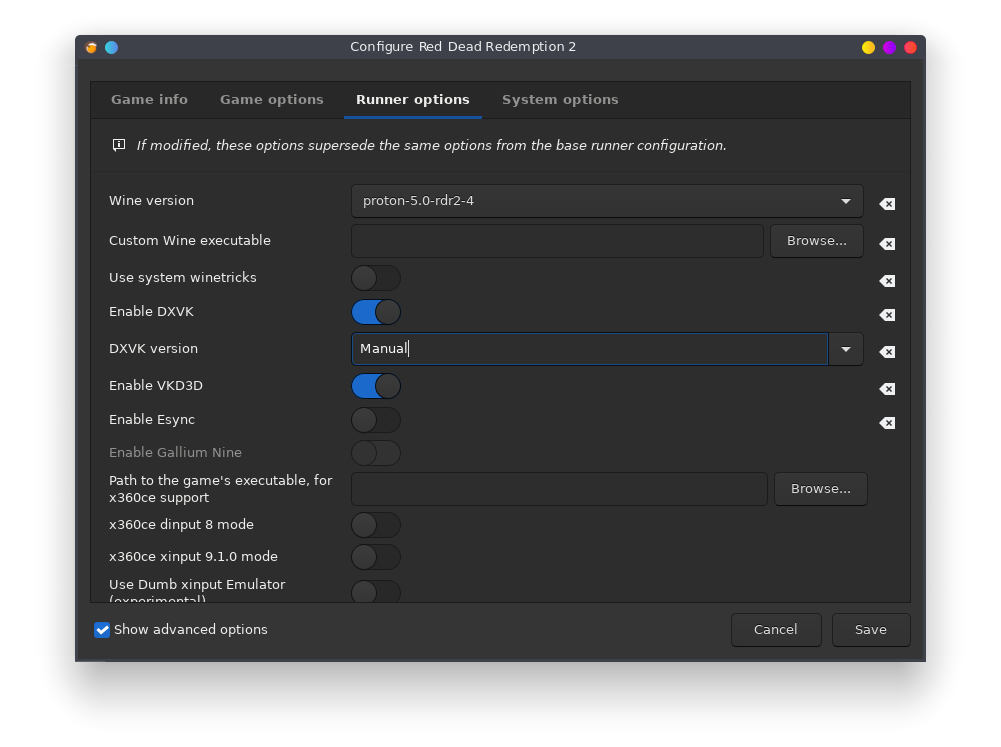
Sorry if I got this wrong, but here's what I've done so far:
- I've unpacked proton_dist within the folder into lib and lib64 folders.
- I copied the files inside
lib/wine/dxvkintodrive_c/windows/system32and the files insidelib64/wine/dxvkintodrive_c/windows/syswow64as suggested by Tk-Glitch. - I then set these DLL overrides (including openvr_api_dxvk which isn't shown in the screenshot):
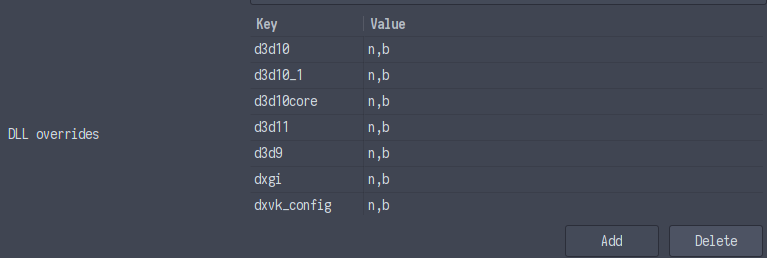
- Now I've copied the proton-5.0-rdr2-3 folder (including the extracted lib and lib64 within it) into ~/.local/share/lutris/runners/wine/ and selected the wine version.
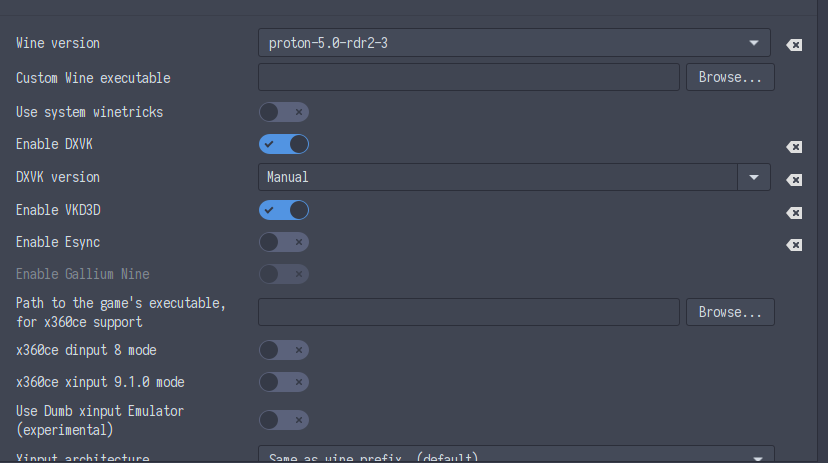 .
.
After changing the wine version from lutris to rdr2, the launcher no longer opens.
* I copied the files inside `lib/wine/dxvk` into `drive_c/windows/system32` and the files inside `lib64/wine/dxvk` into `drive_c/windows/syswow64` as suggested by Tk-Glitch.
You did this the wrong way round. lib64 files ---> system32. lib ---> syswow64.
I know it looks backwards but that's just how it is. Sys'wow' refers to 'windows on windows' which is the 32-bit backward compatibility for 64-bit windows, or in this context, wine.
Sorry I mistyped that. I did in fact do it in that order, I tried that again once more but the launcher still isn't opening up.
Could you send a log of what's happening? You can open that within Lutris by clicking here:
Tried this with and without gamemode.
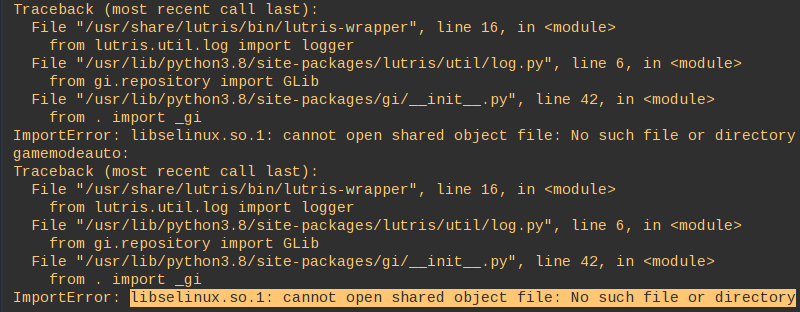
Ah, are you using Arch? There are two ways you could get around this. Easiest way would be disabling "Prefer system libraries" in the system options of your lutris options. Other way would be installing libselinux from the AUR.
Can confirm installing libselinux fixes the issue, thank you! Sorry for wasting your time with what was a relatively simple issue.
Has anyone been able to successfully run at a higher resolutions than 1920x1080? My monitor is 3440x1440
Story mode runs perfect on my system with the rd2-4 patched proton on manjaro stable and an AMD RX590.
Not using mesa git. (20.0.7.-3).
I had to use amdvlk (open source version).
It still pops up the "driver to old" message, but works fine nevertheless.
Steam launch command:
VK_ICD_FILENAMES=/usr/share/vulkan/icd.d/amd_icd64.json WINEDLLOVERRIDES=dxgi=n,b %command%
@topsyandpip56 Could you share your Lutris settings (Runner options/system options) or your methodology for installing RGL? I'm using a NVIDIA GPU so we're a bit different there, but when I hit play in RGL I just get a failed to initialize GPU error.
I'm using rdr2-4's dist folder as my wine version as mentioned by you further up this thread, and set <dxgi=n,b> in the DLL overrides under Runner Options in Lutris. I also have copied the contents of both folders to their respective locations as instructed by Tk-Glitch. I originally installed RGL through Lutris with rdr2-4 as the wine version.
I have yet to update to the beta NVIDIA driver as people have been recommending for performance improvement , but as I understand, it should at least work without it. I'd like to wait til I can launch the game before updating to the beta driver if possible.
Linked HERE is a paste of the Lutris logs from the moment I click play until I hit the OK button on the ERR_GFX_INIT window if that's helpful at all.
To fix the unable to initialize the GPU error you need to check "Disable Lutris Runtime". It still fails to launch for me but I'm past the error. I get two "doesn't meet minimum requirements" warnings and the game starts for a split second and closes. I am using an NTFS partition for the game and my main ext4 for the prefix (the rockstar launcher in the prefix and game on my NTFS partition) which could be the issue
log
info:  Game: Launcher.exe
info:  DXVK: v1.7-1-g84bb768a+
info:  Built-in extension providers:
info:    Win32 WSI
info:    OpenVR
warn:  OpenVR: Failed to initialize OpenVR
info:  Enabled instance extensions:
info:    VK_KHR_get_surface_capabilities2
info:    VK_KHR_surface
info:    VK_KHR_win32_surface
info:  AMD RADV NAVI10 (LLVM 10.0.0):
info:    Driver: 20.1.1
info:    Vulkan: 1.2.131
info:    Memory Heap[0]:
info:      Size: 7936 MiB
info:      Flags: 0x1
info:      Memory Type[0]: Property Flags = 0x1
info:      Memory Type[4]: Property Flags = 0xc1
info:    Memory Heap[1]:
info:      Size: 8176 MiB
info:      Flags: 0x0
info:      Memory Type[1]: Property Flags = 0x6
info:      Memory Type[3]: Property Flags = 0xe
info:      Memory Type[5]: Property Flags = 0xc6
info:      Memory Type[7]: Property Flags = 0xce
info:    Memory Heap[2]:
info:      Size: 256 MiB
info:      Flags: 0x1
info:      Memory Type[2]: Property Flags = 0x7
info:      Memory Type[6]: Property Flags = 0xc7
wine: Read access denied for device L"\\??\\D:\\", FS volume label and serial are not available.
wine: Read access denied for device L"\\??\\Z:\\", FS volume label and serial are not available.
info:  Game: RDR2.exe
info:  DXVK: v1.7-1-g84bb768a+
info:  Built-in extension providers:
info:    Win32 WSI
info:    OpenVR
warn:  OpenVR: Failed to initialize OpenVR
info:  Enabled instance extensions:
info:    VK_KHR_get_surface_capabilities2
info:    VK_KHR_surface
info:    VK_KHR_win32_surface
info:  AMD RADV NAVI10 (LLVM 10.0.0):
info:    Driver: 20.1.1
info:    Vulkan: 1.2.131
info:    Memory Heap[0]:
info:      Size: 7936 MiB
info:      Flags: 0x1
info:      Memory Type[0]: Property Flags = 0x1
info:      Memory Type[4]: Property Flags = 0xc1
info:    Memory Heap[1]:
info:      Size: 8176 MiB
info:      Flags: 0x0
info:      Memory Type[1]: Property Flags = 0x6
info:      Memory Type[3]: Property Flags = 0xe
info:      Memory Type[5]: Property Flags = 0xc6
info:      Memory Type[7]: Property Flags = 0xce
info:    Memory Heap[2]:
info:      Size: 256 MiB
info:      Flags: 0x1
info:      Memory Type[2]: Property Flags = 0x7
info:      Memory Type[6]: Property Flags = 0xc7
info:  Adapter LUID 0: 0:40f
info:  Game: RDR2.exe
info:  DXVK: v1.7-1-g84bb768a+
info:  Built-in extension providers:
info:    Win32 WSI
info:    OpenVR
warn:  OpenVR: Failed to initialize OpenVR
info:  Enabled instance extensions:
info:    VK_KHR_get_surface_capabilities2
info:    VK_KHR_surface
info:    VK_KHR_win32_surface
info:  AMD RADV NAVI10 (LLVM 10.0.0):
info:    Driver: 20.1.1
info:    Vulkan: 1.2.131
info:    Memory Heap[0]:
info:      Size: 7936 MiB
info:      Flags: 0x1
info:      Memory Type[0]: Property Flags = 0x1
info:      Memory Type[4]: Property Flags = 0xc1
info:    Memory Heap[1]:
info:      Size: 8176 MiB
info:      Flags: 0x0
info:      Memory Type[1]: Property Flags = 0x6
info:      Memory Type[3]: Property Flags = 0xe
info:      Memory Type[5]: Property Flags = 0xc6
info:      Memory Type[7]: Property Flags = 0xce
info:    Memory Heap[2]:
info:      Size: 256 MiB
info:      Flags: 0x1
info:      Memory Type[2]: Property Flags = 0x7
info:      Memory Type[6]: Property Flags = 0xc7
info:  Adapter LUID 0: 0:410
warn:  CreateDXGIFactory2: Ignoring flags
info:  Game: RDR2.exe
info:  DXVK: v1.7-1-g84bb768a+
info:  Built-in extension providers:
info:    Win32 WSI
info:    OpenVR
warn:  OpenVR: Failed to initialize OpenVR
info:  Enabled instance extensions:
info:    VK_KHR_get_surface_capabilities2
info:    VK_KHR_surface
info:    VK_KHR_win32_surface
info:  AMD RADV NAVI10 (LLVM 10.0.0):
info:    Driver: 20.1.1
info:    Vulkan: 1.2.131
info:    Memory Heap[0]:
info:      Size: 7936 MiB
info:      Flags: 0x1
info:      Memory Type[0]: Property Flags = 0x1
info:      Memory Type[4]: Property Flags = 0xc1
info:    Memory Heap[1]:
info:      Size: 8176 MiB
info:      Flags: 0x0
info:      Memory Type[1]: Property Flags = 0x6
info:      Memory Type[3]: Property Flags = 0xe
info:      Memory Type[5]: Property Flags = 0xc6
info:      Memory Type[7]: Property Flags = 0xce
info:    Memory Heap[2]:
info:      Size: 256 MiB
info:      Flags: 0x1
info:      Memory Type[2]: Property Flags = 0x7
info:      Memory Type[6]: Property Flags = 0xc7
wine: Unhandled page fault on execute access to 0000000000000000 at address 0000000000000000 (thread 0474), starting debugger...
Process of pid=03d8 has terminated
No process loaded, cannot execute 'echo Modules:'
Cannot get info on module while no process is loaded
No process loaded, cannot execute 'echo Threads:'
process  tid      prio (all id:s are in hex)
00000038 services.exe
	00000280    0
	00000204    0
	000001a0    0
	00000080    0
	00000054    0
	00000050    0
	0000004c    0
	00000040    0
	0000003c    0
00000044 plugplay.exe
	0000005c    0
	00000058    0
	00000048    0
00000078 winedevice.exe
	0000008c    0
	00000088    0
	00000084    0
	0000007c    0
00000090 Launcher.exe
	000003d4   15
	000003d0    0
	000003cc    0
	000003c4    0
	000002b8    0
	000002ac    0
	000002a8    0
	00000200    0
	000001fc    0
	000001f8    0
	000001ec    0
	000001e8    0
	000001e4    0
	000001e0    0
	000001dc    0
	000001d8    0
	000001d4    0
	000001d0    0
	000001cc    0
	000001c8    0
	000001c4    0
	000001c0    0
	000001bc    0
	000001b0    0
	00000168    0
	00000164    0
	00000160    0
	0000015c    0
	00000158   -2
	00000154   -2
	00000150   -2
	0000014c   -2
	00000148   -2
	00000144   -2
	00000140   -2
	0000013c   -2
	00000138   -2
	00000134   -2
	000000f8    0
	000000f4    0
	000000f0    0
	000000ec    0
	000000e8    0
	000000e4    0
	000000e0    0
	000000dc    0
	000000d8    0
	000000d4    0
	000000d0    0
	000000cc    0
	000000c8    0
	000000c4    0
	000000c0    0
	000000bc    0
	000000b8   -2
	000000b4   -2
	00000094    0
00000098 explorer.exe
	000000a8    0
	000000a4    0
	000000a0    0
	0000009c    0
00000184 RockstarService.exe
	000001b8    0
	000001b4    0
	000001ac    0
	000001a4    0
	00000188    0
000001f0 SocialClubHelper.exe
	000003ac    0
	000003a8    0
	000003a4    0
	000003a0    0
	00000384    0
	00000380    0
	0000037c    0
	000002a4    0
	0000029c    0
	00000298    0
	00000294    0
	00000290    0
	0000028c    0
	00000288    0
	00000284   -2
	0000027c    0
	00000278    0
	00000274    0
	0000026c    0
	0000025c    0
	00000258    0
	00000254    0
	00000250    0
	0000024c    0
	00000248    0
	00000244    0
	00000240    0
	0000023c   -2
	00000238    0
	00000234    0
	00000230    0
	0000022c   -2
	00000228   -2
	00000224    0
	00000220    0
	0000021c    0
	00000218    0
	00000214    0
	00000210    0
	0000020c    0
	00000208    0
	000001f4    0
00000260 SocialClubHelper.exe
	00000320    0
	0000031c    0
	00000318    0
	00000314    0
	00000310    0
	0000030c    0
	00000308    0
	00000304   -2
	00000300   -2
	000002fc    0
	000002f8    0
	000002f4    0
	00000270    0
	00000264    0
000002b0 SocialClubHelper.exe
	000003bc    0
	000003b8    0
	000003b4    0
	000003b0    0
	00000394    0
	00000390    0
	00000388    0
	00000378    0
	00000374   -2
	00000370    0
	0000036c    0
	00000368    0
	00000364    0
	00000360    0
	0000035c    0
	00000358    0
	00000354    0
	00000350   -2
	0000034c   -2
	00000348    0
	00000344    0
	00000340    0
	0000033c    0
	00000338    0
	00000334    0
	00000330    0
	0000032c    0
	000002b4    0
Arch Linux, 440.66.15, proton_5.0-rdr2-4. I only get a black screen, does anyone have the same problem?
EDIT: By the way I had to set "WINEDLLOVERRIDES=dxgi=n,b %command%" to get to this window, otherwise it just crashes right away.
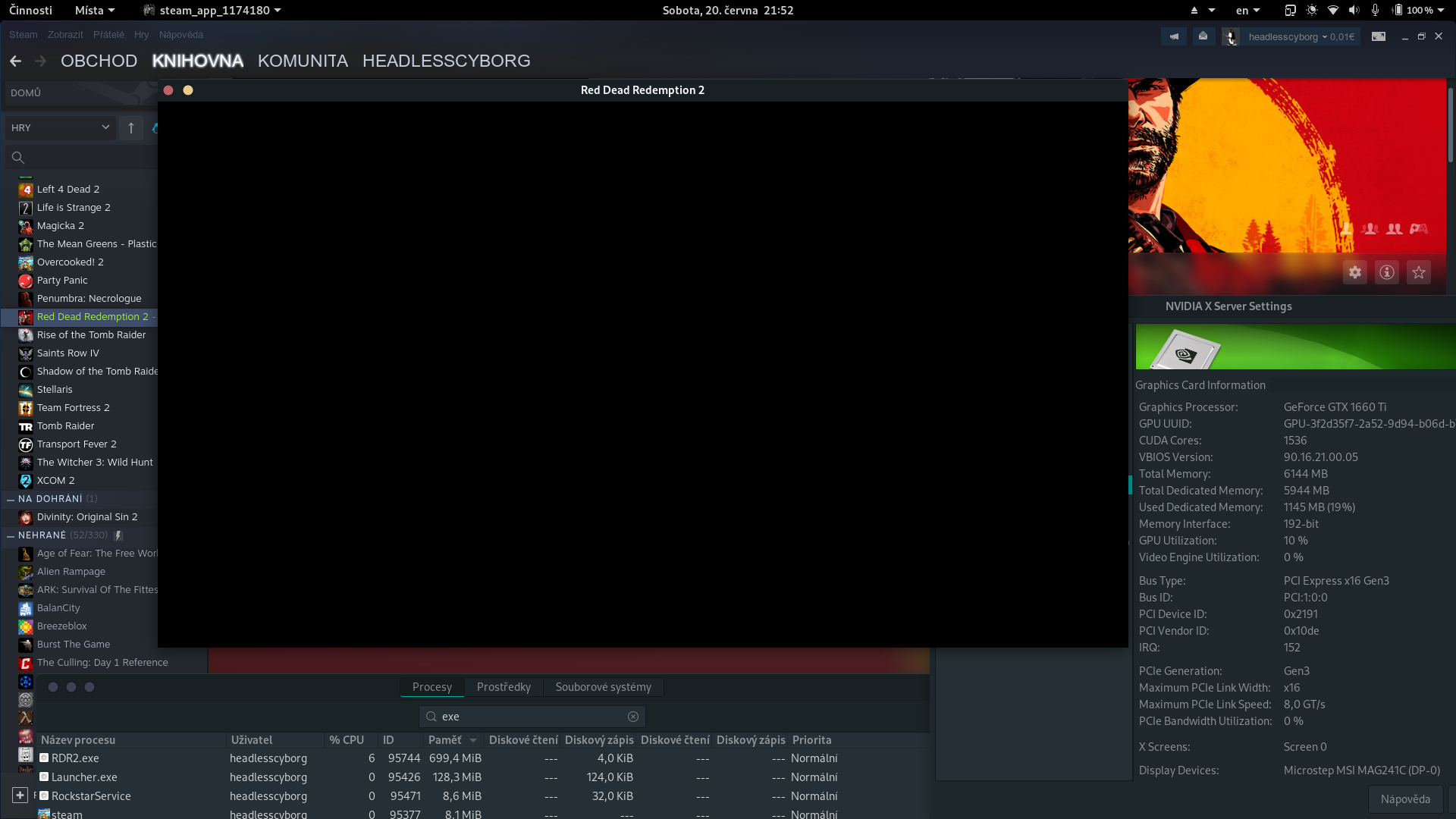
Arch Linux, 440.66.15, proton_5.0-rdr2-4. I only get a black screen, does anyone have the same problem?
EDIT: By the way I had to set "WINEDLLOVERRIDES=dxgi=n,b %command%" to get to this window, otherwise it just crashes right away.
I get almost the same issue. Mine will show the loading bar, then like 2 secs into the smoke intro, it will freeze, then quickly pop up a second window of the game and within a sec, it completely crashes. Im on Manjaro running the same nvidia driver, and launch options.
Arch Linux, 440.66.15, proton_5.0-rdr2-4. I only get a black screen, does anyone have the same problem?
EDIT: By the way I had to set "WINEDLLOVERRIDES=dxgi=n,b %command%" to get to this window, otherwise it just crashes right away.
I get almost the same issue. Mine will show the loading bar, then like 2 secs into the smoke intro, it will freeze, then quickly pop up a second window of the game and within a sec, it completely crashes. Im on Manjaro running the same nvidia driver, and launch options.
For me, the fix was in the rockstar launcher arguments add this: -width 1920 -height 1080
Idk if it works for everyone but it stopped me from crashing at smoke, still stuck at error code 18 though.
Today I tried the game on Linux Mint 19.3 and it's working fine even without any dll overrides. I can't get it running on Arch though...
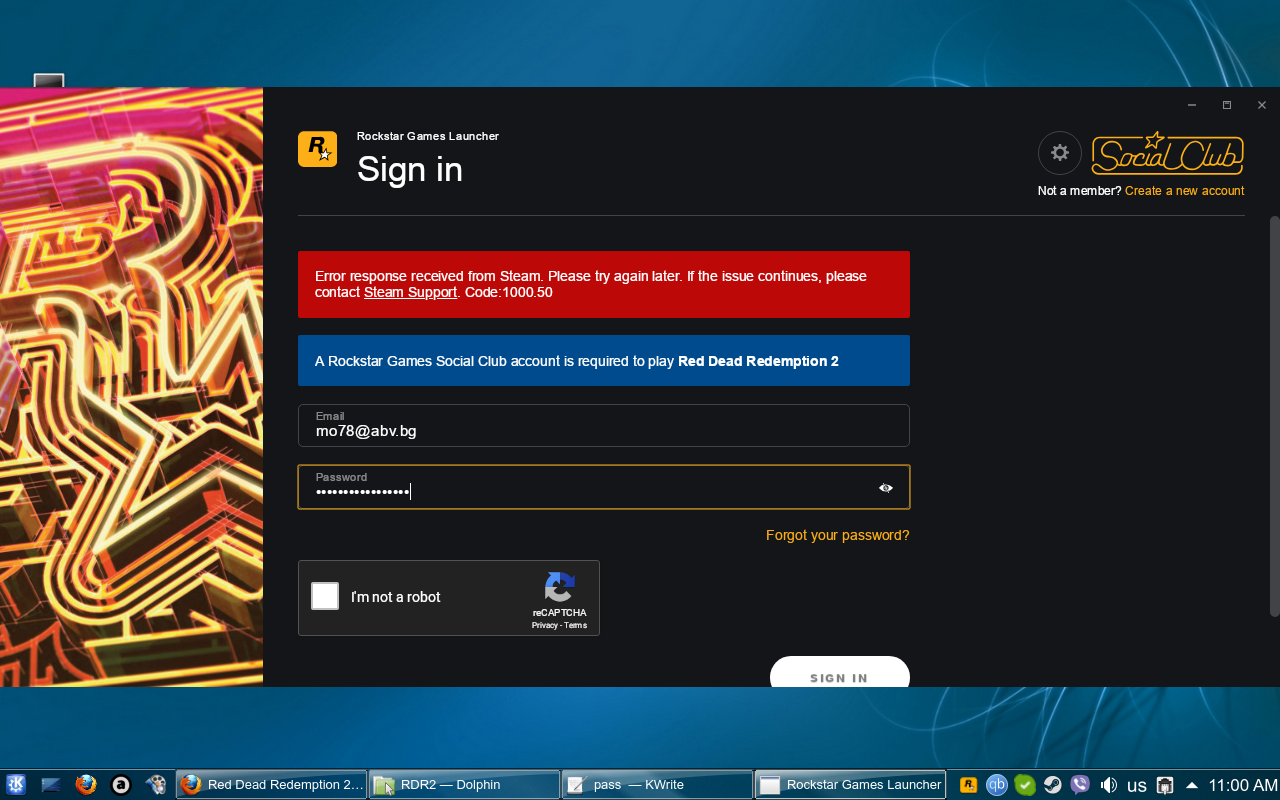
I know I'm missing some package but I have no idea.
Arch Linux, 440.66.15, proton_5.0-rdr2-4. I only get a black screen, does anyone have the same problem?
EDIT: By the way I had to set "WINEDLLOVERRIDES=dxgi=n,b %command%" to get to this window, otherwise it just crashes right away.
I get almost the same issue. Mine will show the loading bar, then like 2 secs into the smoke intro, it will freeze, then quickly pop up a second window of the game and within a sec, it completely crashes. Im on Manjaro running the same nvidia driver, and launch options.
For me, the fix was in the rockstar launcher arguments add this: -width 1920 -height 1080
Idk if it works for everyone but it stopped me from crashing at smoke, still stuck at error code 18 though.
Thanks guys for trying to help me, nothing mentioned here helped though. But I was playing around with random launch parameters and finally got the game to run.
What I use is "WINEDLLOVERRIDES=dxgi=n,b %command% -height 720 -width 1280 -vulkan -safemode -ignoreprofile -useMinimumSettings -benchmark -adapter 1"
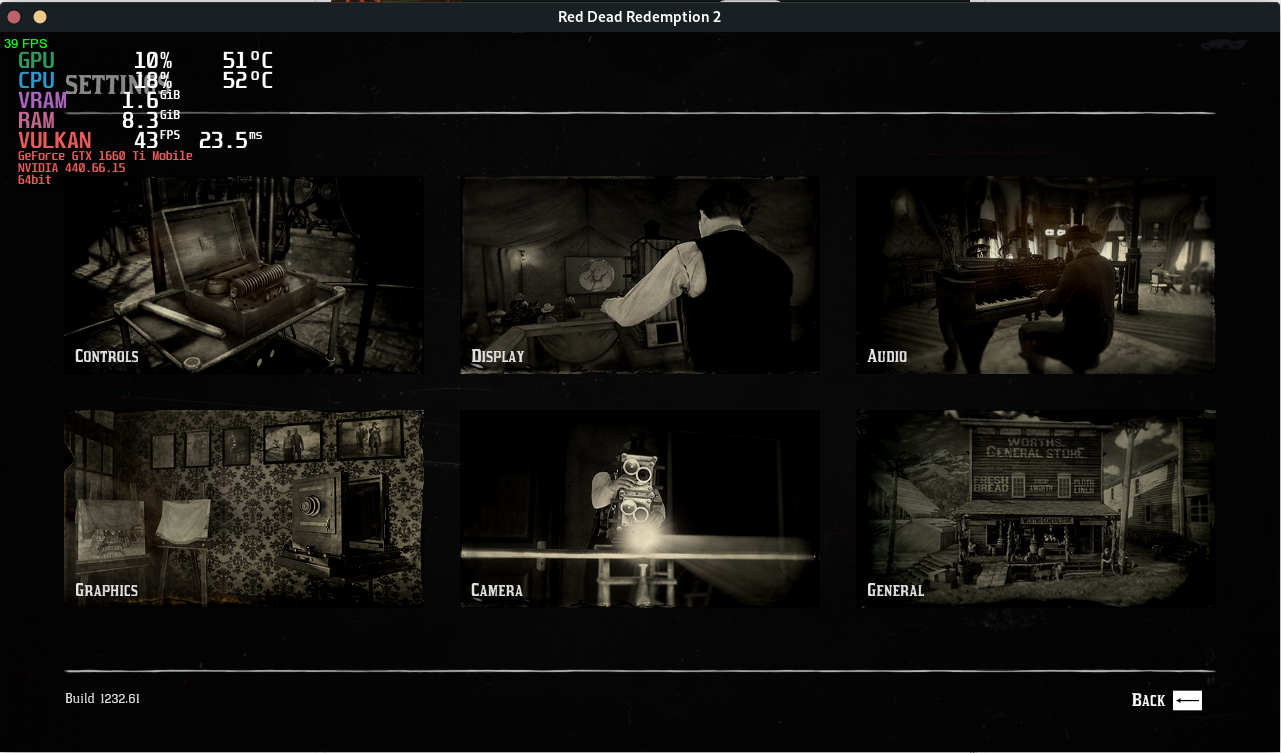
The "outdated drivers" message changed from "outdated Intel" to "outdated AMD" - maybe because of the "-adapter 1" parameter as I'm on an Optimus laptop.
EDIT: Yes, "-adapter 1" is THE parameter that made the game playable on my Optimus laptop.
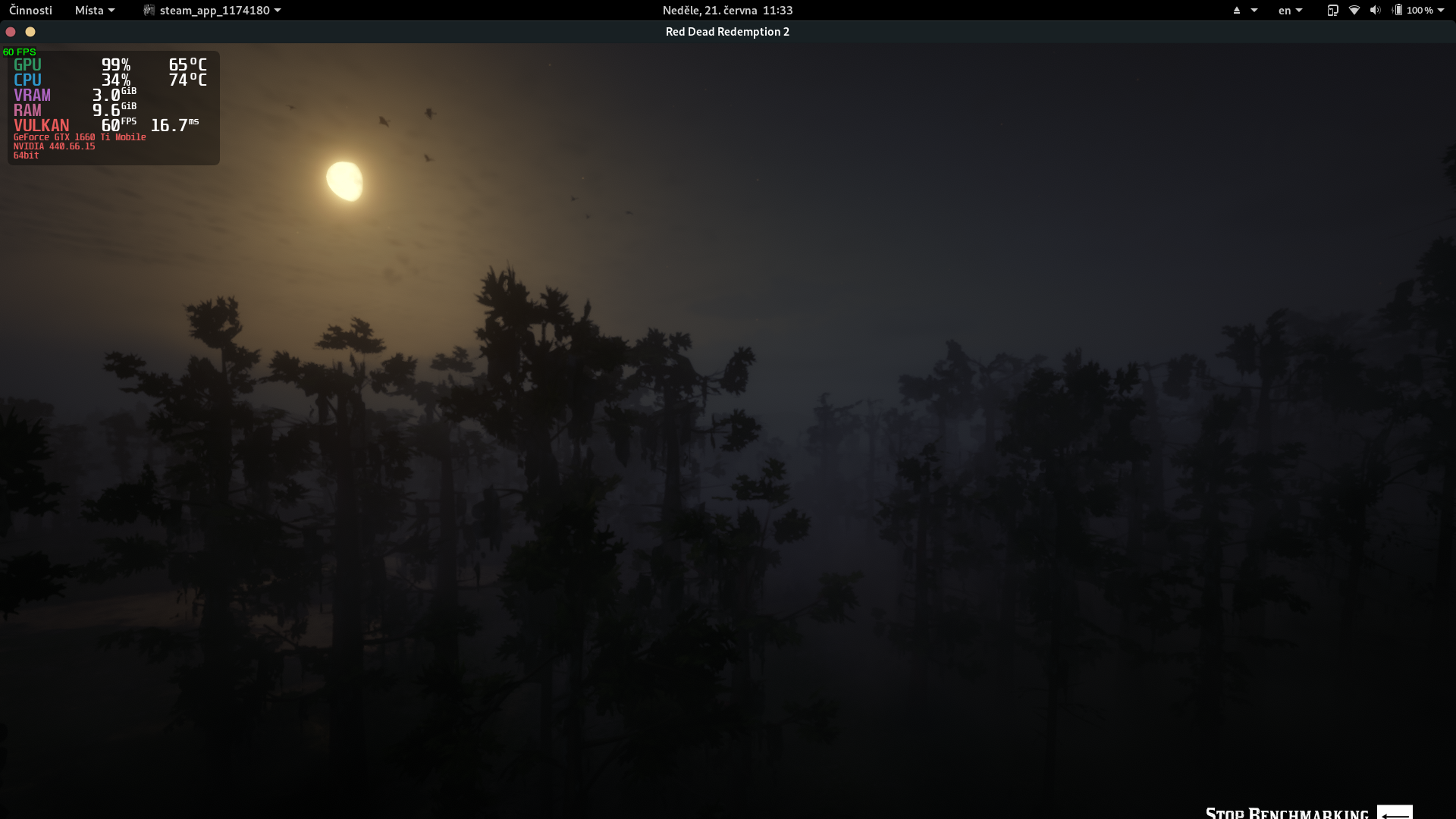
In my case, doesn't work (using rdr2-3). The game doesn't start (no launcher even). Strangely, the proton log is empty.
... cat ~/steam-1174180.log ====================== Proton: 1591829148 proton-5.0-8 SteamGameId: 1174180 Command: ['/media/storage/games/steamapps/common/Red Dead Redemption 2/PlayRDR2.exe'] Options: {'forcelgadd'} ======================My system is:
Manjaro Linux 20.0.3
Nvidia driver 440.82
Still didn't get it working... However some progress is there.
<--- comment cropped for readability sake -->
Alright, after installing newly published proton version (5.0-rdr2.4) I was able to launch the game and play in story mode. It's playable, didn't use the benchmark yet (is there a simple way to enable benchmark without installing extra stuff, I saw on some screenshot?). I get however an error (game still launches) about updating my video card drivers. Using Nvidia 440.82 drivers (Ti 1080)
Thank you @mrpippy for the effort you made!
I understand that the NV Vulkan beta driver is recommended but what exactly happens if someone tries to play it on 440.82? Worse performamce? Black screen, error? I'd like to buy the game but from my experience beta drivers (or AUR/.run drivers in general) have issues with Optimus laptops so I only have 440.82 right now.
Thanks.
@headlesscyborg I was able to get there. See my update above (and prev. comments throughout the troubleshooting).
Thank you guys for your work!
I got this running through lutris. Using 5.0-rdr2.4. I had to set the dxgi, dxvk_config and d3d.* dlls as 'n,b', after copying them from proton.
I can play for about 30mins. After that the game crashes to desktop in seemingly uninteresting points. First time was when they were talking to the woman, another while I was interrogating the guy, and the third time when riding in the mountains after those events.
System is Arch Linux, with mesa-git.
AMD FX8350, AMD RX590
Lutris runtime disabled.
I've also enabled proton_log, but I'm not sure where to find it.
Log:
wine: Unhandled privileged instruction at address 0000000142B2A0AC (thread 03b0), starting debugger...
Process of pid=03ac has terminated
No process loaded, cannot execute 'echo Modules:'
Cannot get info on module while no process is loaded
No process loaded, cannot execute 'echo Threads:'
process tid prio (all id:s are in hex)
<--trimmed-->
log.txt
In case anyone is interested what's the performance difference on Nvidia between 440.82 and 440.66.15, it's 19-22 fps vs 40-60 fps on high settings (1660 Ti).
Btw. I'm experiencing random crashes, usually after 30-60 minutes of playing it says something like "Fatal error, please restart the game" (forgot to print screen it, will edit this next time it happens). It might be the 440.66.15 driver because Witcher 3 (perfectly stable before) started freezing after a similar amount of time as well. Does anyone else have the same experience? Is there a log somewhere that I could upload? Right now I have 3 hours played and exactly 3 crashes.
EDIT:
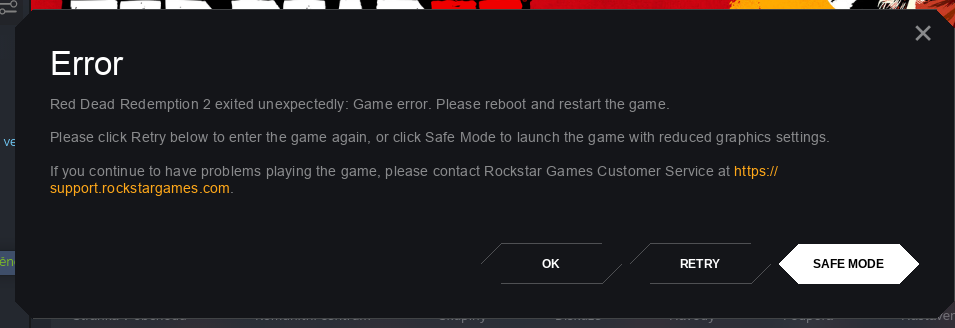
Thank you guys for your work!
I got this running through lutris. Using 5.0-rdr2.4. I had to set the dxgi, dxvk_config and d3d.* dlls as 'n,b', after copying them from proton.
I can play for about 30mins. After that the game crashes to desktop in seemingly uninteresting points. First time was when they were talking to the woman, another while I was interrogating the guy, and the third time when riding in the mountains after those events.
System is Arch Linux, with mesa-git.
AMD FX8350, AMD RX590
Lutris runtime disabled.I've also enabled proton_log, but I'm not sure where to find it.
Log:
wine: Unhandled privileged instruction at address 0000000142B2A0AC (thread 03b0), starting debugger...
Process of pid=03ac has terminated
No process loaded, cannot execute 'echo Modules:'
Cannot get info on module while no process is loaded
No process loaded, cannot execute 'echo Threads:'
process tid prio (all id:s are in hex)
<--trimmed-->
log.txt
Could you share your Lutris config? What do you mean by setting the dxvk_config and d3d.* dlls as 'n,b'? By setting it in the "DLL overrides" section?
Arch Linux, 440.66.15, proton_5.0-rdr2-4. I only get a black screen, does anyone have the same problem?
EDIT: By the way I had to set "WINEDLLOVERRIDES=dxgi=n,b %command%" to get to this window, otherwise it just crashes right away.
I get almost the same issue. Mine will show the loading bar, then like 2 secs into the smoke intro, it will freeze, then quickly pop up a second window of the game and within a sec, it completely crashes. Im on Manjaro running the same nvidia driver, and launch options.
For me, the fix was in the rockstar launcher arguments add this: -width 1920 -height 1080
Idk if it works for everyone but it stopped me from crashing at smoke, still stuck at error code 18 though.Thanks guys for trying to help me, nothing mentioned here helped though. But I was playing around with random launch parameters and finally got the game to run.
What I use is "WINEDLLOVERRIDES=dxgi=n,b %command% -height 720 -width 1280 -vulkan -safemode -ignoreprofile -useMinimumSettings -benchmark -adapter 1"
The "outdated drivers" message changed from "outdated Intel" to "outdated AMD" - maybe because of the "-adapter 1" parameter as I'm on an Optimus laptop.EDIT: Yes, "-adapter 1" is THE parameter that made the game playable on my Optimus laptop.
So i tried to launch it with your extra flags on the launch options, and i got farther. I now get to rock star social club Error 18.
@KermitTheFrogerino
Could you share your Lutris config?
red-dead-redemption-ii-rockstar-games-launc-1592584302.yml.txt
What do you mean by setting the dxvk_config and d3d.* dlls as 'n,b'? By setting it in the "DLL overrides" section?
Yeah.
@KermitTheFrogerino
Could you share your Lutris config?
red-dead-redemption-ii-rockstar-games-launc-1592584302.yml.txt
What do you mean by setting the dxvk_config and d3d.* dlls as 'n,b'? By setting it in the "DLL overrides" section?
Yeah.
@xnick thanks but the game opens for a split second. This is the error:
wine: Unhandled page fault on execute access to 0000000000000000 at address 0000000000000000 (thread 0484), starting debugger...
Process of pid=0420 has terminated
No process loaded, cannot execute 'echo Modules:'
Cannot get info on module while no process is loaded
No process loaded, cannot execute 'echo Threads:'
process  tid      prio (all id:s are in hex)
@KermitTheFrogerino
Did you follow these steps by Tk-Glitch ?
To reproduce the same behavior when running the wine binary as is and not the proton script, you'll want to copy the content of
dist/lib64/wine/dxvkto your prefix'sdrive_c/windows/system32&dist/lib/wine/dxvk's content to your prefix'sdrive_c/windows/syswow64, respectively (and yes, the names are misleading, but it's not a typo).After doing so,
WINEDLLOVERRIDES=dxgi=n,bwill load DXVK's dxgi (and friends, if you want to), in a similar fashion to running the proton script.
@xnick Yeah... It gives me the same error even without doing anything special like that.
I'm using stock Mesa 20.1.1, Ubuntu 20.04, Ryzen 1700, 5700XT
Hello @KermitTheFrogerino, mesa/radv 20.1.1 is known incompatible with this game. The needed adjustments are queued up for mesa 20.1.2.
Hello @KermitTheFrogerino, mesa/radv 20.1.1 is known incompatible with this game. The needed adjustments are queued up for mesa 20.1.2.
@kisak-valve Awesome! I'm pretty new to Linux so how would it handle using a compiled version? I'm guessing that it'll update as usual but just want to make sure :)
It's going to be a while until Ubuntu updates their mesa build to something that will work, but you can get an updated mesa from a PPA like oibaf or kisak-mesa. The commits in question have been fast tracked into my build, so both should work.
@kisak-valve Great! Will try :)
Had anyone been able to get this running at a resolution other than 1920x1080??
Curious if it will run on my 3440x1440 monitor.
Had anyone been able to get this running at a resolution other than 1920x1080??
Curious if it will run on my 3440x1440 monitor.
I have the same issue: how can I play it in 2 2560x1080?
I've got it running and played the first two missions successfully when it suddenly crashed with a ERR_GFX_STATE, music continued to play, I had to force-close the window. But the game runs quite quirky at best. My environment:
- NVIDIA 440.66.15 Vulkan beta, GTX 1660 Ti
- Proton 5.0-rdr2.4 from Codeweavers (fresh pfx, see below)
- I ran with
%command% -vulkan - prefix directory had to be purged before this started working but then it started just fine without any tweaks
- The game says I don't have the correct AMD driver version but clicking OK let's start it just fine, this is probably because some component pretends AMD instead of NVIDIA drivers
- 4k desktop resolution (but the game cannot use it)
- KWin-X11 with KDE Plasma
- Rockstar launcher installed and ran just fine and automatically logged me in through the linked Steam account
So what's quirky?
- The game starts in 1280x720 windows mode, I can only select two resolutions: 1280x720 or 1920x1080
- I can set all settings to at least "high" but not all at once, I need to do this setting by setting until everything is set to "high", otherwise it freezes.
- I cannot make the game fullscreen, it will seemingly freeze and flicker between stretched to full 4k resolution, 1920x1080 is the top-left corner and a black screen every few seconds (Update: Adding launch parameters
-width 3840 -height 2160or similar works around this problem and adds a third resolution) - The graphics settings neither display any monitors nor graphics adapters, the option is grayed out, maybe this is why I can only select 720p or 1080p
- Switching resolutions can make the game freeze
- mouse raw input mode conflicts with the Xbox game controller: the triggers seem to make the game switch back to keyboard/mouse mode and see the triggers as mouse movement (switching it to "Windows API" fixes that)
- I tried wine virtual desktop mode (as this fixed resolution problems in other games like AC:Odyssey) in both FHD and 4k resolution but it makes no difference, also the game seems to be able to break out of this virtual mode and resizes it to 4k if trying to activate fullscreen mode, probably something is interacting badly with the Vulkan render surface
- The game doesn't render as the topmost surface, it's always behind the plasma taskbar even in full-screen mode (may be a KWin bug but other games, even native Vulkan games, don't show this problem)
- Update: During the first hunting mission, I repeatedly get
ERR_GFX_STATEat different progress into the mission, I cannot complete the mission and thus cannot continue the game
So something is really off with display detection, and the game doesn't like to be stretched to higher resolutions at all (at least not how Proton fshack does it). Fullscreen doesn't work but I couldn't test if this is due to being stretched to 4k, or for other reasons. Window mode and border-less window mode both seem to work fine, tho. Switching between those may freeze the game, at least after doing that a few times, seems to work at least once or twice always.
Desktop notifications may become stuck forever on-top of the game content with no way of closing them because the clicks are not passed through to the overlay notification.
The dxgi wine dll override makes no difference for me.
But on the positive side: Loading times were exceptionally fast, although I would had expected the game to do some shader pre-compilation. But even within the game there's absolutely no stutter which I'd usually expect from shader compilation. So big thumbs up on the performance side. I've seen no visual glitches so far except a very rare flicker that looks like a gray triangle right across the complete render surface, barely noticeable. The game seems to run almost constantly at or beyond 60 fps (I'm using vsync, so the benchmark showed 59.something avg fps).
Game runs fine, but on Windows colors are different and game looks more crisp.
My setup:
Arch Linux
DE KDE
Kernel linux-tkg-pds from chaotic
Rockstar launcher via lutris
Proton-5.0-rdr2.4
Driver Vulkan
Rx480
Ryzen 5 2600
@aliendonald @aeikum in terms of colors @doitsujin suspects that there is a bug in Wine https://github.com/doitsujin/dxvk/issues/1668
After about 4 hours of playing, keyboard input slowly became less responsive until it eventually seemed to behave on its own, perhaps delayed terribly or just pressing random keys, I couldn't exactly tell which. May have been related to using the Steam overlay, as I was using it a lot, and it seemed noticeably worse after using it. Either way this only happened once during my 41 hours of playtime with Proton, and unfortunately I have no logs.
@chris-echoz enable logging in Proton so if it happens again you'll have a log.
PROTON_LOG=1 %command% in the launch options.
But yeah, I've got about 1000 hours in the Origin version (which is the same version of the game) and I've never once had that happen.
@aliendonald please take a screenshot of the game so we can see what you're talking about.
Also, when you say "Driver Vulkan," what does that mean? All the drivers you run this game with are going to be Vulkan drivers. Are you using RADV, AMDVLK, or vulkan-amdgpu-pro??
If you're using RADV, I've actually noticed that the game looks nicer with vulkan-amdgpu-pro or AMDVLK. Performance is literally exactly the same (I have benchmarks on flightlessmango.com to prove it), but it just looks a little nicer (unless it's all in my head) with the AMD official drivers (vulkan-amdgpu-pro/amdvlk).
* Adding launch parameters `-width 3840 -height 2160`
The game doesn't render as the topmost surface, it's always behind the plasma taskbar even in full-screen mode (may be a KWin bug but other games, even native Vulkan games, don't show this problem)
Your tip about the resolution works, I am now playing the game in ultrawide 1080p but only as borderless windowed; fullscreen will still force a standard 1080p horizontal resolution. As for KWin bug, I also have this but not in fullscreen mode. In borderless window mode I'm working around this by temporarily setting an autohide setting and toggling compositing off to improve frametimes.
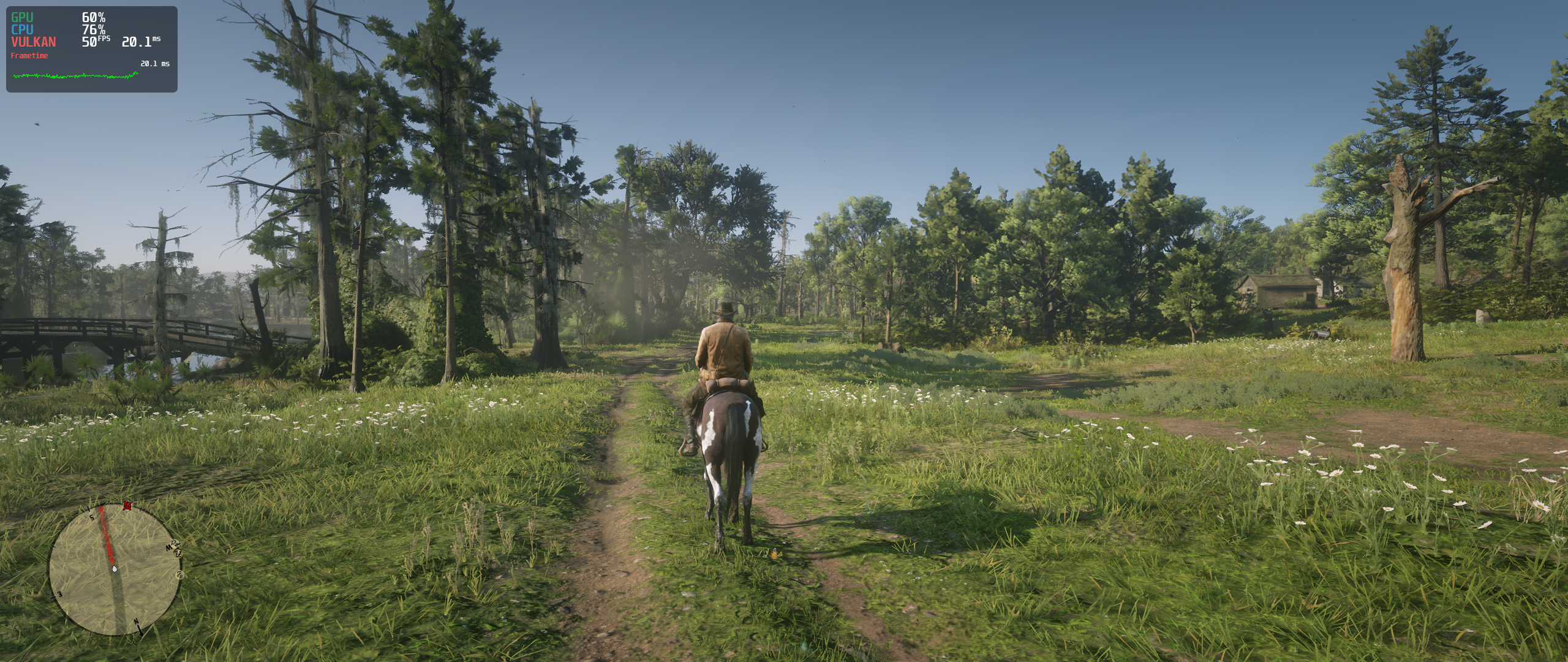
* Adding launch parameters `-width 3840 -height 2160`The game doesn't render as the topmost surface, it's always behind the plasma taskbar even in full-screen mode (may be a KWin bug but other games, even native Vulkan games, don't show this problem)
Your tip about the resolution works, I am now playing the game in ultrawide 1080p but only as borderless windowed; fullscreen will still force a standard 1080p horizontal resolution. As for KWin bug, I also have this but not in fullscreen mode. In borderless window mode I'm working around this by temporarily setting an autohide setting and toggling compositing off to improve frametimes.
Excellent! I'm going to give it a whirl tonight and try to get it running in 3440x1440
Nice! Finally able to enjoy the game @ 2560x1440
Thanks for the tip
Using Lutris on Arch with latest mesa-git Ryzen3600 + AMD rx 5700 (kernel 5.7)
With 5.0-rdr2.4. I set the dll overrides to every dll of dxvk (dxgi, dxvk_config and d3d.*) as 'n,b', after copying them from proton.
Try every DXVK version or set it to Manual (Not sure what version i need to set)
Disable lutris runtime
Not sure if I need to specify the custom wine exec to dist/bin/wine64 or dist/bin/wine
But I got every time the social club error 18 on amd vulkan icd or black smoke on radv icd
mrpippy said :
Installing the game under 5.0-9 actually doesn't install the official loader correctly (there's a vulkan-1.dll version change needed). And without the official loader installed, RDR2 either hangs during the smoke or gets stuck at the Social Club graphics adapter error.
So i try to reinstall the launcher/game in a new prefix with 5.0-rdr2.4 but now the game doesn't event load. And there is no error in log. Any clue ?
Strangely enough, I'm now unable to launch the game as well. I just did a system upgrade and rebooted, and it won't start at all.
It's not even creating a log file even though I have PROTON_LOG=1 set.
Setting 2560x1440 with the launch options worked, but in windowed borderless mode the window starts on my secondary monitor and can't be moved either through the gnome overview or through the command line, it's just stuck on the wrong monitor. Using a wine virtual desktop allows it to be moved, but then the game is partly outside of the virtual desktop. Changing the outputIndex in system.xml makes no difference at all.
@chris-echoz it should open on your primary monitor. I've never seen a game open on a non-primary monitor, is the monitor you want to game on set as primary?
Alternatively, you could try launching it from Lutris. It'll just launch Steam (if Steam isn't already running) and launch the game, but if you right-click on the game in your library in Lutris (not Steam) and go to "System Options," you'll see an option that says "Turn off monitors except:" with a drop-down menu. Select which monitor you want to use, click save, and try to run the game. See if that works.
@gardotd426 Yes, it's set as primary, and the vast majority of games open on that monitor, but some applications ignore it and open on the leftmost monitor (my secondary). It's been a very rare occurrence the last 5 years or so, though.
Does this Lutris option actually disable the monitor? In that case I may as well just switch them around or just deal with 1080p, as that kind of defeats the purpose of having two monitors.
Only while playing the game. If you need the second monitor while gaming,
then yeah I suppose it would defeat the purpose.
On Tue, Jun 23, 2020 at 5:29 PM Echoz [email protected] wrote:
@gardotd426 https://github.com/gardotd426 Yes, it's set as primary, and
the vast majority of games open on that monitor, but some applications
ignore it and open on the leftmost monitor (my secondary). It's been a very
rare occurrence the last 5 years or so, though.Does this Lutris option actually disable the monitor? In that case I may
as well just switch them around or just deal with 1080p, as that kind of
defeats the purpose of having two monitors.—
You are receiving this because you were mentioned.
Reply to this email directly, view it on GitHub
https://github.com/ValveSoftware/Proton/issues/3291#issuecomment-648438031,
or unsubscribe
https://github.com/notifications/unsubscribe-auth/AM5Y333JMERXZH2J5HFIAOLRYENC5ANCNFSM4JV54AXQ
.
Someone tried the online mode ?
It works or not ?
Thanks :D
@Odelpasso It doesn't yet.
It seems the monitor issue has nothing to do with which monitor is to the left or right, but probably happens this way because my secondary monitor happens to have a lower index in my graphics card. Switching them around still resulted in it launching on the wrong monitor.
Setting 2560x1440 with the launch options worked, but in windowed borderless mode the window starts on my secondary monitor and can't be moved either through the gnome overview or through the command line, it's just stuck on the wrong monitor. Using a wine virtual desktop allows it to be moved, but then the game is partly outside of the virtual desktop. Changing the outputIndex in system.xml makes no difference at all.
Does gnome have a feature like KDE where holding alt and dragging the window works regardless of how the app feels about it?
You might try the lutris option and see if it works at all, and if it does,
that could point you in the right direction for a better solution.
Have you tried mod+shift+right/left arrow? I know on some DEs (I thought
this included GNOME) it moves the application to the next monitor.
On Tue, Jun 23, 2020 at 5:37 PM Echoz [email protected] wrote:
It seems the monitor issue has nothing to do with which monitor is to the
left or right, but probably happens this way because my secondary monitor
happens to have a lower index in my graphics card. Switching them around
still resulted in it launching on the wrong monitor.—
You are receiving this because you were mentioned.
Reply to this email directly, view it on GitHub
https://github.com/ValveSoftware/Proton/issues/3291#issuecomment-648441375,
or unsubscribe
https://github.com/notifications/unsubscribe-auth/AM5Y335DJIWXGNXHN3G7S23RYEOBDANCNFSM4JV54AXQ
.
@topsyandpip56 Technically, yes, but no matter how I try to move the window it refuses to do so. I'm assuming it moves itself there constantly, and that this is why nothing actually causes it to move.
@gardotd426 Yup, I tried using those shortcuts, nothing happened at all.
I've just switched the cables around and I'll see if that works. To my surprise HDMI was able to run the monitor at 2560x1440@144hz, so if this works it'll be my solution.
I'm sure the Lutris option would work, as the game would have to end up on the right monitor if there's only one. I'm mostly looking for a way to avoid disabling the other monitor.
Switching the cables didn't work, so the game has either tapped into my brain and decided to work against my will, or this is related to refresh rate, causing it to always go to the monitor with a 60 Hz refresh rate. I'll see what happens if I set them both to 60 Hz.
Well yeah I know, I just meant that you might be able to tweak whatever
Lutris is doing in order to get the same result but without having to
disable the other monitor. But if switching the cables around works, I
would just do that as well (I've also found switching cables has fixed
weird monitor arrangement issues)
On Tue, Jun 23, 2020 at 5:48 PM Echoz [email protected] wrote:
@topsyandpip56 https://github.com/topsyandpip56 Technically, yes, but
no matter how I try to move the window it refuses to do so. I'm assuming it
moves itself there constantly, and that this is why nothing actually causes
it to move.
@gardotd426 https://github.com/gardotd426 Yup, I tried using those
shortcuts, nothing happened at all.
I've just switched the cables around and I'll see if that works. To my
surprise HDMI was able to run the monitor at 2560x1440@144hz, so if this
works it'll be my solution.
I'm sure the Lutris option would work, as the game would have to end up on
the right monitor if there's only one. I'm mostly looking for a way to
avoid disabling the other monitor.—
You are receiving this because you were mentioned.
Reply to this email directly, view it on GitHub
https://github.com/ValveSoftware/Proton/issues/3291#issuecomment-648445700,
or unsubscribe
https://github.com/notifications/unsubscribe-auth/AM5Y33Y2SE4F5QDLSDFMPVDRYEPKJANCNFSM4JV54AXQ
.
Switching cables, switching their arrangement and setting both to 60 Hz did nothing. However setting my secondary monitor as primary did the trick. Of course this is not desirable and I don't at all understand why the game would start on my secondary display purely based on the fact that it's not my primary.
This also worked with the original arrangement of my monitors, having the (original) primary set to 144 Hz.
Performance is terrible unless the WM actually sees it as a full screen window, so the convoluted way I managed to make it perform well and display in 2560x1440 was to disable the secondary monitor, switch it to full screen through the WM and then enable the secondary again. Now it performs well and displays on the right monitor.
@chris-echoz it should open on your primary monitor. I've never seen a game open on a non-primary monitor, is the monitor you want to game on set as primary?
Alternatively, you could try launching it from Lutris. It'll just launch Steam (if Steam isn't already running) and launch the game, but if you right-click on the game in your library in Lutris (not Steam) and go to "System Options," you'll see an option that says "Turn off monitors except:" with a drop-down menu. Select which monitor you want to use, click save, and try to run the game. See if that works.
Try holding "Alt" while left-clicking somewhere in the window and dragging it. It works with kwin but it should be standard x11 behavior: alt+left-click = drag, alt+right-click = resize
It's not standard X11 behavior. If that were the case, it would work in i3
as well. In GNOME it's Super+left click to move any window. And like I
said, I'm pretty certain it's Super+Shift+Left/Right Arrow to move
monitors. It's something like that. Chris already said he'd tried that,
presumably because that is indeed the way it works in GNOME.
On Tue, Jun 23, 2020 at 7:03 PM Kai Krakow [email protected] wrote:
@chris-echoz https://github.com/chris-echoz it should open on your
primary monitor. I've never seen a game open on a non-primary monitor, is
the monitor you want to game on set as primary?Alternatively, you could try launching it from Lutris. It'll just launch
Steam (if Steam isn't already running) and launch the game, but if you
right-click on the game in your library in Lutris (not Steam) and go to
"System Options," you'll see an option that says "Turn off monitors
except:" with a drop-down menu. Select which monitor you want to use, click
save, and try to run the game. See if that works.Try holding "Alt" while left-clicking somewhere in the window and dragging
it. It works with kwin but it should be standard x11 behavior:
alt+left-click = drag, alt+right-click = resize—
You are receiving this because you were mentioned.
Reply to this email directly, view it on GitHub
https://github.com/ValveSoftware/Proton/issues/3291#issuecomment-648472034,
or unsubscribe
https://github.com/notifications/unsubscribe-auth/AM5Y3357P3DV5AMOMY3C25DRYEYD5ANCNFSM4JV54AXQ
.
It's not standard X11 behavior. If that were the case, it would work in i3 as well. In GNOME it's Super+left click to move any window. And like I said, I'm pretty certain it's Super+Shift+Left/Right Arrow to move monitors. It's something like that. Chris already said he'd tried that, presumably because that is indeed the way it works in GNOME.
Okay, maybe. But I worked with twm (and fluxbox, and other WMs) like 20 years ago, and that was the way to move windows around there and resize them. So, I'm guessing, Gnome is just deviating from established standards - as always ;-)
i3 is a tiling window manager, can you even resize windows with the mouse there? Maybe floating... But I'm just using i3 for emergency/recovery scenarios currently (maybe more often in the future). Thus, I'm not very used to it yet.
Yeah, floating mode windows are resized with Mod+right-click. They're moved
with Mod+Left-click.
On Tue, Jun 23, 2020 at 7:13 PM Kai Krakow [email protected] wrote:
It's not standard X11 behavior. If that were the case, it would work in i3
as well. In GNOME it's Super+left click to move any window. And like I
said, I'm pretty certain it's Super+Shift+Left/Right Arrow to move
monitors. It's something like that. Chris already said he'd tried that,
presumably because that is indeed the way it works in GNOME.Okay, maybe. But I worked with twm (and fluxbox, and other WMs) like 20
years ago, and that was the way to move windows around there and resize
them. So, I'm guessing, Gnome is just deviating from established standards
- as always ;-)
i3 is a tiling window manager, can you even resize windows with the mouse
there? Maybe floating... But I'm just using i3 for emergency/recovery
scenarios currently (maybe more often in the future). Thus, I'm not very
used to it yet.—
You are receiving this because you were mentioned.
Reply to this email directly, view it on GitHub
https://github.com/ValveSoftware/Proton/issues/3291#issuecomment-648475275,
or unsubscribe
https://github.com/notifications/unsubscribe-auth/AM5Y334PPS5FUJ7QVFLSKKDRYEZIBANCNFSM4JV54AXQ
.
Seems that since I've done this sysupgrade, nvidia-vulkan has upgraded to 440.66.17. Starting the game is hit or miss for me now, and when it DOES start I get Social Club Error 18, unable to initialize graphics device blah blah.
I've tried a new prefix and all. Not sure what's up but.. It's frustrating.
Yeah you might have to file that with Nvidia, it sounds like the driver
update has broken the game for Nvidia users.
They've fixed stuff quickly in the past, when people have reported it to
them. They did with Doom Eternal, actually released a beta driver just so
people could play. But nothing can get fixed if no one reports it.
On Tue, Jun 23, 2020 at 9:30 PM Joe Knockenhauer [email protected]
wrote:
Seems that since I've done this sysupgrade, nvidia-vulkan has upgraded to
440.66.17. Starting the game is hit or miss for me now, and when it DOES
start I get Social Club Error 18, unable to initialize graphics device blah
blah.I've tried a new prefix and all. Not sure what's up but.. It's frustrating.
—
You are receiving this because you were mentioned.
Reply to this email directly, view it on GitHub
https://github.com/ValveSoftware/Proton/issues/3291#issuecomment-648528756,
or unsubscribe
https://github.com/notifications/unsubscribe-auth/AM5Y337QMMMQLJPQXT76X73RYFJJ5ANCNFSM4JV54AXQ
.
Starting the game worked just as before for me with 440.66.17. All my testing yesterday was done with that driver, and it didn't at all seem less reliable than with 440.66.15.
Mine has been giving me the Social Club Error 18 as well. running Nvidia 440.66.15. Tried everything. I cant get past it.
I ended up rolling back to 440.66.15 and recreated the prefix. Working again for me.
@aliendonald please take a screenshot of the game so we can see what you're talking about.
Also, when you say "Driver Vulkan," what does that mean? All the drivers you run this game with are going to be Vulkan drivers. Are you using RADV, AMDVLK, or vulkan-amdgpu-pro??
If you're using RADV, I've actually noticed that the game looks nicer with vulkan-amdgpu-pro or AMDVLK. Performance is literally exactly the same (I have benchmarks on flightlessmango.com to prove it), but it just looks a little nicer (unless it's all in my head) with the AMD official drivers (vulkan-amdgpu-pro/amdvlk).
Sorry for late answer. I set amd_icd64.json in lutris so it's probably amdvlk, right? Today was an update of mesa-tkg-git and game looks fine now.
@topsyandpip56 Could you share your Lutris settings (Runner options/system options) or your methodology for installing RGL? I'm using a NVIDIA GPU so we're a bit different there, but when I hit play in RGL I just get a failed to initialize GPU error.
I'm using rdr2-4's dist folder as my wine version as mentioned by you further up this thread, and set <dxgi=n,b> in the DLL overrides under Runner Options in Lutris. I also have copied the contents of both folders to their respective locations as instructed by Tk-Glitch. I originally installed RGL through Lutris with rdr2-4 as the wine version.
I have yet to update to the beta NVIDIA driver as people have been recommending for performance improvement , but as I understand, it should at least work without it. I'd like to wait til I can launch the game before updating to the beta driver if possible.
Linked HERE is a paste of the Lutris logs from the moment I click play until I hit the OK button on the ERR_GFX_INIT window if that's helpful at all.To fix the unable to initialize the GPU error you need to check "Disable Lutris Runtime". It still fails to launch for me but I'm past the error. I get two "doesn't meet minimum requirements" warnings and the game starts for a split second and closes. I am using an NTFS partition for the game and my main ext4 for the prefix (the rockstar launcher in the prefix and game on my NTFS partition) which could be the issue
log
Thanks, I quickly discovered that! Still getting a 'Please update your driver to 20.2.2 or newer' error (even though I'm using a NVIDIA GPU). Pressing OK on the window gets me a split second of a black screen and then the game quits itself. Not sure where to go from here, I have all the recommended DLL overrides, I'm using the same lutris settings as posted elsewhere, I've moved the .dll files to their correct windows folders, and I installed the launcher with the rdr2-4 wine version.
For AMD users: Mesa 20.1.2 has been released and it contains all fixes for RDR2!
@aliendonald if you have VK_ICD_FILENAMES=/usr/share/vulkan/icd.d/amd_icd64.json set, then you're not using Mesa, you're using AMDVLK. RADV is Mesa's vulkan driver.
@aliendonald if you have
VK_ICD_FILENAMES=/usr/share/vulkan/icd.d/amd_icd64.jsonset, then you're not using Mesa, you're using AMDVLK. RADV is Mesa's vulkan driver.
Oh, my mistake. I'm not new in linux but gaming stuff and graphics drivers it's mystery for me ;-). Amdvlk was also updated, so that was the point I think.
No worries it took me 6 months of trying before I figured out amdgpu, mesa, RADV, AMDVLK, vulkan-amdgpu-pro, etc. It's a mess. But also it's cool because you get three different vulkan drivers so if one is being dumb you can try another, which is like, unfathomable on Windows.
Glad you got it working!
Sent from Mailspring (https://getmailspring.com/), the best free email app for work
On Jun 25 2020, at 2:43 am, aliendonald [email protected] wrote:
@aliendonald (https://github.com/aliendonald) if you have VK_ICD_FILENAMES=/usr/share/vulkan/icd.d/amd_icd64.json set, then you're not using Mesa, you're using AMDVLK. RADV is Mesa's vulkan driver.
Oh, my mistake. I'm not new in linux but gaming stuff and graphics drivers it's mystery for me ;-). Amdvlk was also updated, so that was the point I think.—
You are receiving this because you were mentioned.
Reply to this email directly, view it on GitHub (https://github.com/ValveSoftware/Proton/issues/3291#issuecomment-649265555), or unsubscribe (https://github.com/notifications/unsubscribe-auth/AM5Y332S5KLOCSQF5UA3W33RYLWZJANCNFSM4JV54AXQ).
@hakzsam great news, cannot wait to have it on archlinux.
We need this custom build and mesa, and it works out of the box ?
@nerzhul Yes.
thanks for your return, that will quiet this topic. Can we expect some/all your proton patches to be upstreamed ?
@nerzhul I think the next Proton release will contain the fixes for RDR2.
Oh yeah packages are on arch
lib32-libva-mesa-driver-20.1.2-1  lib32-mesa-20.1.2-1  lib32-mesa-vdpau-20.1.2-1  lib32-opencl-mesa-20.1.2-1  lib32-vulkan-radeon-20.1.2-1
             libva-mesa-driver-20.1.2-1  mesa-20.1.2-1  mesa-vdpau-20.1.2-1  opencl-mesa-20.1.2-1  vulkan-radeon-20.1.2-1
The game doesn't startup unless i put WINEDLLOVERRIDES="dxgi=n,b" %command%, but i confirm with mesa 20.1.2 it launches on vanilla archlinux :)
great job guys !
i played 2 hours without problem, very fine
i played 2 hours without problem, very fine
Has the mainline WINE and Proton supported this?
Anyone got multiplayer working?
Hey everyone involved,
I've been quietly watching this thread since early Spring 2020 & let me pause for a standing ovation for this magnificent piece of work you've done here! Very well done!
However, I'm not really into heavy tinkering of my trusty Manjaro setup, even though I sport probably optimal combo of Intel CPU + Nvidia GPU. So my question is as noobish as it gets: do you assume we can expect new version of Proton & Nvidia drivers with RDR2 fixes included anytime soon in Manjaro repositories? I've been waiting for so long that a few weeks longer is definitelly worth it to have almost out-of-box working game experience, considering I've just purchased Ultimate Edition of RDR2 via Steam :-)
Basically what is the reason for delay when it comes to implementing these RDR2 fixed into official Proton release? Is it reasonable to expect these fixes implemented first in Glorious Eggroll Proton release? And finally, is there any kind of "how to get it working" for Nvidia GPU rigs, especially for Arch Linux (Manjaro)?
Thanks a bunch to all of you and enjoy this one-of-a-kind masterpiece of game!
Also, sorry for another post with question, but I cannot download any of Brendan's custom Proton builds, can anyone confirm? The links above simply point to empty folder it seems, I wonder what is the reason behind it... Thanks for clarification if possible!
@TKCZ https://www.codeweavers.com/xfer/bshanks/public/proton-5.0-rdr2-4.tar.gz works just fine for me
Hi all
RDR2 ran well on my PC, so I started playing the game. But I stuck on a mission called "Magicians for Sport". At some point my companion stops doing anything and I can't interact with him. Here is my short video with the mission
https://www.youtube.com/watch?v=x4UjgN18agY
Info:
Radeon rx480
Clear Linux (also tested with Fedora)
Proton rdr2-4
Mesa git (ACO)
Can anyone check how the mission works on your PC? I have no idea it's wine bug or mesa bug or I do something wrong.
Here are my saves and proton logs
https://gist.github.com/IShashkin/fec1b7919f9e92374107b2a2bc0f43d7/raw/56d8d7dc3fd5a1a64bef18ae9bed84ef4c401a61/rdr2%2520logs%2520and%2520save.zip
On my PC location of saves was /steamapps/compatdata/1174180/pfx/drive_c/users/steamuser/My Documents/Rockstar Games/Red Dead Redemption 2/Profiles/461B8BAB
@IShashkin This didn't happen when I did this mission. Maybe try waiting before you inspect the tub, at least I took a little longer to do that, and Charles already walked outside by the time I inspected it.
So.. I've tried it out with the latest mesa 20.1.2 and the suggested proton version and my game crashed so hard after ~half an hour that my bios wouldn't even boot. I had to plug off the power supply for 2-3 mins for it to reset I guess. To be sure that this isn't some error in the latest mesa driver or an overheating issue, I've been playing jedi fallen order for ~1.5 hours without any hitch. Might need to test a vulkan windows-only game to be certain though
First time since 2 years (where I started using linux for gaming) that this ever happened so severe. Maybe it's an upcoming hardware failure, though then I'd expect this in other games as well.
CPU: Ryzen 5 3600
GPU: AMD 5700XT
Distro: Manjaro KDE
Kernel: 5.7.6-1
Will test it with rage 2 (another windows-only vulkan game) and update this, if that also happens there
EDIT: Played Rage 2 now for over an hour, not a single problem. So most likely a rdr2 problem.
Someone has an error during the launch ?
I have this :
"Social Club Error
Failed to initialize Social Club : Error Code 0
...."
I don't know how to fix that
Hello All!
Thank you for kicking ass and trying to make this gem playable on linux.
I have a question about MESA.. I am running Manjaro linux. I am in the bauh package manager... I do not see the current version of Mesa y'all are using. I am capped at 20.0.7-3. I suppose I need to manually install 20.1.2? I find it odd because that package manager sources from Arch as well.
Hello All!
Thank you for kicking ass and trying to make this gem playable on linux.
I have a question about MESA.. I am running Manjaro linux. I am in the bauh package manager... I do not see the current version of Mesa y'all are using. I am capped at 20.0.7-3. I suppose I need to manually install 20.1.2? I find it odd because that package manager sources from Arch as well.
Manjaro uses multiple branches.. stable, testing, unstable. Each with different stages of testing basically. Mesa 20.1.2 is only available on testing atm, though it should be released to stable in a couple of days I assume. There is usually not a huge delay.
So you either build/add it yourself, change to testing branch or wait till it gets released to stable
Hello All!
Thank you for kicking ass and trying to make this gem playable on linux.
I have a question about MESA.. I am running Manjaro linux. I am in the bauh package manager... I do not see the current version of Mesa y'all are using. I am capped at 20.0.7-3. I suppose I need to manually install 20.1.2? I find it odd because that package manager sources from Arch as well.Manjaro uses multiple branches.. stable, testing, unstable. Each with different stages of testing basically. Mesa 20.1.2 is only available on testing atm, though it should be released to stable in a couple of days I assume. There is usually not a huge delay.
Oh, I see. I will change to testing then! That's sort of the reason why I moved over to Manjaro from Ubuntu.
I did not want to mess up the mesa / bauh relationship. (If) that's a thing by manually installing.
Running on Ubuntu 20.04 with nvidia 440.100 driver. Stability is surprisingly good with the proton-5.0-rdr2-4, installed fine and the game was able to load.
Performance is lacking though, choppy framerates at only 1080p with 2080ti and 6700K on lowest settings. Must be a driver bug on 440.100 as the GPU is only 30-40% utilised. Game works for the most part but ALT+TAB requires that the game be switched from fullscreen to windowed and back again otherwise the game shows on only a portion of the screen. ALT+ENTER twice achieves that.
@chris-echoz thanks for the answer but the reason was MSAA... After disabling it the mission works like a charm. I rechecked it a few times and it stably repeated. With x2 MSAA companion stucks in an animation, without MSAA all is good.
@hakzsam I'm not sure the bug on mesa side but maybe it's interesting for you. More info you can find in my comment https://github.com/ValveSoftware/Proton/issues/3291#issuecomment-650534543
@gee-oh you shouldn't be bothering with bauh.
I've talked to the Manjaro devs, they're abandoning bauh in favor of pamac, especially now that pamac has snap and flatpak integration (on Manjaro, that is). So the only thing bauh has is AppImage support, but Pamac also has numerous features bauh doesn't have.
Trust me, I was one of bauh's biggest advocates, but it's dead. Switch to Pamac.
That's sort of the reason why I moved over to Manjaro from Ubuntu.
Manjaro will still get Mesa 20.1.2 infinitely quicker than Ubuntu. The reason Manjaro holds packages back a week or two is to make sure nothing breaks, which is the big argument against rolling releases like Arch. So with Manjaro's Stable branch, you get all the benefits of Arch but also a hell of a lot more stability. That said, I always use the Unstable branch when I run Manjaro, but that's just because I've used Arch and Manjaro and ArcoLinux enough that I can fix something if it breaks. Plus I use Timeshift.
If you don't want to switch your whole branch, you can just install mesa-git and lib32-mesa-git.
I've found a critical bug using both AMDVLK and Mesa/ACO. On the Jim Boy Calloway mission with Emmet Granger, (spoiler) Arthur sticks some dynamite in Emmet's manure pile and sets it off. On both of these drivers, just before the explosion effect there will be a total lockup.
On Mesa/ACO, the game will turn into complete colour corruption but the system will remain responsive and it's possible to recover from TTY.
On AMDVLK, this causes the exact same full screen corruption but also a total system hang requiring hard reboot.
I wish I had more useful information than a description of events but hopefully someone else can test and gain useful info. This is on Vega 64 with kernel 5.6.19-300.fc32.x86_64. It might be an issue with the core amdgpu driver?
Game worked yesterday and launched several times but today I have an activation error saying that my account is not entitled to the game... Is this an error due to Rockstar's servers or Proton?
Launching standard Steam copy of the game with Proton build listed here.
You have to try several times. It's a known problem.
Hello Everyone,
i wanna share my progress so far:
Setup 1:
Pop OS 20.04
GTX 960 2GB
Proton-rdr2.4
The game startet with resolution 1280×720 and the outdated Mesa driver Warning pops up. After skiping the warning the game started quit nicely. On the first launch the game stucked for like 10s on the smoking intro, but recovered afterwards. The Game was still not playable because of the poor performance from the nvidia driver 440.82 and the small RAM of my graphic cards. I still tested this setup with the beta driver (440.66.15) and got really good FPS on 1280×720 and low settings (average ~70FPS). Conclusion: If you have a GTX 960 with 4GB it is playable on low - medium settings and 1920×1080 resolution with the nvidia beta driver (440.66.15).
Setup 2:
Pop OS 20.04
RTX 2060 Super 8GB
Proton-rdr2.4
Game started with 1920x1080 resolution. Still got the outdated mesa warning, but runs nicely after skipping it. Still not playable because of the poor performance of nvidia driver 440.82. Average FPS was around 20 on low settings. After i installed the beta nvidia driver 440.66.15 (quite a mess on Pop OS) i got a average FPS around 50 on medium settings with ultra textures. Conclusion: To play the game smoothly you need to install the nvidia beta driver. I recommend version 440.66.15, because people reported here unstability with the newer 440.66.17 release.
Further remarks:
- Audio crackle sometimes. Maybe a problem on the pulseaudio side
- While setup RDR2 multiple times during my tests i got the activation error. My workaround was to delete the compdata folder again. (@howels maybe that works for you too. )
I've found a critical bug using both AMDVLK and Mesa/ACO. On the Jim Boy Calloway mission with Emmet Granger, (spoiler) Arthur sticks some dynamite in Emmet's manure pile and sets it off. On both of these drivers, just before the explosion effect there will be a total lockup.
On Mesa/ACO, the game will turn into complete colour corruption but the system will remain responsive and it's possible to recover from TTY.
On AMDVLK, this causes the exact same full screen corruption but also a total system hang requiring hard reboot.I wish I had more useful information than a description of events but hopefully someone else can test and gain useful info. This is on Vega 64 with kernel 5.6.19-300.fc32.x86_64. It might be an issue with the core amdgpu driver?
If it helps, here is a video of the issue occurring in real time:
https://gfycat.com/famousfearlessbunting
@topsyandpip56 try the vulkan-amdgpu-pro driver.
What distribution are you using?
@Nocccer Yes, deleting the compatdata/1174180 does solve this but it's quite an extreme step as all local settings are lost when this folder is removed, so keybindings etc need to be recreated.
@gee-oh you shouldn't be bothering with bauh.
I've talked to the Manjaro devs, they're abandoning bauh in favor of pamac, especially now that pamac has snap and flatpak integration (on Manjaro, that is). So the only thing bauh has is AppImage support, but Pamac also has numerous features bauh doesn't have.
Trust me, I was one of bauh's biggest advocates, but it's dead. Switch to Pamac.
That's sort of the reason why I moved over to Manjaro from Ubuntu.
Manjaro will still get Mesa 20.1.2 infinitely quicker than Ubuntu. The reason Manjaro holds packages back a week or two is to make sure nothing breaks, which is the big argument against rolling releases like Arch. So with Manjaro's Stable branch, you get all the benefits of Arch but also a hell of a lot more stability. That said, I always use the Unstable branch when I run Manjaro, but that's just because I've used Arch and Manjaro and ArcoLinux enough that I can fix something if it breaks. Plus I use Timeshift.
If you don't want to switch your whole branch, you can just install
mesa-gitandlib32-mesa-git.
I will check out pamac! Thank you. I just switched to "testing" because that fits more of what I want out of an OS. That's pretty cool with the timeshift/unstable. Good times :D I love it! Just a little change of the OS; things work with no issues. Linux <3
I might still dual-boot, but I am avoiding it as long as possible. I just need to find some music software and CAD software.
@gee-oh I wouldn't bother with dual-booting just yet.
Far, far too often people are like "well, this game doesn't run as well as I'd like, guess I'm stuck with Windows," and go through all this trouble to dual-boot and oftentimes even go back to Windows full-time, when like, 3 weeks later the game is running better on Linux than on Windows.
RDR2 has already been shown to run faster on Linux than Windows with some setups (articles have been written about it and everything). But this game JUST started working, after literally over half a year of time, effort, and work by a few people behind the scenes.
I've somewhat fallen into this trap myself (though not enough to dual-boot). When Doom Eternal came out and didn't work right out of the box, I legitimately was crushed and thought about dual-booting, and told everyone "well it's not gonna work on Linux, that sucks." A week and a half later it was running as good or better than on Windows. Just give it a couple weeks.
Regarding music or CAD, this isn't the place for any real discussion on that, but there are a bunch of subreddits and other forums that can help you out, you can probably find something satisfactory on both counts.
@topsyandpip56 try the
vulkan-amdgpu-prodriver.What distribution are you using?
Fedora 32 which doesn't have any official amdgpu-pro support. That being said I will test it with VK_ICD_FILENAMES method and report back. I'll also test a custom kernel with the newest amdgpu base driver.
@topsyandpip56 well yeah, neither does Arch, but I use it, that's one of the perks of the vulkan amd pro driver, is that it's standalone and can live alongside RADV (and AMDVLK).
I'd be surprised if there isn't a COPR or some such stuff for it. But either way, you just need the amdvlk32.so and amdvlk64.so files (and you need to put them in /opt/ so they don't conflict with AMDVLK's files of the same name), and then put the .json files in /etc/vulkan/icd.d/amd_pro_icd32.json and /etc/vulkan/icd.d/amd_pro_icd64.json.
@TKCZ https://www.codeweavers.com/xfer/bshanks/public/proton-5.0-rdr2-4.tar.gz works just fine for me
Sorry, but the directory you are currently trying to access is locked. You either need to login to our website to access it. Or enter the key provided to you in the field below.
@TKCZ https://www.codeweavers.com/xfer/bshanks/public/proton-5.0-rdr2-4.tar.gz works just fine for me
Sorry, but the directory you are currently trying to access is locked. You either need to login to our website to access it. Or enter the key provided to you in the field below.
So... You did enter the key public like described here above, right? 😀
@TKCZ https://www.codeweavers.com/xfer/bshanks/public/proton-5.0-rdr2-4.tar.gz works just fine for me
Sorry, but the directory you are currently trying to access is locked. You either need to login to our website to access it. Or enter the key provided to you in the field below.So... You did enter the key public like described here above, right? grinning
no, just click link...
I tried out NVIDIA's 450.51 beta driver, and it has the same poor performance as 440.82. For now the "Vulkan beta" drivers still need to be used, either 440.66.15 or 440.66.17
@sinaflan well that's your problem. You have to enter the key. It's "public"
@TKCZ https://www.codeweavers.com/xfer/bshanks/public/proton-5.0-rdr2-4.tar.gz works just fine for me
Is it the only version of Proton that supports Red Dead Redemption 2? Haven't GE Proton supported it yet?
By the way, it is locked.
Is it the only version of Proton that supports Red Dead Redemption 2? Haven't GE Proton supported it yet?
GE don't mention Red Dead on their releases page, so it appears at this stage we only have one build that works. But it shouldn't be too long before the various fixes are merged into either GE or the official builds.
By the way, it is locked.
You have to enter the password as described in the original posts announcing these custom builds. If it doesn't offer to let you enter a password, try reloading the page. I had to do that one time.
Is it the only version of Proton that supports Red Dead Redemption 2? Haven't GE Proton supported it yet?
GE don't mention Red Dead on their releases page, so it appears at this stage we only have one build that works. But it shouldn't be too long before the various fixes are merged into either GE or the official builds.
By the way, it is locked.
You have to enter the password as described in the original posts announcing these custom builds. If it doesn't offer to let you enter a password, try reloading the page. I had to do that one time.
Where do you get this?
@laichiaheng You click the link, and it downloads the tarball.
@laichiaheng You click the link, and it downloads the tarball.
I mean the password.
It's "public"
But that link above doesn't even ask for a password.
This one:
https://www.codeweavers.com/xfer/bshanks/public/proton-5.0-rdr2-4.tar.gz
But that might be because I'd already downloaded it and given the password.
So if that's the case, and you do need it, it's "public"
Is it the only version of Proton that supports Red Dead Redemption 2? Haven't GE Proton supported it yet?
GE don't mention Red Dead on their releases page, so it appears at this stage we only have one build that works. But it shouldn't be too long before the various fixes are merged into either GE or the official builds.
There's maybe more to it than just the patches published otherwise I don't see why those patches haven't been included yet in some custom build. It could very well be that the patches are hacky enough to not apply or work cleanly on newer wine versions. I'm currently thinking about reviving my own Proton branch and playing around with those patches. It could also be possible that the binary build has patches with unresolved licensing issues, and until that's resolved, there won't be published patches, and this binary build is more like a beta test to see if the general idea of the patches works. But who knows, in the end it may just be a pandemic thing which steals time from working on publishing the final patchwork.
So it may be a good idea to use what's published and build on that, and try to get the game running with a custom build that not too far away from the official Proton version. GE and Tk are way closer to upstream Wine and the patches may just not work there.
@sinaflan well that's your problem. You have to enter the key. It's "public"
Thx, work.
How to bypass the reCAPTCHA? I can't see the description in it.
It doesn't allow me to log in, either.
How to bypass the reCAPTCHA? I can't see the description in it.
It doesn't allow me to log in, either.
I see now, it is English only.
The rockstar launcher closed itself when I try to open the game with proton-5.0-rdr2-4
I just can't get into the game, help! I have removed the compatdata for many times.
I'm on Manjaro Unstable Branch, so I should've had the latest packages.
CPU: AMD Ryzen7 3700X
GPU: AMD RX580 8GB
RAM: 32GB DDR4 3600
It shoud not open Rockstar Launcher at all. It happens for me too on Arch and I can't play. I can play on Mint without problems.
It shoud not open Rockstar Launcher at all. It happens for me too on Arch and I can't play. I can play on Mint without problems.
Arch is too new to play this game?
Rock Star Launcher can launcher correctly on Lutris, but not on Steam with this custom version of Proton.
It shoud not open Rockstar Launcher at all. It happens for me too on Arch and I can't play. I can play on Mint without problems.
Arch is too new to play this game?
I don't think so. It's a missing package or setting, I don't know.
@laichiaheng Am on manjaro stable with the same GPU and the previous generation of that CPU.
I needed amdvlk to run it. After installing amdvlk VK_ICD_FILENAMES=/usr/share/vulkan/icd.d/amd_icd64.json WINEDLLOVERRIDES=dxgi=n,b %command% worked fine for me. (Except sometimes it fails to connect to the server, but just try again in that case)
@laichiaheng Am on manjaro stable with the same GPU and the previous generation of that CPU.
I needed amdvlk to run it. After installing amdvlk
VK_ICD_FILENAMES=/usr/share/vulkan/icd.d/amd_icd64.json WINEDLLOVERRIDES=dxgi=n,b %command%worked fine for me. (Except sometimes it fails to connect to the server, but just try again in that case)
Is this all you did, or were there other requisites (custom Proton, driver patch)? I've been looking through this thread as a noob trying to understand how I can get the game working on my AMD system on Steam with the least chance of messing things up.
Hello @myahenochs, there's a one-off dev preview build of Proton in https://github.com/ValveSoftware/Proton/issues/3291#issuecomment-644542391 that you can try, which should be paired with mesa 20.1.2 for mesa/radv support or nVidia 440.66.15 (vulkan dev branch).
@SleepProgger, until Manjaro updates to mesa 20.1.2+, their mesa build is too old.
@myahenochs I used the custom proton build linked somewhere in this thread. But besides that no change except forcing amdvlk and the WINEDLLOVERRIDES
(Mesa is 20.0.7-3 btw, but i think that doesn't matter at all when using amdvlk .?)
@kisak-valve Thanks for the reply! I knew about that proton build, but the patch was where I was lost (which isn't mentioned in the comment you linked, I know, but the author links it). I've been looking at if there was any breakthrough that doesn't rely on the patch, or if I'm better off waiting. Seems like @SleepProgger has done that? I'm not at my PC for a few days, just here to make a plan of attack :) Thank you both, I appreciate your patience with me.
Hi guys. Can you play on UltraWide resulutions, 21:9?
I can't set it here, even using -width argument..
Hi guys. Can you play on UltraWide resulutions, 21:9?
I can't set it here, even using -width argument..
- Switch to borderless windowed in game's settings
- Use -width AND -height arguments, e.g. WINEDLLOVERRIDES="dxgi=n,b" %command% -width 2560 -height 1080
Hello @myahenochs, there's a one-off dev preview build of Proton in [#3291 (comment)](https://github.com/ValveSoftware/Proton/issues/3291#issuecomment-644542391) that you can try, which should be paired with mesa 20.1.2 for mesa/radv support or nVidia 440.66.15 (vulkan dev branch).
@SleepProgger, until Manjaro updates to mesa 20.1.2+, their mesa build is too old.
I am on Unstable Branch, the mesa version is already 20.1.2
@laichiaheng Am on manjaro stable with the same GPU and the previous generation of that CPU.
I needed amdvlk to run it. After installing amdvlk
VK_ICD_FILENAMES=/usr/share/vulkan/icd.d/amd_icd64.json WINEDLLOVERRIDES=dxgi=n,b %command%worked fine for me. (Except sometimes it fails to connect to the server, but just try again in that case)
Thanks! It works!
Why doesn't it detect my controller?
Hi guys. Can you play on UltraWide resulutions, 21:9?
I can't set it here, even using -width argument..
- Switch to borderless windowed in game's settings
- Use -width AND -height arguments, e.g. WINEDLLOVERRIDES="dxgi=n,b" %command% -width 2560 -height 1080
Hi @artemyto! The game launch with correct resolution, but taskbar continue visible. If I use ALT+ENTER to try to restore full screen, it changes back to 1920. But as I can hide taskbar before starting the game, I can now play in my native resolution. Thank you for your help!!!
Hello @myahenochs, there's a one-off dev preview build of Proton in [#3291 (comment)](https://github.com/ValveSoftware/Proton/issues/3291#issuecomment-644542391) that you can try, which should be paired with mesa 20.1.2 for mesa/radv support or nVidia 440.66.15 (vulkan dev branch).
@SleepProgger, until Manjaro updates to mesa 20.1.2+, their mesa build is too old.I am on Unstable Branch, the mesa version is already 20.1.2
@laichiaheng Am on manjaro stable with the same GPU and the previous generation of that CPU.
I needed amdvlk to run it. After installing amdvlkVK_ICD_FILENAMES=/usr/share/vulkan/icd.d/amd_icd64.json WINEDLLOVERRIDES=dxgi=n,b %command%worked fine for me. (Except sometimes it fails to connect to the server, but just try again in that case)Thanks! It works!
Why doesn't it detect my controller?
It detects my controller after I restart the game, it works fine with RADV, but the WINEDLLOVERRIDES=dxgi=n,b is still needed.
Did someone manage to play it with 2k resolution?
Add -width 2560 -height 1440 after %command% in the launch options.
Did someone manage to play it with 2k resolution?
Someone managed to play it in 21:9 ratio but I think that it's still 1080p, just extended. Correct me if I'm wrong -- I'd also like to see 2k working.
Edit: Wow, someone gave the right answer right before I posted this. Thanks @joeknock90
It actually works in 2k with -width 2560 -height 1440 and not just extended 1080p but I have 3 monitros, on the left one it shows correctly when I have it on my middle one which is the main it shows some of the game on the left screen and the rest on the middle screen, wow that's a progress
Did someone manage to play it with 2k resolution?
lol, got a 1440p/144hz monitor off craigslist today.. was just about to ask the same question. CHEERS!
Add
-width 2560 -height 1440after%command%in the launch options.
Duh moment... Thank you.
It actually works in 2k with -width 2560 -height 1440 and not just extended 1080p but I have 3 monitros, on the left one it shows correctly when I have it on my middle one which is the main it shows some of the game on the left screen and the rest on the middle screen, wow that's a progress
Add
-width 2560 -height 1440after%command%in the launch options.
Question for you two.. Does it show up as 2560 x 1440 in the game? Or does it show up as 1920 x 1080 still?
It shows 2560 x 1440 but you have to be in window mode if you put it to fullscreen you get to 1080p again, and I still didnt manage to remove the taskbar above and position it properly on my main screen but honestly, I didn't have the time to try more than 5 minutes
It actually works in 2k with -width 2560 -height 1440 and not just extended 1080p but I have 3 monitros, on the left one it shows correctly when I have it on my middle one which is the main it shows some of the game on the left screen and the rest on the middle screen, wow that's a progress
Add
-width 2560 -height 1440after%command%in the launch options.Question for you two.. Does it show up as 2560 x 1440 in the game? Or does it show up as 1920 x 1080 still?
For me it shows 3840x1200 like it should, only it's not in the center of my screen, so useless since I can't see a third of rdr2 now :(
Does anyone know if a fullscreen fix will come anytime soon?
Also, is online being worked on?
It shows 2560 x 1440 but you have to be in window mode if you put it to fullscreen you get to 1080p again, and I still didnt manage to remove the taskbar above and position it properly on my main screen but honestly, I didn't have the time to try more than 5 minutes
Aww damn! I like playing in full screen. I'll try it as you explained though.
It actually works in 2k with -width 2560 -height 1440 and not just extended 1080p but I have 3 monitros, on the left one it shows correctly when I have it on my middle one which is the main it shows some of the game on the left screen and the rest on the middle screen, wow that's a progress
Add
-width 2560 -height 1440after%command%in the launch options.Question for you two.. Does it show up as 2560 x 1440 in the game? Or does it show up as 1920 x 1080 still?
For me it shows 3840x1200 like it should, only it's not in the center of my screen, so useless since I can't see a third of rdr2 now :(
Does anyone know if a fullscreen fix will come anytime soon?
Also, is online being worked on?
Damn that doesn't sound fun.
@guustflater In case that you are running Gnome-Shell, installing the "Hide Top Bar" Gnome extension ( https://extensions.gnome.org/extension/545/hide-top-bar/ ) fixed the window placement with borderless fullscreen with my native resolution (3440x1440) for me.
Edit: I have set my launch options like this to enable this extension just for RDR2:
gnome-extensions enable [email protected] && gamemoderun %command% -width 3440 -height 1440 && gnome-extensions disable [email protected]
(you'll need to have gnome-extensions installed for that, using gnome-shell-extension-tool might be an alternative if that is not available.)
Second edit: I got a bit annoyed with the Wine Task Tray that always pops up in Gnome-Shell when the launcher starts. With this https://github.com/jp7677/hide-tray-icons I could get rid of it. Might not be the best solution, but it does the job for me.
That sounds promising because In one of my screens it works perfectly and on the other the positioning is bad and the only difference between the two is the gnome top bar. I will try it in the afternoon after I finish work and also I will have the time to test it extensively in the weekend and I will post results for Fedora 32 with nvidia 2060
Why does it need WINEDLLOVERRIDES=dxgi=n,b? Is it a DXVK bug?
You guys are very luck. I can’t even run this game :(
I don’t own the steam version though so I still don’t know where I should
put the overrides settings
On Fri, Jul 3, 2020 at 1:06 AM 小亨 [email protected] wrote:
Why does it need WINEDLLOVERRIDES=dxgi=n,b? Is it a DXVK bug?
—
You are receiving this because you commented.
Reply to this email directly, view it on GitHub
https://github.com/ValveSoftware/Proton/issues/3291#issuecomment-653413326,
or unsubscribe
https://github.com/notifications/unsubscribe-auth/ADKWHQNMFYVOADT2AFEW56TRZWGRNANCNFSM4JV54AXQ
.
--
Rafael Monteiro
84 9833-3150
@rafmonteiro use the Lutris install script for whatever version you have, there's an Epic one and a Rockstar one.
After it does it's thing, right click on it in Lutris and click "Configure". You'll see 4 tabs, go to "System Options," the last tab on the right. Go down until you see the "Environment Variables" field. That's where you enter the WINEDLLOVERRIDES variable. You enter WINEDLLOVERRIDES on the left, and dxgi=n,b on the right (when you go to add, there are two fields). Click "Save."
For resolution, you go to the "Game Options" tab in that same configure menu, and in "Arguments`, you put whatever the width and height are. Click Save again, and exit.
You also need the proton build from here, extracted into ~/.steam/root/compatibilitytools.d. Then run ln -s ~/.steam/root/compatibilitytools.d/proton-5.0-rdr2-4/dist ~/.local/share/lutris/runners/wine/proton-5.0-rdr2-4. Then restart Lutris (you have to exit lutris and relaunch it for this to show up) and reopen that same Configure menu (right-click on RDR2 in your library, click Configure), and go to "Runner options," and in the runner version dropdown menu you'll see proton-5.0-rdr2-4, select that and click "Save." And that's it.
Whether or not it will work, that's another question, but that's how you get all the same tricks people here are using in Steam.
AHA! While the game still locks up after a while (even past the cutscene that caused that severe crash), I was able to retrieve the kernel log for that crash (last time it either didn't show or I couldn't find it). So I'll attach it here with the content I think is most important (basically the red lines with a bit before and after). Hopefully this helps (might not even be relevant to proton, though my knowledge in that regard is way too small.. to not say nonexistent).
The "Reboot" is basically when I hard-reset my pc. Didn't want another severe crash where I had to plug the power supply for several minutes.
Hopefully that helps!
EDIT: Might actually be a GPU issue.. 5700XT drivers still had issues iirc
EDIT: Might actually be a GPU issue.. 5700XT drivers still had issues iirc
If it means anything I've played the game for over 50 hours on LInux and never had any crash that required me to reboot my computer or even restart my desktop environment. I'm on Nvidia.
EDIT: Might actually be a GPU issue.. 5700XT drivers still had issues iirc
rdr2_gamecrash.logIf it means anything I've played the game for over 50 hours on LInux and never had any crash that required me to reboot my computer or even restart my desktop environment. I'm on Nvidia.
I also have a 5700. Sounds real nice :(
I only crash during games though, and certain games more than others. Dunno tbh.
Game is installing right now. I'll report back with the crashing situation too if I get some hours in.
@FurbyonSteroid that's a driver crash that's commonly seen by people with Navi cards. Some people seemingly have an actual hardware-level defect that causes those crashes to happen all the time (3-5 times a day, even when just on the desktop and doing nothing), but also there are mesa bugs that cause crashes in specific games.
For example, RADV with ACO enable causes these driver crashes on Navi in Titanfall 2 Multiplayer, but only from 20.1.1 and onward, there's an open bug report for it right now. This might be something similar. Try using AMDVLK or vulkan-amdgpu-pro
I can confirm that the standalone (not steam) version of Rockstar Launcher is working on Arch with mesa-git from AUR using the proton version @mrpippy released :+1:
Obs.: Didn't needed to patch the mesa driver. Just installed directly the mesa-git from AUR, and worked.
Obs.: Applied the WINEDLLOVERRIDES environment as well.
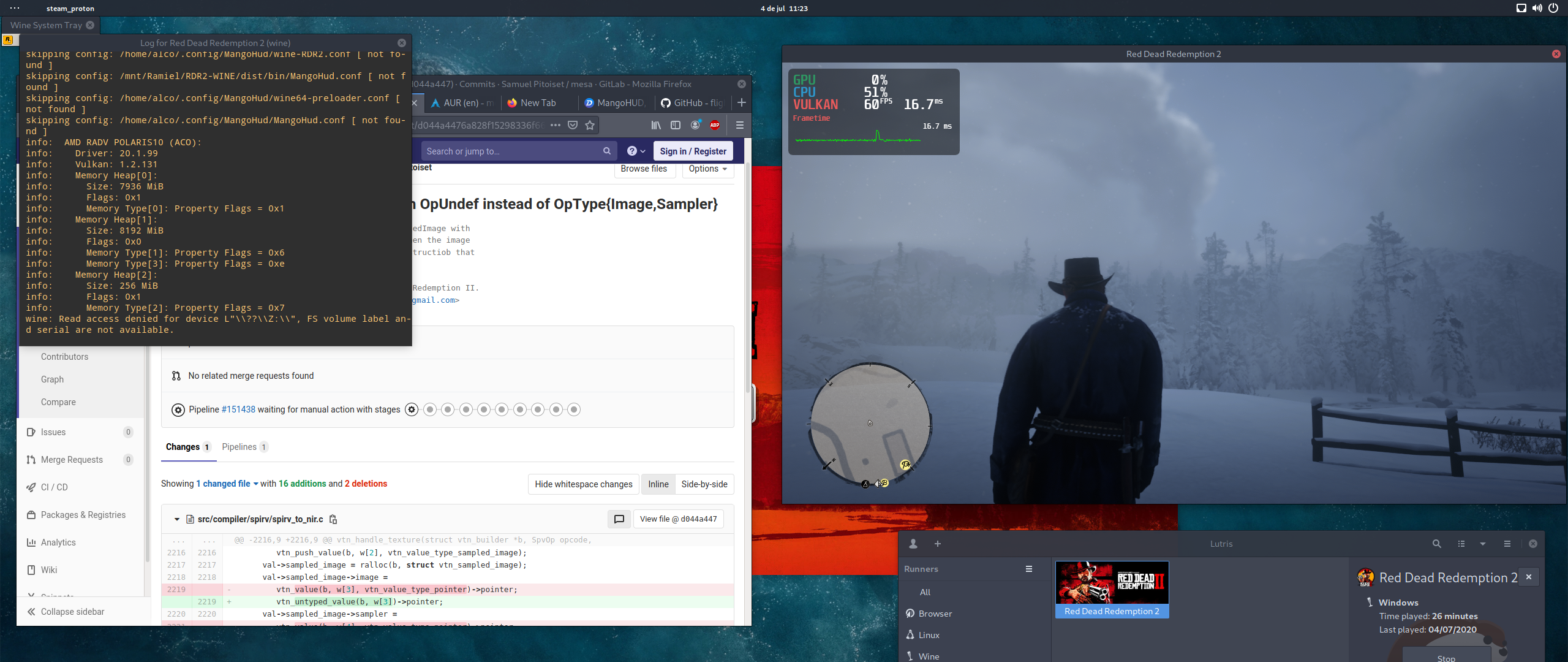
Can't get online working:
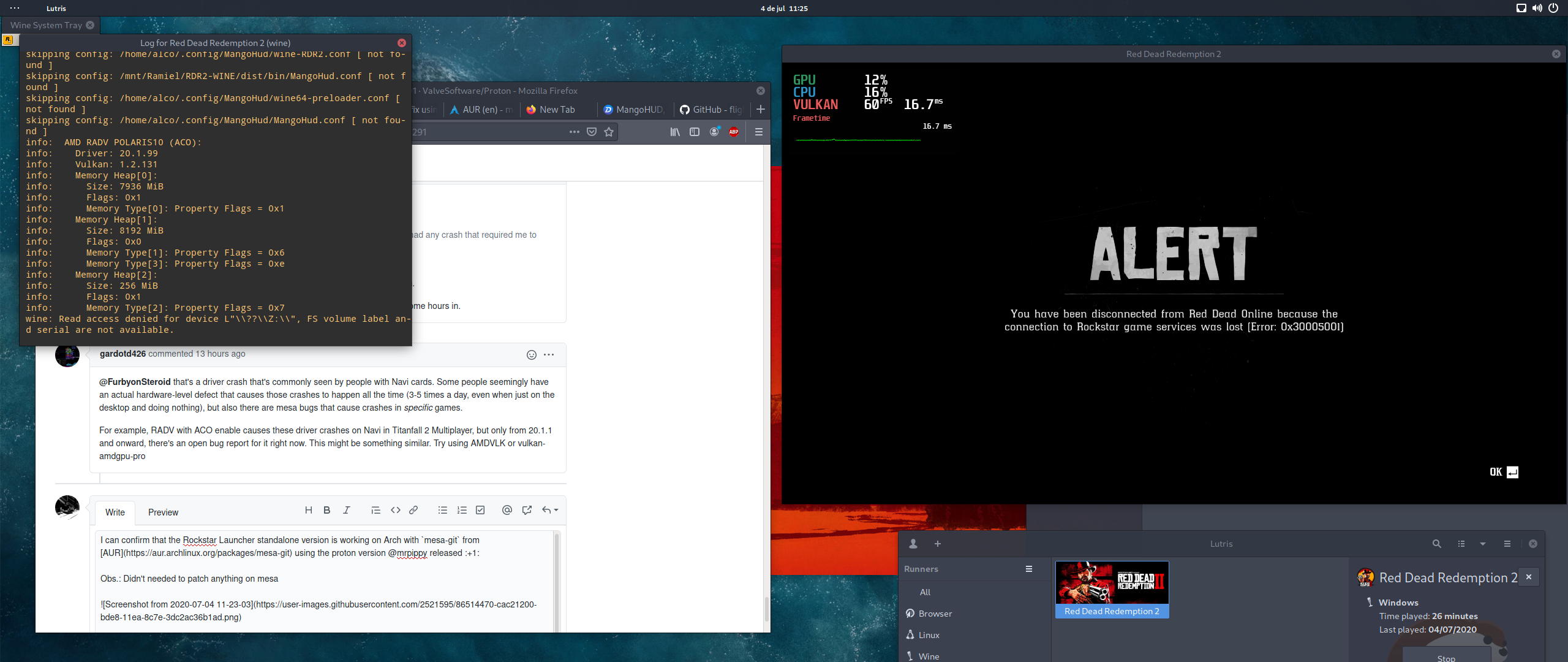
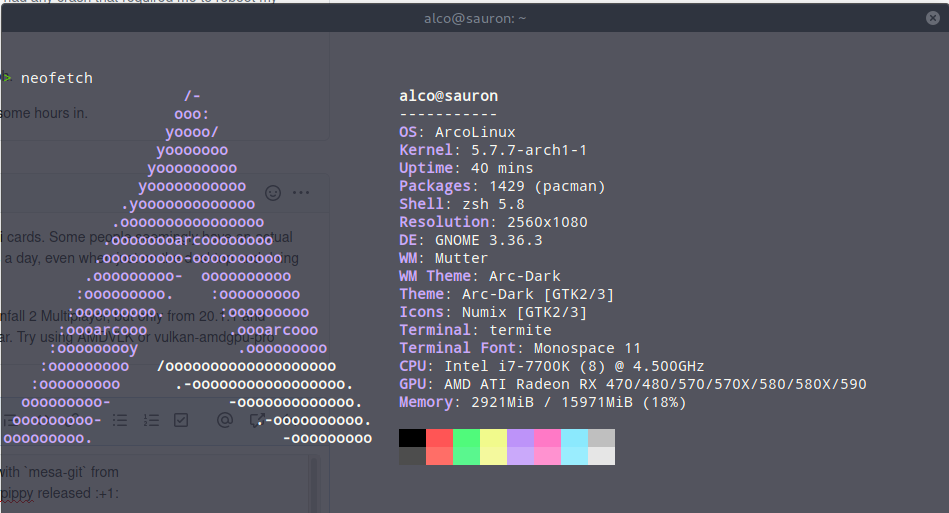
Why does it need
WINEDLLOVERRIDES=dxgi=n,b? Is it a DXVK bug?
Proton uses wine's dxgi by default to provide better compatibility with vkd3d. WINEDLLOVERRIDES=dxgi=n,b argument activates dxvk's dxgi instead of wine's. So the problem is not dxvk, but wine's dxgi implementation.
after the latest update of nvidia drivers (Fedora 32 440.100) it gives me a second warning that I have to update intel graphics and just hangs there
Can't get online working:
Online doesn’t work on wine/proton.
Why does it need
WINEDLLOVERRIDES=dxgi=n,b? Is it a DXVK bug?Proton uses wine's dxgi by default to provide better compatibility with vkd3d. WINEDLLOVERRIDES=dxgi=n,b argument activates dxvk's dxgi instead of wine's. So the problem is not dxvk, but wine's dxgi implementation.
@artemyto @aeikum according to it when https://github.com/HansKristian-Work/vkd3d/pull/176 is merged and pulled into Proton, then Proton will stop using wine's dxgi. Am I right?
Why did you mark my question as off-topic?
If the answer is yes, you will no longer have to set WINEDLLOVERRIDES=dxgi=n,b to run the game.
Hello guys
After a fresh reinstall of rdr2 with the modified proton builds, mesa from oibiaf and trying to launch with amdvlk or radv aco, and with environement variable for dxgi
I'm getting this error in the terminal
Someon has an idea ?
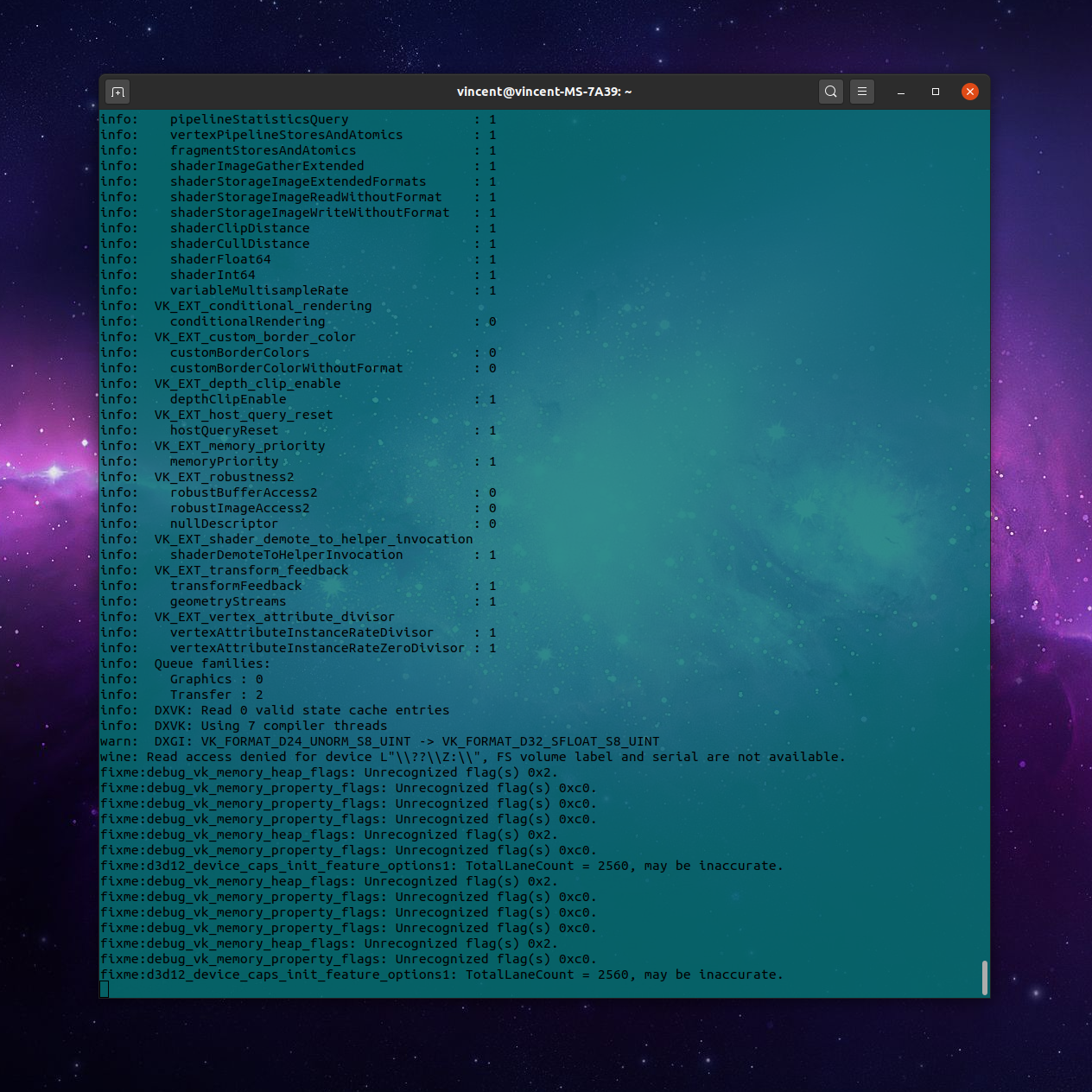
Alright so I have a few hours in now. I'm playing directly from Steam with the rdr2 Proton build from this comment.
- Installed
amdvlk - Launch options:
WINEDLLOVERRIDES="dxgi=n,b" VK_ICD_FILENAMES=/usr/share/vulkan/icd.d/amd_icd32.json:/usr/share/vulkan/icd.d/amd_icd64.json %command% -width 2560 -height 1440with the VK_ICD_FILENAMES added as per @gardotd426 with an explanation here. - Mesa version 20.0.7-3 (I've been told this is not necessary but keeping it here anyway)
Works like a charm with no crashing from the 5700XT bug (so far).
Started up with the custom Proton with no problems except the outdated driver message. Clicked past and I was able to play. I had to restart to use my headphones, but booting back in gave me the Social Club account error. Restarted with Proton 5.0-9, let it crash, and went back in with the custom build again and was able to get to playing without even the driver message that time.
Messed around for 20 minutes trying to get fullscreen 1440p through in-game settings, nothing would work out.
Performance is alright. 50-60fps on mostly high settings. Snow slows it down as to be expected but I'm still in mid 50s, steady 60fps in areas with few particles. I assume there are things I could do to improve performance but I'm happy with what I have for now.
I know that this is mostly rewriting what other people have said/done, but this thread is getting passed around frequently so I figured I'd write up what exactly I did with my results in hopes that this is easier to find than the 5 different comments I got all of this information from.
Updated to keep this all in one comment for those who like that. I've had a single crash to desktop in my 6 hours of play since then. I also had another instance of the Social Club error, switching Proton versions and switching back worked again (and again, I've been told that this is not necessary lol).
@myahenochs If you've installed AMDVLK and are using AMDVLK, then it doesn't matter what Mesa version you're using. If you're using AMDVLK (or vulkan-amdgpu-pro), you're not using Mesa.
@myahenochs If you've installed AMDVLK and are using AMDVLK, then it doesn't matter what Mesa version you're using. If you're using AMDVLK (or vulkan-amdgpu-pro), you're not using Mesa.
Ah okay, sorry, that makes sense. I'm not terribly knowledgeable here.
@myahenochs no worries, just make sure you're aware that you're generally going to be using RADV (Mesa) unless you specifically tell the game/application to use AMDVLK with the VK_ICD_FILENAMES=/usr/share/vulkan/icd.d/amd_icd32.json:/usr/share/vulkan/icd.d/amd_icd64.json environment variable, just installing amdvlk isn't usually enough (though for some reason certain Steam games will use AMDVLK by default if its installed, like Resident Evil 7 and 2).
Well it's nice to have the solution in one comment. Mine seems to work fine too. I just get a message that my driver needs to be updated. From the aur package i got Mesa 20.2.0-devel, the message says i need 20.2.2 or newer. So how would you get it working with something like amdvlk since that is more performant?
@muisje you'd do what I said in my above comment. That's how you use AMDVLK.
@gardotd426 Steam processes the shaders before the game starts and it specifically says "Vulkan shaders," so is it using AMDVLK?
No, the game itself is vulkan. RADV stands for vulkan-radeon, it's the Mesa vulkan driver, and RDR2 is using Vulkan no matter what (because even DirectX games get translated to Vulkan on Linux).
RADV is mesa's vulkan driver.
AMDVLK is the open-source vulkan driver developed BY AMD.
vulkan-amdgpu-pro is the proprietary vulkan driver developed by AMD.
They're all three vulkan drivers.
You need to open your launch options for the game, and add VK_ICD_FILENAMES=/usr/share/vulkan/icd.d/amd_icd32.json:/usr/share/vulkan/icd.d/amd_icd64.json to the launch options. To the left of %command%, the same place where the WINEDLLOVERRIDES option is.
Before that, you need to make sure you have both amdvlk and lib32-amdvlk installed. I don't know what distro you're on, but on Arch/Manjaro, it's just sudo pacman -S amdvlk lib32-amdvlk.
On Ubuntu and other distros, it might put the .json files in /etc/vulkan/icd.d instead of /usr/share/vulkan/icd.d. Just use that instead, if that's where it puts them. There's a .deb package for Ubuntu and it's derivatives here: https://github.com/GPUOpen-Drivers/AMDVLK/releases
Thanks! I did that and did some benchmarks. Should I be noticing a big performance difference? Either I didn't do something correctly or I'm getting only a few more fps at best.
My launch options: WINEDLLOVERRIDES="dxgi=n,b" VK_ICD_FILENAMES=/usr/share/vulkan/icd.d/amd_icd32.json:/usr/share/vulkan/icd.d/amd_icd64.json %command% -width 2560 -height 1440
I really appreciate your explanations. I'm still learning. I'm indeed on Manjaro, by the way.
@myahenochs nope, that's about right.
Flightlessmango's benchmarks showed about a 3-4 percent performance bump over ACO.
There are other games that swing way more in one direction or another (like Doom Eternal, which is like 40% faster on vulkan-amdgpu-pro and 25% faster on AMDVLK), some games perform way better on RADV, that's why you do it on a case-by-case basis.
The main reason AMDVLK was mentioned here is because unless you have mesa-git installed, you can't even use RADV and have to use AMDVLK or vulkan-amdgpu-pro. Not because it was that much more performant. And you have mesa-git, so it doesn't really matter in your case.
@gardotd426 Thank you! I'll remember this for other games. I fixed all of this in my other comment.
@myahenochs nope, that's about right.
Flightlessmango's benchmarks showed about a 3-4 percent performance bump over ACO.
There are other games that swing way more in one direction or another (like Doom Eternal, which is like 40% faster on vulkan-amdgpu-pro and 25% faster on AMDVLK), some games perform way better on RADV, that's why you do it on a case-by-case basis.
The main reason AMDVLK was mentioned here is because unless you have mesa-git installed, you can't even use RADV and have to use AMDVLK or vulkan-amdgpu-pro. Not because it was that much more performant. And you have mesa-git, so it doesn't really matter in your case.
It runs on RADV in Manjaro Unstable Branch perfectly
@laichiaheng yeah, because that's the minimum working version. But that's not available as stable anywhere else (not even vanilla Arch, which I'm typing this from). So what. Most people (actually very few people) are running Manjaro Unstable branch. 20.2 is needed, right now that's only available on mesa-git/mesa master, except for Manjaro Unstable branch (and maybe Solus, I don't know).
@myahenochs You don't need to switch between Proton versions if you get the activation error. Just exit out and retry; usually works the next time, rarely have to try twice.
Just picked up the game and was really happy to find this thread to help get things running. You are all amazing!
I had a generic "game failed to launch" kind of error initially. But after following the advice to change to Proton 5.0-9, opting out of cloud saves, then switching back to proton_5.0-rdr2-3 I was able to get the game running!
At the moment I am sitting at a rather sluggish 20fps, but I have not changed my nvidia drivers to the recommended beta version yet.
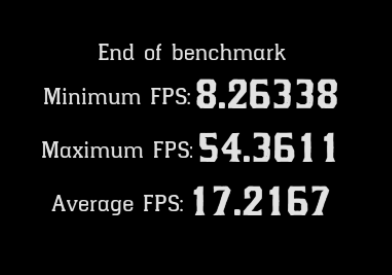
I have no particular launch options, just PROTON_LOG=1 %command%. I have tried WINEDLLOVERRIDES="dxgi=n,b" but it hasn't made any noticeable effect for me.
Kernel: 5.7.1-050701-generic, current nvidia driver: 440.100
Is it worth me changing to the nvidia 440.66.15 driver if my current version is higher?
Cheers
EDIT: I have seen there is a proton_5.0-rdr2-4 which I am now using but seeing similar performance.
@myahenochs You don't need to switch between Proton versions if you get the activation error. Just exit out and retry; usually works the next time, rarely have to try twice.
Thanks. I just assumed because others had said that they need to start with 5.0 then switch to rdr2 version to get into it.
@mattlennon3 mrpippy advised to use the dev beta driver especially regarding performance.
https://developer.nvidia.com/vulkan-driver
I have no particular launch options, just
PROTON_LOG=1 %command%.
@mattlennon3 PROTON_LOG=1 enables log, which may decrease performance, don't use it to game. You still need 440.66.15 or 440.66.17 to have good performance.
I have no particular launch options, just
PROTON_LOG=1 %command%.@mattlennon3 PROTON_LOG=1 enables log, which may decrease performance, don't use it to game.
Based on my testing (~50 hrs), basic logging barely if at all affects performance, however the vulkan and/or dxvk logging options if manually enabled in user_settings.py decimate performance. Playing with the basic logging on might be useful if you experience some odd bug you want to report.
I have no particular launch options, just
PROTON_LOG=1 %command%.@mattlennon3 PROTON_LOG=1 enables log, which may decrease performance, don't use it to game. You still need 440.66.15 or 440.66.17 to have good performance.
Is that still beta? RPMfusion on Fedora just installed for me 440.100
Arch is on 440.100 too. I don't use Nvidia though so I'm not sure, I know
their versioning numbers get jacked up sometimes.
On Mon, Jul 6, 2020 at 9:56 AM didentifier [email protected] wrote:
I have no particular launch options, just PROTON_LOG=1 %command%.
@mattlennon3 https://github.com/mattlennon3 PROTON_LOG=1 enables log,
which may decrease performance, don't use it to game. You still need
440.66.15 or 440.66.17 to have good performance.Is that still beta? RPMfusion on Fedora just installed for me 440.100
—
You are receiving this because you were mentioned.
Reply to this email directly, view it on GitHub
https://github.com/ValveSoftware/Proton/issues/3291#issuecomment-654254420,
or unsubscribe
https://github.com/notifications/unsubscribe-auth/AM5Y3372KLFAH67WWJB2ELLR2HJXXANCNFSM4JV54AXQ
.
Yes 440.66.17 is the vulkan beta driver. 440.100 is not a beta driver but doesn’t have the features required to get acceptable performance.
Just an FYI for anyone who is having trouble with the nvidia driver required:
I have been having trouble getting this 440.66.15/17 driver to build on my machine. This version of the Nvidia driver apparently doesn't build on the 5.6.X or 5.7.X kernels. I have found this recent thread which offers a fix, I followed the patch instructions and then I could successfully build the driver, but afterwards I got a black screen on system boot & had to revert it.
Tempted to roll back to a 5.5.X kernel or earlier and try again without the patches, but it is quite late now. Will try tomorrow.
Thanks so very much for all the work you put into getting RDR2 working @mrpippy.
The Proton build worked out of the box for me on Elementary OS 5.1.6 kernel 5.4.10-asco once I reinstalled the OS as the only way to get rid of the outdated MESA 20.0.0 drivers I installed from the Mesa Graphics Stable Padoka PPA last year.
Installed the Mesa 20.1.99 drivers (RADV/ACO) from the Oibaf PPA and RDR2 booted up just fine.
Ran several benchmarks at 4K (WINEDLLOVERRIDES="dxgi=n,b" %command% -width 3840 -height 2160) on a Radeon VII at stock clocks and settled on:
- Ultra textures,
- High settings,
- all anti-aliasing and Anisotropic filtering turned off except TAA sharpening, (all Anisotropic and AA settings seemed to be really detrimental to performance)
- unlocked volumetric ray marching resolutions, and
- resolution scaling at 14/15 x0.933
got an average of 38.7964fps Min of 20.1193 and Max of 62.4376fps
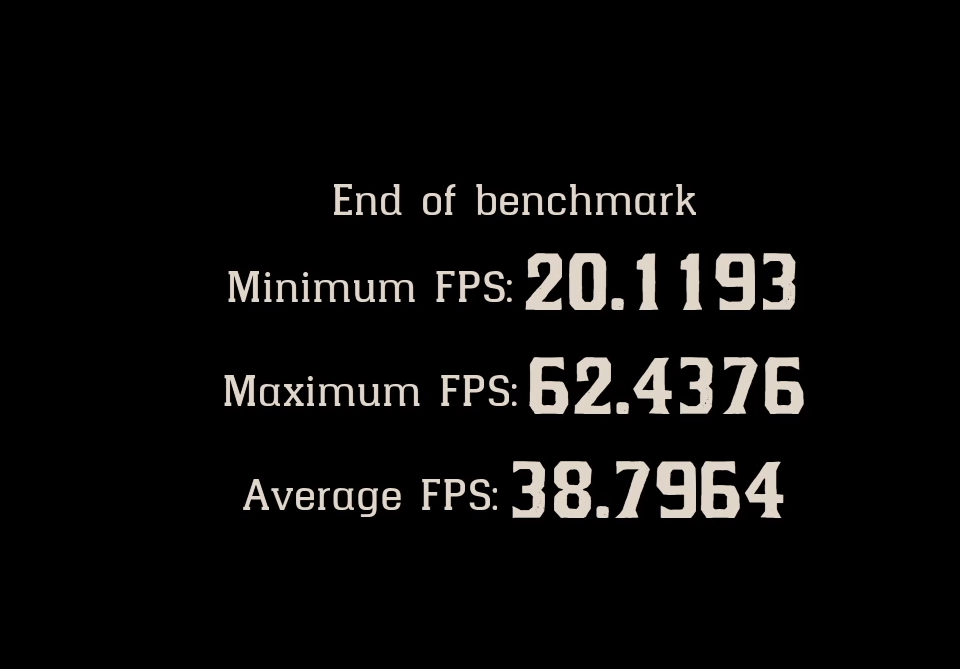
Based on other cinematic style games I play, e.g. Star Citizen, Tomb Raider, Resident Evil 2/3 Remake, etc, performance wise these frame rates are about what I would expect from my Radeon VII. I was able to get an average 49fps, 27fps min and 79fps max at the default low settings running at 4K without resolution scaling.
That said, I will do actual game play testing tomorrow.
It doesn't allow me to open the game the 2nd time I open this game.
Why?
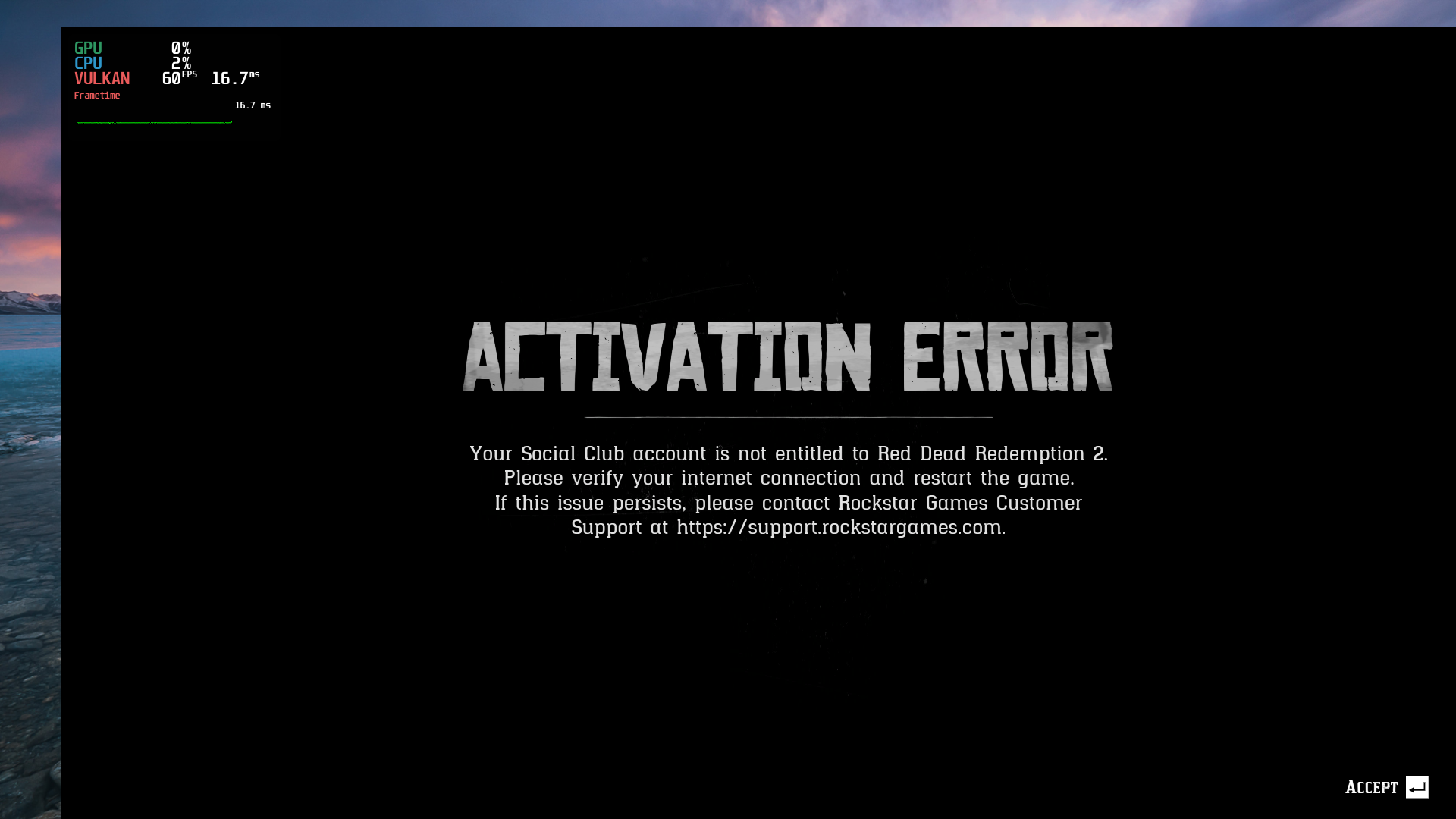
Game crashes after selecting the story mode
Tried it with both the nvidia drivers 440.100 and 440.60.17 drivers(Using 1060 6GB). And I am using custom proton build proton_5.0-rdr2-4 provided by Brandon (@mrpippy).
Also tried with WINEDLLOVERRIDES=dxgi=n,b %command% and WINEDLLOVERRIDES="dxgi=n,b" taskset -c 0-7 %command% and PROTON_USE_WINED3D=1 %command%
Haven't seen this issue on rest of comments hence attaching the log generated with PROTON_LOG=1. steam-1174180.log.gz
Tried heavy steam runtime as well. No luck!
This game crashes a lot!
It doesn't allow me to open the game the 2nd time I open this game.
Why?
When you see this just exit the game and start it again, most of the times it will be fine.
How did you add the gpu information on the left corner? What software are you using?
Almost works.
Problem: Social Club Error 18 (Social Club's Vulkan overlay appears to be unable to inject)
Notes: Before the game launches, this window opens:
Minimum Recommended Hardware Check Failure: Please update your driver. Game requires version 20.2.2 or newer. Please visit [AMD's website] for the latest display driver
My system has an NVIDIA video card, not AMD. Being a laptop, there may be Optimus issues taking place, although I tried the workaround suggested by @headlesscyborg here which unfortunately didn't work.
I tried this suggestion by @nono031 too, but couldn't configure it correctly, so that didn't work either.
Launch:
STEAM_COMPAT_DATA_PATH=<prefix_path> WINEDLLOVERRIDES="dxgi=n,b" <proton_path> run <path_to_LauncherPatcher.exe>
Game launch options (commandline.txt):
-width 1920 -height 1080 -fullscreen
Specifications:
NVIDIA drivers: 440.66.17
Proton: proton-5.0-rdr2-4
Game flavour: Rockstar Games Launcher
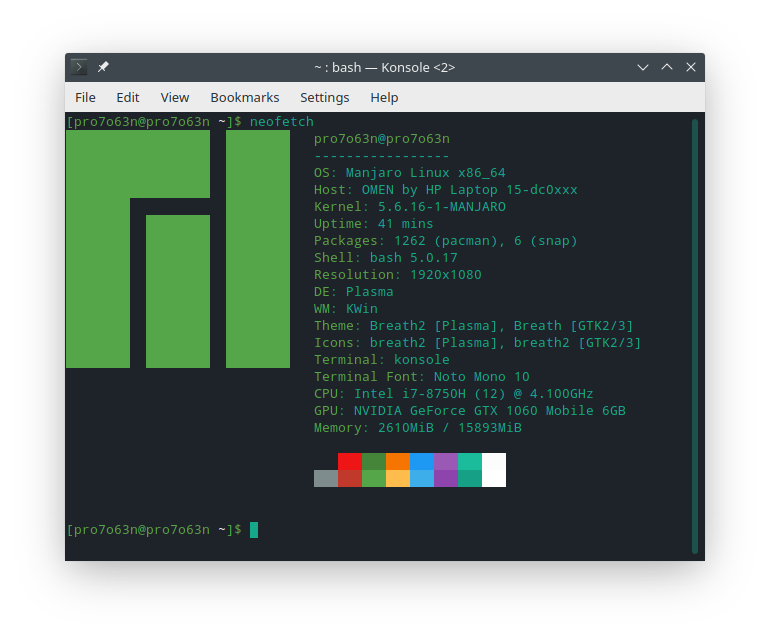
Notes and tips:
- If you don't want to redownload the game and your main partition has insufficient space, before logging into the launcher, symlink your game to
<prefix_path>/pfx/drive_c/Program\ Files/Rockstar\ Games/. Then, immediately after logging into the launcher, select the game in the panel, press Pre-Load and confirm. Your game should be ready to play.
Remember not to press Uninstall if it fails. If it does, reinstall the launcher and deleteMy Documents/Rockstar Gamesin your Proton prefix. - If you wipe your Proton prefix often and use the RGL version, create commandline.txt in the game directory and insert your launch commands there instead of inside launcher settings.
With AMDVLK it's working fine with Manjaro Linux.
Audio is also cracking for you?
It doesn't allow me to open the game the 2nd time I open this game.
Why?
Did you try again after you got that error?
I had the same thing a few times, but after closing the game and restarting it again from Steam it worked. It is probably something triggering a timeout or something like that when the game is connecting to social club before it boots to the main menu.
Thought I should have taken a screenshot of the issue when it happened but didn't think much of it when it was happening. However, it would probably be better to initiating logging in the game/WINE/Proton and try to find the point in the log file where the connection failure happens and see what triggers the connection failure between the game client and the Social Club servers.
With AMDVLK it's working fine with Manjaro Linux.
Audio is also cracking for you?
Didn't have any audio issues yesterday when I was running benchmarks and I could be having a separate issue to you, but the cracking audio may be a driver or GPU issue like driver not talking properly to the GPU. In my case at least, I have had it for sometime. Since September/October last year to be precise. It is mainly an issue with my Radeon VII but strangely not on my other rig with a Vega 64. I thought it was the HDMI cable or the optical audio out cable from my TV to my A/V receiver, but I have gone through a number of optical cables, and HDMI cables. Now using an HDMI 2.1 cable but it does pop up here and there even when watching YouTube videos. Haven't done a lot of digging into it though.
With AMDVLK it's working fine with Manjaro Linux.
Audio is also cracking for you?
I take back my previous reply, there was some noticeable cracking when the music was playing in the 2hrs play through I test just did. Not sure if it was just that I had the volume set too high for the music in the game and it was screwing with my speakers or if it is a bigger problem. Will keep tabs as I continue playing over the coming days and weeks.
[EDIT: watching the play back of the game capture, I can confirm that there is a lot more cracking of the audio than I noticed during the play through. Seems to be speech and music]
If you watch the video you can ignore the echo during speech in the cut scenes, this happened because I had my mic volume/sensitivity too high and it was too close to the rear speakers and it was picking up the audio. I have not had the chance to reconfigure the mic and a couple of other things since I reinstalled the OS.
[EDIT: Video is still uploading to YouTube, but just realised that the echo was not the mic but me recording 2 identical audio sources in OBS. One audio source coming from my Decklink Quad HDMI Recorder and the second audio source being the Desktop audio itself. Must have forgotten I usually turn one of them off]
Aside from the audio game play is perfectly fine, though the key bindings do take some getting used to; especially on horse back in first person view.
@myahenochs nope, that's about right.
Flightlessmango's benchmarks showed about a 3-4 percent performance bump over ACO.
There are other games that swing way more in one direction or another (like Doom Eternal, which is like 40% faster on vulkan-amdgpu-pro and 25% faster on AMDVLK), some games perform way better on RADV, that's why you do it on a case-by-case basis.
The main reason AMDVLK was mentioned here is because unless you have mesa-git installed, you can't even use RADV and have to use AMDVLK or vulkan-amdgpu-pro. Not because it was that much more performant. And you have mesa-git, so it doesn't really matter in your case.
Mesa upgrades are so slow compared to amdvlk.
Actually not really. AMDVLK updates about once a month it seems, same for
Mesa. It's just that AMDVLK are developed BY AMD, meanwhile Mesa isn't and
also has to develop for AMD, Intel AND the open-source Nvidia drivers all
simultaneously. Before, AMD paid little attention to Linux so their drivers
were bleh, but now they're at least marginally trying, and AMDVLK and
vulkan-amdgpu-pro have gotten quite good (especially with Navi). For
pre-Navi GPUs, RADV+ACO is pretty much always the way to go, but with Navi,
it's a back and forth. Mesa's having a lot of struggles with Navi GPUs.
On Wed, Jul 8, 2020 at 1:02 AM Timár Csaba [email protected] wrote:
@myahenochs https://github.com/myahenochs nope, that's about right.
Flightlessmango's benchmarks showed about a 3-4 percent performance bump
over ACO.There are other games that swing way more in one direction or another
(like Doom Eternal, which is like 40% faster on vulkan-amdgpu-pro and 25%
faster on AMDVLK), some games perform way better on RADV, that's why you do
it on a case-by-case basis.The main reason AMDVLK was mentioned here is because unless you have
mesa-git installed, you can't even use RADV and have to use AMDVLK or
vulkan-amdgpu-pro. Not because it was that much more performant. And you
have mesa-git, so it doesn't really matter in your case.Mesa upgrades are so slow compared to amdvlk.
—
You are receiving this because you were mentioned.
Reply to this email directly, view it on GitHub
https://github.com/ValveSoftware/Proton/issues/3291#issuecomment-655285408,
or unsubscribe
https://github.com/notifications/unsubscribe-auth/AM5Y333I5PLLGRRJ2PRIHL3R2P4WBANCNFSM4JV54AXQ
.
Arch Linux, 440.66.15, proton_5.0-rdr2-4. I only get a black screen, does anyone have the same problem?
EDIT: By the way I had to set "WINEDLLOVERRIDES=dxgi=n,b %command%" to get to this window, otherwise it just crashes right away.
I get almost the same issue. Mine will show the loading bar, then like 2 secs into the smoke intro, it will freeze, then quickly pop up a second window of the game and within a sec, it completely crashes. Im on Manjaro running the same nvidia driver, and launch options.
For me, the fix was in the rockstar launcher arguments add this: -width 1920 -height 1080
Idk if it works for everyone but it stopped me from crashing at smoke, still stuck at error code 18 though.Thanks guys for trying to help me, nothing mentioned here helped though. But I was playing around with random launch parameters and finally got the game to run.
What I use is "WINEDLLOVERRIDES=dxgi=n,b %command% -height 720 -width 1280 -vulkan -safemode -ignoreprofile -useMinimumSettings -benchmark -adapter 1"
The "outdated drivers" message changed from "outdated Intel" to "outdated AMD" - maybe because of the "-adapter 1" parameter as I'm on an Optimus laptop.
EDIT: Yes, "-adapter 1" is THE parameter that made the game playable on my Optimus laptop.
So i tried to launch it with your extra flags on the launch options, and i got farther. I now get to rock star social club Error 18.
Hello, I am running Arch and I have just recently bought the game, but as you, I could not get it to start, I have a gtx 960m and I have the default propietary drivers from arch (440.100) I have already setup the custom proton build, but I can not get the game to work, I have no problem with the activation or any step up until the game boots up and the smoke appears, after which it completely freezes and I have to kill steam completely. I have tried setting the flags in the comment above, but they didn't work either, has anyone had any similar problems?
Almost works.
Problem: Social Club Error 18 (Social Club's Vulkan overlay appears to be unable to inject)
Notes: Before the game launches, this window opens:Minimum Recommended Hardware Check Failure: Please update your driver. Game requires version 20.2.2 or newer. Please visit [AMD's website] for the latest display driver
My system has an NVIDIA video card, not AMD. Being a laptop, there may be Optimus issues taking place, although I tried the workaround suggested by @headlesscyborg here which unfortunately didn't work.
I tried this suggestion by @nono031 too, but couldn't configure it correctly, so that didn't work either.Launch:
STEAM_COMPAT_DATA_PATH=<prefix_path> WINEDLLOVERRIDES="dxgi=n,b" <proton_path> run <path_to_LauncherPatcher.exe>
Game launch options (commandline.txt):
-width 1920 -height 1080 -fullscreenSpecifications:
NVIDIA drivers:440.66.17
Proton:proton-5.0-rdr2-4
Game flavour: Rockstar Games Launcher
Notes and tips:
* If you don't want to redownload the game and your main partition has insufficient space, before logging into the launcher, symlink your game to `<prefix_path>/pfx/drive_c/Program\ Files/Rockstar\ Games/`. Then, immediately after logging into the launcher, select the game in the panel, press Pre-Load and confirm. Your game should be ready to play.
  Remember not to press Uninstall if it fails. If it does, reinstall the launcher and delete `My Documents/Rockstar Games` in your Proton prefix.

* If you wipe your Proton prefix often and use the RGL version, create commandline.txt in the game directory and insert your launch commands there instead of inside launcher settings.
Anyways. What does it mean dxgi n, b? Is it something common with Wine?
@rtrevinnoc @xcom169 can you try it again with the nvidia vulkan beta driver 440.66.15. Someone reported that the 440.66.17 makes the game unstable again. @rtrevinnoc besides the crashes you need vulkan beta driver 440.66.15 else the performance is terrible.
Anyways. What does it mean dxgi n, b? Is it something common with Wine?
@xcom169 According to Wine's documentation (edited):
Try to load dxgi as native Windows DLL first and try the builtin version if the native load fails.
I.e. it supposedly overrides Proton's dxgi.dll with the native one.
@rtrevinnoc you need nvidia driver 440.66.15 or 440.66.17 - I also tried with 440.100 but it does not have the beta features you need. You can download it from nvidia as a .run file. I have a comment above which says if you are using the latest 5.6 or 5.7 kernels there are patches to apply to the nvidia driver. Read up through the thread. Good luck.
Thank you @Nocccer and @mattlennon3! as of now I have installed the 440.66.17 driver, but that way I couldn't get the game to boot up, only to start the Rockstar Launcher, and now I am trying out the 440.66.15 and I will be fiddling with the Steam start options and will keep you posted on any progress.
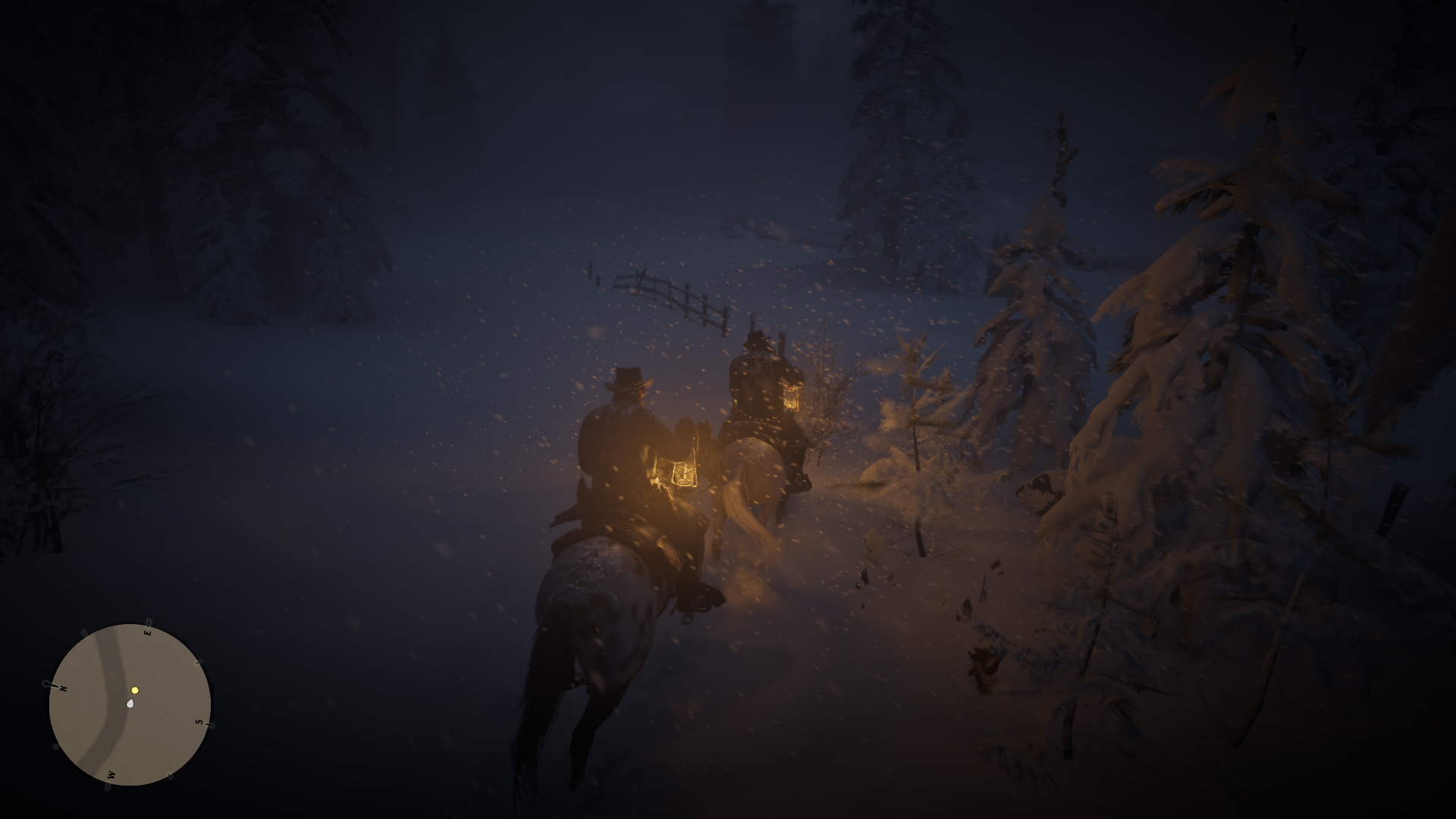
Well, thank you guys! Using the custom proton build, and the Nvidia beta drivers I could get the game to work, I had to use the launch options that @headlesscyborg suggested in his comment that I quoted in my first one.
@rtrevinnoc did you got it running on 1920 x 1080 ? My GTX 960 has to less RAM (2GB) to run on 1920 x 1080.
@Nocccer not at 1080p, but using the start options I mentioned, the game started at 1280x720, which for me is fine by now, I will continue looking into it though, with the -height and -width launch options
@rtrevinnoc im fine. Have also a RTX 2060 Super, but on my first time i tested with a GTX 960. If you have more then 2GB RAM in your GTX 960m you should be able run the game on 1920x1080 without problems.
@Nocccer Oh great, enjoy the best version of the game ;) I do have the 4GB version, and I have now started to play in fullscreen, which automatically switched to 1080p.
This game crashes a lot!
If you are referring to the ERR_GFX_STATE crash, that seems to be specific to Vulkan and not Proton as people on windows get the same error. Rockstar's official "fix" is to just use DX12 but there are several other suggested fixes you can find out there. One that seems to improve stability for me is disabling steam overlay and adding -ignorepipelinecache as a launch option (only tested for a few hours today but had no crashes during that time).
My Fedora 32 just wouldn't boot with 440.66.17 even with the patches, from my experience whenever I installed "custom" driver on Fedora it broke, I leave that to RPMfusion, I guess I will have to wait for the beta features to go live. The custom driver is NOT recommended :p
Yeah, beta drivers are too much trouble, waiting for RDR working on stable ones.
On Thu, Jul 9, 2020 at 9:32 AM didentifier [email protected] wrote:
My Fedora 32 just wouldn't boot with 440.66.17 even with the patches, from my experience whenever I installed "custom" driver on Fedora it broke, I leave that to RPMfusion, I guess I will have to wait for the beta features to go live. The custom driver is NOT recommended :p
—
You are receiving this because you commented.
Reply to this email directly, view it on GitHub, or unsubscribe.
On Amd its working fine..
On Thu, 9 Jul 2020, 11:20 Sergey Lapin, [email protected] wrote:
Yeah, beta drivers are too much trouble, waiting for RDR working on stable
ones.On Thu, Jul 9, 2020 at 9:32 AM didentifier [email protected]
wrote:My Fedora 32 just wouldn't boot with 440.66.17 even with the patches,
from my experience whenever I installed "custom" driver on Fedora it broke,
I leave that to RPMfusion, I guess I will have to wait for the beta
features to go live. The custom driver is NOT recommended :p—
You are receiving this because you commented.
Reply to this email directly, view it on GitHub, or unsubscribe.—
You are receiving this because you were mentioned.
Reply to this email directly, view it on GitHub
https://github.com/ValveSoftware/Proton/issues/3291#issuecomment-656014807,
or unsubscribe
https://github.com/notifications/unsubscribe-auth/AEH2G2QKX6NJODJZAZJUPADR2WDUHANCNFSM4JV54AXQ
.
I just installed this game this morning, played around 1 hour and everything worked really well. I'm getting constant 60fps (vsync) and very playable.
Setup:
- Kernel version: 5.7.7-zen1-1-zen
- Mesa 20.1.2 (Sapphire Radeon RX5600XT)
- proton-5.0-rdr2-4
Launch options: RADV_PERFTEST=aco WINEDLLOVERRIDES=dxgi=n,b %command% -width 2560 -height 1440 -fullscreen
Couple of minor problems I noticed:
- I got the activation error once randomly
- I'm getting the "Minimum Recommended Hardware Check Failure" popup which goes away by clicking ok.
- Benchmark got "stuck" on the first try. On the last scene the character just waited behind the tree and the "police cart" never arrived. The benchmark was running all of this time and did not crash. I have never played this game before so not sure if it's an actual bug in the game. On the second try everything worked.
On Thursday, July 9, 2020, Timár Csaba [email protected] wrote:
On Amd its working fine..
It was all about nvidia.
On Thu, 9 Jul 2020, 11:20 Sergey Lapin, [email protected] wrote:
Yeah, beta drivers are too much trouble, waiting for RDR working on
stable
ones.On Thu, Jul 9, 2020 at 9:32 AM didentifier [email protected]
wrote:My Fedora 32 just wouldn't boot with 440.66.17 even with the patches,
from my experience whenever I installed "custom" driver on Fedora it
broke,
I leave that to RPMfusion, I guess I will have to wait for the beta
features to go live. The custom driver is NOT recommended :p—
You are receiving this because you commented.
Reply to this email directly, view it on GitHub, or unsubscribe.—
You are receiving this because you were mentioned.
Reply to this email directly, view it on GitHub
<
https://github.com/ValveSoftware/Proton/issues/3291#issuecomment-656014807>,
or unsubscribe
<
https://github.com/notifications/unsubscribe-auth/AEH2G2QKX6NJODJZAZJUPADR2WDUHANCNFSM4JV54AXQ.
—
You are receiving this because you commented.
Reply to this email directly, view it on GitHub, or unsubscribe.
My Fedora 32 just wouldn't boot with 440.66.17 even with the patches, from my experience whenever I installed "custom" driver on Fedora it broke, I leave that to RPMfusion, I guess I will have to wait for the beta features to go live. The custom driver is NOT recommended :p
Yeah, after years of playing around in Linux, this is the reason why I decided to stay well clear of drivers coming directly from AMD or Nvidia's websites and instead use the community tested version of those drivers. I found the issue that led me to just stop using the official proprietary drivers was that there was always some kind of kernel or XOrg level mismatch issue. So the drivers would work only on the kernel versions they were specifically created for. And with the rate at which Linux kernels get updates, there was always going to come a point in time when the driver breaks the system. This has probably changed a lot since 2015 but, my paranoia has just kept me playing extremely on the safe side.
This was ultimately one of the main reasons I settled on Ubuntu LTS based distros for my production systems and use AMD GPUs on the systems I game on. I don't even yet have enough trust in the AMDVLK, but now I know they have a proper repo and not just a git site where you have to compile the drivers manually I will try those drivers once I move over to the Ubuntu 20.04 LTS based version of elementaryOS. I have a workstation with Nvidia GPUs, purely for work so little to no gaming on it so no need to keep drivers as updated or bleeding edge.
That's not true. And Ubuntu is PITA for gaming.
Btw, if you install the drivers with DKMS, you are ready to go and you shoud have no problems.
I just tested out the released 450.57 NVIDIA driver, it has the same performance problems as previous versions.
The Vulkan beta drivers 440.66.15 or 440.66.17 still need to be used.
That's not true. And Ubuntu is PITA for gaming.
Btw, if you install the drivers with DKMS, you are ready to go and you shoud have no problems.
As I said, the last time I tried was way back in 2015 probably even 2013. I have not tried since then because I found what worked and eased my paranoia about boot failure after driver or kernel updates. I know DKMS works better now, but back then downloading and install the .RUN files just came with too much uncertainty for my personal taste. So I have just stuck with what I know works from back then.
I don't use Ubuntu itself, more distros (specifically elementaryOS) that are based on Ubuntu. eOS is very lightweight, is clutter free, and I like its look and feel. I have not had any issues with it and I use it over Arch or Fedora purely because of convenience and not really needing to be as bleeding edge as those distros especially Arch. It is all just personal preferences based on previous experiences (and I have gone through pretty much every distro out there since 1998). I spend a lot of time setting things up after the initial OS installation (like VFIO/GPU passthrough when I used to do that) that I don't want anything to happen to the system until I am ready to upgrade the distro and know I am doing a fresh OS install. I value that ramp up time far too much and do everything I can to reduce it. Hence LTS
In terms of gaming, I don't do a ton of gaming, I have 120 games on Steam only 10 of them have a time played of more than 5hours an only 20 have ever been installed. The 5 games that have (or will) recorded more than 15hrs of play time are cinematic triple-A titles like Red Dead Redemption 2, Resident Evil remakes, and the Tomb Raider games. So while the Ubuntu LTS base may not be the best, it does the job I need it to and has proven itself consistent and effect over the years. So it is really just about convenience and familiarity.
Ubuntu LTS should okay for gaming, especially with Nvidia dkms drivers.
For AMD , LTS is too slow for the mesa, LLVM upgrades. PPAs are not really elegant/secure. I recommend Manjaro for AMD cards.
Do we know why Rockstar made it so difficult for Proton to play it? They hate Linux or just DRM?
Ubuntu LTS should okay for gaming, especially with Nvidia dkms drivers.
For AMD , LTS is too slow for the mesa, LLVM upgrades.Do we know why Rockstar made it so difficult for Proton to play it? They hate Linux or just DRM?
Hhhhmm, I hadn't thought much about that. I just use the Oibaf PPA and let things come as they do. Though I would honestly prefer canonical to just give the option to install the AMDVK drivers during the OS install. It happens for the Nvidia drivers and they are upgraded in the regular software upgrade process. I mean, i don't know, but it seems that pretty much everything running AMDGPU will be vulkan supported and vulkan is now mature enough not to be considered testing. So vulkan should just be installed by default just like the basic drivers are. But I don't know what is involved there or the details.
Think the Rockstar thing with Proton is probably more about their approach to DRM and a lack of interest in supporting Linux desktop with over 90% of their consumer base being on Windows. However in so far as Google Stadia is running some heavily modified variation of Debian and using Vulkan on AMD GPUs and x86 CPUs, RDR2 has effectively already been written for Linux. So not sure why there couldn't even just be a native Linux desktop version without need to even go through Proton.
Funnily enough, I am really hoping that the likes of Linus Tech Tips start doing gaming benchmarks for Linux. In one of their last videos Linus was pretty much telling their audience to start trying out Linux. Jay from JaysTwoCents even had an outburst once complaining and asking developers to start using Vulkan. So hoping that things like that will encourage more people to start using Linux and grow the user base enough to give game studios and publishers more of a financial interest in releasing their games on Linux or at the very least not making things so Windows specific that they can't run easily through Proton.
The only issues for Linus stopping LTT not going completely Linux was that they are trapped in the prison that is Adobe Premiere and at the time of the video not knowing that CPU and GPU temp readings were available in MangoHud. However, within days of that video going up, and totally unrelated, the Mangohud guys had updated their code to report that after someone in their git asked for it and a whole conversation started about how to place all the readings on screen.
The Adobe Premiere thing I feel is people being too used to one thing and not wanting to learn an alternative like DeVinci Resolve. It is what I see people saying all the time.
Hello @thedarthtux, please keep in mind that this issue tracker is not a general purpose discussion forum. Please use other mediums for any discussion that is unrelated to this game.
I just tested out the released 450.57 NVIDIA driver, it has the same performance problems as previous versions.
The Vulkan beta drivers 440.66.15 or 440.66.17 still need to be used.
Sorry for the noob question but how do I install an other driver than the one up-to-date? I already downloaded the beta driver 440.66.15.
I wish we could pin some comments in this thread, if you look into the comments you will find a comment with a link to a forum about a patch in order to make nvidia drivers work. First you have to remove your nvidia drivers then run the .run file it will create a folder, you will patch the drivers with the instructions and then run the installer from the output folder that will be generated from the run file. If you are lucky and it works on your Distro, good for you, if not switch to terminal with alt+F5 or something login and re-install your drivers from the repository of your Distro, if you think you will need to format your pc if you cannot boot do not try it
I just tested out the released 450.57 NVIDIA driver, it has the same performance problems as previous versions.
The Vulkan beta drivers 440.66.15 or 440.66.17 still need to be used.Sorry for the noob question but how do I install an other driver than the one up-to-date? I already downloaded the beta driver 440.66.15.
It's easy, if you use Arch/Manjaro etc, just use Tk-Glitch drivers:
git clone https://github.com/Frogging-Family/nvidia-all.git
cd nvidia-all
makepkg -si
Choose your driver version for installation and choose with DKMS. After it installs:
sudo mkinitcpio -P
Reboot.
If you are on Ubuntu/Mint etc., you'll have to kill your display manager and install the driver via TTY.
I just tested out the released 450.57 NVIDIA driver, it has the same performance problems as previous versions.
The Vulkan beta drivers 440.66.15 or 440.66.17 still need to be used.Sorry for the noob question but how do I install an other driver than the one up-to-date? I already downloaded the beta driver 440.66.15.
It's easy, if you use Arch/Manjaro etc, just use Tk-Glitch drivers:
git clone https://github.com/Frogging-Family/nvidia-all.git
cd nvidia-all
makepkg -si
Choose your driver version for installation and choose with DKMS. After it installs:
sudo mkinitcpio -P
Reboot.If you are on Ubuntu/Mint etc., you'll have to kill your display manager and install the driver via TTY.
I do have Manjaro but makepkg -si but then
ERROR: A (correctly made?) linux-headers package can't be found. Then some versions are listed but the version 440.66.15 is not one of them.
Choose option 10 and write it manually :)
Reading is not my strongest suit :) Thanks.
If anyone needs beta drivers for Debian Sid, there's a makefile here to build Debian packages that won't mess up your system like the one directly from Nvidia might.
https://github.com/rbernon/debian-nvidia-vulkan-beta
I have a pending PR there that makes it a little easier to install and prevent from being updated to stable, and also bases the packages on the most recent driver in Sid (440.100), in the mean time you can get it here: https://github.com/chris-echoz/debian-nvidia-vulkan-beta
Anyone make any progress in getting Red Dead Online running?
I'm using Manjaro with kernel 5.6.16-1-MANJARO and indeed the beta drivers break my system. I'll try to get it working but waiting for the stable version looks like the best option. Does anyone know when they will go live?
Beta drivers don't break your system. You make something wrong. I installed them on Mint and Arch and everything is working fine.
That's not at all true. There have been multiple times where beta drivers
were incompatible with certain kernel versions.
On Sat, Jul 11, 2020 at 7:34 AM mozo78 [email protected] wrote:
Beta drivers don't break your system. You make something wrong.
—
You are receiving this because you were mentioned.
Reply to this email directly, view it on GitHub
https://github.com/ValveSoftware/Proton/issues/3291#issuecomment-657049959,
or unsubscribe
https://github.com/notifications/unsubscribe-auth/AM5Y337Y6ZTRTXD743WYLWTR3BE3XANCNFSM4JV54AXQ
.
Tk-Glitch's drivers are patched against all supported kernels.
https://github.com/Frogging-Family/nvidia-all/blob/master/README.md
Nvidia vulkan beta drivers on AUR are also patched against recent kernels, have no issues.
I just updated kernel and tried the nvidia-all from @Tk-Glitch
All seems to work fine with 450.56.01 driver and I was able to play the game with somewhat acceptable performance
Install 440.66.15 and the performance will be excellent.
Install 440.66.15 and the performance will be excellent.
@mozo78 450.56.01 is superior to 440.66.15. 450.56.01 is basically 440.66.17 rebased against 450 branch.
I didn't tried 450.56.01 but with 440.66.15 the game runs great:
https://youtu.be/UN-JnvbicAU
On Arch I even managed to play on Ultra settings with stable 60FPS.
Some people reported stability problems with 440.66.17, so 440.66.15 is recommended ;)
so did anyone manage to install the drivers on fedora?
@didentifier The latest beta drivers are not available in RPM Fusion?
Yes I installed 450.56.01 from rawhide the performance is much better, I didn't test 440.66.15, also steam fps counter doesn't work for some reason, how do you guys count your fps?
how do you guys count your fps?
With MangoHud i guess
https://github.com/flightlessmango/MangoHud
Can't recall if this is a known issue, but it seems that once you change the in-game graphics settings to fullscreen and the game defaults to 1080p rendering overriding/ignoring the -width and -height value settings in the launch commands. Using the -fullscreen steam launch commands also gives rise to the same 1080p rendering lock.
It seems like somewhere in execution the game's graphics settings menu stops being able to change the windowed value, and screen width and height values in the system.xml file. This file is located in the ~/My Documents/Red Dead Redemption 2/Settings/ folder of the 1174180 Proton/WINE prefix. Below it the section of the settings file that gets changed once the windowed value="0" is set either in menu or manually in the settings file:
<video>
<adapterIndex value="0" />
<outputIndex value="0" />
<resolutionIndex value="0" />
**<screenWidth value="1920" />**
**<screenHeight value="1080" />**
<refreshRateIndex value="0" />
<refreshRateNumerator value="60" />
<refreshRateDenominator value="1" />
**<windowed value="0" />**
<vSync value="1" />
<tripleBuffered value="true" />
<pauseOnFocusLoss value="false" />
<constrainMousePointer value="false" />
</video>
Got around this issue of not being able to return to 4K windowed by deleting the Red Dead Redemption 2 folder and letting the game recreate it based on the launch options. However, overwriting the contents of the system.xml file from a backup will also work.
I am still trying to figure out if it is a RDR2 issue or a Proton issue but what I have seen so far especially from popcorngamer suggests that it may be related to how RDR2 handles screen resolutions. It also seems that Windows users (especially those using ultra-wide or multiple monitor settings) too may be having the same issues and have to play in windowed mode.
I have also tried the read-only approach popcorngamer uses, and while the game loads in full screen at 4K, the game settings default to rendering at 1080p. So there may be another set of files somewhere (perhaps the *_init.vkPipelineCacheWindows) that deal with the rendering initiation such that, even where the system.xml file can't not overwritten by the game, screenWidth value and screenHeight value are ignored.
Got around this issue of not being able to return to 4K windowed by deleting the Red Dead Redemption 2 folder and letting the game recreate it based on the launch options. However, overwriting the contents of the system.xml file from a backup will also work.
I made an attempt at this and it didn't work for me. There's probably something I'm doing incorrectly, honestly. I backed up the RDR2 folder and deleted it, while having the -width and -height set to 2k res, and having the -fullscreen command, then started the game. That didn't work so I restored my backup and changed the settings manually in the file without luck. Am I misunderstanding what you did?
As a side note, is there any way to get higher than 60Hz refresh with Vulkan by using this settings file?
Got around this issue of not being able to return to 4K windowed by deleting the Red Dead Redemption 2 folder and letting the game recreate it based on the launch options. However, overwriting the contents of the system.xml file from a backup will also work.
I made an attempt at this and it didn't work for me. There's probably something I'm doing incorrectly, honestly. I backed up the RDR2 folder and deleted it, while having the
-widthand-heightset to 2k res, and having the-fullscreencommand, then started the game. That didn't work so I restored my backup and changed the settings manually in the file without luck. Am I misunderstanding what you did?As a side note, is there any way to get higher than 60Hz refresh with Vulkan by using this settings file?
He didn't do it do get higher resolution, he did it to actually be able to open the game again
@didentifier Ah okay, thank you. I guess it wasn't very clear and I missed that.
I'm really glad that Codeweavers made it possible for us to play this with Proton, however my Vega56 is really sweating during a game-play, and for me the graphics are not so beguiling. I'm also good with the level of eyecandy in GTA V.
No luck on my end so far. I'm able to launch the game, and it will show a small modal window with the R* loading sign, then after that it will open a larger window with the same R* loading emblem. After about 15 seconds it crashes. The first time it launched, it showed a loading bar, and then prompted for cloud save which I declined.
OS: Arch Linux
GPU: 2080ti
WM: Plasma
Proton version: rdr2-4
Nvidia drivers: 440.66.15
Launch params: PROTON_USE_WINED3D=1 %command%
I also tried using WINEDLLOVERRIDES=dxgi=n,b %command%, but with that I can't even get the game to launch.
The main error I'm seeing in the proton log is this:
ERROR: ld.so: object '/home/victor/.local/share/Steam/ubuntu12_32/gameoverlayrenderer.so' from LD_PRELOAD cannot be preloaded (wrong ELF class: ELFCLASS32): ignored.
Try to delete compatdata, recreate it with Proton 5.0-9, then switch to rdr2-4. Use WINEDLLOVERRIDES=dxgi=n,b %command%
The game does not launch for me, either.
Is it caused by the kernel or mesa update?
It used to work fine on Manjaro Unstable Branch.
Works perfectly. Out of the box with Proton rdr2-4.
Linux Mint 19.3 on kernel 5.8
Ryzen 3600
Radeon 5700 XT
16GB RAM
Mesa 20.1.3 with ACO (@kisak-valve mesa fresh ppa) -> https://launchpad.net/~kisak/+archive/ubuntu/kisak-mesa
steam-1174180.zip
The game does not launch for me, neither.
Is it caused by the kernel or mesa update?
It used to work fine on Manjaro Unstable Branch.
I have confirmed that it is caused by Manjaro Unstable Branch, since I rolled back to Testing Branch, it works fine.
Update vulkan-icd-loader to the latest version. https://github.com/KhronosGroup/Vulkan-Loader/issues/433
Try to delete compatdata, recreate it with Proton 5.0-9, then switch to rdr2-4. Use WINEDLLOVERRIDES=dxgi=n,b %command%
I tried this with no success
Update vulkan-icd-loader to the latest version. KhronosGroup/Vulkan-Loader#433
bingo!
Arch vulkan-icd-loader version is already 1.2.147 :)
Arch vulkan-icd-loader version is already 1.2.147 :)
They mentioned in the issue thread that you can uncheck the Enable Shader Pre-Caching option in steam and it will disable the broken feature in vulkan-icd-loader. I did this and was able to get further along in the launch process. I'm now getting the driver out of date error, but I think that's a separate issue.
Everyone gets this message :)
Everyone gets this message :)
That's good to know. I am crashing right after the gun smoke starts in the initial game startup screen, so I've definitely still got something going on. I'll need to look at the logs.
EDIT: Finally got it to launch!
Bah, kind of at a dead end here. Still unable to get past the smoke part of the intro video. It also seems to crash right as the steam overlay is popping up, and I did notice some overlay related errors in my log.
black screen
Issue transferred from https://github.com/ValveSoftware/Proton/issues/4071.
@rodrigobbarros posted on 2020-07-15T23:39:47:
I'm trying to run red dead redemption 2 with proton-5.0-rdr2-4 and I'm using the boot command WINEDLLOVERRIDES = "dxgi = n, b" taskset -c 0-7% command%
and it opens but has a completely black window screen,
If I take the command, it won't even open.
Does anyone know how to help me?
Has anyone managed to get the mod working that fixes the black border issue on ultra wide monitors? I can get it to run with wine, but it doesn't seem like it has any effect in game.
Here's the mod:
https://community.pcgamingwiki.com/files/file/1458-red-dead-redemption-2-ultrawide-multimonitor-fov-mod/
Got around this issue of not being able to return to 4K windowed by deleting the Red Dead Redemption 2 folder and letting the game recreate it based on the launch options. However, overwriting the contents of the system.xml file from a backup will also work.
I made an attempt at this and it didn't work for me. There's probably something I'm doing incorrectly, honestly. I backed up the RDR2 folder and deleted it, while having the
-widthand-heightset to 2k res, and having the-fullscreencommand, then started the game. That didn't work so I restored my backup and changed the settings manually in the file without luck. Am I misunderstanding what you did?As a side note, is there any way to get higher than 60Hz refresh with Vulkan by using this settings file?
Been away testing Star Citizen PTU and trying to figure out getting the EAC fix to work.
Like @didentifier said, what I was doing by deleting the RDR2 folder or restoring the system.xml file from a backup was to get the game to run again in windowed mode using the launch options I set in Steam and get back my higher resolution. I should have been clearer with the section of the system.xml file I posted.
The issue is the -fullscreen command always defaults to 1080p 60hz for all resolutions not recognised by the game. There seems to be some display resolution check and switch somewhere that looks for a predefined set of fullscreen resolutions in the game and compares with the PC display resolution (I am guessing). If the resolution in the system.xml file does not map to what RDR2 thinks the PC display resolution is, it overwrites the file with a 1080p resolution by default. Also even where you make the system.xml file read only, the -fullscreen command being enabled will just make the switch apply the default 1080p for rendering the game textures but leaves the system.xml file alone because it can't write to it.
So the -fullscreen command can't be used at all just yet to get RDR2 running at higher display resolutions. Instead you need to use windowed mode. Probably the only way for now to get RDR2 in what comes close to fullscreen at higher resolutions is to use borderless windowed mode. However, from my testing, I found that when in windowed mode, the window shifts to the left just before the picture of the gun barrel pops on screen during loading and I then have to drag it back to the centre. So I would not take the risk of running RDR2 in a borderless window.
Something I thought to check but have not gotten round to yet is changing the WINE configurations to have the game run inside an emulated virtual desktop set to 4K in my case and 2K in your case. It could be that RDR2 is not able to pick up the desktop dimensions and so just defaults to 1080p. My theory is that if it is running inside an emulated virtual desktop, WINE may be able to get RDR2 to see that it is running on a higher resolution display.
As for the refresh rate, I am playing on a TV so I am limited to 60hz. Something you could try to get a higher refresh rate is to change the <refreshRateNumerator value="60" /> value in the system.xml to see if that works. Just remember, do not to use the -fullscreen command.
Something I thought to check but have not gotten round to yet is changing the WINE configurations to have the game run inside an emulated virtual desktop set to 4K in my case and 2K in your case. It could be that RDR2 is not able to pick up the desktop dimensions and so just defaults to 1080p. My theory is that if it is running inside an emulated virtual desktop, WINE may be able to get RDR2 to see that it is running on a higher resolution display.
I use cat desktop-user.reg >>$PFX/user.reg to do this:
[Software\\Wine\\Explorer]
"Desktop"="Default"

[Software\\Wine\\Explorer\\Desktops]
"Default"="3840x2160"
But your theory may be wrong. For me, the Vulkan render surface just escapes the virtual Wine desktop. Vulkan is probably not yet fully integrated into this.
black screen
Issue transferred from #4071.
@rodrigobbarros posted on 2020-07-15T23:39:47:I'm trying to run red dead redemption 2 with proton-5.0-rdr2-4 and I'm using the boot command WINEDLLOVERRIDES = "dxgi = n, b" taskset -c 0-7% command%
and it opens but has a completely black window screen,
If I take the command, it won't even open.
Does anyone know how to help me?
I have exactly the same problem.
opens the rockstar launcher, when the game will open crashes and the black screen goes, I'm already going crazy, I've tried many things without success.
I'm on ubuntu 20.04 lts with i7-7700hq processor a gtx 1050ti
the game only opens with this command WINEDLLOVERRIDES = "dxgi = n, b" task set -c 0-7% command%
if you are without it or open it.
help me please.
I'm also unable to run it on nvidia in configuration similar to yours.
I guess we have to wait, as I guess currently it is AMD-only.
On Fri, Jul 17, 2020 at 5:46 PM rodrigobbarros [email protected]
wrote:
opens the rockstar launcher, when the game will open crashes and the black
screen goes, I'm already going crazy, I've tried many things without
success.
I'm on ubuntu 20.04 lts with i7-7700hq processor a gtx 1050ti
the game only opens with this command WINEDLLOVERRIDES = "dxgi = n, b"
task set -c 0-7% command%
if you are without it or open it.
help me please.—
You are receiving this because you commented.
Reply to this email directly, view it on GitHub
https://github.com/ValveSoftware/Proton/issues/3291#issuecomment-660147271,
or unsubscribe
https://github.com/notifications/unsubscribe-auth/AAABPU3JZEBFVKRBAWBOINDR4BP3RANCNFSM4JV54AXQ
.
Something I thought to check but have not gotten round to yet is changing the WINE configurations to have the game run inside an emulated virtual desktop set to 4K in my case and 2K in your case. It could be that RDR2 is not able to pick up the desktop dimensions and so just defaults to 1080p. My theory is that if it is running inside an emulated virtual desktop, WINE may be able to get RDR2 to see that it is running on a higher resolution display.
I use
cat desktop-user.reg >>$PFX/user.regto do this:[Software\\Wine\\Explorer] "Desktop"="Default" [Software\\Wine\\Explorer\\Desktops] "Default"="3840x2160"But your theory may be wrong. For me, the Vulkan render surface just escapes the virtual Wine desktop. Vulkan is probably not yet fully integrated into this.
Perfect!! Great to know. Back to the drawing board I guess
opens the rockstar launcher, when the game will open crashes and the black screen goes, I'm already going crazy, I've tried many things without success.
I'm on ubuntu 20.04 lts with i7-7700hq processor a gtx 1050ti
the game only opens with this command WINEDLLOVERRIDES = "dxgi = n, b" task set -c 0-7% command%
if you are without it or open it.
help me please.
Based on what I can remember others reporting, for Nvidia GPUs you may need to make sure you have one of the following drivers installed 450.56.01, 440.66.15 or 440.66.17. You may also want to use the launch commands
"WINEDLLOVERRIDES=dxgi=n,b %command% -height 1920 -width 1080 -vulkan -safemode -ignoreprofile -useMinimumSettings -benchmark -adapter 1"
-height and -width should be set to your display resolution. If it runs, you can try removing each of the following -vulkan -safemode -ignoreprofile -useMinimumSettings -benchmark -adapter 1 for a less safemode experience
thank you i will try now, my nvidia driver is 440.100
abre o lançador do rockstar, quando o jogo se abre e a tela preta desaparece, já estou ficando louco, tentei muitas coisas sem sucesso.
Estou no ubuntu 20.04 lts com processador i7-7700hq a gtx 1050ti
o jogo só abre com este comando WINEDLLOVERRIDES = "dxgi = n, b" conjunto de tarefas -c 0-7% command%
se você estiver sem ele ou abra-o.
ajude-me, por favor.Com base no que me lembro de outros relatórios, para as GPUs Nvidia, talvez seja necessário garantir que um dos seguintes drivers esteja instalado: 450.56.01, 440.66.15 ou 440.66.17. Você também pode usar os comandos de inicialização
"WINEDLLOVERRIDES=dxgi=n,b %command% -height 1920 -width 1080 -vulkan -safemode -ignoreprofile -useMinimumSettings -benchmark -adapter 1"-height e -width devem ser configurados para a sua resolução de exibição. Se ele for executado, você pode tentar remover cada
-vulkan -safemode -ignoreprofile -useMinimumSettings -benchmark -adapter 1um dos itens a seguir para obter uma experiência menos segura
Man I managed to run with a command here
WINEDLLOVERRIDES = "dxgi = n, b" taskset -c 0-7% command% -vulkan -safemode -ignoreprofile -useMinimumSettings -benchmark -adapter 1
thank you very much, I am very grateful
You blame my lousy English
opens the rockstar launcher, when the game will open crashes and the black screen goes, I'm already going crazy, I've tried many things without success.
I'm on ubuntu 20.04 lts with i7-7700hq processor a gtx 1050ti
the game only opens with this command WINEDLLOVERRIDES = "dxgi = n, b" task set -c 0-7% command%
if you are without it or open it.
help me please.Based on what I can remember others reporting, for Nvidia GPUs you may need to make sure you have one of the following drivers installed 450.56.01, 440.66.15 or 440.66.17. You may also want to use the launch commands
"WINEDLLOVERRIDES=dxgi=n,b %command% -height 1920 -width 1080 -vulkan -safemode -ignoreprofile -useMinimumSettings -benchmark -adapter 1"-height and -width should be set to your display resolution. If it runs, you can try removing each of the following
-vulkan -safemode -ignoreprofile -useMinimumSettings -benchmark -adapter 1for a less safemode experience
thanks it worked for me, i just need to learn how to install this beta driver from nvidia on pop_os for the performance to be decent.
abre o lançador do rockstar, quando o jogo se abre e a tela preta desaparece, já estou ficando louco, tentei muitas coisas sem sucesso.
Estou no ubuntu 20.04 lts com processador i7-7700hq a gtx 1050ti
o jogo só abre com este comando WINEDLLOVERRIDES = "dxgi = n, b" conjunto de tarefas -c 0-7% command%
se você estiver sem ele ou abra-o.
ajude-me, por favor.Com base no que me lembro de outros relatórios, para as GPUs Nvidia, talvez seja necessário garantir que um dos seguintes drivers esteja instalado: 450.56.01, 440.66.15 ou 440.66.17. Você também pode usar os comandos de inicialização
"WINEDLLOVERRIDES=dxgi=n,b %command% -height 1920 -width 1080 -vulkan -safemode -ignoreprofile -useMinimumSettings -benchmark -adapter 1"
-height e -width devem ser configurados para a sua resolução de exibição. Se ele for executado, você pode tentar remover cada-vulkan -safemode -ignoreprofile -useMinimumSettings -benchmark -adapter 1um dos itens a seguir para obter uma experiência menos seguragraças funcionou para mim, eu só preciso aprender a instalar esse driver beta da nvidia no pop_os para que o desempenho seja decente.
My performance here is also precarious guy is in the range of 20 to 25 fps has next time that goes up to 14 fps, the thing is to expect not this proton this version of Pro Toosie to develop more to be able to play better
@rodrigobbarros
You need to use Vulkan Beta Driver to get decent performance
https://developer.nvidia.com/vulkan-driver
If you're trying to get latest nVidia Drivers 450.56.01 on Manjaro and getting black screen after reboot, do this:
- Make sure you're running latest LTS Kernel 5.4.xx (if not, uninstall current, install 5.4, reboot and check via "uname -a" in Terminal).
- Uninstall your current nvidia-440 (or whatever version you currently have) e.g. via Manjaro Hardware Manager.
- While running on LTS Kernel 5.4.xx, proceed to install according to guide guys posted above (thanks! - during installation go for "dkms" version of Vulkan drivers):
git clone https://github.com/Frogging-Family/nvidia-all.git
cd nvidia-all
makepkg -si
sudo mkinitcpio -P
Reboot after and you should be able to get back into X as usual. These steps work for me like a charm and now I have the latest 450.56.01 on my Manjaro. RDR2 has not finished downloading yet, so I cannot continue testing, but it looks pretty promising so far. I'll see more in the morning once it's downloaded & installed via Steam.
@FGYada
thanks it worked for me, i just need to learn how to install this beta driver from nvidia on pop_os for the performance to be decent.
Would suggest following the instructions on this site.
https://www.trentreed.net/blog/installing-nvidia-vulkan-driver-and-lunarg-sdk-on-ubuntu/
[EDIT:: Keep in mind that this site is from 2016 and Pop_OS is probably using Ubuntu 20.04 so use the site as a reference only as some of the steps may not apply on newer versions Ubuntu based distributions like Pop_OS]
I haven't used .run files in a very very very long time out of my own personal fear of kernel mismatches but the site seems to be very detailed and explains everything that is going on.
Once the drivers are installed and working and if you haven't already, you may also want to set your vm.max_map_count. This will help you with stuttering, freezes and crashes in high polygon count areas of games especially when esync is enabled too. [EDIT:: This is purely optional and likely not needed for RDR2]
You can set this temporarily by entering the following in a terminal [EDIT: the value 16777216 because I game at 4K and this setting seems to be the minimum required for a different game I was testing. If you choose to set mmap you can start at something like 524288 and work up from there as needed]
sudo sysctl -w vm.max_map_count=16777216
Output: vm.max_map_count = 16777216
If you get something else as the output, the value 16777216 is probably too high for your system configuration. You can just divide that number by 2 or 4 till you get a number that works for you. Mine is currently set to 536870912. Prior to my system upgrade, the highest I could go was 268435456.
For a more permanent setting do the following with the value that works for your system
sudo gedit /etc/sysctl.conf
enter the sysctl option vm.max_map_count to prevent crashes due to memory allocation limits in areas with lots of geometry
vm.max_map_count = 16777216
sudo gedit /etc/sysctl.d/20-max_map_count.conf
enter the sysctl option vm.max_map_count to prevent crashes due to memory allocation limits in areas with lots of geometry
vm.max_map_count = 16777216
sudo gedit /etc/systemd/system.conf
delete # from the line "DefaultLimitNOFILE" and set value to
DefaultLimitNOFILE=16777216
sudo gedit /etc/systemd/user.conf
delete # from the line "DefaultLimitNOFILE" and set value to
DefaultLimitNOFILE=16777216
Reboot
Thanks for your help! I will really try, I confess that it gives a certain fear because it seems a little complicated, but I have a second machine to test here, and if it works - or not - I will warn you here. Thank you again!
Two posts ago
@FGYada
thanks it worked for me, i just need to learn how to install this beta driver from nvidia on pop_os for the performance to be decent.
Would suggest following the instructions on this site.
https://www.trentreed.net/blog/installing-nvidia-vulkan-driver-and-lunarg-sdk-on-ubuntu/
I haven't used .run files in a very very very long time out of my own personal fear of kernel mismatches but the site seems to be very detailed and explains everything that is going on.
Once the drivers are installed and working and if you haven't already, you may also want to set your vm.max_map_count. This will help you with stuttering, freezes and crashes in high polygon count areas of games especially when esync is enabled too.
You can set this temporarily by entering the following in a terminal
sudo sysctl -w vm.max_map_count=16777216Output:
vm.max_map_count = 16777216If you get something else as the output, the value 16777216 is probably too high for your system configuration. You can just divide that number by 2 or 4 till you get a number that works for you. Mine is currently set to 536870912. Prior to my system upgrade, the highest I could go was 268435456.
For a more permanent setting do the following with the value that works for your system
sudo gedit /etc/sysctl.conf
enter the sysctl option vm.max_map_count to prevent crashes due to memory allocation limits in areas with lots of geometry
vm.max_map_count = 16777216
sudo gedit /etc/sysctl.d/20-max_map_count.conf
enter the sysctl option vm.max_map_count to prevent crashes due to memory allocation limits in areas with lots of geometry
vm.max_map_count = 16777216
sudo gedit /etc/systemd/system.conf
delete # from the line "DefaultLimitNOFILE" and set value to
DefaultLimitNOFILE=16777216
sudo gedit /etc/systemd/user.conf
delete # from the line "DefaultLimitNOFILE" and set value to
DefaultLimitNOFILE=16777216Reboot
Thank you, greatly improved the performance in my games, I appreciate
Would suggest following the instructions on this site.
https://www.trentreed.net/blog/installing-nvidia-vulkan-driver-and-lunarg-sdk-on-ubuntu/
I would not suggest that, the information contained there is very outdated and references very old versions of Vulkan. It was written in 2016, for a distribution even older, and it's even not Pop OS. While the general ideas may still work, this is not a good guide to recommend. Also, raising vm.max_map_count should have no effect unless it's set really low. I'd not recommend setting it that high to start with. Does esync really depend on that, not only on the number of files limit? If any application would need such a vast amount of mmaps, you'll probably run into memory, stall, and latency issues anyways. Memory maps are not an allocation limit, it has nothing to do with how much memory a process could allocate. It can be used to share memory, or map virtual memory to files.
Tho, looking (briefly) at the Wine source, esync may be a heavy user of mmaps. Maybe better use fsync... Or at least ramp up max map count slowly until things stabilize instead of starting from a huge value. The official README.esync doesn't recommend adjusting the max map count. Where did you get that from?
Yes old but, I was thinking more in terms of the general concepts not so much the versions. I suggested it for the details because there's not much out there for Ubuntu based distros that is as complete. I use elementaryOS which is also an Ubuntu based distro like Pop_OS
As for the vm.max_map_count value, I've found the minimum required value to be game and resolution specific when I tested it with various values over a 3 day period in May last year in Star Citizen. I play at 4K and found from my testing that the minimum I could go at the time without the game crashing was 8388608, and 16777216 offered better stability and fewer stutters. I also tested the limits I could have it set to on my system. While it may not need to be set so high, I just have it there so I don't need to think about it. If the game or application needs it, it is there if not, it doesn't have any noticeable disadvantage to the game that I have seen so far.
Then it may be worth putting a hint into README.esync... Zeb may know more details. I don't think that it should need such a high value. Maybe it's a side effect of something else, maybe from Star Citizen itself. But I don't think Wine itself needs a lot of mmaps for its memory manager - if any at all - but I'm not sure. There're only a few places as far as I can see which call mmap, that's esync and that's wine_anon_map() which allocates a view into a file. So that may only be specific to that game.
Yes, Star Citizen I believe uses 64-bit floating point values and mmap needs to be used to prevent crashing when approaching major landing zones on planets. Even at 1080p the mmap value needs to be adjusted. I remember someone on windows even testing system RAM requirements at 1080p and finding 16GB-32GB was best.
Yes, Star Citizen
This is the RDR2 issue thread, we should not discuss this here any further.
yup, agreed....will edit my post that led to this conversation to note your comments about the potentially out dated and note that the mmaps thing is purely optional not needed for RDR2
I managed to finally start it with Lutris, but only by using this install script for the rockstar launcher https://lutris.net/games/rockstar-games-launcher/
installed the game with lutris build 5.7-6, tried to launch it one time, and then tried again with the proton build 5.0 rdr2-3 installed in the /home/.local/share/lutris/runners/wine directory
all of that on amdgpu pro, performance is excellent, didn't need any special argument
adding the argument -width 2560 and -height 1440 and then moving the window to properly fit your screen with the windows key + dragging with the mouse ( install hide topbar extensions for gnome shell ) you can actually play it full screen like a boss
Before that everything else that i tried i only got a black screen that closed one second after
The audio is also cracking for you with this custom Proton build?
Do you know about the multiplayer? Is it blocked by Rockstar or Proton can't handle it yet?
The keyboard layout is fix US? Can I change it somehow ?
I also experience crackling audio from time to time. As for multiplayer it is a known issue. https://bugs.winehq.org/show_bug.cgi?id=49543
I also experience crackling audio from time to time. As for multiplayer it is a known issue. https://bugs.winehq.org/show_bug.cgi?id=49543
It's strange that GTA V multiplayer is working despite this missing func.
The audio is also cracking for you with this custom Proton build?
Do you know about the multiplayer? Is it blocked by Rockstar or Proton can't handle it yet?
The keyboard layout is fix US? Can I change it somehow ?
I had some crackling, too, but PULSE_LATENCY_MSEC=40 in the launch options seems to have fixed it.
@TKCZ By any chance, were you able to get the game working with the 450.57 drivers? because yesterday I had to wipe my drive, and now that I reinstalled arch the default driver is 450.57, but I cannot get any game besides No Man's Sky working. Not RDR2, no nothing :(
Strange, RDR2 stopped working for me now for some reason. Game boots up to the point where the progress bar shows up, the bar gets half way through and then the game crashes out.
Will have to dig around more and try figure out what the issue is. Suspect there may have been an update. The initial Rockstar logo after clicking on Play seems to now have 2 states, one in a small window then a second state in a wider window. Unless I missed that in the past, the only other thing I can think of is that I set Steam to pre-cache Vulkan shaders
Hi guys, I commented here a few weeks ago showing I had this working on my Mint install (albiet with low fps).
Since then I wrecked my mint install trying to get better FPS by replacing some crucial Xorg packages :sweat_smile: which motivated me to finally switch to arch on my desktop and the setup has gone really well!
Unfortunately I can't get RDR2 to launch on this OS. I get Unable to launch game, please verify your game data.
I've done my best digging through the logs but I am really struggling to decipher the issue. Can one of you guys please take a look at the log and point me in the right direction? I'd very much appreciate it!
Kernel: 5.4.53-1-lts
NVIDIA version: 440.66.17
Proton version: proton-5.0-rdr2-4 & proton-5.0-rdr2-3 (attached logs are from attemping to launch with proton-5.0-rdr2-4.
I get through the launcher process no problem, installs Visual C++ & directx without complaint. Just fails to actually launch :disappointed:.
steam-1174180.log.tar.gz
If your prefix was created on Mint, try to delete compatdata. If it doesn't help, delete the whole prefix but backup your saves first.
Thanks @mozo78. Sorry for any confusion, the comments about Mint were just for some context. This is a new OS, new install etc.
I deleted compatdata regularly when trying different proton versions
Hmm very strange. I have dual boot with Mint and Arch and the game is running fine from the same prefix. My driver version is 440.66.15 on both OS and the game is running fine no matter on witch distro I try it.
Thanks @mozo78. Sorry for any confusion, the comments about Mint were just for some context. This is a new OS, new install etc.
I deleted compatdata regularly when trying different proton versions
I have the same issue on an AMD GPU, Ubuntu 18.04 based elementaryOS 5.1.6, Linux Kernel 5.4.10 everything the same as the original install 2-3weeks ago. I suspect there was an update to the game or something that has triggered the game not to launch.
I see a lot of "file not found", permissions and insufficient buffer issues in the launcher log file.
I also did a clean install of RDR2 and results were the same. I have attached my launcher log file.
I'm getting closer guys, I can feel it.
Tried these commands:
PROTON_LOG=1 WINEDLLOVERRIDES=dxgi=n,b %command% -height 1920 -width 1080 -vulkan -safemode -ignoreprofile -useMinimumSettings -benchmark -adapter 1
and
PROTON_LOG=1 PROTON_USE_WINED3D=1 %command% -height 1920 -width 1080 -vulkan -safemode -ignoreprofile -useMinimumSettings -benchmark -adapter 1
This second one with PROTON_USE_WINED3D=1 has got me furthest. I get through the installer & to the "do you want to use cloud saves" prompt. I click "not now" and shortly after the program crashes with a small dialog box saying:
Failed to initialize graphics device. Please reboot or reinstall latest drivers. Anyone had this error?
I'm using nvidia driver 440.66.17 and the 5.4.53-1-lts kernel.
Cheers
@TKCZ By any chance, were you able to get the game working with the 450.57 drivers? because yesterday I had to wipe my drive, and now that I reinstalled arch the default driver is 450.57, but I cannot get any game besides No Man's Sky working. Not RDR2, no nothing :(
Hi, I did not even try it, I'm now running with this NVIDIA Driver Version: 450.56.01. And it is working flawlessly, very nice FPS & overall gaming experience. Can't complain really given the fact this is still very early implementation on Linux and it's close to perfect already. Definitelly "Silver" rating for me on ProtonDB, once the fixes get included into official Proton releases it will be Gold/Platinum without much second thought for me.
If anyone is rating this game, please don’t forget to mention that currently multiplayer doesn’t work. Lots of people might also be interested in playing multiplayer and thus might buy it if they see Gold or Platinum and be disappointed when it doesn’t work.
Did the newest update break it for anybody else?
Not for me at least. I just applied the latest updates via Steam Updater & the game still works like a charm for me:
I would even say the performance is slightly better. Like I said in my previous posts, combination of NVIDIA Driver Version: 450.56.01 + Linux Kernel 5.4.52 + Proton rdr2-4 on my Manjaro is totally working with my good old GTX 1050 Ti. Looking forward to the next gen GPUs so that I can enjoy this gem on full 60 FPS with the best details possible.
BTW, these are my Launch options that I supply to the game via Properties in Steam:
WINEDLLOVERRIDES=dxgi=n,b %command% -height 1920 -width 1080 -vulkan
Without it the game would not even start to the R* launcher.
// I just quickly tested Online and indeed it does not work at the moment. It returns some Alert with lost connection to server. Frankly I am mostly interested in RDR2 because of the story and single player mode, so that is why for me the current implentation on Linux is worth Silver rating on ProtonDB. If you require RDR2 Online, then Bronze would be fair to give because of working SP mode. Of course you need to fulfill requirements like specific driver versions at least for Nvidia GPUs + custom Proton for RDR2, it seems to help if you can utilize LTS Kernel 5.4 as well. Also, it's needed to modify Launch options via Steam Properties for RDR2!
Guess this is still somewhat complicated for most folks out there, but still it is doable within an hour or so and then you can truly enjoy RDR2 in SP mode on Linux. That is an achievement I honestly was not expecting to see before the upcoming Christmas time, so BIG thanks to everyone involved who worked hard to make this happen. I am sure things will work out flawlessly in the end including Online mode for those who are interested in it.
I recently installed a second gpu for PCI-passthrough, after that I always get the following error when trying to launch the game.
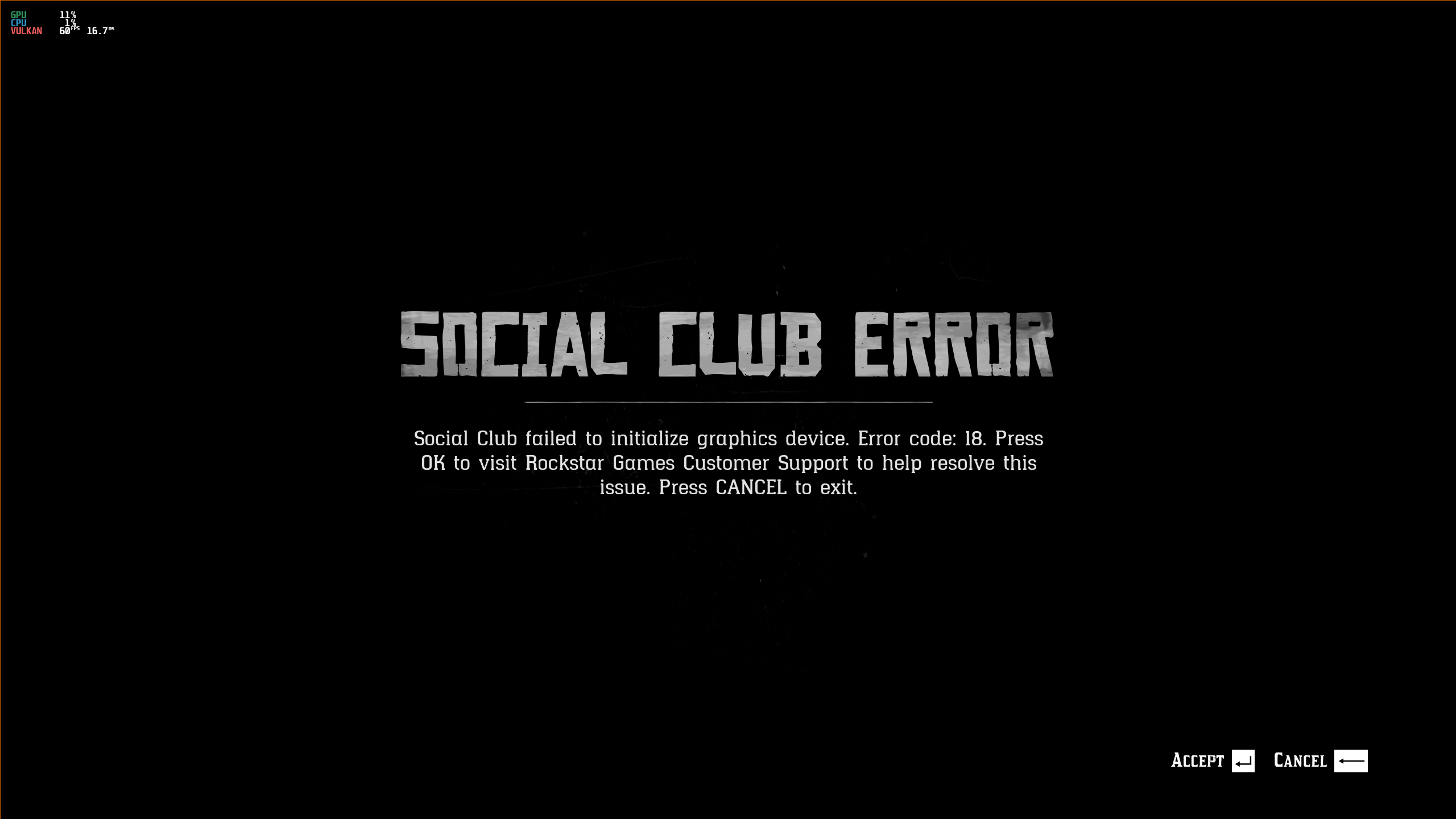
My launch options are as they have always been:
WINEDLLOVERRIDES="dxgi=n,b" mangohud gamemoderun %command% -width 2560 -height 1440
I have tried to also add other launch options like -vulkan -adapter 0 -safemode -ignoreprofile -useMinimumSettings -benchmark
in different configurations. But still no dice. If I don't add -width 2560 -height 1440 the game just crashes before the message is even displayed.
I'm using a Nvidia 2060 Super, 450.56.01 and Proton rdr2-4 on an Arch system.
Anyone that has any ideas?
Are you blacklisting the correct PCI ID for the second graphics card to
make sure the system doesn't see it?
Are you blacklisting the correct PCI ID for the second graphics card to make sure the system doesn't see it?
I am, other games are working fine and the VM is working as it should. Just this game that seems to have a problem with it.
Thanks @mozo78. Sorry for any confusion, the comments about Mint were just for some context. This is a new OS, new install etc.
I deleted compatdata regularly when trying different proton versionsI have the same issue on an AMD GPU, Ubuntu 18.04 based elementaryOS 5.1.6, Linux Kernel 5.4.10 everything the same as the original install 2-3weeks ago. I suspect there was an update to the game or something that has triggered the game not to launch.
I see a lot of "file not found", permissions and insufficient buffer issues in the launcher log file.
I also did a clean install of RDR2 and results were the same. I have attached my launcher log file.
So, this is embarrassing :blush: Please disregard my post quoted above. After more digging around, it seems my issue running RDR2 may have been a fat finger error. Obiaf has been pushing Mesa driver updates and there was one yesterday, but I think I must have changed the RDR2 launch options (probably to add the PULSE_LATENCY_MSEC=40 command to test the suggested solution for the audio cracking issue) and I must have hit the R key by accident. So instead of the launch commands reading WINEDLLOVERRIDES="dxgi=n,b" ... it was reading RWINEDLLOVERRIDES="dxgi=n,b"... .
Game is running fine now
Did the newest update break it for anybody else?
Broke for me. It gets to the loading screen (the one that goes to the smoke), the loading bar goes about a third of the way and it crashes. It happened to coincide with a mod that I was trying out, unfortunately. Deleted the mod and restored my backup and nope :( It's either the update or my own incompetence. Steam wouldn't let me play without updating so here I am.
Broke for me. It gets to the loading screen (the one that goes to the smoke), the loading bar goes about a third of the way and it crashes.
Hey I'm experiencing exactly the same thing. I get about a third of the way through the initial loading screen and then the game window just disappears. For my it coincided with moving the game install folder from my hdd to my ssd, so at first I also assumed I must have done something wrong but after tinker with this for a good 2 hours and trying every approach we have, I'm also starting to think it's the new update.
I have an rx470 and Mesa 20.1.4 on Arch Linux. The game worked great until just hours before the update.
@cladoxylopsidus There's probably a pretty low chance that we both did the exact same thing to get the exact same results at the exact same time haha. Seems like it may have been the update. I'm not skilled enough to find a fix on my own though and the game is too large to just do a quick reinstall.
@cladoxylopsidus There's probably a pretty low chance that we both did the exact same thing to get the exact same results at the exact same time haha. Seems like it may have been the update. I'm not skilled enough to find a fix on my own though and the game is too large to just do a quick reinstall.
@myahenochs and @cladoxylopsidus If you guys are having the same problem, then, I may have had more than a fat finger error.
I had the exact same issue loading the game. It would get to about half way through the progress bar and then crash out. In my case I did nothing. The only things I put it down to were the game update or Mesa driver update. Oibaf tends to be very relentless with each Mesa release and pushes multiple updates for weeks after the initial release. So I figured maybe there was a bug somewhere in the update but I couldn't say for sure. Since no one else seemed to have had the same problem I just put it down to something about my system. I was even at one point thinking it was Social Club not playing well with my VPN because the progress bar crash happens just around the time during load sequence that the social club connection is verified.
While I can't say for sure what fixed the issue for me now the game is working again, it could literally have been anything in the combination of a reinstallation of RDR2, Oibaf's Mesa driver update push this morning, and me correcting my launch options to fix the typo
PULSE_LATENCY_MSEC=40 RADV_PERFTEST=aco WINEDLLOVERRIDES=dxgi=n,b %command% -height 3840 -width 2160 -ignorepipelinecache -vulkan -safemode
(-safemode removed after getting it ran and allowed me to reposition the window).
This is the worst type of issue and fix because you can't easily trace back your steps to pin point exactly what caused the break and how it got fixed. I am half expecting not to be able to load the game after I reboot.
@thedarthtux I'm also running Mesa, but I had another user explain to me that, if I decide to use Vulkan via VK_ICD_FILENAMES=/usr/share/vulkan/icd.d/amd_icd32.json:/usr/share/vulkan/icd.d/amd_icd64.json(I do), that Mesa version doesn't matter. I don't understand drivers fully, but if they're right, the Mesa update shouldn't have been an issue(?).
@myahenochs I too don't know too much about the drivers and I get the dialog saying my driver is not up to specifications for the game, but it did run for me on Mesa 20.1.2 originally and now Mesa 20.2. So they're are right that the Mesa update should not have caused any issues.
Have you tried recreating the wine prefix? Like renaming the 1174180 folder in ~/steamapps/compatdata to something like 1174180.org and then relaunching the game to have Steam recreate the wine prefix. Wondering if it is not something related to libraries not being installed correctly after the game update. I remember that part of the installation instructions is to delete any pre-existing 1174180 folder. I didn't think about this when I first had the problem and did a full reinstall. So my 1174180 is completely new and created post update.
I know in some other games, a couple of missing DLLs like if the developer starts using libraries from say a different version of vcrun than what is installed in the wine prefix may cause shaders not to be created and result in missing textures or crashes. If so, it may be that Steam is not be updating the prefix correctly if at all with the new libraries. Just speculating though.
So my 1174180 is completely new and created post update.
same
@thedarthtux I'm also running Mesa, but I had another user explain to me that, if I decide to use Vulkan via
VK_ICD_FILENAMES=/usr/share/vulkan/icd.d/amd_icd32.json:/usr/share/vulkan/icd.d/amd_icd64.json(I do), that Mesa version doesn't matter. I don't understand drivers fully, but if they're right, the Mesa update shouldn't have been an issue(?).
This is correct. Mesa version is 100% irrelevant if you're using VK_ICD_FILENAMES to specify either the amdvlk or the vulkan-amdgpu-pro drivers. Mesa doesn't touch the game whatsoever in that case.
Do you know about this file ? https://www.codeweavers.com/xfer/bshanks/public/dsound.dll
How to install it?
dsound.dll
brief details about what dsound.dll does can be found here: https://www.processlibrary.com/en/directory/files/dsound/20757/
Unless there is a specific issue the file in the codeweavers link fixes, It should already be in the wine prefix 1174180 created by Steam when RDR2 is run for the first time. So there shouldn't be any need to install a replacement dsound.dll.
@thedarthtux I'm also running Mesa, but I had another user explain to me that, if I decide to use Vulkan via
VK_ICD_FILENAMES=/usr/share/vulkan/icd.d/amd_icd32.json:/usr/share/vulkan/icd.d/amd_icd64.json(I do), that Mesa version doesn't matter. I don't understand drivers fully, but if they're right, the Mesa update shouldn't have been an issue(?).This is correct. Mesa version is 100% irrelevant if you're using VK_ICD_FILENAMES to specify either the amdvlk or the vulkan-amdgpu-pro drivers. Mesa doesn't touch the game whatsoever in that case.
Alright, then it doesn't seem the Mesa update is the problem. I'll try deleting the prefix like @thedarthtux suggested.
For what it's worth the game is still working for me:
PROTON_LOG=1 PULSE_LATENCY_MSEC=40 WINEDLLOVERRIDES="dxgi=n,b" %command% -width 2560 -height 1440 -ignorepipelinecache
Nvidia 440.66.17
For what it's worth the game is still working for me:
PROTON_LOG=1 PULSE_LATENCY_MSEC=40 WINEDLLOVERRIDES="dxgi=n,b" %command% -width 2560 -height 1440 -ignorepipelinecache
Nvidia 440.66.17
Your launch options got mine to get past the smoke intro, but i still get the damn social club error. I am running Nvidia ver. 440.100, with a Nvidia GTX 980...i just cant figure out how to get past the damn Social club error. Everything i try just fails. Any ideas?
Getting the Social Club error happens about 50% of the time for me, and sometimes it takes many attempts (4 or 5) before it lets me in. You could try checking your internet connection?
Getting the Social Club error happens about 50% of the time for me, and sometimes it takes many attempts (4 or 5) before it lets me in. You could try checking your internet connection?
Internet connection is great...maybe if i try a few attempts in a row to see if i can get past it. Thanks!
Another problem i have is the game never truely ends the process when you quit
...so i end up having to close steam and restarting it to re-launch it.
I deleted the compat data and let the game recreate it without luck. Still the same loading issue as before.
Seem's like i get the Social Club error 100% of the time.
Another problem i have is the game never truely ends the process when you quit
...so i end up having to close steam and restarting it to re-launch it.
Happens on Windows too. As far as I've figured out, it's due to cloud saves syncing... Or failing to.
Killing the R* launcher (or asking it to exit via the system tray icon) makes it work again without restarting Steam.
I deleted the compat data and let the game recreate it without luck. Still the same loading issue as before.
this issue has been bugging me all day. Still can't figure it out. Going to try to replicate the issue on my other rig to see. Can't even find anything meaningful in the log files I can see.
I deleted the compat data and let the game recreate it without luck. Still the same loading issue as before.
this issue has been bugging me all day. Still can't figure it out. Going to try to replicate the issue on my other rig to see. Can't even find anything meaningful in the log files I can see.
Yeah, i deleted the compdata and now im farther back than i was earlier. Now i get the loading bar, then a black screen, then a few seconds later another black screen and it closes.
For what it's worth the game is still working for me:
PROTON_LOG=1 PULSE_LATENCY_MSEC=40 WINEDLLOVERRIDES="dxgi=n,b" %command% -width 2560 -height 1440 -ignorepipelinecache
Nvidia 440.66.17Your launch options got mine to get past the smoke intro, but i still get the damn social club error. I am running Nvidia ver. 440.100, with a Nvidia GTX 980...i just cant figure out how to get past the damn Social club error. Everything i try just fails. Any ideas?
In my experience, about 50% of the time the game gets an activation error. If I wait too long to respond to the message about AMD drivers (about 5 minutes or so) I get a social club error 100% of the time. The game still crashes frequently whenever I get into the game, which can be frustrating, as it usually seems to happen in missions or during random encounters, but I've put 121 hours into the game on Linux only and I've enjoyed the game from start to finish.
As an extra note, i added the -ignorepipelinecache option and disabled the Steam overlay as per a suggestion here to reduce the frequency of crashes. This did not make a noticeable difference, but it may be worth trying if you're having problems with the current version of the game.
I am running Nvidia ver. 440.100, with a Nvidia GTX 980...i just cant figure out how to get past the damn Social club error. Everything i try just fails. Any ideas?
440.100 I believe, is not a beta driver, so if you want good performance you should downgrade to 440.66.17/15 or upgrade to 450.56.02. I don't think it should crash without it, but nonetheless the game won't be enjoyable for you without the Vulkan beta drivers.
Will have to reinstall the game from scratch on my other rig tonight. Copying just the game data and updating the Steam installed games registry.vdf file didn't seem to trick steam to thinking the game is installed. So won't be able to do a proper replication attempt as hoped. Well unless I buy another ssd, copy all my installed games to that and install it in the other rig.
I'm beginning to think this is going to be one of those situations where you throw darts at a wall hoping one of them will stick. The only other thing I can think of is that I installed RDR2 using proton-5.0-rdr2-4 as the default version of proton Steam uses.But I am sure we've probably all done the install with proton-5.0-rdr2-4. It's just odd that it's not affecting everyone and in my case started working again almost as randomly as it stopped; ignoring the launch options typo.
Will also test that correlation between the time delay between clocking past the AMD driver warning and the Social Club activation error. Thought they were connect but didn't think anything of it since it would work after restarting the game.
Just completed the game. Thanks to all involved in getting this game running on Linux.
https://i.imgur.com/ZgeKh8J.png
https://i.imgur.com/eUlw7Vs.png


@TKCZ Hey! I have same GPU, and I was wondering how many fps are you getting via proton, if you could please let me know ?
Just an update: I've moved the game install folder back to the hard drive where it originally was and it still just crashes at the loading screen.
@myahenochs @cladoxylopsidus As much as I really really don't want to say this because 5-10hrs downloading the game files again is a pain, but it may very well be that you may have to uninstalled and reinstall RDR2 using proton-5.0-rdr2-4.
The game is working as expected with the clean install I did on my other rig using an RTX 2080ti I have just sold and doing final proof of life tests on before I ship it off. The driver is 440.100 but I installed the game using a Vega 64. Will also try launching the game with the Vega 64 once I finish the testing of the 2080ti and uninstall the Nvidia drivers. Hopefully the screen recorder I am using doesn't crash again so I can upload the video proof of the game working.
I installed the RDR2 using proton-5.0-rdr2-4 after changing the Steam Play settings to make that as my default version of proton to use on all games. Did this more to be safe since proton-5.0-rdr2-4 is the version of proton that launches the game.
Alright, I'm gonna go ahead and download it again... ETA 38 hours
Alright, I'm gonna go ahead and download it again... ETA 38 hours
I think there might be some underlying instability somewhere between the Proton build and the game. I just tried to run it with my Vega 64 after removing the 2080ti and Nvidia drivers and installing the mesa-vulkan drivers and it resulted in the same crashes about halfway through the load screen progress bar. Going to reinstall again overnight.
Good Day,
I am running :
Fedora 32
Lutris 0.5.7.1-1
Proton 5.0-rdr2-4.tar.gz
nVidia 440.100-1
Story Mode Works but not Online, but that is known. I just get the most annoying screeching sound. I did try a recommended workaround to no success. Have I done the workaround incorrectly (PULSE_LATENCY_MSEC) :
https://imgur.com/gallery/Q4R21nz
Regards
Is there known way to get past the "Social Club Error: Social Club failed to initialize graphics device. Error code: 18." thing yet?
Super ridiculous in the first place that Social Club needs to somehow initialize my graphics device.
Anyway, I'm running a Radeon RX 5700 XT, with mesa 20.1.4-3 on Linux 5.7.11. My launch options are: WINEDLLOVERRIDES="dxgi=n,b" %command% -width 1920 -height 1080 -vulkan. Using proton-5.0-rdr2-4. Followed the directions from this comment by mrpippy: https://github.com/ValveSoftware/Proton/issues/3291#issuecomment-644542391
Edit: just to clarify, I'm getting the Social Club Error 18 every launch, and not only sometimes like some people are reporting.
Is there known way to get past the "Social Club Error: Social Club failed to initialize graphics device. Error code: 18." thing yet?
Yes you need to trigger the RDR2 Installer to install the vulkan overlay (this error is missing vulkan overlay that connect to social club in the game).
I Found 2 way : Verify the game binary, it will trigger the installer at the end, or redownload the game.
I had the game working and played for around 20 hours but suddenly it started crashing at startup with "Unable to start game. Verify your game data". I tried verifying the files with steam and it didn't do much.
Anyone else encountering this issue? I'll try checking the filesystem since it started happening before the update so I suspect the fs might be corrupted
Is there known way to get past the "Social Club Error: Social Club failed to initialize graphics device. Error code: 18." thing yet?
Yes you need to trigger the RDR2 Installer to install the vulkan overlay (this error is missing vulkan overlay that connect to social club in the game).
I Found 2 way : Verify the game binary, it will trigger the installer at the end, or redownload the game.
Verifying the game files worked, thanks a bunch! I got the game running now. Also big thanks to @mrpippy !
I had the game working and played for around 20 hours but suddenly it started crashing at startup with "Unable to start game. Verify your game data". I tried verifying the files with steam and it didn't do much.
Anyone else encountering this issue? I'll try checking the filesystem since it started happening before the update so I suspect the fs might be corrupted
I checked the fs and it looks alright. I'll try to fix it and let you know if I find something else
I finally got around to reinstalling the game. On top of losing my save because I forgot that Steam doesn't back them up automatically for this game and I'm really, really smart and didn't back them up myself, I'm still having the loading bar crash from after the update.
So yeah reinstalling the entire game didn't fix the loading screen crash for me... :(
Story mode: It works great and is very playable actually. I'm getting 60 FPS. I find it quite amazing how i can play this game so well on Linux distro.
Bugs experienced by me:
- Audio may glitch after a while playing. The only solution i found was to restart the game.
- Screen tearing when looking at the ground (??? it's a weird bug ???) even with VSync on. I found some people that coded a bash script that ticks and unticks Full Composition Pipeline when it detects RDR2.exe, that kind of solves it. I'm still studying a better solution for this even though this doesn't make the game unplayable at any chance.
Online mode: This doesn't work at all. I can't connect with R* servers with the error code 0x30050021. I find this odd because i had this problem with GTA Online the first time i tried to play it on linux but the second time it fixed it. It seems like various people can't play RDOnline on Linux (or Windows for that matter) but can't find people to discuss this matter. Has anyone come to a solution for this matter or can play Online native?
Online doesn’t work due to this issue: https://bugs.winehq.org/show_bug.cgi?id=49543
Those of you that are running AMD cards and are using RADV_PERFTEST=aco in the launch parameters on Steam, you might want to try without it, if you are getting "Unable to launch game, verify game data" errors.
I was playing yesterday without any problems with ACO enabled, but today the game would not start. Mesa was recently updated to 20.1.5-1, so I figured that they must have removed the RADV_PERFTEST=aco environment variable, but after I tried downgrading mesa back to 20.1.4 and after reboot, it still would not start. Other games are still working with ACO enabled, but those are either OpenGL or DXVK games.
It's worth a shot, if you had the same problems as I did.
I find the whole situation with the game confusing right now. It seems not to affect everyone using AMD GPUs (despite seemingly being an AMD GPU issue) and is not localised to GPU architecture as well.
I have it running perfectly fine on my primary rig even with RADV_PERFTEST=aco enabled :
eOS 5.1.6 Hera (i.e. Ubuntu 18.04)
Kernel 5.4.10-acso
Ryzen 9 3950X
Gigabyte aorus master x570
Radeon VII (OpenGL version string: 4.6 (Compatibility Profile) Mesa 20.2.0-devel (git-56ab105 2020-08-06 bionic-oibaf-ppa) )
64GB DDR4
Launch Options: PROTON_LOG=1 PULSE_LATENCY_MSEC=40 RADV_PERFTEST=aco WINEDLLOVERRIDES="dxgi=n,b" mangohud %command% -width 3840 -height 2160 -ignorepipelinecache -vulkan
I am going to have to re-install Linux on my test rig where I did the Nvidia RTX 2080ti test run and got it working but was getting the exact same progress bar crash issue the moment I switched out the RTX 2080ti for a Vega 64.
eOS 5.1.6 Hera (i.e. Ubuntu 18.04)
Kernel 5.4.10-acso
i7-4790K
Asus z97 mobo
Vega 64
32GB DDR3
The test rig was apparently using the ridiculously out of date paulo.miguel.dias PPA mesa-20.0 llvm drivers not my prefered oibaf-ppa that I thought it was using. Unfortunately, for whatever very unusual reason the only way to remove the paulo.miguel.dia PPA was to purge but that basically uninstalls the entire Linux desktop and x-server. So going to re-install eOS on the rig, retest and report. (Note to self NEVER use the paulo.miguel.dia PPA ever again).
Finished the clean install of elementary OS with the oibaf-ppa on my test rig and RDR2 boots up as expected
eOS 5.1.6 Hera (based on Ubuntu 18.04)
Kernel 5.4.10-acso (source: https://queuecumber.gitlab.io/linux-acs-override/)
i7-4790K
Asus z97-c mobo
Vega 64 (OpenGL version string: 4.6 (Compatibility Profile) Mesa 20.3.0-devel (git-a92cfa6 2020-08-06 bionic-oibaf-ppa))
32GB DDR3
Launch Options: WINEDLLOVERRIDES="dxgi=n,b" %command% -fullscreen
I didn't have to re-install RDR2 either. Just extracted the proton-5.0-rdr2-4 build to ~/.steam/steam/compatibilitytools.d/, deleted the 1174180 folders in side both the compatdata and shadercache folders and pointed Steam to the original install, then let Steam recreate everything.
So I am completely at a loss now as far as why RDR2 crashes out at the progress bar. Seem to have ruled out game data integrity issues, and clean installs of RDR2 would have deleted the compatdata and shadercache folders. Also, while, my test rig was still using the Mesa 20.0.0 drivers from the paulo.miguel.dia PPA, I could say it is an issue of out of date drivers, especially seeing that my RTX 2080ti worked on the same rig using the Nvidia 440.100 drivers and it works on my Radeon VII rig with Mesa 20.2.0 and Mesa 20.3.0. However, in theory at least, there shouldn't be anything different between the Mesa 20.2.0 drivers being compiled/installed on different Linux distros. So should not be related to the drivers.
Screenshots
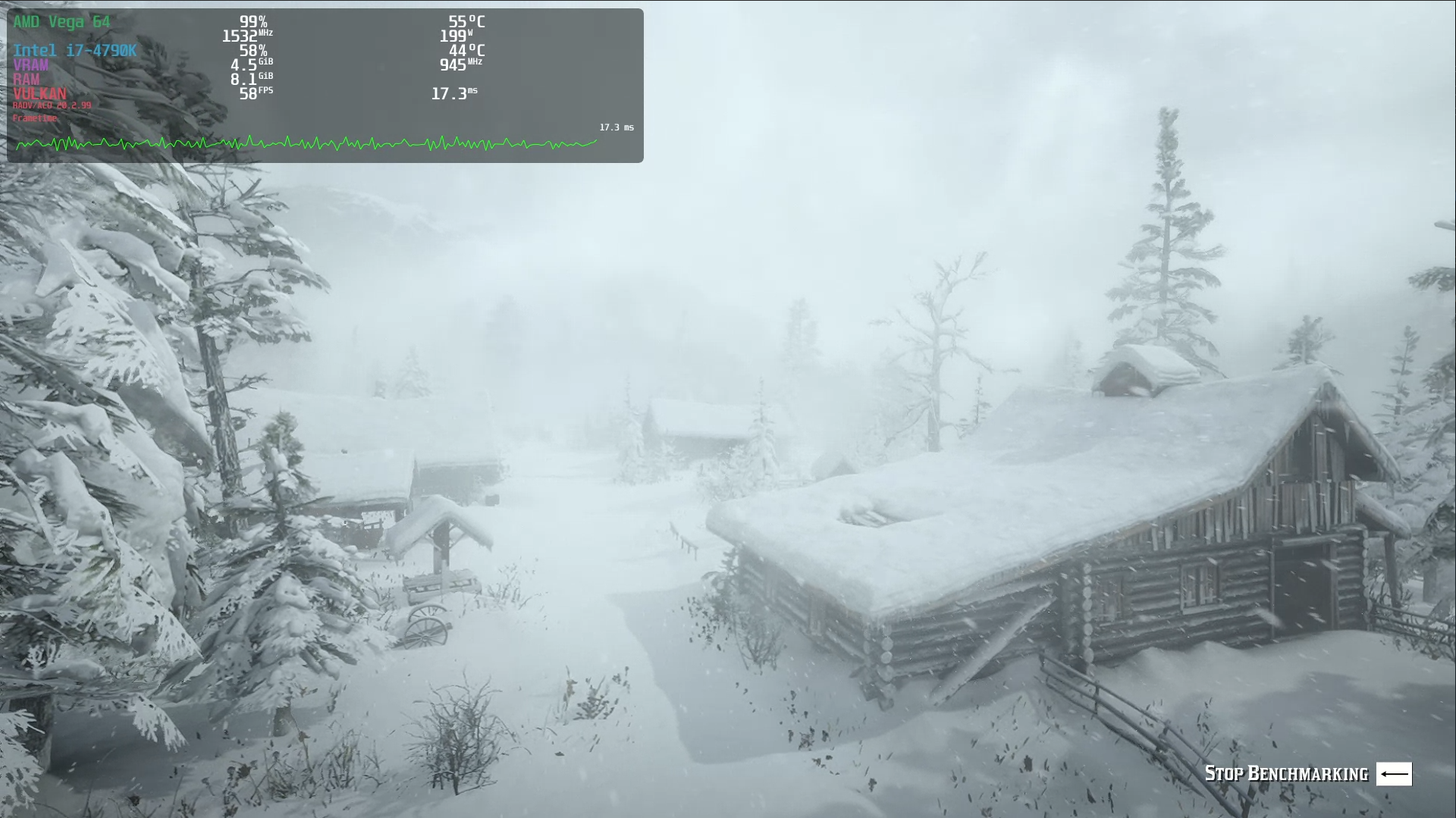
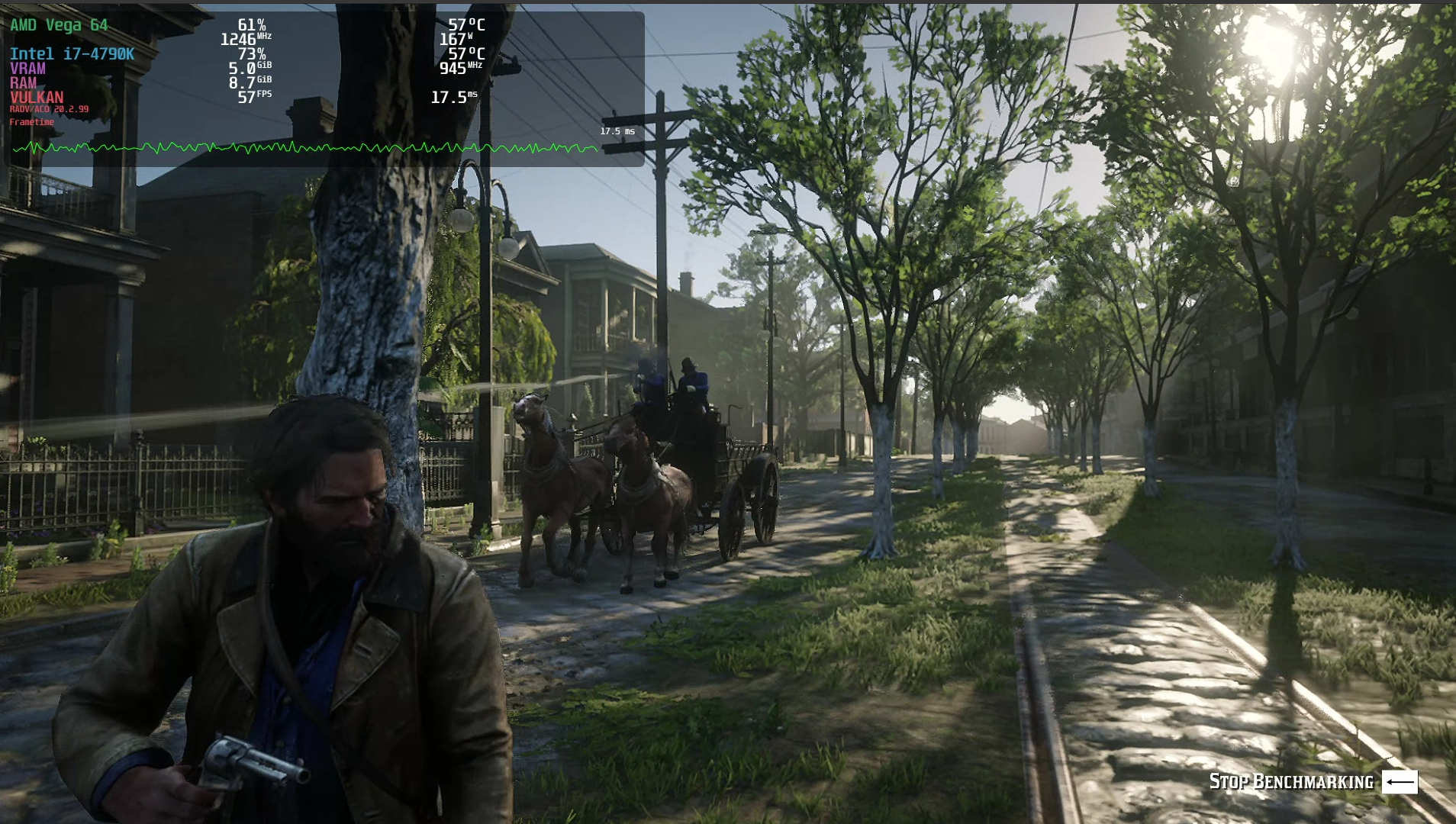
i get it working on my machine with gtx 1060 but with low fps ranges from 15-20
i get it working on my machine with gtx 1060 but with low fps ranges from 15-20
I find that if I use the current NVIDIA driver (I think it is 450.57) i was getting 15-20 FPS with mid to high settings @ 1080p, but if I run the older 440.82 drivers then it runs closer to 30 fps at the same settings. Downgrade to that version if you are running newer drivers.
i get it working on my machine with gtx 1060 but with low fps ranges from 15-20
I find that if I use the current NVIDIA driver (I think it is 450.57) i was getting 15-20 FPS with mid to high settings @ 1080p, but if I run the older 440.82 drivers then it runs closer to 30 fps at the same settings. Downgrade to that version if you are running newer drivers.
owh thanks for the tip yes i use the latest beta driver 450 i will downgrade and see :)
i get it working on my machine with gtx 1060 but with low fps ranges from 15-20
Use any version of the Vulkan beta drivers 440.66.15 or later and it'll run well. I played through the whole game on a 1060 and got between 40-60 fps, definitely playable.
I didn't have to re-install RDR2 either. Just extracted the
proton-5.0-rdr2-4build to~/.steam/steam/compatibilitytools.d/, deleted the1174180folders in side both thecompatdataandshadercachefolders and pointed Steam to the original install, then let Steam recreate everything.
So I am completely at a loss now as far as why RDR2 crashes out at the progress bar. Seem to have ruled out game data integrity issues, and clean installs of RDR2 would have deleted the
compatdataandshadercachefolders.
Experiencing actually the very same problem. Didnt bother to reinstall anything. Game used to work for me with mrpippy's proton_5.0-rdr2-4 actually very good for hardware r7 1700 @ 3.9Ghz + 16Gb ddr4 + rx 480 4gb 1920x1080. Arch linux, mesa 20.1.5-1, vulkan-radeon-20.1.5-1 both stable.
But now it just crashes progressbar to launch the game. My guess is that it has something to do with latest patches game did.
Just completed the update using Nvidia Vulkan Beta 450.56.06.
No Crashes yet. Built the prefix using proton 5.0-9. Then switched over to 5.0-rdr2-4.
launch commands MANGOHUD=1 WINEDLLOVERIDES=winedbg.exe=d WINEDLLOVERRIDES="dxgi=n,b" %command%
the game does not run anymore.
Built the prefix with proton 5.0-9, then used 5.0-rdr2-4.
Operating System: Manjaro Linux
KDE Plasma Version: 5.19.4
Kernel Version: 5.7.15-1-MANJARO
Processors: 4 × Intel® Core™ i5-7600K CPU @ 3.80GHz
Graphics Processor: GeForce GTX 1070/PCIe/SSE2
Nvidia Driver: 450.57
@McMarius11
Tried it just now and after a few crashes it started and seems to be working fine. Try changing to the latest Nvidia Vulkan beta driver 450.56.06
@McMarius11
Tried it just now and after a few crashes it started and seems to be working fine. Try changing to the latest Nvidia Vulkan beta driver 450.56.06
Same here, worked after the second "Activation Error" with the tkg kernel and the NVIDIA Vulkan Beta Driver 450.56.06.
@McMarius11 try this in Manjaro
@McMarius11
Tried it just now and after a few crashes it started and seems to be working fine. Try changing to the latest Nvidia Vulkan beta driver 450.56.06Same here, worked after the second "Activation Error" with the tkg kernel and the NVIDIA Vulkan Beta Driver
450.56.06.
@McMarius11 try this in Manjaro
thanks @SOlsson91
i installed the latest nvidia driver,
i forgot to use "WINEDLLOVERRIDES=dxgi=n,b %command%" now i see the smoke and it crashes. i tried it 5 times.
on the 6th try it run but the error was "Social Club failed to initialize graphics device. Error code 18
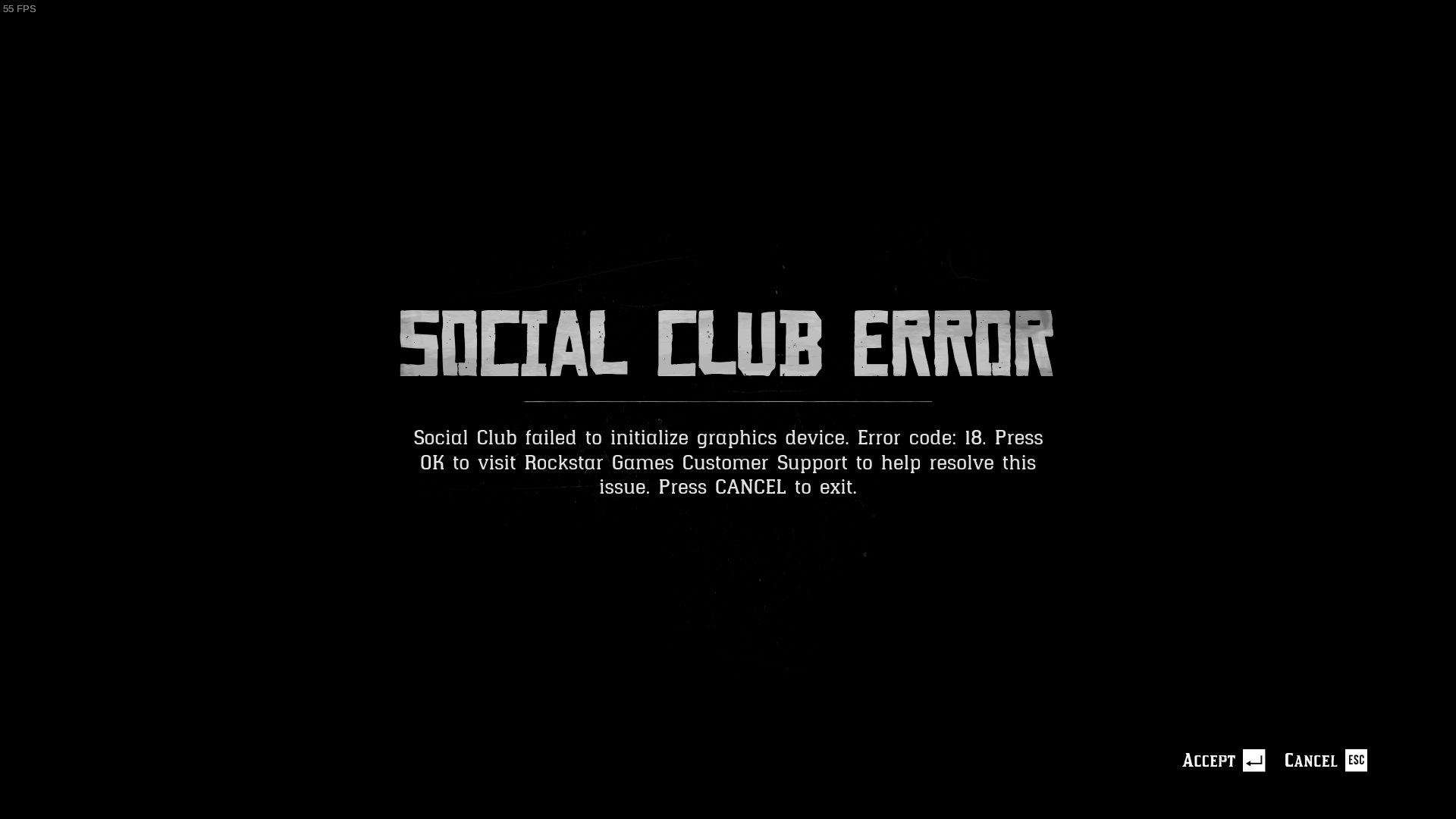
edit: after i verified my files i get Activation Error. unbelievable
edit2: after i cleared the compdata folder again and tried it, it worked after the second time :)
now it runs as expected, thanks guys :)
@McMarius11
I had that issue but it kinda resolved itself after I "Verified the integrity of game files". Think someone talked about some file that was missing after an update. Only thing I can really think of a.t.m.
After today's 200mb update it's all completely broken. I can't even get the window to spawn anymore and the Rockstar launcher also can't connect to the internet.
@cladoxylopsidus I can confirm was running somewhat smoothly (aside from lag in the menus strangely) with my 1080 TI on 450.57
But after that 200meg update, it's no longer spawning the game window. (Running through lutris Rockstar Launcher version of the game)
here also it does not work after the new update
It's worth noting that DOOM: Eternal had a similar issue after an update was released with Denuvo Anti-Cheat. The community worked around it to keep single-player working with a project called doomgrader that downgrades to the last know working version. We could probably do something similar to downgrade RDR2 to the last known working version until the compatibility issues with this update are resolved.
It seems like a lot of people on Windows have issues starting the game as well, some have reported it have started working again within the recent hour or so, but I don't know how across the board that is.
So this may not be a Proton-related issue.
I got it running, when it doesn't work for me the processes remain running, so I have to kill them manually after each attempt.
This time I decided kill only PlayRDR2.exe first, nothing changed, then entirely on a whim I decided not to kill RDR2.exe but instead suspend it, a few seconds later I resumed it and to my surprise the game started.
I'm playing the story mode right now.
Edit: It seems to be the suspending that does it, killing PlayRDR2.exe first is not necessary.
I got it running, when it doesn't work for me the processes remain running, so I have to kill them manually after each attempt.
This time I decided kill only PlayRDR2.exe first, nothing changed, then entirely on a whim I decided not to kill RDR2.exe but instead suspend it, a few seconds later I resumed it and to my surprise the game started.I'm playing the story mode right now.
Noob question but how do you suspend in Wine/Proton?
EDIT: In the process of working out how to do this, it started working when I did the following weird things in this particular order
-
I downloaded https://docs.microsoft.com/en-us/sysinternals/downloads/process-explorer
-
Opened taskmgr (make sure its in the same wine prefix)
-
Ran the Launcher.exe from lutris, until rockstar launcher stated "Exit Game" and nothing actually came up
-
ran procexp64.exe from taskmgr (didnt do anything else, just fired it up lol)
-
BAM! The Mesa version warning popped up like usual, I clicked okay and I was off to the races! Wooohooo!
No idea why this worked or what is holding it up from launching anyways.
EDIT 2: Tried doing the same thing but running any other exe (l tried explorer & cmd) but I didnt get the same result. So it must be something in procexp64.exe that is randomly triggering RDR2.exe to work!
EDIT 3: I am wiser now, just use something like suggested below.
I suspend the processes like I would any other. In this case in KSysGuard, Right Click on the process -> Send Signal -> Suspend.
But I'd assume any kind of normal process signaling would work.
I suspend the processes like I would any other. In this case in KSysGuard, Right Click on the process -> Send Signal -> Suspend.
But I'd assume any kind of normal process signaling would work.
I haven't tested it, but you could probably do something like PID=$(pgrep RDR2.exe); kill -s SIGSTOP $PID && kill -s SIGCONT $PID
I suspend the processes like I would any other. In this case in KSysGuard, Right Click on the process -> Send Signal -> Suspend.
But I'd assume any kind of normal process signaling would work.I haven't tested it, but you could probably do something like
PID=$(pgrep RDR2.exe); kill -s SIGSTOP $PID && kill -s SIGCONT $PID
@jakogut Thanks, just tested that command and it works
This is the stupidest workaround. I love it! Seriously, I really appreciate you finding it, @albin-engstrom . I was getting desperate for my Arthur Morgan fix.
Edit: It seems to be the suspending that does it, killing PlayRDR2.exe first is not necessary.
Can confirm that sending STOP followed by CONT after the Rockstar launcher window disappears works to start the game.
With the newest update, the game drops about three contiguous frames every one or two seconds for me. Anyone else having this problem?
This is the stupidest workaround. I love it! Seriously, I really appreciate you finding it, @albin-engstrom . I was getting desperate for my Arthur Morgan fix.
Indeed it is, I'm very glad (and surprised) that I found it as well.
I had no reason to believe it would work, I have never seen any issue with any game being solved by doing that and I have never even tried doing it with any game before this.
Yet, when I saw the "Send Signal" menu item in KSysGuard I decided to try it, for some unknown reason.
Imagine my face when it actually worked.
Howdy Partners! I've compiled the fixes I've read around these parts in a Steam Guide. Thank you fellers for your help, I've been adding in credits where due; o'course, I reckon that's the least I could do.
You can find it here:
https://steamcommunity.com/sharedfiles/filedetails/?id=2208225966
Take care now, y'hear?
Just spent an hour and a half trying out RDR2 with Proton 5.0-rdr2-4 with launch parameters: WINEDLLOVERRIDES=dxgi=n,b %command% -vulkan so I thought I would post my thoughts/issues/etc.
Specs:
https://gist.github.com/ipkpjersi/2dd2499847e52b83f0426ae650b49aec
I installed the game with Proton 5.0-rdr2-4 and then it got stuck after launching Rockstar Social Club so I ran the fix command: PID=$(pgrep RDR2.exe); kill -s SIGSTOP $PID && kill -s SIGCONT $PID and it started up, in a 720p window, and then had an activation error and forced me to exit. I tried relaunching the game, tried using the fix command, tried without using the fix command, not worked so I had to delete the compatdata prefix with rm -rf ~/.steam/steam/steamapps/compatdata/1174180/ then re-launched the game, and then it worked again. I was able to get ingame, set my game to 1080p windowed borderless, I tried out online but it got stuck on loading then after 3 tries getting the same error each time I gave up, here is the error: You have been disconnected from Red Dead Online because the connection to Rockstar game services was lost (Error: 0x30005001). I then tried story mode which did work, however I was getting only around 40 FPS on my 5960x @ 4.3ghz and GTX 1070 - it may have been because it was still trying to cache assets, but then after only a couple minutes it tried to auto save and then once it popped up the autosave it wouldn't do anything when I would select yes or no, no matter how long I waited, so I closed out of the game and tried again to launch it but it still would not launch again. I get 45-60FPS on my laptop dual booting Windows 10 and Ubuntu 18.04, of course booted into Windows 10, using the same graphical settings as my Linux desktop so the performance is not quite there yet with this wine build - either that or it didn't have enough time to cache all the assets.
I am extremely pleased with all the work that is going into getting this game ready to run on Linux. Sorry for the long post but I just thought I would point out my experiences with it. I hope at least one person finds my comment useful.
Anyone else getting Rockstar activation errors? Before having to do the ksysguard workaround It would happen maybe 1 in 3 times and a restart of the game would fix it. Now if I do the Ksysguard wrokaround it always without fail that I am not entitled to red dead 2 on my Rockstar account even after signing in fine. Running Nvidia 450 Arch 5.8.3 2080ti
Anyone else getting Rockstar activation errors? Before having to do the ksysguard workaround It would happen maybe 1 in 3 times and a restart of the game would fix it. Now if I do the Ksysguard wrokaround it always without fail that I am not entitled to red dead 2 on my Rockstar account even after signing in fine. Running Nvidia 450 Arch 5.8.3 2080ti
I also had the Activation Error roughly that often before, but with the suspend workaround they still seem to happen with about the same frequency. Possibly even less often, but that could just be random chance.
Howdy Partners! I've compiled the fixes I've read around these parts in a Steam Guide. Thank you fellers for your help, I've been adding in credits where due; o'course, I reckon that's the least I could do.
You can find it here:
https://steamcommunity.com/sharedfiles/filedetails/?id=2208225966Take care now, y'hear?
That's a great guide, well written and thorough.
It's good to have something like that, as finding all the relevant fixes by reading through this thread isn't all that easy.
@ipkpjersi regarding performance, Vulkan Beta Driver is needed : https://developer.nvidia.com/vulkan-driver
It went from 15 to 50/60 fps for me
@blae-s Do you know if the vulkan beta driver changes will be merged into the 440.xx series drivers eventually or is that not likely to happen? I am currently using 440.100
My driver automatically updated to 450.66 so I should eventually get the full performance updates for Red Dead Redemption 2, that's great.
Howdy Partners! I've compiled the fixes I've read around these parts in a Steam Guide. Thank you fellers for your help, I've been adding in credits where due; o'course, I reckon that's the least I could do.
You can find it here:
https://steamcommunity.com/sharedfiles/filedetails/?id=2208225966
Take care now, y'hear?That's a great guide, well written and thorough.
It's good to have something like that, as finding all the relevant fixes by reading through this thread isn't all that easy.
Thank you and agreed. I thought it might be helpful to those not interested in unearthing the gold, so to say.
I can launch the game with the provided proton version and the provided workarounds, however the loading times are insanely slow.
The game takes 2 minutes to start up (after the rockstar launcher disappears) and loading a story save game or run the benchmark results in an infinite (I quit the game after 15 minutes) loading screen.
Does anyone else has those issues and maybe found a fix for them?
@Unkn0wn-MDCLXIV can you check ingame, in graphics settings, if it's actually using vulkan renderer and not dx12 ?
I think i had the exact same issue from what you describe on ubuntu.
It was very slow loading the game, and couldnt run benchmark and story mode as it was stuck on infinite load screens every time.
The game didnt want to use anything else but dx12 renderer and MangoHud was showing VKD3D
It worked right away on Manjaro and Artix though, using Vulkan as intended
I have no idea how to fix this sadly
@blae-s that’s exactly my issue.
I cannot set it to Vulkan in settings. I even tried editing the system.xml to use Vulkan and make it read only, but it’s still using DX12. Passing -vulkan does not help either.
Any chance that Brendan will create a new Proton variant for us?
However it's working for me with Vulkan.
I have AMD GPU, Vega56.
Be aware. Sometimes there are multiple PIDS for RDR2.exe
Any chance that Brendan will create a new Proton variant for us?
However it's working for me with Vulkan.
I have AMD GPU, Vega56.Be aware. Sometimes there are multiple PIDS for RDR2.exe
Uploaded my rx480 vulkan ( WINEDEBUG="+timestamp,+pid,+tid,+seh,+debugstr,+module")
Log with issue game crashing. On loading screen after killing process with:
PID=$(pgrep RDR2.exe); kill -s SIGSTOP $PID && kill -s SIGCONT $PID
Case @mrpippy or someone who can take a look finds it helpfull
-After killing PID=$(pgrep RDR2.exe); kill -s SIGSTOP $PID && kill -s SIGCONT $PID, which makes the Graphic driver error dialog and after OK crashes around 25% progress bar. So something happening.
- Hardware: rx480 4gb
-Software:- vulkan-radeon 20.1.7-1
- mesa-git 1:20.3.0_devel.128084.3d5bed0e883-1
- Arch linux.
- Deleted all game files wineprefix etc and redownloaded everything. No difference.
- No difference switching between git/stable drivers etc for me atleast.
@blae-s that’s exactly my issue.
I cannot set it to Vulkan in settings. I even tried editing the system.xml to use Vulkan and make it read only, but it’s still using DX12. Passing -vulkan does not help either.
Hi, did you find any solution to the problem? I'm facing exactly the same issue and cannot figure out what is causing it. I'm on kubuntu 20.04 with nvidia 450.66 drivers from graphics-drivers ppa installed.
Any chance that Brendan will create a new Proton variant for us?
However it's working for me with Vulkan.
I have AMD GPU, Vega56.
Be aware. Sometimes there are multiple PIDS for RDR2.exeUploaded my rx480 vulkan ( WINEDEBUG="+timestamp,+pid,+tid,+seh,+debugstr,+module")
Log with issue game crashing. On loading screen after killing process with:PID=$(pgrep RDR2.exe); kill -s SIGSTOP $PID && kill -s SIGCONT $PID
Case @mrpippy or someone who can take a look finds it helpfull
-After killing PID=$(pgrep RDR2.exe); kill -s SIGSTOP $PID && kill -s SIGCONT $PID, which makes the Graphic driver error dialog and after OK crashes around 25% progress bar. So something happening.
* Hardware: rx480 4gb
  -Software:

  * vulkan-radeon 20.1.7-1
  * mesa-git 1:20.3.0_devel.128084.3d5bed0e883-1
  * Arch linux.
  * Deleted all game files wineprefix etc and redownloaded everything. No difference.
  * No difference switching between git/stable drivers etc for me atleast.
Which Vulkan driver are you using? I had a similar issue until I set
VK_ICD_FILENAMES=/usr/share/vulkan/icd.d/radeon_icd.i686.json:/usr/share/vulkan/icd.d/radeon_icd.x86_64.json
Any chance that Brendan will create a new Proton variant for us?
However it's working for me with Vulkan.
I have AMD GPU, Vega56.
Be aware. Sometimes there are multiple PIDS for RDR2.exeUploaded my rx480 vulkan ( WINEDEBUG="+timestamp,+pid,+tid,+seh,+debugstr,+module")
Log with issue game crashing. On loading screen after killing process with:
PID=$(pgrep RDR2.exe); kill -s SIGSTOP $PID && kill -s SIGCONT $PID
Case @mrpippy or someone who can take a look finds it helpfull
Debug Log
-After killing PID=$(pgrep RDR2.exe); kill -s SIGSTOP $PID && kill -s SIGCONT $PID, which makes the Graphic driver error dialog and after OK crashes around 25% progress bar. So something happening.* Hardware: rx480 4gb -Software: * vulkan-radeon 20.1.7-1 * mesa-git 1:20.3.0_devel.128084.3d5bed0e883-1 * Arch linux. * Deleted all game files wineprefix etc and redownloaded everything. No difference. * No difference switching between git/stable drivers etc for me atleast.Which Vulkan driver are you using? I had a similar issue until I set
VK_ICD_FILENAMES=/usr/share/vulkan/icd.d/radeon_icd.i686.json:/usr/share/vulkan/icd.d/radeon_icd.x86_64.json
My god. That solved the issue for me. Always thought the issues were with NVIDIA only to point out vulkan libraries. Cause it worked fine for me earlier without VK_ICD_FILENAMES-variable.
Think the how-to-guide should be upgraded also point this out more clear.
So game seems to be running fine now. Thanks
lutris
@TomRadford so you are able to run the Rockstar Launcher version through lutris? I does not seem to work to me that way, can you give some steps to follow please? Thank you.
Is the latest Proton build going to support this game? The custom build has been released for a long time.
Is the latest Proton build going to support this game? The custom build has been released for a long time.
nope
@blae-s that’s exactly my issue.
I cannot set it to Vulkan in settings. I even tried editing the system.xml to use Vulkan and make it read only, but it’s still using DX12. Passing -vulkan does not help either.Hi, did you find any solution to the problem? I'm facing exactly the same issue and cannot figure out what is causing it. I'm on kubuntu 20.04 with nvidia 450.66 drivers from graphics-drivers ppa installed.
Not yet, unfortunately. I'm running the same drivers on ubuntu 20.04.
NVIDIA Short-Lived beta driver 455.23.04 contains the following note:
Fixed a bug which caused excessive CPU usage in Vulkan applications which create a large number of VkFence objects. This was particularly prevalent in the Steam Play title Red Dead Redemption 2.
@liam-middlebrook Does the vulkan beta driver also have this fix? Maybe time for a rebase?
@kakra I'm pretty certain that the Vulkan beta driver contains this fix since version 440.66.15. The release log for this version says a.o. "CPU performance improvements for VkFence creation and usage [Linux]". From https://developer.nvidia.com/vulkan-driver
Started to have issue with fullscreen not drawing anymore black bars on top and bottom of the screen after latest upgrade. I have uncommon two 1920x1200 monitors (Dell u2415h). And as the game is locked max to 1920x1080 there.
Knowledge thou this is somewhat also known issue with game itself. Managed partly get rid of the issue by running game on virtual desktop 1920x1200 but there are some performance issues and taskbar is hanging in botton. Only solution for taskbar i managed to find is turn everything to black with theme/setting/backround. But that's not viable solution fully. According to winehq -bug-tracker the issue should been fixed but its more like automated thing to drop taskbar. And it doesnt seem to work. There is also no regkey to make taskbar disappear.
Running with amd gpu yet again.
EDIT:
As @tronje mentioned. It seems to be more of an issue game is not going true fullscreen anymore. Fullscreen is more like borderless window mode atm.
Also rolled back all my libraries/drivers back to stable builds. No difference:
xf86-video-amdgpu 19.1.0-2
extra/mesa 20.1.8-1
extra/vulkan-radeon 20.1.8-1
I'm also having an issue with fullscreen all of a sudden. I have a 2560x1440 monitor, and the game refuses to go fullscreen. Previously this wasn't a problem, despite the 1080p max resolution. No matter what I do, it never goes true fullscreen.
My launch options are:
WINEDLLOVERRIDES="dxgi=n,b" PULSE_LATENCY_MSEC=40 RADV_PERFTEST=aco %command% -width 1920 -height 1080 -vulkan
Running amdgpu 19.1.0-2, and vulkan-radeon 20.1.8-1. And I'm using mrpippy's proton_5.0-rdr2-4.
For those asking how you can run using a custom Proton build, go under runner options and select custom.
Now just point at the executable you want, eg: /home/sjoer/.steam/compatibilitytools.d/proton-5.0-rdr2-4/dist/bin/wine64
I have yet to get it working tho :( (edit: I take that back, fingers crossed... I have the loading screen)
edit:
You will need to install ~/.local/share/lutris/runtime/dxvk/1.7L-9f6f6a7 using:
WINEPREFIX= ./setup_dxvk.sh install
Still haven't gotten RDR2 to start using Vulkan, I'm using a GTX970 and the "best" results I've had was roughly 12FPS with everything set to low.
edit:
I don't think we need DXVK at all, but I've only gotten it to work in DX12 with that. I'm trying to fiddle around to see why Vulkan breaks and my prime suspect is the vulkan runtime atm! I can get vulkaninfo to report properly without it.
Why haven't Wine or Proton merged this custom build?
I figured out how we could probably solve this issue!
I've been poking around to see what makes Vulkan break or work, so far I have been able to get "vulkaninfoSDK.exe" to report properly with wine-development on Ubuntu. The catch is that RDR2 installs VulkanRT, which breaks Vulkan so you need to add WINEOVERDLLOVERRIDES="vulkan-1.dll=b" to make Vulkan work again.
Now my question is, where do I find the patches needed to make the game run? I'd very much like to apply them to wine-development and do a /pray to see if Vulkan is actually working OR whoever build the patched proton merges winevulkan from wine-development?
Not working:
proton.log
Working:
wine-development.log
@sfjuocekr
regarding performance with nvidia cards on rdr2, the last beta driver is required :
https://www.nvidia.com/download/driverResults.aspx/163518/en-us
or vulkan developer beta driver :
https://developer.nvidia.com/vulkan-driver
@blae-s
I'm already using 455.23.04, but that does not fix Vulkan in WINE.
Vulkan does however work out of the box with wine-development from Ubuntu 20.04.
@mrpippy
Could you push the changes for RDR2 to proton to github?
@sfjuocekr
Adding WINEOVERDLLOVERRIDES="vulkan-1.dll=b" did not change a thing unfortunately, the game is launching but it is still locked to DX12.
@Unkn0wn-MDCLXIV
Yes, because Vulkan simply isn't working "inside" the proton build so it falls back to using DX12!
ID=$(pgrep -n RDR2.exe); kill -s SIGSTOP $PID && kill -s SIGCONT $PID
is working for multiple PIDs if you guys have an issue with this
Anyone else experience artifacting during the benchmark?
With everything on low I get on average 20FPS with a GTX970 in DX12 mode.
The artifacts are probably due the translator layer DX12 to Vulkan being incomplete and still in early development.
@sfjuocekr
I can't even get the benchmark to run, it will just stuck in the loading screen.
Do you get a black loading screen? If so just manually install DXVK, I think it has todo with DXGI.
Either way, if vulkan would work the game should not try DX12?
@sfjuocekr
DXVK is working fine, if I disable it the game does not even start.
I guess is not playable with DX12 anyway, so I have to wait until the rdr2 proton patch gets public and merged with wine.
@Unkn0wn-MDCLXIV
Hi! I had similar issues to yours. So the game ran fine on Fedora 32, I wanted to try other distros and I was not able to set the graphics API in game to vulkan in those cases.. After 2 days of trying to get it work on PopOS I decided to reinstall Fedora 32, and it works without too much issues, and I was able to continue my game. I am running the game through Lutris because I bought the Rockstar Launcher version with the custom proton build.
I have an amd/nvidia hybrid graphics notebook.
CPU: AMD Ryzen 3750H with radeon vega mobile gfx
GPU: Geforce GTX 1660 Ti Mobile
Kernel: 5.8.11-200.fc32.x86_64
Nvidia driver: 455.23.04
Note that with the nvidia beta driver I got a significant performance increase since the last time with 450.66.
I attached some images with my settings hope it helps.
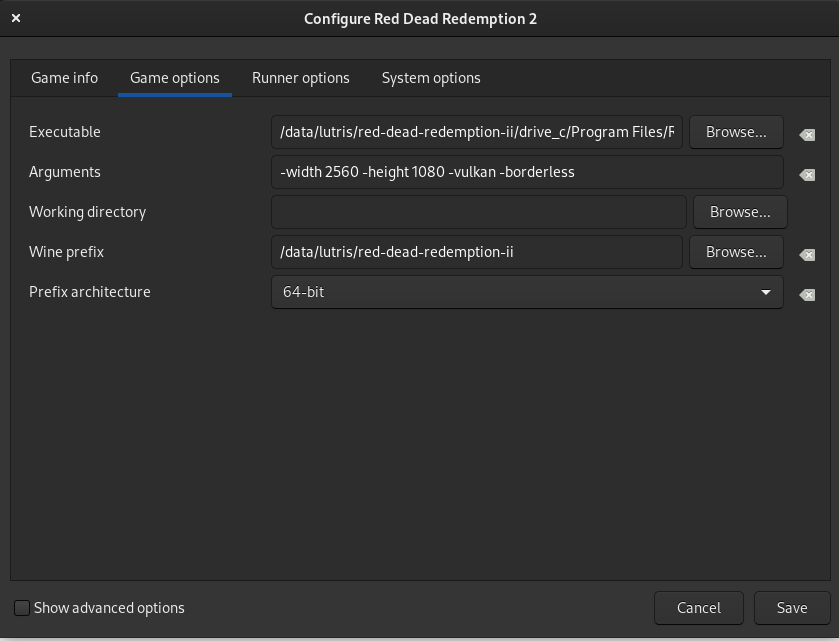
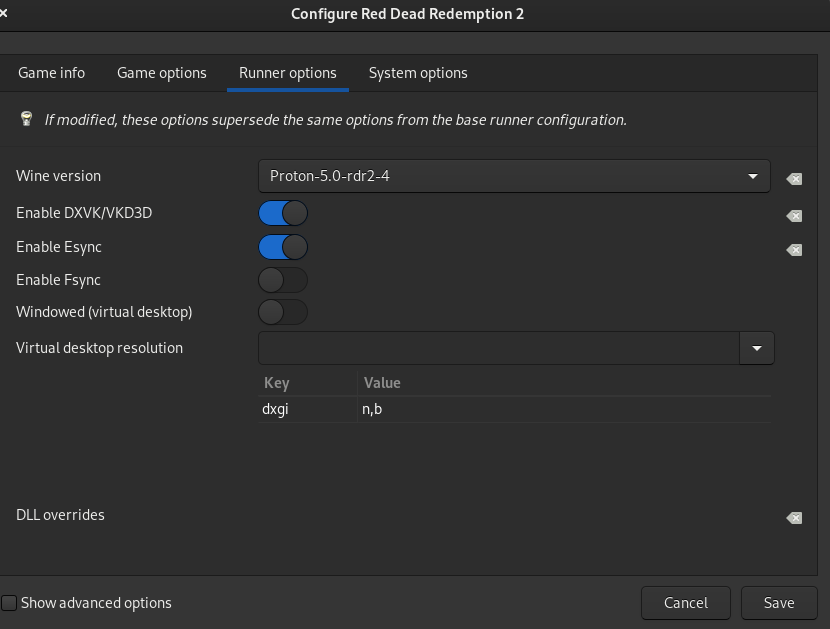
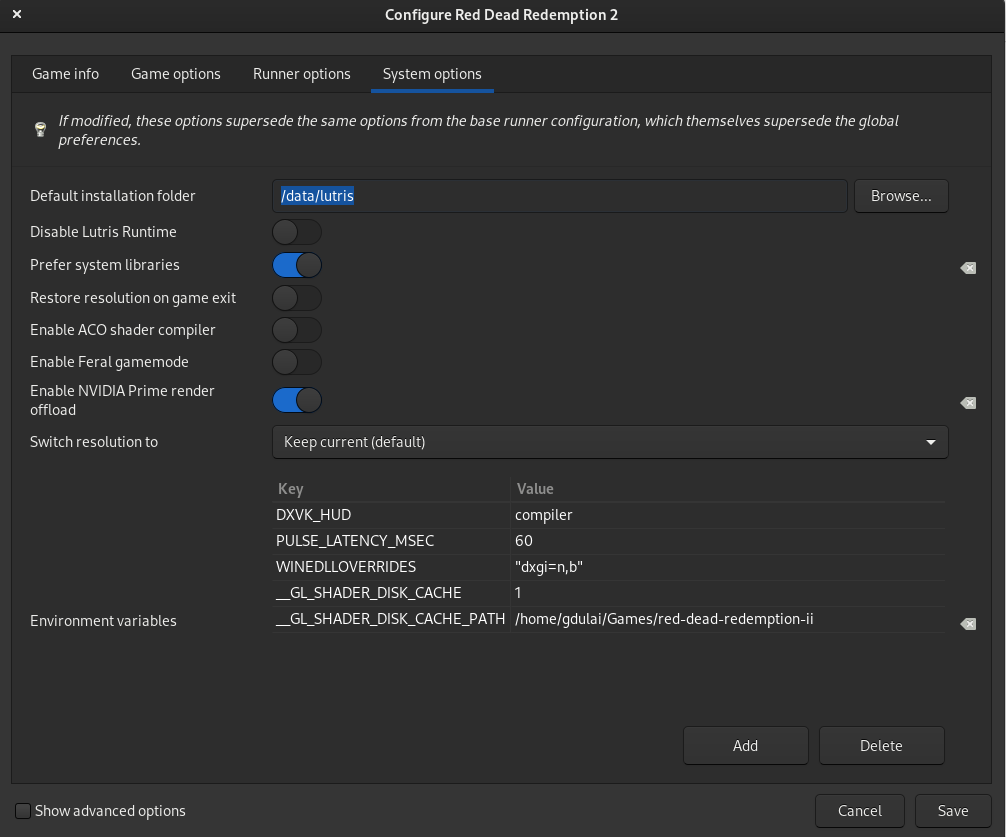
@gdulai Same as you, i'm running it via lutris
Couldnt have vulkan to work on ubuntu, while it worked right away on Artix and Manjaro.
No idea what's wrong sadly...
@gdulai @blae-s
I guess no one managed to run it on ubuntu or other debian based distros.
The only solutions so far seems to be switching distros, which is what I try to avoid.
My Proton complains when I enable esync that it is not a esync enabled build. You guys seem to have it enabled.
@Unkn0wn-MDCLXIV I use debian and the game uses vulkan... I just followed the tips on this thread
But since yesterday (2020-09-30) Rockstar Launcher update. Gamepad stopped working. Anyone else with this issue also?
This game is one massive headache... @mrpippy made some great progress (https://github.com/mrpippy/wine/tree/rdr2-2) but it's not clear if he is continuing this or if the fixes were submitted for upstream Wine inclusion.
RDR2 is a massive game with a solid user base so really hoping that these fixes can find their way into Proton in the near future.
Then there is the issue of relying on Nvidia's Vulkan Beta driver, which is another problem. So for mass adoption we must wait for Nvidia to fold those fixes into the main driver release.
Then there is the issue of relying on Nvidia's Vulkan Beta driver, which is another problem. So for mass adoption we must wait for Nvidia to fold those fixes into the main driver release.
@howels Performance are really good with the last beta driver (not vulkan developer driver i mean)
so hopefuly we'll get that soon
https://www.nvidia.com/download/driverResults.aspx/163518/
This game is one massive headache... @mrpippy made some great progress
Especially the WIP commit for syscalls seems to be a blocker. I think Wine devs want to get better performing support for it in the Linux kernel, there's work going on for that (https://gitlab.collabora.com/krisman/linux.git, the syscall and seccomp branches). Otherwise it would probably introduce performance regressions in other games.
So I believe there's a lot more hard work going on under the hoods than we can see here, the improvements on RDR2 support are probably not stuck, they are just not visible here. I could imagine that the next major Proton version (which I'd expect some time after wine 6.0 which should come end of year) will have a lot of patches to almost properly support this game, and only a few hacks are needed - given that the kernel also gained support for this.
Using @mrpippy's custom Proton, I got an error prompting me to verify game files until I used the flags provided by @tronje:
WINEDLLOVERRIDES="dxgi=n,b" PULSE_LATENCY_MSEC=40 RADV_PERFTEST=aco %command% -width 1920 -height 1080 -vulkan
Throws a strange error regarding dxdiag and crashes:
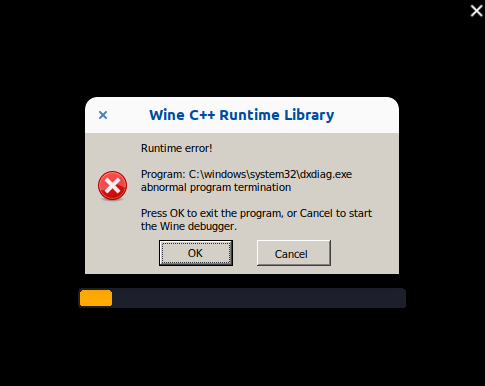
Then there is the issue of relying on Nvidia's Vulkan Beta driver, which is another problem. So for mass adoption we must wait for Nvidia to fold those fixes into the main driver release.
@howels Performance are really good with the last beta driver (not vulkan developer driver i mean)
so hopefuly we'll get that soon
https://www.nvidia.com/download/driverResults.aspx/163518/
Got a chance to test this over the weekend, game is closing after Rockstar Launcher runs.
steam-1174180_.log
Running with PROTON_LOG=1 WINEDLLOVERRIDES=dxgi=n,b %command% and using proton_5.0-rdr2-4
Was trying with a clean compatdata. System is Ubuntu, drivers are Nvidia 455.23.04 and kernel 5.4.0-48.
Running with PROTON_LOG=1 WINEDLLOVERRIDES=dxgi=n,b %command% and using proton_5.0-rdr2-4
Why would you need to force wine's DXGI if you're using Vulkan? You shouldn't need the WINEDLLOVERRIDES parameter that doesn't make sense.
@gardotd426 Lot of us are Linux normies who aren't well-acquainted with Wine.
With roughly the same specs as @howels, if I don't include the DXGI override, the process exits much sooner - with the launch options in my comment two posts up, I can at least get a second loading window to start before complaining about dxdiag and throwing.
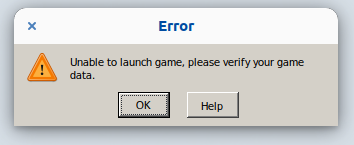
If it's complaining about dxdiag then it's trying to use DirectX, which is
weird.
On Mon, Oct 5, 2020 at 3:49 PM Christian [email protected] wrote:
@gardotd426 https://github.com/gardotd426 Lot of us are Linux normies
who aren't well-acquainted with Wine.With roughly the same specs as @howels https://github.com/howels, if I
don't include the DXGI override, the process exits much sooner - with the
launch options in my comment two posts up, I can at least get a second
loading window to start before complaining about dxdiag and throwing.—
You are receiving this because you were mentioned.
Reply to this email directly, view it on GitHub
https://github.com/ValveSoftware/Proton/issues/3291#issuecomment-703850989,
or unsubscribe
https://github.com/notifications/unsubscribe-auth/AM5Y333IUZKXMWSYHMDAVWDSJIPOLANCNFSM4JV54AXQ
.
@gardotd426 Interesting. Any idea why the custom 5.0-rd2-3 Proton throws on Ubuntu? It dies on the first screen with "verify game files," or with the series of flags passed, can begin opening a wider Social Club window before throwing the error about dxdiag.
Just curious if it's possible to get this to run at all using @mrpippy's modded Proton.
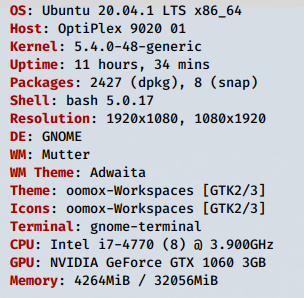
Steam log: error.log
I don't know what all these errors are about:
Could not connect to X session manager: None of the authentication protocols specified are supported
Could be nothing, but it's the only thing I'm seeing. I'm not seeing any indication that Vulkan or DX is even trying to initialize (there's no mention of vulkan, vk-anything, or dx-anything). So something is messing up long before that tries to happen. But the only errors I see are related to the one I posted above.
Just curious if it's possible to get this to run at all using @mrpippy's modded Proton.
That's what everyone's been using to run it before, so obviously it does work.
I'm not seeing any indication that Vulkan or DX is even trying to initialize (there's no mention of vulkan, vk-anything, or dx-anything).
I removed my launch flags (except PROTON_LOG=1), the only thing that is customized is proton_5.0-rdr2-3. Per this Reddit thread, I added i386 versions of steam and libgcrypt20 with:
sudo apt update && sudo apt install steam:i386 libgcrypt20:i386
Flushed error.log and tried to re-run, got the "verify game files" error.
Weirdly, after deleting error.log, Steam business logic seems to have failed disastrously - ~/.steam/debian-installation/error.log now sits empty, with nothing written to it during launch. I was previously watching Steam interact with and write to this file with watch -n 1 tail ~/.steam/debian-installation/error.log.
Seems like we've made a lot of progress as far as gaming on Linux, but still a lot more left to make lol.
That's what everyone's been using to run it before, so obviously it does work.
Apparently not on stock Ubuntu with the specs I posted. The fact that anyone can get this to run seems to be a miracle, truly great work by @mrpippy.
There are people on Ubuntu and Nvidia running the game with this Proton build. They're in this very thread saying as much.
Also, it wouldn't need to be stock Ubuntu anyway since there's nothing of note that Pop OS or Mint or other Ubuntu-derived distros change that would cause this game to work or not work.
This thread has gotten ridiculously long so I know it's hard to go through the post history, but without better logs I'm not sure what else you can do.
@gardotd426 Thanks - I reinstalled Steam and the logs are working again. I found two: one at ~/steam-1174180.log and the debian version at ~/.steam/debian-installation/error.log.
It's the same error again, after going through the full Social Club setup with the special proton - "please verify game files." Are there other logs that can be used to debug this? The new error.log is huge, like 1MB, mostly full of font warnings like:
Fontconfig warning: "/etc/fonts/conf.d/65-nonlatin.conf", line 5: unknown element "its:translateRule"
So, you're using DXVK here (which makes sense, considering you said you removed the -vulkan flag), for one thing, I can at least see that much.
What's weird is there are no segfaults or page faults or anything like that that show where it crashes. But it seems getting past the Social Club thing was previously an issue for people...
I would check here: https://steamcommunity.com/sharedfiles/filedetails/?id=2208225966
And this comment here: https://github.com/ValveSoftware/Proton/issues/3291#issuecomment-682298937
@ctjlewis clear out your RDR2 pfx. Create a new prefix using STOCK proton. After that FAILS, switch to proton_5.0-rdr2-3. Since the latest launcher update, it may fail after the launcher logs in. Follow the guide in [#3291](https://github.com/ValveSoftware/Proton/issues/3291#issuecomment-682298937)
Put back your launch options including dxgi.
Thank you very much for the guidance @qurious-pixel. I noticed after reading several threads that some back-and-forth will be needed. I plan to invest a few hours in getting this to work and documenting it when I have the time.
I have had some success with what you mentioned (prefix with stock, not mrpippy's Proton), but I did notice he specified not to do this (I will try it again anyway):
Installing the game under 5.0-9 actually doesn't install the official loader correctly (there's a vulkan-1.dll version change needed). And without the official loader installed, RDR2 either hangs during the smoke or gets stuck at the Social Club graphics adapter error.
The farthest I've gotten is to the Rock Star Social Club login, then successful auth, then the widescreen Rockstar waiting logo, and it just goes on ad infinitum until it eventually crashes.
Running with PROTON_LOG=1 WINEDLLOVERRIDES=dxgi=n,b %command% and using proton_5.0-rdr2-4
Why would you need to force wine's DXGI if you're using Vulkan? You shouldn't need the WINEDLLOVERRIDES parameter that doesn't make sense.
Quits whether I included that override or not!
@ctjlewis after the Rockstar waiting logo freeze is when you add the following into a terminal (or create a simple script) PID=$(pgrep RDR2.exe); kill -s SIGSTOP $PID && kill -s SIGCONT $PID
Launch options:
MANGOHUD=1 WINEDLLOVERRIDES=winedbg.exe=d WINEDLLOVERRIDES=dxgi=n,b %command%
After the freeze:
PID=$(pgrep RDR2.exe); kill -s SIGSTOP $PID && kill -s SIGCONT $PID
Screenshot
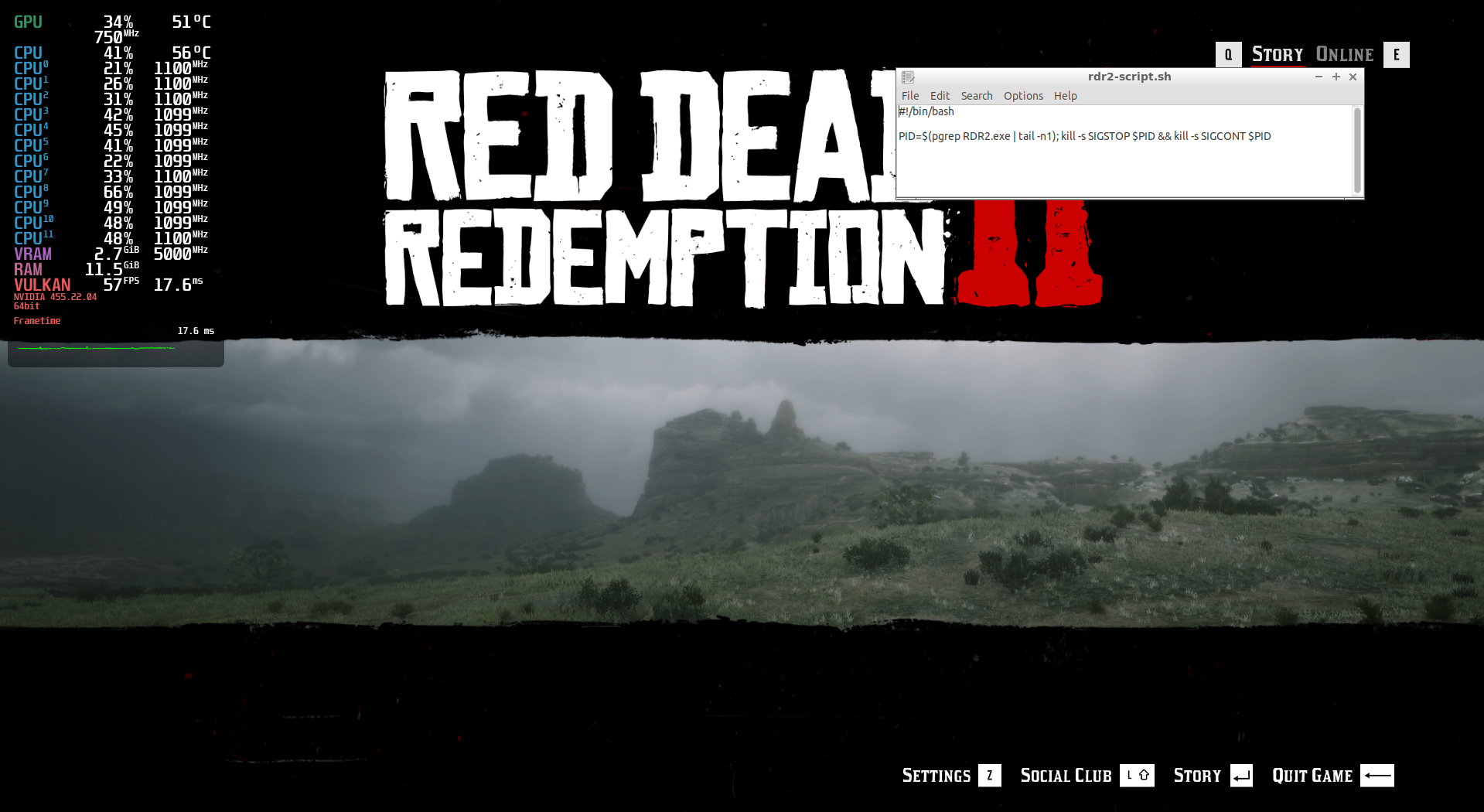
@qurious-pixel Is this the steam version of the game, that you're running?
@Mikaka27 Yes, the steam version.
I have heard mixed results from the RGL version.
Thanks for info. I had it running fine on Rockstar Game Launcher version, but it was my friend's account and I no longer have it. Had to switch to manjaro from ubuntu, otherwise vulkan didn't work. I still don't know why.
The latest stable NVIDIA driver 455.28 is now released and includes the RDR2 fix. No more having to run beta drivers!
And thanks everyone for your patience, there should be good news to share soon.
Thank you so much for your hard work on this @mrpippy, I clearly picked a great time to buy RDR (literally 2 days ago lol).
EDIT: lmao it worked immediately, TY @qurious-pixel
@gdulai @blae-s
I guess no one managed to run it on ubuntu or other debian based distros.
The only solutions so far seems to be switching distros, which is what I try to avoid.My Proton complains when I enable esync that it is not a esync enabled build. You guys seem to have it enabled.
I'm using Ubuntu!
But can only get DX12 to run, no Vulkan!
Launch options:
MANGOHUD=1 WINEDLLOVERRIDES=winedbg.exe=d WINEDLLOVERRIDES=dxgi=n,b %command%After the freeze:
PID=$(pgrep RDR2.exe); kill -s SIGSTOP $PID && kill -s SIGCONT $PIDScreenshot
WINEDLLOVERRIDES="winedbg=;dxgi=n,b;vulkan-1=n,b" %command% -vulkan -useMinimumSettings
If you use those launch options RDR2 starts up with vulkan enabled after manually installing VulkanRT in the RDR2 prefix. I'm getting out of memory errors now tho!
edit:
I have to note that this works with the Steam version only, the game is perfectly playable atm.
With the Rockstar Games Launcher in Lutris using proton-5.0-rdr2-4 as a wine runner, Vulkan does work looking at the socialclub_launcher.log but the game refuses to open a window.
This is the cue I use to SIGSTOP/SIGCONT RDR2.exe:
fixme:d3d12_device_caps_init_feature_options1: TotalLaneCount = 1664, may be inaccurate.
Then this happens and no window is opened:
fixme:d3d12_device_caps_init_feature_options1: TotalLaneCount = 1664, may be inaccurate.
fixme:d3d12_device_CheckFeatureSupport: Unhandled format 0.
fixme:d3d12_device_CheckFeatureSupport: Unhandled format 0x42.
fixme:d3d12_device_CheckFeatureSupport: Unhandled format 0x43.
fixme:d3d12_device_CheckFeatureSupport: Unhandled format 0x44.
fixme:d3d12_device_CheckFeatureSupport: Unhandled format 0x45.
fixme:d3d12_device_CheckFeatureSupport: Unhandled format 0x55.
fixme:d3d12_device_CheckFeatureSupport: Unhandled format 0x56.
fixme:d3d12_device_CheckFeatureSupport: Unhandled format 0x59.
fixme:d3d12_device_CheckFeatureSupport: Unhandled format 0x64.
fixme:d3d12_device_CheckFeatureSupport: Unhandled format 0x65.
fixme:d3d12_device_CheckFeatureSupport: Unhandled format 0x66.
fixme:d3d12_device_CheckFeatureSupport: Unhandled format 0x67.
fixme:d3d12_device_CheckFeatureSupport: Unhandled format 0x68.
fixme:d3d12_device_CheckFeatureSupport: Unhandled format 0x69.
fixme:d3d12_device_CheckFeatureSupport: Unhandled format 0x6a.
fixme:d3d12_device_CheckFeatureSupport: Unhandled format 0x6b.
fixme:d3d12_device_CheckFeatureSupport: Unhandled format 0x6c.
fixme:d3d12_device_CheckFeatureSupport: Unhandled format 0x6d.
fixme:d3d12_device_CheckFeatureSupport: Unhandled format 0x6e.
fixme:d3d12_device_CheckFeatureSupport: Unhandled format 0x6f.
fixme:d3d12_device_CheckFeatureSupport: Unhandled format 0x70.
fixme:d3d12_device_CheckFeatureSupport: Unhandled format 0x71.
fixme:d3d12_device_CheckFeatureSupport: Unhandled format 0x72.
fixme:d3d12_device_CheckFeatureSupport: Unhandled format 0x73.
fixme:d3d12_device_CheckFeatureSupport: Unhandled format 0x82.
fixme:d3d12_device_CheckFeatureSupport: Unhandled format 0x83.
fixme:d3d12_device_CheckFeatureSupport: Unhandled format 0x84.
fixme:d3d12_device_caps_init_feature_options1: TotalLaneCount = 1664, may be inaccurate.
Also, if you run the game the "proton way" like this:
WINEDLLOVERRIDES="winedbg=;dxgi=n,b;vulkan-1=n,b" STEAM_COMPAT_DATA_PATH=WINEPFX ~/.steam/compatibilitytools.d/proton-5.0-rdr2-4/proton run RGL
The game can not initialize graphics, you get the dialog instead of error 18.
edit:
Scrap that, if you run it like:
WINEDLLOVERRIDES="winedbg=;dxgi=b,n;vulkan-1=n,b" STEAM_COMPAT_DATA_PATH=WINEPFX ~/.steam/compatibilitytools.d/proton-5.0-rdr2-4/proton run RGL
It actually does open up the window, just briefly and then crashes with:
fixme:d3d12_device_caps_init_feature_options1: TotalLaneCount = 1664, may be inaccurate.
fixme:vkd3d_create_null_srv: Unhandled view dimension 0x2.
fixme:vkd3d_create_null_srv: Unhandled view dimension 0x9.
fixme:vkd3d_create_null_srv: Unhandled view dimension 0x8.
fixme:vkd3d_create_null_uav: Unhandled view dimension 0x2.
fixme:vkd3d_create_null_uav: Unhandled view dimension 0x8.
wine: Unhandled page fault on read access to0000000000000048 at address 00000001426A668E (thread 03d4), starting debugger...
Proton 5.13-1 just released and has RDR2 listed as playable. Can anyone confirm this? Does it work at 1440p?
@mmoore7 It will not run for me - at the point where I would normally run the PID=$(pgrep RDR2.exe); kill -s SIGSTOP $PID && kill -s SIGCONT $PID command, the game crashes.
Launch options: PROTON_LOG=1 MANGOHUD=1 %command% -width 1920 -height 1080 -borderless -vulkan.
The output steam-1174180.log is 40MB and is too large to attach here.
Yes, Proton 5.13 is out with support for RDR2!
The game should be fully functional: display resolutions detected correctly and usable in fullscreen, online play should be working, and there should be no Activation Errors.
- NVIDIA: use the latest 455.28 driver, older drivers will have high CPU usage and low frame rates
- AMD: I believe Mesa 20.1.2 and newer should have all the needed fixes
If you have problems, please try deleting your existing prefix (this would usually be at ~/.steam/steam/steamapps/compatdata/1174180/) and launching without any command-line arguments.
If those don't work, please post your hardware configuration (particularly GPU and OS), and a log file.
Proton 5.13-1 works for me without workarounds on clean prefix
@mrpippy Did not work for me on Nvidia 455.28 with a clean prefix and Proton 5.13-1. Steps below.
- Kill all steam processes:
killall -9 steam
- Remove prefix:
rm -rf ~/.steam/steam/steamapps/compatdata/1174180
-
Go through Social Club install.
-
Wait for game to boot, but crashes after Social Club install. Dumps a 50MB log with
PROTON_LOG=1.
Debug log (huge): https://drive.google.com/file/d/1QluTvHTL1HdoViap-g-L8NfW3UIbLF6_/view?usp=sharing
Context
$ lsb_release -a
No LSB modules are available.
Distributor ID:	Ubuntu
Description:	Ubuntu 20.04.1 LTS
Release:	20.04
Codename:	focal

$ nvidia-smi -L
GPU 0: GeForce GTX 1060 3GB (UUID: GPU-e75c8174-c2ef-c95b-8752-1e5fd37489ac)

$ lspci | grep VGA
01:00.0 VGA compatible controller: NVIDIA Corporation GP106 [GeForce GTX 1060 3GB] (rev a1)
@mrpippy Works great for me. I had to remove my prefix, remove the launch options, and reinstall Social Club, but after that, it works fantastic on Nvidia 455.28. Great work!
By the way, I sunk 142 hours into this game, all with your proton_5.0-rdr2-4 build. Awesome work!
Not working here with the latest 5.13-1:
I have another question tho, I can get the game working on Steam with the -4 build no problem. Sadly, I do not own the game on Steam and have to test this using the account of a friend of mine. I do own the game on the Rockstar Games Launcher, but whatever I try I can not get it to run using the -4 build.
Have yet to try this new proton build, but what I found is that on Steam it will actually initialize Vulkan no problem but when using the proton run command manually or as a runner in Lutris it never runs Vulkan. When I run vkcube etc Vulkan does work, only the game runs on VKD3D.
Hello @sfjuocekr, fixme:vulkan:X11DRV_vkCreateWin32SurfaceKHR Application requires child window rendering, which is not implemented yet! looks like the line of interest from your log, which points towards https://bugs.winehq.org/show_bug.cgi?id=45277.
@mrpippy , first, I can't thank you enough for your work on this. Arthur Morgan has helped me weather out these strange and unusual times. I've put in about 286 hours in using your rdr2-4 build.
I tried out Proton 5.13 today (using Steam). I'm using Ubuntu 20.04 with an Nvidia GeForce RTX 2060. I made sure to upgrade to the 455.28 driver (using the "additional drivers" tool, not nvidia's installer) and cleared my prefix directory, and removed all the launcher options. The Rockstar Launcher installs successfully, it brings up the black "R" loading banner, it brings up that little message about the minimal hardware not being met, but when the window appears where you'd normally see the shotgun animation, the window is completely black and requires a force quit to close it.
I've tried two older Nvidia drivers and the effects are the same. It also dumped out a sizeable log file. Any suggestions as to what I'm doing wrong?
steam-1174180.log.zip
@kisak-valve Yes, the error with the 5.13-1 build is indeed:
fixme:vulkan:X11DRV_vkCreateWin32SurfaceKHR Application requires child window rendering, which is not implemented yet!
I also included the log from rdr2-4 where RDR2 is working no problem with Vulkan enabled.
What would I need to do to get the RGL version working with Vulkan? I'd hate to have to buy the game a third time :(
edit: I applied the relevant patched and making a build atm to test when I wake up!
@sfjuocekr
Can you please report back when you tried the patched version?
I haven’t bought it on steam either ☹️
If it can help some people, I did not launch for myself after doing the steps described by @mrpippy .
But I logged out of my gnome session (wayland) and logged back using Gnome Xorg and the game launched perfectly. I did not play but it seemed to run smoothly.
@Unkn0wn-MDCLXIV
I'm not entirely sure what the difference is between running the game from steam or manually through proton, but the fact is that RDR2 refuses to boot up in Vulkan only DX12 if you manually install DXVK.
I can confirm that with the patches from Felix and Rodrigo RDR2 work, it does however crash after running the benchmark telling me that the DX12 adapter couldn't be found. Does this happen with the normal 5.13-1 build as well? I just let the benchmark finish the two runs it does, it gives the results and throws the DX12 error in the background.
Here are the changes I made:
Just updated from rdr2-4 to 5.13-1 and while there is certainly some progress, the game starts with no outdated driver message and no process suspend/continue trickery i'm having performance issues that i wasn't experiencing before.
I removed the prefix before updating, and tried both with the old cmd (PULSE_LATENCY_MSEC=60 RADV_PERFTEST=aco WINEDLLOVERRIDES=winedbg.exe=d WINEDLLOVERRIDES=dxgi=n,b %command% -vulkan -width 1920 -height 1080) and a simplified one %command% -vulkan -width 1920 -height 1080)
Even though the graphic settings are the same, and i'm getting the same framerates on average (my poor rx480 barely manages to pull 50fps), i can say for sure, even though i didn't manage to inspect it with mangohud, that the frame latency has increased, to the point that the game is barely playable. Any tips on how to fix it? Thanks!
OS: ArchLinux
DE: KDE Plasma 5.20
CPU: Ryzen 2600
GPU: RX 480 8gb
Mesa: 20.2.0-2
@kisak-valve Yes, the error with the 5.13-1 build is indeed:
fixme:vulkan:X11DRV_vkCreateWin32SurfaceKHR Application requires child window rendering, which is not implemented yet!
I also included the log from rdr2-4 where RDR2 is working no problem with Vulkan enabled.
This is weird, on my system I've never seen the game trying to use child window rendering. And that call is coming from the main game engine (it reports its engine name as "SGA"), not DXVK or vkd3d.
I see in the log that vkEnumeratePhysicalDevices is returning 2 devices, do you have 2 GPUs? How are they set up?
The fill_luid_property traces also show that a LUID isn't being found for your other card. Is this 2 970s in SLI or something?
@mrpippy
Yes, I have two GTX970 cards and they are not in SLI. I use one to play games on, the other is used to crunch numbers for F@H and video encoding.
There is no SLI bridge connected and SLI is disabled in xorg.conf.
I uploaded a build here with the linked patch applied for anyone facing the same issue: http://downloads.sjoer.org/proton/proton_5.13-local.tbz2
edit: now Im very curious what happens if I enable SLI :p
I followed the
Yes, Proton 5.13 is out with support for RDR2!
The game should be fully functional: display resolutions detected correctly and usable in fullscreen, online play should be working, and there should be no Activation Errors.
* NVIDIA: use the latest 455.28 driver, older drivers will have high CPU usage and low frame rates

* AMD: I believe Mesa 20.1.2 and newer should have all the needed fixes
If you have problems, please try deleting your existing prefix (this would usually be at
~/.steam/steam/steamapps/compatdata/1174180/) and launching without any command-line arguments.
If those don't work, please post your hardware configuration (particularly GPU and OS), and a log file.
I followed those steps, but the game is not working with Proton 5.13-1.
After I press play in Steam, The Rockstar Launcher appears, and seems to run OK. After it does its thing, it disappears, and some seconds later the game silently crashes (no game window actually appears).
I'm using Solus GNOME with Nvidia GTX 1070. I've tried launching the game with 2 different driver versions (455.26.01 and 455.28), but the behaviour was the same.
Note that the game works with the Proton 5.0-rdr2-4 build, albeit it requires me to run this command after the R* launcher disappears (PID=$(pgrep RDR2.exe | tail -n1); kill -s SIGSTOP $PID && kill -s SIGCONT $PID
I'm attaching the logs below (using Proton 5.13-1).
steam-1174180_log.zip
@linuxiorr if you are brave enough, you can try the build I made as your log shows the same fixme!
@sfjuocekr I've tried out your build - it works!
The games crashes for me too with Proton 5.13-1 on a clean prefix and with launch options removed
gist
steam-1174180.log.zip
@jalabb and @linuxiorr, do you have multiple GPUs? Can you add +vulkan to your debug channels and post a new log?
I have a single RTX 2080 with 455.28 drivers
add +vulkan to your debug channels
Not sure what that means and how to do it?
@mrpippy I only have 1 GPU active (GTX 1070) afaik (I think my iGPU is disabled - I have i7-7700k). I don't have a second dedicated GPU.
nvidia-smi -L
GPU 0: GeForce GTX 1070 (UUID: GPU-2e9c60f8-8f4e-dab3-3602-3d858f9dacd9)

lspci | grep VGA
01:00.0 VGA compatible controller: NVIDIA Corporation GP104 [GeForce GTX 1070] (rev a1)
I'm attaching the logs with +vulkan added (I also added +dxgi for safe measure).
~steam-1174180_log.zip~
@jalabb You need to edit the user_settings.sample.py file in a text editor and add +vulkan to the line that says WINEDEBUG. It's located in the folder where you installed Proton 5.13-1 (eg /something/SteamLibrary/steamapps/common/Proton 5.13/).
edit: It is also needed to change the file name from user_settings.sample.py to user_settings.py.
Correct logs:
steam-1174180.zip
Online doesnt really work when i try matchmaking i get kicked out :( does anyone else has this issue? the game works fine on story mode tho and if u walk around doing nothing online :|
thank you @linuxiorr
here's the log with +vulkan added see next comment
Thanks @linuxiorr and @jalabb, neither of your logs have +vulkan though. You need to edit WINEDEBUG in user_settings.py (copy user_settings.sample.py to that name if it doesn't already exist)
It doesn't work for me by default with Proton 5.13 and Nvidia 455.28:
The Rockstar Launcher starts, installs the runtime, shows a loading screen, closes and does nothing.
I can confirm that @sfjuocekr 's build works fine, the game launches and with the defaults, 4K runs at ~60FPS with Ryzen 2700x and RTX 2070 Super.
@mrpippy oops... here you go
steam-1174180.log.zip
@mrpippy Here are the correct logs.
These logs are made using the 455.28 Nvidia driver version.
@linuxiorr Your log shows vkEnumeratePhysicalDevices() returning 2 devices, and @jalabb yours says 3 devices. Do you know what those are? Can you run vulkaninfo at the command line and post the output?
@mrpippy Here's the output of vulkaninfo.
vulkaninfo.txt
@mrpippy vulkaninfo seams to think I have 3 2080s for some reason... I don't even have an iGPU (Ryzen 3700x)
vulkaninfo.txt
@linuxiorr and @jalabb What files do you have in /etc/vulkan/icd.d? Are there multiple nvidia files?
Single player working great but with online I was only able to complete the tutorial and got sent into an empty world. Having a friend join me or try joining another lobby always gives me You have been disconnected from Red Dead Online due to a fault on Rockstar game services [Error: 0x20010006] :(
With Proton 5.13 the game runs out of the box. At the first start the Vulkan Shaders were downloaded. And then it started directly.
I only had the problem that RDR2 did not recognize my 4k monitor and I could only set a resolution of 1920x1080. So I had to use a trick and wrote the resolution manually into the config file (system.xml). It is located in the following directory:
/steam/steamapps/compatdata/1174180/pfx/drive_c/users/steamuser/My Documents/Rockstar Games/Red Dead Redemption 2/Settings
There I set the two parameters manually in the video-segment:
    <screenWidth value="3840" />
    <screenHeight value="2160" />
But Multiplayer sucks. When starting Multiplayer I always get the message that the connection had to be terminated because of an error. With the error message 0x20010006.
My system:
OS: Linux Mint 19.3 Tricia
KERNEL: 5.5.8-050508-generic (manually updated with the Ukuu-Utility)
CPU: AMD Ryzen 5 3600 6-Core
GPU: AMD Radeon RX 5700 XT
GPU DRIVER: 4.6 Mesa 20.2.1 - kisak-mesa PPA
RAM: 16 GB
I think that the game or generally the games with Linux/Proton run better on AMD graphics cards. I also have no problems with all other games like No Man's Sky or GTA V. Runs everything out of the box.
@mrpippy a single nvidia_icd.json file
{
    "file_format_version" : "1.0.0",
    "ICD": {
        "library_path": "libGLX_nvidia.so.0",
        "api_version" : "1.2.142"
    }
}
What about /usr/share/vulkan/icd.d?
On Fri, Oct 16, 2020 at 5:24 PM jalabb [email protected] wrote:
@mrpippy https://github.com/mrpippy a single nvidia_icd.json file
{
"file_format_version" : "1.0.0",
"ICD": {
"library_path": "libGLX_nvidia.so.0",
"api_version" : "1.2.142"
}
}—
You are receiving this because you were mentioned.
Reply to this email directly, view it on GitHub
https://github.com/ValveSoftware/Proton/issues/3291#issuecomment-710653486,
or unsubscribe
https://github.com/notifications/unsubscribe-auth/AM5Y33Y6WGEPQLWXZIQH6TDSLC22FANCNFSM4JV54AXQ
.
@gardotd426 @mrpippy
/usr/share/vulkan/icd.d
$ ls
intel_icd.i686.json  intel_icd.x86_64.json  nvidia_icd.json  radeon_icd.i686.json  radeon_icd.x86_64.json

$ cat nvidia_icd.json
{
    "file_format_version" : "1.0.0",
    "ICD": {
        "library_path": "libGLX_nvidia.so.0",
        "api_version" : "1.2.133"
    }
}
@linuxiorr and @jalabb What files do you have in
/etc/vulkan/icd.d? Are there multiple nvidia files?
On my system the files are located in /usr/share/vulkan/icd.d. I don't have a vulkan folder in /etc/vulkan/.
There is only one nvidia file, but in total I have 4 files there. I have 2 packages installed xorg-driver-video-intel and xorg-driver-video-radeon. I've tried removing them (the packages) and changing the file names of intel and radeon .json files to intel_icd.x86_64.json.old etc, but it didn't change anything.
Those would only cause listings in vulkaninfo if you had an Intel or AMD
GPU. You don't need to remove or rename those files (and you shouldn't).
On Fri, Oct 16, 2020 at 5:37 PM linuxiorr [email protected] wrote:
@linuxiorr https://github.com/linuxiorr and @jalabb
https://github.com/jalabb What files do you have in /etc/vulkan/icd.d?
Are there multiple nvidia files?
On my system the files are located in /usr/share/vulkan/icd.d.There is only one nvidia file, but in total I have 4 files there. I have 2
packages installed xorg-driver-video-intel and xorg-driver-video-radeon.
I've tried removing them and changing the file names of intel and radeon
.json files to intel_icd.x86_64.json.old etc, but it didn't change anything.
[image: Screenshot from 2020-10-16 23-23-13]
https://user-images.githubusercontent.com/33715018/96309935-9aecf200-1006-11eb-934a-7b8ce2b798c1.png—
You are receiving this because you were mentioned.
Reply to this email directly, view it on GitHub
https://github.com/ValveSoftware/Proton/issues/3291#issuecomment-710664490,
or unsubscribe
https://github.com/notifications/unsubscribe-auth/AM5Y336IBXT3F4JYILSFYDDSLC4JPANCNFSM4JV54AXQ
.
@jalabb The /usr/share/vulkan/icd.d/nvidia_icd.json file looks like it's left over from an old driver install, try deleting it (or just moving it somewhere else) and see how many GPUs vulkaninfo shows.
Deleting icd.json files probably won't help, but in any case, I recommend renaming it to name.json.disabled. As long as it doesn't end in .json it'll act like it doesn't exist without the pain of needing to re-install the driver to regenerate the .json later.
sudo mv /usr/share/vulkan/icd.d/nvidia_icd.json /usr/share/vulkan/icd.d/nvidia_icd.json.disabled
sudo mv /usr/share/vulkan/icd.d/nvidia_icd.json /usr/share/vulkan/icd.d/nvidia_icd.json.disabled
@mrpippy @kisak-valve that worked!
vulkaninfo only shows 1 GPU and the game starts up properly
I was able to reproduce this on my system by making a copy of the NVIDIA ICD JSON file: vulkaninfo shows 2 identical GPUs, RDR2 sees the 2 Vulkan devices and then for some reason tries to use child window rendering.
For people with 1 GPU, run vulkaninfo and see how many GPUs show up. If you see multiple identical GPUs, check /etc/vulkan/icd.d, /usr/share/vulkan/icd.d, /usr/local/etc/vulkan/icd.d, and /usr/local/share/vulkan/icd.d for any duplicate JSON files (where the library_path inside is the same), and try renaming so there's only one.
I'll open an issue with the loader about de-duping these files.
For people who have more than 1 GPU, sfjuocekr's build could be worth trying (https://github.com/ValveSoftware/Proton/issues/3291#issuecomment-710258991). I'll try to figure out what RDR2 is trying to do and see if there's a way to avoid having It use child window rendering.
@mrpippy follwing up on my previous comment, the game does launch but I get terrible performance and low GPU usage with regular Proton 5.13-1, like it was with the old Nvidia drivers. With @sfjuocekr 's build, performance is normal.
Compressed log is too big for github
https://drive.google.com/file/d/1L3wCYJOgScXO7INc0nKBBQHzMVUDCGh2/view?usp=sharing
@mrpippy follwing up on my previous comment, the game does launch but I get terrible performance and low GPU usage with regular Proton 5.13-1, like it was with the old Nvidia drivers. With @sfjuocekr 's build, performance is normal.
Haha I had this problem this morning and was confused for a while. Edit the user_settings.py and remove +vulkan, it kills performance (and fills up your disk)
My laptop has an Intel GPU and a discrete Nvidia GPU. The system is definitely set to use the Nvidia card only, and not do any kind of hybrid shenanigans. I noticed that on both 5.13 and the @sfjuocekr 5.13-local, I always get a minimal hardware warning about an Intel driver needing updating. I was used to getting a similar issue on the rd2-4 build, but now that this message is supposed to be fixed, I'm not sure what this is about (I can get the Rockstar launcher to install and load, but once the game starts in windowed mode, it's just black instead of the shotgun animation. rd2-4 build continues to work as expected)
Haha I had this problem this morning and was confused for a while. Edit the
user_settings.pyand remove+vulkan, it kills performance (and fills up your disk)
Dammit now I remember, that's not the first time this happened to me... Thank you
I've got the RGL version working with Vulkan as well, not sure how to set it up in Lutris like this but I'll find a way!
It is running the benchmark right now, also MangoHUD seems to work as intended:
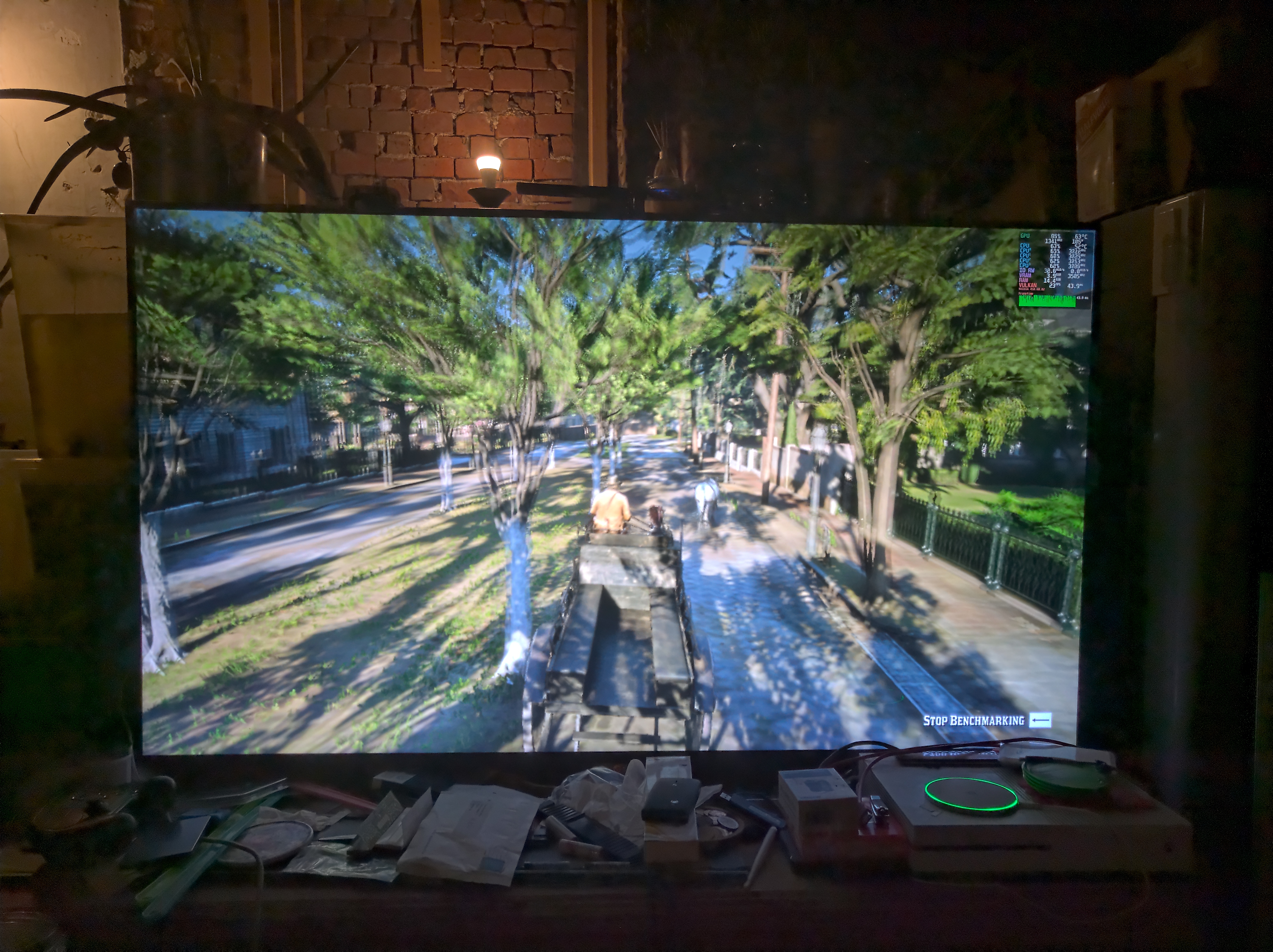
edit:
This is the error you get when the benchmark is done:
'device_data->vtable.AllocateMemory(device_data->device, &image_alloc_info, NULL, &image_mem)' line 1751 failed with VK_ERROR_OUT_OF_DEVICE_MEMORY
To get the RGL version working all you need to do is download the RGL setup and run:
STEAM_COMPAT_DATA_PATH=/path/to/prefix /path/to/proton_5.13/proton run RGL.exe
I use symlinks to where the RDR2 files are to save space between the RGL and Steam versions, these I just put in Program Files/Rockstar Games and hit the install button.
To actually start the game you need to run:
STEAM_COMPAT_DATA_PATH=/path/to/prefix STEAM_COMPAT_CONFIG='hidenvgpu' /path/to/PlayRDR2.exe
You still need to:
PID=$(pgrep RDR2.exe); kill -s SIGSTOP $PID && kill -s SIGCONT $PID
To get the game to run.
If you have the steam vulkan shadercache you can set STEAM_COMPAT_SHADER_PATH to the correct path.
The lutris wine runner probably needs a modified proton runner to set these environment variables, might look into that tomorrow or there is probably some other way to flag hiddenvgpu to on. I'm not sure if there are any other flags that need to be on for RDR2 to run problerly, this works for the benchmark sofar (besides the crash).
edit2:
You can just add WINE_HIDE_NVIDIA_GPU=1 to System Options in Lutris with the proton build set as either a wine runner or in ~/.steam/compatibilitytools.d/ and change the folder first letter to be a capital then edit the compatibilitytool.vdf to reflect the same change (two changes) for Lutris to pick it up.
I seem to have trouble running the latest Proton 5.13. Not just with RDR2 but other games aswell. I have tried to reinstall both Proton 5.13 and Steam Linux Runtime - Soldier but does not seem to make any difference.
I'm running Arch Linux 5.4.68-1-vfio-lts
2060 Super driver: 455.28
I'm still seeing a crash during the first hunting mission in the prologue (or what I believe is still part of the prologue/tutorial missions). Benchmarks run fine, and with very good performance, too... Yay! But after riding the horses through the snow, across the hills and through the river, the mission gets to a part where the partner instructs us to be quiet and dismount the horse. Briefly after this and everytime, the game crashes with a message ERR_GFX_STATE (Game error. Please reboot and restart the game.). I'm not sure how to get a proper log of that so things could actually get fixed. Currently, I'm unable to progress any further in the game due to this.
Using NVIDIA 455.22.04 Vulkan beta but I just saw there's an update to 455.26.01 which I'll try next.
I still can't start the game.
The game crashes with "Game could not be started. Please verifiy game files".
Same error when I try it with @sfjuocekr build
Copy user_settings.example.py to user_settings.py and add:
,+dxgi,+vullan
to WINEDEBUG
Then set launch options to:
PROTON_LOG=1 %command%
Log should be in ~/steam-*.log
I'm btw using the 450 drivers, the 455 branch freezes for me.
I'm also having the You have been disconnected from Red Dead Online due to a fault on Rockstar game services [Error: 0x20010006] error in online.
I got through the tutorial/intro part but the issue arose when other people could get involved.
Most of the time it happens when simply trying to enter online, but sometimes entering works and I end up in an empty world where things seemingly work like they should.
But as soon as I try enter a mission or something that can involve other players I get kicked out of online with that error. Sometimes it happens when simply playing in my empty world, presumably when someone else is put in it but that is just a guess. There's no indication someone is joining before the error pops up.
I'm wondering if this is an issue across the board, I have seen several people with the issue and no one that have said it works for them. Perhaps I have simply not seen those people, but I'm starting to get the feeling that this doesn't work for anyone.
@albin-engstrom I'm not sure how the console versions are these days, but they were plagued with disconnection issues.
I've not tested online at all.
@sfjuocekr A decent amount of people on Windows have issues with that error as well, but for them it's even at worst random. It works sometimes for them. The issue there seems to be maintaining a connection to other players.
With proton it seems like a connection can't even be established for one reason or another. So it does not seem to be due to unstable connections, like similar issues on Windows and consoles. So while it's the same error, it does not seem to be for the same reason.
I was having issues opening the game after the rockstar launcher installed the dependencies. The logs showed:
err:winediag:nodrv_CreateWindow Application tried to create a window, but no driver could be loaded.
err:winediag:nodrv_CreateWindow Make sure that your X server is running and that $DISPLAY is set correctly
I had MangoHud and vkBasalt applied globally.
Mangohud suggested to edit Steam Runtime soldier _v2-entry-point
flightlessmango (comments)
I was able to run the game and apply the MangoHud.
Does anyone have flickering lights or other flickering textures with "Screen Space Ambient Occlusion" set to medium?
I can have it on all settings, but with medium there seems to be some Z fighting. I know this should probably goto Rockstar Support instead, but I just wanted to know if anyone else can replicate this. You can see it in the house with the party, the lights flicker and the windows go completely nuts! Same with the first camp windows and the broken mirror between the cabinets.
Online isn’t working for me either on Proton 5.13. I get You have been disconnected from Red Dead Online due to a fault on Rockstar game services just like everyone else.
I'm still seeing a crash during the first hunting mission...
Using NVIDIA 455.22.04 Vulkan beta but I just saw there's an update to 455.26.01 which I'll try next.
Seems to work fine now with 455.26.01
Log should be in ~/steam-*.log
@sfjuocekr Unfortunately it does not write any logs when I try to run it with proton. I'm trying it with and without Epic Games (that's where I bought it).
I'm running
PROTON_LOG=1 STEAM_COMPAT_DATA_PATH=/**/red-dead-redemption-2 "/**/Steam/steamapps/common/Proton 5.13/proton" run /**/Epic\ Games/RedDeadRedemption2/PlayRDR2.exe -vulkan
and the game immediately exits with Error: Game could not be started. Please verify game files..
No log is written to my home directory.
I'm trying it with and without Epic Games (that's where I bought it).
I don't think Proton works properly outside of the Steam environment. You should look at TkGlitch Wine build that has the Steam bits removed. But it will probably take some time until it's rebased to Proton 5.13.
I'm trying it with and without Epic Games (that's where I bought it).
I don't think Proton works properly outside of the Steam environment. You should look at TkGlitch Wine build that has the Steam bits removed. But it will probably take some time until it's rebased to Proton 5.13.
You're mixing some stuff up here.
wine-tkg-git is just wine/wine-staging with a bunch of patches and hotfixes to re-add esync/fsync compatibility. proton-tkg-git is proton with a bunch of patches and fixes. wine-tkg-git isn't "proton with steam stuff removed" or anything like that.
You're mixing some stuff up here.
wine-tkg-git is just wine/wine-staging with a bunch of patches and hotfixes to re-add esync/fsync compatibility. proton-tkg-git is proton with a bunch of patches and fixes. wine-tkg-git isn't "proton with steam stuff removed" or anything like that.
That in turn can only mean that wine-tkg-git is missing a lot of patches. I cannot quite believe that. Proton 5.13 cherry-picked a lot of patches from upstream wine back into version 5.13. If we ignore that, Proton is mostly esync, fsync and a steam DLL proxy on the wine part, plus some tooling surrounding it (including the proton python script, DXVK and some more).
So in theory, a current wine-tkg-git should contain everything that Proton 5.13 has - minus the Steam patches and the tooling.
But of course, yes, wine-tkg-git is not Proton minus a few patches - that's probably true.
Whatever it is, TkG actually points out that Proton (or more precise, proton-tkg-git but I'm sure we can generalize that to all Proton builds) should not be used outside of the Steam environment due to side effects. One is that Proton renames the user to "steamuser" and thus messes up some paths that games may have expected. At least this tells us: Never switch between Proton and Wine in the same prefix. There are a few other components that may need a running Steam client with properly set up environment variables.
So my original statement still holds true: When TkG rebased Proton against the current proton-tkg patchset, it should be possible to identify the fixes for games and put them into the patchsets for wine-tkg-git. I think that's what that project is mostly about. Usually I did that back when I maintained my own Proton build: I rebased current Proton to latest Wine to make the Proton-specific patches swim above the latest Wine version tag. Usually that doesn't leave a lot of patches remaining, quite a bunch of them comes from staging, another one comes from esync/fsync. What's left is a few game specific hacks and the proxy DLL for Steam and the user-rename stuff. At least this is how things worked in Proton 3.7, and the last 4.x versions I did.
I'm trying it with and without Epic Games (that's where I bought it).
I don't think Proton works properly outside of the Steam environment. You should look at TkGlitch Wine build that has the Steam bits removed. But it will probably take some time until it's rebased to Proton 5.13.
A better way could be to import that game to your Steam library (use "Add non-Steam game" menu), then set it to use the proton launcher. I never tried that but it should work as it properly sets up the Steam environment when launching the game with Proton.
I was having issues opening the game after the rockstar launcher installed the dependencies. The logs showed:
err:winediag:nodrv_CreateWindow Application tried to create a window, but no driver could be loaded.
err:winediag:nodrv_CreateWindow Make sure that your X server is running and that $DISPLAY is set correctly
I had MangoHud and vkBasalt applied globally.
Mangohud suggested to edit Steam Runtime soldier_v2-entry-point
flightlessmango (comments)
I was able to run the game and apply the MangoHud.
This made the game launch for me as well. I'm not using MangoHud, but I'm running Mesa 20.1.9 and bought RDR2 specifically to run it with Proton 5.13, assuming that it would just work. The game would always crash before showing a window, so I could only see the launcher. Editing _v2-entry-point for the Soldier runtime as described worked for me and I can now launch the game.
Edit: Seems that my problem is actually https://github.com/ValveSoftware/Proton/issues/4278, because I'm running Debian Testing and sudo sysctl -n kernel.unprivileged_userns_clone returns 0 for me. That's why bypassing the Soldier runtime fixed it for me. I guess I'll have to wait for a fix in the Soldier runtime.
Referencing my post here https://github.com/ValveSoftware/Proton/issues/3291#issuecomment-710688504
I have worked around the issue I was having. I had to use this as a launch option to force use of my Nvidia GPU (something I didn't have to do on rdr2-4):
VK_ICD_FILENAMES=/usr/share/vulkan/icd.d/nvidia_icd.json %command%
And I had to use the @sfjuocekr 5.13-local build. So far, so good.
Edit: I also needed to include the change to the _v2-entry-point file
I was having issues opening the game after the rockstar launcher installed the dependencies. The logs showed:
err:winediag:nodrv_CreateWindow Application tried to create a window, but no driver could be loaded.
err:winediag:nodrv_CreateWindow Make sure that your X server is running and that $DISPLAY is set correctly
I had MangoHud and vkBasalt applied globally.
Mangohud suggested to edit Steam Runtime soldier_v2-entry-point
flightlessmango (comments)
I was able to run the game and apply the MangoHud.
This is a very important distinction. MangoHud did NOT suggest you do that. The commenter suggesting that is not flightlessmango, the creator and maintainer of the project, nor are they a major contributor.
Also, I would recommend against using that method for MangoHud, as you will have to re-do it every time the runtime is updated, and it will also surely disqualify you from any support from Valve, and you can enable MangoHud using much less risky (read: risk free) ways.
I did not mean to suggest the MangoHud author recommended, but a commenter in the project offered a solution that worked for me and others.
The issue seems to be the way the runtime sandboxes with Vessel.
This is a quick way to bypass by adding two lines of code. The lines can be commented out to restore functionality, as a work-around.
The file can be overwritten with any subsequent updates. My hope is that a future update makes the work-around unnecessary.
And there are far less-invasive methods to get mangohud working.
https://www.reddit.com/r/linux_gaming/comments/jc2b77/mangohud_workaround_for_proton_513/
On Sun, Oct 18, 2020 at 6:09 PM qurious-pixel [email protected]
wrote:
I did not mean to suggest the MangoHud author recommended, but a commenter
in the project offered a solution that worked for me and others.The issue seems to be the way the runtime sandboxes with Vessel.
This is a quick way to bypass by adding two lines of code. The lines can
be commented out to restore functionality, as a work-around.The file can be overwritten with any subsequent updates. My hope is that a
future update makes the work-around unnecessary.—
You are receiving this because you were mentioned.
Reply to this email directly, view it on GitHub
https://github.com/ValveSoftware/Proton/issues/3291#issuecomment-711430761,
or unsubscribe
https://github.com/notifications/unsubscribe-auth/AM5Y33ZXTZGC3FIQMKAA5M3SLNRR7ANCNFSM4JV54AXQ
.
@Unkn0wn-MDCLXIV
@kakra
Log should be in ~/steam-*.log
@sfjuocekr Unfortunately it does not write any logs when I try to run it with proton. I'm trying it with and without Epic Games (that's where I bought it).
I'm running
PROTON_LOG=1 STEAM_COMPAT_DATA_PATH=/**/red-dead-redemption-2 "/**/Steam/steamapps/common/Proton 5.13/proton" run /**/Epic\ Games/RedDeadRedemption2/PlayRDR2.exe -vulkan
and the game immediately exits withError: Game could not be started. Please verify game files..
No log is written to my home directory.
Proton logging does not work if you run it manually, you just need to enable wine debugging using WINEDEBUG or you need to set the right env vars when invoking Proton like appid.
If you swap PROTON_LOG=1 with WINE_HIDE_NVIDIA_GPU=1 the game should start.
@sfjuocekr
If you swap PROTON_LOG=1 with WINE_HIDE_NVIDIA_GPU=1 the game should start.
This did not change a thing unfortunately. The error still persists.
EDIT:
Using winedebug, the relevant part seems to be:
00d8:err:winediag:nodrv_CreateWindow Application tried to create a window, but no driver could be loaded.
Anyone else getting error after rockstar club launching saying "could not launch game please verify files" but no matter what after a fresh install, or verify integrity nothing changes. Was working fine before I switched from 5.13 to the custom fork to test online.
edit: screenshot: https://imgur.com/a/2KZgugk
edit-b log: https://ghostbin.co/paste/5pco
@lorddickfist there is a custom fork with working online?
@lorddickfist there is a custom fork with working online?
No, it only worked until the first mission constant error with rockstar game services. Still cant get game to launch anymore
EDIT: It started worked after another reinstall I backed up my steamuser folder can someone tell me where the save files are?
EDIT: It started worked after another reinstall I backed up my steamuser folder can someone tell me where the save files are?
steamuser -> My Documents -> Rockstar Games -> Red Dead Redemption 2 -> Profiles -> UserID
That's where PCGamingWiki says they are at least.
The Rockstar launcher's cloud sync has always worked fine for me, so I've never looked into the actual files, it looks like there are savefiles in there though.
@sfjuocekr
If you swap PROTON_LOG=1 with WINE_HIDE_NVIDIA_GPU=1 the game should start.
This did not change a thing unfortunately. The error still persists.
EDIT:
Using winedebug, the relevant part seems to be:
00d8:err:winediag:nodrv_CreateWindow Application tried to create a window, but no driver could be loaded.
What does your ~/.steam folder look like?
I had some weird issues after I messed about with soldier, steam would just crash without a log when I pressed properties on a game. Then I moved the .steam folder and let steam create a new one, this time the root folder wasn't a link to the patent folder and I just linked compatibilitytools.d to the new location. Wine was throwing up a bunch of dll not founds before that!
I'm also getting the RDR online error after completing the tutorial and trying to start online again. Otherwise the game works great! Proton 5.13 is in beta right? Maybe online will be fixed by the time it's no longer a beta :)
Morning,
My experiences.
Fedora 32
nvidia 455.28
I do not own the Steam version so proceeded as follows. Using Lutris, I
installed Social Club Client. Used that to install game. Added the game to
Steam and tested with 5.13-1 and 5.13-local. Once launching the game I have
to :
PID=$(pgrep RDR2.exe); kill -s SIGSTOP $PID && kill -s SIGCONT $PID
Game Then launches with Story Mode working but Online fails.
Regards
On Wed, Oct 21, 2020 at 6:26 PM Alexithymia2014 [email protected]
wrote:
I'm also getting the RDR online error after completing the tutorial and
trying to start online again. Otherwise the game works great! Proton 5.13
is in beta right? Maybe online will be fixed by the time it's no longer a
beta :)—
You are receiving this because you commented.
Reply to this email directly, view it on GitHub
https://github.com/ValveSoftware/Proton/issues/3291#issuecomment-713697659,
or unsubscribe
https://github.com/notifications/unsubscribe-auth/AM4T7TRTFXSAMNC676D4FQDSL4DRTANCNFSM4JV54AXQ
.
I had some weird issues after I messed about with soldier, steam would just crash without a log when I pressed properties on a game. Then I moved the .steam folder and let steam create a new one, this time the root folder wasn't a link to the patent folder and I just linked compatibilitytools.d to the new location. Wine was throwing up a bunch of dll not founds before that!
I've had those errors before too. I could not launch any game with proton anymore. A complete reinstallation of Proton 5.13 via steam fixed it (tested with other games), so this is not the issue.
The game still crashes saying could not launch game please verify files
Debug output:
031c:err:user:load_desktop_driver failed to load L"C:\\windows\\system32\\winex11.drv"
0320:err:winediag:nodrv_CreateWindow Application tried to create a window, but no driver could be loaded.
0320:err:winediag:nodrv_CreateWindow The explorer process failed to start.
Debug output:
031c:err:user:load_desktop_driver failed to load L"C:\\windows\\system32\\winex11.drv"
0320:err:winediag:nodrv_CreateWindow Application tried to create a window, but no driver could be loaded.
0320:err:winediag:nodrv_CreateWindow The explorer process failed to start.
@Unkn0wn-MDCLXIV I have not had that issue myself so I have not paid much attention to the details, but I think people here have had that error and fixed it somehow.
Just to make sure you are aware. But also, like I said, I didn't pay much attention to it so perhaps I'm mistaken.
Game crashes after second empty splash screen (the bigger one of the two) without any further message or error information.
When deleting compdata folder and starting the game it will ask for language (English) and cloud saves (no) and will show the behaviour described above from that point on.
System Information
Ubuntu 20.04.1
GPU: nVidia GeForce RTX 2060
Driver/LLVM version: nVidia 455.23.04
Kernel version: 5.9.0-generic
Link to full system information report as Gist
Proton version: 5.13-1
Game crashes after second empty splash screen (the bigger one of the two) without any further message or error information.
When deleting compdata folder and starting the game it will ask for language (English) and cloud saves (no) and will show the behaviour described above from that point on.
System Information
Ubuntu 20.04.1
GPU: nVidia GeForce RTX 2060
Driver/LLVM version: nVidia 455.23.04
Kernel version: 5.9.0-generic
Link to full system information report as Gist
Proton version: 5.13-1
Kernel 5.9 isn't supported by NVida. Take a look at this articla at gamingonlinux.com:
https://www.gamingonlinux.com/2020/10/you-may-want-to-avoid-linux-kernel-59-if-you-want-fully-supported-nvidia-drivers
Maybe that's the reason for your crashes.
Kernel 5.9 isn't supported by NVida. Take a look at this articla at gamingonlinux.com:
https://www.gamingonlinux.com/2020/10/you-may-want-to-avoid-linux-kernel-59-if-you-want-fully-supported-nvidia-drivers
Um, no, that only affects CUDA/OpenCL and has no effect whatsoever on gaming (also, there's a patch for Arch-based distros who want to use TK-Glitch's PKGBUILD which even fixes CUDA).
I'm using 5.9 with my RTX 3090 right now and I have full functionality (including CUDA), but even without the patch it has zero effect on games. It only prevents the nvidia_uvm module (which is needed for OpenCL/CUDA) from loading.
I think it's mainly or only CUDA that is affected.
I have used it without issue at least.
Edit: Well, it seems like I was a little bit late.
I've experienced a lot of headache from the Rockstar DRM both on linux and Windows. Has anybody tried running the new crack yet to see if it improves the stability?
Running on a 1060 3GB and an i5-8400 with the latest LTS proprietary graphics drivers from nvidia, the launcher does not install whatsoever. 5.9 GE
Moving to 5.9 RDR2 edition made by @mrpippy lets the launcher finish installing but it does not actually start the game.
Moving to the new 5.13 that so many people are having success with just causes the game to crash immediately after clicking Play.
@sfjuocekr
If you swap PROTON_LOG=1 with WINE_HIDE_NVIDIA_GPU=1 the game should start.
The game is starting now. I'm stuck at an infinite loading screen tho when I try to run the benchmark test or load a save game.
@mrpippy i have your patches from proton rebased on 5.20 and am constantly hitting this on AMD with mesa-git:
Social club log shows the vulkan layer dll is not loading:
[00000179] [ERROR] SocialClubVulkanLayer.dll not loaded.
5.20 has the vulkan-1 loader commit https://github.com/wine-mirror/wine/commit/1e41a38c3b45332f2202caecc04f1c93bdeeb020
5.20 has the winevulkan json commit https://github.com/wine-mirror/wine/commit/dfc159d8747a7480962a5d0495da837f07950602
I re-ran the VulkanRT installer that comes with the games redistributables in the prefix just to verify they were installed, and also checked the dates of the replaced vulkan-1.dll file to verify they were replaced.
Specific patches in use are the following:
proton-amd_ags.txt
proton-rdr2-fixes.txt
proton-rdr2-registry.txt
I'm aware the bcrypt patches for online multiplayer are missing from above -- working on rebase.
Is there anything I'm missing here that could be causing the Social Club vulkan layer failure?
Broke for me. It gets to the loading screen (the one that goes to the smoke), the loading bar goes about a third of the way and it crashes.
Hey I'm experiencing exactly the same thing. I get about a third of the way through the initial loading screen and then the game window just disappears. For me it coincided with moving the game install folder from my hdd to my ssd, so at first I also assumed I must have done something wrong but after tinker with this for a good 2 hours and trying every approach we have, I'm also starting to think it's the new update.
I have an rx470 and Mesa 20.1.4 on Arch Linux.
Unfortunately I'm still having this problem after reinstalling the game months later and running 5.13. Was there any fix or workaround for this? (Other than reinstalling the entire OS)
Edit: I fixed it by using AMDVLK instead of RADV!!
export VK_ICD_FILENAMES=/usr/share/vulkan/icd.d/amd_icd32.json:/usr/share/vulkan/icd.d/amd_icd64.json
steam
and then start the game.
Use ls /usr/share/vulkan/icd.d/ to list your ICD files to double check that the path you are exporting is correct.
Hello,
I try to launch RDR2 via standalone Proton (5.13) installation:
STEAM_COMPAT_DATA_PATH=/path_to_rockstar_prefix /path_to_proton/proton run /path_to_rockstar_prefix/pfx/drive_c/Program Files/Rockstar Games/Launcher/Launcher.exe
but when I click 'start a game' button I just see that name of this button changed to 'loading' and after few seconds to 'close a game'. I don't see a game window etc.
I use Origin games in similar way and all works fine. I prefer Steam over those crappy launcher, but I saw that RDR2 available on Steam use Rockstar Launcher anyway and peoples have a lot of problems with that even on Windows, thats why I choosed RDR2 directly available via Rockstar Launcher. I tried to start a Launcher with AMDVLK but it didn't help.
I use Ubuntu 20.10 (I tried both X11 and Wayland sessions) + Ryzen 5 1600X + Radeon RX580
Do you have any suggestions to this issue?
Hello,
Here are some minor issues:
- I have only one GPU (a single graphics card and no integrated GPU) yet I can choose between two "Output adapters".
- When choosing output adapter 0, the game inevitably crashes at some point after a couple of stutters (it's easily reproducible in the benchmark) but with output adapter 1, the game runs just fine.
- Output adapter 1 uses 768 MB of VRAM as "Other applications"
OS: Fedora 32
GPU: RX 570
Mesa 20.1.10
@BobbyColique do you have both mesa and amdvlk installed perhaps? I have both installed and both of them show up in-game.
Moving to the new 5.13 that so many people are having success with just causes the game to crash immediately after clicking Play.
I had this same issue and I tracked it down to the (automatically installed) "Steam Linux Runtime - Soldier" tool being corrupt/not fully installed somehow. Other games that I expected to work fine with 5.13 were similarly broken. I uninstalled "Steam Linux Runtime - Soldier" from Steam and then reinstalled it and then 5.13 magically started working for me.
@BobbyColique do you have both mesa and amdvlk installed perhaps?
I do indeed. Is there any way to find out which is which besides setting DXVK_HUD launch option - which does not seem to work?
@BobbyColique You can force the driver with the VK_ICD_FILENAMES environment variable. DXVK variables won't work since this game uses Vulkan directly.
the game did not start. I said to verify the data ... what I did was replace "PlayRDR2.exe" with the rockstar launcher installer. with that fix the problem. but now when the game opens and seems to work ... it quits instantly. you get to hear less than a second of sound
@mrpippy i have your patches from proton rebased on 5.20 and am constantly hitting this on AMD with mesa-git:
Social club log shows the vulkan layer dll is not loading:
[00000179] [ERROR] SocialClubVulkanLayer.dll not loaded.
5.20 has the vulkan-1 loader commit wine-mirror/wine@1e41a38
5.20 has the winevulkan json commit wine-mirror/wine@dfc159d
I re-ran the VulkanRT installer that comes with the games redistributables in the prefix just to verify they were installed, and also checked the dates of the replaced vulkan-1.dll file to verify they were replaced.
Specific patches in use are the following:
proton-amd_ags.txt
proton-rdr2-fixes.txt
proton-rdr2-registry.txtI'm aware the bcrypt patches for online multiplayer are missing from above -- working on rebase.
Is there anything I'm missing here that could be causing the Social Club vulkan layer failure?
I've got exactly the same problem on Ubuntu 20.10 with Proton 5.13-1, running RDR2 via Lutris. Maybe it has something to do with json file present in Social Club directory?
OK, after a few hours of testing I've finally gotten it to work. First I just couldn't start the game, then I ran in to the dreaded "Error Code: 18"-error.
I'm using a AMD Vega 64 with the open source mesa drivers and I'm running Arch (BTW).
There is a lot of good information in this thread, but I had to sift through a lot of comments in order to get this working, so I wanted to collect this in a more comprehensive format. This is what I did:
- Download https://www.codeweavers.com/xfer/bshanks/public/proton-5.0-rdr2-4.tar.gz (the password is "public").
- Move the file to
~/.steam/steam/compatibilitytools.d/, then extract it (tar xf proton-5.0-rdr2-4.tar.gz) - Restart Steam, go to the game properties and select
proton-5.0-rdr2-4under "Force a specific Steam Play compatibility tool" - Go to the "Local files"-tab and click "Verify integrity of game files", let it run.
- Delete any previous compatdata
rm -r $STEAM_GAMES/steamapps/compatdata/1174180 - Install
amdvlk—sudo pacman -S amdvlk - Set the launch options for the game:
VK_ICD_FILENAMES=/usr/share/vulkan/icd.d/radeon_icd.i686.json:/usr/share/vulkan/icd.d/radeon_icd.x86_64.json PULSE_LATENCY_MSEC=60 WINEDLLOVERRIDES=dxgi=n,b %command% -adapter 1 -vulkan -width 1920 -height 1080
- Start the game
- Once the launcher closes wait a few extra seconds and run:
PID=$(pgrep RDR2.exe | tail -n1); kill -s SIGSTOP $PID && kill -s SIGCONT $PID
- The game launched for me at this point without any errors! :tada:
- Under graphics options in-game, change the "Screen Type" to "Windowed Fullscreen"
If you want to use a different resolution than 1920x1080, modify launch options, changing -width and -height to your desired options.
Hope this is of some help for somebody.
I was able to get through the tutorial on multiplayer last night, and was able to doodle around in Free Roam (I defended a camp) before getting bumped off with the 0X20010006 error, and I have been unable to reconnect since (which I understand is still an issue even for PC and consoles). Nothing's changed between when it was working and when it stopped working. Anyone have any insight they could share?
@emptythevoid You're having the exact same issue like everyone else, the server you were in was empty, but someone must've joined and you got kicked off immediately. All other tries must've been sending you into lobbies with other people.
Aaaah okay, at least I know there's nothing I can do at this point. Hopefully gentleman Shanks will pull another rabbit out of his had and fix it. Thank you for the confirmation.
already works for me. I need to use this command to start "PID=$(pgrep RDR2.exe); kill -s SIGSTOP $PID; kill -s SIGCONT $PID"
and also use the custom version of Proton that they commented: https://www.codeweavers.com/xfer/bshanks/public/proton-5.0-rdr2-4.tar.gz
It's working almost perfectly out of the box with proton 5.13-1. However I have an issue that occurs randomly quite often which makes the game crash. A window pops up with ERR_GFX_STATE and the game just exits after that. I tried every possible fix I found, like deleting the sga_ files from the rdr2 folder, or adding the -ignorepipelinecache option after %command% in steam, but nothing fixed it.
Does anyone know a fix for this issue ?
Ubuntu 20.10 / Nvidia 2070 Super with drivers 455.28
Same here. I used the -ignorepipelinecache option on the previous rdr2-4 proton build and that helped. That fix seems to have stopped working with the 5.13-1 build.
It's working almost perfectly out of the box with proton 5.13-1. However I have an issue that occurs randomly quite often which makes the game crash. A window pops up with ERR_GFX_STATE and the game just exits after that. I tried every possible fix I found, like deleting the sga_ files from the rdr2 folder, or adding the -ignorepipelinecache option after %command% in steam, but nothing fixed it.
Does anyone know a fix for this issue ?Ubuntu 20.10 / Nvidia 2070 Super with drivers 455.28
Hi, I've had this issue. I did what you did, but in addition I've run benchmark from graphics options (I found somewhere on reddit that it helps).
On first benchmark execution the game crashed, I just restarted it and run it again.
The benchmark ran all scenes twice before it finished. Haven't seen ERR_GFX_STATE since.
Removing WINEDLLOVERRIDES="dxgi=n,b" from the launch options seems to help. I haven't got the error yet. But the game starts to stutter a bit after like ~1 hour with GPU usage dropping from 100% to around 70%. Not sure if it's related or not.
Removing WINEDLLOVERRIDES="dxgi=n,b" from the launch options seems to help. I haven't got the error yet. But the game starts to stutter a bit after like ~1 hour with GPU usage dropping from 100% to around 70%. Not sure if it's related or not.
Hi, I don't seem to have this issue. I've also never used WINEDLLOVERRIDES for this game. This are my launch options: "gamemoderun %command% -ignorepipelinecache".
Gamemode doesn't fully work for proton 5.13, but I just keep it there, hopefully it will someday.
Nevermind, I still got the error. Gamemode works for me with 5.13 though
Nevermind, I still got the error. Gamemode works for me with 5.13 though
Do you get priority of process changed?
You can see whether RDR2.exe has changed priority (I have gamemode set to to increase priority by 10).
It is seen in "top" command.
I haven't played with the renice setting before. But you're right, changing it doesn't seem to have any effect as it still shows 0 in top. Though it's not only with proton 5.13, it doesn't seem to work with any given command, or atleast top always shows 0.
I haven't played with the renice setting before. But you're right, changing it doesn't seem to have any effect as it still shows 0 in
top. Though it's not only with proton 5.13, it doesn't seem to work with any given command, or atleasttopalways shows 0.
Hi, for renice to work I had to add the following file:
/etc/security/limits.d/99-gamemode.conf
With contents (where mikaka is linux username):
mikaka - nice -20
It works, but not for games launched with proton 5.13
Alright I created that conf file, and it works now, even for RDR2.exe. I suspect it has something to do with the steam runtime container. I bypassed it as mentioned on here : https://github.com/flightlessmango/MangoHud/issues/369
@tuxrinku How much VRAM does your card have and how much RAM do you have in total?
@sfjuocekr 8GB vram / 32GB ram
I don't think the stuttering problem comes from here
Ok I have a new issue now. I tried to launch rdr2 with a different Proton build, and now everytime I try to launch it I have a message saying "Unable to locate Rockstar Games Launcher, verify your game data". Of course I checked files integrity in steam but nothing changed. Anyone knows a fix ?
Edit: Nevermind I fixed it. I had to delete the Rockstar Games folders installed in the prefix.
OK, after a few hours of testing I've finally gotten it to work. First I just couldn't start the game, then I ran in to the dreaded "Error Code: 18"-error.
I'm using a AMD Vega 64 with the open source mesa drivers and I'm running Arch (BTW).
There is a lot of good information in this thread, but I had to sift through a lot of comments in order to get this working, so I wanted to collect this in a more comprehensive format. This is what I did:
* Download https://www.codeweavers.com/xfer/bshanks/public/proton-5.0-rdr2-4.tar.gz (the password is "public").

* Move the file to `~/.steam/steam/compatibilitytools.d/`, then extract it (`tar xf proton-5.0-rdr2-4.tar.gz`)

* Restart Steam, go to the game properties and select `proton-5.0-rdr2-4` under _"Force a specific Steam Play compatibility tool"_

* Go to the _"Local files"_-tab and click _"Verify integrity of game files"_, let it run.

* Delete any previous compatdata `rm -r $STEAM_GAMES/steamapps/compatdata/1174180`

* Install `amdvlk` — `sudo pacman -S amdvlk`

* Set the launch options for the game:
VK_ICD_FILENAMES=/usr/share/vulkan/icd.d/radeon_icd.i686.json:/usr/share/vulkan/icd.d/radeon_icd.x86_64.json PULSE_LATENCY_MSEC=60 WINEDLLOVERRIDES=dxgi=n,b %command% -adapter 1 -vulkan -width 1920 -height 1080* Start the game * Once the launcher closes wait a few extra seconds and run:PID=$(pgrep RDR2.exe | tail -n1); kill -s SIGSTOP $PID && kill -s SIGCONT $PID* The game launched for me at this point without any errors! tada * Under graphics options in-game, change the _"Screen Type"_ to _"Windowed Fullscreen"_If you want to use a different resolution than 1920x1080, modify launch options, changing
-widthand-heightto your desired options.Hope this is of some help for somebody.
Thank you very much, this works for me as well. I'm on manjaro.
After upgrade Proton to version 5.13rc2 and with following trick mentioned here:
PID=$(pgrep RDR2.exe); kill -s SIGSTOP $PID && kill -s SIGCONT $PID
I can finally run this game. I use Mesa 20.2.2 (RADV)
Anyone got this to work under Ubuntu 20.04 on kernel 5.8 or higher with nvidia 455.38 drivers and Proton 5-13-1 (no launch options)? I get as far as the Rockstar Launcher window with the loading R logo in it, which goes on for about 20 seconds. Then the launcher closes and I am back to the Steam Big Picture UI.
@Juppstein your logs may have a clue why it is failing. For me it was the soldier runtime, so I used the advice from a MangoHud user to bypass.
[Y]ou can bypass the runtime container by editing the start script at
<steam-library>/steamapps/common/SteamLinuxRuntime_soldier/_v2-entry-point
Adding the following lines after #!/bin/bash:
shift 4
exec "${@}"
@qurious-pixel
Thanks a lot. I'll try that. Which logs would be the ones to look into? Steam/Proton creates an awful many logs, and RDR does as well.
@Juppstein Add PROTON_LOG to your launch command
PROTON_LOG=1 %command%
it should show up in your $HOME dir.
If not, it can be set with PROTON_LOG_DIR=<path/to/log>
Anyone else having some sort of VRAM leak?
No matter the graphic settings, MangoHUD reports increasing VRAM usage until it reaches full usage (4GB)
After 5-10 minutes of playing the game like that, it crashes silently. I have friends who experience the same on RX 500 series.
Radeon RX 580 Series (POLARIS10, DRM 3.39.0, 5.9.6-zen1-1-zen, LLVM 11.0.0)
AMD Ryzen 3 2200G
Mesa at 20.2.2-2
Edit: VRAM usage never goes down, even if you move from city to clear area.
Edit 2: VRAM actually goes sometimes down by a bit to 3.9GB. Still crashing frequently.
Edit 3: Found out that mesa 21.0 does not fix this but it does improve it at least. I was able to play without running out of vram for 2 hours in Chapter V. It still crashed when I returned to US, it was some urban area so I guess it needed more vram there.
Here is a mesa 21.0 build that takes advantage of these improvements. A friend built it.
https://mega.nz/folder/2JFg3BzY#rrZssYr9WnISs81UgS94Lw
Edit 4: Found out that the game doesn't crash because of running out of VRAM actually, although it's not a good thing if it does and it may cause crashes rarely. But as to what makes it crash in general, I have no clue. I tried boosting my gpu fan to keep it under 55 degrees, didn't fix it. So that's my findings for now.
On proton 5.0-4 it works, but every 20-30 minutes it hangs tight. And I went through about half of the game, and before that there were no problems.
At proton 5.13-1 the game starts but endless revolver drum when loading the main menu.
Mesa 20.2.2, rx 480
The game consistently crashes after about 1 hour of playing.
Attached the Proton log zipped which is about 155 MB after unpacking but easy to work with in Atom editor.
I'm running it on Arch with a Vega 64.
Game received a ~2.5GB patch today, and so far I've been able to play for more than an hour with no crash. Knock on wood...
Game received a ~2.5GB patch today, and so far I've been able to play for more than an hour with no crash. Knock on wood...
Just crashed for me again.
Game is not working after the update :(
Game finally crashed on me too, after a 9 hour session (left game running while I had dinner). Not the usual 'ERR_GFX_STATE' that I've been having, but a 'Unknown Error: FFFFFFFF' that I haven't seen before.
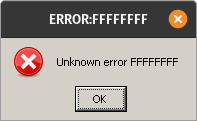
I am stuck at Rockstar Launcher with the big "R". The loading bar goes up to around 50% and then quits.
Does anyone else have that problem?
I am using Linux Mint 20, NVIDIA Drivers 455.45.01 and Proton 5.13-2
Thanks!
Red dead redemption window opens and remains in black. Also, the RDR2.exe has zero cpu usage. I'm on linux mint 20 using proton-5.0-rdr2-3.
Are you all using the work around to bypass the Soldier runtime container?
Are you all using the work around to bypass the Soldier runtime container?
I just tried it. Game crashed as usual after about an hour.
Attached the corresponding log.
Are you all using the work around to bypass the Soldier runtime container?
Nope, game runs perfectly without any workarounds or launch options for me. (aside from online ofc)
Game works for me proton 5.13-2 but online still disconnects me. Anyone got it working?
Game works for me proton 5.13-2 but online still disconnects me. Anyone got it working?
No, online does not work. No one can get the online mode to work. There is also no fix for it.
On Nvidia 450.80.02, using Proton 5.13-2, the game starts and almost loads the main menu without any extra configuration, then throws Error 18 "failed to initialize graphics device."
Anyone have a workaround?
On Nvidia 450.80.02, using Proton 5.13-2, the game starts and almost loads the main menu without any extra configuration, then throws Error 18 "failed to initialize graphics device."
Anyone have a workaround?
You don't by chance have an integrated GPU aside from your Nvidia card, do you?
An unskippable game breaking bug is present with Proton 5.13-2.
The game reproducibly crashes during a mission in Chapter 3, "Blessed are the peacemakers". After the dialogue "Put his weapons over there", the game enters the loading screen, crashes, and does not recover. The relevant error is warn:debugstr:OutputDebugStringA "OODLE ERROR : LZ corruption : DecodeOneQuantum fail!\n".
The bug seems to be related to RAD's oodle compression library, present in the game as oo2core_5_win64.dll. I've tried downgrading and upgrading the bundled library version, successfully booted the game and still encountered the bug.
This log snippet is repeated ad infinitum until the process is killed.
Game runs perfectly well otherwise, with an Arch/Nvidia setup.
I am stuck at Rockstar Launcher with the big "R". The loading bar goes up to around 50% and then quits.
Does anyone else have that problem?I am using Linux Mint 20, NVIDIA Drivers 455.45.01 and Proton 5.13-2
Thanks!
I basically have the same behavior on latest Proton GE. There also do not seem to be any logs put stored anywhere even though I set PROTON_LOG=1.
An unskippable game breaking bug is present with Proton 5.13-2.
The game reproducibly crashes during a mission in Chapter 3, "Blessed are the peacemakers". After the dialogue "Put his weapons over there", the game enters the loading screen, crashes, and does not recover. The relevant error is
warn:debugstr:OutputDebugStringA "OODLE ERROR : LZ corruption : DecodeOneQuantum fail!\n".The bug seems to be related to RAD's oodle compression library, present in the game as
oo2core_5_win64.dll. I've tried downgrading and upgrading the bundled library version, successfully booted the game and still encountered the bug.This log snippet is repeated ad infinitum until the process is killed.
Game runs perfectly well otherwise, with an Arch/Nvidia setup.
Saw your comment and kept an eye out for this as I was going through Chapter 3. I too am on an Arch/Nvidia setup, but did not experience this under Proton 5.13-4.
For some reason, my game won't start at all and simply leaves a necro process behind after the initial Rockstar login and launching screens (which fails to establish a connection to the online services).
Mesa 21.0.0_devel.132254.84c8a35aa2c-1
Proton 5.13-4 (next branch) as well as several community proton builds up to tkg-6.0-rc1
I've already tried multiple combinations of additional flags being recommended by reports from ProtonDB but to no avail.
Launch options being used:
WINEDLLOVERRIDES=dxgi=n,b PULSE_LATENCY_MSEC=60 %command% -adapter 1 -vulkan -width 1920 -height 1080 -USEALLAVAILABLECORES -cpuLoadRebalancing -ignorepipelinecache
Some oddities:
- When using 5.13-4 (next branch) the game won't even keep the dead process and just stops the application after the launcher.
- Opening the RS launcher settings while the game attempts to launch displays it being registered as Red Dead Online
RDR2 worked for me with WINE 6 STAGING. If you are using lutris, disable dxvk. Set the game to Vulkan. I also used this https://sdk.lunarg.com/sdk/download/latest/windows/vulkan-runtime-components.zip. Put vulkan.dll x64 (you might want to try x86) within game folder netxt to rdr.exe.
RDR2 worked for me with WINE 6 STAGING. If you are using lutris, disable dxvk. Set the game to Vulkan.
I imagine multiplayer is still busted (after the intro mission)?
Game performance seems to be much better with Proton Experimental that Valve provided for Cyberpunk 2077, you can select it from the game properties. The GFX error still remains, tho.
There seems to be an endless amount of proposed workarounds for the ERR_GFX_STATE issue for this game, but none of them were making a difference for me. After fiddling around with different settings, this seems to have done the trick on my system (Arch+Nvidia). I have completed chapters four, five, and part of six with no crashes. Hopefully this can help someone else.
- Uncheck Enable the Steam Overlay while in-game in the game properties.
- Change the Screen Type to Windowed Borderless in the Graphics settings (I set the game resolution to my native screen resolution, so it looks just like full screen)
I got farther than I ever did before into multiplayer now, when I chose to try it. I got to the point where I was in free roam, but got disconnected as soon as I looted an NPC. Not able to get back in now.
I got farther than I ever did before into multiplayer now, when I chose to try it. I got to the point where I was in free roam, but got disconnected as soon as I looted an NPC. Not able to get back in now.
How did you get it to work? What proton are you using? OS and all.
On Mon, Dec 14, 2020 at 05:59:54PM -0800, Pedro Vinícius wrote:
I got farther than I ever did before into multiplayer now, when I chose to try it. I got to the point where I was in free roam, but got disconnected as soon as I looted an NPC. Not able to get back in now.
How did you get it to work? What proton are you using? OS and all.
I was using 5.13-4 (default). I was able to make a character, skip the
intro mission, watch a long intro video and then run around a little
bit.
I'm using Debian Sid, kernel 5.9.0-11.3-liquorix-amd64, proprietary
Nvidia drivers 455.45.01.
After I first got disconnected I switched to Proton Experimental, and
then I was unable to join back in, but I don't think it would've worked
again either way. But it's an improvement from just being disconnected
instantly after the loading screen, at least.
--
Chris
I was hoping there was some further progress. A few of us were able to create a character, but not properly enter MP. I can see all of the roles, but every option is an instant disconnect after the loading screen.
So my tests so far...
WINEDLLOVERRIDES=dxgi=n,b %command% -width 2560 -height 1440 -vulkan
runner: 5.0-rdr2-4
With this launch options I am able to start the game, I think the performance is about the same with windows but the window is misplaced ( I have 3 screens if I have the game in the middle screen it really shows half of the game in the left screen and half in the middle)
runner: 5.13-4
Yesterday I was able to go to a login screen which I saw for the first time in my life ( normally steam signs you in or what?) the sign in button kept loading forever so I couldn't do that. Today after Rockstar loading screen it crashes, it never gets to the game.
I am really disappointed with this game, the fixes are there for about a year they just got into proton and I am still unable to play this game normally I don't understand why this game is so much more difficult than the rest to get working :/
Experimental crashes also for me after some playtime (in about an hour / sometimes laters, sometimes earlier)
@doublez13 fixes don't work for me.
Hello,
The game crashes when using AMDVLK and Proton 5.13 (it didn't use to happen with Mr. Pippy's temporary build). In the benchmark, it happens after the character rides the horse and runs through the second street. For the record, Firefox tabs crash just before.
Fedora 32 + AMDVLK v-2020.Q4.5
@doublez13 fixes don't work for me.
Hmmmm I don't think I've done anything else differently. I'm at about 35 hours of gameplay without a GFX error after making these changes.
- Launcher options:
PULSE_LATENCY_MSEC=60 %command% -ignorepipelinecache - Launch game from within Steam, and not in big picture mode.
- Uncheck
Enable the Steam Overlay while in-gamein the game properties. - Change the
Screen TypetoWindowed Borderlessin the Graphics settings
I don't understand how I'm still completely unable to get this game to run when others can, it's maddening.
I was playing online for a good 15 minutes, saw at least one other player.
Game crashed for other reasons, but I was able to get back in again after restarting.
This was with Proton Experimental.
I don't understand how I'm still completely unable to get this game to run when others can, it's maddening.
You may need to start from an empty prefix if you ever tried to launch the game before. Then, set the compatibility option in the game properties to "Proton Experimental". If you're on AMD, you may need to add the ICD option somewhere mentioned above and/or the dxgi override. If you change the Proton version, you probably almost always need to restart from a fresh prefix. Changing the Proton version may also trigger DRM and lock you out of the game for a few hours, so you should set it to Proton Experimental and not change it anymore.
Looks like Proton Experimental helps fix red dead online
https://github.com/ValveSoftware/Proton/wiki/Changelog
On Sat, Dec 19, 2020, 12:01 PM Kai Krakow [email protected] wrote:
I don't understand how I'm still completely unable to get this game to run
when others can, it's maddening.You may need to start from an empty prefix if you ever tried to launch the
game before. Then, set the compatibility option in the game properties to
"Proton Experimental". If you're on AMD, you may need to add the ICD option
somewhere mentioned above and/or the dxgi override. If you change the
Proton version, you probably almost always need to restart from a fresh
prefix.—
You are receiving this because you are subscribed to this thread.
Reply to this email directly, view it on GitHub
https://github.com/ValveSoftware/Proton/issues/3291#issuecomment-748498589,
or unsubscribe
https://github.com/notifications/unsubscribe-auth/AH52BU6GBK5RHLLQ6L5XDXTSVTL7BANCNFSM4JV54AXQ
.
You may need to start from an empty prefix if you ever tried to [...]
Let's say I've done all that, repeatedly, and it still doesn't work.
The launcher fires up, churns for a while, then bombs out.
Nothing in the proton log stands out as an obvious fixable error.
Gentoo, RX580, Mesa 20.3.1, Vulkan stuff 1.2.54, amdgpu-pro 20.45.
Crashes with either RADV or ACO driver, crashes with either Proton 5.13-4 or Experimental. Crashes with either dxgi environment included or not. Crashes with Launch Options being totally empty, crashes with every combination of launch option tried. Just crash.
You may need to start from an empty prefix if you ever tried to [...]
Let's say I've done all that, repeatedly, and it still doesn't work.
The launcher fires up, churns for a while, then bombs out.
Nothing in the proton log stands out as an obvious fixable error.Gentoo, RX580, Mesa 20.3.1, Vulkan stuff 1.2.54, amdgpu-pro 20.45.
Crashes with either RADV or ACO driver, crashes with either Proton 5.13-4 or Experimental. Crashes with either dxgi environment included or not. Crashes with Launch Options being totally empty, crashes with every combination of launch option tried. Just crash.
What is your CPU? Do you have an integrated GPU?
3900X, nothing integrated.
3900X, nothing integrated.
Try to remove any AMDVLK stuff. Only RADV with the vulkan driver for that installed and then try launching the game?
RADV would be running under the stock Mesa ACO driver, no change.
Hello @dylandn, looking at your log fixme:vulkan:X11DRV_vkCreateWin32SurfaceKHR Application requires child window rendering, which is not implemented yet! looks like a line of interest. This points back to https://github.com/ValveSoftware/Proton/issues/3291#issuecomment-710679468 where if the game sees 2 video driver options, it tries to use child window rendering. In your case, it's because you have both radv and amdgpu-pro installed.
To test this, you should be able to find amd_icd64.json in somewhere like /usr/share/vulkan/icd.d and rename it to something that doesn't end in .json like amd_icd64.json.disabled which will disable the amdgpu-pro vulkan driver without needing to fully uninstall it.
Hmm, after removing amdgpu-pro file, the only other place I have two icd files is in /usr/share/vulkan/icd.d/, where there's radeon_icd.i686.json and radeon_icd.x86_64.json, both of these files belong to Mesa. still crash.
There was a troubleshooting step to check vulkaninfo and see if it reports more than one device. Please throw the output of vulkaninfo into a gist. Also, please copy your system information from Steam (Steam -> Help -> System Information) and put it in a gist, then include a link to the gists in this issue report.
I've just tested out Red Dead Redemption 2 with Proton Experimental build and an empty wine/proton prefix. It gets to this screen:
and then the game never launches, and the play button becomes green again:
My system specs from Steam: https://gist.github.com/ipkpjersi/2dd2499847e52b83f0426ae650b49aec
My vulkan info: https://gist.github.com/ipkpjersi/0510a008a3d7f28724d9faef6097ec1e
I tested with and without the launch params, it made no difference: WINEDLLOVERRIDES=dxgi=n,b %command% -vulkan
Vulkaninfo & Steam system info:
https://gist.github.com/dylandn/2a98381b1b1a854119d6139e16da706a
Does that work on your end?
Thanks @dylandn, it looks like the game shouldn't trip over child window rendering with that system config. Does a fresh Proton log still have that fixme line?
Looks like Proton Experimental helps fix red dead online https://github.com/ValveSoftware/Proton/wiki/Changelog
…
Yes, the latest experimental implements DH encryption which should fix online mode (both in RDR2 and the standalone Red Dead Online)
Looks like Proton Experimental helps fix red dead online https://github.com/ValveSoftware/Proton/wiki/Changelog
…Yes, the latest experimental implements DH encryption which should fix online mode (both in RDR2 and the standalone Red Dead Online)
Thank you!
Hmm, after removing amdgpu-pro file, the only other place I have two icd files is in /usr/share/vulkan/icd.d/, where there's radeon_icd.i686.json and radeon_icd.x86_64.json, both of these files belong to Mesa. still crash.
You don't need to remove vulkan-amdgpu-pro or AMDVLK anyway. VK_ICD_FILENAMES= is all you need, and it prevents any other drivers from being seen by the application. I had all three (RADV, AMDVLK, and vulkan-amdgpu-pro) installed the entire time I was running AMD before I switched to Nvidia. VK_ICD_FILENAMES=/usr/share/vulkan/icd.d/radeon_icd.x86_64.json:/usr/share/vulkan/icd.d/radeon_icd.i686.json is all you need (if you want to force Mesa). VK_ICD_FILENAMES=/usr/share/vulkan/icd.d/amd_icd32.json:/usr/share/vulkan/icd.d/amd_icd64.json for AMDVLK, so on and so forth. Yes, you need to specify both 32 and 64-bit, because a lot of launchers are 32-bit (like Origin, Battle.Net, I think maybe the Rockstar launcher but I'm not sure) and it's always better safe than sorry.
Thanks @dylandn, it looks like the game shouldn't trip over child window rendering with that system config. Does a fresh Proton log still have that fixme line?
Yes, still does. Twice at every attempt to start the game. The launcher terminates right after the seond one.
397.330:0474:0478:fixme:vulkan:X11DRV_vkCreateWin32SurfaceKHR Application requires child window rendering, which is not implemented yet!
I noticed my LLVM was version 9 but an upgrade to 11 hasn't changed anything.
@dylandn, sorry, I re-read your gist with the system information and there's a Pressure Vessel issue happening there. Pressure Vessel is finding the 32 bit and 64 bit radv vulkan icds twice and then putting it in the container environment twice for each bit-ness which is why the game is seeing two devices.
When I skimmed your system information before, my brain must have seen 4 icds and interpreted it as mesa radv+anv 32/64 bit.
Please open a new steam-runtime issue report for this with a clear note that this game currently can not run if it sees duplicate vulkan icds.
Looks like Proton Experimental helps fix red dead online https://github.com/ValveSoftware/Proton/wiki/Changelog
…Yes, the latest experimental implements DH encryption which should fix online mode (both in RDR2 and the standalone Red Dead Online)
Sadly doesn't seem to be the case, gave experimental a go and I'm still getting constant [Error: 0x20140000] when trying to join online.
Just played 100 minutes online, all kinds of matches with other online players, can confirm that it finally works for me using proton experimental. Thank you Valve!! :)
I can also confirm online seems to work with proton experimental.
I logged in without issue and I have seen multiple other players, I have so far not done any kind of matchmaking.
Just played 100 minutes online, all kinds of matches with other online players, can confirm that it finally works for me using proton experimental. Thank you Valve!! :)
How? I checked out the experimental branch, updated the submodules and built it, am I supposed to do something else? (and of course set it in steam)
@kattjevfel I installed it through Steam, like one can the other official Proton builds.
I've just tested out Red Dead Redemption 2 with Proton Experimental build and an empty wine/proton prefix. It gets to this screen:
and then the game never launches, and the play button becomes green again:
My system specs from Steam: https://gist.github.com/ipkpjersi/2dd2499847e52b83f0426ae650b49aec
My vulkan info: https://gist.github.com/ipkpjersi/0510a008a3d7f28724d9faef6097ec1e
I tested with and without the launch params, it made no difference:
WINEDLLOVERRIDES=dxgi=n,b %command% -vulkan
I'm still experiencing this issue after a clean install of Red Dead Redemption 2 AND deleting the entire 1174180 compatdata folder and of course relaunching Steam first. It installs Rockstar Social Club, then launches Rock Star Social club and prompts for cloud saves then I say yes, and then the game itself never launches. It does not launch with Proton Experimental or Proton 5.13-4, of course deleting the 1174180 compatdata folder and relaunching Steam before changing Proton versions.
I've now attached a 40mb (1mb zipped) log file of me attempting to launch the game with Proton Experimental.
I would really appreciate if someone could help me or look into this with me.
@kattjevfel I installed it through Steam, like one can the other official Proton builds.
Ah fuck, I never noticed there was a separate entry for it, I looked under betas for Proton 5.13...
Still makes me wonder why it didn't work when I compiled it on my own...
EDIT: It works!!!!! https://cdn.discordapp.com/attachments/272752047374204929/790346739063717918/unknown.png

Hello @ipkpjersi, you have encountered https://github.com/ValveSoftware/steam-runtime/issues/336.
Is there anything that can be done to get RDR2 to run again on a system with an integrated GPU? I use Nvidia GTX 1070 as my GPU, however my CPU does have an iGPU - but I don't use it, I only use my dGPU.
RDR2 used to work for me with the old builds, but anything post Proton 5.13 doesn't work (the behaviour is the same as described here).
Is there a way to make the game not see my iGPU?
Hello @ipkpjersi, you have encountered ValveSoftware/steam-runtime#336.
How do I fix it?
This is what I have:
I have an NVIDIA GPU only (GTX 1070), no onboard GPU.
Is there anything that can be done to get RDR2 to run again on a system with an integrated GPU? I use Nvidia GTX 1070 as my GPU, however my CPU does have an iGPU - but I don't use it, I only use my dGPU.
RDR2 used to work for me with the old builds, but anything post Proton 5.13 doesn't work (the behaviour is the same as described here).
Is there a way to make the game not see my iGPU?
You could try the approach from gardotd426 further up:
https://github.com/ValveSoftware/Proton/issues/3291#issuecomment-748519643
Is there anything that can be done to get RDR2 to run again on a system with an integrated GPU? I use Nvidia GTX 1070 as my GPU, however my CPU does have an iGPU - but I don't use it, I only use my dGPU.
RDR2 used to work for me with the old builds, but anything post Proton 5.13 doesn't work (the behaviour is the same as described here).
Is there a way to make the game not see my iGPU?You could try the approach from gardotd426 further up:
[#3291 (comment)](https://github.com/ValveSoftware/Proton/issues/3291#issuecomment-748519643)
I've tried running it with this launch option VK_ICD_FILENAMES=/usr/share/vulkan/icd.d/10_nvidia.json %command%, but it didn't help. [I have only 1 Nvidia .json file in the icd.d folder.]
I also already tried changing the intel .json files to .disabled, but it didn't make any difference either.
Hello @ipkpjersi, you have encountered ValveSoftware/steam-runtime#336.
I have tried launching the game with this (my file is called nvidia_icd.json not 10_nvidia.json):
VK_ICD_FILENAMES=/usr/share/vulkan/icd.d/nvidia_icd.json %command%
However it still does not work. Also, I still had the same rendering error message even with setting the VK ICD FILENAMES so I'm not sure if I'm doing something wrong. I am glad to see I'm not the only one running into this exact same issue, but the solution provided don't seem to be working for me (or possibly others either??)
Hello @ipkpjersi, you have encountered ValveSoftware/steam-runtime#336.
I have tried launching the game with this (my file is called nvidia_icd.json not 10_nvidia.json):
VK_ICD_FILENAMES=/usr/share/vulkan/icd.d/nvidia_icd.json %command%However it still does not work. Also, I still had the same rendering error message even with setting the VK ICD FILENAMES so I'm not sure if I'm doing something wrong. I am glad to see I'm not the only one running into this exact same issue, but the solution provided don't seem to be working for me (or possibly others either??)
That's exactly what I have to do on mine, on stock Ubuntu 20.04.
VK_ICD_FILENAMES=/usr/share/vulkan/icd.d/nvidia_icd.json %command%
Hello @ipkpjersi, you have encountered ValveSoftware/steam-runtime#336.
I have tried launching the game with this (my file is called nvidia_icd.json not 10_nvidia.json):
VK_ICD_FILENAMES=/usr/share/vulkan/icd.d/nvidia_icd.json %command%
However it still does not work. Also, I still had the same rendering error message even with setting the VK ICD FILENAMES so I'm not sure if I'm doing something wrong. I am glad to see I'm not the only one running into this exact same issue, but the solution provided don't seem to be working for me (or possibly others either??)On mine, I have to use this:
VK_ICD_FILENAMES=/usr/share/vulkan/icd.d/nvidia_icd.json %command%
Yep, that's the exact command I'm using, it's not helping for me. I even deleted the compatdata again, and relaunched Steam again, no good.
I'm also having to do a container bypass (or at least I did on 5.13. Not sure this still applies or not, but I needed it for your symptom)
<steam-library>/steamapps/common/SteamLinuxRuntime_soldier/_v2-entry-point
Adding the following lines after #!/bin/bash:
shift 4
exec "${@}"
Edit: Every time the soldier runtime updated, I had to place this back in the entry point.
I'm also having to do a container bypass (or at least I did on 5.13. Not sure this still applies or not, but I needed it for your symptom)
<steam-library>/steamapps/common/SteamLinuxRuntime_soldier/_v2-entry-point
Adding the following lines after #!/bin/bash:
shift 4
exec "${@}"Edit: Every time the soldier runtime updated, I had to place this back in the entry point.
That makes mine fail instantly with this:
wine: failed to initialize: /home/vagrant/build-experimental_5.13-local/dist-wine32/lib/wine/ntdll.dll.so: cannot open shared object file: No such file or directory
Are you using a local build? (you may have stated this already and I missed it)
I'm not even sure what a local build is tbh.
I just have the default Proton 5.13-4 and Proton Experimental from Steam, I didn't build them myself or anything, literally just came straight with Steam. This game used to launch with Proton 5.0-rdr2-4 for me (I could get in-game, performance was pretty bad like 30-40 FPS low settings even after shader caching IIRC) but these newer Proton builds that supposedly work for others aren't seeming to do the trick for me. At this point I'm thinking I may have to wait until 2021 before I can get into RDR2, honestly I was kinda thinking that a month or two ago anyways lol
Grand Theft Auto V/Grand Theft Auto Online works fine for me it's just RDR2 I'm having trouble with getting it to launch.
@ipkpjersi Instead of using the game options, can you try to launch Steam with VK_ICD_FILENAMES=/usr/share/vulkan/icd.d/nvidia_icd.json steam?
This hopefully should be a valid workaround until we detect and remove duplicates in pressure-vessel.
@ipkpjersi Instead of using the game options, can you try to launch Steam with
VK_ICD_FILENAMES=/usr/share/vulkan/icd.d/nvidia_icd.json steam?This hopefully should be a valid workaround until we detect and remove duplicates in pressure-vessel.
I am also experiencing the same, Launchiing steam with this 'VK_ICD_FILENAMES=/usr/share/vulkan/icd.d/nvidia_icd.json steam` didn't help at all.
I am on Fedora 33 tried with experimental and 5.13-4, I can give whatever information is needed with some assistance because I don't even understand the situation yet.
I'm not sure if this environment variable is even passed down into the container. You may need to rename the other files to *.disabled.
I am also experiencing the same, Launchiing steam with this 'VK_ICD_FILENAMES=/usr/share/vulkan/icd.d/nvidia_icd.json steam` didn't help at all.
I am on Fedora 33 tried with experimental and 5.13-4, I can give whatever information is needed with some assistance because I don't even understand the situation yet.
@nmousouros Can you please send the output of ls -l /usr/share/vulkan/icd.d and also the Steam Help->system information?
I'm not sure if this environment variable is even passed down into the container. You may need to rename the other files to *.disabled.
Yes it is passed down to pressure-vessel, but only if it was already in the system environment variables (e.g. launching Steam prefixed by VK_ICD_FILENAMES=something).
Instead the container setup process of pressure-vessel is not aware of your eventual custom game launch options.
So I think we are getting somewhere, firstly running this with bash ( i use zsh) has a completely different behaviour, it didn't crash now but I am stuck in the rockstar loading screen ( the exact screen where it normally crashes)
VK_ICD_FILENAMES=/usr/share/vulkan/icd.d/nvidia_icd.json steam
ls -l /usr/share/vulkan/icd.d .rw-r--r-- root root 146 B Tue Dec 15 09:30:19 2020 intel_icd.i686.json .rw-r--r-- root root 148 B Tue Dec 15 09:30:12 2020 intel_icd.x86_64.json .rw-r--r-- root root 140 B Fri Nov 6 00:53:09 2020 nvidia_icd.json .rw-r--r-- root root 147 B Tue Dec 15 09:30:16 2020 radeon_icd.i686.json .rw-r--r-- root root 149 B Tue Dec 15 09:30:08 2020 radeon_icd.x86_64.json
I am still getting stuff in the logs so I think I will wait a bit in that screen ( last logs from steam)
`Installing breakpad exception handler for appid(steam)/version(1608329258)
Installing breakpad exception handler for appid(steam)/version(1608329258)
Installing breakpad exception handler for appid(steam)/version(1608329258)
ThreadGetProcessExitCode: no such process 29924
_v2-entry-point[31223]: STEAM_COMPAT_APP_ID=
_v2-entry-point[31223]: STEAM_COMPAT_SESSION_ID=
_v2-entry-point[31223]: XDG_RUNTIME_DIR=/run/user/1000
`
UPDATE: I don't think it will ever start but it doesn't crash either, any more help needed in order to help us I am here :)
( I decided to make a windows installation to play this game, I bought this nearly a year ago and I didn't manage to play it I feel like a disgrace of a system engineer haha )
@nmousouros is the steam info log taken with Steam launched as VK_ICD_FILENAMES=/usr/share/vulkan/icd.d/nvidia_icd.json steam ? Are you sure that Steam was completely closed before launching it again (you can check it with ps aux | grep Steam) ?
It's really odd that you are specifying only the nvidia ICD and still the radeon icd gets found instead:
  "vulkan" : {
    "icds" : [
      {
        "json_path" : "/usr/share/vulkan/icd.d/radeon_icd.x86_64.json",
        "library_path" : "/usr/lib64/libvulkan_radeon.so",
        "api_version" : "1.2.131"
      }
    ],
Can you also show the output of printenv XDG_CONFIG_DIRS and printenv XDG_DATA_DIRS and printenv XDG_DATA_HOME ?
I am positive Steam was completely closed ( I checked that again and it still finds the radeon icd.
Only the second var is set though and it doesn't look to me that it is set to something that helps steam.. Maybe that's another issue?
[nmousouros@localhost icd.d]$ printenv XDG_CONFIG_DIRS [nmousouros@localhost icd.d]$ printenv XDG_DATA_DIRS /home/nmousouros/.local/share/flatpak/exports/share:/var/lib/flatpak/exports/share:/usr/local/share/:/usr/share/:/var/lib/snapd/desktop [nmousouros@localhost icd.d]$ printenv XDG_DATA_HOME
@nmousouros Okay, because you don't have /usr/share in XDG_CONFIG_DIRS, nor in XDG_DATA_HOME, it might even be that you are facing a different issue.
Can you please post your Help->system information, but with Steam launched without any manual modification (without the VK_ICD_FILENAMES workaround).
Wait I am just retarded, the second time I run the command I copied the radeon command you send to someone else without reading I am sorry for spending your time like that.
So running this with bash instead of zsh does work.
VK_ICD_FILENAMES=/usr/share/vulkan/icd.d/nvidia_icd.json steam
@RyuzakiKK do you still need the rest of the info?
Wait I am just retarded, the second time I run the command I copied the radeon command you send to someone else without reading I am sorry for spending your time like that.
So running this with bash instead of zsh does work.
VK_ICD_FILENAMES=/usr/share/vulkan/icd.d/nvidia_icd.json steam
Ah this explains why Steam was using the radeon ICD instead of the nvidia one :)
I'm glad that it is working now.
I'm looking into discarding duplicated ICDs in pressure-vessel (FTR https://github.com/ValveSoftware/steam-runtime/issues/336 and https://gitlab.steamos.cloud/steamrt/steam-runtime-tools/-/issues/48) so that this workaround will not be needed anymore.
@RyuzakiKK do you still need the rest of the info?
No, that's fine.
The thing is, this shouldn't be needed because I run games with Proton 5.13 and Proton Experimental all the time, I don't use Bash I use Zsh, and I've never once had this issue, despite having vulkan-radeon installed on my system:
ls /usr/share/vulkan/icd.d/
nvidia_icd.json  radeon_icd.x86_64.json
I don't even have to specify VK_ICD_FILENAMES. So it makes no sense that it doesn't work for you.
I think in order to work with zsh we have to do
'export VK_ICD_FILENAMES=/usr/share/vulkan/icd.d/nvidia_icd.json steam'
That's not how you would do that. It's not a valid command.
It would be VK_ICD_FILENAMES=/usr/share/vulkan/icd.d/nvidia_icd.json steam, no export. Doing it the way you typed it would actually lead to the envvar being /usr/share/vulkan/icd.d/nvidia_icd.json steam.
But again, I don't have this issue, and never have. I've been using Zsh for well over a year (long before the new Steam runtime), I have multiple .jsons and am on Nvidia. And I don't have to specify anything.
The thing is, a lot of the issues are distro specific so you not having the same issue, says nothing. you are right on one part though. this will NOT work:
'export VK_ICD_FILENAMES=/usr/share/vulkan/icd.d/nvidia_icd.json steam'
P.S. I am also using zsh for years, I also never had to specify anything until 5.13-4 which again says nothing. A lot of times commands work on bash but on zsh you have to add quotes somewhere and stuff it's not always the same and I am glad I tried with bash and it worked..
I'm not saying that me not having the issue means no one else is. But you said "in order to work w/ zsh we have to do this," which isn't true. That, and the fact that the command is wrong, was my point.
I can try installing Fedora on one of my secondary partitions I always keep for other installs to see if I can reproduce the issue, but yeah on Arch (my daily driver), Manjaro and Pop OS this isn't a thing I've ever seen.
Completely agree with you then. From what I understood so far for some systems it needs this env var to point to the correct json file, in my case nvidia.
So in my case this work only with bash:
VK_ICD_FILENAMES=/usr/share/vulkan/icd.d/nvidia_icd.json steam
For zsh in my case i did this to get the var set
export VK_ICD_FILENAMES=/usr/share/vulkan/icd.d/nvidia_icd.json
and then
steam ( to launch steam)
This worked, there are definitely more ways this for me is the simplest. Also I think the issue is pointed out to the devs, they understood it and they know how to fix it so it is only a matter of time now we don't need to add anything else it just makes it more difficult for people to find answers
Also here is the real issue, as the guy said 'For clarity, this doesn't usually matter, but if Red Dead Redemption 2 sees multiple video cards, then it tries to use child window rendering and falls over starting with...' Probably you have an AMD CPU without graphics but in my case it's picking intel integrated graphics as a second graphics card and that is why I have to choose nvidia, if I am right and this is your case do not bother installing Fedora, it will work on fedora as well for you
@ipkpjersi Instead of using the game options, can you try to launch Steam with
VK_ICD_FILENAMES=/usr/share/vulkan/icd.d/nvidia_icd.json steam?This hopefully should be a valid workaround until we detect and remove duplicates in pressure-vessel.
Yay! This finally got the game to launch for me (only I replaced nvidia_icd.json with 10_nvidia.json, because that's the name of the file on my OS). It's working fine now.
Thank you.
Here is some positive feedback. I installed it again after a few months and tried it out.
Without any launch options or workarounds the game starts up to main menu from where I could also start and play the online mode (Free Roam) without any further action. Was just for 20 minutes in online mode. The single player was also running so far. But the online mode never started and always gave me an error "(0x20010006)".
Proton Experimental
Linux Mint 20
Ryzen 5 3600
AMD RX 5700 XT
Kernel 5.8.18
AMDGPU + PPA kisak mesa fresh (20.3.1-kisak1)
I am impressed. :)
I am now getting the Error: 0x20140000 message when trying online mode again. It was working fine all weekend :(
Renaming the unused icd .json files was not enough to get my game to launch. However, after launching Steam with VK_ICD_FILENAMES=/usr/share/vulkan/icd.d/nvidia_icd.json steam in zsh, I was able to get in-game for Red Dead Redemption 2 and into single-player - I haven't tried multi-player yet.
I'm only getting around 40-60 FPS low settings 1080p on my GTX 1070 and i7 5960x with NVIDIA driver 450.80.02. The graphics API defaulted to Vulkan, I am guessing Vulkan is the correct one to use? Is my performance expected or is it slightly low? It feels like it's kind of low. Also, I think opening the minimap froze the game. I relaunched the game and the minimap was fine, I'll have to test it out more later but it seems to have been working fairly well with Proton Experimental thus far.
Thanks for the help everyone.
I'm only getting around 40-60 FPS low settings 1080p on my GTX 1070 and i7 5960x with NVIDIA driver 450.80.02. The graphics API defaulted to Vulkan, I am guessing Vulkan is the correct one to use? Is my performance expected or is it slightly low?
Looks like it's about right. This dude on YT (idk if I can post YT links here) gets like 40 fps on 1080p ultra and like 70-75 on 1080p low (or "favor performance") on Windows with a Ryzen 5 3600 (which is a bit better of a gaming CPU than what you have) and 4000MHz RAM, so you'd expect him to get a bit higher fps than you, and he's running it natively on Windows w/ a GTX 1070.
This game is pretty damn demanding, and from what I hear it's pretty CPU-intensive as well. Expect the GTX 1070 (and especially the Intel chip) to really start showing their age more over the next year or so, they're old parts at this point, normally you don't have hardware that can run the latest and greatest for more than 4-5 years, and you're hitting that point now.
If you're running nvidia-prime on-demand mode, this is what made it work perfectly in the end for me.
- Nvidia Driver Version: 455.45.01
- Linux Mint 20, 5.8.0-33-generic
- GeForce GTX 1050 (mobile)
- i5-7400 CPU (HD Graphics 630)
"Proton Experimental" and "Proton 5.13-4", with the following arguments.
__NV_PRIME_RENDER_OFFLOAD=1 __VK_LAYER_NV_optimus=NVIDIA_only __GLX_VENDOR_LIBRARY_NAME=nvidia %command%
Notice both __VK_LAYER_NV_optimus and __GLX_VENDOR_LIBRARY_NAME arguments are needed, with only one you either get an error about your Intel driver being out of date, you get stuck halfway through the initial loading (before the "intro video") or the game crashes directly after the intro before the menu. Without specifically setting PRIME offload it crashes directly after the rockstar launcher tries to start RDR2.exe. If you switch to NVIDIA Performance mode, it should run ootb with the newest drivers and proton with no arguments - at least it does so on this old laptop and my desktop (same OS and drivers, but RTX 2080s).
http://download.nvidia.com/XFree86/Linux-x86_64/435.17/README/primerenderoffload.html
On Mon, Dec 21, 2020 at 12:51:20PM -0800, gardotd426 wrote:
I'm only getting around 40-60 FPS low settings 1080p on my GTX 1070 and i7 5960x with NVIDIA driver 450.80.02. The graphics API defaulted to Vulkan, I am guessing Vulkan is the correct one to use? Is my performance expected or is it slightly low?
Looks like it's about right. This dude on YT (idk if I can post YT links here) gets like 40 fps on 1080p ultra and like 70-75 on 1080p low (or "favor performance") on Windows with a Ryzen 5 3600 (which is a bit better of a gaming CPU than what you have) and 4000MHz RAM, so you'd expect him to get a bit higher fps than you, and he's running it natively on Windows w/ a GTX 1070.
This game is pretty damn demanding, and from what I hear it's pretty CPU-intensive as well. Expect the GTX 1070 (and especially the Intel chip) to really start showing their age more over the next year or so, they're old parts at this point, normally you don't have hardware that can run the latest and greatest for more than 4-5 years, and you're hitting that point now.
I don't think it's that demanding in terms of CPU. I noticed little to
no difference between a Ryzen 3 3100 and a Ryzen 9 5950X. However the
game is demanding. I'm getting 40-60 FPS at 5120x1440 on ultra with an
RTX 3080 (not tested in windows).
--
Chris
One comment ago...
Seems like you don't really understand how games work in regards to how they tax the CPU and GPU in different situations.
Of COURSE you won't see much difference going from a 3100 to 5950X when you're gaming at 5120x1440, are you kidding me? You'll be completely GPU bound there.
Meanwhile, at 1080p, CPU makes 10X more difference. And the dude I was replying to is gaming at 1080p.
1080p is most demanding on CPU while higher resolutions are less and less CPU-dependent is like one of the most well-known and established facts in gaming.
5120x1440 is essentially 4K, it's almost the same amount of pixels. Go look at any benchmark list from any reputable reviewer (HW Unboxed, GamersNexus, etc.) and you'll see that at 1080p CPU matters drastically for performance, while at 4K it's almost irrelevant assuming you have a moderately okay gaming CPU and aren't using something trash.
Reporting here, on a 5950x, 64 GiB RAM 3200 MHz, NVMe.2, 2080 Ti (455.45.01), 3440x1440, everything set to Ultra (or High when not applicable), TAA on High, the benchmark gives me 50 FPS average (Vulkan on).
What are you guys having?
I'm using proton 5.13-4, no changes, heck, even detected the PS4 wireless pad without issues.
I got ERR_GFX_STATE after playing another session of Red Dead Online for around an hour. Anyone else get this error?
I got ERR_GFX_STATE after playing another session of Red Dead Online for around an hour. Anyone else get this error?
maybe that helps https://www.pcgamingwiki.com/wiki/Red_Dead_Redemption_2#.27ERR_GFX_STATE.27_after_loading_game
I got ERR_GFX_STATE after playing another session of Red Dead Online for around an hour. Anyone else get this error?
steam-1174180.log.zipmaybe that helps https://www.pcgamingwiki.com/wiki/Red_Dead_Redemption_2#.27ERR_GFX_STATE.27_after_loading_game
Wouldn't disabling pipeline cache hurt performance? It hasn't crashed since then so I'm hoping it's a one time thing. I'm not sure if others have ever had this crash.
Also, when my Bluetooth Xbox One controller with xpadneo driver disconnects and reconnects, I can no longer use it until I re-launch the game. Is this a known bug, is there a workaround for this?
@ipkpjersi
That's a common error on Windows also
For me, with or without -ignorepipelinecache, sometimes it happens and crashes twice within a couple hours, and most of the times it doesnt happen at all for weeks.
Not much to do about it from my understanding
Also, when my Bluetooth Xbox One controller with xpadneo driver disconnects and reconnects, I can no longer use it until I re-launch the game. Is this a known bug, is there a workaround for this?
This happens in some games but not in others. Maybe be an issue with wine itself. But I'm not sure if the same happens in Windows. There are also only some games that detect the disconnect and go to the pause menu. So I suspect some missing or incomplete API implementations on the wine side.
PS: Some even detect the disconnect but won't detect the reconnect. Seems to be different from game to game, and also some Proton version behave differently than others. I think I have at least one game that used to detect the reconnect in earlier versions but no longer does since some Proton update.
Also, when my Bluetooth Xbox One controller with xpadneo driver disconnects and reconnects, I can no longer use it until I re-launch the game. Is this a known bug, is there a workaround for this?
This happens in some games but not in others. Maybe be an issue with wine itself. But I'm not sure if the same happens in Windows. There are also only some games that detect the disconnect and go to the pause menu. So I suspect some missing or incomplete API implementations on the wine side.
PS: Some even detect the disconnect but won't detect the reconnect. Seems to be different from game to game, and also some Proton version behave differently than others. I think I have at least one game that used to detect the reconnect in earlier versions but no longer does since some Proton update.
Yeah it seems RDR2 detects the disconnect half of the time but doesn't handle it. NBA 2K21 on the other hand detects it and then handles it by allowing you to continue using the controller after it reconnects IIRC.
Been playing the game for the past few days, on 21/12/2020 stopped working, didn't make any changes, tried a bunch of different things. The rockstar launcher starts, loads and nothing happens.
The game window doesn't not pop up. (no window with white loading bar)
Ends up with Rockstar Launcher and RDR2 killed.
Steam "Stop" button changes to Steam "Play" Button again.
My settings:
Distro: Arch Linux
Kernel: 5.9.14-zen1-1-zen
RAM: 32 GB
GPU Driver: Mesa 20.3.0
GPU: AMD VEGA 56 8GB (BAR enabled)
MotherBoard : X570 Taichi 3.80
CPU: AMD Ryzen 9 3700X 8-Core
Tested with:
Proton 5.13-4
Proton Experimental
Things I tried:
- Clear Download cache in Steam
- Validating Files
- Deleted RDR2 Prefix
- Deleted ShaderCache
Other games work successfully without any issues.
One comment ago...
Seems like you don't really understand how games work in regards to how they tax the CPU and GPU in different situations.
Of COURSE you won't see much difference going from a 3100 to 5950X when you're gaming at 5120x1440, are you kidding me? You'll be completely GPU bound there.
Meanwhile, at 1080p, CPU makes 10X more difference. And the dude I was replying to is gaming at 1080p.
1080p is most demanding on CPU while higher resolutions are less and less CPU-dependent is like one of the most well-known and established facts in gaming.
5120x1440 is essentially 4K, it's almost the same amount of pixels. Go look at any benchmark list from any reputable reviewer (HW Unboxed, GamersNexus, etc.) and you'll see that at 1080p CPU matters drastically for performance, while at 4K it's almost irrelevant assuming you have a moderately okay gaming CPU and aren't using something trash.
I just checked and I think you're right, but I also think there might be a configuration issue or some other issue going on here.
I just checked conky to see if my 5960x at 4.3 Ghz CPU or GTX 1070 GPU is being bottlenecked. If my CPU is at 90% or more usage, it's a CPU bottleneck. If my GPU is at 90% or more usage, it's a GPU bottleneck.
I was not expecting this, however:
One of my CPUs is at over 90%, the rest are around 20%.
So that leads me to believe that either Red Dead Redemption 2 is single-threaded which to me seems very unlikely as games have been getting more and more multi-threaded than ever before, or there's some sort of configuration issue or some other sort of issue.
Does anyone have any ideas or suggestions about this? I'm really glad I looked into this because it's quite interesting and it seems I may be onto something here.
Looking forward to all of your replies.
UPDATE: Just looked into it some more, and I think the in-game menu is single-threaded because once I actually got into Red Dead Online gameplay in-game, my CPU usage went way down, and my GPU usage shot up to 100% and stayed there:
I can confirm that my i7 5960x CPU is not bottlenecking my GTX 1070 GPU, even on a Rockstar game (Rockstar games are notoriously CPU heavy), and my GTX 1070 is the bottleneck even at 1080p low settings on Red Dead Online/Red Dead Redemption 2. Super interesting. Maybe my GPU is being underutilized by Vulkan, or my 450.80.02 NVIDIA driver or something. Also my swap usage is way too high, it should be using 0% until like 90% RAM usage.
edit: here is my full nvidia-smi output if it helps: https://i.imgur.com/01BRObE.png

Btw just found out why my game was crashing at the start.
after running in terminal >
VK_ICD_FILENAMES=/usr/share/vulkan/icd.d/radeon_icd.i686.json:/usr/share/vulkan/icd.d/radeon_icd.x86_64.json steam
It started working again. Why this is needed now and not before I have no clue.
Hello @PickMeNow, sounds like you've encountered https://github.com/ValveSoftware/steam-runtime/issues/336, the same reason as https://github.com/ValveSoftware/Proton/issues/3291#issuecomment-748962458.
Anyone else's online mode not work? So I tried everything on my desktop to get it to work but nothing ... still error 0x20140000. It works on my laptop though which is weird since it is also Arch Linux with the same kernel so I don't think it's my internet. I've reinstalled the game, tried older versions of Proton and nothing. Single player mode works fine. Contemplating reinstalling my desktop OS cause it's getting long in the tooth to see if it'll fix it ...
While debugging RDR online here I noticed that it opens UDP 6672 port forwarding on my router through UPNP. If it works for you on another computer in the same network, it could maybe happen that the game did setup port forwarding on router to that other computer and the packets to UDP 6672 just never reach your problematic one. As far as I could find on the Internet, some Windows users having online game connection problems solved the problem by rebooting, replacing or doing something else with their router.
Also it maybe worth checking if disabling local firewall on your desktop (just to see if it helps). I don't think working UPNP on router is strictly necessary, but maybe it relies on the incoming UDP packets being received after the game sends the outgoing packet from the same UDP port to the peer (in this case NAT marks the incoming packet as 'related' which is passed by typical firewall settings, but might be not the case for specific firewall setup).
All of the above is mostly guessing, I could not reproduce this kind of problem so far and did not debug the game's network interaction in depth.
If all that doesn't help, maybe you could upload the log recorded with Proton command line: 'WINEDEBUG=+loaddll,+pid,+timestamp,+seh,+iphlpapi,+bcrypt,+winsock %command%', maybe it will give some clue.
Yeah I tried restarting my modem and router. I do see that port opened via
upnp. I'll try adding the log options to see if I can debug further. Thank
you!
On Thu, Dec 24, 2020, 5:14 PM gofman [email protected] wrote:
While debugging RDR online here I noticed that it opens UDP 6672 port
forwarding on my router through UPNP. If it works for you on another
computer in the same network, it could maybe happen that the game did setup
port forwarding on router to that other computer and the packets to UDP
6672 just never reach your problematic one. As far as I could find on the
Internet, some Windows users having online game connection problems solved
the problem by rebooting, replacing or doing something else with their
router.Also it maybe worth checking if disabling local firewall on your desktop
(just to see if it helps). I don't think working UPNP on router is strictly
necessary, but maybe it relies on the incoming UDP packets being received
after the game sends the outgoing packet from the same UDP port to the peer
(in this case NAT marks the incoming packet as 'related' which is passed by
typical firewall settings, but might be not the case for specific firewall
setup).All of the above is mostly guessing, I could not reproduce this kind of
problem so far and did not debug the game's network interaction in depth.If all that doesn't help, maybe you could upload the log recorded with
Proton command line:
'WINEDEBUG=+loaddll,+pid,+timestamp,+seh,+iphlpapi,+bcrypt,+winsock
%command%', maybe it will give some clue.—
You are receiving this because you commented.
Reply to this email directly, view it on GitHub
https://github.com/ValveSoftware/Proton/issues/3291#issuecomment-751124278,
or unsubscribe
https://github.com/notifications/unsubscribe-auth/AH52BU7QYYC2UNAYE6NHQTLSWO4NHANCNFSM4JV54AXQ
.
If it works for you on another computer in the same network, it could maybe happen that the game did setup port forwarding on router to that other computer and the packets to UDP 6672 just never reach your problematic one.
Modern UPnP implementation should not allow that: You cannot usually setup a port forwarding from one PC to another PC on the NAT gateway, it would be denied for security reasons. Also, duplicate forwards should not happen: The UPnP API will report back the external port allocated to the forwarding. This may have different reasons, one is that a non-UPnP mapping may already occupy that external port, e.g. a UDP mapping. Security-wise, UPnP should not allow remapping a port to a different internal IP. Even hole punching or STUN is implemented in a way to report back the externally mapped UDP port so there should never occur any conflicts.
Otherwise, I'd consider the router implementation broken and you should swap it for a more secure one.
If your router has an advanced firewall, it may help to create a rule that forces stateless UDP mapping on the outgoing connection (by matching the destination port). In this case, the route will allow any source IP to map back via this UDP port to your internal PC.
I've tried port forwarding and port triggering, that doesn't work either. Online mode worked last weekend on my desktop. So I don't know what's going on. I do have a tp link router so maybe the firmware is buggy?
Also it maybe worth checking if disabling local firewall on your desktop (just to see if it helps).
...If all that doesn't help, maybe you could upload the log recorded with Proton command line: 'WINEDEBUG=+loaddll,+pid,+timestamp,+seh,+iphlpapi,+bcrypt,+winsock %command%', maybe it will give some clue.
Also it maybe worth checking if disabling local firewall on your desktop (just to see if it helps).
...
If all that doesn't help, maybe you could upload the log recorded with Proton command line: 'WINEDEBUG=+loaddll,+pid,+timestamp,+seh,+iphlpapi,+bcrypt,+winsock %command%', maybe it will give some clue.
I do not have a running firewall, no iptables, nftables, or firewalld running. When I get a chance next I'll upload a log
Turns out my router (EdgeRouter) doesn't enable upnp by default, and with it enabled I was able to join online and play a bunch with my friend until the game crashed with it's typical "Unknown error FFFFFFFFF" message. If this keeps working or not is left to see, but seeing how my friend on windows doesn't have upnp enabled, it might just be a coincidence?
With the memory leaks this game got on linux, 16GB is really not enough, was using 11GB of swap and game froze every second and finally crashed.
I will note that on the same exact desktop, on windows multiplayer works
just fine. Maybe I'm missing some library on my desktop
On Thu, Dec 24, 2020, 7:04 PM Magnus Boman [email protected] wrote:
Turns out my router (EdgeRouter) doesn't enable upnp by default, and with
it enabled I was able to join online and play a bunch with my friend until
the game crashed with it's typical "Unknown error FFFFFFFFF" message. If
this keeps working or not is left to see, but seeing how my friend on
windows doesn't have upnp enabled, it might just be a coincidence?With the memory leaks this game got on linux, 16GB is really not enough,
was using 11GB of swap and game froze every second and finally crashed.—
You are receiving this because you commented.
Reply to this email directly, view it on GitHub
https://github.com/ValveSoftware/Proton/issues/3291#issuecomment-751132609,
or unsubscribe
https://github.com/notifications/unsubscribe-auth/AH52BU2RXSA23O7BBN4FKMLSWPJJ3ANCNFSM4JV54AXQ
.
Maybe I'm missing some library on my desktop
Well, Proton uses the Steam Linux Runtime, which should contain any library you would need. So that's not it.
Maybe I'm missing some library on my desktop
Well, Proton uses the Steam Linux Runtime, which should contain any library you would need. So that's not it.
Well I'm definitely stumped lol I'll just set online aside for now.
but seeing how my friend on windows doesn't have upnp enabled, it might just be a coincidence?
Maybe it's able to use alternatives to UPnP on Windows but such APIs are still missing in Wine (or are just shallow implementations)? There's also NAT-PMP as an example, maybe Windows even has some STUN API? IDK...
Also, some games using social online connections seem to have problems with multiple network interfaces in Wine, that is if you're having private VPN connections or VM interfaces (Docker etc), the game may bind to the wrong interface probably and never receives any network packets on it. That's a problem at least with Borderlands 3.
@Alexithymia2014
Well I'm definitely stumped lol I'll just set online aside for now.
Make sure you are using Proton Experimental. Online will crash otherwise.
I'm definitely using proton Experimental
On Fri, Dec 25, 2020, 8:41 PM qurious-pixel [email protected]
wrote:
@Alexithymia2014 https://github.com/Alexithymia2014
Well I'm definitely stumped lol I'll just set online aside for now.
Make sure you are using Proton Experimental. Online will crash otherwise.
—
You are receiving this because you were mentioned.
Reply to this email directly, view it on GitHub
https://github.com/ValveSoftware/Proton/issues/3291#issuecomment-751307892,
or unsubscribe
https://github.com/notifications/unsubscribe-auth/AH52BU6U3FRWIE6OVMXEGWDSWU5MBANCNFSM4JV54AXQ
.
Hello, I've got also problem with starting the game. There shows the Rockstart logo loading and then it crashes or something. Im attaching huge log file from proton. Any ideash what might cause the problem?
steam-1174180.zip
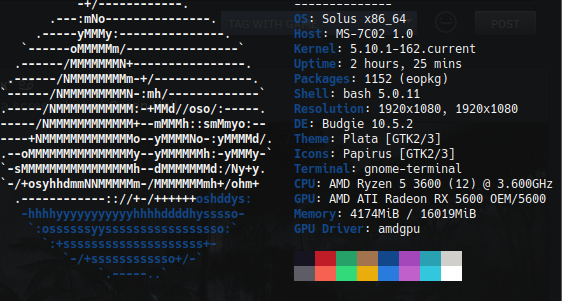
Btw I just noticed it shows GPU RX 5600, but I've got RX 5700 XT....
On Tue, Dec 22, 2020 at 03:02:20PM -0800, gardotd426 wrote:
Of COURSE you won't see much difference going from a 3100 to 5950X when you're gaming at 5120x1440, are you kidding me? You'll be completely GPU bound there.
Meanwhile, at 1080p, CPU makes 10X more difference. And the dude I was replying to is gaming at 1080p.
If it's so important at 1080p, how come I was getting better performance
at 5120x1440 than him at 1080p with a worse CPU, but better GPU. Sounds
like it's more dependent on the GPU to me.
--
Chris
Hello @Mark12870, your log contains fixme:vulkan:X11DRV_vkCreateWin32SurfaceKHR Application requires child window rendering, which is not implemented yet!. Possibly from https://github.com/ValveSoftware/steam-runtime/issues/336.
On Tue, Dec 22, 2020 at 03:02:20PM -0800, gardotd426 wrote: Of COURSE you won't see much difference going from a 3100 to 5950X when you're gaming at 5120x1440, are you kidding me? You'll be completely GPU bound there. Meanwhile, at 1080p, CPU makes 10X more difference. And the dude I was replying to is gaming at 1080p.
If it's so important at 1080p, how come I was getting better performance at 5120x1440 than him at 1080p with a worse CPU, but better GPU. Sounds like it's more dependent on the GPU to me.
…
-- Chris
It is more GPU dependant, most games are, and even notoriously CPU-heavy Rockstar games still seem to be more GPU dependant. My testing with my CPU at 20-60% and GPU stuck at 100% usage shows that I'm GPU bottlenecked by my GTX 1070, not my i7 5960x.
Anyone have a solution to ERR_GFX_STATE error that happens around every hour? I have —ignorepiplinecache but that doesn’t seem to do anything.
Here is my log with WINEDEBUG=+loaddll,+pid,+timestamp,+seh,+iphlpapi,+bcrypt,+winsock enabled for the 0x20140000 Rockstar game services error. https://gist.github.com/Alexithymia2014/02ad28ec3a69484037f63eab77ea0bb3
If it's so important at 1080p, how come I was getting better performance at 5120x1440 than him at 1080p with a worse CPU, but better GPU. Sounds like it's more dependent on the GPU to me.
Is it really that hard to understand?
better performance at 5120x1440 than him at 1080p with a worse CPU, but better GPU
That's literally the point. At 1080, CPU is much more of a bottleneck. The higher resolution you go, the less important CPU is. This has been proven over, and over, and over again.
At 4K a 5950X isn't much better than a 3600. At 1080p, the difference is huge. The higher you go in resolution, the more GPU matters and the less CPU matters. So at 5120x1440, almost equivalent 4K in pixel count, of COURSE your weaker CPU is going to matter less, and your stronger GPU is going to matter more. Your results literally prove my point.
If it's so important at 1080p, how come I was getting better performance at 5120x1440 than him at 1080p with a worse CPU, but better GPU. Sounds like it's more dependent on the GPU to me.
Is it really that hard to understand?
better performance at 5120x1440 than him at 1080p with a worse CPU, but better GPU
That's literally the point. At 1080, CPU is much more of a bottleneck. The higher resolution you go, the less important CPU is. This has been proven over, and over, and over again.
At 4K a 5950X isn't much better than a 3600. At 1080p, the difference is huge. The higher you go in resolution, the more GPU matters and the less CPU matters. So at 5120x1440, almost equivalent 4K in pixel count, of COURSE your weaker CPU is going to matter less, and your stronger GPU is going to matter more. Your results literally prove my point.
No I'm saying that's literally not true, it is not more CPU dependant than GPU dependant for me. My i7 5960x CPU is not the bottleneck at 1080p, my GTX 1070 GPU is the bottleneck at 1080p. My CPU is 20-60% in-game and my GPU is pegged at 95-100% constantly. I have tested this and seen it with my own eyes.
Anyone have a solution to ERR_GFX_STATE error that happens around every hour? I have —ignorepiplinecache but that doesn’t seem to do anything.
It sounds like this happens on Windows too, so I'm not sure if anything can be done about it other than hope that Rockstar one day updates this game and fixes it?
Engadget comparing the 3300X and 10900K
At 4K, the differences nearly evaporated, and both chips were within a few frames of each other.
This has to do with the “GPU-bound” nature of many games. Games generally rely more on the GPU for performance, but at lower-quality settings where the GPU can render more frames, the CPU ends up working harder moving data around and trying keep up. Here a faster CPU can make a difference, but at higher resolution or quality, where the GPU can’t create frames as quickly, CPU performance matters less.
I really can't explain it any more clearly. At 1080p, CPU matters much more than it does at 4K. This is demonstrably, objectively true. It's a fact.
I installed Fedora 33 alongside my Arch installation to see if I could get
online working. Works just fine in Fedora. Guess I'll be using Fedora for a
while!
On Sat, Dec 26, 2020, 5:37 PM gardotd426 [email protected] wrote:
Engadget comparing the 3300X and 10900K
At 4K, the differences nearly evaporated, and both chips were within a few
frames of each other.This has to do with the “GPU-bound” nature of many games. Games generally
rely more on the GPU for performance, but at lower-quality settings where
the GPU can render more frames, the CPU ends up working harder moving data
around and trying keep up. Here a faster CPU can make a difference, but at
higher resolution or quality, where the GPU can’t create frames as quickly,
CPU performance matters less.I really can't explain it any more clearly. At 1080p, CPU matters much
more than it does at 4K. This is demonstrably, objectively true. It's a
fact.—
You are receiving this because you were mentioned.
Reply to this email directly, view it on GitHub
https://github.com/ValveSoftware/Proton/issues/3291#issuecomment-751403087,
or unsubscribe
https://github.com/notifications/unsubscribe-auth/AH52BUYRUNT5TLTF3M3E2ATSWZQTPANCNFSM4JV54AXQ
.
Here is my log with WINEDEBUG=+loaddll,+pid,+timestamp,+seh,+iphlpapi,+bcrypt,+winsock enabled for the 0x20140000 Rockstar game services error. https://gist.github.com/Alexithymia2014/02ad28ec3a69484037f63eab77ea0bb3
Thanks for the log. Unfortunately I could not see anything specific yet. If you will be trying that on Arch again, could you please record another log is possible: WINEDEBUG=+loaddll,+pid,+timestamp,+seh,+iphlpapi,+bcrypt,+winsock,+crypt,+secur32,+wintrust,warn+all,-heap ? What if it is some problem with root certificates which are available in one distro and not the other (that also might be specific to particular game servers), we had such things before. Otherwise maybe hopeless warn+all will point to something unexpected.
EDITED: fixed a typo in WINEDEBUG string (crypt32 vs crypt, added +secur32 to see SSL / TLS handshakes which might also have some specifics).
Sure. When I go back to Arch because that'll be inevitable!
On Sat, Dec 26, 2020 at 02:10:21PM -0800, gardotd426 wrote:
If it's so important at 1080p, how come I was getting better performance at 5120x1440 than him at 1080p with a worse CPU, but better GPU. Sounds like it's more dependent on the GPU to me.
Is it really that hard to understand?
better performance at 5120x1440 than him at 1080p with a worse CPU, but better GPU
That's literally the point. At 1080, CPU is much more of a bottleneck. The higher resolution you go, the less important CPU is. This has been proven over, and over, and over again.
At 4K a 5950X isn't much better than a 3600. At 1080p, the difference is huge. The higher you go in resolution, the more GPU matters and the less CPU matters. So at 5120x1440, almost equivalent 4K in pixel count, of COURSE your weaker CPU is going to matter less, and your stronger GPU is going to matter more. Your results literally prove my point.
Are you even reading?
At 5120x1440 with an RTX 3080 and a Ryzen 3 3100 I was getting better
performance than him. His CPU was better than mine, but his GPU was
worse, yet he was getting worse performance at 1080p. According to your
logic my FPS would decrease if I turned the resolution down to 1080p
because my CPU was worse.
--
Chris
Wow.
Again, that's not remotely how it works, and no it's not "my logic."
Your fps aren't going to decrease going from 1440 to 1080.
Also, you can't compare your rig to his, a 3100 + 3080 isn't even remotely comparable as a combination.
Honestly it's a bit baffling to me that you don't grasp this, especially as it's a well-established, demonstrable fact. But whatever, this is off-topic for this thread, this isn't reddit.
So I've actually gone ahead and pretty much solved the mystery of my missing FPS. I found out that I had OBS open when I was testing out the game, and I actually had the preview for OBS enabled, and with OBS open it was literally giving me 2-3x less frames with the preview enabled rather than disabled. Actually recording/streaming/etc made no different for performance, but enabling the OBS preview display literally tanked my FPS somehow.
So, now I'm actually getting 60-70+ FPS and even higher, like I should be.
I'm happy I solved the mystery, a bit confused how it's possible since I don't think I've seen that issue in any other game I don't even think GTA V has that issue but at least I don't need to run out and go buy a RTX 3070 anymore, I can stick with my GTX 1070 for some time yet.
What an interesting adventure.
If you have NVENC enabled for recording/streaming, that probably explains
it. NVENC isn't being used for the preview window when you're not
recording/streaming, it only starts once you click Record or Stream.
On Mon, Dec 28, 2020 at 7:44 PM ipkpjersi [email protected] wrote:
So I've actually gone ahead and pretty much solved the mystery of my
missing FPS. I found out that I had OBS open when I was testing out the
game, and I actually had the preview for OBS enabled, and with OBS open it
was literally giving me 2-3x less frames with the preview enabled rather
than disabled. Actually recording/streaming/etc made no different for
performance, but enabling the OBS preview display literally tanked my FPS
somehow.So, now I'm actually getting 60-70+ FPS and even higher, like I should be.
I'm happy I solved the mystery, a bit confused how it's possible since I
don't think I've seen that issue in any other game I don't even think GTA V
has that issue but at least I don't need to run out and go buy a RTX 3070
anymore, I can stick with my GTX 1070 for some time yet.What an interesting adventure.
—
You are receiving this because you were mentioned.
Reply to this email directly, view it on GitHub
https://github.com/ValveSoftware/Proton/issues/3291#issuecomment-751907639,
or unsubscribe
https://github.com/notifications/unsubscribe-auth/AM5Y334JITOQH6TRS36CJYDSXEQ7PANCNFSM4JV54AXQ
.
Could you guys that are arguing about GPU and CPU stuff please stop. That's entirely irrelevant to this topic, and every time you whip it out to compare sizes, I (and probably a hundred others) get an email about it, and it makes it twice as hard for anyone to actually find useful information amongst your fluff.
Been playing for over 1 hour in Red Dead Online, stable framerates here at 2k on 1080ti. For me, using Vulkan and Windowed mode together is the best combo. I cannot boot the game with DX12. Just using vanilla steam with Proton experimental.
EDIT: Spoke too soon. Saw my first crash, with a error message box titled ERR_GFX_STATE and the message Game error. Please reboot and restart the game. Must have been the 5th or 6th round of last stand, not too sure.
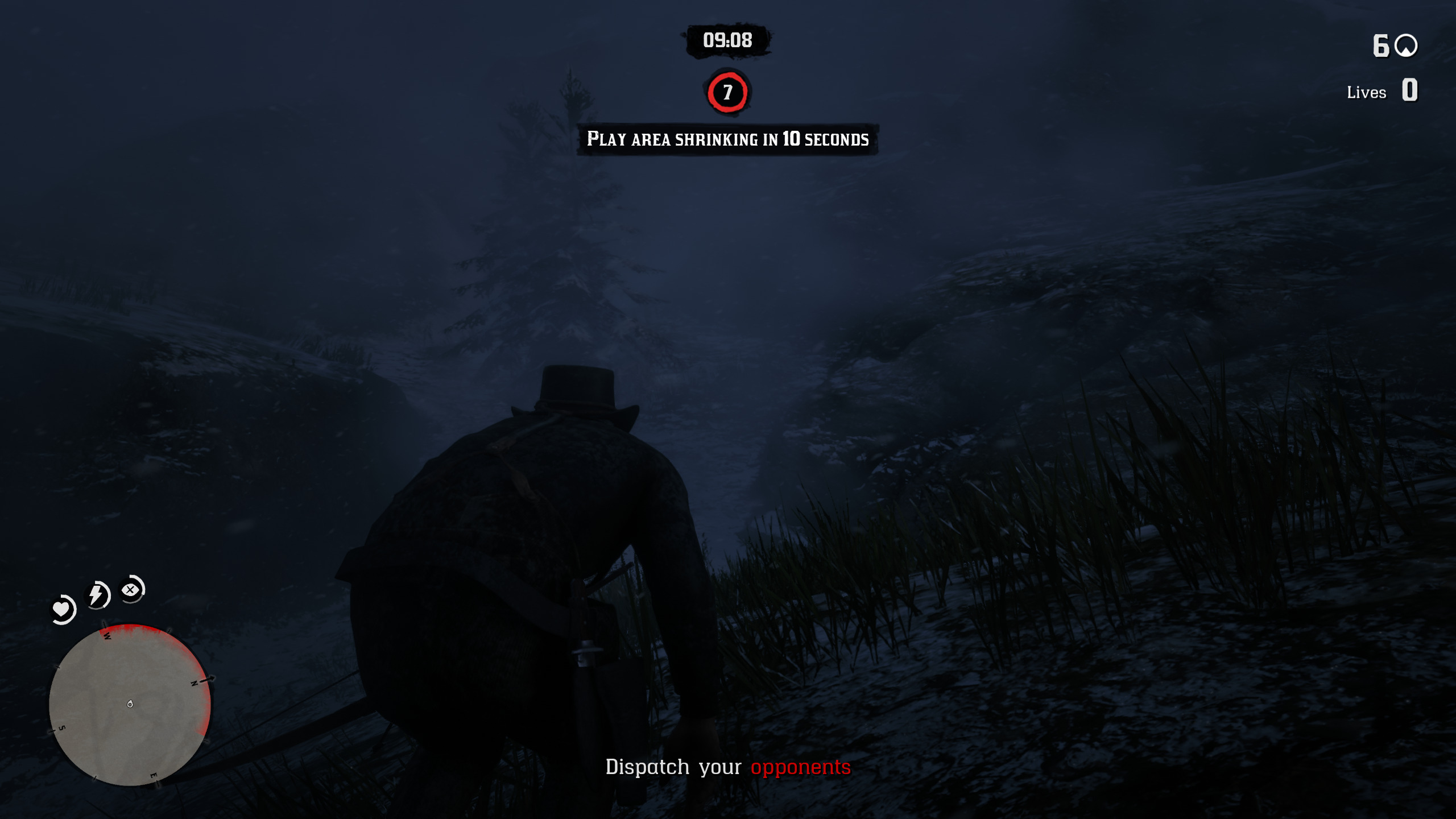
Here is my system.xml if anyone wants to compare:
compatdata/1404210/pfx took 3s
❯ cat "drive_c/users/steamuser/My Documents/Rockstar Games/Red Dead Redemption 2/Settings/system.xml"
<?xml version="1.0" encoding="UTF-8"?>

<rage__fwuiSystemSettingsCollection>
  <version value="37" />
  <configSource>kSettingsConfig_Safe</configSource>
  <graphics>
    <tessellation>kSettingLevel_Ultra</tessellation>
    <shadowQuality>kSettingLevel_Medium</shadowQuality>
    <farShadowQuality>kSettingLevel_Low</farShadowQuality>
    <reflectionQuality>kSettingLevel_Low</reflectionQuality>
    <mirrorQuality>kSettingLevel_Low</mirrorQuality>
    <ssao>kSettingLevel_Medium</ssao>
    <textureQuality>kSettingLevel_Ultra</textureQuality>
    <particleQuality>kSettingLevel_High</particleQuality>
    <waterQuality>kSettingLevel_High</waterQuality>
    <volumetricsQuality>kSettingLevel_High</volumetricsQuality>
    <lightingQuality>kSettingLevel_High</lightingQuality>
    <ambientLightingQuality>kSettingLevel_Medium</ambientLightingQuality>
    <anisotropicFiltering value="0" />
    <taa>kSettingLevel_Medium</taa>
    <fxaaEnabled value="false" />
    <msaa value="0" />
    <graphicsQualityPreset value="0.000000" />
    <hdr value="true" />
    <hdrIntensity value="100" />
    <hdrPeakBrightness value="1000" />
    <hdrFilmicMode value="true" />
    <gamma value="15" />
    <hdrSettingsMigrated value="true" />
  </graphics>
  <advancedGraphics>
    <API>kSettingAPI_Vulkan</API>
    <locked value="true" />
    <asyncComputeEnabled value="false" />
    <transferQueuesEnabled value="false" />
    <shadowSoftShadows>kSettingLevel_Low</shadowSoftShadows>
    <motionBlur value="false" />
    <motionBlurLimit value="16.000000" />
    <particleLightingQuality>kSettingLevel_Low</particleLightingQuality>
    <waterReflectionSSR value="true" />
    <waterRefractionQuality>kSettingLevel_High</waterRefractionQuality>
    <waterReflectionQuality>kSettingLevel_High</waterReflectionQuality>
    <waterSimulationQuality value="3" />
    <waterLightingQuality>kSettingLevel_Ultra</waterLightingQuality>
    <furDisplayQuality>kSettingLevel_Medium</furDisplayQuality>
    <maxTexUpgradesPerFrame value="5" />
    <shadowGrassShadows>kSettingLevel_Low</shadowGrassShadows>
    <shadowParticleShadows value="false" />
    <shadowLongShadows value="false" />
    <directionalShadowsAlpha value="false" />
    <worldHeightShadowQuality value="0.000000" />
    <directionalScreenSpaceShadowQuality value="0.000000" />
    <ambientMaskVolumesHighPrecision value="false" />
    <scatteringVolumeQuality>kSettingLevel_High</scatteringVolumeQuality>
    <volumetricsRaymarchQuality>kSettingLevel_High</volumetricsRaymarchQuality>
    <volumetricsLightingQuality>kSettingLevel_High</volumetricsLightingQuality>
    <volumetricsRaymarchResolutionUnclamped value="false" />
    <terrainShadowQuality>kSettingLevel_Low</terrainShadowQuality>
    <damageModelsDisabled value="true" />
    <decalQuality>kSettingLevel_Low</decalQuality>
    <ssaoFullScreenEnabled value="false" />
    <ssaoType value="0" />
    <ssdoSampleCount value="4" />
    <ssdoUseDualRadii value="false" />
    <ssdoResolution>kSettingLevel_Low</ssdoResolution>
    <ssdoTAABlendEnabled value="true" />
    <ssroSampleCount value="2" />
    <snowGlints value="true" />
    <POMQuality>kSettingLevel_Low</POMQuality>
    <probeRelightEveryFrame value="false" />
    <scalingMode>kSettingScale_Mode1o1</scalingMode>
    <reflectionMSAA value="0" />
    <lodScale value="0.750000" />
    <grassLod value="0.500000" />
    <pedLodBias value="0.000000" />
    <vehicleLodBias value="0.000000" />
    <sharpenIntensity value="0.000000" />
    <treeQuality>kSettingLevel_Low</treeQuality>
    <deepsurfaceQuality>kSettingLevel_Low</deepsurfaceQuality>
    <treeTessellationEnabled value="false" />
  </advancedGraphics>
  <video>
    <adapterIndex value="0" />
    <outputIndex value="0" />
    <resolutionIndex value="16" />
    <screenWidth value="2560" />
    <screenHeight value="1440" />
    <refreshRateIndex value="2" />
    <refreshRateNumerator value="95" />
    <refreshRateDenominator value="1" />
    <windowed value="1" />
    <vSync value="1" />
    <tripleBuffered value="true" />
    <pauseOnFocusLoss value="false" />
    <constrainMousePointer value="false" />
  </video>
  <videoCardDescription>AMD GeForce GTX 1080 Ti</videoCardDescription>
</rage__fwuiSystemSettingsCollection>
Also, pretty funny that the video card is reported as AMD GeForce GTX 1080 Ti.
Could you guys that are arguing about GPU and CPU stuff please stop. That's entirely irrelevant to this topic, and every time you whip it out to compare sizes, I (and probably a hundred others) get an email about it, and it makes it twice as hard for anyone to actually find useful information amongst your fluff.
In theory I agree, in practice I kind of disagree. Although, I do agree the arguing specifically isn't helpful, but..
I don't think it's entirely unrealistic or unhelpful for people to post their specs, what driver they are on, what distro they are on, what performance they are getting, etc so we can gauge where performance is at with current Proton and driver versions, and possibly find and try to troubleshoot and help with any unique issues people may run into, etc.
@avindra I have the same crashes in Red Dead Online after 30mins to 1 hour. I wonder if the online mode is currently unstable on Proton.
Re: crashing. Check your video memory usage. At 2k and 95hz with some high and ultra settings Im seeing it fill 8-9gb in almost every scene.
I noticed after closing my browser, Im able to play without nearly as many crashes, since the browsers eats a good 1GB by itself.
I’m at 1080p with 6GB of VRAM and I’m using mostly high and medium settings. I don’t think VRAM is the issue here. It also only seems to affect Nvidia cards mainly.
I didnt seem to have vram usage issues nor much crash with custom proton rdr2-4 from mrpippy on story mode
But recently playing red dead online from steam with proton experimental, i notice vram gets full quickly then game crashes, also getting lot more crashes with the ERR_GFX_STATE message than before.
I have a GTX 1060 6GB
I also have a 1060 6GB. So is this a memory leak with the game and we need to wait for a patch by rockstar?
I also have a 1060 6GB. So is this a memory leak with the game and we need to wait for a patch by rockstar?
No, I havent noticed this behaviour to fill vram then crash on windows or on story with mr pippy's custom proton.
For me this is new and this happens when i am running Red Dead Online on proton experimental.
I cant seem able to play Red Dead Online more than an hour without either ERR_GFX_STATE or vram full then crash in both cases.
I don't think it's entirely unrealistic or unhelpful for people to post their specs, what driver they are on, what distro they are on
No problems with that - it was the irrelevant argument about whether 4K needs faster CPU or GPU that I was referring to.
I also have a 1060 6GB. So is this a memory leak with the game and we need to wait for a patch by rockstar?
I cant seem able to play Red Dead Online more than an hour without either ERR_GFX_STATE or vram full then crash in both cases.
Possibly completely unrelated, but I was getting that ERR_GFX_STATE after about 15 minutes in Online. Seemed to happen more quickly if I explored, and was nearly instant whenever other players came nearby. My VRAM shows as about 1.85GB (it's an old 2GB GTX960) in game, and my settings were around 1.78GB. I lowered a few things and got it down to something like 1.74GB, and I've not had that error since (including a session of around 2 hours). Unfortunately for me, this means basically setting the entire game to potato mode, so it looks like I'm playing an old Playstation 1 game :laughing:
Windows users also report this error a lot when using Vulkan. A common fix is to delete the config files and force the game to recreate default settings. Presumably this works by setting the graphics more conservatively than the user had it, thus reducing VRAM usage.
If you haven't lowered the settings because the game is reporting you're already well below VRAM usage, it might be worth trying to drop VRAM usage about 10% just to see what happens.
I'm not sure the ERR_GFX_STATE crash is VRAM related, I have a GTX 1070 which has 8GB of VRAM and I play the game on the lowest settings and I still had that crash happen in a 2 hour session.
Just finished single player, and I'd like to give Red Dead Online a try. Has anyone been banned lately for using Proton?
After playing for a few hours, hit a new OOM condition (11174/11177 MiB). It hangs up gracefully here. I'm honestly impressed the NVIDIA driver held up (or is it Rockstar game development?) Not sure who is handling the OOM here. In previous years this circumstance could cause the entire system to panic and rendered useless.
@doublez13 I've been playing RDO exclusively. No problem other than running into the video memory boundary, one example shown here:
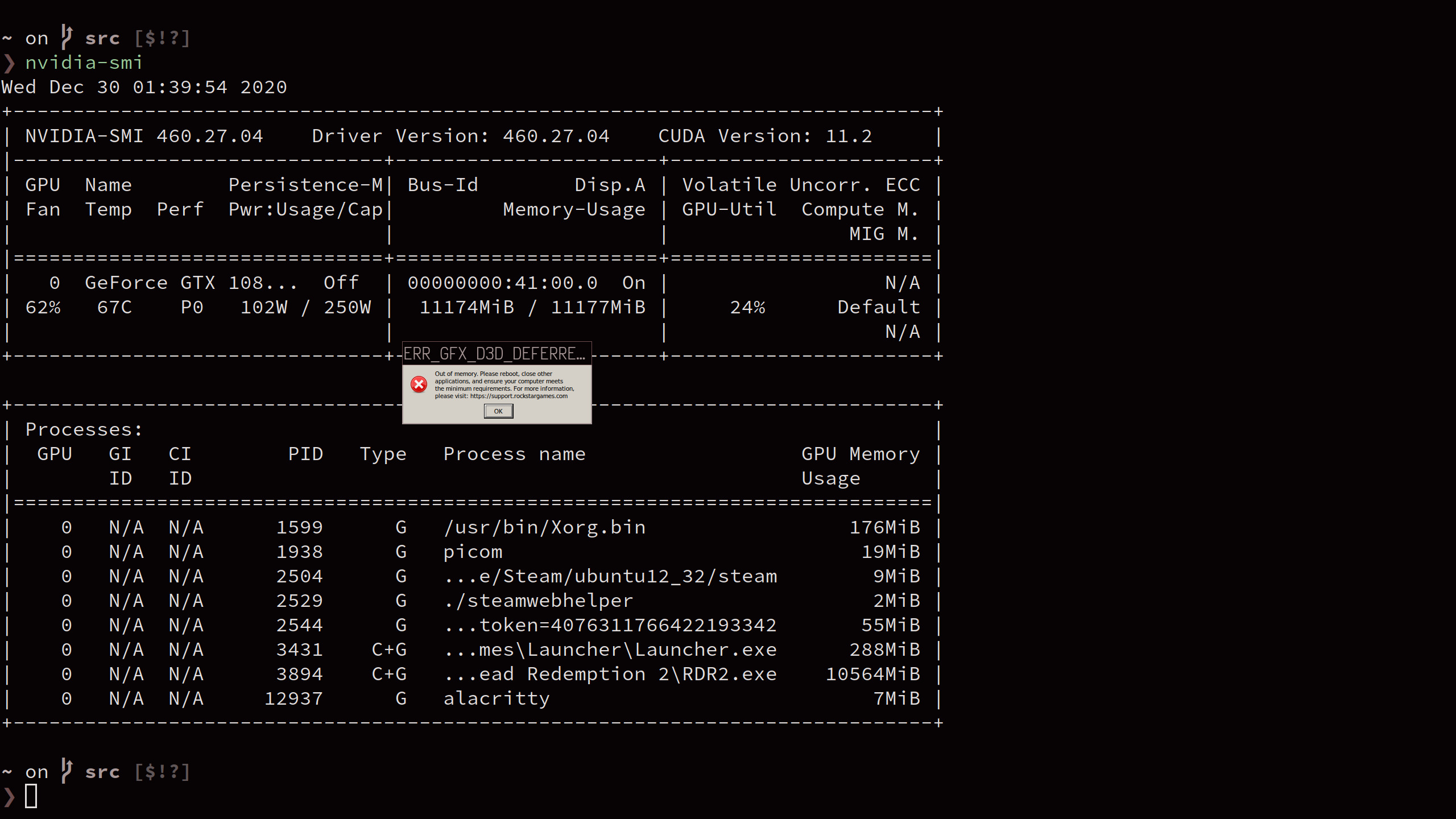
I'm not sure the ERR_GFX_STATE crash is VRAM related, I have a GTX 1070 which has 8GB of VRAM and I play the game on the lowest settings and I still had that crash happen in a 2 hour session.
Yeah - Just got it for the first time in many hours of play since lowering my settings. Bummer.
I am getting very little of ERR_GFX_STATE, like I used to play for 12 hours every day and I had this once every 2 days or something, which is ok with the autosaves to be honest I would only get mad if it happened in the middle of a mission which it didn't.
Those are my launch options, I think they helped but to be honest I am not sure
WINEDLLOVERRIDES=dxgi=n,b PROTON_LOG=1 PULSE_LATENCY_MSEC=60 %command% -width 2560 -height 1440 -USEALLAVAILABLECORES -cpuLoadRebalancing -ignorepipelinecache -vulkan
Also I think this is a vulkan bug and happens also in windows, not nvidia fault or rockstar, at least that's what I read somewhere.
@nmousouros That’s in single player though right? In Red Dead Online it crashes far more frequently and it has crashed multiple times in the middle of a mission for me. This seems to mainly be affecting Nvidia users too which could point to an issue with the drivers.
I myself appear to have the good old 'launcher loads but nothing else' problem. No errors reported. I'm not really sure what to look for to diagnose the issue, or how to fix it.
I myself appear to have the good old 'launcher loads but nothing else' problem. No errors reported. I'm not really sure what to look for to diagnose the issue, or how to fix it.
Are you using native steam or flatpak steam?
@nmousouros That’s in single player though right? In Red Dead Online it crashes far more frequently and it has crashed multiple times in the middle of a mission for me. This seems to mainly be affecting Nvidia users too which could point to an issue with the drivers.
That's in single player yes, with an nvidia 2060, you might be right but I am pretty sure I got this error on windows as well ( using vulkan) it may be something with the drivers that's all I can add..
Good Day,
I am on Fedora 33 and bought the game on Steam as I had a stand alone
version. On special. Linked the accounts so I kept character. I installed
and with all the stock settings the game started fine. Online Did not work.
I then installed the Legal Skip Mod and did the solo lobby hack with that.
I can play Online now. Is it a firewall thing that prevents open lobbies to
work ?
Regards
On Wed, Dec 30, 2020 at 1:20 PM nmousouros [email protected] wrote:
@nmousouros https://github.com/nmousouros That’s in single player
though right? In Red Dead Online it crashes far more frequently and it has
crashed multiple times in the middle of a mission for me. This seems to
mainly be affecting Nvidia users too which could point to an issue with the
drivers.That's in single player yes, with an nvidia 2060, you might be right but I
am pretty sure I got this error on windows as well ( using vulkan) it may
be something with the drivers that's all I can add..—
You are receiving this because you commented.
Reply to this email directly, view it on GitHub
https://github.com/ValveSoftware/Proton/issues/3291#issuecomment-752424141,
or unsubscribe
https://github.com/notifications/unsubscribe-auth/AM4T7TRPTDANFNZXVB46VULSXMEH5ANCNFSM4JV54AXQ
.
I see reports of people getting RDR2 working with proton experimental, but I havn't had any luck with it.
I'm on Arch with mesa-git, 5700xt.
Are there any special steps required? I tried the launch options recommended but nothing worked.
I own the Rockstar Games copy of the game and I've been trying to run it in Lutris for a few days now. Using the rdr2-4 build gets me the furthest, however I run into "Social Club failed to initialize graphics device. Error code: 18."

I've tried installing both rdr2 and rockstar launcher from lutris multiple times, and verifying the game files through the rockstar launcher. Also tried using the vulkan-1 dlls from VulkanRT (perhaps the way in which I tried that was incorrect), but I'm unable to load the launcher (the wine log spams a message about not being able to load openvr) so I've stuck with the vulkan-1 dll from the rdr2-4 dist. I also made sure to copy the dlls from the rdr2-4 dist to their respective locations in the wine prefix (lib/wine/dxvk -> syswow64 and lib64/wine/dxvk -> system32) and overriding each of them to be loaded native,builtin (and also the vulkan-1 dll for extra measure). The socialclub.log under users/steamuser/My Documents/Rockstar Games/Social Club confirms that the SocialClubVulkanLayer.dll was not loaded. socialclub.log
lutris game options
lutris runner options
lutris system options
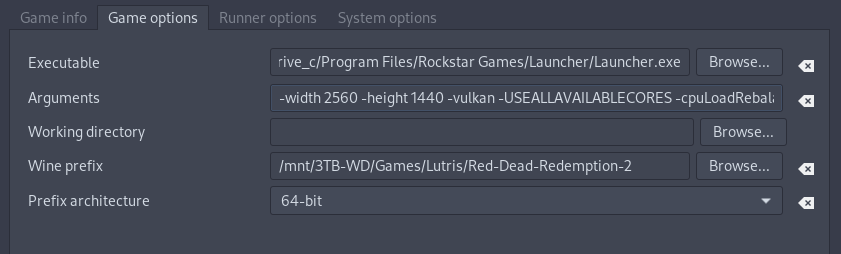
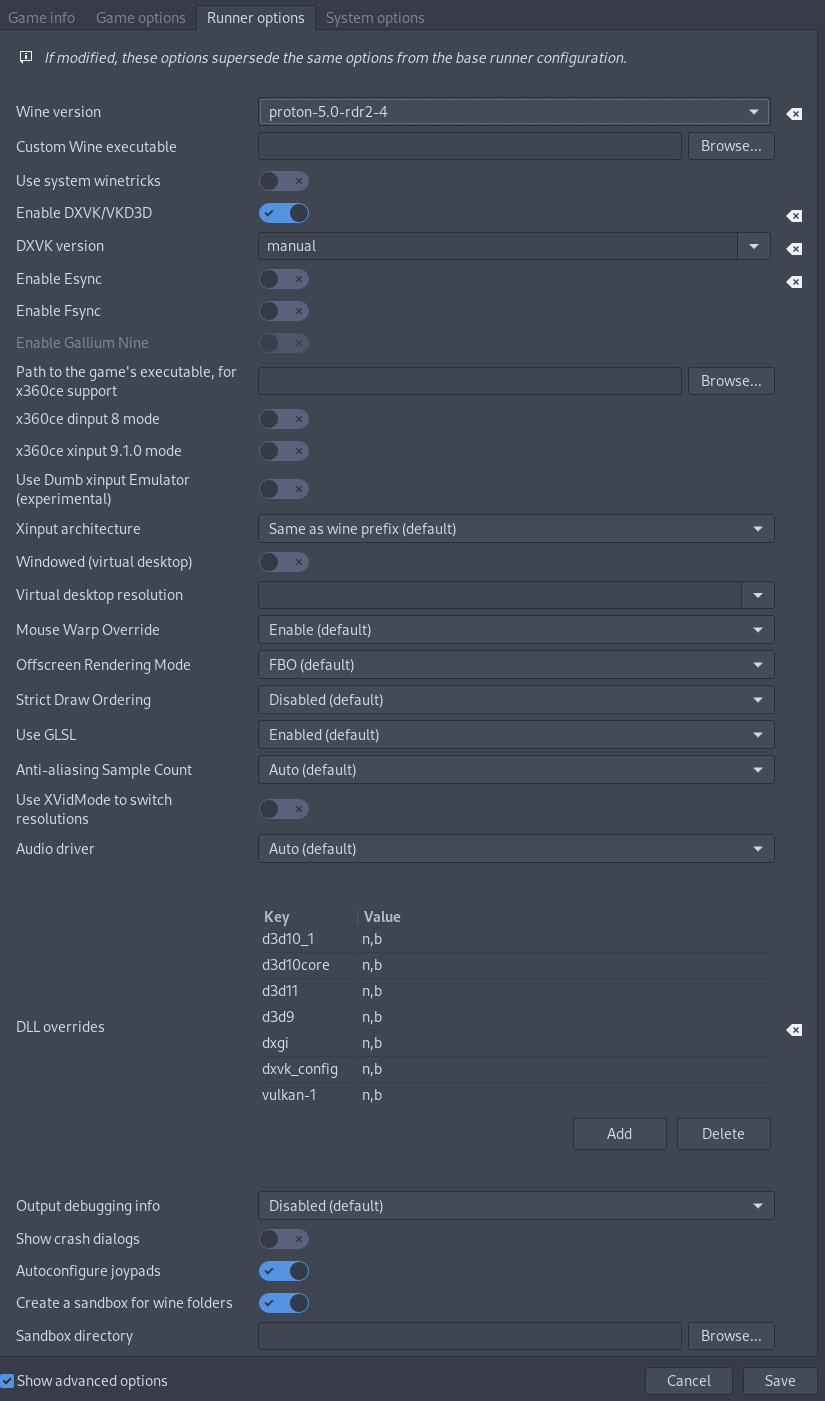
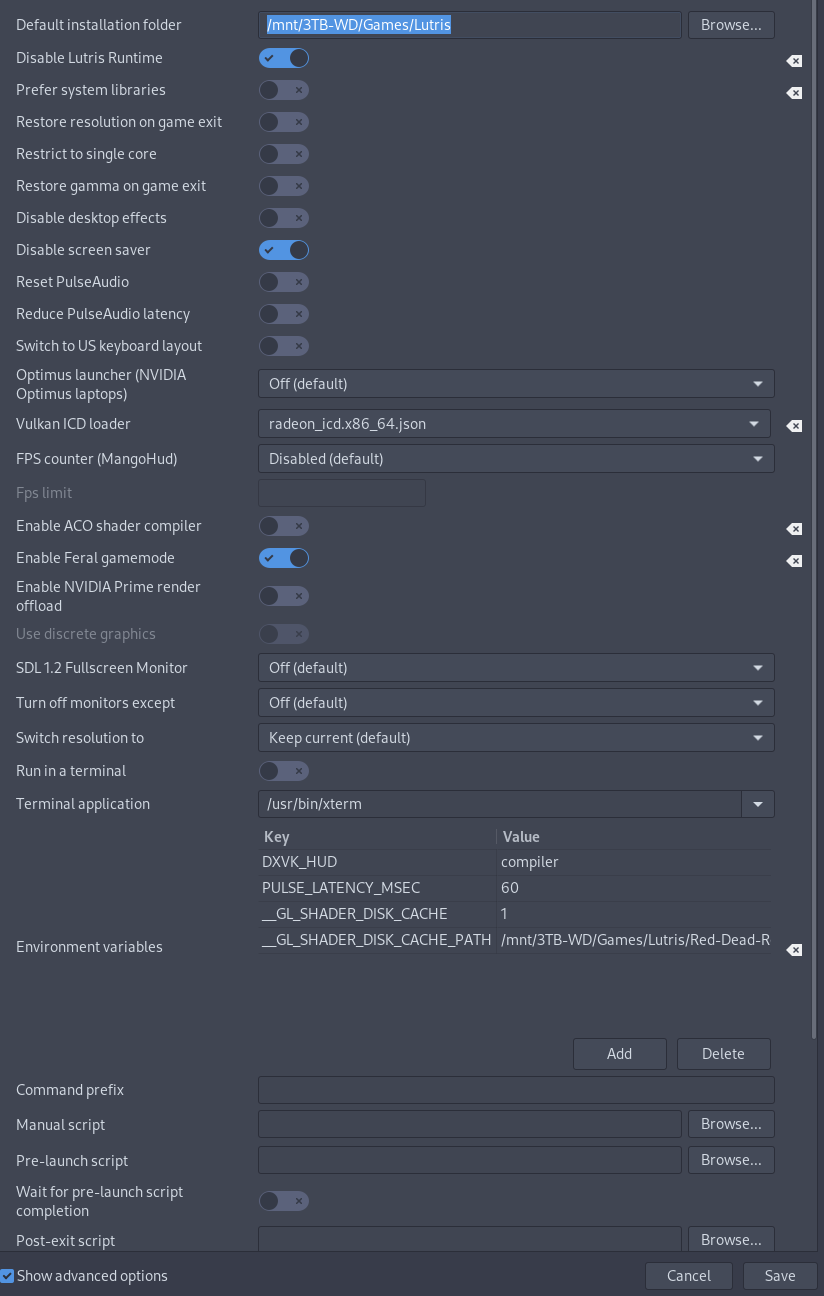
Proton 5.13 and Proton experimental aren't able to load the game, that is, after pressing play and trying PID=$(pgrep RDR2.exe | tail -n1); kill -s SIGSTOP $PID && kill -s SIGCONT $PID the game will immediately stop loading.
Okay so after attempting to reinstall the Rockstar Games Launcher from Lutris, making sure to install the game whilst using the (rdr2-3) build, I've been able to get past that error. However when I try to change the graphical settings the game reports that I have no VRAM, and I am not able to change the settings thanks to the warning below. Making changes to system.xml has no effect.
Edit: It seems that the launcher will not start if the lutris runtime is disabled, and the game will not start without using DXVK (and cannot be set to manual). I don't know if this is relevant or not but if the game is running on vulkan why would it depend on dxvk?
Edit 2: After carefully modifying the system.xml file the settings have indeed changed, but it'd be nice to have a solution to this problem so I don't have to worry about settings being reverted in the menu.
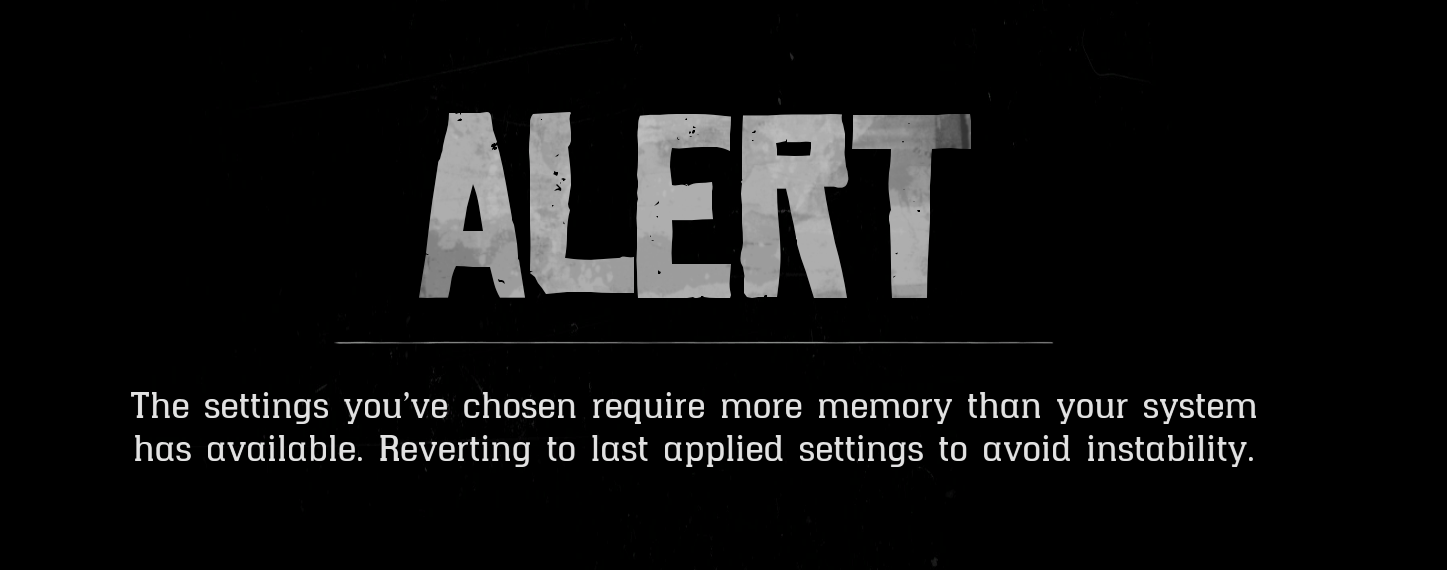
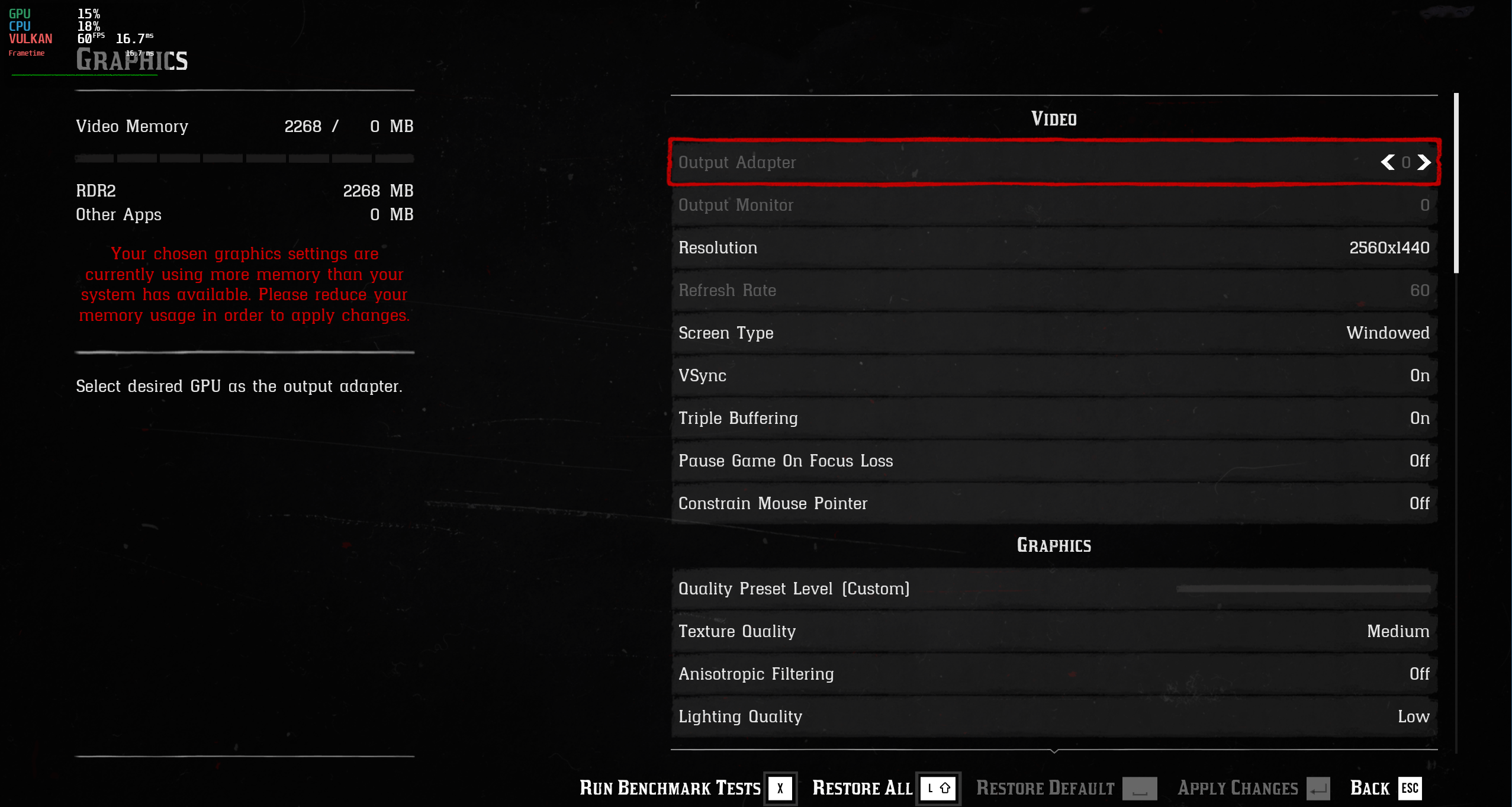
game options part 1
game options part 2
runner options
system options
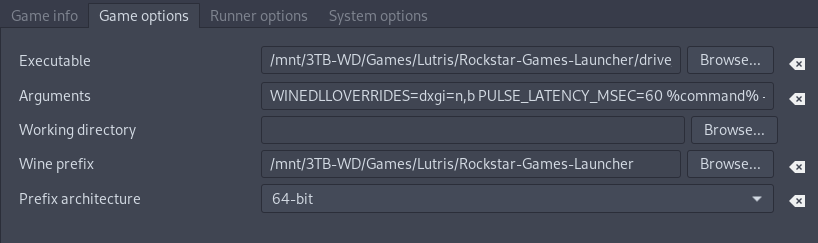
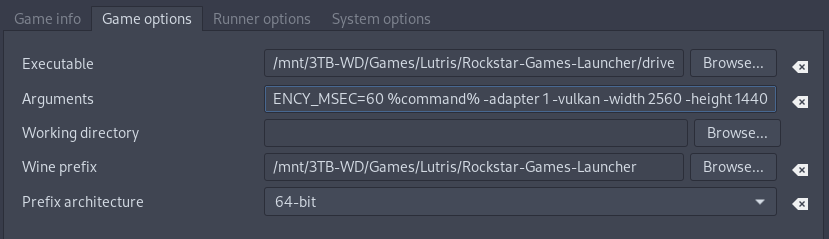
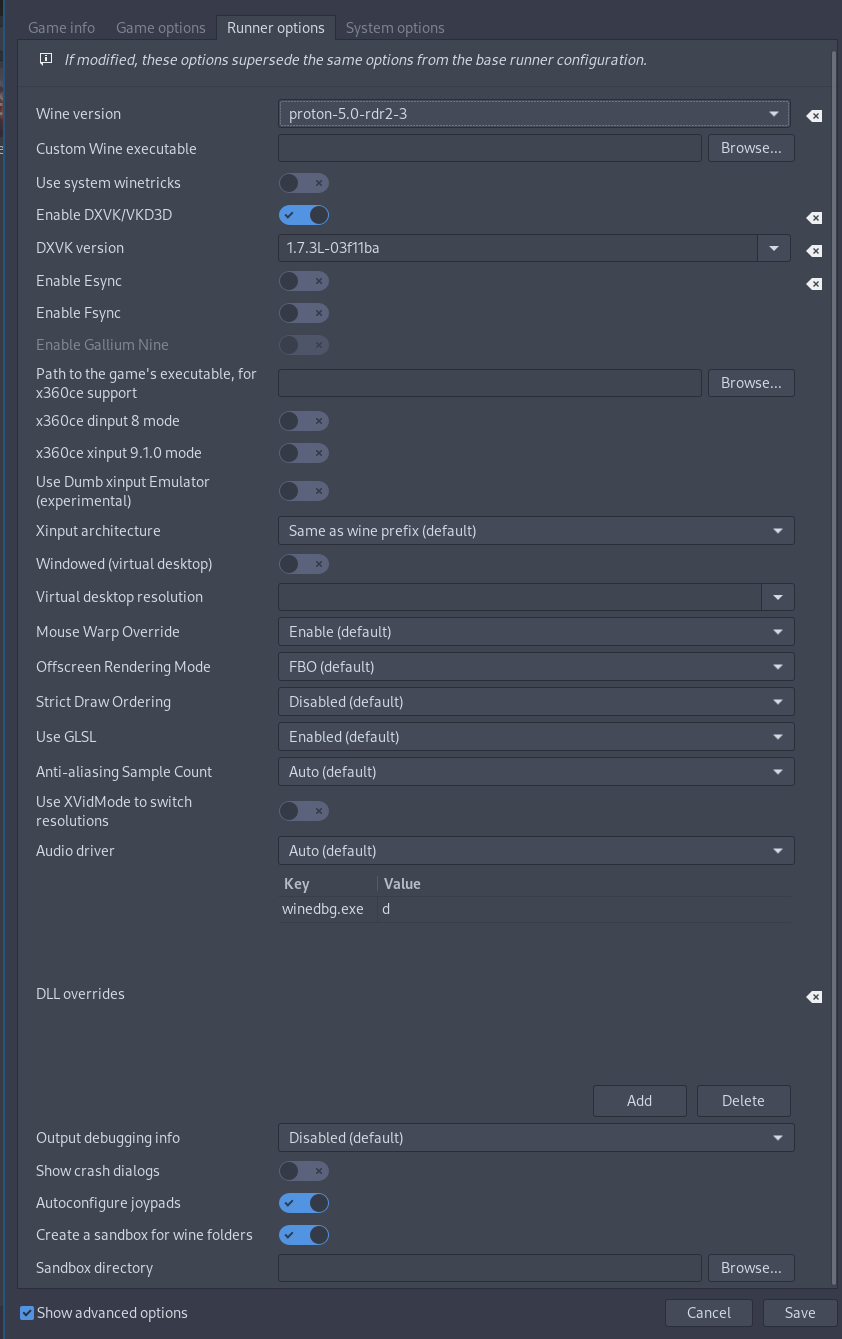
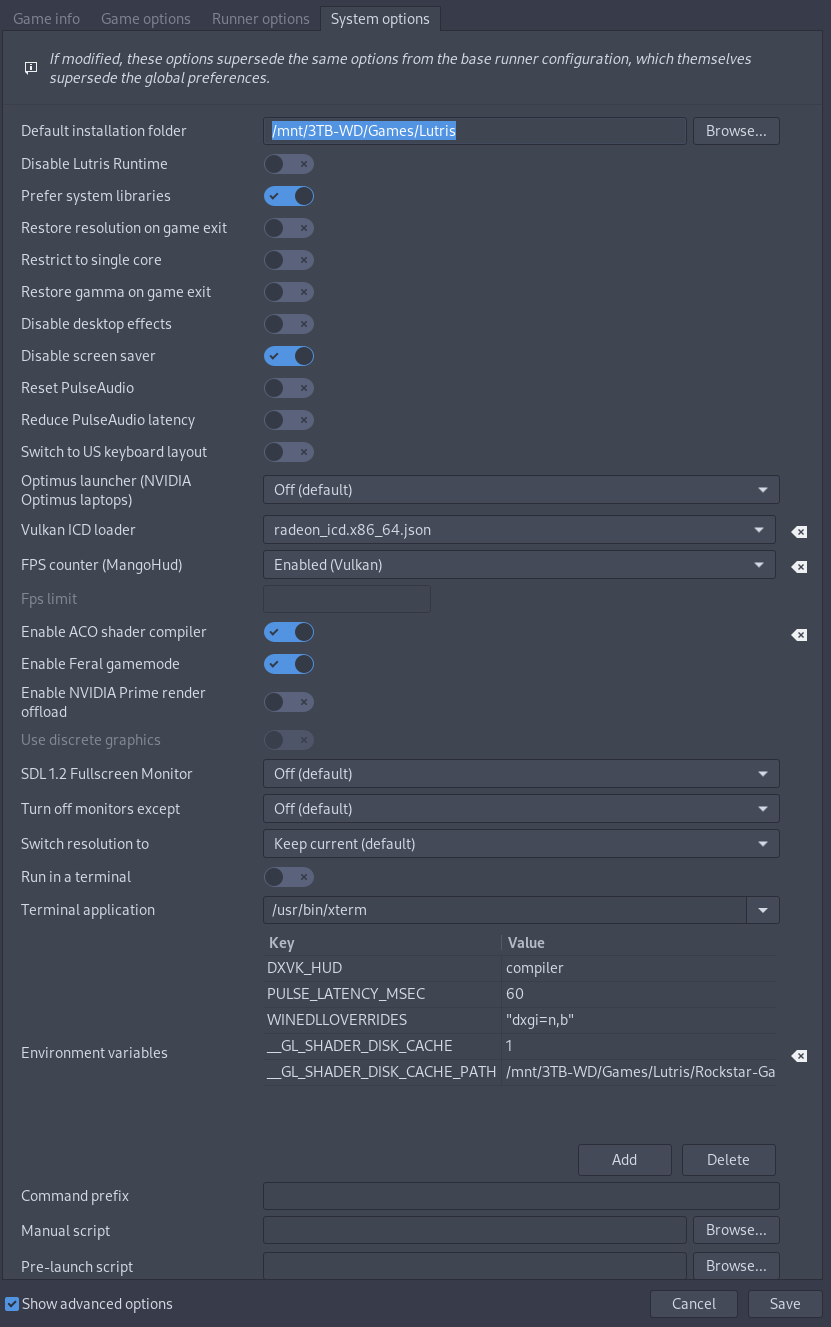
Can't get the game to start on my system.
- Runtime is client_beta (due to steam-runtime issue #336)
- Deleted the prefix to start fresh
- Click play
- 6 steps to complete: I missed the first one, the 2nd is the R* social club, the third one is the R* launcher which installs fine, 4th VC, missed the 5th, 6th is DirectX
- Small R* launcher splash with yellow progress bar, goes away
- Another small R* splash with yellow progress bar, goes away
- Larger R* dialog asking about Cloud Saves, clicked Not Right Now
- Another large R* splash churns and churns and churns and goes away.
- And that's it, nothing else happens. R* launcher icon is still in my notification area.
If I left-click on the R* Launcher icon, nothing happens. If I right-click, a busted menu pops down, showing just the border and a separator but no text is visible within this menu. There appears to be 3 options in this busted menu. The top and bottom options cause the launcher to shutdown, the middle one causes a large R* splash screen to appear but it's stuck and does nothing.
Proton log: https://gist.github.com/dylandn/ed1cd0becde5d40cca9977d0bbdf8ca7
Hello @dylandn, it looks like there's still a fixme:vulkan:X11DRV_vkCreateWin32SurfaceKHR Application requires child window rendering, which is not implemented yet! line in your Proton log, but it's not clear why that's happening now that the extra Vulkan ICD issue has been resolved in https://github.com/ValveSoftware/steam-runtime/issues/336#issuecomment-756358489.
What the deuce.
I just relaunched Steam with VK_ICD_FILENAMES set like before the fix for #336 and it still shows up as well.
Kernel 5.9.16, Mesa 20.3.2, Vulkan loader/layers/headers/tools 1.2.154, Xorg-server 1.20.10, AMD RX 580, xf86-video-amdgpu 19.1.0
I'm not sure why, but I got it to run after removing amdvlk. I'm using the latest proton experimental 20210107. I'm not sure if that is required.
5700 XT and 3700x
Out of the blue, it seems to be working better here now. I can now almost reliably start the game to the point of getting the Social Club Error code: 15 every time.
I had to make sure the launcher was installed with proton experimental
selected.
you can go into the prefix and remove the launcher files, then validate
files, then relaunch. That way you don't need to do a full uninstall.
On Sun, Jan 10, 2021, 12:21 PM dylandn [email protected] wrote:
Out of the blue, it seems to be working better here now. I can now almost
reliably start the game to the point of getting the Social Club Error code:
15 every time.—
You are receiving this because you commented.
Reply to this email directly, view it on GitHub
https://github.com/ValveSoftware/Proton/issues/3291#issuecomment-757412459,
or unsubscribe
https://github.com/notifications/unsubscribe-auth/AE5J4B6K7Y53YDID3NUC5XLSZETLFANCNFSM4JV54AXQ
.
Replying to https://github.com/ValveSoftware/Proton/issues/3291#issuecomment-754543433
I previously success to run with 5.13 and PID=$(pgrep RDR2.exe | tail -n1); kill -s SIGSTOP $PID && kill -s SIGCONT $PID tricks with lutris (don't remembers exact configuration) but it's not working anymore as recent lutris version have removed support for proton, so if you have an working solution don't update lutris !
It's seems that tweaking lutris is not the correct way to deal with it, we need a proper solution to install and run non-steam game into new steam runtime soldier.
Installing/Running proton non-steam game ?
Issue transferred from https://github.com/ValveSoftware/steam-runtime/issues/351.
@inkhey posted on 2021-01-19T22:32:00:
Your system information
- Steam Runtime Version: ?
- Distribution (e.g. Ubuntu 18.04): Debian 10
- Link to your full system information (Help -> System Information) in a Gist:
- Have you checked for system updates?: [Yes/No] ?
- Are you using the Steam Linux Runtime compatibility tool?: [Yes/No] ?
Please describe your issue in as much detail as possible:
Sorry, if my question seems dumb or if this is not the correct place to ask for, but as i am struggling to run Red dead redemption 2 (non steam version), i ask myself if there any solution to both install and run a non-steam game through the same runtime as normal proton game.
I do try non-steam game feature of steam with proton on it, but don't success to make something working. I can start the launcher (but it's far from instant and "play" button stay green), to reinstall game (as it doesn't see the already installed version with lutris) into some "Program File" dir that point in fact in an obscure directory here : /home/me/.steam/steam/steamapps/compatdata/3682439891/pfx, and game start but no windows.
I also don't success to get any log from it, seems like i didn't understood something with the parameters.
it seems to me more logical and probably more successful to be able to do all action in the same correct runtime, as my game is running on steam official version, if properly installed the same way there should be very few difference that cause issue.
Hello @inkhey, I suspect that these game-specific hacks aren't getting applied to your non-steam install of Red Dead Redemption 2.
If my Xbox controller runs out of battery, it won't be redetected by the game after powering it on again.
@kakra I have that problem in another way. If the controller is disconnected, then I open the game, then I connect the controller, I cannot use it.
In other words, the controller has to be connected before I open the game.
@avindra I think that's the same missing feature in wine. There was some work about this in Proton Experimental (which I'm using) but while it fixed some games, it didn't fix this. @aeikum @smcv I think the plug&play code still misses some corner cases, also pinging @ivyl who commented on a xpadneo bug report about input hotplug and explained quite a few things.
I think the plug&play code still misses some corner cases
I'm sure it does. Input device detection for Wine/Proton in a container is done by a mixture of SDL, Wine, smoke and mirrors, so there are lots of opportunities for things to fall through the cracks. We would need an issue report that is very specific about what is happening: which specific controller you are using, which versions of Proton/pressure-vessel/etc., what is logged by Proton when you do that, and so on. It might be best to put that on a separate issue report so that people who know about input can concentrate on input without being distracted by other issues that affect the same game.
One thing that would be very useful when reporting input device issues is to run the steam-runtime-input-monitor tool from the Steam Runtime, check whether its output looks reasonable for what you have done (plugged in devices, etc.), and provide its output with the issue report. If you run it in parallel in two different terminals:
~/.steam/steam/ubuntu12_32/steam-runtime/run.sh -- steam-runtime-input-monitor --udev
~/.steam/steam/ubuntu12_32/steam-runtime/run.sh -- steam-runtime-input-monitor --direct
then you can compare their output. You will see that in --udev mode, it reports all input devices (including keyboards, mice etc.), whereas in --direct mode, it only reports joysticks and other game controllers; that's OK, and is not a bug. However, if your game controller is reported differently by the two modes, or if it isn't reported as a "joystick" (the Linux kernel's term for all gaming controllers including flight sticks, gamepads and so on), then that probably does indicate a bug.
steam-runtime-input-monitor is not exactly the same code that's used in SDL and Wine, but it's very similar, and it should provide enough information for SDL and Wine developers to be able to guess what SDL and Wine would be thinking when shown the same devices. Wine and recent SDL will both do approximately the equivalent of the --udev mode when run not in a container, and the equivalent of the --direct mode when run in a pressure-vessel (Steam Linux Runtime) container.
One place that is probably not right yet is that the HIDAPI layer in SDL still relies on udev, and so won't detect hotplug when run in a container (unlike the evdev layer, which monitors /dev directly when it detects that it's in a container).
[edited to add: steam-runtime-input-monitor source code is available]
@avindra I think that's the same missing feature in wine. There was some work about this in Proton Experimental (which I'm using) but while it fixed some games, it didn't fix this. @aeikum @smcv I think the plug&play code still misses some corner cases, also pinging @ivyl who commented on a xpadneo bug report about input hotplug and explained quite a few things.
Looks like the game uses WM_DEVICECHANGE for detecting controller hotplug (only an educated guess). I've upstreamed patches fixing that, including 743c266e6496 ("plugplay: Send WM_DEVICECHANGE with DBT_DEVNODES_CHANGED with each event."). Those are in Proton Experimental and hopefully will trickle down to Proton-proper soon.
The hotplug may not work with current experimental due to a regression caused by 8f7f3f91ebb8 ("user32: Add a per-thread shared section for peek_message optimization.") which makes the WM_DEVICECHANGE delivery very unreliable. We are aware of that and we are working on fixing this.
I've just tested RDR2 with current experimental with this applied:
diff --git a/dlls/user32/message.c b/dlls/user32/message.c
index 03ff8a7f099..180993489df 100644
--- a/dlls/user32/message.c
+++ b/dlls/user32/message.c
@@ -2696,7 +2696,7 @@ static int peek_message( MSG *msg, HWND hwnd, UINT first, UINT last, UINT flags,
             else if (shared->wake_bits & filter) skip = FALSE;
             /* or if we should clear some bits */
             else if (shared->changed_bits & clear_bits) skip = FALSE;
-            else skip = TRUE;
+            else skip = FALSE;
         }
         SHARED_READ_END( &shared->seq );
to workaround the mentioned experimental regression.
And the hotplug works 100% for me - after disconnecting my controller I get prompted to press any button, after reconnecting the gameplay resumes and everything seems to be working :-)
I've tested original x360 controller with the wireless dongle and Xbox Series controller (model 1914) via xpadneo both wired and wireless. I've also tried switching between all three of the options.
I've conducted the test on Arch with the games launched through Steam using the Soldier runtime.
If hotplug still doesn't work for you with the above then it's probably what @smcv has mentioned.
If hotplug still doesn't work for you with the above then it's probably what @smcv has mentioned.
Bear in mind that I am not sure whether the SDL HIDAPI issue even affects Proton. Depending on the precise details of how this stuff fits together, it might make some controllers not be detected at all, or they might work but with reduced functionality / less faithful emulation of what Windows would do, or they might all work perfectly.
Older Xbox controllers are not USB HID devices, so this shouldn't affect them, I don't think. Newer Xbox controllers I'm not sure. Playstation and Switch controllers definitely are USB HID devices, so if this affects any controller, it would be them.
I'm maintaining the xpadneo driver for Bluetooth-capable Xbox controllers: Xbox controllers (older and newer) use the GIP protocol over USB. They are only HID in Bluetooth mode.
@ivyl Thanks for pointing out the regression, I'm actually using Proton Experimental, so I feel like just waiting for it becoming fixed.
Bear in mind that I am not sure whether the SDL HIDAPI issue even affects Proton.
@smcv Does it even use HIDAPI for Xbox controllers? From my last tests it looks like it's limited to only some controllers (at least on the Linux side, not sure on the wine side). So if this is affecting Proton, then maybe not for Xbox controllers.
Xbox controllers (older and newer) use the GIP protocol over USB. They are only HID in Bluetooth mode.
Thanks, that's a useful clarification!
FYI, if anyone is testing with steam-runtime-input-monitor, the expected result is that HID controllers (Playstation, Switch, Xbox via Bluetooth) will usually show up in its output twice: once as an evdev device (Linux high-ish-level input API) and once as a raw HID device (low-level API). Non-HID controllers (Xbox via USB) should only appear once, as an evdev device.
SDL will use either evdev or raw HID, depending on the specific controller and the way SDL was compiled; and then Wine will use either SDL, evdev directly (only in upstream Wine, not in Proton, if I remember correctly), or raw HID directly. There are also several Windows APIs to access game controllers, and a game might choose one or several of them, so there is a large number of ways a hotplug event might get from the kernel to your game.
Does it [SDL? Proton?] even use HIDAPI for Xbox controllers?
Your guess is as good as mine, and the relevant projects' source code is certainly a better reference than my imperfect memory.
@smcv Usually, there's no read-access for users to raw hid device nodes which explains why SDL2 doesn't use HIDAPI for most cases. xpadneo has a udev rules to enable that, actually this was added when SDL2 implemented rawhid access. But I'm not sure if it uses it when connected through xpadneo, I didn't create a test for that yet.
xpadneo also only covers Bluetooth HID for Xbox controllers, all other modes (dongle, USB) use GIP, and thus a different driver.
Hello @inkhey, I suspect that these game-specific hacks aren't getting applied to your non-steam install of Red Dead Redemption 2.
Interesting. I retry with a more clean install :
- run rockstar launcher installer with steam using proton with non steam game feature
- change the path to use the launcher path instead.
- run the launcher, install RDR2.
- run RDR2 with
PROTON_LOG=1 SteamGameId=1174180 %command%as launch options.
Unfortunately, this trick doesn't work neither logs.
so i tried:
PROTON_LOG=1 SteamGameId=1174180 steam,
then run RDR2. If i use proton_log globally, log does work but not the "naive" steamappid trick (i probably miss something about all this is working, but it will be a shame to not try it as this really look like a env var in the code you show me).
here is a log, not sure it can help: https://gist.github.com/inkhey/38671b195b6c16ec6f81932ac4eed4e2
@kakra Steam also has udev rules to enable raw HID access for an assortment of popular game controllers, so a lot of Steam/Proton users should have access to those. Valve's official package for Debian/Ubuntu includes those udev rules, and some downstream distro packages include them either as part of Steam or as a recommended dependency.
However, Linux distributions' builds of SDL don't necessarily have HIDAPI enabled at compile-time (e.g. Arch and Debian both enabled it within the last few months), and the Steam Linux Runtime 'soldier' container didn't enable it until recently (the latest beta, versioned 0.20210114.2, does enable it).
Reading between the lines in its release notes indicates that Steam has a statically-linked copy of a very recent snapshot of SDL, which it uses for its game controller remapping feature. Of course, when that feature is enabled, the path to get a controller-related event from the kernel to your game gets even more complicated...
@inkhey env > ~/rdr2Log.txt; doesn't work either 🙁. Works in Half-Life (tested with it because of the insanely fast start time). When inspecting the Launcher.exe process that gets started by Steam, I can see that Steam only includes the first launch option word (env > ~/rdr2Log.txt; PROTON_LOG=1 SteamAppId=1174180 SteamGameId=1174180 %command% => Launcher.exe env). Adding quotation marks to the launch options fixes this but the commands are still inserted after the launch of the launcher...
Got the game running in Lutris using Proton Experimental by adding some environment variables (SteamAppId=1174180 and SteamGameId=1174180)
Is there a way to use SteamAppId=1174180 and SteamGameId=1174180 to Epic's version? I am using legendary cli to run the game and it runs just fine, but I want to use the game's specific patches.
EDIT: When I try to run the game after setting the env variables, R* launcher throws an error that Steam isn't running.
@inkhey
env > ~/rdr2Log.txt;doesn't work either slightly_frowning_face. Works in Half-Life (tested with it because of the insanely fast start time). When inspecting the Launcher.exe process that gets started by Steam, I can see that Steam only includes the first launch option word (env > ~/rdr2Log.txt; PROTON_LOG=1 SteamAppId=1174180 SteamGameId=1174180 %command%=>Launcher.exe env). Adding quotation marks to the launch options fixes this but the commands are still inserted after the launch of the launcher...
I do hope we will get soon a proper solution for this, this doesn't soon as a complex issue of proton and this will permit to have something reproductible.
Got the game running in Lutris using Proton Experimental by adding some environment variables (
SteamAppId=1174180andSteamGameId=1174180)
Can you explain how you did that ? I did some experimentation with lutris but didn't find the "right" way. They are too many moving part with Lutris : lutris version (as explained before i have to downgrade to get proton), runners, options, installation methods, etc… it's nice to test complex combinations but for just "run the outside game like a steam game" that make things really harder.
@inkhey I used the default Lutris script with Proton Experimental (symlinked the dist folder to the Lutris runner folder), enabled dxvk, disabled Lutris runtime and added the mentioned above env variables
@inkhey I used the default Lutris script with Proton Experimental (symlinked the dist folder to the Lutris runner folder), enabled dxvk, disabled Lutris runtime and added the mentioned above env variables
Thanks, I did some others try but don't success either (get 1002 error in launcher). I think i will stop tweaking lutris for proton game because it's too much hack and very frustrating. Just will wait for a proper solution for running this directly from steam.
Has anybody else noticed any performance regression after upgrading their Nvidia drivers to 460.32.03? I am now constantly experiencing short FPS drops in the game. That wasn't the case with the 455 driver I had before.
I started a thread on Nvidia Developer forums regarding this issue: https://forums.developer.nvidia.com/t/460-32-03-performance-regression-in-red-dead-redemption-2-steam-play/166642
Performance comparison: https://flightlessmango.com/games/35125/logs/1352
After update to 460.x the game won't launch anymore. Same results on Proton 5.13 and experimental.
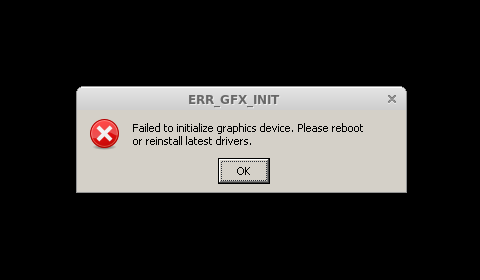
The game is working for me on 460.32.03 on Proton experimental so I'm not sure if the driver is the cause of your problem.
edit: Maybe I spoke too soon, the game crashes for me without any error popup? Then again I'm using a GTX 1050 not a GTX 1070 at the moment since I think my PCIe PSU cable died.
That sucks. In my case the game starts without any problems, but the performance is very clearly worse (I have an RTX 2070S).
@ipkpjersi I'm quite certain it's related to the driver in one way or another, though. Back when 455 was the stable version I switched to 460 in hope that random ERR_GFX_STATE crashes would be gone, but instead I experienced the very same FPS drops. They were gone immediately after I rolled back to 455.
Update: I've changed the commandline and it started working again.
This one didn't work:
# doesn't work
WINEDLLOVERRIDES=dxgi=n,b PULSE_LATENCY_MSEC=60 %command% -adapter 1 -vulkan -width 1920 -height 1080 -USEALLAVAILABLECORES -cpuLoadRebalancing -ignorepipelinecache
And this one works:
%command% -vulkan -width 1920 -height 1080
No performance regressions noticed (Proton Experimental).
Now that the game is mostly stable and performance is really good, I tried reverting to automatic graphic quality settings. But no matter where I put the quality slider: The game stays at the lowest possible quality setting (which isn't too much of an issue except the low quality textures look really ugly). I've seen other games running under Proton with the same issue: Auto quality usually sticks to the lowest possible quality (aka potato mode). Anyone else experiencing it? I didn't try the game in Windows, so can anyone confirm there's a difference between Windows and Proton for what the quality slider selects?
I can only guess that this is some Proton-related quirk that also other games experience. So maybe there are features and functions missing from the Proton DLLs? Or APIs for system performance queries are incomplete/missing? IDK what such auto-settings depend on...
@kakra I've seen similar behavior with Shadow of War. The game uses vendor libraries (atiadlxx / nvapi) to get extra info about GPU and rate it basing on that. With Intel GPUs, since there are no such libraries, SoW was running a bunch of shaders to do some micro-benchmarking (IIRC).
On AMDs and Nvidias, without atiadlxx (nvapihack - pretending to be RX 480, most games don't even start on nvidias if nvapi is missing) I was not able to select rendering resolution and the details were defaulting to the lowest possible. Few stubs later and it was mostly working.
You can check if the games tries to load any of those libraries and if the current atiadlxx.dll stub (disabled by default, enabled only for titles are known to really need it) is enough to make a difference.
This game worked beautifully for me with Proton Experimental without any launch options on my AMD Vega 64.
Well, until today. Played it yesterday, worked fine, today an update for Proton Experimental came in and it stopped working.
Can't get it to work with 5.13 either. :(
Nothing else (Kernel, driver, programs) was updated since then.
Is there a way to get back yesterday's proton experimental?
Tried with clean compatdata, ensuring that cloud saves are deactivated, no luck.
steam-1174180.log.gz
I can confirm this. After the update for Proton Experimental the game just stopped working for me.
RDR2-20210125-220508-928.crash.log
steam-1174180.log.gz (from second attempt)
Same here after today's Proton Experimental update.
I want to say it was running with experimental-5.13-20210120 but I can't say for sure.
Anyone knows how to get it to run currently? it just closes itself after launch with a blackscreen
For me, it sits at the launcher trying to connect to the Rockstar servers, and it won't connect. Many other games seem to have a similar problem and cannot connect to their server (e.g. the Uplay launcher cannot connect when it tries to auto-update but it works as long as it's not looking for an update). Here's my log:
steam-1174180.log.gz
Anyone knows how to get it to run currently? it just closes itself after launch with a blackscreen
I just switched back to 5.13 for the time being and it runs normally, although I haven't tested online mode.
Anyone knows how to get it to run currently? it just closes itself after launch with a blackscreen
I just switched back to 5.13 for the time being and it runs normally, although I haven't tested online mode.
I tried that (5.13-5 iirc) and it didn't work for me. Maybe the game would work, but the R* launcher doesn't even start.
For that it doesn't matter if it was a clean pfx or one with the launcher already being installed by the experimental proton version.
Actually, I think 5.13 was broken for me ever since one of the more recent updates to that branch (-4 or -5, can't remember exactly). I think an earlier version of 5.13 (-2 or -3?) did work, but I don't know if it's easily possible to downgrade to one of these.
I was lucky enough to read message by @berniyh so I backed up the previous Proton Experimental build (dir steamapps/common/Proton - Experimental) and put it into $HOME/.steam/steam/compatibilitytools.d/ (this dir doesn't exist by default, you need to create it) as Proton - Experimental - old before launching the Steam client again, plus did other configuration so that the client detects the old Proton Experimental version. Unfortunately, after having taken a quick look, I couldn't find an easy way to get the old precompiled build from official online sources so this workaround is not helpful for many users anymore. Maybe someone knows where to get the old version until proper fix is implemented?
It looks like Proton Wine version was updated recently, among with other commits:
https://github.com/ValveSoftware/Proton/commit/fbd3cfd90beda10d967c9fe9c87673bf24968111
https://github.com/ValveSoftware/Proton/commit/e086f4f8ceaae64e217fedf3760d744e51d53714
https://github.com/ValveSoftware/Proton/commit/7a5dc9baed3f2565f9f7dea3a60b3dd66638d3c5
If someone want to build older experimental for themselves all of those releases are tagged: https://github.com/ValveSoftware/Proton/tags
If someone want to build older experimental for themselves all of those releases are tagged: https://github.com/ValveSoftware/Proton/tags
That's only proton, but not the submodules. In Proton itself, there were only 3 commits, none of which would make much sense to be responsible, when switching between the two versions.
It's very likely, that the problem recides within the wine submodule, so need to check that one.
Ok, so I build Proton myself and verified that proton exp 20210120 is still working fine and not only that, but I also bisected wine and found that the responsible commit is this one here:
https://github.com/ValveSoftware/wine/commit/bd8c67263581cab76494ea25296f1c6e3ff73288
So I went ahead and reverted this commit on top of proton exp (or rather wine exp) 20210125 and by that got a working proton exp 20210125.
I could share the file, but it's 520 MB, so tbh I'd rather not.
However, it's not that hard to do it yourself, so this is how to get it:
- Install vagrant via your distribution package manager
- Clone the proton repo:
git clone --recurse-submodules https://github.com/ValveSoftware/Proton.git cd Protongit checkout --recurse-submodules experimental-5.13-20210125cd winegit revert bd8c67263581cab76494ea25296f1c6e3ff73288- Editor will start, acknowledge the commit and exit.
cd ..git tag experimental-5.13-20210125-rdr2-fixedmake redist- Make some coffee or whatever you prefer, this will take a while …
- Edit vagrant_share/experimental-5.13-20210125-rdr2-fixed/compatibilitytool.vdf and replace "-local" with "something_you_want_to_call_your_proton_version", otherwise it'll appear as -local in Steam
mv vagrant_share/experimental-5.13-20210125-rdr2-fixed ~/.local/Steam/compatibilitytools.d- Start Steam and select your new proton version as the compatibility tool for RDR2
- Enjoy RDR2 (hopefully)
No guarantee that it'll actually work, but at least it did for me. ;)
Is there a way to use
SteamAppId=1174180andSteamGameId=1174180to Epic's version? I am using legendary cli to run the game and it runs just fine, but I want to use the game's specific patches.EDIT: When I try to run the game after setting the env variables, R* launcher throws an error that Steam isn't running.
@dandansoysauce I did some search and one part of the problem is that the specific fix is based on env var like SteamGameId that are checked both by wine (to apply the fix) and by the rockstar launcher. As far i checked it's not possible to say to wine "pass these env var but keep these for you", if someone as an idea. An alternative solution may be running some kind of windows script that will run the launcher with all but the appid/gameid env var.
The correct solution for me is a refactoring of the original code for all these "tweak" in order to no rely on "steamid" env var in wine code but instead convert steamid env var into fix specific env var before running wine.This allow user to reuse/test the fix for any other game without needing to set the code.
So, i've no solution for now to make the rockstar version work either with lutris or steam.
Note: for the one who want to try force some env var in proton, there is some interesting python file that permit this, the first one is https://github.com/ValveSoftware/Proton/blob/proton_5.13/user_settings.sample.py , and the second one is proton itself: https://github.com/ValveSoftware/Proton/blob/proton_5.13/proton#L932. I don't recommand to do this, but this last solution is the only trick in found to change the game id used by proton, unfortunately, as explained before this doesn't work as rockstar is aware of steam env var.
@berniyh nice job.
Hello everyone. Thanks for reporting the issue with RDR2 on the Experimental branch. We have verified @berniyh's findings, and removed the faulty commit from the branch. There is a new Proton Experimental build in Steam which should make RDR2 playable again. (If it isn't showing an update, you can force a check for updates by restarting the Steam client, or using the "verify local files" feature on Proton Experimental in the Steam client.)
Latest experimental fixed my RDR2 Online which stopped working before (again)! Thank you!
Edit: Rephrased with better English :)
After a catastrophic failure of my spinning rust and a complete reinstallation of my Steam library, I'm now able to get past the Social Club Error Code 15 I've been getting this whole time and now the game starts. Go figure.
Heya,
Anyone on Fedora 33 / nVidia that game now fails after today's updates ?
kernel-5.10.11-200.fc33.x86_64
akmod-nvidia-460.39-1.fc33.x86_64
steam-1.0.0.68-6.fc33.i686
... not sure what packages I should list ?
Nothing happens after the Rockstar splash screen goes away. The little
black box with the animated R* ...
Regards
On Wed, Jan 27, 2021 at 9:43 PM dylandn [email protected] wrote:
After a catastrophic failure of my spinning rust and a complete
reinstallation of my Steam library, I'm now able to get past the Social
Club Error Code 15 I've been getting this whole time and now the game
starts. Go figure.—
You are receiving this because you commented.
Reply to this email directly, view it on GitHub
https://github.com/ValveSoftware/Proton/issues/3291#issuecomment-768531266,
or unsubscribe
https://github.com/notifications/unsubscribe-auth/AM4T7TVH6EONTJ4YHH3EQPTS4BUH3ANCNFSM4JV54AXQ
.
Red Dead Redemption 2, no start no logs
Issue transferred from https://github.com/ValveSoftware/Proton/issues/4598.
@tsteinholz posted on 2021-02-08T01:47:44:
Compatibility Report
- Name of the game with compatibility issues: Red Dead Redemption 2
- Steam AppID of the game: 1174180
System Information
- GPU: AMD Radeon RX 580 (POLARIS10, DRM 3.39.0, 5.9.16-1-MANJARO, LLVM 11.0.1)
- Driver/LLVM version:
- Kernel version: 4.6 Mesa 20.3.3
- Link to full system information report as Gist: https://pastebin.com/nV8EAFEc
- Proton version: 5.0-10, 5.13-5, experimental
I confirm:
- [ x] that I haven't found an existing compatibility report for this game.
- [ x] that I have checked whether there are updates for my system available.
I have proton working for other games and can get log ouptut, but not for this game... nothing was generated..... It's just the "Preparing to launch Red Dead Redemption 2..." steam popup.
Symptoms
I never saw the rockstar social club launch at all, I went to the FAQ and followed the suggestion
$ /run/me/t/S/LinuxS/s/comm/Red Dead Redemption 2 # ls '/run/media/tsteinholz/Steam/LinuxSteamPlay/steamapps/common/Red Dead Redemption 2'
12on7\t\t     bink2w64.dll\tlevels_1.rpf  movies_0.rpf\t   textures_0.rpf
PlayRDR2.exe\t     common_0.rpf\tlevels_2.rpf  oo2core_5_win64.dll  textures_1.rpf
RDR2.exe\t     data_0.rpf\t\tlevels_3.rpf  packs_0.rpf\t   update.rpf
Redistributables     dxilconv7.dll\tlevels_4.rpf  packs_1.rpf\t   x64
amd_ags_x64.dll      hd_0.rpf\t\tlevels_5.rpf  rowpack_0.rpf
anim_0.rpf\t     installscript.vdf\tlevels_6.rpf  shaders_x64.rpf
appdata0_update.rpf  levels_0.rpf\tlevels_7.rpf  steam_api64.dll
$ /run/me/t/S/LinuxS/s/comm/Red Dead Redemption 2 # ls '/run/media/tsteinholz/Steam/LinuxSteamPlay/steamapps/compatdata/1174180/pfx'
dosdevices  drive_c  system.reg  user.reg  userdef.reg
$  /run/me/t/S/LinuxS/s/comm/Red Dead Redemption 2 # WINEPREFIX='/run/media/tsteinholz/Steam/LinuxSteamPlay/steamapps/compatdata/1174180/pfx' wine '/run/media/tsteinholz/Steam/LinuxSteamPlay/steamapps/common/Red Dead Redemption 2/Redistributables/'
0024:err:file:init_redirects /run/media/tsteinholz/Steam/LinuxSteamPlay/steamapps/compatdata/1174180/pfx/dosdevices/c:/windows: No such file or directory
002c:err:wineboot:main Cannot set the dir to L"C:\\\windows" (2)
wine: could not open working directory L"unix\\un\\\\media\\\\tsteinholz\\\\Steam\\\\LinuxSteamPlay\\\\steamapps\\\\common\\\\Red Dead Redemption 2\\\\", starting in the Windows directory.
0034:fixme:service:scmdatabase_autostart_services Auto-start service L"PlugPlay" failed to start: 2
0034:fixme:service:scmdatabase_autostart_services Auto-start service L"winebus" failed to start: 2
0034:fixme:service:scmdatabase_autostart_services Auto-start service L"wineusb" failed to start: 2
0034:fixme:service:scmdatabase_autostart_services Auto-start service L"MountMgr" failed to start: 2
002c:err:shell:SHGetFolderPathAndSubDirW Failed to create directory L"C:\\\users\\\\tsteinholz\\\\Application Data".
002c:err:shell:SHGetFolderPathAndSubDirW Failed to create directory L"C:\\\users\\\\tsteinholz".
002c:err:shell:SHGetFolderPathAndSubDirW Failed to create directory L"C:\\\users\\\\tsteinholz\\\\Local Settings\\\\Application Data".
0024:err:module:process_init failed to load L"\\\\\\\?\\\\unix\\\un\\\\media\\\\tsteinholz\\\\Steam\\\\LinuxSteamPlay\\\\steamapps\\\\common\\\\Red Dead Redemption 2\\\\Redistributables\\\\", error c00000ba
I have been trying to get this to run for days now, I am only posting here because I feel like ive exhausted every option.
Reproduction
I have installed rd2 twice on this machine and does this every time - haven't been able to get any other results. But it seems like there are reports of other people are able to play this game somehow?
As an update to the issue @kisak-valve just transferred, I did save some old logs from when I first installed the game, however, I am still unable to get this game to generate a log anymore.
https://pastebin.com/tp9T4KWs < the logs
Hello @tsteinholz, looking over your log, you might be experiencing the issue reported in #4457 or at the very least, /run/media/tsteinholz/Steam/LinuxSteamPlay/steamapps/compatdata/1174180 is damaged in some way.
Actually, @kisak-valve I just realized I installed this game on an NFTS formatted drive (was from my windows machine), I think I need to follow these instructions.
`# WINEPREFIX='/run/.../steamapps/compatdata/1174180/pfx' wine '/run/media/.../Redistributables/'
You should not run Proton prefixes with system wine, it may damage your prefix. Better use protontricks instead, or let Proton write the debug statements and use the run command from there.
RDR2 doesn't run at all anymore on my system, it just crashes silently at the R* launcher.
I tried Proton 5.13-5, Experimental and several Proton-GE versions without success, deleting the prefix each time.
steam-1174180.log.tar.gz
gist
Hello @jalabb, fixme:vulkan:X11DRV_vkCreateWin32SurfaceKHR Application requires child window rendering, which is not implemented yet! looks like a line of interest in your log. It looks like your video card is getting enumerated twice in Steam Linux Runtime - Soldier, so https://github.com/ValveSoftware/Proton/issues/3291#issuecomment-710679468 applies to you right now.
Having both /etc/vulkan/icd.d/nvidia_icd.json and /usr/share/vulkan/icd.d/nvidia_icd.json on your system at the same time looks abnormal and a likely contributor to your issue. I'm guessing that you installed a nVidia vulkan developer branch driver outside of the package manager?
You've encountered this exact issue before ... https://github.com/ValveSoftware/Proton/issues/3291#issuecomment-710671958 https://github.com/ValveSoftware/Proton/issues/3291#issuecomment-710675177
you installed a nVidia vulkan developer branch driver outside of the package manager
yes I did
You've encountered this exact issue before
Sorry :( It's hard to keep track, I have to make a note about this... Or install my driver the safe way!
I renamed /etc/vulkan/icd.d/nvidia_icd.json and it works now...
Thank you
Good Day,
From my querry the other day the log file did no make it though. Please find attached. Created a new one.
Regards
steam-1404210.tar.gz
Hello @Eireocean, looks like you've encountered the same unimplemented Vulkan child window rendering issue. Please copy your system information from Steam (Steam -> Help -> System Information) and put it in a gist, then include a link to the gist in this issue report.
Thanks, looking at your system information, The game might be seeing lavapipe (mesa's software implementation of Vulkan) as a second video card and picking the unimplemented render path because of that. Maybe try temporarily disabling the 64 bit variant of lavapipe with something like sudo mv /usr/share/vulkan/icd.d/lvp_icd.x86_64.json /usr/share/vulkan/icd.d/lvp_icd.x86_64.json.disabled and see if that has an effect?
Shouldn't it be enough if you specify in the launch options:
VK_ICD_FILENAMES=/usr/share/vulkan/icd.d/nvidia_icd.json %command%
Good Day,
I renamed file as @kisak-valve mentioned and screen appears but just remained black for very long time. Stopped game. Then did as @berniyh mentioned after renaming file back to original name. My launch options :
WINEDLLOVERRIDES=dxgi=n,b PULSE_LATENCY_MSEC=60 VK_ICD_FILENAMES=/usr/share/vulkan/icd.d/nvidia_icd.json %command% -vulkan -width 2560 -height 1440 -USEALLAVAILABLECORES -cpuLoadRebalancing -ignorepipelinecache
The game screen basically appeared almost instantly. Logged in Online fine.
Thanks to both for your help.
Regards
Messing around with files in /usr is generally frowned upon, I would highly dis-recommend doing that.
Reason being that with what you did you modified the file /usr/share/vulkan/icd.d/lvp_icd.x86_64.json and the package manager might not recognize it as being installed by itself anymore (because the time signature is now different).
This can lead to the file left on your computer even though it was meant to be uninstalled by an update or uninstallation of a package.
Such orphan files can lead to system-specific bugs if you're unlucky.
Since you've already done it, I'd recommend re-installing the package that provides said file to make sure the package manager overwrites it again which makes sure that you won't run into said problems orphanating the file.
Generally there is almost never a need to touch files in /usr. In pretty much all cases there is an alternative (and most likely better) way to work around a specific problem.
e.g. in this case various options are documented here:
https://github.com/KhronosGroup/Vulkan-Loader/blob/master/loader/LoaderAndLayerInterface.md#icd-discovery
So apart from the solution that I suggested, you could also place your file in e.g. /usr/local/share/vulkan/icd.d or /etc/vulkan/icd.d instead.
This means the proper way to test @kisak-valve proposed solution would've been to link the desired file (the nvidia one) from /usr/share/vulkan/icd.d to e.g. /etc/vulkan/icd.d which should make it the preferred one.
Link rather than copy, since then a change in the file (meaning that the path to the vulkan lib to be loaded has changed) would be covered.
However, it would fail in case the target file in /usr/share/vulkan/icd.d changes name, so personally I think it's not the best solution either, but it's possibly the best option if you want to select this vulkan implementation system-wide.
Edit: best would be if the distros introduced some way for alternatives selection, meaning that the user can tell the package manager which is the preferred package for vulkan and then the package manager automatically links the corresponding icd file to etc and unlinks it if the selection has changed.
But that's maybe out of the scope of this ticket. ;)
I want to report that I also had this issue and resolved it by specifying the json file to use in /usr/share/vulkan/icd.d/ - in my case it was radeon_icd.x86_64.json.
Specs:
- Macbook Pro 16.1
- Ubuntu 20.04
- AMD Radeon Pro 5300M with latest drivers from ppa:oibaf
- Proton Experimental, latest Steam (Feb 12 build)
- Steam system info
RDR2 launch option that worked for me:
VK_ICD_FILENAMES=/usr/share/vulkan/icd.d/radeon_icd.x86_64.json %command%
Backstory:
This is a fresh install running on an external usb drive so as not to mess with the macos drive/setup. RDR2 initially worked on the first try but had poor performance, barely playable in lowest settings - no audio etc. I updated divers, fixed audio issues and updated kernel, then I was greeted by this issue.Thankfully it's working now with good gfx and performance.
Just as an FYI, you always want to specify both the 32-bit and 64-bit jsons, because most launchers and stuff are still 32-bit (Origin, EGS, Battle.Net, etc.) and specifying just one will cause a crash on startup. You don't want to have to guess per-game, it's always better to just specify both 32 and 64-bit, as there are zero downsides to specifying both. Like, you lucked out this time because there wasn't a 32-bit process involved (surprisingly), but you will have some in other games, and it's better to just always specify both.
So, VK_ICD_FILENAMES=/usr/share/vulkan/icd.d/radeon_icd.i686.json:/usr/share/vulkan/icd.d/radeon_icd.x86_64.json for RADV. AMDVLK is VK_ICD_FILENAMES=/usr/share/vulkan/icd.d/amd_icd32.json:/usr/share/vulkan/icd.d/amd_icd64.json, etc. Nvidia users don't have to worry about it because /usr/share/vulkan/icd.d/nvidia_icd.json covers both 32 and 64 bit.
My game has been consistently getting killed by the oom-killer. This last time occurred after playing ~70 minutes. It starts to stutter just before getting killed. I managed to switch to a terminal with top running and it reported RDR2.exe was using 38.1% ram. This machine has 16G ram.
Am I alone in experiencing this?
gist of my last two crashes: https://gist.github.com/dylandn/842b531dfcf83cdde663eddea4c37bec
@dylandn I get the same crash every couple of hours. Sometimes I can play more than that. The error is FFFFFFFF or something similar. I keep watching the memory usage (both RAM and GPU memory) on Mangohud from time to time to see, when it's time to save the game and exit, before it crashes. It's far from ideal, but it gives a nice excuse to take a break and then start the game again.
I have that, too and from what I've read on the net, there are gamers on Windows having the same thing, so it's possibly just a bug in RDR2.
Edit: btw. just happened to me when the credits were running. I'm curious to see where it'll put me when I'm going to load tomorrow. ;)
Getting weird graphical defects now. Recently updated NVIDIA driver to 460.56.
Hello @avindra, please copy your system information from Steam (Steam -> Help -> System Information) and put it in a gist, then include a link to the gist in this issue report.
Trying to launch the RGL version via Proton - Experimental.
This worked in Proton 5.13-1/2/3 or so days and stopped in later revisions (early December 2020).
Does not work on 5.13-6 or Experimental at this date (20210303)
Clean prefix, launcher starts, game installs. Pressing "Play" turns the button into "Loading" and "Quitting" after few seconds. Game crashes silently.
Adding "+vulkan" to WINEDEBUG in user_setrings.py produces the child window rendering message in steam-1174180.log (attached):
32036 22647.460:059c:05a0:fixme:vulkan:X11DRV_vkCreateWin32SurfaceKHR Application requires child window rendering, which is not implemented yet!
Only two files in /usr/share/vulkan/icd.d:
-rw-r--r-- 1 root root  149 Feb 26 13:07 radeon_icd.i686.json
-rw-r--r-- 1 root root  147 Feb 23 19:19 radeon_icd.x86_64.json
Installing latest windows vulkan runtime from https://vulkan.lunarg.com/sdk/home#windows and running vulkaninfo.exe from sytsem32 lists only one adapter (attached).
Launching via the following script:
#!/bin/bash
export STEAM_COMPAT_DATA_PATH=/mnt/ssd/rdr2-proton-data

# needed for proton to generate steam-1174180.log
export SteamGameId=1174180
export PROTON_LOG=1
export VK_ICD_FILENAMES=/usr/share/vulkan/icd.d/radeon_icd.i686.json:/usr/share/vulkan/icd.d/radeon_icd.x86_64.json
"/mnt/ssd/SteamLibrary-linux/steamapps/common/Proton - Experimental/proton" run "/mnt/ssd/rs-launcher/Launcher/Launcher.exe"
RX580 with two mirrored monitors (monitor+tv), RADV, no iGPU, mesa 20.3.4-3, Steam system info (attached)
I've read through this issue but cant figure out any other ways to check for rogue adapters on my system. Any ideas would be hugely appreciated.
steam-1174180.log.zip
steam-system-information.log
win32-vulkaninfo.log
I'm running the game with the same driver as you (meaning radeon) on a Vega 64 using the same OS (Arch Linux) and it's working just fine for me with current Proton Experimental.
Apart from the one issue I mentioned above (and which was very quickly fixed by the devs, thankfully), I haven't had a Proton-specific problem with the Experimental branch and this game.
The script you have shouldn't be necessary, it just run if press "Play" in steam. If it is for the moved compat folder, you can just put that var into the command options or – which I'd prefer if I did it – just make a symlink pointing to that dir.
Just to make it clear: did you first run the game on the clean pfx using Proton 5.13 or Experimental?
If the first, maybe try with a clean pfx and Experimental.
Anyone else having some sort of VRAM leak?
No matter the graphic settings, MangoHUD reports increasing VRAM usage until it reaches full usage (4GB)
I am continuing to notice my VRAM does not release. Running the benchmark will consume 8GB of VRAM and 14GB of RAM, and begin to stutter. Using Proton Experimental - Nvidia 455.50.07
It did not crash, but even returning to the menu after the benchmark, shows full VRAM utilized in MangoHud.
@kisak-valve here's the dump https://gist.github.com/avindra/14316562168095d71bf4d080e5e0aac3
Also, I am using Proton Experimental (been on it for a while).
Still seeing the broken graphical effects.
I've been playing RDR2 for quite a while on 5.13, but when I wanted to try it again and it doesn't work anymore. I've been running the RSC version with Proton from Steam.
The weird thing is, when I now try lutris-6.0 to run the game it works "no problem" (no need to sighup RDR2.exe) but performance is terrible. So I disabled the GPU spoofing and it works "no problem" but now full-screen doesn't work.
I've also not been able to get RDR2 running like I used to with my own proton build, previous 5.13 releases or the experimental release.
edit: for those people with 16Gb RAM and crashes, the time to upgrade has arrived! I went to 32Gb and my crashes went away completely!
I have a problem of a different nature. RDR2 since version 5.13-4 does not start, but that's okay, I returned to 5.13-2. But the game starts to freezing after 10-20 minutes, and after 2 minutes it crashes. I inspected the problem and found that during the game, almost all of my swap is clogged (16 GB). Disabling swap completely before starting (swapoff -a) helps me get rid of the freezes, but the game crashes when the RAM is full, workaround is to forcefully clear the ram cache every 20-30 minutes (sync; echo 3 > /proc/sys/vm/drop_caches). vm.swappiness = 0 has no effect.
I believe that this is a problem in one of the kernel updates, or mesa, because earlier (about September 2020) there were no problems with proton version 5.0-rdr2-4.
You all really need to start including hardware and other configuration information if you're going to be randomly popping in with issues. No one's going to be able to help you much and the first question is always going to be "what GPU/CPU/GPU driver version/distro/wine/proton version/etc?" asking you to give all the critical info you've left out. Just include it from the beginning.
@rejedai that definitely sounds like a kernel problem more than a GPU driver problem, GPU drivers shouldn't affect system RAM filling up. Obviously the first thing you should do (and should have done already) is roll back to a previous kernel and see if the problem persists with nothing else changed. So use the same GPU drivers, wine/proton version, etc.
Hello @rejedai, does Proton 5.13-6 give you the same behavior with the game as Proton 5.13-4? Please add PROTON_LOG=1 %command% to the game's launch options, reproduce the regression, and attach the generated $HOME/steam-$APPID.log to this issue report as a file. (Proton logs compress well if needed.) Also, please copy your system information from Steam (Steam -> Help -> System Information) and put it in a gist, then include a link to the gist in this issue report.
@gardotd426
Yesterday, after I wrote here, I read what people write on protonDB and reddit, and many are faced with crashes, depending on how long they play. And it seems to me that they initially have more time to play because someone has 16GB of RAM, someone has 32GB. I suppose that the freezes are strong, just because the swap is starting to be used.
@kisak-valve done
@rejedai, looking at your system information, the last line contains CClientJobGatherRuntimeInformation: container read output failed which hints that there's a Steam Linux Runtime - Soldier issue with your system that should to be evaluated before looking for a regression on Proton's side. Please give https://github.com/ValveSoftware/steam-runtime/blob/master/doc/reporting-steamlinuxruntime-bugs.md#essential-information a read and report your issue in the steam-runtime issue tracker.
You might get lucky trying to run the game with mesa 21.0.0 or mesa-git as vkd3d currently needs very new drivers as it is being developed.
@kisak-valve Yes, I forgot to clarify that Soldier stopped working after the last update, I first noticed it when DOOM 2016 stopped running. At that moment I used mesa 21, then rolled back to 20.3. Then I turned on proton 5.0 and finished the game.
Disabling Soldier helped me until the last update
shift 4
exec "$ {@}"
@kisak-valve Yes, I forgot to clarify that Soldier stopped working after the last update, I first noticed it when DOOM 2016 stopped running. At that moment I used mesa 21, then rolled back to 20.3. Then I turned on proton 5.0 and finished the game.
Disabling Soldier helped me until the last update
shift 4
exec "$ {@}"
Ohh, I see. After update need to use shift 2
Well, it seems I still figured out the problem of memory.
The problem with overflow due to the fact that the game (rather vulkan-driver) has a video memory leak, because of this, it fills vram and then ram and swap.
I tried different versions of the kernel, but it did not help to solve it. Then I trying different versions of Mesa, and with Mesa-Git 21.1 there are problem partially disappeared. I have an assumption that the use of Single-File Mesa Cache helped.
Disabling async in setting.xml also makes it possible to prevent overuse vram. Also better to delete all sga_ cache files before starting game or use -ignorepipecache.
That did it in the end, vram, regardless of this, is constantly filled in, but several times slower (there is enough at least 3 hours of the game session with the zram included) to extend the game time you can save and load, so vram will be partially cleared (which is not previously It was).
I would make more tests, but one run, takes a lot of time. Therefore, for now, I will stop there.
That should definitely be reported upstream to Mesa.
I am geting this VRAM "leak" too
here is my System Information: Gist
When the system freezes this message floods the dmesg output:
amdgpu 0000:01:00.0: amdgpu: failed to clear page tables on GEM object close (-16)
One thing I noticed is that the game does release the VRAM if I use DXGI native instead of builtin with
WINEDLLOVERRIDES=dxgi=n,b in the command line.
The game stop crashing but I can't change the graphics settings because it reports wrong vram usage in the game settings.
Here's the logs
steam-1174180-builtin-dxgi.zip
steam-1174180-native-dxgi.zip
Here it is possible to see the VRAM and RAM usage on top right:
DXGI Builtin
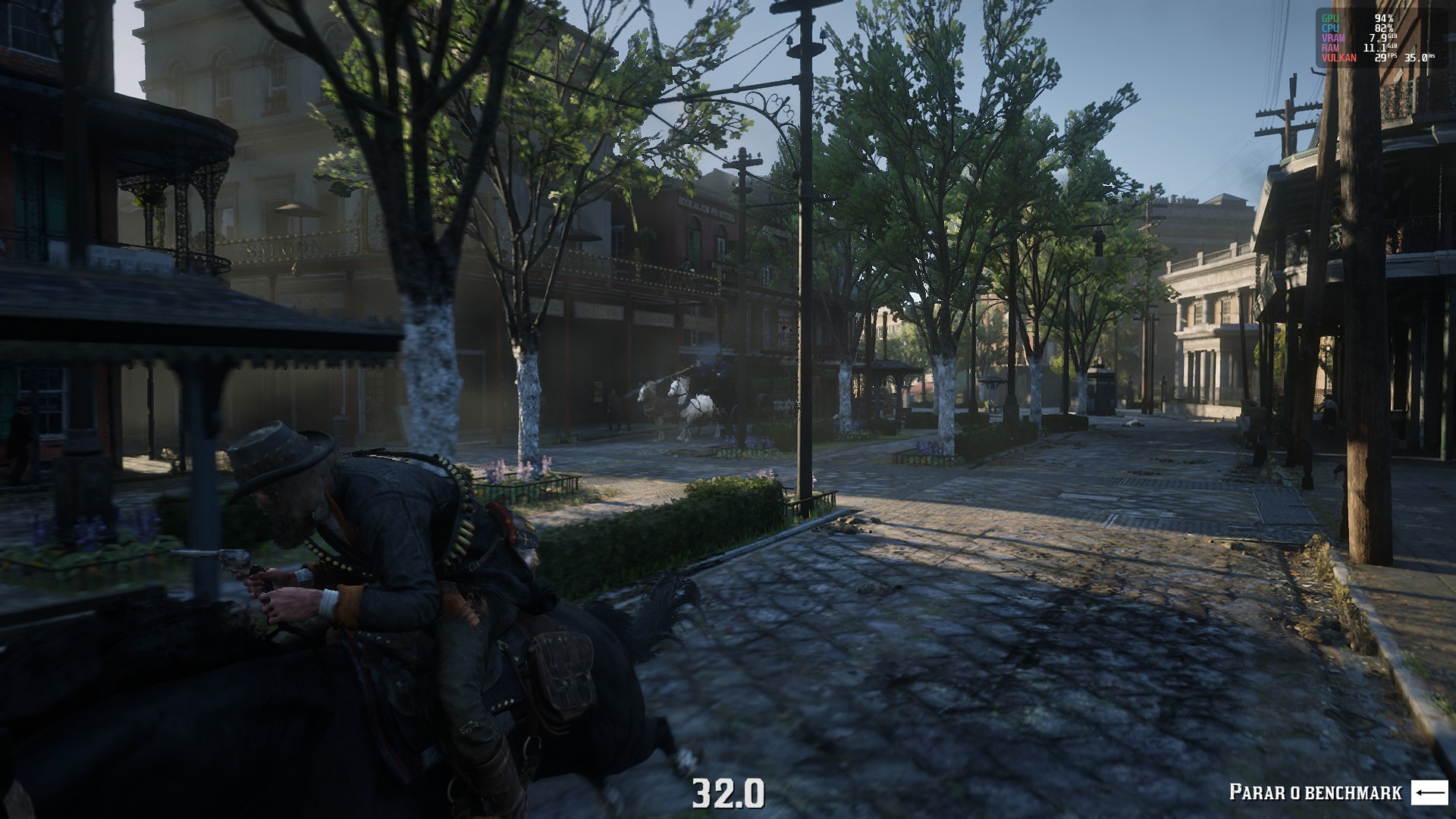
DXGI Native
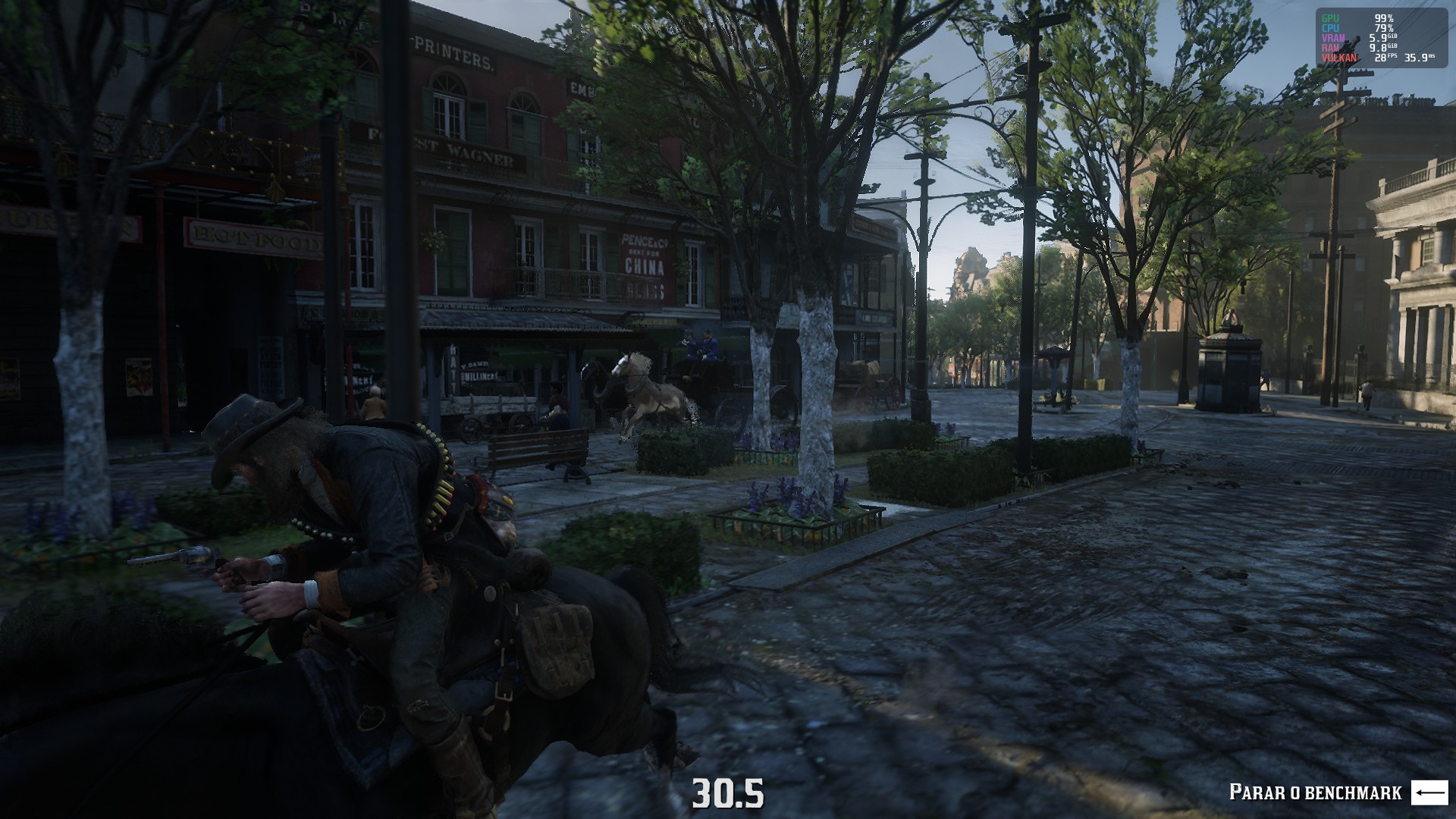
I get massive vram leak in this game too. This is on AMD RX 560, Mesa 21.0.0, Linux 5.10.24. Using old kernel versions (tried 5.4 and 4.19) doesn't help, and using AMDVLK instead of Mesa's RADV doesn't help too.
One thing I noticed is that the game does release the VRAM if I use DXGI native instead of builtin with
I can confirm that this fixes the issue, there is no memory leak when using native (DXVK's) dxgi.
I'm sorry, I'm not very knowledgeable about this
I can confirm that this fixes the issue, there is no memory leak when using native (DXVK's) dxgi.
Does this means that it's an issue with wine/proton instead of mesa?
I'm just wondering who it should be reported to.
edit: The use of DXGI native does help with the vram leak
I'm on a 5700 xt, using mesa-git, on linux 5.11.7
Does this means that it's an issue with wine/proton instead of mesa?
It looks like a problem in dxgi. Before the last tests, I put the dxgi from DXVK to the game folder. This explains why I could not return the problem with different mesa parameters. Thanks to @ren2r, people from protondb can figure out why use WINEDLLOVERRIDES="dxgi=n,b"
Does this means that it's an issue with wine/proton instead of mesa?
Yes, looks like a Wine's dxgi bug.
Anyone who has difficulty launching the RGL version through Proton (@junaru), try to launch with WINEDLLOVERRIDES=vulkan-1,dxgi=n,b, if it helped, thanks to @aufkrawall
I got another problem today, I played the game just fine until yesterday.
Today I pressed play on steam and the game launched and I got a "Rockstar Launcher" update, and the game started just fine, but when it gets to the menu, the game tells I need to buy to play the single player mode despite the fact I already have bought it and was playing just fine.
It probably changed something on that update.
I tried reinstalling the game but it did not solve.
Using SteamPlay Proton 6.3-2
here is my system information: gist
@ren2r I have the same issue. I also tried deleting the ~/.local/share/Steam/steamapps/compatdata/1174180 folder, but it did not help. System settings probably won't have anything to do with this, so I will not post those.
@ren2r @wallcarpet40 I've just re-run with 5.13, had to restart after the Rockstar Launcher update, and the game seems to run and working (tested solo for a couple of mins).
Running on Ubuntu 20.04, Nvidia RTX 2080 Ti (460.67), 5950x, 64 GiB Ram
@Emanem @ren2r Can confirm that it works with 5.13. I was using 6.3, when it stopped working.
re-run with 5.13, had to restart after the Rockstar Launcher update
Thanks, it worked.
In my case, I needed to delete the game folder inside compatdata too.
Also being asked to purchase the single player mode with 6.3 experimental.
steam-1174180.log.gz
Thanks for the log, it actually looks like already known issue (encountered in another game), unfortunately the fix didn't quite make it anywhere yet but it should get there to Proton in some upcoming updates.
Same Rockstar Launcher issue here tonight as well, but when I try to downgrade Proton from 6.3 to 5.13, I get an error saying "A newer version of the Rockstar Games Launcher is already installed, exiting installer (1.0.38.354)." and then "Unable to locate the Rockstar Games Launcher, please verify your game data." Verifying the game files in Steam comes back fine.
I have interesting observation.
Yesterday the game has stopped running, reason was the fact that LauncherPatcher does not start Launcher.exe, if the game runs via RDR2.exe.
Today, I set latest version of the Proton Expemental (at the time of the post appeared 11 hours ago) and the game works perfectly, although earlier versions had the same license verification error.
Hi everyone, we've just put a new build live on Proton Experimental which will hopefully fix the "not purchased" error some people have been seeing.
Hi everyone, we've just put a new build live on Proton Experimental which will hopefully fix the "not purchased" error some people have been seeing.
Confirming experimental-6.3-20210423 fixed the issue. Thanks so much.
Hi everyone, we've just put a new build live on Proton Experimental which will hopefully fix the "not purchased" error some people have been seeing.
Fixed in Proton Experimental. Thanks
Not sure if it's due to the Rockstar Social Club update or the Proton Experimental update, but as of about an hour ago the game is no longer loading for me. On Proton Experimental, the RSG launcher runs and the game loads for a couple of seconds before crashing to desktop. I tried reverting to 6.3-2 but it can't seem to get past the RSG launcher. See logs.tar.gz
Read dead redemption 2 requires purchase again after social club update
Issue transferred from https://github.com/ValveSoftware/Proton/issues/4797.
@JannickWeisshaupt posted on 2021-05-01T19:37:53:
Proton 6.3.2
After the newest social club update (from 27th or 28th of April) the game does not recognize that I already purchased it.
I am correctly logged into my social club account and it lists the game as purchased.
Still the story mode is locked with the following screen

@Leopard1907 commented on 2021-05-01T19:48:49:
Fix Red Dead Redemption 2 "Not Purchased" error.
Try Proton Experimental.
Hey folks - Proton 6.3-4 (and experimental-6.3-20210514, also released today) have a patch that should improve support for folks with multiple GPUs.
This game started to freeze after today update (2021/05/14) in proton 6.3 and experimental, I'm still trying to reproduce consistently the problem to be able to collect data to report back.
Hello, all! I have also gotten crashes, however, this is a system crash.
RDR2 loads to the Rockstar logo after the gunshot, it freezes, the GPU crashes, and it attempts to recover and goes to a glitchy screen. At this point, I can go into another tty and run commands normally, but it often crashes about a minute later. Sometimes it doesn't recover and stays at a black screen. Each time, I have to hard-power, as running the shutdown command from the tty makes my computer hang. This all happens every single time I launch the game.
I tried a few other games, including The Witcher 3, which also is a heavy 3D game that runs using Vulkan, and those work, so I came here once again to report what's going on.
Here is the output of `journalctl -b -1` for information from my last crash, starting from when the game is launched:
May 15 10:37:19 homePC dbus-daemon[1413]: [session uid=1000 pid=1413] Activating via systemd: service name='com.feralinteractive.GameMode' unit='gamemoded.service' requested by ':1.76' (uid=1000 pid=3500 comm="env LD_PRELOAD=libgamemodeauto.so.0::/home/myah/.l")
May 15 10:37:19 homePC systemd[1388]: Starting gamemoded...
May 15 10:37:19 homePC dbus-daemon[1413]: [session uid=1000 pid=1413] Successfully activated service 'com.feralinteractive.GameMode'
May 15 10:37:19 homePC systemd[1388]: Started gamemoded.
May 15 10:37:19 homePC pkexec[3503]: pam_unix(polkit-1:session): session opened for user root(uid=0) by (uid=1000)
May 15 10:37:19 homePC pkexec[3503]: myah: Executing command [USER=root] [TTY=unknown] [CWD=/home/myah] [COMMAND=/usr/lib/gamemode/cpugovctl set performance]
May 15 10:37:19 homePC kwin_x11[1490]: kwin_core: Failed to focus 0x4e00088 (error 8)
May 15 10:37:19 homePC kwin_x11[1490]: kwin_core: Failed to restore focus. Activating 0x4e0002b
May 15 10:37:21 homePC gamemoded[3501]: ERROR: glob failed for RAPL paths: (No such file or directory)
May 15 10:37:21 homePC gamemoded[3501]: ERROR: Skipping ioprio on client [3500,3500]: ioprio was (0) but we expected (4)
May 15 10:37:21 homePC gamemoded[3501]: ERROR: Addition requested for already known client 3500 [/usr/bin/env].
May 15 10:37:21 homePC gamemoded[3501]:     -- This may happen due to using exec or shell wrappers. You may want to
May 15 10:37:21 homePC gamemoded[3501]:     -- blacklist this client so GameMode can see its final name here.
May 15 10:37:21 homePC gamemoded[3501]: ERROR: Addition requested for already known client 3500 [/usr/bin/env].
May 15 10:37:21 homePC gamemoded[3501]: ERROR: Removal requested for unknown process [3512].
May 15 10:37:21 homePC gamemoded[3501]:     -- The parent process probably forked and tries to unregister from the wrong
May 15 10:37:21 homePC gamemoded[3501]:     -- process now. We cannot work around this. This message will likely be paired
May 15 10:37:21 homePC gamemoded[3501]:     -- with a nearby 'Removing expired game' which means we cleaned up properly
May 15 10:37:21 homePC gamemoded[3501]:     -- (we will log this event). This hint will be displayed only once.
May 15 10:37:21 homePC gamemoded[3501]: ERROR: Skipping ioprio on client [3514,3514]: ioprio was (0) but we expected (4)
May 15 10:37:21 homePC gamemoded[3501]: ERROR: Addition requested for already known client 3500 [/usr/bin/env].
May 15 10:37:21 homePC gamemoded[3501]: ERROR: Addition requested for already known client 3500 [/usr/bin/env].
May 15 10:37:21 homePC gamemoded[3501]: ERROR: Addition requested for already known client 3500 [/usr/bin/env].
May 15 10:37:28 homePC kded5[1486]: Registering ":1.91/StatusNotifierItem" to system tray
May 15 10:37:28 homePC xembedsniproxy[1572]: Container window visible, stack below
May 15 10:37:35 homePC kded5[1486]: Registering ":1.92/StatusNotifierItem" to system tray
May 15 10:37:35 homePC kded5[1486]: Service  ":1.92" unregistered
May 15 10:38:02 homePC kwin_x11[1490]: qt.qpa.xcb: QXcbConnection: XCB error: 3 (BadWindow), sequence: 53705, resource id: 14686171, major code: 3 (GetWindowAttributes), minor code: 0
May 15 10:38:02 homePC kwin_x11[1490]: qt.qpa.xcb: QXcbConnection: XCB error: 9 (BadDrawable), sequence: 53706, resource id: 14686171, major code: 14 (GetGeometry), minor code: 0
May 15 10:38:02 homePC kwin_x11[1490]: qt.qpa.xcb: QXcbConnection: XCB error: 3 (BadWindow), sequence: 53709, resource id: 14686172, major code: 3 (GetWindowAttributes), minor code: 0
May 15 10:38:02 homePC kwin_x11[1490]: qt.qpa.xcb: QXcbConnection: XCB error: 9 (BadDrawable), sequence: 53710, resource id: 14686172, major code: 14 (GetGeometry), minor code: 0
May 15 10:39:19 homePC kernel: [drm:amdgpu_dm_atomic_commit_tail [amdgpu]] *ERROR* Waiting for fences timed out!
May 15 10:39:19 homePC kernel: [drm:amdgpu_job_timedout [amdgpu]] *ERROR* ring gfx_0.0.0 timeout, signaled seq=38005, emitted seq=38007
May 15 10:39:19 homePC kernel: [drm:amdgpu_job_timedout [amdgpu]] *ERROR* Process information: process CrGpuMain pid 4356 thread dxvk-submit pid 4397
May 15 10:39:19 homePC kernel: amdgpu 0000:0c:00.0: amdgpu: GPU reset begin!
May 15 10:39:23 homePC kernel: amdgpu 0000:0c:00.0: amdgpu: failed to suspend display audio
May 15 10:39:23 homePC kernel: ------------[ cut here ]------------
May 15 10:39:23 homePC kernel: WARNING: CPU: 7 PID: 3098 at drivers/gpu/drm/amd/amdgpu/../display/dc/dcn20/dcn20_resource.c:3241 dcn20_validate_bandwidth_fp+0x8d/0xd0 [amdgpu]
May 15 10:39:23 homePC kernel: Modules linked in: ccm rfcomm cmac algif_hash algif_skcipher af_alg bnep uvcvideo videobuf2_vmalloc videobuf2_memops videobuf2_v4l2 btusb videobuf2_common btrtl btbcm mousedev joydev videodev btintel squashfs iwlmvm mac80211 libarc4 vfat fat iwlwifi igb loop dca cfg80211 snd_usb_audio snd_usbmidi_lib eeepc_wmi asus_wmi snd_rawmidi sparse_keymap snd_seq_device mc usbhid video wmi_bmof mxm_wmi snd_hda_codec_realtek snd_hda_codec_generic ledtrig_audio snd_hda_codec_hdmi snd_hda_intel snd_intel_dspcfg soundwire_intel soundwire_generic_allocation soundwire_cadence edac_mce_amd snd_hda_codec kvm_amd ccp snd_hda_core rng_core snd_hwdep soundwire_bus amdgpu kvm snd_soc_core irqbypass snd_compress crct10dif_pclmul ac97_bus crc32_pclmul ghash_clmulni_intel snd_pcm_dmaengine aesni_intel snd_pcm crypto_simd cryptd snd_timer glue_helper rapl gpu_sched snd i2c_algo_bit ttm soundcore sp5100_tco pcspkr i2c_piix4 k10temp wmi gpio_amdpt mac_hid pinctrl_amd gpio_generic acpi_cpufreq uinput
May 15 10:39:23 homePC kernel:  rtbth(OE) bluetooth ecdh_generic rfkill ecc i2c_dev drm_kms_helper cec syscopyarea sysfillrect sysimgblt fb_sys_fops vboxnetflt(OE) vboxnetadp(OE) vboxdrv(OE) drm ledtrig_timer fuse crypto_user agpgart ip_tables x_tables ext4 crc32c_generic crc16 mbcache jbd2 crc32c_intel xhci_pci
May 15 10:39:23 homePC kernel: CPU: 7 PID: 3098 Comm: kworker/7:2 Tainted: G           OE     5.10.34-1-MANJARO #1
May 15 10:39:23 homePC kernel: Hardware name: System manufacturer System Product Name/ROG STRIX X470-F GAMING, BIOS 5406 11/13/2019
May 15 10:39:23 homePC kernel: Workqueue: events drm_sched_job_timedout [gpu_sched]
May 15 10:39:23 homePC kernel: RIP: 0010:dcn20_validate_bandwidth_fp+0x8d/0xd0 [amdgpu]
May 15 10:39:23 homePC kernel: Code: 00 7b 35 22 85 14 1f 00 00 75 2f 31 d2 f2 0f 11 85 58 26 00 00 48 89 ee 4c 89 e7 e8 3d f6 ff ff 89 c2 22 95 14 1f 00 00 75 30 <0f> 0b 48 89 9d 58 26 00 00 5b 5d 41 5c c3 75 c9 48 89 9d 58 26 00
May 15 10:39:23 homePC kernel: RSP: 0018:ffff9d81cacffbf8 EFLAGS: 00010246
May 15 10:39:23 homePC kernel: RAX: 0000000000000001 RBX: 4079400000000000 RCX: 00000000000062da
May 15 10:39:23 homePC kernel: RDX: 0000000000000000 RSI: 285e3a8913d48bb5 RDI: 00000000000301a0
May 15 10:39:23 homePC kernel: RBP: ffff8adda7ce0000 R08: ffff8ade91e26000 R09: ffff8ade9a2c0000
May 15 10:39:23 homePC kernel: R10: ffff8ade91e26000 R11: 0000000100000001 R12: ffff8ade9a2c0000
May 15 10:39:23 homePC kernel: R13: ffff8adea19ac800 R14: ffff8ade8b1ea800 R15: ffff8adda7ce0000
May 15 10:39:23 homePC kernel: FS:  0000000000000000(0000) GS:ffff8ae18e9c0000(0000) knlGS:0000000000000000
May 15 10:39:23 homePC kernel: CS:  0010 DS: 0000 ES: 0000 CR0: 0000000080050033
May 15 10:39:23 homePC kernel: CR2: 00007f4584005008 CR3: 00000002efc6e000 CR4: 00000000003506e0
May 15 10:39:23 homePC kernel: Call Trace:
May 15 10:39:23 homePC kernel:  dcn20_validate_bandwidth+0x29/0x40 [amdgpu]
May 15 10:39:23 homePC kernel:  dc_validate_global_state+0x2f2/0x390 [amdgpu]
May 15 10:39:23 homePC kernel:  ? dc_rem_all_planes_for_stream+0xcb/0x110 [amdgpu]
May 15 10:39:23 homePC kernel:  dm_suspend+0x18b/0x1c0 [amdgpu]
May 15 10:39:23 homePC kernel:  amdgpu_device_ip_suspend_phase1+0x73/0xd0 [amdgpu]
May 15 10:39:23 homePC kernel:  ? amdgpu_fence_process+0x4d/0x130 [amdgpu]
May 15 10:39:23 homePC kernel:  amdgpu_device_ip_suspend+0x1c/0x60 [amdgpu]
May 15 10:39:23 homePC kernel:  amdgpu_device_pre_asic_reset+0x185/0x19c [amdgpu]
May 15 10:39:23 homePC kernel:  amdgpu_device_gpu_recover.cold+0x5cf/0x95d [amdgpu]
May 15 10:39:23 homePC kernel:  amdgpu_job_timedout+0x121/0x140 [amdgpu]
May 15 10:39:23 homePC kernel:  drm_sched_job_timedout+0x66/0xf0 [gpu_sched]
May 15 10:39:23 homePC kernel:  process_one_work+0x1df/0x370
May 15 10:39:23 homePC kernel:  worker_thread+0x50/0x400
May 15 10:39:23 homePC kernel:  ? process_one_work+0x370/0x370
May 15 10:39:23 homePC kernel:  kthread+0x11b/0x140
May 15 10:39:23 homePC kernel:  ? __kthread_bind_mask+0x60/0x60
May 15 10:39:23 homePC kernel:  ret_from_fork+0x22/0x30
May 15 10:39:23 homePC kernel: ---[ end trace 1f1c50010c173a48 ]---
May 15 10:39:23 homePC kernel: amdgpu 0000:0c:00.0: [drm:amdgpu_ring_test_helper [amdgpu]] *ERROR* ring kiq_2.1.0 test failed (-110)
May 15 10:39:23 homePC kernel: [drm:gfx_v10_0_hw_fini [amdgpu]] *ERROR* KGQ disable failed
May 15 10:39:23 homePC kernel: amdgpu 0000:0c:00.0: [drm:amdgpu_ring_test_helper [amdgpu]] *ERROR* ring kiq_2.1.0 test failed (-110)
May 15 10:39:23 homePC kernel: [drm:gfx_v10_0_hw_fini [amdgpu]] *ERROR* KCQ disable failed
May 15 10:39:23 homePC kernel: [drm:gfx_v10_0_hw_fini [amdgpu]] *ERROR* failed to halt cp gfx
May 15 10:39:23 homePC kernel: [drm] free PSP TMR buffer
May 15 10:39:24 homePC kernel: amdgpu 0000:0c:00.0: amdgpu: BACO reset
May 15 10:39:27 homePC kernel: amdgpu 0000:0c:00.0: amdgpu: GPU reset succeeded, trying to resume
May 15 10:39:27 homePC kernel: [drm] PCIE GART of 512M enabled (table at 0x0000008000300000).
May 15 10:39:27 homePC kernel: [drm] VRAM is lost due to GPU reset!
May 15 10:39:27 homePC kernel: [drm] PSP is resuming...
May 15 10:39:27 homePC kernel: [drm] reserve 0x900000 from 0x81fe400000 for PSP TMR
May 15 10:39:27 homePC kernel: amdgpu 0000:0c:00.0: amdgpu: RAS: optional ras ta ucode is not available
May 15 10:39:27 homePC kernel: amdgpu 0000:0c:00.0: amdgpu: RAP: optional rap ta ucode is not available
May 15 10:39:27 homePC kernel: amdgpu 0000:0c:00.0: amdgpu: SMU is resuming...
May 15 10:39:27 homePC kernel: amdgpu 0000:0c:00.0: amdgpu: smu driver if version = 0x00000036, smu fw if version = 0x00000037, smu fw version = 0x002a3f00 (42.63.0)
May 15 10:39:27 homePC kernel: amdgpu 0000:0c:00.0: amdgpu: SMU driver if version not matched
May 15 10:39:27 homePC kernel: amdgpu 0000:0c:00.0: amdgpu: SMU is resumed successfully!
May 15 10:39:28 homePC kernel: [drm] kiq ring mec 2 pipe 1 q 0
May 15 10:39:28 homePC kernel: [drm] VCN decode and encode initialized successfully(under DPG Mode).
May 15 10:39:28 homePC kernel: [drm] JPEG decode initialized successfully.
May 15 10:39:28 homePC kernel: amdgpu 0000:0c:00.0: amdgpu: ring gfx_0.0.0 uses VM inv eng 0 on hub 0
May 15 10:39:28 homePC kernel: amdgpu 0000:0c:00.0: amdgpu: ring comp_1.0.0 uses VM inv eng 1 on hub 0
May 15 10:39:28 homePC kernel: amdgpu 0000:0c:00.0: amdgpu: ring comp_1.1.0 uses VM inv eng 4 on hub 0
May 15 10:39:28 homePC kernel: amdgpu 0000:0c:00.0: amdgpu: ring comp_1.2.0 uses VM inv eng 5 on hub 0
May 15 10:39:28 homePC kernel: amdgpu 0000:0c:00.0: amdgpu: ring comp_1.3.0 uses VM inv eng 6 on hub 0
May 15 10:39:28 homePC kernel: amdgpu 0000:0c:00.0: amdgpu: ring comp_1.0.1 uses VM inv eng 7 on hub 0
May 15 10:39:28 homePC kernel: amdgpu 0000:0c:00.0: amdgpu: ring comp_1.1.1 uses VM inv eng 8 on hub 0
May 15 10:39:28 homePC kernel: amdgpu 0000:0c:00.0: amdgpu: ring comp_1.2.1 uses VM inv eng 9 on hub 0
May 15 10:39:28 homePC kernel: amdgpu 0000:0c:00.0: amdgpu: ring comp_1.3.1 uses VM inv eng 10 on hub 0
May 15 10:39:28 homePC kernel: amdgpu 0000:0c:00.0: amdgpu: ring kiq_2.1.0 uses VM inv eng 11 on hub 0
May 15 10:39:28 homePC kernel: amdgpu 0000:0c:00.0: amdgpu: ring sdma0 uses VM inv eng 12 on hub 0
May 15 10:39:28 homePC kernel: amdgpu 0000:0c:00.0: amdgpu: ring sdma1 uses VM inv eng 13 on hub 0
May 15 10:39:28 homePC kernel: amdgpu 0000:0c:00.0: amdgpu: ring vcn_dec uses VM inv eng 0 on hub 1
May 15 10:39:28 homePC kernel: amdgpu 0000:0c:00.0: amdgpu: ring vcn_enc0 uses VM inv eng 1 on hub 1
May 15 10:39:28 homePC kernel: amdgpu 0000:0c:00.0: amdgpu: ring vcn_enc1 uses VM inv eng 4 on hub 1
May 15 10:39:28 homePC kernel: amdgpu 0000:0c:00.0: amdgpu: ring jpeg_dec uses VM inv eng 5 on hub 1
May 15 10:39:28 homePC kernel: amdgpu 0000:0c:00.0: amdgpu: recover vram bo from shadow start
May 15 10:39:28 homePC kernel: amdgpu 0000:0c:00.0: amdgpu: recover vram bo from shadow done
May 15 10:39:28 homePC kernel: [drm] Skip scheduling IBs!
May 15 10:39:28 homePC kernel: [drm] Skip scheduling IBs!
May 15 10:39:28 homePC kernel: amdgpu 0000:0c:00.0: amdgpu: GPU reset(2) succeeded!
May 15 10:39:28 homePC kernel: [drm] Skip scheduling IBs!
May 15 10:39:28 homePC kernel: [drm] Skip scheduling IBs!
May 15 10:39:28 homePC kernel: [drm] Skip scheduling IBs!
May 15 10:39:28 homePC kernel: [drm] Skip scheduling IBs!
May 15 10:39:28 homePC kernel: [drm] Skip scheduling IBs!
May 15 10:39:28 homePC kernel: [drm] Skip scheduling IBs!
May 15 10:39:28 homePC kernel: [drm] Skip scheduling IBs!
May 15 10:39:28 homePC kernel: [drm] Skip scheduling IBs!
May 15 10:39:28 homePC kernel: [drm:amdgpu_cs_ioctl [amdgpu]] *ERROR* Failed to initialize parser -125!
May 15 10:39:28 homePC kernel: [drm:amdgpu_cs_ioctl [amdgpu]] *ERROR* Failed to initialize parser -125!
May 15 10:39:28 homePC kernel: [drm:amdgpu_cs_ioctl [amdgpu]] *ERROR* Failed to initialize parser -125!
May 15 10:39:28 homePC kwin_x11[1490]: file:///usr/share/kwin/aurorae/MenuButton.qml:11: TypeError: Cannot read property 'closeOnDoubleClickOnMenu' of null
May 15 10:40:11 homePC kernel: [drm:amdgpu_job_timedout [amdgpu]] *ERROR* ring gfx_0.0.0 timeout, but soft recovered
May 15 10:40:21 homePC kernel: [drm:amdgpu_job_timedout [amdgpu]] *ERROR* ring gfx_0.0.0 timeout, but soft recovered
May 15 10:40:31 homePC kernel: [drm:amdgpu_job_timedout [amdgpu]] *ERROR* ring gfx_0.0.0 timeout, but soft recovered
May 15 10:40:42 homePC kernel: [drm:amdgpu_job_timedout [amdgpu]] *ERROR* ring gfx_0.0.0 timeout, but soft recovered
May 15 10:40:52 homePC kernel: [drm:amdgpu_job_timedout [amdgpu]] *ERROR* ring gfx_0.0.0 timeout, but soft recovered
May 15 10:41:02 homePC kernel: [drm:amdgpu_job_timedout [amdgpu]] *ERROR* ring gfx_0.0.0 timeout, but soft recovered
May 15 10:41:12 homePC kernel: [drm:amdgpu_job_timedout [amdgpu]] *ERROR* ring gfx_0.0.0 timeout, but soft recovered
May 15 10:41:23 homePC kernel: [drm:amdgpu_job_timedout [amdgpu]] *ERROR* ring gfx_0.0.0 timeout, but soft recovered
May 15 10:41:33 homePC kernel: [drm:amdgpu_job_timedout [amdgpu]] *ERROR* ring gfx_0.0.0 timeout, but soft recovered
At the end, it recovered to the glitched screen, but didn't crash to a black screen like usual. As you can see, I waited about a minute before I powered off.
What I've done so far is add iommu=pt to my boot parameters, and that seemed to work immediately and stayed working for two days, until this morning when I tried again. And actually... I forgot to run update-grub after I edited the parameters, so I doubt that it actually did anything anyway. However, I did try that again, correctly, and also tried amd_iommu=off and iommu=soft. I'm also running kernel 5.10, but tried 5.11 and 5.4 with no luck.
I'm going to try other Proton versions now, I just wanted to get this posted before I try again and crash my computer :) If you need any more information, let me know.
Edit as per @kisak-valve :
System information
I'm actually having issues running the game at all right now with a different issue, so I can't supply the Proton log. I'll fix this issue and get that added.
Hello @myahenochs, please add PROTON_LOG=1 %command% to the game's launch options, reproduce the gpu crash, and attach the generated $HOME/steam-$APPID.log to this issue report as a file. (Proton logs compress well if needed.) Also, please copy your system information from Steam (Steam -> Help -> System Information) and put it in a gist, then include a link to the gist in this issue report.
I've reinstalled the game to solve the other issue, and now I am unable to reproduce the crash. I'm quite unsure why this would fix it, as I've never changed the files other than restoring backup saves, but if it happens again I'll be sure to report the issue with the logs. Reinstalling a game as large as this would not be a good "fix".
@class101
WINEDLLOVERRIDES="nvapi,nvapi64="
Maybe try a proton-tkg build that contains nvapi and nvapi64
Proton 6.3-4 & PROTON_HIDE_NVIDIA_GPU=1
Symptoms: Launcher.exe starts fine, the rockstar loading logo is shown, the launcher then launches RDR2.exe and minimizes but nothing happen after, the game window is not displayed but the game is shown running in Steam.
Workaround : The magical option isPROTON_HIDE_NVIDIA_GPU=1(introduced recently since 6.3-3 if I'm not wrong, also works in user_settings.py)
That launch option is included by default for Red Dead Redemption 2 -- https://steamdb.info/app/891390/ @class101 I'm not sure why you needed to add it manually, just wanted to make it clear for other folks that it shouldn't be necessary if you are running things in the "standard" way at least.
Not sure why then I'm not receiving this one because I made sure to recreate the prefix with 6.3-4 (I let Steam create it for me). I also notice nativevulkanloader was applied automatically at some point because I didn't requested it and I have always see it to appear in the proton log but I never got hidenvgpu automatically added. I also notice that the version shown in file /config_info is showing 6.3-2 instead of the expected value 6.3-4 but not sure it is related to this
Maybe it is a side effect of enabling Proton per games settings ? I always check in the compatibility tab of a game , the proton version even if it is set globally.
@alasky17
OK fixed. I forgot I had this value overriden in a user_settings.py file haha.
I feel so dumb, I have deleted my replies as it added nothing interesting finally, sorry guys for the noise :)
I'm getting some random ERR_GFX_STATE errors:
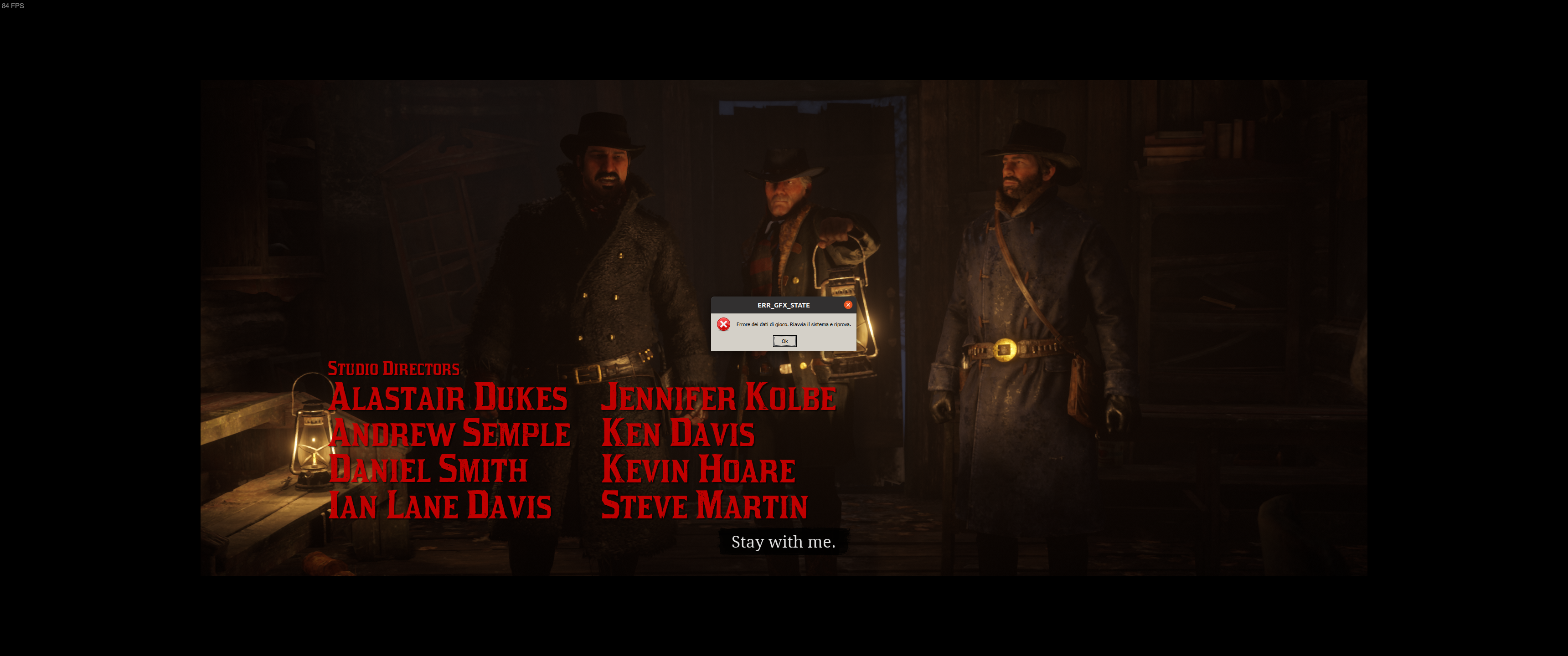
I get them with both Proton 6.3-4 and Proton 6.9-GE-1.
They seem to come up pretty randomly. I tried to add -ignorepipelinecache to the launch option but doesn't seem to help. Is this a known problem? Any workaround available?
Since I can't reproduce the error reliably, I do not have a proton log yet. Let me know if I should try to get it of if this is an already know issue.
I'm getting some random
ERR_GFX_STATEerrors:
This is basically a +1...
I've been getting that sort of error since I started trying to play again this week. Haven't played since about January, when it was working fairly acceptably, but now I get GFX State errors either during the load screens or within seconds of the actual game assets being shown.
In my case, 90% of the errors are out of memory, so I assume it's my rubbish old GPU (2GB version of the GTX 960) actually running out of VRAM, but sometimes it's other GFX State errors, and sometimes the game does actually start up and run, so I'm not convinced it really is VRAM, especially with someone else reporting similar errors...
Sorry for the rambly post... Just posting my personal observations in case it helps confirm there's some sort of issue (that isn't my hardware LOL).
I think I got this ERR_GFX_STATE crash once, and 2 or 3 times the game froze during the movies introducing missions of Chapter 1.
Few things I have tried after the crashes attempting to mitigates this.
- Not using ALT-TAB anymore (on my system ALT-TAB used to change my ingame resolution from 1920x1080 to 1920x1040)
- Not using the Steam overlay (I have it enabled but I don't display it anymore)
- Using Vulkan
-vulkanto force the renderer - Disabled MangoHUD
- Using Fullscreen exclusive instead of Borderless
I don't know if they are placebos, but since I do that I haven't experienced a newer crash while restarting yesterday the complete Chapter 1 in a full playthrough
@class101 I tried everything you suggested: still crashes.
Next try is to downclock both GPU and VRAM...
@class101 Out of that list, the only thing I have is Steam overlay enabled (I'm already using fullscreen, vulkan, it still crashes when I alt+tab, and I don't have MangoHUD) and it still happens. The other options may be placebos like you said, but I can test disabling Steam overlay when I get home from work.
I'm also getting these error messages in addition to my GPU crash. I think the driver crash is related to the game trying to connect to online services, as it happened in the middle of the game once when the sign-on notification in the top right tried to display. The beginning of the game where it was crashing is also when this notification would usually display if one were online. These notifications try to pop up, don't render correctly, and my driver crashes. It's only happened once while playing the game (during a late-game cutscene where you would get an achievement), and then a few more times randomly on start since my last post about it being fixed with a reinstall.
Anyway, the error messages are different errors, seemingly random. One is simply "unknown error 0xFFFFFFFF" and another tells me to restart the game, followed by a Rockstar launcher message that RDO has crashed. There's another one that gives a generic error message. I'm not sure if this is related to my GPU crash, but it's interesting that it's telling me that RDO crashed and the driver crashes might be related to online services.
I also don't get these crashes as often in certain parts of the map where there is less to render, like the deserts. I played for hours in New Austin without an issue, then traveled to Blackwater and had stuttering and a crash with the 0xFFFFFFFF almost immediately. I'm not sure if this is a coincidence, though.
Finally got the crash too, but luckily it seems that it happens much less frequently on my system than on my friend's, out of about 50 hours of playing time, I was only able to reproduce the error 3 times.
I managed to intercept a log of what is happening
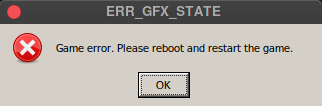
3649.030:03b0:040c:trace:msgbox:MSGBOX_OnInit L"Game error. Please reboot and restart the game.\n"
3653.704:0120:01e0:trace:seh:dispatch_exception code=c000001d flags=0 addr=000000014262BD8C ip=000000014262BD8C tid=01e0
3653.704:0120:01e0:warn:seh:dispatch_exception EXCEPTION_ILLEGAL_INSTRUCTION exception (code=c000001d) raised
...
wine: Unhandled exception 0x80000003 in thread 40c at address 0000000142584164 (thread 040c), starting debugger...
3767.403:03b0:040c:trace:seh:start_debugger Starting debugger L"winedbg --auto 944 244"
steam-1174180-gfxstateerror-1.tar.gz
And in the process 03b0 at base address 0x140000000 is RDR2.exe, the indications therefore show that the crash comes from the game.
Out of curiosity, I checked what is the code at the address 0000000142584164 where the crash occurs, and I observe that it is the game that decides to stop with halt_baddata();
/* WARNING: Control flow encountered bad instruction data */

void UndefinedFunction_14258415f(void)

{
  longlong in_stack_00000000;

  if (in_stack_00000000 == 1) {
                    /* WARNING: Bad instruction - Truncating control flow here */
    halt_baddata();
  }
  func_0xd07e44ac();
                    /* WARNING: Bad instruction - Truncating control flow here */
  halt_baddata();
}
RDR2.exe is then interrupted after clicking OK in the dialog box and the game generates and crash log in the following folder
/drive_c/users/steamuser/Local Settings/Application Data/Rockstar Games/Red Dead Redemption 2/CrashLogs
RDR2-20210529-103736-944.crash.log
Maybe this information would be more useful to the developers of the game but I don't even know if they accept the bug reports :)
For unknown reasons 4K resolution not available in the Red Dead Redemption 2.
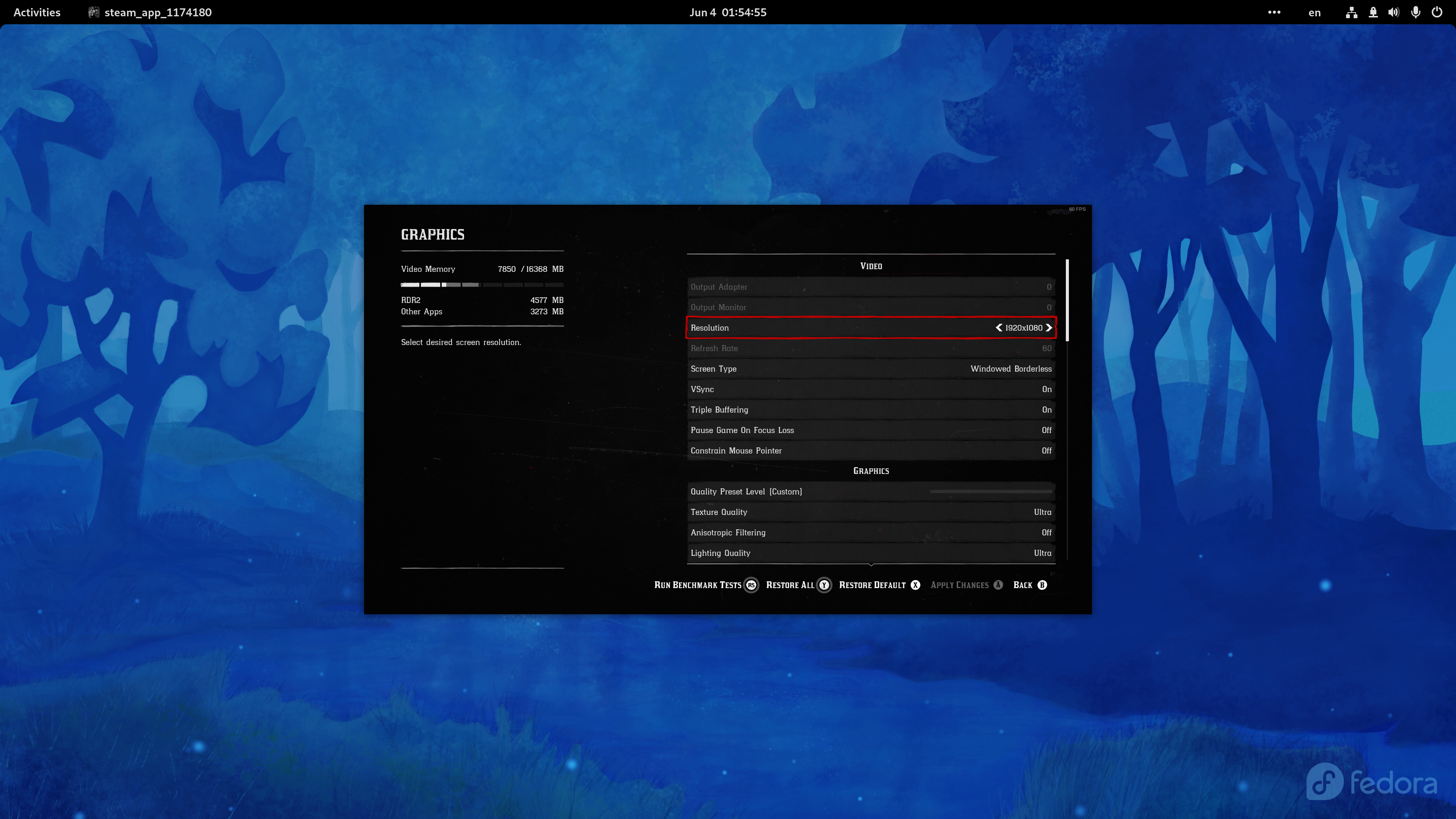
Demonstration: https://youtu.be/PYmqCuYAFTU
System Information
- GPU: AMD Radeon 6900XT
- Driver/LLVM version: Mesa 21.3-git/12.0.0
- Kernel version: 5.13-rc3
- Link to full system information report as Gist
- Proton version: proton-6.3-4
The Rockstar Games Launcher just updated for me and I'm getting "Game launch error. Please try again later. Code:7002.1"
Seeing the same thing with GTA IV and GTA V as well.
Looks like this is only affecting Proton Experimental. Works fine on 6.3-4.
I have a slightly different problem, the launcher does not start. When Valve starts to do something about it?
Publishers are increasingly offering low-grade software like rgl, origin, uplay and the recent 2k. I hope that in the near future the Valwe policy will change in this regard.
The Rockstar Games Launcher just updated for me and I'm getting "Game launch error. Please try again later. Code:7002.1"
Seeing the same thing with GTA IV and GTA V as well.Looks like this is only affecting Proton Experimental. Works fine on 6.3-4.
I note the exact same issue here while I switched from Proton 6.3-4 to Experimental.
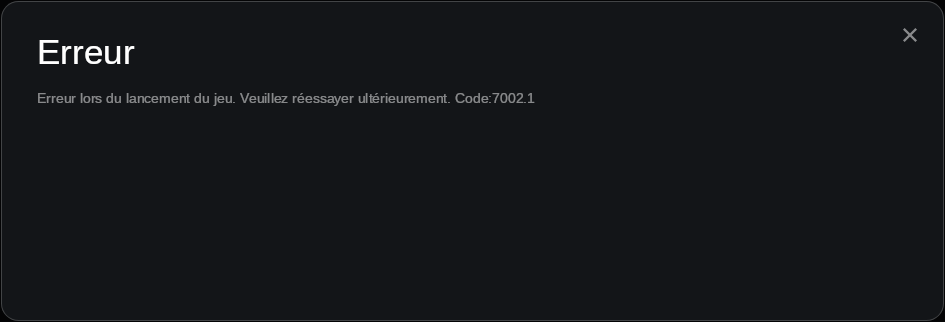
I think I have found the reason behind the 7002.1 error in our case while comparing the log of the Rockstar social club of Proton 6.3-4 vs the log of Rockstar social club generated under Proton Experimental
Proton 6.3-4 :+1:
Proton is detected as being steam and the RGL is attempting to Launch the game in steam mode
[2021-06-04 16:58:28.663] [DISPLAY] [Main ] [main]     C:\Program Files\Rockstar Games\Launcher\Launcher.exe
[2021-06-04 16:58:28.663] [DISPLAY] [Main ] [main]     -skipPatcherCheck
[2021-06-04 16:58:28.663] [DISPLAY] [Main ] [main]     -steamAppId=1174180
[2021-06-04 16:58:28.676] [DISPLAY] [Main ] [minmode] Running in Steam mode
[2021-06-04 16:58:28.677] [DISPLAY] [Main ] [minmode] Steam App Id: 1174180
[2021-06-04 16:58:28.677] [DISPLAY] [Main ] [minmode] Title Id: rdr2
[2021-06-04 16:58:28.677] [DISPLAY] [Main ] [minmode] Location: X:\steamapps\common\Red Dead Redemption 2
[2021-06-04 16:58:28.677] [DISPLAY] [Main ] [launcher] Opening log file.
Proton Experimental :-1:
Proton is not detected as being steam and the RGL falls back to launch the game in normal "disk" mode, ignoring steam and so on fails to start the game properly
[2021-06-04 22:23:52.312] [DISPLAY] [Main ] [main]     C:\Program Files\Rockstar Games\Launcher\Launcher.exe
[2021-06-04 22:23:52.312] [DISPLAY] [Main ] [main]     -skipPatcherCheck
[2021-06-04 22:23:52.312] [DISPLAY] [Main ] [main]     -steamAppId=1174180
[2021-06-04 22:23:52.320] [DISPLAY] [Main ] [minmode] Starting up normally.
[2021-06-04 22:23:52.321] [DISPLAY] [Main ] [launcher] Opening log file.
And so on, it explains why all the Rockstar games fail to start currently under Proton Experimental (tested with L.A. Noire too, same problem, works in 6.3-4, Launcher fails to start the game with 7002.1 error in Experimental)
@aeikum I will try to disassemble the Launcher.exe if I get time to try to find how RGL detects the different launch modes or let me know the informations you need if you know faster ways to pinpoint the root cause of this issue.
Just fine. I rolled back the version to 6.3-4, and now the game does not start because it cannot identify my video card. Tried with RADV and Amdvlk-pro.
@class101 The Rockstar launcher regression should be fixed with the latest experimental release 20210610.
@class101 The Rockstar launcher regression should be fixed with the latest experimental release 20210610.
@alasky17
Thank you I confirm the latest experimental fixes the 7002.1 issue. Great work all the team and contibutors :+1:
Replying to https://github.com/ValveSoftware/Proton/issues/3291#issuecomment-854179511
You can edit the settings.xml manually to get whatever resolution you want, the in-game settings changer is very unreliable when you change resolutions.
Trying out the game after a while. It is stuck on the launcher.
Previous Log Output (expand)
After launch it is stuck on this moment:
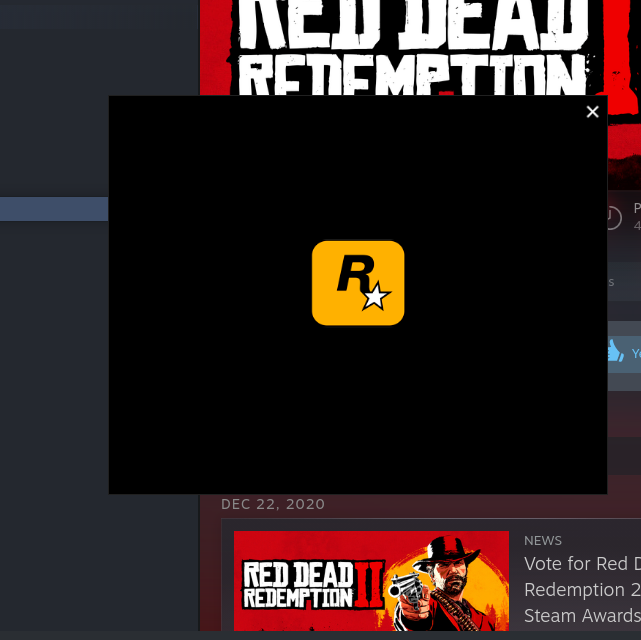
then it errors out with the timeout:
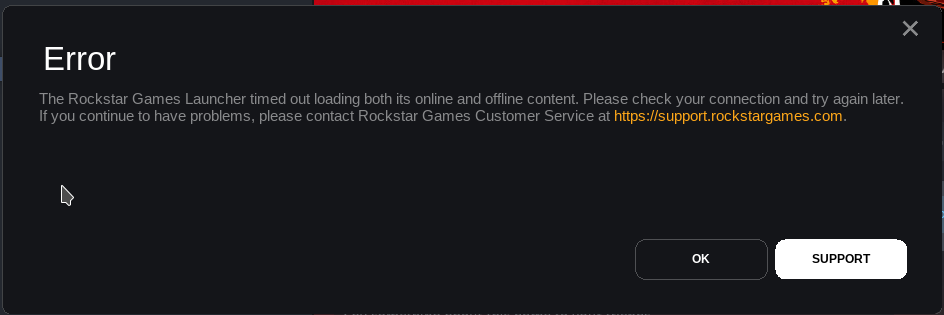
In the logs, nothing really interesting:
ERROR: ld.so: object '/home/user/.local/share/Steam/ubuntu12_32/gameoverlayrenderer.so' from LD_PRELOAD cannot be preloaded (wrong ELF class: ELFCLASS32): ignored.
>>> Adding process 30734 for game ID 1174180
Installing breakpad exception handler for appid(steam)/version(1623193086)
Anyone got same behavior?
--
UPDATE: was using not the latest experimental. Building & checking the experimental-6.3-20210616 now...
UPDATE#2: unfortunately on experimental-6.3-20210616 the game doesn't even launch.
Log Output (expand)
Running Steam on manjarolinux 21.0.7 64-bit
STEAM_RUNTIME is enabled automatically
Pins up-to-date!
Steam client's requirements are satisfied
WARNING: Using default/fallback debugger launch
/home/user/.local/share/Steam/ubuntu12_32/steam
[2021-06-20 13:33:09] Startup - updater built Jun 16 2021 05:25:53
[2021-06-20 13:33:09] Opted in to client beta 'publicbeta' via beta file
You are in the 'publicbeta' client beta.
Installing breakpad exception handler for appid(steam)/version(1623823138)
[2021-06-20 13:33:09] Loading cached metrics from disk (/home/user/.local/share/Steam/package/steam_client_metrics.bin)
[2021-06-20 13:33:09] Using the following download hosts for Public, Realm steamglobal
[2021-06-20 13:33:09] 1. https://cdn.akamai.steamstatic.com, /client/, Realm 'steamglobal', weight was 100, source = 'update_hosts_cached.vdf'
[2021-06-20 13:33:09] 2. https://cdn.cloudflare.steamstatic.com, /client/, Realm 'steamglobal', weight was 100, source = 'update_hosts_cached.vdf'
[2021-06-20 13:33:09] 3. http://media.steampowered.com, /client/, Realm 'steamglobal', weight was 1, source = 'baked in'
Installing breakpad exception handler for appid(steam)/version(1623823138)
[2021-06-20 13:33:09] Verifying installation...
[2021-06-20 13:33:09] Verification complete
Loaded SDL version 2.0.15-6501165
/usr/share/themes/Breath/gtk-2.0/widgets/entry:70: error: unexpected identifier 'direction', expected character '}'

(steam:65879): Gtk-WARNING **: 13:33:09.885: Unable to locate theme engine in module_path: "adwaita",
/usr/share/themes/Breath/gtk-2.0/widgets/styles:36: error: invalid string constant "combobox_entry", expected valid string constant
Steam: An X Error occurred
X Error of failed request:  BadAtom (invalid Atom parameter)
Major opcode of failed request:  20 (X_GetProperty)
Atom id in failed request:  0x0
Serial number of failed request:  12
xerror_handler: X failed, continuing
Steam: An X Error occurred
X Error of failed request:  BadAtom (invalid Atom parameter)
Major opcode of failed request:  20 (X_GetProperty)
Atom id in failed request:  0x0
Serial number of failed request:  13
xerror_handler: X failed, continuing
Steam: An X Error occurred
X Error of failed request:  BadAtom (invalid Atom parameter)
Major opcode of failed request:  20 (X_GetProperty)
Atom id in failed request:  0x0
Serial number of failed request:  14
xerror_handler: X failed, continuing
Installing breakpad exception handler for appid(steam)/version(1623823138)
STEAM_RUNTIME_HEAVY: ./steam-runtime-heavy
[0620/133310.190464:INFO:crash_reporting.cc(247)] Crash reporting enabled for process: browser
[0620/133310.209744:WARNING:crash_reporting.cc(286)] Failed to set crash key: UserID with value: 0
[0620/133310.209789:WARNING:crash_reporting.cc(286)] Failed to set crash key: BuildID with value: 1623821174
[0620/133310.209793:WARNING:crash_reporting.cc(286)] Failed to set crash key: SteamUniverse with value: Public
[0620/133310.209796:WARNING:crash_reporting.cc(286)] Failed to set crash key: Vendor with value: Valve
[0620/133310.255043:WARNING:crash_reporting.cc(286)] Failed to set crash key: UserID with value: 0
[0620/133310.255088:WARNING:crash_reporting.cc(286)] Failed to set crash key: BuildID with value: 1623821174
[0620/133310.255091:WARNING:crash_reporting.cc(286)] Failed to set crash key: SteamUniverse with value: Public
[0620/133310.255094:WARNING:crash_reporting.cc(286)] Failed to set crash key: Vendor with value: Valve
[0620/133310.255543:INFO:crash_reporting.cc(247)] Crash reporting enabled for process: gpu-process
Installing breakpad exception handler for appid(steam)/version(1623823138)
Installing breakpad exception handler for appid(steam)/version(1623823138)
Installing breakpad exception handler for appid(steam)/version(1623823138)
Installing breakpad exception handler for appid(steam)/version(1623823138)
Installing breakpad exception handler for appid(steam)/version(1623823138)
[0620/133310.451040:WARNING:crash_reporting.cc(286)] Failed to set crash key: UserID with value: 0
[0620/133310.451088:WARNING:crash_reporting.cc(286)] Failed to set crash key: BuildID with value: 1623821174
[0620/133310.451094:WARNING:crash_reporting.cc(286)] Failed to set crash key: SteamUniverse with value: Public
[0620/133310.451099:WARNING:crash_reporting.cc(286)] Failed to set crash key: Vendor with value: Valve
[0620/133310.451580:INFO:crash_reporting.cc(247)] Crash reporting enabled for process: utility
Installing breakpad exception handler for appid(steam)/version(1623823138)
Installing breakpad exception handler for appid(steam)/version(1623823138)
Installing breakpad exception handler for appid(steam)/version(1623823138)
Installing breakpad exception handler for appid(steam)/version(1623823138)
Installing breakpad exception handler for appid(steam)/version(1623823138)
CAppInfoCacheReadFromDiskThread took 36 milliseconds to initialize
Installing breakpad exception handler for appid(steam)/version(1623823138)
Installing breakpad exception handler for appid(steam)/version(1623823138)
CApplicationManagerPopulateThread took 73 milliseconds to initialize (will have waited on CAppInfoCacheReadFromDiskThread)
Installing breakpad exception handler for appid(steam)/version(1623823138)
Proceed to auto login
Installing breakpad exception handler for appid(steam)/version(1623823138)
Installing breakpad exception handler for appid(steam)/version(1623823138)
Opted-in Controller Mask for AppId 0: 0
Installing breakpad exception handler for appid(steam)/version(1623823138)

(steam:65879): Gtk-WARNING **: 13:33:11.177: gtk_disable_setlocale() must be called before gtk_init()
local (potentially out of sync) copy of roaming config loaded - 1817 bytes.
Installing breakpad exception handler for appid(steam)/version(1623823138)
Installing breakpad exception handler for appid(steam)/version(1623823138)
roaming config store loaded successfully - 1817 bytes.
migrating temporary roaming config store
BRefreshApplicationsInLibrary 1: 4ms

(steam:65879): Gtk-WARNING **: 13:33:12.042: gtk_disable_setlocale() must be called before gtk_init()

(steam:65879): GLib-CRITICAL **: 13:33:12.042: unquote_string_inplace: assertion 'err == NULL || *err == NULL' failed
[0620/133312.175133:INFO:crash_reporting.cc(270)] Crash reporting enabled for process: renderer
[0620/133312.242530:INFO:crash_reporting.cc(270)] Crash reporting enabled for process: renderer
[0620/133312.319091:INFO:crash_reporting.cc(270)] Crash reporting enabled for process: renderer
Installing breakpad exception handler for appid(steam)/version(1623823138)
Failed to init SteamVR because it isn't installed
ExecCommandLine: "'/home/user/.local/share/Steam/ubuntu12_32/steam'"
System startup time: 3.34 seconds

(steam:65879): LIBDBUSMENU-GLIB-WARNING **: 13:33:13.090: Trying to remove a child that doesn't believe we're it's parent.

(steam:65879): LIBDBUSMENU-GLIB-WARNING **: 13:33:13.090: Trying to remove a child that doesn't believe we're it's parent.

(steam:65879): LIBDBUSMENU-GLIB-WARNING **: 13:33:13.090: Trying to remove a child that doesn't believe we're it's parent.

(steam:65879): LIBDBUSMENU-GLIB-WARNING **: 13:33:13.091: Trying to remove a child that doesn't believe we're it's parent.

(steam:65879): LIBDBUSMENU-GLIB-WARNING **: 13:33:13.091: Trying to remove a child that doesn't believe we're it's parent.

(steam:65879): LIBDBUSMENU-GLIB-WARNING **: 13:33:13.091: Trying to remove a child that doesn't believe we're it's parent.

(steam:65879): LIBDBUSMENU-GLIB-WARNING **: 13:33:13.091: Trying to remove a child that doesn't believe we're it's parent.

(steam:65879): LIBDBUSMENU-GLIB-WARNING **: 13:33:13.091: Trying to remove a child that doesn't believe we're it's parent.

(steam:65879): LIBDBUSMENU-GLIB-WARNING **: 13:33:13.091: Trying to remove a child that doesn't believe we're it's parent.

(steam:65879): LIBDBUSMENU-GLIB-WARNING **: 13:33:13.092: Trying to remove a child that doesn't believe we're it's parent.

(steam:65879): LIBDBUSMENU-GLIB-WARNING **: 13:33:13.092: Trying to remove a child that doesn't believe we're it's parent.

(steam:65879): LIBDBUSMENU-GLIB-WARNING **: 13:33:13.092: Trying to remove a child that doesn't believe we're it's parent.

(steam:65879): LIBDBUSMENU-GLIB-WARNING **: 13:33:13.092: Trying to remove a child that doesn't believe we're it's parent.

(steam:65879): LIBDBUSMENU-GLIB-WARNING **: 13:33:13.092: Trying to remove a child that doesn't believe we're it's parent.

(steam:65879): LIBDBUSMENU-GLIB-WARNING **: 13:33:13.092: Trying to remove a child that doesn't believe we're it's parent.
[0620/133313.111556:INFO:crash_reporting.cc(270)] Crash reporting enabled for process: renderer
[0620/133313.118482:INFO:crash_reporting.cc(270)] Crash reporting enabled for process: renderer
[0620/133313.126218:INFO:crash_reporting.cc(270)] Crash reporting enabled for process: renderer
BuildCompleteAppOverviewChange: 111

(steam:65879): Gtk-WARNING **: 13:33:13.572: gtk_disable_setlocale() must be called before gtk_init()

(steam:65879): GLib-CRITICAL **: 13:33:13.572: unquote_string_inplace: assertion 'err == NULL || *err == NULL' failed
RegisterForAppOverview 1: 4ms
RegisterForAppOverview 2: 4ms

(steam:65879): Gtk-WARNING **: 13:33:13.940: gtk_disable_setlocale() must be called before gtk_init()

(steam:65879): GLib-CRITICAL **: 13:33:13.940: unquote_string_inplace: assertion 'err == NULL || *err == NULL' failed
[0620/133314.344765:WARNING:crash_reporting.cc(286)] Failed to set crash key: UserID with value: 0
[0620/133314.344892:WARNING:crash_reporting.cc(286)] Failed to set crash key: BuildID with value: 1623821174
[0620/133314.344898:WARNING:crash_reporting.cc(286)] Failed to set crash key: SteamUniverse with value: Public
[0620/133314.344903:WARNING:crash_reporting.cc(286)] Failed to set crash key: Vendor with value: Valve
[0620/133314.345746:INFO:crash_reporting.cc(247)] Crash reporting enabled for process: utility
Steam: An X Error occurred
X Error of failed request:  BadWindow (invalid Window parameter)
Major opcode of failed request:  40 (X_TranslateCoords)
Resource id in failed request:  0xe5cc8b
Serial number of failed request:  6269
xerror_handler: X failed, continuing
Installing breakpad exception handler for appid(steam)/version(1623823138)
Installing breakpad exception handler for appid(steam)/version(1623823138)
[1174180]Non-Steam Controller Configs Enabled: 1
Installing breakpad exception handler for appid(steam)/version(1623823138)
[0620/133338.434136:ERROR:frame_sink_video_capturer_impl.cc(206)] Invalid resolutions constraints: 0x0 must not be greater than 0x0; and also within media::limits.
Installing breakpad exception handler for appid(steam)/version(1623823138)
GameAction [AppID 1174180, ActionID 1] : LaunchApp changed task to ProcessingInstallScript with ""
*** stack smashing detected ***: terminated
GameAction [AppID 1174180, ActionID 1] : LaunchApp changed task to SiteLicenseSeatCheckout with ""
GameAction [AppID 1174180, ActionID 1] : LaunchApp changed task to CreatingProcess with ""
GameAction [AppID 1174180, ActionID 1] : LaunchApp waiting for user response to CreatingProcess ""
GameAction [AppID 1174180, ActionID 1] : LaunchApp continues with user response "CreatingProcess"
Opted-in Controller Mask for AppId 1174180: 0
/bin/sh\0-c\0WINEDLLOVERRIDES=dxgi=n,b /home/user/.local/share/Steam/ubuntu12_32/reaper SteamLaunch AppId=1174180 -- '/media/storage/games/steamapps/common/SteamLinuxRuntime_soldier'/_v2-entry-point --verb=waitforexitandrun -- '/media/storage/games/steamapps/common/Proton - Experimental'/proton waitforexitandrun  '/media/storage/games/steamapps/common/Red Dead Redemption 2/PlayRDR2.exe'\0
Game update: AppID 1174180 "", ProcID 66552, IP 0.0.0.0:0
ERROR: ld.so: object '/home/user/.local/share/Steam/ubuntu12_32/gameoverlayrenderer.so' from LD_PRELOAD cannot be preloaded (wrong ELF class: ELFCLASS32): ignored.
Starting app 1174180
>>> Adding process 66552 for game ID 1174180
GameAction [AppID 1174180, ActionID 1] : LaunchApp changed task to WaitingGameWindow with ""
GameAction [AppID 1174180, ActionID 1] : LaunchApp changed task to Completed with ""
ERROR: ld.so: object '/home/user/.local/share/Steam/ubuntu12_64/gameoverlayrenderer.so' from LD_PRELOAD cannot be preloaded (wrong ELF class: ELFCLASS64): ignored.
ERROR: ld.so: object '/home/user/.local/share/Steam/ubuntu12_32/gameoverlayrenderer.so' from LD_PRELOAD cannot be preloaded (wrong ELF class: ELFCLASS32): ignored.
ERROR: ld.so: object '/home/user/.local/share/Steam/ubuntu12_32/gameoverlayrenderer.so' from LD_PRELOAD cannot be preloaded (wrong ELF class: ELFCLASS32): ignored.
ERROR: ld.so: object '/home/user/.local/share/Steam/ubuntu12_32/gameoverlayrenderer.so' from LD_PRELOAD cannot be preloaded (wrong ELF class: ELFCLASS32): ignored.
ERROR: ld.so: object '/home/user/.local/share/Steam/ubuntu12_32/gameoverlayrenderer.so' from LD_PRELOAD cannot be preloaded (wrong ELF class: ELFCLASS32): ignored.
pid 66556 != 66553, skipping destruction (fork without exec?)
ERROR: ld.so: object '/home/user/.local/share/Steam/ubuntu12_32/gameoverlayrenderer.so' from LD_PRELOAD cannot be preloaded (wrong ELF class: ELFCLASS32): ignored.
ERROR: ld.so: object '/home/user/.local/share/Steam/ubuntu12_32/gameoverlayrenderer.so' from LD_PRELOAD cannot be preloaded (wrong ELF class: ELFCLASS32): ignored.
>>> Adding process 66553 for game ID 1174180
ERROR: ld.so: object '/home/user/.local/share/Steam/ubuntu12_32/gameoverlayrenderer.so' from LD_PRELOAD cannot be preloaded (wrong ELF class: ELFCLASS32): ignored.
ERROR: ld.so: object '/home/user/.local/share/Steam/ubuntu12_32/gameoverlayrenderer.so' from LD_PRELOAD cannot be preloaded (wrong ELF class: ELFCLASS32): ignored.
ERROR: ld.so: object '/home/user/.local/share/Steam/ubuntu12_32/gameoverlayrenderer.so' from LD_PRELOAD cannot be preloaded (wrong ELF class: ELFCLASS32): ignored.
>>> Adding process 66554 for game ID 1174180
>>> Adding process 66555 for game ID 1174180
>>> Adding process 66557 for game ID 1174180
>>> Adding process 66558 for game ID 1174180
ERROR: ld.so: object '/home/user/.local/share/Steam/ubuntu12_32/gameoverlayrenderer.so' from LD_PRELOAD cannot be preloaded (wrong ELF class: ELFCLASS32): ignored.
>>> Adding process 66983 for game ID 1174180
>>> Adding process 66984 for game ID 1174180
>>> Adding process 66985 for game ID 1174180
>>> Adding process 66986 for game ID 1174180
>>> Adding process 66988 for game ID 1174180
ERROR: ld.so: object '/home/user/.local/share/Steam/ubuntu12_32/gameoverlayrenderer.so' from LD_PRELOAD cannot be preloaded (wrong ELF class: ELFCLASS32): ignored.
ERROR: ld.so: object '/home/user/.local/share/Steam/ubuntu12_32/gameoverlayrenderer.so' from LD_PRELOAD cannot be preloaded (wrong ELF class: ELFCLASS32): ignored.
>>> Adding process 66992 for game ID 1174180
>>> Adding process 66994 for game ID 1174180
>>> Adding process 66997 for game ID 1174180
>>> Adding process 66999 for game ID 1174180
>>> Adding process 67001 for game ID 1174180
>>> Adding process 67003 for game ID 1174180
*** stack smashing detected ***: terminated
>>> Adding process 67005 for game ID 1174180
>>> Adding process 67007 for game ID 1174180
>>> Adding process 67010 for game ID 1174180
>>> Adding process 67012 for game ID 1174180
>>> Adding process 67013 for game ID 1174180
Game removed: AppID 1174180 "", ProcID 66552
Uploaded AppInterfaceStats to Steam
Exiting app 1174180
No cached sticky mapping in ActivateActionSet.
UPDATE#3: After rechecking everything, found out NVidia drivers were at 390, somehow even I was installing 450+. Re-installed them. Now all good, launches on experimental indeed, even without launch option WINEDLLOVERRIDES=dxgi=n,b %command% that I had to use few months ago :)
There is a regression happened on Experimental branch after this build went live.
https://github.com/ValveSoftware/Proton/commit/b5d5d895ba4b9b346a326c037dfe710cb3546f18
Regression:
Proton Experimental now crashes when booting game. After Rockstar launcher sequences, when it attempts to bring up game window it silently crashes. I can reproduce it reliably. ( every time )
Like Proton 6.3-4 did until yesterday. 6.3-5 works fine.
Summary:
Proton Stable branch improved, Proton Experimental branch regressed.
Logs:
steam-1174180-Proton 6.3-5.log.tar.gz
steam-1174180-Proton Experimental.log.tar.gz
Also there is another issue with the game that is not specific to any Proton build: Game always sets itself to Windowed mode, no matter you've set it to fullscreen before. And by doing that it also sometimes drops previously selected resolution too. To 1280x720, but this doesn't happen always.
Btw i also see NVIDIA Drivers tag on this issue. If that was related to random crashes on Pascal and older gpu's, it should be now resolved with 470 driver. I'm testing it and on previous drivers it was a crash fest. Now it is fine due to combination of those:
[Red Dead Redemption 2][Vulkan]: Random crash during gameplay on Pascal and older GPUs
Before 470 driver , app profiles for Windows games in driver were not working on Linux.
There is a regression happened on Experimental branch after this build went live.
Regression:
Proton Experimental now crashes when booting game. After Rockstar launcher sequences, when it attempts to bring up game window it silently crashes. I can reproduce it reliably. ( every time )
@Leopard1907 thanks for the logs
I tried to reproduce the crash here but no luck so far. It works for me on AMD and Nvidia (tried with 465 and 470 drivers).
As I could get from the log it crashes in native (host) vkCreateInstance (called from winex11.drv for querying GPU info from Vulkan). So, while I can't exclude a possibility of something going wrong in Proton which triggers is, it currently looks more like some Linux host issue (even if triggered by Experimental only) or detail which triggers some bug. I noticed from the log MANGOHUD is used, and while I tried using it as well and it still worked for me with Mangohud, could you please try without? Also, in case there are any launch options, additional Vulkan layers, can you please try with all default and see if it still crashes?
UPDATE: Also, if there are any other specifics, like multiple GPUs, multiple displays involved, could you please also provide such details?
@gofman Thanks for the interest. I tried without Mangohud and it indeed worked, like it did work with Mangohud on 6.3-5. I was using a self compiled version that dates a bit back from this release.
https://github.com/flightlessmango/MangoHud/releases/tag/v0.6.4
Now i compiled latest develop branch and issue is gone.Experimental also now works fine with Mangohud.
https://github.com/flightlessmango/MangoHud/tree/develop
Sorry for false alarm.
So only issue that is left and persist across Proton builds with or without Mangohud is this:
Also there is another issue with the game that is not specific to any Proton build: Game always sets itself to Windowed mode, no matter you've set it to fullscreen before. And by doing that it also sometimes drops previously selected resolution too. To 1280x720, but this doesn't happen always.
Is that normal behaviour?
My system info: https://gist.github.com/Leopard1907/52f8b4976ec299920f88f9ec86925962
Yes, this is an Optimus (Prime) system that is being used with
__NV_PRIME_RENDER_OFFLOAD=1 __GLX_VENDOR_LIBRARY_NAME=nvidia __VK_LAYER_NV_optimus=NVIDIA_only
Edited exec line at steam.desktop file to be like this so Steam client only sees NV dgpu:
Exec=/usr/bin/env __NV_PRIME_RENDER_OFFLOAD=1 __GLX_VENDOR_LIBRARY_NAME=nvidia __VK_LAYER_NV_optimus=NVIDIA_only /usr/bin/steam %U
Per documentation:
https://us.download.nvidia.com/XFree86/Linux-x86_64/470.42.01/README/primerenderoffload.html
I wonder if that resolution and fullscreen settings being dropped at each launch issue has some connection to this or not.
Now i compiled latest develop branch and issue is gone.Experimental also now works fine with Mangohud.
Yeah I'm using mangohut-git from Arch Linux and no problems too, issue has probably been already fixed.
So only issue that is left and persist across Proton builds with or without Mangohud is this:
Also there is another issue with the game that is not specific to any Proton build: Game always sets itself to Windowed mode, no matter you've set it to fullscreen before. And by doing that it also sometimes drops previously selected resolution too. To 1280x720, but this doesn't happen always.
Is that normal behaviour?
I note this issue too here but not every boot. From time to time, especially if the client crashed or if I have used ALT-TAB, this game really don't like alttabbing. I think I found a way to minimize the issue with the following launch options:
-vulkan -fullscreen -width 1920 -height 1080
But even with the launch options, sometimes the games still starts with the wrong resolution of 1920x1040 or so, it leaves just enough space to display the bottom taskbar.
I have no idea from where it comes from, probably from the RDR2 game directly or something with Proton+Vulkan,
Yet I have played a lot of DX games under Proton and DXVK without noting such problem, but I have yet to play a lot of more Vulkan games under Proton to see if I note this issue on other games, but since RDR2 is the only one that does this at the moment I think it's a game bug
Thanks for the tip. But using -fullscreen -width 1920 -height 1080 caused game to launch at 960x720.
Game seems to keep all other graphics settings i've set, just resolution always and fullscreen often but not always changes values. So i didn't need to pass -vulkan but game was still on Vulkan backend.
Hello @rejedai, what launch options are you using with the game? System WINEDLLOVERRIDES: dxgi=n,b,vulkan-1=n in your log may be relevant. Please remove any launch options and retest.
Hi @kisak-valve
PROTON_LOG=1 VK_ICD_FILENAMES=/usr/share/vulkan/icd.d/radeon_icd.i686.json:/usr/share/vulkan/icd.d/radeon_icd.x86_64.json %command%
And -vulkan as launch argument
The game stopped working after one of the May updates (proton experimental), since then I waited for the game to start working, but the miracle did not happen. On numbered versions, the launcher cannot connect to the internet.
Here is the retest log:
steam.zip
@rejedai With the WINEDLLOVERRIDES string from your initial log the builtin vulkan-1.dll was loaded, which is consistent with the bogus string specified and with the crash (the game expects native vulkan-1.dll loaded from its files). Now the string is not there in the latest log but native vulkan-1 is still isn't loaded, at least. It might be due to a number of reasons, e. g., due to settings coming from your environment variables or something wrongly set up in the game prefix. I'd suggest to:
- check environment variables used when running Steam for any Wine or Proton related flags;
- check the presence (or, absense rather) of user_settings.py in Proton installation folders;
- verify local game files through Steam.
If that doesn't help I'd also suggest to try deleting the game prefix (/steamapps/compatdata/1174180), backing it up before just in case to be able to recover the game saves if they are not in the cloud.
In general, I do not know how my changes can harm the launch of the game (given that there were no problems before), besides, vulkannative is in the SteamPlay manifest
In general, I do not know how my changes can harm the launch of the game.
But we know, so asking to try without :)
(given that there were no problems before), besides, vulkannative is in the SteamPlay manifest
Before, vulkan-1.dll was native by default. Since some moment it is builtin by default and WINEDLLOVERRIDES is auto set for it if vulkannative is set . But if you specify your own WINEDLLOVERRIDES then yours take precedence. But yours, while is probably supposed to do exactly the same which is done by default, has buggy syntax which effectively leaves vulkan-1 with default (which is builtin).
@rejedai
In your log I find this strange, 3872730741 is not an official APPID of the game, your prefix should be under id 1174180
/home/exnt/.steam/steam/steamapps/compatdata/3872730741/pfx/drive_c/Program Files/Rockstar Games/Launcher/Launcher.exe
And also the steam Soldier runtime normally showing up in the log is not present.
I think you added RDR2 as non-Steam game, it would explain why the official SteamPlay configuration is not applied to your game.
The solution is to run RDR2 normally, the way it is intended to be played.
I think you added RDR2 as non-Steam game, it would explain why the official SteamPlay configuration is not applied to your game.
Yes, so I added these parameters manually
The solution is to run RDR2 normally, the way it is intended to be played.
I tried it, and according to my observation, launching through Proton is much more convenient.
I don't know why, maybe someone figured out what the problem was, but after the Proton Experimental update that came to me a few minutes ago, it made the game work. Thanks to everyone who tried to help me.
I did not change my launch parameters.
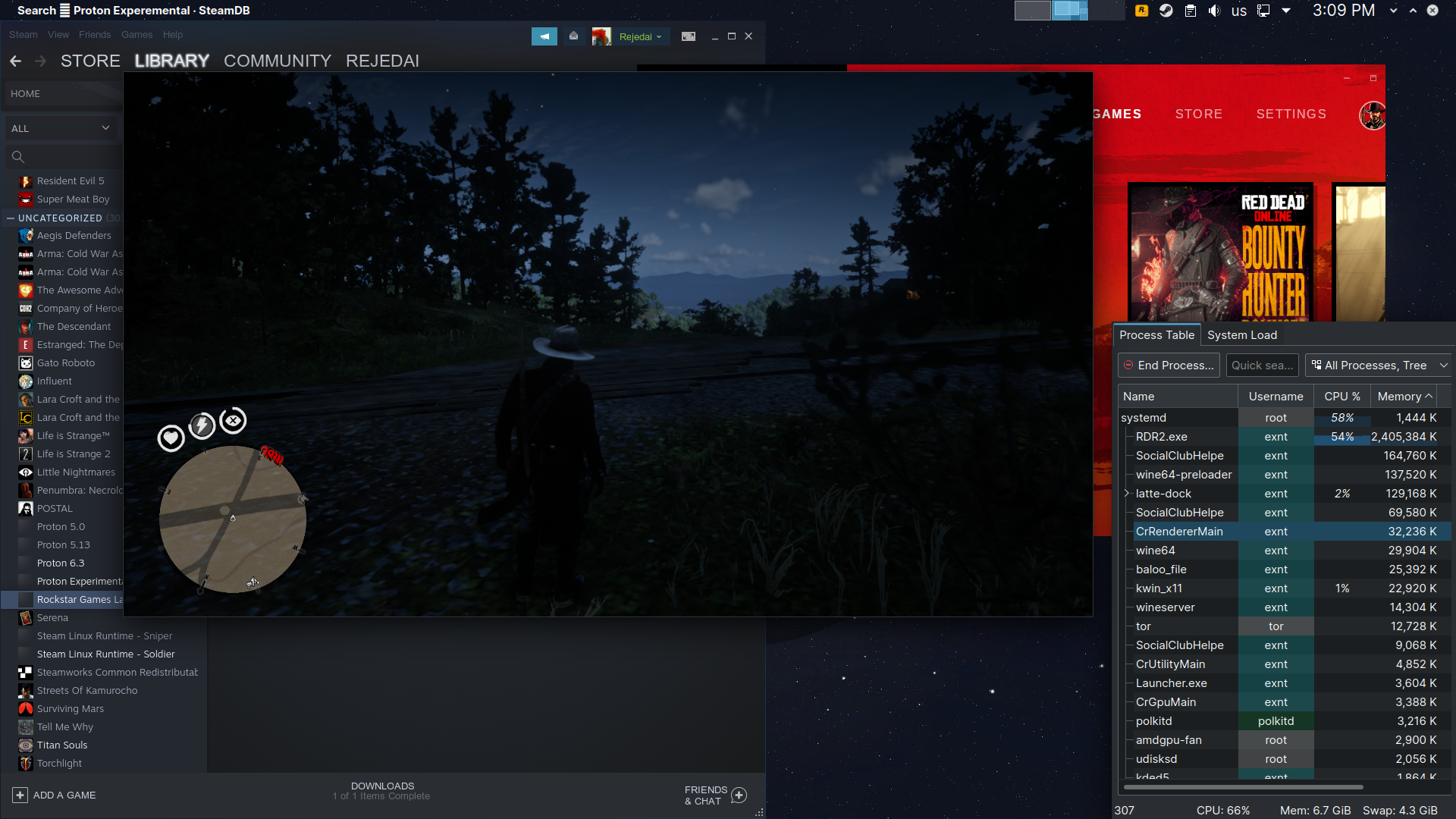
Great you got it sorted :) Must be a concidence as there seem to be no commits made after your report, but not impossible you faced an issue that someone already reported in another game.
But if I were you I would not add the RGL like that as non-Steam game for several reasons, it disables the soldier runtimes, and your game is not receiving the official configurations, so you could lack some very important parameters like hidenvidiagpu, this one if very important for nvidia users like me, without it, the game does not starts.
Anyway enjoy the game, that's a great one :)
@class101 Re to resolution keeps resetting on boot issue, can you try the following and give feedback on it?
- Drop the launch options you are using
- Start the game, set your resolution to desired one ( your native res would be the one i suppose)
- Change a graphical setting that will need a restart for the game to apply and will give a prompt to restart ( changing texture quality for example )
- After that when game restarts itself see if it kept the resolution you've set or not
This helps on my end; i think issue here is at launch Rockstar Launcher showing up. If it shows up ( a cold boot to game ) , game resets your resolution setting. If it doesn't ( game wants to restart itself due to a settings change, which won't kill and restart Rockstar Launcher, therefore it won't have any window appearing on your screen) resolution setting will be kept as you've set.
Is there any way to run the game in 1440p resolution on a 4k display in fullscreen? When I set the resolution to 1440p it is not using fullscreen even thought that option is set (either in launch options and/or in graphics settings). I only get fullscreen when I really change my resolution to 4k either in launch options or graphics settings. But I don't want that.
These are my launch options on Fedora 34 and Proton Experimental:
WINEDLLOVERRIDES=dxgi=n,b PULSE_LATENCY_MSEC=60 __NV_PRIME_RENDER_OFFLOAD=1 VK_ICD_FILENAMES=/usr/share/vulkan/icd.d/nvidia_icd.json %command% -vulkan -fullscreen -USEALLAVAILABLECORES -cpuLoadRebalancing -ignorepipelinecache
The only workaround right now is to lower the res of my display which is really annoying.
@ruffson why don't you just lower the resolution scale in the game?
@ruffson why don't you just lower the resolution scale in the game?
That is exactly what I was looking for. Thank you!
The first loading screen takes really long to get to this part and then gets stuck here while using DirectX 12:

I really wanna test this game using DLSS on Proton Experimental. My launch commands are:
PROTON_NO_ESYNC=1 DXVK_LOG_LEVEL=none WINEDLLOVERRIDES="dxgi=n,b" PULSE_LATENCY_MSEC=60 -dx12 -width 1920 -height 1080 -borderless -USEALLAVAILABLECORES -cpuLoadRebalancing -ignorepipelinecache
@NiryBiry doesn't the game have dlss support for Vulkan?
@ErikReider Ingame no the option is not given.
Also, about testing the DLSS update, we should remember that hidenvgpu or PROTON_HIDE_NVIDIA_GPU=1 is forced in the SteamPlay official configuration for RDR2.exe to load properly on Nvidia cards, there are some side effect possibly conflicting with the nvidia features, e.g. the card is recognized ingame as AMD NVIDIA GeForce GTX 980, no signs of nvngx_dlss.dll being loaded either.
Just to keep in mind these are not optimal conditions for testing functionalities specifics to Nvidia cards.
About DX12 very long loading I can reproduce too.
There seem to be a large influx of vkd3d-proton log entries when it occurs as following
1132:warn:d3d12_command_list_IASetIndexBuffer: Got NULL index buffer view, indexed draw calls will be dropped.
948:fixme:d3d12_root_signature_init_global: Ignoring root signature flags 0x3e.
988:warn:d3d12_pipeline_library_load_pipeline: Pipeline "X2JC7h7Uj8C" does not exist.
1132:warn:d3d12_command_list_IASetIndexBuffer: Got NULL index buffer view, indexed draw calls will be dropped.
1132:warn:d3d12_command_list_IASetIndexBuffer: Got NULL index buffer view, indexed draw calls will be dropped.
988:warn:d3d12_pipeline_library_load_pipeline: Pipeline "J@of21Fhb11" does not exist.
948:fixme:d3d12_root_signature_init_global: Ignoring root signature flags 0x3e.
1132:warn:d3d12_command_list_IASetIndexBuffer: Got NULL index buffer view, indexed draw calls will be dropped.
948:fixme:d3d12_root_signature_init_global: Ignoring root signature flags 0x3e.
988:warn:d3d12_pipeline_library_load_pipeline: Pipeline "hAW6FcJ9gs2" does not exist.
And I'm unsure of the consequence that nvidia still hasn't implemented VK_VALVE_mutable_descriptor_type in its Vulkan specification, vkd3d-proton is complaining a few times my nvidia drivers are not up to date, but I can not force the nvidia team to release the update unfortunately :zany_face:, it is still not yet implemented in the current 465.31-14 here on Arch Linux.
948:warn:vkd3d_memory_info_find_global_mask: Blocking memory type 10 for use (PCI-pinned memory).
948:info:vkd3d_bindless_state_get_bindless_flags: Device does not support VK_VALVE_mutable_descriptor_type.
948:fixme:d3d12_device_caps_init_feature_options1: TotalLaneCount = 2048, may be inaccurate.
@class101 I guess I will have to install RDR2 on Windows to test it out until it gets sorted on Linux.
I've found a fix regarding DLSS on Linux using Vulkan. What I used was:
- Files nvngx.dll and _nvngx.dll from the NVIDIA Beta driver 470.42.01 and put them in the game folder right next to the executable.
- Proton-6.12-GE-1.
- Launch commands:
PROTON_HIDE_NVIDIA_GPU=0 PROTON_ENABLE_NVAPI=1 %command% -USEALLAVAILABLECORES -cpuLoadRebalancing -vulkan -fullscreen
DLSS appears as an option and can be toggled on or off and while I did see a difference in image quality with it enabled, it didn't boost my FPS by a lot; maybe I haven't tested it too much. Nonetheless, the boost in image quality with no FPS loss is appreciated since this game was really blurry with only TAA enabled.
Is it possible to run the game on a specific monitor? I can only get the game to run on my main screen by disabling other screens. When moving the window the game flips the window right back onto the other monitor. In-game monitor selection does nothing.
If you're using kwin, it should be able to force the client window to a specific monitor.
Hello,
I have the same issue when launching the game on steam nothing happens, not even the rockstar launcher appears, i am using manjaro distribution can you provide me some help
The game seems broken on 6.3. When I launch it the launcher disappears but the game doesn’t appear. Switching to Proton Experimental solves it.
i have the same issue with both, tryed all the proton versions, even the GE ones, nothing happens when i press play
Anyone got a fix for ERR_GFX_STATE that seems to happen frequently?
try setting VK_ICD_FILENAMES
How would one do this? I’m on Nvidia if that makes any difference.
for running under steam, add this to game launch options:
VK_ICD_FILENAMES=/usr/share/vulkan/icd.d/nvidia_icd.json %command%
I don't know if that is the correct path on your machine. You should verify if that file exists first.
Does that work in the Steam Flatpak?
humm... I think on Flatpak doesn't.
I don't know how to use custom drivers on it.
Also Nvidia only has one Vulkan Driver so it can't use anything else. Seeing as VK_ICD_FILENAMES chooses the driver to use I don't think this would change much. Unless I'm wrong of course. It seems to crash around every 30 minutes when playing online which is quite annoying.
I know there have been reports that setting VK_ICD_FILENAMES fix crash at start on RDR2
You can give it a shot. Or you could try installing Proton-GE on flatpak.
It doesn't crash at start though. It's after around 30 to 1 hour of gameplay. I will try Proton-GE to see if that changes anything. Thank you.
You should be on 455.50.19
Driver version you mean?
Oh no, they released 470.56.05
You should be on 455.50.19
455.50.19 doesn't fix the online crashing after 30 minutes issue from @TheGreatestJannet
Running rdr2 with mesa drivers and vega56 just fine in 4k borderless mode with vulkan settings with xwayland. However, when running fullscreen the max resolution i can set is 1920x1080. Which component requires a bug report?
Running rdr2 with mesa drivers and vega56 just fine in 4k borderless mode with vulkan settings with xwayland. However, when running fullscreen the max resolution i can set is 1920x1080. Which component requires a bug report?
I can confirm I have that issue to on sway.
On weston is detecting 1440p.
I also have that issue both on Plasma Wayland and Sway using the latest Proton-GE. However with Proton Experimental I was able to raise the resolution to 4k on fullscreen (on Sway). Didn't try other versions yet.
What I wanted, was to get it to fullscreen at a lower resolution than the screen it self has.
To test FSR on RDR2.
I think with gamescope it works
This game is consistently crashing/hanging for me now after ~110 hours of fairly stable gameplay. I can start up a game and load into the map, but after about 30 seconds of walking around the game just hangs or gives the common GFX STATE error.
I've deleted both the compat data directory and the shader caches, but no luck. I'm running a GTX 1070 with the new 470 driver, and Proton 6.3-6. Anyone else seeing similar crashes?
I also have that issue both on Plasma Wayland and Sway using the latest Proton-GE. However with Proton Experimental I was able to raise the resolution to 4k on fullscreen (on Sway). Didn't try other versions yet.
Same here with Proton-GE (for FSR) on Wayland, tried with Gamescope, but either the game launches in a window or it only sees 3 resolutions (540p / 720p / 1080p if I remember correctly).
Ended up switching to X11, with Proton 6.15-GE-2 with these launch options: WINE_FULLSCREEN_FSR=1 WINE_FULLSCREEN_FSR_STRENGTH=2 PULSE_LATENCY_MSEC=60 MANGOHUD=1 %command% -USEALLAVAILABLECORES -cpuLoadRebalancing -vulkan -height 1662 -width 2954 -fullscreen
Although, that ended up with some screen tearing at the top of the screen, so I enabled the amdgpu option "TearFree" which solved that issue, but the game still had some stutters, so disabled VSync / triple buffering in game and enabled Mangohud's Vsync, now the game runs perfect.
Any news, dxgi in dxvk has been fixed? No more memory leaks? The problem with the fact that the game crashes every 2-3 hours is still present.
Haven't tried DXVK.
There is a VRAM leak on Vulkan however, takes about 2 hours to fill up 16GB of VRAM, saving / reloading or exiting the game is the only way to get it to get back down I've found.
There is a VRAM leak on Vulkan however, takes about 2 hours to fill up 16GB of VRAM, saving / reloading or exiting the game is the only way to get it to get back down I've found.
Can confirm, and even quicker with all settings on ultra (using a 5800X, a 6900XT, and running at 5120x1440).
It's especially pronounced in Saint Denis where you can fill up the VRAM in 10-15 minutes, causing a CTD.
Radeontop does show a save and load drops the VRAM to 8gigs (around the same as a fresh start).
It's especially pronounced in Saint Denis where you can fill up the VRAM in 10-15 minutes, causing a CTD.
I'm further in the game now and this is pretty much what's happening, after 15-30 mins the VRAM is maxed out, I'll wait a few months and come back to the game, hopefully it's fixed by then, not very enjoyable to save / load constantly.
Can anyone get the script hook to work? I tried this one, and it isn't working.
Can anyone get the script hook to work? I tried this one, and it isn't working.
i assume it's similar to gta5's - try:
open protontricks>choose game>select default wine prefix>run winecfg>libraries tab> put in dinput8 into the box, click add and apply.
That works! Thank you so much!
This might help someone ?
Got the game working in story mode with no drama.
With GE 6.16-GE-1 attempting to play online gave an error along the lines of "you are in offline mode, please connect to R* SC". Even though I was connected to the social club.
With both the latest Proton and experimental it got further. Saw the sepia photos and then every time a 0x000000200401 (made that number up, I can't remember) can't connect to servers error.
I installed it on Windows, played through the intro / tutorial until in proper free-roam. After that I connected in Linux first time (6.3-6).
Edit: First two sessions have been solo but at least it's progress!
To make the game work on my Arch RTX 3060 system, I have to
-install dxvk-nvapi into the prefix
-set vulkan-1 to native
Otherwise the game won't start. This is with latest Proton Experimental used as Wine replacement to launch Rockstar Games Launcher version of the game. I wonder if this is also expected with the Steam Version and "real" Proton experience?
Replying to https://github.com/ValveSoftware/Proton/issues/3291#issuecomment-926097215
Not at home to test but I don't think because SteamPlay automatically adds the PROTON_HIDE_NVIDIA_GPU option and so on, once it used to bypass the nvidia necessary stuffs like that nvapi dll
This is with latest Proton Experimental
Installing dxvk-nvapi shouldn't be necessary, because Proton Experimental already has dxvk-nvapi, all you have to do is enable it with PROTON_ENABLE_NVAPI=1 in the launch options. But dxvk-nvapi shouldn't even be needed.
This game is consistently crashing/hanging for me now after ~110 hours of fairly stable gameplay. I can start up a game and load into the map, but after about 30 seconds of walking around the game just hangs or gives the common GFX STATE error.
I've deleted both the compat data directory and the shader caches, but no luck. I'm running a GTX 1070 with the new 470 driver, and Proton 6.3-6. Anyone else seeing similar crashes?
I have the same problem. RDO was working fine for many months but recently I'm seeing 2 things:
- Game loads but I cannot enter the map, the black/white/sephia loading images seem to never stop (most of the time)
- When I can load the map, I can move and "play" for a few moments/seconds but the game then freezes.
So far I've:
- Reinstalled RDO
- Tried Proton-6.15-GE-2
- Tried kisak and oibaf drivers
- Current launch options:
VK_ICD_FILENAMES=/usr/share/vulkan/icd.d/radeon_icd.x86_64.json RADV_PERFTEST=aco PROTON_LOG=1 gamemoderun %command% -ignorepipelinecache -vulkan
Not at home to test but I don't think because SteamPlay automatically adds the PROTON_HIDE_NVIDIA_GPU option and so on, once it used to bypass the nvidia necessary stuffs like that nvapi dll
No it doesn't, I have several Steam Play games where my GPU is reported as an Nvidia RTX 3090. Dying Light (yes the Proton version), Hitman 2, Doom Eternal, Wolfenstein: Youngblood, Borderlands 3, the list goes on. I actually don't have a single game where my GPU doesn't get reported as an Nvidia one.
Steam Play used to do that for pretty much every game, but that's not the case anymore. Obviously, since DLSS and other such stuff that requires accurate reporting of the GPU to the game has been added.
I have several Steam Play games where my GPU is reported as an Nvidia RTX 3090
This has nothing to do with hiding the NVIDIA GPU... Games will still see the correct model name but internally (within the driver APIs), the GPU will be reported as vendor=AMD. If the vendor isn't NVIDIA, nvapi won't be loaded/used.
The performance/graphics quality seems horrible compared to windows for me. The whole games seems very blurry and textures seem very low res. The settings do very minimal affect on texture quality besides making the performance even worse. The upscaling of the resolution seems to remove the blur but just kills the performance even more. Basically cant get a stable 60fps at any settings. I have ryzen 3600 and rtx 2060 (mid/high settings always over 60fps on windows), updated drivers, tried multiple proton versions including some of the recent GE versions. Any1 have anything similar or any idea whats going on?
Replying to https://github.com/ValveSoftware/Proton/issues/3291#issuecomment-930559671
Yep, I have similar issues. I should be getting well over 60 FPS and even over 100 FPS with my i7 5960x and GTX 1070 on Ubuntu 20.04 with NVIDIA 460.91.03, according to this (at least for Windows): https://www.gpucheck.com/compare/nvidia-geforce-gtx-1070-vs-nvidia-geforce-rtx-3060/intel-core-i7-5960x-3-00ghz-vs-intel-core-i9-10900k/low and according to this: https://youtu.be/MF32Wv-sybM?t=1341 I shouldn't even be dropping below 80 FPS ever yet like 70 FPS is like the maximum I get.
I'm experiencing similar performance issues in GTA V.
Check GPU utilization and other stats (you aren't actually running it with vkd3d-proton, are you?). Performance is fine for me with 3060 on 470.74, Win 10 is only 2-3% faster (typical Nvidia result across other games).
GPU utilization varies depending on the settings I'm on, but on both high or low settings I still get way lower performance than I should be getting at least compared to you guys it seems like.
I don't think I'm running it with vkd3d-proton, how would I check? I'm using Proton 6.3-6 (also tested Proton Experimental, no difference) with no launch options at all. My setup is fairly standard and I think I should be getting way better performance.
I don't think I'm running it with vkd3d-proton, how would I check? I'm using Proton 6.3-6 (also tested Proton Experimental, no difference) with no launch options at all. My setup is fairly standard and I think I should be getting way better performance.
By default the game probably runs in DirectX12 mode, which means you'd be using vkd3d-proton.
Which would explain your performance, because Pascal GPUs (like your GTX 1070) can't run vkd3d-proton well due to architectural limitations at the hardware level. To put it simply, Pascal (and earlier) Nvidia GPUs will always get horrible performance in games using vkd3d-proton. Turing and Ampere aren't affected, and neither are AMD GPUs.
But yeah, check and see what API the game is running with. If it's DirectX 12, change to Vulkan.
I am running with Vulkan, v-sync off, and my performance is indeed horrible even in single-player.
Here's a screenshot showing less than 70 FPS on the lowest settings at 1080p, seriously look at that quality vs performance lol:
I get well over 200 FPS in Overwatch on low settings at 1080p for reference.
Things are working better after doing a few things:
- Updated to kernel: linux-image-5.12.19-t2-a-bigsur (for macbook pro)
- Proton-6.15-GE-2 Or Experimental
- Updated oibaf drivers (21.3.0)
- Current launch options: None
- Pulse audio (I think this was the actual fix), reset previous "tweaks" and now just have(suggested here):
/etc/pulse/daemon.conf
default-fragments = 2
default-fragment-size-msec = 4
/etc/pulse/default.pa
load-module module-udev-detect
How can you tell your performance issues were related to PulseAudio?
edit: Oh, you had crackling in-game? I don't have any crackling, I just have like half the performance I should expect to have.
The game doesnt even launch in directx12. I am using vulkan aswell. GPU usage for me is around 80-90% depending on situation. I guess that is slightly strange because id expect it to be closer to 99 but even at 80-90% i shouldnt be running mid settings 40fps on a 2060.
@ipkpjersi I've seen similar super low-res ground textures and low performance, and it looks like the quality settings in the settings page do not reflect what the game actually uses. You may need to use manual settings. This easily results in very reduced performance. I haven't played that in a while because (a) I'm really having a hard time getting used to these strange controller mappings and (b) I hate when a dialog option directly results in starting a mission/quest when I intended to only check out what it is about - but I remember that later Proton Experimental versions ran it quite well, at least performance went up a lot, I wasn't able to fully fix the low-res ground textures without compromising performance too much but the rest looked fine (although I still think the game is very good at hiding underlying bad texture resolution with proper geometric overlays and details, so in the end it may work as designed given that Proton may still add a lot of performance overhead in this game).
This game is consistently crashing/hanging for me now after ~110 hours of fairly stable gameplay. I can start up a game and load into the map, but after about 30 seconds of walking around the game just hangs or gives the common GFX STATE error.
It's also unstable here with Wine 6.18-GE-1, lutris-fshack-6.14-3 and Proton Exp. run via Lutris, same error as yours. It looks to be stable with self compiled wine-staging-tkg build, so I wonder if there is an issue with the runtime and the Nvidia driver in this game.
Btw: Also with Lutris (+Wine-GE) I still have to set vulkan-1 to native to make the game load successfully. It also runs slower when using DXVK + DXVK-NVAPI, ~58fps instead of 63fps in the first scene. With Wine's device management instead of DXVK/NVAPI, the game also uses more VRAM, which seems to be a good thing at least with my 12GB card. Otherwise I'm getting frequent slowdowns when the game periodically discards loaded data in VRAM (especially noticeable in Saint Denis).
https://github.com/ValveSoftware/Proton/issues/3291#issuecomment-931459164
@kakra I've tested both Proton 6.3-7 and Proton Experimental but neither of them improve performance, and personally I don't care too much about graphics as long as the performance is good. I'm not sure how much of it can be attributed to Proton overhead because it seems like I'm getting like half the performance I would expect if I were to run this game natively in Windows. I'm not really sure how much more debugging I can do that might be helpful for these performance issues.
Proton (CPU) overhead is not that much, especially not with native Vulkan. A 6700K with decent RAM can pull off stable ~90fps in Saint Denis, though the game can have issues with Above 4G Decoding enabled (or perhaps even the Nvidia Linux driver in general).
I looked into my dmesg to see whether there was something odd when the game crashes with Wine GE. Indeed there was an odd HPET log entry, so I appended hpet=disable to my bootloader config. It hasn't crashed since... fingers crossed
Edit: Crashed again. I guess it's just buggy game + drivers...
I tried it again with current Experimental: It somehow discarded by previous settings at started at 720p. Special launch parameters are no longer required. I've set it to 1440p and individual graphics settings: Textures to ultra, everything else to medium, and now it runs at 60 fps locked most of the time, on my 1660 Ti GPU and i7-3770K CPU. I think the default automatic settings are just screwed. It's probably one of those games that need nv libs to detect proper graphics settings automatically.
With textures on ultra, ground textures look good now. I didn't try upping the other settings from medium to anything higher yet because it looked good enough for a few tries. It looks much better than in earlier tries, may actually be worth playing now. I could probably increase one or another setting from medium to high. Performance looks very promising with decent visuals. The high CPU overhead seems to have come from some other problem before but probably not from translating graphic API calls.
The ultra textures from my previous tries were still set, but back that time it looked like the game didn't even care and used very low texture quality as posted here by @ipkpjersi.
How do I specify/set nv libs for it to detect proper graphic settings automatically (would that increase performance)? I'm surprised it's performing so well for you, I have a 1070 and a 5960x at 4.4GHz which should be stronger than a 3770k I would think and my performance isn't that great, maybe like 60-70 FPS, maybe 80 FPS max, on the lowest settings possible. There are literally people getting over 150 FPS on Windows with a 1070:
I'm surprised it's performing so well for you
Well, that may partly depend on me using Gentoo (which compiles kernel and packages natively optimized for the CPU I'm using), partly on using the NVIDIA Vulkan Beta driver, and partly using a patched stock kernel. I'm running a mostly stock kernel with optimized CPU scheduler settings (stock scheduler with schedutil governor), some cherry picked patches from Intel (tho the base version of the PR seems borked, so it shows a lot more patches than it actually is), and some cherry picked/backported Steam-specific patches. I'm not sure how multithreading works in the game but it may make a great difference choosing good kernel options regarding scheduling, maybe also check if your system is thermal throttling - I had that once and fixed it by undervolting a little and adjusting load calibration levels while still overclocking boost to 4.1 GHz. I'm also pretty sure that most of the alternative kernels using a different scheduler may increase thread throughput at the cost of scheduling latency, which may be good for some games but bad for others. So it may be worth a try using a stock kernel with mostly only fsync-patches.
PS: I'm only running LTS kernels currently, so my patches are for 5.10.
BTW: I've read you're using PulseAudio. I switched to pipewire some time ago which fixed audio crackling for me and it looks like it's using much less CPU.
I'm using PulseAudio but I'm not having any audio crackling, I'm not having any thermal throttling either as my thermals are great for CPU + GPU. It could be your patched kernel, or beta NVIDIA Vulkan drivers or something else.
Ok i finally figure out my issue. Went to global nvidia settings and put performance mode to maximum performance instead of auto. Now instead of my GPU jumping from 80-90% usage its now at constant 95%+. Ultra textures/all else medium video settings got me 30-40fps boost and easily runs 70-100 fps. Basically of what i was getting in windows.
I just tested performance mode maximum performance instead of auto and it's not helping very much at all, I'm still getting like 60-70 FPS at the absolute lowest settings, GPU usage is staying around 90-98% with my 1070 on NVIDIA 460.91.03 on the latest Proton Experimental:
I double checked just now and it wasnt the nvidia global settings fault. It was actually OBS causing the huge performance loss. Just having OBS open not even recording/streaming anything kills the performance for some reason for me.
I've actually had similar issues with OBS, for some reason with this game I either need OBS minimized and/or preview turned off in order to not tank FPS below playable levels. Other games do not have this issue. Even without OBS even running, I am still getting worse FPS than I would expect to get and presumably much worse performance than on Windows.
Yea thats why it took me so long to figure it out because i dont have an issues with other games so OBS never came to mind
Gentoo + patched kernel can't remotely explain the performance discrepancies. All of that at most could account for a 5-7% performance jump. The Vulkan beta driver could potentially explain some of it, but I doubt it. I've tested the latest versions of both the stable and Vulkan beta drivers and performance is identical in every game I've tested.
@ipkpjersi if anything it might be the fact that you're on the 460 driver version. You should definitely try 470, whether it's the stable drivers or the Vulkan beta ones.
Well I fixed the performance issues but now im crashing with GFX_STATE error very frequently. There seems to be a correlation with settings and frequency of the crashes(TAA as a lot of people point out seems to not affect this much). Higher the settings the more often you crash. When i had performance issues i played on pretty low settings and got thought whole chapter 1 with no crashes and now with high/ultra mix of settings i cant get to the sadies house in chapter 1 without a crash. GPU usage/vram usage seemed normal as some people point out it might be vram related. Seems like this game is only properly playable in clay textures mode as @ipkpjersi is experiencing
I think installing NVIDIA 470.74 stable driver fixed my clay textures, although my performance is still roughly the same, maybe 5 FPS better on average. I'm still getting around 70 FPS but at least the textures look better for no performance cost.
Ah okay so the 470 drivers make the difference for the textures... I can probably confirm this by saying that I wasn't running a 470 driver last time I tried...
I still wouldn't rule out scheduler governors, tho. That may be similar to what the NVIDIA performance mode does for some people.
Is there any news about the dxgi bug?
Has anyone had issues with their controller joystick? This is a problem I'm experiencing only with RDR2 in Steam, and I verified the joysticks are working correctly using the HTML5 GamePad website.
The right joystick commands full UP pretty much constantly, making the game unplayable. Very confusing, no idea what to do. Steam Input is disabled.
Using latest Proton Experimental.
Xbox Series X controller with xpadneo seems to work fine for me, I'm using Proton 6.3-7.
On the same system, both xpadneo and USB-connected (xpad) work fine. It may be stray joystick calibration data in /var/lib/joystick.
Coming back to this because I have had to play without the controller all week. I have verified with HTML5 GamePad that the controller itself is inputting as it should and cannot reproduce in other games.
There is no /var/lib/joystick directory on either of my machines, both running Steam (one Ubuntu, one Arch).
I was able to play a few times without issue, but the majority of the time, the player will start to look up or look down, and input is needed to reset the camera. Pressing RS (right stick) will usually trigger this bug also.
Does anyone have any recommendations for debugging this? Latest Steam, latest Proton Experimental, Stadia controller.
More info
I have tried disconnecting the mouse, just in case it was some kind of input conflict, but it still persists. Unplugging the controller and plugging it into a different USB port seems to make the situation much worse, such that the left stick starts to register uncommanded left stick and seemingly even D-pad input.
Input conflicts?
Tapping LT causes the player to look up continuously, i.e. full RS [Up].
I don't have a /var/lib/joystick either but my Xbox Series X controller is working perfectly for me with the latest controller firmware and xpadneo, it even survived a Linux kernel upgrade recently.
I have no recommendations for a Stadia controller since I've never used one. I do love my Xbox Series X controller, though and it works really well.
Yeah, I'm not asking if the issue is present for everyone, the goal is to debug what's causing this issue. Not sure how to log or trace this.
If you use a controller layout where the mappings are different, i.e. RS to walk, the player is just walking around in random circles. It's probably the most severe issue I've ran into on Proton in years of using it, which is pretty impressive.
Yeah I was just saying that I have a controller and yet I don't even have a /var/lib/joystick, so perhaps it's normal that you don't have it either?
As always, check dmesg and /var/log/syslog when connecting the controller, trying to use it in-game, etc. That may give some hints as to what is going on.
I believe it is normal, I was just responding to peoples' advice to check that directory for stray configuration info.
I don't think dmesg will help much here, the controller is connected and works, but RDR2 is struggling to read the input correctly. My guess would be something Steam Input related but I have that disabled already, trying to rule it out.
@ctjlewis what controller do you have? No one's going to be able to help without knowing what kind you have. Different controllers have different requirements and are set up differently.
@gardotd426:
Does anyone have any recommendations for debugging this? Latest Steam, latest Proton Experimental, Stadia controller.
Enabling generic GamePad support seems to have resolved this.
I had tried this before, but now that the controller is correctly recognized as Stadia instead of Xbox, this seems to be working.
my Xbox Series X controller is working perfectly for me with the latest controller firmware and xpadneo
Actually, xpadneo has a fix for this since a long time: https://github.com/atar-axis/xpadneo/issues/57
The problem may be with controllers that claim to support an axis range of 0..255 (with the Stadia Controller, I believe) where the center is at 127.5. Xbox Controllers do the same: They claim to support a range of 0..65534. With xpadneo we shift this range to -32767..32767, so the center is perfectly at 0. This is not quite possible with Stadia where the range would need to be -127.5..127.7 to have a perfect center of 0.
xpad, OTOH, does work well even with Xbox controllers because it isn't a HID driver. Its internals automatically use a compliant range of -32767..32767. xow and xone work similar.
The old-school joydev device automatically corrects for that and shifts ranges (or at least it should) but its calibration may be off due to this until you move the sticks around before starting the game. Take note, tho: Proton does not use this old-school joydev device, it uses HID in raw mode or evdev, or to be precise, it uses SDL2 (this may be a little different with latest Experimental). So when you debug, looking at joydev-based tools is the wrong place to start.
SDL2 has - to my knowledge - a method similar to joydev to shift the range over to values centered around 0. So looking at SDL2-based tools is also not the right place to start first.
I'd look at evtest to see the min and max axis value supported. If min is 0, that is probably the problem here.
Before xpadneo had the range-shifting fix, a work-around was to move both sticks in circles and push both triggers before starting a game, or maybe after starting a game (don't remember). This usually properly detected the ranges - but usually it put the trigger axis off by 50% because joydev auto-calibration doesn't know about trigger axes and creates a center at 50% for them. Most games may still work properly with that because they know about this problem.
And yes, Steam Input probably corrects for that because I believe it uses SDL2 internally - which does the magic for this: It "steals" the device from the kernel, passes it through SDL2, and re-emits it as a virtual input device via uinput.
Hey guys,
I recently posted my investigation about the ERR_GFX_STATE error on reddit. I don't want to just copy and paste this, so to keep it short: I could avoid that crash when I rebooted my computer before playing RDR2, but then ran into another crash.
@kisak-valve I posted a lot of technical information in the linked post that might help fix the problem. Could anyone at Valve, CodeWeavers or even NVIDIA please take a look at this? This has been happening since the game started working on Proton about a year ago.
How much memory do you have?
Not sure if it is related but there's at least some competition between applications using VRAM and the game itself. The biggest problem seems to be OpenGL applications doing a bad job at garbage collecting their render surface allocations. This includes web browsers, compositing window managers and Xorg itself.
I've seen this problem very rarely only lately in other games, I didn't play this a lot but a few weeks ago I could run it smoothly with high memory settings and ultra quality textures on a 6GB VRAM GPU (1660 Ti) using the NVIDIA Vulkan beta driver and Proton Experimental for quite some time. And most of the other games have no problem at all (except Borderlands 3 in DX12 mode usually complains about VRAM exhaustion and quits but even that seems to work just fine lately).
I usually shut down web browsers, disable GPU acceleration in the Steam client, minimize all other windows and disable compositing before starting a game. You could try that. nvidia-smi -q (or without -q for a summary) might give you some insight on what processes use how much VRAM. The NVIDIA driver "secretly" (it wasn't in the changelogs) added a function to force garbage collection of OpenGL desktop apps after 10 or 30 minutes (not sure about the time, something in that range) so you should see the usage going down after some minutes of idle time - which frees up resources for the game. I'm not sure if this GC could be forced manually but since that version a lot of problems have been fixed for me. But it could explain why switching to desktop provokes unexpected VRAM shortage.
In contrast (I believe) to Windows the Linux driver isn't able to do some sort of VRAM swapping to system memory, and with Vulkan it shouldn't be needed anyways because Vulkan games would need to manage memory themselves. So your only way would be reducing the desktop VRAM footprint.
But as initially mentioned, I'm not sure if this problem is really only a memory management issue itself. It could just be some feature that works differently and exposes an unexpected state (i.e. some execution ordering might be different, locking and concurrency work differently in wine, etc). In any case, the game might need nvlib to properly detect memory usage, so you might want to try with the various "hide nvidia cpu" options of Proton. I'm pretty sure that most of the other tips are generally bogus or useless for NVIDIA, or they hurt performance.
If we are finally able to switch to native wayland with GBM support and no intermediate X11 layer, the situation may improve. I'd expect memory management to be much better there, and applications and libs can better track VRAM usage and leave less garbage behind.
Hi, has anyone encountered the error 0x20140000 when trying to log in online?
Hey @kakra, thanks for your insight.
I tried to keep the VRAM usage low by closing all other applications and also deactivating GPU acceleration in Steam, like you did. Compositing is automatically disabled by KWin when starting the game. So we are only talking Xorg, KWin, Plasma Shell and the game. I also regularly checked the output of nvidia-smi to confirm that my 8 GB of VRAM weren't full and I seem to have never reached more than 6 GB of usage (MangoHud confirms this too). I also tried the environment variables PROTON_HIDE_NVIDIA_GPU=0 and PROTON_ENABLE_NVAPI=1 but it did not change anything. I could easily provoke the crash if running some GPU heavy calculations before running the game, e.g. running hashcat for a while. The game would now crash almost instantly (3-4 minutes into the game) which it never had done before. After a reboot, the game runs for about 3 hours until I hit another crash, but this time directly to desktop without any message box (haven't had time to investigate this yet). Maybe unrelated but coincidentally DOOM Eternal, another VRAM heavy game, crashed on me after playing it for 3 hours yesterday too.
I now updated the NVIDIA driver to 495.44 with the GBM backend. I never tried Wayland before, but it might be worth it to check how the game behaves there. I still seems to me that there is a problem with the GPU driver. I stumbled upon a reddit post in my investigation, where a user states the following:
Somewhere in the last few months there was a driver update that interfered with the way certain high memory games interact with the V memory and overloaded it causing GFX errors within 10minutes or exits to desktop with no error, so by installing the initial/oldest driver Red Dead 2 can run on, it eliminates that error.

[...]

Install May's Nvidia certified driver, which for my 2080 TI is 446.14 [...]
This is related to Windows though, not Linux. Maybe the problem is related to this, but I can only guess. I would love for anyone at NVIDIA to take a look at this.
OT: will mark as off-topic later, maybe contact me on Discord or tag me over at one of the more specific GH projects
@lovelinuxhatemicah Do you see any NVIDIA driver related messages in dmesg after the crash happened? If you do, that would indicate some bug in the drivers and should be reported to the NVIDIA forums maybe. NVIDIA ppl are probably reading over in the sibling projects of Proton, that is DXVK and vkd3d-proton. There's also a Discord server "Linux Gaming Dev" which has some NVIDIA devs around but they have some strict rules about what to post where, so I'd start reading only first, or just use the user support channel. They may help better in debugging this.
I think most of the driver core (the GPU-specific part) is very similar to the Windows drivers, the layers around it differ. The core should be very battle-tested against games. So it probably comes down to how the driver interacts with the various Linux-specific compatibility layers and Linux memory management. Especially your findings about hashcat may be interesting as it looks like some driver state doesn't properly clean up - and that's a way to provoke it fast.
Personally, I've not tested wayland on KDE yet: It looks like Plasma 5.24 or .25 may be the first serious candidates to run it in production. Last time I tried (on an Intel iGPU), performance looked very promising but the bugs really turned me away fast, and NVIDIA hasn't been even near a state to be used at all back that time. I'm waiting at least for GBM coming to the Vulkan beta driver, or Plasma 5.24/.25 (depends on the open bug reports) - whatever comes first.
I usually had the odd RDR crash when I was still on my GTX970 and had 16Gb of RAM.
Eventually the GPU would hit the magical 3.5Gb mark and it would crash, after switching to 32Gb I never had that issue even with VRAM filled to almost the full 4Gb.
Now I have an RTX3060, not faced any issues yet. The only sad thing is I lost my save game :(
I have tried GBM and Wayland, it "works" but it is not there yet. For one scaling works "better" as in it scales everything up properly. Sadly it makes the text a little fuzzy, something that does not fly with me.
@sfjuocekr Oh, I can add here that I'm also having 32 GB RAM. What may come into play, especially with lower memory configurations, may be distributions which ship with support for transparent huge pages. It may be worth checking that. I've tuned my settings a little and it seems to work great:
# grep '^' /sys/kernel/mm/transparent_hugepage/**
/sys/kernel/mm/transparent_hugepage/defrag:always defer [defer+madvise] madvise never
/sys/kernel/mm/transparent_hugepage/enabled:[always] madvise never
/sys/kernel/mm/transparent_hugepage/hpage_pmd_size:2097152
/sys/kernel/mm/transparent_hugepage/khugepaged/alloc_sleep_millisecs:60000
/sys/kernel/mm/transparent_hugepage/khugepaged/defrag:1
/sys/kernel/mm/transparent_hugepage/khugepaged/full_scans:6
/sys/kernel/mm/transparent_hugepage/khugepaged/max_ptes_none:64
/sys/kernel/mm/transparent_hugepage/khugepaged/max_ptes_shared:256
/sys/kernel/mm/transparent_hugepage/khugepaged/max_ptes_swap:64
/sys/kernel/mm/transparent_hugepage/khugepaged/pages_collapsed:572
/sys/kernel/mm/transparent_hugepage/khugepaged/pages_to_scan:4096
/sys/kernel/mm/transparent_hugepage/khugepaged/scan_sleep_millisecs:10000
/sys/kernel/mm/transparent_hugepage/shmem_enabled:always [within_size] advise never deny force
/sys/kernel/mm/transparent_hugepage/use_zero_page:1
The following script sets the non-default values:
#!/bin/sh
echo within_size >/sys/kernel/mm/transparent_hugepage/shmem_enabled
echo always >/sys/kernel/mm/transparent_hugepage/enabled
echo defer+madvise >/sys/kernel/mm/transparent_hugepage/defrag
echo 64 >/sys/kernel/mm/transparent_hugepage/khugepaged/max_ptes_none
Users with less than 16 GB of RAM may prefer to turn it completely off (never) or use madvise only:
echo never >/sys/kernel/mm/transparent_hugepage/enabled
#    ^^^^^ <- or madvise
This should only have an impact for non-VRAM related issues (although it may affect sysmem mappings of the graphics driver).
GeForce Windows driver currently lists a known RDR2 crash issue:
[Red Dead Redemption 2][Vulkan]: The game may randomly crash during gameplay. [3405911]
https://www.nvidia.com/en-us/geforce/forums/game-ready-drivers/13/472619/geforce-49649-grd-feedback-thread-released-102621/
I think it's possible that the Linux driver is affected similarly.
I think it's possible that the Linux driver is affected similarly.
Yep, it makes sense because it's in the Vulkan path. It may also be a bug in the game engine, and the driver may be able to work around that (I think it probably already carries some workarounds for different games). But this brings us to an important difference: The Linux driver really doesn't have the same degree of game-specific driver profiles and optimizations. It has support for application profiles but that is probably very limited compared to the Windows driver.
On my system, there are driver-distributed profiles in /etc/nvidia/nvidia-application-profiles-rc. It probably covers only native Linux applications, wine acts a little strange when it comes to procname, cmdline and stuff - not sure, what exactly those profiles match, and if it would even catch processes that are created by wine.
Currently, it looks like most game-specific fixups and optimizations are hard-coded right into Proton/wine, DXVK and vkd3d itself.
when i was recording the gameplay was good enough
The Nvidia Linux driver shares the same code base with the Windows one, so that makes sense.
Increasing vm.max_map_count works as well in some out of memory situations where there is plenty of memory available.
Okay, I have those already set for my system:
# /etc/sysctl.d/99-memory.conf
vm.min_free_kbytes = 237610
vm.admin_reserve_kbytes = 262144
vm.watermark_scale_factor = 200
vm.max_map_count = 262120
So this probably also contributes why the problem didn't occur for me in a while? The min_free_kbytes and admin_reserve_kbytes are mainly to work around some latency issues when using btrfs on high loaded memory situations.
@kakra I tried to reproduce the ERR_GFX_STATE crash today. I was running hashcat for about 4 hours and it used about 3.7 GB of VRAM. I then started RDR2 and the game crashed after about 9 minutes. No error message popped up in dmesg. I found a post in this thread where @class101 pinpointed the code where the crash occurs. My guess is: Something is not cleaned up correctly (like you said), the game gets an unexpected result due to this and the game aborts at that point. This would also explain why a reboot before running the game would avoid this crash. Or maybe it's all coincidence. To be honest I'm not sure anymore :| I will take a look at my memory configuration next, to see if it makes any difference. I really doubt it though at this point.
@aufkrawall Thanks for the hint. I'm not sure if this is the same crash, as someone else writes in another forum post:
If I roll back to v.472.12 everything is working fine.
This crash has been happening for me since the game started working with Proton. No NVIDIA driver update ever helped with this.
@lovelinuxhatemicah I'm not familiar with how "de-compilers" work but something looks fishy in that code snippet:
/* WARNING: Control flow encountered bad instruction data */

void UndefinedFunction_14258415f(void)
{
  longlong in_stack_00000000;

  if (in_stack_00000000 == 1) {
                    /* WARNING: Bad instruction - Truncating control flow here */
    halt_baddata();
  }
  func_0xd07e44ac();
                    /* WARNING: Bad instruction - Truncating control flow here */
  halt_baddata();
}
(from https://github.com/ValveSoftware/Proton/issues/3291#issuecomment-850811246, @class101)
This looks like some guard that tries to protect against stack corruption: The variable defined on the stack at position 0 should be initialized by the compiler to 0 and should never ever be 1 (unless someone activated a compiler optimization to not initialize the stack - but then this code would be complete non-sense to start with). So the error probably already happened in the code way before this and some structures became corrupted, or another thread wrote data to the wrong location (which is actually the same problem just in another thread).
But there's also a "bad instruction" here, so the de-compiler created code that probable doesn't even resemble the original at this location - the code may just be corrupted at that point already.
Also, there's no indicator if the program died within or after the if clause - it has halt_baddata() in both places - and only the second remotely makes sense because the first could theoretically not be reached.
I'm not sure but this may result from how copy protection / DRM works. So this may be caused by DRM at some other place in the code. It still may be triggered by some unexpected state in the graphics pipeline which shouldn't exist in the first place. I wonder if that same error with the same crash location could be reproduced in Windows, and then I'd be quite confident that it's not actually a driver problem but something else that pokes around in the code and/or data structures, DRM maybe? Or the code just tripped over a bad offset for a function call, and thus the decoded instructions are just bogus - which would perfectly explain the bad instructions. Would be interesting to look further up the call chain.
Replying to https://github.com/ValveSoftware/Proton/issues/3291#issuecomment-959600373
I think the only thing I recall working was when -ignorepipelinecache worked. Assuming this actually did something back then, it hasn't worked for a very long time. I used it back when bshanks had those custom RDR2 proton builds. It could also be a coincidence. I hate this bug.
Edit: Sorry @kisak-valve I'll try to do it properly next time.
Minor update about my memory configuration:
This time I set the Texture Quality to "Ultra" in hope to provoke this crash sooner (as sometimes it might take a while). I set the the following variables:
vm.max_map_countto262120vm.watermark_scale_factorto200
I rebooted and verified if the variables were properly set with sysctl. Had one crash after about 4 minutes and another after about 35 minutes. Still have to test the transparent huge pages settings.
And I guess my tests with hashcat have been flawed too, a few times the game even crashed after a reboot. It still seems to be a lot less likely, but I can't be sure. So much for that theory then.
I checked ProtonDB pages of RDR2 and RDO to confirm if this bug only affects NVIDIA GPUs: Out of 19 people who mentioned the ERR_GFX_STATE, 18 had a NVIDIA GPU and 1 did not provide any hardware information. The earliest report is from 11 months ago. At least this part seems very clear-cut to me. Some of them had 16 GB RAM, some of them 32 GB. Interestingly some people with 32 GB RAM mentioned that the crash would only pop up occasionally, but they had a rather low playtime to reliably test this. But maybe we're onto something here.
@emptythevoid: I hate this bug too. The unpredictability makes it hard to test any possible solutions. And yes, a lot of coincidences. This makes me think it can only be a problem with RAM or VRAM. There are no fixed steps where I could ever reproduce this crash.
@kakra I have now tried all of your memory settings, but the game is still crashing. I'm probably gonna swap out the 16 GB RAM with 32 GB soon. Otherwise I'm out of ideas, I've practically tried everything over my nearly 440h of playtime. I also swapped out a lot of other hardware components in the last year too, so my guess still is that it is a problem with the NVIDIA driver. Next GPU will be AMD, I have had enough of all these problems I had with NVIDIA over the years.
Switching to AMD just for this is just wrong imo. You will just swap Nvidia problems for AMD problems, and there is a lot too on the AMD side.
Also moving from 16 to 32 GB memory won't change a thing on this, I got it here without even reaching the 16GB mark.
@class101 I don't plan on switching the GPU soon, just got it before the prices exploded due to the chip shortage. And you're not wrong about AMD. I'm aware that there are problems on that side too, but at least the community might be able to fix these in a timely manner. With NVIDIA I'm always waiting a long time until they get their butts into gear, e.g. Wayland support. Any past headaches I had with Linux, it was mostly about NVIDIA.
About the RAM: Yeah, I don't think this will help either. But I planned to swap it anyway, so it's just a last hope that this might make the game more stable.
Switching to AMD just for this is just wrong imo
While I have a similar opinion, this depends: If you insist on using open drivers for the hope of having sooner fixes - then do it. AMD is not making bad hardware. And it is important to have some competition. For that reason, I hope that Intel delivers good hardware, too - and with open and high quality drivers. It may push NVIDIA to rethink their strategy.
OTOH, I don't believe open source developers could fix problems any sooner (they are just in better control), and they have a lot to catch up given that especially the relevant open drivers are relatively young. NVIDIA delivers a high quality, battle tested and high-performance driver. Yes, it's closed source - so you cannot try to fix things yourself (but who does, there are probably only a handful of core programmers who really contribute quality code), and it also has it's own quirks (which NVIDIA usually fixes quite fast - that is unless we look at wayland integration). So there's really no reason to hate one side over the other - unless you're a developer yourself and would be able to contribute code and fixes. But if you aren't, an open driver is nothing better than a closed source driver: It ends up the same on your computer - pre-built and binary.
And if I look at the bleeding-edge quality of some driver components you'd currently usually need, I'd say such a decision is too early. And that will not change for at least one or two more years.
Proton (and it's components wine, DXVK, and vkd3d, and probably more) is now 3.5 years old (and maybe somewhat longer in the making) - and it's impressive what it delivered especially in the past few months (but keep in mind, wine is from the 90s and had a longer way to come, and was used for gaming much longer than Proton). It definitely reached a critical point from which development and performance took off. It's a good example for what an investment from a closed-source company (Valve) could accomplish when going open-source with some of their components. I could imagine something similar happening for open source drivers over a similar time period. Until then, I'll stay with NVIDIA as a stable but probably also rather slow moving platform (wrt compatibility with new technologies).
As far as I understand, are you trying to solve a memory leak problem?
WINEDLLOVERRIDES=dxgi=n,b doesn't help anymore?
As far as I understand, are you trying to solve a memory leak problem?
WINEDLLOVERRIDES=dxgi=n,b doesn't help anymore?
There is no memory leak as far as I can see. There might a problem with memory management though, but it is just a guess. I have the override set, but I does not fix the ERR_GFX_STATE crash.
What does indicate that it was a memory leak? The game still clears portions of data in VRAM with Wine DXGI, but allows much more VRAM to be allocated for whatever weird reason (game probably is bugged, it also uses more VRAM on Windows with AMD & rBAR).
I have:
vm.max_map_count = 16777216
Red Dead Redemption 2 (1174180) - PopOS 21.04 - ERR_GTX_INIT - Failed to initialize graphic device. Please reboot or reinstall latest driver
Issue transferred from https://github.com/ValveSoftware/Proton/issues/5365.
@deadmantfa posted on 2021-11-30T15:43:54:
Compatibility Report
- Name of the game with compatibility issues: Red Dead Redemption 2
- Steam AppID of the game: 1174180
System Information
- GPU: NVIDIA GeForce RTX 3080
- Driver/LLVM version: 4.6.0 NVIDIA 470.86
- Kernel version: 5.15.2-051502-generic
- Link to full system information report as System Information
- Proton version: Proton Experimental/ Proton 6.3.-8 / Proton 5.13-6
I confirm:
- [x] that I haven't found an existing compatibility report for this game.
- [x] that I have checked whether there are updates for my system available.
Symptoms
Cannot run the game.
Reproduction
Download the game
Let the installer finish
Then play
After Rockstar launcher and Rockstore social club are installed, an error will occur saying
Title: ERR_GTX_INIT
Message: "Failed to initialize graphic device. Please reboot or reinstall latest driver"
Hello @deadmantfa, looking at your system information, https://gist.github.com/deadmantfa/67b878d9b21e69939c029fe56d5a9726#file-gistfile1-txt-L385 might be a hint. If the game was trying to use the AMD Renoir chipset for some reason while the system is configured to run X on the nVidia GPU, it would fail in a similar way as you're seeing.
Maybe try adding __NV_PRIME_RENDER_OFFLOAD=1 __VK_LAYER_NV_optimus=NVIDIA_only %command% to the game's launch options and see if that has an effect. It may be worthwhile to give https://github.com/ValveSoftware/steam-runtime/issues/312 a read.
__NV_PRIME_RENDER_OFFLOAD=1 __VK_LAYER_NV_optimus=NVIDIA_only
@kisak-valve This worked like a charm, Thank you so much
I must admit that I have been suffering from random crashes on RDR2 for the past weeks that I played it.
At first I suspected DLSS to cause the crashes, I turned it off (spoofed AMD GPU) and played for quite a long time before it crashed again. But the first times I played the game it never crashed with DLSS on.
I have tried several different versions of Proton and the Lutris wine builds. They all seem to have these crashes. I'm going to try the Vulkan beta driver from nvidia, currently I'm on 495. edit: game won't even start with the vulkan beta driver.
RDR2.log
attachment_crashcontext.log
I do not see anything of immediate interest in those logs.
Compatibility Report
- Name of the game with compatibility issues: Red Dead Redemption 2
- Steam AppID of the game: 1174180
System Information
- GPU: NVIDIA GeForce RTX 2080 SUPER
- Driver/LLVM version: 470.86
- Kernel version: 5.15.5-76051505-generic
- Link to full system information report as Gist: https://gist.github.com/bqk-/f487feba2dec2d30bfcde6b241e51b09
- Proton version: Experimental, 6.3-8, 6.21-GE-2
I confirm:
- [] that I haven't found an existing compatibility report for this game.
- [x] that I have checked whether there are updates for my system available.
Steam logs: https://gist.github.com/bqk-/728a4a67fe057870d8bb0815ba571e55
Symptoms
Launcher starts, Rockstar logo with the loader then as soon as the game window starts:
ERR_GTX_INIT - Failed to initialize graphic device. Please reboot or reinstall latest driver
Adding __NV_PRIME_RENDER_OFFLOAD=1 __VK_LAYER_NV_optimus=NVIDIA_only %command% does not solve the issue. Tried also -ignorepipelinecache.
@kakra I have now tried all of your memory settings, but the game is still crashing. I'm probably gonna swap out the 16 GB RAM with 32 GB soon. Otherwise I'm out of ideas, I've practically tried everything over my nearly 440h of playtime. I also swapped out a lot of other hardware components in the last year too, so my guess still is that it is a problem with the NVIDIA driver. Next GPU will be AMD, I have had enough of all these problems I had with NVIDIA over the years.
Update to my post from last month: Swapped out the 16 GB RAM with 32 GB and the ERR_GFX_STATE crash is still happening as expected. There are also several new reports on ProtonDB with the same problem. It's a shame that neither Valve nor NVIDIA seem to care about this.
I believe they do care and possibly working on it based on the last 10+ updates to both, the nvidia drivers and the proton updates. But from the point of us, the users, it might look like a simple solution, but it could be a very complicated one, and one that at the end of the day, they do not want to put as "fixed" unless properly tested in multiple scenarios and with multiple hardware configurations.
I for one started playing a week ago and around every 1 to 3 hours the game simply crashes, similar to how others have mentioned here. The rockstar issue has not happened and My specs are:
Intel 6700k
64GB RAM
Samsung 850 Pro SSD
Nvidia 1080
Ubuntu 20.04.3
Kernel 5.11
4K Configuration with everything Ultra
No Launch Options
Proton 6.3-8
Game runs perfectly always for about an hour to 3 hours. Have not had the chance to go above 3 hours which is when the issues start to happen (Between an hour to 3). I can offer myself for testing, so once this gets solved then I can play the game and enjoy several hours without crashes.
Replying to https://github.com/ValveSoftware/Proton/issues/3291#issuecomment-995292362
Yeah, it happens with 128G too. Doesn't seem related to memory.
I believe they do care and possibly working on it based on the last 10+ updates to both, the nvidia drivers and the proton updates. But from the point of us, the users, it might look like a simple solution, but it could be a very complicated one, and one that at the end of the day, they do not want to put as "fixed" unless properly tested in multiple scenarios and with multiple hardware configurations.
I didn't mean to badmouth all the hard work Valve and others have been doing. I'm a software developer myself, so I know how complicated things can be. But the fact is: This has been happening since RDR2 started working on Proton and since then no progress has been made at all. And as far as I know this issue hasn't even been acknowledged in any official capacity, which is frustrating to say the least. I'm also willing to provide any information that might be needed to fix this problem, as I really love the game.
I for one started playing a week ago and around every 1 to 3 hours the game simply crashes, similar to how others have mentioned here.
For me the game sometimes crashes after only 10-15 minutes. Other times it works for hours until it runs into another crash (not ERR_GFX_STATE, but a CTD). It's a gamble really.
There's only so much Valve can do, and the rest is up to Nvidia. You need to file a bug report with Nvidia instead of complaining over and over that "Valve aren't doing enough."
email [email protected]
Make sure to include all relevant information as well as attach the nvidia-bug-report.log.gz file generated by the driver-included script /usr/bin/nvidia-bug-report.sh (might need to run as root)
Next GPU will be AMD, I have had enough of all these problems I had with NVIDIA over the years
You will just swap hardware and get newer problems.
Hardware with 0 problems does not exists, applications with 0 issues too.
The guy who swapped the memory from 16 to 32 just about this issue wasted money, despite we wrote in the thread, the issue has nothing to do with memory.
Best to do is as gardot said, submit as much informations about the issue to Nvidia, they are probably not even aware that this thread exists and it contains a lot of technical informations.
It's not a waste of money going from 16 GB to 32 GB of memory because you can actually take advantage of it these days, even though it doesn't change the common NVIDIA bug we all seem to be getting it's still not technically wasted.
It's true that there isn't hardware or software without any problems but at the same time the NVIDIA crashing is pretty bad and has been going on for a long time with this game. Do we know that AMD has the same crashing or other severe issues with this game? Maybe it only has minimal issues, or maybe it has even bigger issues - I have no idea.
In addition to emailing NVIDIA's linux-bugs email, it's also possible to file a bug report on the Linux section of the NVIDIA forums to get it more visbiliity.
There's only so much Valve can do, and the rest is up to Nvidia. You need to file a bug report with Nvidia instead of complaining over and over that "Valve aren't doing enough."
As I said, I didn't mean to badmouth anyone. I only wished for more communication from anyone that is involved. I'm here because I want to help fix this. I made a long reddit post with all information I could gather, linked it in my first post here. I'm not here just to simply rant.
email [email protected]
Make sure to include all relevant information as well as attach the nvidia-bug-report.log.gz file generated by the driver-included > script /usr/bin/nvidia-bug-report.sh (might need to run as root)
I already tried to get in touch with NVIDIA on their forums, but it seems my post got buried. I will try again soon. Thanks for the email address, I will write them there too.
You will just swap hardware and get newer problems.
Hardware with 0 problems does not exists, applications with 0 issues too.
Like I said in another post: I know. Still doesn't change the fact that NVIDIA is dragging their feet on these issues. A lot of times I had to wait multiple months until something was fixed.
The guy who swapped the memory from 16 to 32 just about this issue wasted money, despite we wrote in the thread, the issue has nothing to do with memory.
Yes, we collectively guessed as much. But I was gonna swap the RAM anyway, as I needed it for other things. It was not a waste of money in any sense. I was just providing a small update if it changed anything at all. No need to get snarky.
I believe they do care and possibly working on it based on the last 10+ updates to both, the nvidia drivers and the proton updates.
The thing especially with this game (and other Vulkan-native titles) is probably there's even not much Valve or wine-devs can still do here. Sure, there's probably one or another thing that can be optimized to behave more Windows-like: after all, memory allocations in Linux and Windows work very differently. But this is not using DirectX, so neither DXVK nor vkd3d can do much here. If anything, winevulkan may change some things. But in the end, ultimately Vulkan-games manage memory on their own - and that's a thing between the driver and the game engine. And I'd vote that most bugs left are probably edge-case stuff that could be fixed in the engine rather than the driver. Vulkan isn't really a mainstream thing in Windows, so the game wasn't optimized that thoroughly for it.
Of course, with Xorg, we have a lot of applications using VRAM for OpenGL render surfaces immediately orphaned a few seconds later, browsers are notorious for allocating such surfaces. NVIDIA implemented a work-around for that, so they care. Also, at this point, I'd probably say that almost all bugs that were memory-allocation related are probably fixed (like the ones that looks like memory-fragmentation issues while using transparent huge pages).
That leaves us mostly with pointing at the game engine itself - and I'm pretty sure you're able to have that ERR_GFX_STATE error in Windows, too, with the Vulkan renderer - no matter if you're using AMD or NVIDIA. It may be a bit harder to hit there but it is present - I think a few people reported that here.
I hope that future versions of the Wayland stack will have better control over application VRAM usage, maybe even support swapping with sysmem as Windows seems to support. Until then, your best option is shutting down applications that eat VRAM for no obvious reason before playing a game, maybe disable UI GPU acceleration in the Steam client, Discord has a similar switch, and disable those silly window effects which we Linux nerds love so much (wobbly windows, transparency), let the system settle down for a few minutes before starting the game on NVIDIA at least (because it will take some minutes before the driver detects orphaned render surfaces and cleans them up, watch nvidia-smi on that matter). It should all help but it will not eliminate the problem if it is at least partially baked into the game engine.
I've not seen a memory-related problem for a long time now, even with UI GPU accel on, with Discord GPU accel on, with browsers open, with THP enabled (with conservative settings, tho), and using NVIDIA (the Vulkan-beta dev driver, tho). So it seems bugs are fixed on that side. I even didn't have a problem in THIS game particularly since a while but I must admit I never played it for extensive hours. But earlier I was able to provoke the error every few minutes and most likely always in the same spot (which supports the theory that the problems left are in the game engine). Meanwhile, I left the game areas where that happened, and I don't know how to reproduce (I would need to find that area again). I still minimize browsers/apps I don't use before playing so they don't draw and won't allocate GPU memory that often.
All the memory tuning options mentioned above are only useful for (very) memory constrained systems. 16+ GB systems should mostly not be affected, 32+ GB systems probably even have a lot of free spare memory completely unused and unallocated even with the game running. Also, in various internet forums, there's a lot of fud-fed optimization-fu on "tuning" options - do not follow that blindly: If you cannot reproduce your problem reliably, you cannot know if some settings actually helped or just delayed the problem or shifted it to another direction.
Also, I don't think having 32 GB of memory these days is wasted money. I have multiple machines and those with 24 GB run much smoother than those with 16 GB but above that, there's not much improvement. So 24-32 GB is probably optimal currently where 32 GB is a bit more future-proof and can better handle some spikes.
So what can we gather from this:
- In which game area does the problem occur? Maybe saved games to share? (could indicate a game engine bug)
- Tried different driver branches? Beta? Vulkan beta? Stable? (could indicate a driver bug)
- What's the memory allocation just before the incident? And after? (could indicate memory allocation problems)
- What does
/proc/buddyinfolook like just before the incident? And after? (could indicate fragmentation problems) - How reproducible is it? Time-based? Location-based?
- Tried different graphics settings?
Thanks for your extensive post @kakra!
That leaves us mostly with pointing at the game engine itself
You are probably right about that. Though I have noticed that DOOM: Eternal, another game with a Vulkan renderer, has been crashing on my system a lot too lately.
Until then, your best option is shutting down applications that eat VRAM for no obvious reason before playing a game
I tried to minimized my VRAM usage as much as I can, shut down every application I could, disabled GPU acceleration everywhere and verified with nvidia-smi. Unfortunately I can't really say if it helped at all, due to the random nature of the crash.
In which game area does the problem occur? Maybe saved games to share? (could indicate a game engine bug)
Never found a place where I could reliably reproduce the crash, so I'm not sure if it's area specific. Also happens both in Singleplayer and Multiplayer.
Tried different driver branches? Beta? Vulkan beta? Stable? (could indicate a driver bug)
Since it started working on Proton I tried every NVIDIA driver since then, both Stable and Vulkan Beta. Crash happenend with every one of them.
What's the memory allocation just before the incident? And after? (could indicate memory allocation problems)
Will try to get some more information on that.
What does /proc/buddyinfo look like just before the incident? And after? (could indicate fragmentation problems)
Will take a look at that too.
How reproducible is it? Time-based? Location-based?
Like I said above, not reliably producible at all. Can crash anytime, anywhere.
Tried different graphics settings?
I tried every graphic setting I could. I think that texture quality might have an effect, which also points to the VRAM. Can't say for sure though. Anything else, like TAA (which some people on ProtonDB mentioned) or DLSS did nothing.
If this a game engine bug, I'm not very hopeful this will be fixed by Rockstar at all. At least DX12 is an option under Windows. Unfortunately the game won't get to the menu with DX12 under Linux. It would be interesting to see if the crash could be avoided this way.
Is there a way to have a debugger running so while playing it checks the game out until it crashes. So I can post the log here after 3 to 5 crashes?
Is there a way to have a debugger running so while playing it checks the game out until it crashes. So I can post the log here after 3 to 5 crashes?
Renderdoc would be the best option, I imagine. Though if you're on Nvidia I doubt they'll much care about going through any renderdoc captures.
I've seen a lot of "fixes" and sometimes they work, but only for a little while.. Probably more coincidence than anything. The randomness smells like some sort of race condition...
I have been playing with the env vars and so far these have given me some stable play. I've not narrowed it down to which vars make a difference, was just kinda trying everything that seemed to make sense, so while I might play with it some more, I would appreciate the input of others.
__GL_ALLOW_UNOFFICIAL_PROTOCOL=1 __GL_GSYNC_ALLOWED=0 __GL_SHADER_DISK_CACHE=0 __GL_YIELD="NOTHING" __NV_PRIME_RENDER_OFFLOAD=1 __VK_LAYER_NV_optimus=NVIDIA_only __GLX_VENDOR_LIBRARY_NAME=nvidia %command% -ignorepipelinecache
If others happen to find it more stable with these vars, then maybe it will help to narrow down exactly what the problem is. :-D
The randomness smells like some sort of race condition...
That is most likely, and as posted above, Vulkan is probably not really a fully tested code path of the game because Windows users will run DX12. I'm not even sure if Vulkan is a well supported option from the Windows driver side, I'd say that a good Vulkan driver implementation is probably more likely on Linux than Windows.
The env variables probably just do nothing, they are all about OpenGL, the -ignorepipelinecache may have some influence - but most likely because it avoids some of the race conditions maybe due to additional blocking? Of course under the assumption that we are really seeing a race condition.
If this is a race condition, what type of CPUs are you guys using? Maybe AMD multi-chiplet CPUs? Maybe it helps restricting the game to the first half of the CPU cores (the first chiplet), so locks have a higher chance of hitting cache lines? Also, a kernel with a vastly different CPU scheduler may make a difference then (like CFS vs. MuQSS vs. BMQ vs. CacULE, I think most others are just a variant of those four).
To me, it also looks like texture quality is the biggest player here which would indicate that the game doesn't properly handle Vulkan memory allocations. This may either be because it misses proper input from the OS about allocations, or it was just not properly tested. OTOH, the game ignored my texture quality settings for a long time (using just ultralow-res textures) - so something smells buggy here nevertheless.
Summarizing, it looks like the game having a Vulkan-implementation of its engine is most likely a beta feature, or a test-bed for future games. It's probably a first iteration of the PlayStation game engine ported over to native Vulkan. Future games may have a better implementation, and hopefully they port back the updates to this older game then, similar to how Feral ported their updated Vulkan implementations to earlier game ports.
Finally, given that it may be a race condition, we should still consider that the locking semantics of Proton under Linux and native Windows aren't 100% identical, they only mimic behavior very well. But game incompatibilities with fsync/esync show that there's still room for improvement.
Also keep in mind that the error message is really not specific about where and why the engine crashes, the message mostly indicates it encountered an unexpected state - that could be everything. We may not even see the same underlying cause for the crash - which makes deducing any settings/workarounds outside of the game difficult at best. It may just be some silly DRM implementation going crazy... That's the weakest point of Proton currently.
Vulkan, based on OpenGL, inherits a lot of features. I've tried these vars after system reboots and all seems to be fine... but the problem is random.. which again points to a race condition, imho. Other than that I see a lot of speculation on implementations - on your part - that don't offer any evidence. Not a criticism... just objectivity. I've had the game more stable with these vars than ever before... but that might not hold until tomorrow.. it really is random.
Edited to say: Insight is often useful. But insight ignoring evidence is useless. Again, not pointing fingers, but let's be objective.
According to docs:
__GL_ALLOW_UNOFFICIAL_PROTOCOL=1does nothing unless the respective Xorg config option was also enabled. For completeness, it should be mentioned. If you didn't set it, that variable is not evident for the claim__GL_GSYNC_ALLOWED=0may be an option that is supported in the Vulkan-path of the driver as NVIDIA ported over some of the sync variables to the Vulkan driver, they previously were GL-only, there's not really much documentation about that- Also,
__GL_SHADER_DISK_CACHE=0is not documented about having an effect on the Vulkan code path but if it does, it probably supports the race condition idea (but yes, this is speculation) - I'd categorize
__GL_YIELD="NOTHING"to the sync variables, there's not much information about it whether it supports the Vulkan code path - the rest
__NV_PRIME_RENDER_OFFLOAD=1 __VK_LAYER_NV_optimus=NVIDIA_only __GLX_VENDOR_LIBRARY_NAME=nvidiawill probably do something if you're using multiple GPUs but nothing if NVIDIA is the only Vulkan provider, as such I'm not saying that it doesn't have an effect but I think it's unlikely
That leaves us with the sync variables and -ignorepipelinecache. Maybe you could narrow it down to a subset of those settings? Also, evidence is still missing that the sync variables actually do anything in the Vulkan driver path, this would need to be tested somehow - and I wouldn't know, how, other than tracing the driver. Documentation about this from NVIDIA is very sparse, the official driver docs only talk about "OpenGL Environment Variables" (chapter 11). Especially, the Vulkan sync implementation is quite different by using presentation queues (and fences, and swapchains) instead of vsync barriers, I think.
BTW: I don't think Vulkan is based on OpenGL, it's based on AMD Mantle. And it's first code name was "glNext" or "next-gen GL", that doesn't make OpenGL the base of it. Rather, it's an effort of merging OpenGL and OpenGL ES back into a simpler and more direct, more modern API with less hardware abstraction. Paradigms of both APIs differ a lot, and thus the idea of naming it something like "OpenGL 5" or "glNext" was probably dropped. It removes most of the management overhead that OpenGL has, requiring API clients to implement those instead (and thus making better use of resources for the intended workload). It probably borrows a lot of ideas but it's not really based on OpenGL. So Vulkan is more a spiritual successor of OpenGL than inherited from its code base. It's said, Vulkan is more similar to Glide which was offered by 3dfx Voodoo GPUs.
Also, my intent was not to give speculative insights but rather add some brainstorming on how to continue further to collect narrowed down evidence. Currently, I seemingly can no longer reproduce the problem on my system, thus I cannot test this myself. And I didn't set any special variables (in fact, I always tried to avoid them as there never was a clear confidence on the effectiveness of those settings, and evidence from similar settings in other games to solve similar problems showed that this was mostly placebo or random).
I've experienced the same crashing as you guys, and I have an Intel i7 5960x so I would't necessarily say it's a multi-chiplet issue.
I have an Intel i7 5960x
Yeah, there's clearly a bug somewhere, and probably a random one... And that wasn't the point of my suggestion. The idea was to find out if that would make the issue better or worse. You cannot test that with your CPU. I've got a i7-12700K which has uneven core performance, and currently I'm running games only on the P-cores as the Linux kernel doesn't seem to handle that inbalance very well yet. But neither this system nor the previous i7-3770K saw the issue in a while.
I also have issues with ERR_GFX_STATE. Nothing works, I was lucky to get past the prologue, but now I can't go for 2 minutes without this thing crashing and burning. I'm very much afraid it's a game bug, and I doubt Rockstar cares to fix it, even when it seems to affect windows users. Maybe I'd have better stability if vkd3d got some fixes for this game, but it doesn't get to the main menu right now.
Things I have tried:
- use the -ignorepipelinecache argument
- tried both the 470.94 production branch and 495.44 new feature branch drivers
- borderless window mode
- tried both proton experimental and proton ge 7.0rc2
- disable steam overlay
- disable vkbasalt
- lowering settings
@rednaxela600 Could you try running at a lower refresh rate, like 60 instead of 144 hz, and enable vsync?
Earlier problems with programs hooking into the swapchain (vkbasalt, Steam overlay) seem no longer to be an issue, at least I've gone back to enabling Steam overlay everywhere and it no longer caused to instabilities, similarly borderless window mode vs. fullscreen seems to be equally stable since back then, too, although I'm sometimes seeing freezes in some games when using the web browser on the second monitor but that may be a totally different and new bug (and can be avoided by completely closing other software before starting games).
@kakra I managed to go an hour and a half this morning with no crashes. It may be too soon to tell given how random it is, but that seems to have done the trick! Thank you very much!
@rednaxela600 It may be worth noting that there seems to be a bug in the NVIDIA driver DRM module especially when using multiple monitors, to avoid the bug disable page flipping, it causes latency spikes in the kernel which can emphasize this crash
Nevermind, the game is crashing all over again, I even disabled the page flipping like you suggested. I think either NVIDIA or Rockstar need to fix this. I don't know if it's the driver or the game but something is wrong that's outta my power to fix.
Well, rockstar isn't going to fix it. That's for sure. Unless they're seeing waves of Nvidia users with the same issues on Windows, they're not going to do anything. Right now, the only people with the power to make any changes here are the vkd3d-proton devs (to get the DX12 version working) but they're already extremely busy, so more importantly it's Nvidia that can actually do something about it.
But if bugs don't get reported, then Nvidia doesn't know to fix it. Everyone here that is on Nvidia and having these issues needs to either email [email protected] with their bug report (including the log.gz file produced by nvidia-bug-report.sh) or post the same exact bug report on the developer forums linux section here. I've seen movement on bugs through using both methods. I would personally suggest doing both, sending the email and then posting the exact same thing to the forum.
@gardotd426 The DRM module bug is reported here but meanwhile I found out that it doesn't only affect boot but also appears when turning monitors off and on, and it causes latency spikes (e.g. jumping mouse in games) when page flipping or vsync is enabled. Currently, I've set the tear-free mode of DXVK and disabled vsync and page flipping but the DXVK trick obviously won't help this game. Also, VRAM stays at maximum frequency (seems to be a multi monitor bug when monitors do not use the exact same frequency) and it has something to do with vsync (both issues seem to have vsync problems in common).
Thus my tip to try using vsync and limiting the frequency - as it may relax some of the driver issues (vsync without page flipping seems to be fine except with multiple monitors you get the latency spikes).
I had a bit more time to test, and the env vars I mentioned above are useless. Another case of randomness looking like a pattern. And thanks kakra for the further details to continue the investigation. And you are right, Vulkan is note based on OpenGL but does borrow a lot of env var settings. I misread some years ago and thought it was based upon OpenGL and never read further into it. Again, thanks. :-) And I will apologize for misreading what you first replied with as dismissive. Your insight is appreciated.
I have however read/discovered a little more. Don't know if this is in the posts above, but so far it has been working for me for the last 2 days (and will probably stop working tomorrow!!!), but it does perhaps give some insight into the potential race condition.
I found this on reddit, but cannot find the post again right now.
The steps are as follows:
- cd ~/.steam/root/steamapps/compatdata/1174180/pfx/drive_c/users/steamuser/Documents/Rockstar\ Games/Red\ Dead\ Redemption\ 2/Settings
- rm sga*
- Start game and wait for the menu (where you can select settings, social club, story, quit game), but do not start the gameplay.
- Watch the above mentioned settings folder until all sga* files appear (the first one is fast, the rest take about 30 seconds or so on my system)
- chmod 444 sga*
- Play the game
- Repeat for each time to want to play.
If this works for others, then the race condition might be another thread opening these files RW and causing corruption. By making them RO (444) after they are created in the menu then these other threads fail, or fail back to some RO functionality.
Crossing fingers.....
Edited to add: Explaining the logic a bit - the thread/process during the menu page is unaffected by the chmod 444 change as long as it doesn't close and reopen them. It has already opened the files and so maintains the permissions it opened them with. Any further process/thread will not be able to open them RW so will fail when trying to do so, Those processes might have a fallback option, but without the source code or tracing, etc. it is hard to know.
Also, VRAM stays at maximum frequency (seems to be a multi monitor bug when monitors do not use the exact same frequency) and it has something to do with vsync (both issues seem to have vsync problems in common).
Actually, it's a bug with multiple monitors period. I had some other similar bug with my 3090 about 10 months ago, I reported it to Nvidia and they said it was probably caused by monitors with different refresh rates. I'd told them both my monitors were 1440p 165Hz, but they said that even if it differs by a fraction (like 165.00 vs 164.90 or anything) it'll trigger the bug. My Gigabyte G32QC was 164.80Hz, my ASUS VG27WQ was 165.00.
So, since I figured they'd never fix it, I gave the 27 inch ASUS VG27WQ and bought another identical Gigabyte G32QC, which (obviously since they're identical models), also has a 164.80 technical refresh rate. And yet, my memory frequency is always pegged to the maximum frequency, no matter what. My GPU clock can be at 350MHz but my Memory frequency will damn sure be at 9750MHz (actually 10465MHz because I have an overclock, but if I disable the overclock it stays pegged at the stock maximum 9750).
I've reported this, I've heard nothing back. Which is honestly weird, because usually when I report a bug I actually do get a response (and sometimes they even fix it, or at least tell me how to).
It's really frustrating, because the general experience has been SO much smoother than my experience with my 5700 XT or 5600 XT (and about equal to my RX 580 which was years old by that point). I got the GPU on launch day in person at Micro Center, and had it in my machine at 9:30 AM EST US time, so honestly I was almost certainly the very first consumer (non-reviewer or developer working for/with Nvidia) running an RTX 3090 on Linux. And I've never had a single driver crash or any weirdness, but the power draw issue* and the maximum memory frequency issue are really frustrating.
But yeah, unfortunately it doesn't matter if your monitors are at identical refresh rates (or identical models even), dual monitors will trigger the max mem frequency.
*There's also a "bug" where if you have two monitors running at 120Hz or above, power draw will be over 100W at idle. If I set my second monitor to 60 Hz (I can do 165, 144, 120, or 60), it'll go down to "normal" at idle (about 40W). Anything above that and power draw stays between 100 and 120W at idle. I've reported this as well.
The steps are as follows:
Well this somehow covers your findings about the -ignorepipelinecache parameter: These files look like they are for shader caching.
You could try truncating the files to 0 size, then use chattr +i to make them immutable (requires sudo): Such files cannot be changed and the inode will be write protected, too, even for root, unless you revoke the immutable flag.
BTW: I was able to crash the game today just by staying in the menu - I didn't even load a saved game, I just went to the controller settings page to examine the mappings. Then I left it idle for like 1 minute and boom, it crashed. So it's probably not even something in the render engine itself.
I've got a i7-12700K which has uneven core performance, and currently I'm running games only on the P-cores as the Linux kernel doesn't seem to handle that inbalance very well yet. But neither this system nor the previous i7-3770K saw the issue in a while.
I added kernel patches today (Intels patches for asymmetric scheduling backported to the 5.15 ClearLinux kernel which make the kernel scheduler aware of the performance differences). In consequence, I removed the taskset settings from my wrapper script for running games. And today I've see a crash (as noted above). May be coincidence, some more testing is needed.
Somehow this makes me think: Could there be a bug in the game that is only exposed by the scheduling differences of Windows and Linux? If so, how could we avoid the problem?
Patchset: https://github.com/kakra/linux/pull/17
Oh also @kakra
Also,
__GL_SHADER_DISK_CACHE=0is not documented about having an effect on the Vulkan code path but if it does, it probably supports the race condition idea (but yes, this is speculation)
__GL_SHADER_DISK_CACHE variables (such as __GL_SHADER_DISK_CACHE, __GL_SHADER_DISK_CACHE_SKIP_CLEANUP, and __GL_SHADER_DISK_CACHE_SIZE do effect Vulkan. Nvidia has done a horrible job updating their documentation and control panel and everything else on Linux regarding Vulkan. "Graphics Information" on the control panel shows GLX, Server GLX, Client GLX, OpenGL, and EGL, but zero Vulkan whatsoever. Not a single mention on the entire control panel (not to mention the fact that their entire hardware control mechanism is tied to libxnvcntrl, the NV-CONTROL X extension, which means you have zero hardware control in Wayland outside what nvidia-smi can provide (also that means no green with envy, no fan control, nothing).
But anyway, back when I switched to Nvidia I set up Lutris to have each game have its own __GL_SHADER_DISK_CACHE_PATH to avoid any size limits (just in case manually increasing the limit didn't work), and "for science" to see how big the caches would get.
Every single one of these games are using Vulkan (either natively, or through DXVK/vkd3d-proton), and they all have GLCache folders of varying sizes depending on how long I've played the game. Overwatch's GLCache cache size is 1.2GB.
Also, Steam's shader pre-caching system distributes GLCache Nvidia shader cache files
ls ~/nvme2/steam/steamapps/shadercache/863550/nvidiav1/
GLCache
So yeah, Nvidia really needs to update their documentation, there are several instances (honestly probably most) where either their documentation or their naming schemes imply OpenGL when they actually include Vulkan.
__GL_SHADER_DISK_CACHEvariables
Oh, fair enough... yes, these are supported (I actually used the size parameter to allow bigger caches back when they limited those to 128M or something like that). But I also found news articles in the past claiming that NVIDIA has updated their drivers to support some specific additional GL variables for the Vulkan code path. So we have a bad situation here: Nothing is documented about Vulkan itself, and it is very unclear whether a variable is supported by Vulkan or isn't. Some of them are easy to find out about, some are not.
Thanks for the heads up.
Out of the box with Proton 6.3-8.
2480 x 1620 res
Graphics settings mostly at high
50+ fps
OS: Linux Mint 20.2
KERNEL: 5.13.0-22-generic
CPU: AMD Ryzen 5 3600 6-Core
GPU: AMD Radeon RX 5700 XT (NAVI10, DRM 3.41.0, 5.13.0-22-generic, LLVM 13.0.0)
GPU DRIVER: 4.6 Mesa 21.3.2 - kisak-mesa PPA
RAM: 16 GB
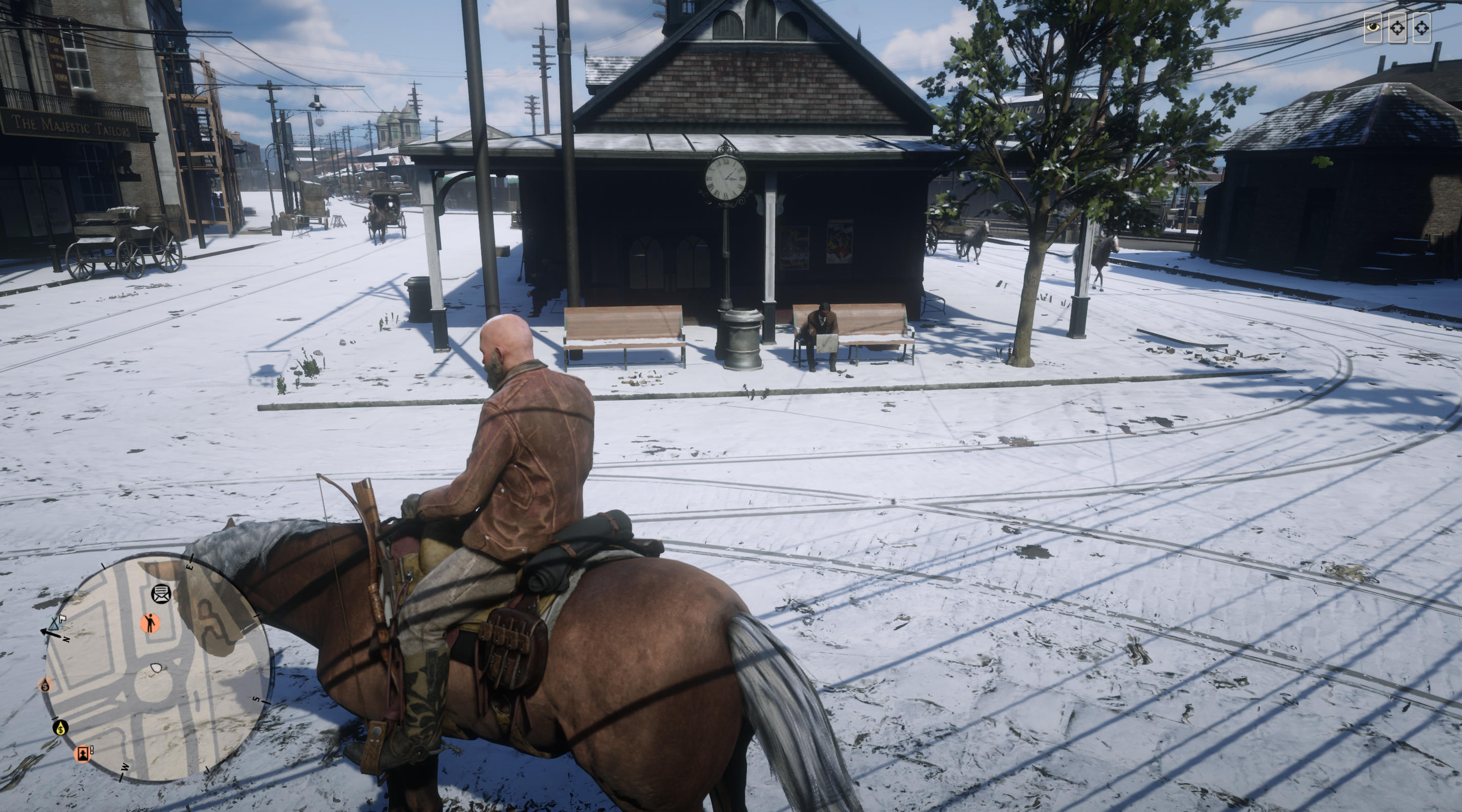
The steps are as follows:
Well this somehow covers your findings about the
-ignorepipelinecacheparameter: These files look like they are for shader caching.
This has been my assumption too, but -ignorepipelinecache has not really helped for me. These files are generated and data is written to them either way. The above mentioned __GL_SHADER_DISK_CACHE=0 also does not prevent these files from being created or written to, nor does it increase stability. Not that it gives much insight, but this has been my observation.
With the above steps I have removed the -ignorepipelinecache and other env vars (except those needed to select my dgpu) and have had stability. Not tried much yet today, so I expect it will start crashing again. :-)
You could try truncating the files to 0 size, then use
chattr +ito make them immutable (requires sudo): Such files cannot be changed and the inode will be write protected, too, even for root, unless you revoke the immutable flag.
I did not try chattr, but from my experience when testing those steps, if you leave the files 444 then it will crash. It seems at least a thread needs to open them RW and once it has done so then you can chmod 444. I've also symlinking them to /dev/null but the game failed to start.
BTW: I was able to crash the game today just by staying in the menu - I didn't even load a saved game, I just went to the controller settings page to examine the mappings. Then I left it idle for like 1 minute and boom, it crashed. So it's probably not even something in the render engine itself.
I've also had it crash in the menu. But the game starts using GPU very early in the loading process, when the game window opens after the R* launcher windows, and in the menu I see 39% usage (though gpu frequency has only raised a little, 300MHz baseline to 480MHz). And by the time the menu is loaded it is using about 1GB vram.
@jyfletcher there seems to be some confusion on the term "cache" here.
This has been my assumption too, but
-ignorepipelinecachehas not really helped for me. These files are generated and data is written to them either way
Here is some more information on what I believe -ignorepipelinecache is regarding. But there are also other caches. For DX9/10/11 games, there's also the DXVK State Cache, which is not the same thing, and it's what gets built when you run a DXVK game for the first game and you might see compiling shaders... in the bottom left if you have the option enabled in the DXVK HUD.
But:
The above mentioned
__GL_SHADER_DISK_CACHE=0also does not prevent these files from being created or written to, nor does it increase stability. Not that it gives much insight, but this has been my observation.
This is a completely different thing. When an application runs on an Nvidia GPU (in Linux), it builds its own separate cache. It will be either at ~/.nv/GLCache or ~/.cache/nvidia/GLCache, unless you set a new path for that specific application to keep it's shader cache with __GL_SHADER_DISK_CACHE_PATH=/path/to/x. Then you will see a GLCache` folder get created there (after running the application), and it will grow in size over time.
__GL_SHADER_DISK_CACHE=0 just disables the Nvidia driver from building any sort of cache from that application, but it has nothing to do with the pipeline cache.
This is all very oversimplified, and I know at this point we're kind of in a "throw shit at the wall and see what sticks" mode, but I figured that needed to be cleared up.
@gardotd426
Yes, there is plenty of confusion on my part at least. I don't really know much about graphics, shaders, pipelines, etc. so I am happy for the clarification. I've been in the "see what sticks" mode for a while now. The problem is non-intuitive and the range of "fixes" you find around, that may seem to work for a little while, remind me of this:
https://psychclassics.yorku.ca/Skinner/Pigeon/
So what are these sga* files for? Are they part of the pipeline cache? They are still generated and written to, and I assume read from with -ignorepipelinecache.... I've been running the game for about 30 minutes now using the steps I listed and have not had a single crash... So this is the 3rd day of success so far. I would think that if these files are part of what would be ignored when -ignorepipelinecache is set then that setting would also be a fix/workaround...??
Wow.. and right after I clicked Comment to submit this, the game crashed with ERR_GFX_STATE!! Still a 2 day run isn't bad, I guess.
Yeah it reminds me a lot of Apophenia as well lol.
So what are these sga* files for?
When you say sga* files, are you saying they're files starting with sga in the name, or they're files with an .sga extension? It's important.
Yeah it reminds me a lot of Apophenia as well lol.
Haha.. yep.
So what are these sga* files for?
When you say sga* files, are you saying they're files starting with
sgain the name, or they're files with an.sgaextension? It's important.
The sga* files in the folder:
~/..steam/root/steamapps/compatdata/1174180/pfx/drive_c/users/steamuser/Documents/Rockstar Games/Red Dead Redemption 2/Settings/
which are
sga_vulkan_final_init.pipelineMarkerFile
sga_vulkan_final_init.vkPipelineCacheHeaderWindows
sga_vulkan_final_init.vkPipelineCacheWindows
sga_vulkan_final_init.vkWarmupCacheWindows
Well, we may need to clean up a few things:
- The NVIDIA driver can write pipeline/shader caches (in this context, it's mostly the same, shaders are compiled in the pipeline, so shader vs pipeline is just a naming convention here)
- fossilize as part of Steam can write pipeline caches, then submit them to the driver while idle for compiling the shaders - this is actually very similar: the pipeline cache is driver independent, and the actual shader cache has been processed by the driver, updates to the driver invalidate the latter shader cache
- Steam actually sets the shader cache path, overwriting to what the driver defaults to, thus every game gets its own private cache, and as far as I remember, Steam also sets the size to a high value if not unlimited, this uses the
__GL_SHADER_DISK_CACHE_*variables, so setting these from the cmdline may actually have no effect if Steam overrides those - I'm not sure when in the launching process Steam sets those variables - maybe overridable when setting them in the launch options only - DXVK has its own pipeline cache but it doesn't maintain a shader cache (it leaves that to the driver), it just recompiles all shaders from the pipeline cache in advance so the game won't stutter when it encounters them later because the driver will have those cached now, actually fossilize is about a very similar thing except it works while the game is not running
- In addition to 1 and 2, with a similar purpose to 4, games may have their own pipeline cache, some games even have their own shader cache, some other games always recompile shaders in the loading screen, there are a lot of options how to do it, the
sga_*files are probably pipeline caches, and the game background-compiles them in the loading/menu screen, which explains why the game may crash even there - point 5 mostly duplicates what 2 and 4 already do but 4 mainly serves as a loading accelerator here
- some games use pipeline caches only, and the loading screen runs the actual driver-specific compile, having point 4 thus speeds up loading screens
- some games use shader caches in addition which reduces stutter, the same thing point 4 tries to do
That means, if you want to prevent the game from using pipeline caches, you'd have to do that at several layers: disable NVIDIA's cache (or mesa, FWIW, or...), disable fossilize, disable DXVK (for DX9/10/11 games), disable the in-game cache (not all games support this).
Also, from the wording -ignorepipelinecache I guess it's mostly about rebuilding a possibly broken pipeline cache, the game would still create and write entries, it would just not read from them. It's probably just there to rebuild a broken cache. It may explain why this seemingly reduces the crashes of the game but then we should ask: Why does the cache break then in the first place? And do we even need it if the driver already has a cache while we have fossilize to preprocess those before the game starts?
In the context of thinking this may be a race condition, the above thoughts may make sense. But I don't believe it's a bug in the pipeline cache. I'm also not sure if it is a bug in the renderer at all. Some guy shared a backtrace which pointed to some nonsense and seemingly random code (de-compiled) where the game crashes - and that smells a lot like some DRM protection that simply doesn't work correctly under wine (and maybe even some Windows versions), and in the end the games just ever only knows this single error message if it thinks that it's a weird crash it cannot pinpoint to some known error condition - aka "if it's not us, it's the graphics driver", just that in this case it may be the DRM protection, and RDR2 really doesn't have an easy one here as this was a big problem to get the game running in the first place (because it uses syscalls and undocumented NTOS entry points). The RDR2 crash reporter even recommends rebooting the system to fix the problem - which points to suspect kernel level drivers, the layer where some DRM protections usually live.
Adding to this comment last, these are the all the cache options (i.e. environment variables) that current version of Steam beta (16 Dec build) adds to any executable by default when enabling the Steam Shader Cache:
DXVK_LOG_LEVEL=none
DXVK_STATE_CACHE_PATH=/disk4/SteamLibrary/steamapps/shadercache/230410/DXVK_state_cache
ENABLE_VK_LAYER_VALVE_steam_fossilize_1=1
FOSSILIZE_APPLICATION_INFO_FILTER_PATH=/home/ema/.steam/fossilize_engine_filters.json
__GL_SHADER_DISK_CACHE_APP_NAME=steamapp_shader_cache
__GL_SHADER_DISK_CACHE_PATH=/disk4/SteamLibrary/steamapps/shadercache/230410/nvidiav1
__GL_SHADER_DISK_CACHE_READ_ONLY_APP_NAME=steam_shader_cache;steamapp_merged_shader_cache
__GL_SHADER_DISK_CACHE_SKIP_CLEANUP=1
STEAM_FOSSILIZE_DUMP_PATH=/disk4/SteamLibrary/steamapps/shadercache/230410/fozpipelinesv6/steamapprun_pipeline_cache
STEAM_FOSSILIZE_DUMP_PATH_READ_ONLY=$bucketdir/steam_pipeline_cache.foz;$bucketdir/steamapp_pipeline_cache.foz
You can easily see them by running your game and then executing cat /proc/11161/environ | strings | sort | grep -Ei '(dxvk|__gl|foss)' with the correct pid (in my case 11161 is the Warframe pid - trying to solve an issue where if you use vkd3d and completely disable caching the game crashes at startup on both Nvidia and AMD, whilst with caching enabled it sporadically crashes).
One thing I am absolutely certain of now, is that the game is more prone to ERR_GFX_STATE during mission cutscenes. I doubt that helps much though since they all seem to be in engine. It still happens just about any other time at random, but the crash definitely happens more often during the mission start cutscenes. So I took a mission that crashed on me a few times in a row, and ran it a few more times to crash again and log it. The crash is recorded on line 54501 and mentions a crash log the game makes which I've also added.
Proton Log: steam-1174180.log
Game Crash File: RDR2-20211231-203957-1036.crash.log
I got a similar error on startup. ERR_GFX_INIT . It happens after the rockstar launcher as the rdr2 window opens. Well I assume it’s the rdr2 window, it’s never started. I’ve looked for the sga files in the wine compdata folder tree, but a Settings folder has not been created yet.
May try glorious egg roll next, but I’m running out of my 2hr trial period from steam.
Ubuntu lts, AMD 5600G
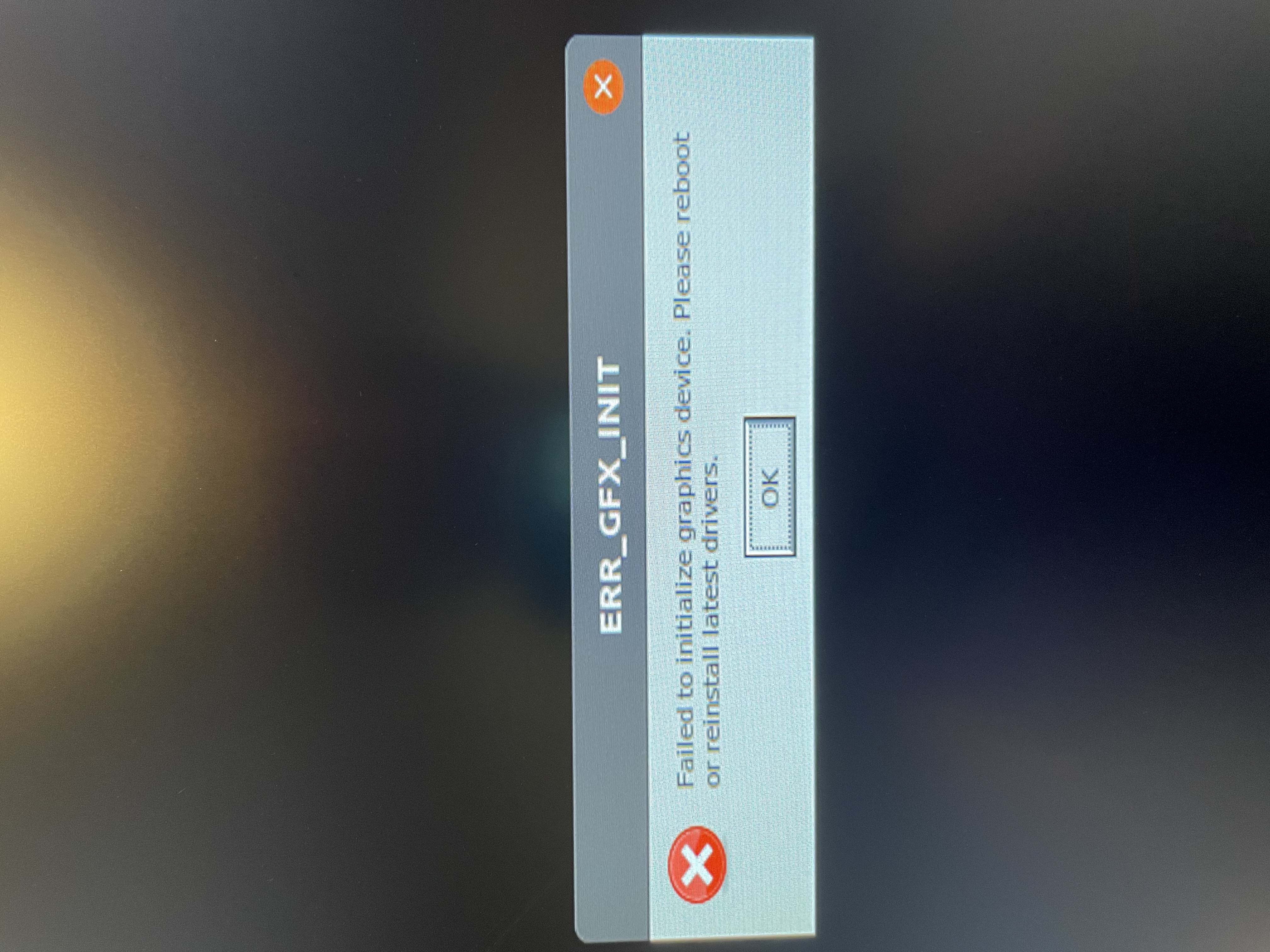
Somebody at protondb pointed out that the Nvidia windows driver had an issue with TDR on RDR2:
https://us.download.nvidia.com/Windows/497.09/497.09-win11-win10-release-notes.pdf
-see page 7
Here is the original ProtonDB link with a possible fix:
https://www.protondb.com/app/1174180
I haven't tried this out myself, maybe somebody else has time to check it out...
May try glorious egg roll next, but I’m running out of my 2hr trial period from steam.
@adm746 you say the error happens on startup, so you've not even been able to actually play the game. Unless you've spent almost 2 hours having that ERR_GFX_STATE window open, you're not running out of anything.
The refund period is 2 hours of in-game play-time, or 2 weeks. If you haven't recorded 2 hours of game time, you have 2 weeks to refund it.
Obviously you can just click the game in your library and then look in the large window in the right pane that says "Last Played," etc, and it will say "Play Time" and list your recorded amount of in-game time. That's what counts toward the 2 hour refund limit. If you haven't reached that, then you have 2 weeks to refund the game.
Here's what I'm talking about, using Doom Eternal as an example (since I don't own RDR2):
FYI, even if he crashes on startup, steam counts it as play time. Multiple attempts to fix a crash on startup will quickly consume the 2h playtime. This is well known behavior. Even more quickly if the game has a launcher because a launcher counts as playtime.
Thanks gardotd,
I’ve never gotten it to start, but it’s racking up a couple of minutes with each failed launch. Especially if I delete some of the proton wine folders and it has to pull and recompile.
I haven’t had the time to dig into this issue (could have swore I was trying to play a game🤪) I’ll squeeze some time in before the two week period is up and post logs here. The real kicker is gonna be when I like the game and have to buy a graphics card.
Hey a success story!
Look above, I was having problems where the game wouldnt launch throwing ERR_GFX_INIT
First i installed proton gloriouseggroll, the game still crashed, but the icons showed up (wine and red dead). Before they were generic window type icons. I still got the same error though.
It seemed like the problem must be with vulcan so i updated to the vulkan mesa git ppa ala: https://linuxconfig.org/install-and-test-vulkan-on-linux
and now im at least loading the game!!!!
I haven't tried this out myself, maybe somebody else has time to check it out...
I wonder if ERR_GFX_INIT and ERR_GFX_STATE become confused here. It probably only helps if the game doesn't start at all (init?). Given the explanation of the driver option, it doesn't make any sense how that could improve the latter situation (state) because the game is probably the exclusive user of the GPU and there's no accompanying dmesg log entry - at least not for me.
dmesg is not going to provide you with useful information anyway when a game crashes.
The game crashes a lot less for me when I set WINE_HIDE_NVIDIA_GPU=1, for proton users that would be PROTON_HIDE_NVIDIA_GPU=1.
I have observed the same as was mentioned earlier, the game tends to crash when events are loaded if you have to believe the game its own logs.
dmesg is not going to provide you with useful information anyway
If the driver is killing a process because it stalled the GPU scheduling for 2 seconds, I'd expect it to log that fact to dmesg - as it usually does when something stalls or dies. It may not be useful information for the underlying problem but it would also tell me that at least for me, TDR is not the problem causing ERR_GFX_STATE. But it may be connected to ERR_GFX_INIT (which I've never seen here on my system).
From all the ERR_GFX_STATE crashes RDR suffers from, none have been logged in dmesg for me.
Somebody at protondb pointed out that the Nvidia windows driver had an issue with TDR on RDR2: https://us.download.nvidia.com/Windows/497.09/497.09-win11-win10-release-notes.pdf -see page 7
Here is the original ProtonDB link with a possible fix: https://www.protondb.com/app/1174180
I haven't tried this out myself, maybe somebody else has time to check it out...
I saw that report too and it seems this finally did the trick for me. Been playing several multi-hour sessions now without a crash. w177us if you're reading this, I owe you one. Also thanks to everybody involved at NVIDIA :heart:
Edit: Here is the direct link to the report.
Edit 2: Seems I spoke too soon. Crashed again today with ERR_GFX_STATE :cry:
Edit 3: Played another few sessions without a crash, I think the situation has at least improved. Anybody else want to try this and post their experience?
Edit 2: Seems I spoke too soon. Crashed again today with ERR_GFX_STATE
It seems like a quite generic error, many things can cause this.
Yeah, seems to not crash for me so far after disabling TDR.
It seems like a quite generic error, many things can cause this.
Yep, it is. Which makes it hard to gauge if anything changed at all.
Yeah, seems to not crash for me so far after disabling TDR.
Good to hear. I hope the fix makes it into the NVIDIA linux driver soon.
Replying to https://github.com/ValveSoftware/Proton/issues/3291#issuecomment-1019006962
I did try this 4 days ago and here is 30+ hours later my experience. I also actually got to it by checking each and every nvidia driver update until I also saw that 497 one with the rdr2 issue as the first one. Then learned about the hole TDR.
Before trying this my typical crash time was between 15 minutes to 2 hours. One time I lasted 3 hours. Every other time was always less than 2 hours.
After trying this it went to about 4 hours gameplay and crashed ONCE. After that one crash here is the story.....
I have played and tested, no kidding here, for 20+ hours afterwards with no crashes. Just in case, the test from yesterday was 13 hours straight. No crash whatsoever. I also did apply the command line recommendations I have gathered so far and I am using the latest nvidia drivers on Ubuntu 20.04 from the nvidia ppa.
Today my testing lasted 9 straight hours. No crashes.
It does not mean it is fixed, but am just saying I went from 2 hour crashes to no crashes for 3 days. How many more days before a crash? Don't know but I will update you all once I get to a week.
Be sure to run nvidia-bug-report.sh and mail it to them :)
I can confirm that disabling TDR also fixed this issue for me. Usually had crashes within 15 - 30 minutes. Now severals hours of gameplay without any issues.
I got the 510.39.01 driver working and I haven't crashed all week. Hopefully opening my big mouth doesn't change that. Attempts to disable tdr just resulted in me not having hardware acceleration at all (i.e. cinnamon booted to fall back mode and games wouldn't launch).
Okay here is the new report. It has been 3 (almost 4) days since my last post and almost 30+ hours of game time (total of more han 60+ now without crashing). The typical sessions last 10+ hours per day. No crash. No nothing.
I also invited another friend to purchase rdr2 2 days ago. I told him everything that he needed to set the game upand it has been 2 days without any crashes on his end either. We both have the same nvidia 1080. I have a 6700k intel with 4k monitor. He has an amd 5800 ryzen 3 with 2k monitor.
Ultra graphics everything and no crashes. So basically a week of mkre than 60 hours without crashing plus my friend with 12 hours without any crashes.
I can confirm that disabling TDR also fixed this issue for me. Usually had crashes within 15 - 30 minutes. Now severals hours of gameplay without any issues.
I got the 510.39.01 driver working and I haven't crashed all week.
Okay here is the new report. It has been 3 (almost 4) days since my last post and almost 30+ hours of game time (total of more han 60+ now without crashing). The typical sessions last 10+ hours per day. No crash. No nothing.
Great to hear guys :+1: I have also been playing a bit more and didn't have any crashes either. It seems this is finally fixed. I hope the next time something similar happens, NVIDIA won't need more than a year to fix it.
@luisalvarado Can you post your launch options and the command line recommendations you have gathered? I’m going to reinstall and want to use the fixes you have mentioned.
Or should I just update to the 510 NVIDIA driver?
@luisalvarado Can you post your launch options and the command line recommendations you have gathered? I’m going to reinstall and want to use the fixes you have mentioned.
Wow, I abandoned your question quicker than my ex wife after she caught me with my current wife... Ohhh snap
So here is what I did, first this is for Nvidia users ONLY. On your /etc/X11/xorg.conf file edit the following section and add the
Option "Interactive" "0"
line to it:
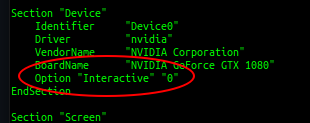
Next on your RDR2 command line options add the following:
PROTON_HIDE_NVIDIA_GPU=0 PROTON_ENABLE_NVAPI=1 WINEDLLOVERRIDES=dxgi=n,b PULSE_LATENCY_MSEC=60 %command% -ignorepipelinecache -vulkan -USEALLAVAILABLECORES -cpuLoadRebalancing
Is the command line options needed if you have the Interactive option on zero?
- Don't know.
Did both work independently?
- Yes, they both added more time before a crash
Are they working for me, for the past week and something and along the lines of more than 80+ hours of gameplay in both online and story mode?
- Yes. Have not had a single crash even since I put both together. This is using the latest (as of right now) 495.46 Nvidia drivers from the Nvidia PPA at https://launchpad.net/~graphics-drivers/+archive/ubuntu/ppa I am also using Ubuntu 20.04 and am in xorg mode (not wayland).
Will they stop me from turning my current wife into my new ex wife in favor of a new future wife?
- Apparently not since yesterday morning this ended up happening. Hopefully my future wife will not become my ex... whoops.
@luisalvarado Thanks for the response! I will use these fixes!
Driver 510.47.03 also seems to fix the issue. Updated to this driver and reverted TDR hack. Still no crashes so far...
Driver 510.47.03 also seems to fix the issue. Updated to this driver and reverted TDR hack. Still no crashes so far...
I still get the crashes quite often with 510.47.03 (and kernel 5.14.18). Even more, I added the Option "Interactive" "0" like this:
Section "OutputClass"
    Identifier "nvidia"
    MatchDriver "nvidia-drm"
    Driver "nvidia"
    Option "Interactive" "0"
EndSection
to a new file in /etc/X11/xorg.conf.d. I don't want to edit my actual xorg.conf because I might forget in a couple of months and end with this setting (not recommended) for years under the radar. Easier to have a short rdr2.conf file.
However with this approach game still crashes. Does anyone know how to see if server was created without TDR at runtime? Does anyone know if is this the correct way to script it as an OutputClass option?
Replying to https://github.com/ValveSoftware/Proton/issues/3291#issuecomment-1027989270 and https://github.com/ValveSoftware/Proton/issues/3291#issuecomment-1030993718
This is the way I did it and others without issues. Exactly like it is mentioned in my post above (no alterations to it). I do not know why you are doing it differently in the xorg but at least in the device section it is worling. I also need to test it withthe 510 version of nvidia since I believe with that one there is no need for the TDR changes.
Replying to [#3291 (comment)](https://github.com/ValveSoftware/Proton/issues/3291#issuecomment-1027989270) and [#3291 (comment)](https://github.com/ValveSoftware/Proton/issues/3291#issuecomment-1030993718)
This is the way I did it and others without issues. Exactly like it is mentioned in my post above (no alterations to it). I do not know why you are doing it differently in the xorg but at least in the device section it is worling. I also need to test it withthe 510 version of nvidia since I believe with that one there is no need for the TDR changes.
That is a pretty common way to add custom config snippets using the x.d directories, as packages might change xorg.conf.
@sabian2008
to a new file in
/etc/X11/xorg.conf.d. I don't want to edit my actualxorg.confbecause I might forget in a couple of months and end with this setting (not recommended) for years under the radar. Easier to have a shortrdr2.conffile.
You should name your conf.d file something like 60-rdr2.conf. Note the leading two digit number, followed by a hyphen.
See ArchXorg#Configuration and NvidiaForum
@sabian2008
to a new file in
/etc/X11/xorg.conf.d. I don't want to edit my actualxorg.confbecause I might forget in a couple of months and end with this setting (not recommended) for years under the radar. Easier to have a shortrdr2.conffile.You should name your conf.d file something like
60-rdr2.conf. Note the leading two digit number, followed by a hyphen. See ArchXorg#Configuration and NvidiaForum
Oh yes, I did that bit, I wrongfully implied it in my answer. My actual filename is 10-rdr2-nvidia.conf. Sorry about the poor explaining on my part.
I'll try to explain better my reasoning. I'm using X11 the way it automatically configures itself (the default way in Fedora), so I don't want to use a Device entry, as that can affect the way X11 currently automatically sets up my hybrid graphical set up. I know I can create a xorg.conf that sets up everything, but in my experience they tend to break when some things change in the system.
That's why I wanted to add the option as an OutputClass section. According to the docs, most Device and Screen options can be also specified as an OutputClass. However, I found no documentation on Option "Interactive", so I don't know if it also applies. I thought there might be a way to check at runtime if TDR is enabled on a certain X11 instance, but if there is, I have not been able to find it.
In any case, when I get more time I'll see if I can arrive at a working solution that is as less invasive as possible. Thanks a lot for the answers.
Correct but I asked why that way because if it's failing I also assume you tried the one mentioned above. There might be something that nvidia parameters don't work with or read correctly (for some reason) when extending outside of the xorg.conf file.
Update: Driver 510 still requires the TDR hack. Got crashes again without it, working fine again with TDR disabled.
Update: Driver 510 still requires the TDR hack. Got crashes again without it, working fine again with TDR disabled.
Thank you, yes I have not disable TDR yet but I did update to the 510. More than 100+ hours already and no crash BUT with all the things still there. The command line options and the X.org changes
There still seems to be a crash/freeze after several hours of playing (2-3+). Not as annoying, but still a problem. NVIDIA driver is 495.46.
Red Dead Redemption crashes GPU driver
Issue transferred from https://github.com/ValveSoftware/Proton/issues/5641.
@DeeBeeDouble posted on 2022-03-03T23:33:44:
Compatibility Report
- Name of the game with compatibility issues: Red Dead Redemption 2
- Steam AppID of the game: 1174180
System Information
- GPU: Amd Radeon Vega 7
- Driver/LLVM version: 21.3.7-1
- Kernel version: 5.16
- Proton version: Proton 7, 6, Proton-GE 7, 6
- Gist
After I spend some time in the game, the video driver and with it the game and my entire desktop crashes.
The problem here is RADV. When I have AMDVLK installed, the crash doesn't appear anymore. However, full screen doesn't work, the fps are worse, and I could spot a few graphical issues, so AMDVLK is not really an option. I have created a mesa issue, (take a look over there if you need more information) but that didn't get me anywhere, so now I'm trying it here.
Reproduction
- Start the game.
- Play the game for about 5 to 30 minutes. Do some missions or just move around. So far, it didn't happen without me moving to different locations.
- Enjoy your crashed pc.
I would really love to play this game, so I would be very happy to find any better solution than AMDVLK. Have a nice day everyone ;)
Red Dead Redemption 2 Service Crash
Issue transferred from https://github.com/ValveSoftware/Proton/issues/5685.
@qqtc0 posted on 2022-03-16T06:53:13:
Compatibility Report
- Name of the game with compatibility issues:
- Steam AppID of the game:
System Information
- GPU: MSI GeForce RTX 3070 TI
- Driver/LLVM version: nvidia 510.54-7
- Kernel version: 5.15.27-rt35-xanmod1-1-rt
- Link to full system information report as Gist:
- Proton version: Proton Experimental
I confirm:
- [ ] that I haven't found an existing compatibility report for this game.
- [X] that I have checked whether there are updates for my system available.
Symptoms
Launching the game loads the Rockstar Launcher for about 2 seconds before showing an error message, displaying the attached image as error.
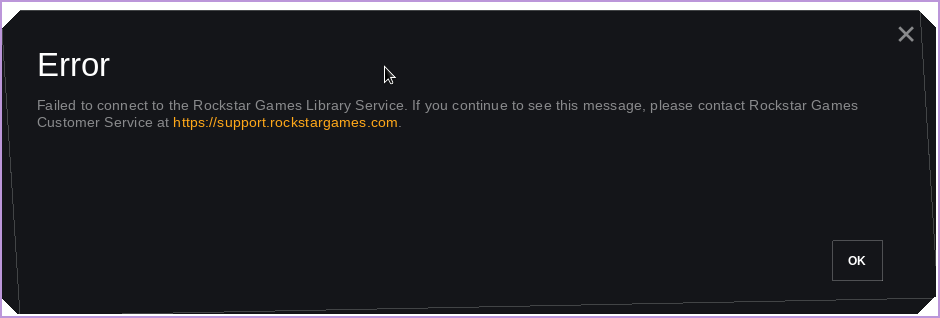
Reproduction
Not sure if it can be reproduced for others, as ProtonDB is mainly filled with it working.
It worked the first 1/2 times before this error started occurring, tried with all kinds of different launch arguments, reinstalling the game, trying different kernels and such to no avail.
Okay so can someone please explain to me how I should actually be doing this? I see that disabling TDR for prolonged periods of time can be unsafe, however I do not know if or how to setup a custom Xorg.conf file to use specifically for Red Dead. If any one knows how to do that, that would be very much appreciated! I’m on Pop_OS btw.
Or I guess the real question is how should I regulate turning off and on TDR? Or should I just turn it off completely?
Turn it off completely. I tested right now after many hours invested in the game WITHOUT having a crash and about 5 minutes with it turned off it crashed. I know Nvidia is still working on this.
So there were no major problems by having it off? No system crashes or unforeseen security risks? You don’t have to turn it back on every time you’re done playing Red Dead?
Absolutely nothing has happened to my ubuntu system in months now. No performance issues, crashes, nothing.
Huh. Interesting. Well then, I guess I’ll have to turn it off then. I wonder if TDR only really affects Windows. Thanks for the reply!
Is anyone experiencing problems after the last update? I have a process running, but nothing else happens.
Is anyone experiencing problems after the last update? I have a process running, but nothing else happens.
What did you update? Proton? Which version? Steam? Do you see the same problem with Uplay Connect?
Because I'm seeing this since weeks now using Proton Experimental: The launcher starts but it's idling with an animation connecting to the game services. Uplay Connect seems to hang in a similar way but even doesn't display a window. But maybe 1 of 100 launches, it just works. Turning off esync/fsync does not help. Setting sched quantum does not help.
What did you update? Proton? Which version? Steam? Do you see the same problem with Uplay Connect?
Because I'm seeing this since weeks now using Proton Experimental: The launcher starts but it's idling with an animation connecting to the game services. Uplay Connect seems to hang in a similar way but even doesn't display a window. But maybe 1 of 100 launches, it just works. Turning off esync/fsync does not help. Setting sched quantum does not help.
He is probably talking about the 2GB update that RDR2 received in the last couple of days. Haven't tried running the game yet, so I can't comment on that.
Is anyone experiencing problems after the last update? I have a process running, but nothing else happens.
What did you update? Proton? Which version? Steam? Do you see the same problem with Uplay Connect?
Update the game. GE-Proton 7.13 and proton 7.0-2.
I've read through these thousands of comments, but haven't found anything related to running the Rockstar Launcher version of RDR2 as a non steam game via proton. I can install the game from the launcher fine, but when trying to start RDR2 nothing happens. I can see the RDR2.exe process running, but no errors or any indication of something happening. I have tried a few variations of launch options with no success. Would love to have this up and running on the Steam Deck without needing to buy the game again on steam. Any suggestions?
I've read through these thousands of comments, but haven't found anything related to running the Rockstar Launcher version of RDR2 as a non steam game via proton. I can install the game from the launcher fine, but when trying to start RDR2 nothing happens. I can see the RDR2.exe process running, but no errors or any indication of something happening. I have tried a few variations of launch options with no success. Would love to have this up and running on the Steam Deck without needing to buy the game again on steam. Any suggestions?
This is new issue after last update.
Is anyone experiencing problems after the last update? I have a process running, but nothing else happens.
No problems so far, the game even runs better. In older version there was probably a memory leak in the game itself or Rockstar Games launcher which caused massive constant stutters
No problems so far, the game even runs better. In older version there was probably a memory leak in the game itself or Rockstar Games launcher which caused massive constant stutters
Can you please run the game with PROTON_LOG=1, pack into archive and share?
No problems so far, the game even runs better. In older version there was probably a memory leak in the game itself or Rockstar Games launcher which caused massive constant stutters
Can you please run the game with PROTON_LOG=1, pack into archive and share?
Is anyone experiencing problems after the last update? I have a process running, but nothing else happens.
No problems so far, the game even runs better. In older version there was probably a memory leak in the game itself or Rockstar Games launcher which caused massive constant stutters
Just tried running the game yesterday and I can confirm the game still works and I also experienced less stuttering. Game acquired through Steam and played through latest Proton-GE.
I'm getting a very consistent and annoying stutter while playing the game. What kind of information can I provide to help diagnose this?
OS: Arch Linux
GPU: RX 5700 XT
CPU: Ryzen 7 3700X
RAM: 16GB
@poperigby Is it constant or every x seconds/minutes?
What is cpu, gpu, ram usage etc. when you run the game with mangohud?
I'm assuming you are using the vulkan API ingame.
Post a steam system report in a github gist or file if you can.
@Blisto91
Is it constant or every x seconds/minutes?
It seems very consistent.
What is cpu, gpu, ram usage etc. when you run the game with mangohud?
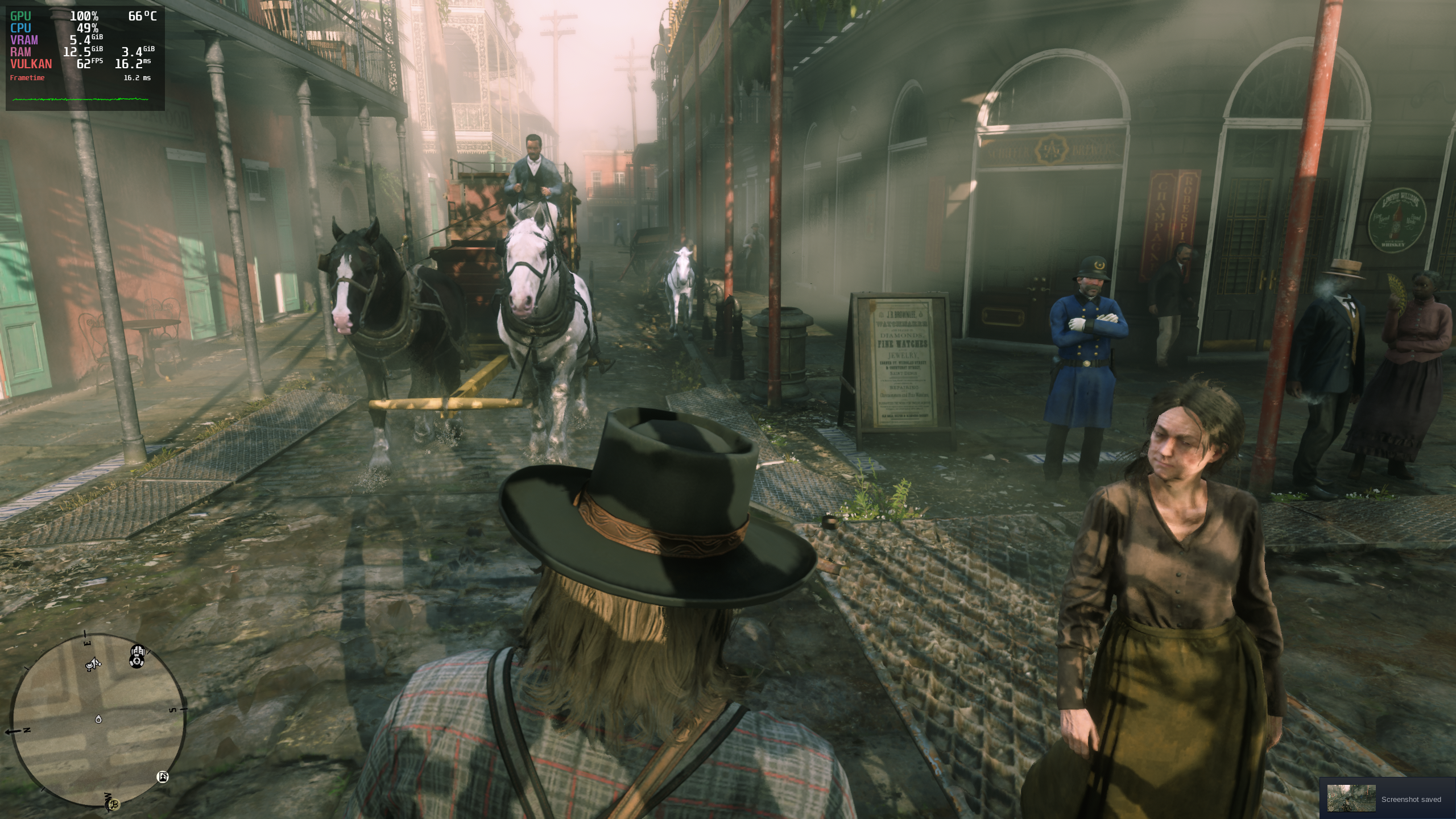
I'm assuming you are using the vulkan API ingame.
Yep.
Post a steam system report in a github gist or file if you can.
Here you go:
systeminfo.txt
I've read through these thousands of comments, but haven't found anything related to running the Rockstar Launcher version of RDR2 as a non steam game via proton. I can install the game from the launcher fine, but when trying to start RDR2 nothing happens. I can see the RDR2.exe process running, but no errors or any indication of something happening. I have tried a few variations of launch options with no success. Would love to have this up and running on the Steam Deck without needing to buy the game again on steam. Any suggestions?
I can confirm that game window doesn't show up on lutris after update. Tried many different wine versions.
How can I provide some useful logs for you guys?
Replying to https://github.com/ValveSoftware/Proton/issues/3291#issuecomment-1116217143
Yep, same here. Let me know what is useful. When enabling PROTON_LOG=1 my log file grows very quickly. It was over 2 GB in just a few minutes.
Here's what lutris log system shows me when I run rdr2.exe
rdr2_logs.txt
Edit: and I forgot to mention that I am using Steam Deck here.
Edit2: logs with turned on debbuging in lutris options:
rdr2_logs2.txt
Reminder : Proton GE is a fork of the official Proton, so issues or logs of GE should be reported to GE, Valve does not develops GE.
Is anyone experiencing problems after the last update? I have a process running, but nothing else happens.
I am having the same issue.
My specs:
Ryzen 3700x
Radeon 6800XT
Arch Linux 5.17-5-xanmod
Mesa 22.0.2-1
Purchased the game today. Tried the following:
7.0-26.3-8Proton ExperimentalGE-Proton7-17
None seem to work. All get stuck on the Rockstar launcher after the install and the game never launches.

Launch commands set: WINEDLLOVERRIDES=dxgi=n,b gamemoderun %command% -vulkan
No idea what to try next so will likely just have to refund.
The game crashes the graphics driver I presume: screen freezes, goes black and whole desktop crashes too, kwin restarts itself and need to reset computer or force log out. RX 6500 XT. Even when running low settings and well under vram limit it happens. Most times only couple of seconds after gameplay start.
There's an open issue ticket for RADV for the above crashing issue. It might be some weird edge case, since it does not have many users reporting it.
Anyway, the only way for me to currently play this on Proton is forcing AMDVLK, which is not really a pleasant gaming experience :p
Running into system crashes/game crashes every 30 or so minutes on my deck with Proton 7.0-2. The only workaround I know to stop the crashing is to set texture quality to Medium.
Running into system crashes/game crashes every 30 or so minutes on my deck with Proton 7.0-2. The only workaround I know to stop the crashing is to set texture quality to Medium.
I found switching to Proton 6.3-8 fixed all my crashing issues while running the game.
Running into system crashes/game crashes every 30 or so minutes on my deck with Proton 7.0-2. The only workaround I know to stop the crashing is to set texture quality to Medium.
I found switching to Proton 6.3-8 fixed all my crashing issues while running the game.
Social Club launcher installation crashes with 6.3-8, so there's no way for me to even try. And there's a supposed workaround for the launcher crash in protondb, but that does not work either.
There was a working workaround posted in GitLab RADV bug thread:
RADV_DEBUG=syncshaders %command%
completely stops the RADV crashes/hangs, although it comes with a performance penalty.
As long as I've owned the game, I've never been able to run it with DirectX 12 on any version of proton that I've tried. It loads the initial loading bar (the one right after RDR2 window opens, but before the shotgun title video) up to a certain point and just never completes. It stops at different points depending on the version of Proton.
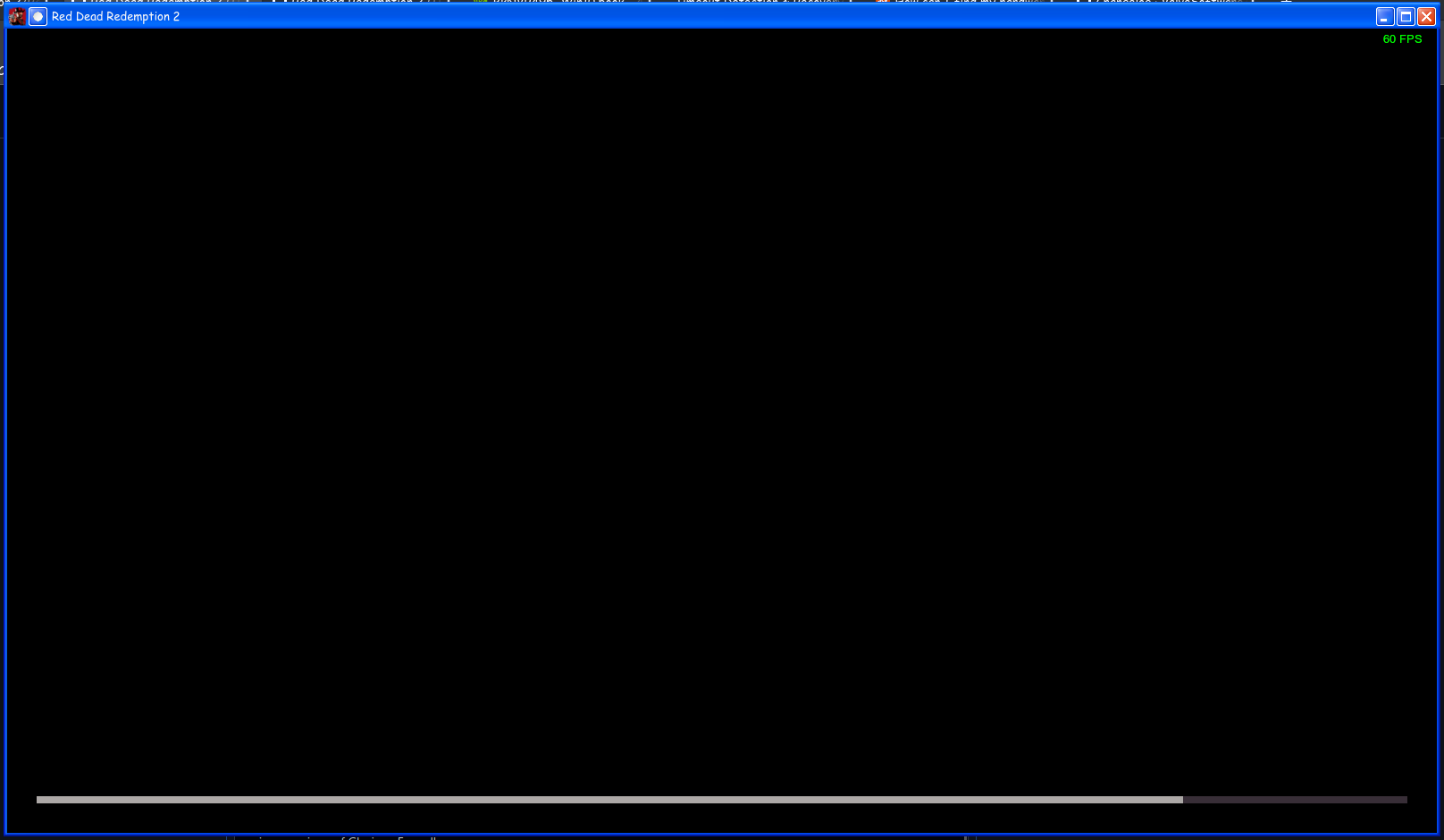
OS: PopOS 21.04, 21.10, 22.04
GPU: Nvidia GeForce RTX 3090
CPU: Intel I9-11900K
RAM: 32 GB
Versions of Proton tried: Every official release since Online was working (5.13-6, 6.3-8, 7.0-2, Experimental through many updates), various versions of Glorious Eggroll
Launch options: tested with none and PROTON_HIDE_NVIDIA_GPU=0 PROTON_ENABLE_NVAPI=1 %COMMAND% -USEALLAVAILABLECORES -ignorepipelinecache
I've tried deleting the sga files as well, modifying the options xml, etc. Nothing seems to work. I can't find anything about this on google except a very sparse few posts implying that it runs perfectly fine for them. In case you're wondering, Vulkan runs perfectly fine, but I want to use DirectX 12 not only because I've heard it has better performance, but mainly because I want to use ReShade, which seems unable to work with Vulkan on Linux.
In my case I've tried experimental version, 7.0-2 and 6.3-8
When I click the Play button it crashes after a few seconds and nothing happens other than the button returning to show Play again. I've tried the launch options offered in the protondb page of red dead redemption 2 but nothing worked.
Also I've tried in the launch options: PROTON_LOG=1 %command% in order to generate logs, but it didn't output any.
OS: Ubuntu 21.10
GPU: Geforce GTX 1060
CPU: Intel Core i5-7500
Memory: 16 GB
Where are you looking for your log. Default it should be in your home folder.
Where are you looking for your log. Default it should be in your home folder.
Yes, that's where I looked, but it does not generate any logs unfortunately.
Can also confirm the crashes. Using Steam Deck with latest proton 7 and also tested 6.3.8. Settings high, medium, low. VSync on/off , triple buffer on/off. All variants you can imagine. It just keeps crashing randomly. Was spending like 15 hours only testing different configs and benchmarking. Game is not running longer than 10-15 minutes on Steam Deck. PROTON_LOG=1 not generating any logs in home folder. You can see that Steam Deck is able to run this game with really good graphics and that it runs smooth, that is why that frustrates a lot of people. There are several threads on reddit discussing these crashing issues on Deck. Would totally appreciate a fix to this crashing thing.
** Edit: I was finally able to create a log. Hope this helps!
steam-1174180.zip
@htkassner Can you make a list of games that crashes like this on the Steam Deck, please? How do I reproduce this RDR2 GPU hang?
Here is another log I just created. I deleted proton files before starting RDR2 in this case. Used ingame default settings with 1280x800 resolution fullscreen. I limited to 30FPS in this case and use Proton 7.0.3 and VulkanAPI
@hakzsam I only have this crashing issues with RDR2 at the moment. I also use to play GTAV which runs great. Also Metal Gear Solid V without crashes.
Big topic in reddit also like in this thread: https://www.reddit.com/r/SteamDeck/comments/vlkgth/anyone_got_any_tips_for_red_dead_it_keeps/
For me it also crashes switching to proton 6.3.8 and also switching to DX12 like some people are suggesting on reddit.
Weird thing is temperature with default settings is okay. Vent is not going crazy and game runs really smooth until the crashes.
Normally you can really reproduce this very easy running some benchmarks after each other or starting story mode. It is really just happening after some time. And not at the same places in the game. Totally random
@hakzsam Does this help you or give hints for the reason of the crashes? I would love to help you solving this. So if there is anything I can do let me know. Would love this to be fixed! RDR2 was one of the main reasons I bought a Steam Deck
@htkassner Sure, I will first try to reproduce myself (not until next week though sadly) and I will ask you more information if I can't get it to hang. We will do our best to fix it!
Game has memory leaks on any launchable proton version on steam deck. Seems fine on desktop with AMD gpu.
Yes i do see a memory leak on the steam deck when running in vulkan mode. That is that the RAM and VRAM keeps increasing as you run through the world, also on scene changes in the benchmark.
When i switched to dx12 and tested for a short while i didn't see the same and memory was relatively stable. But it was a lot less smooth to play.
I haven't tested this on my desktop setup.
fwiw googling red dead 2 and memory leak you can find other people online complaining about the same problem on vulkan on what i assume is windows. But others don't seem to have the issue.
Some even have less problems on vulkan than dx12
I tried it with desktop linux (CPU: AMD Ryzen 7 5800X (16) @ 3.8GHz, GPU: AMD ATI Radeon RX 6800 ) and had no VRAM issue running benchmark (it is still 16GB vs 16GB). So I think issue is related to the SD? Also it is apparently regression from 6.8 because people claim it works fine in that version of proton (but alas, launcher does not work. I am considering getting crack to test).
Roger. I will try to do some more testing later.
I am considering getting crack to test
Let me save you the trouble, build 1436 seems to run perfectly on the steam deck on the latest version of proton. Getting around the launcher seemed to do the trick.
Let me save you the trouble, build 1436 seems to run perfectly on the steam deck on the latest version of proton. Getting around the launcher seemed to do the trick.
Could you possibly provide some more information on how you've set things up for it to run stable and smoothly?
Could you possibly provide some more information on how you've set things up for it to run stable and smoothly?
Couldn't get my legit Rockstar games version to work so I downloaded a cracked 1436.28 version, installed it on my main PC (to cut down on install time) then transferred all the game files to my internal SSD on the deck, launched it as a non steam game and haven't had any issues.
Could you possibly provide some more information on how you've set things up for it to run stable and smoothly?
Couldn't get my legit Rockstar games version to work so I downloaded a cracked 1436.28 version, installed it on my main PC (to cut down on install time) then transferred all the game files to my internal SSD on the deck, launched it as a non steam game and haven't had any issues.
what proton version?
@htkassner Can you please attach your system info from the Deck? Which OS update channel are you using? Can you explain how do I reproduce the GPU hang in-game? Also, what graphics settings are you using? Thanks!
EDIT: if you can attach a savegame somewhere, that might help.
@hakzsam
SystemInfo:
- OS Channel: stable
- Steam updates: stable
- OS Version: 3.2
- OS build: 20220526.1
- Kernel: 5.13.0-valve15-1-neptune-02197-gf6ec7ad3762a
- Build Date Firmware: 18.05. 23:29 UTC
- BIOS: F7A0105
- Steam Version: 1656536422
I can confirm the things @Enerccio & co. are discussing. The VRAM and RAM is increasing until it crashes. It does absolutely not matter which settings I choose for the graphics. It crashes always. I started it with 7.0.3 but also with 6.3.8 as some people recommend because they say the mem-leak is not occuring in 6.3-8. For me this is not working. It just crashes randomly. I try to attach you a savegame. But if you install RDR2 with Proton 7.0-3 and than just start a single player story it will crash after some time. Normally within the first 10-15 minutes. I can totally confirm what people are reporting here and on reddit and twitter and so on. It randomly crashes after some time. And it totally not depends on the graphic settings. Of course I am using Vulkan API as DX12 looks awful.
Does someone know which file I have to share to make the savegame work at another system? cloudsavedata.dat or something like SRDR30015 which also has a .bak version?
@htkassner I played 30+ minutes with the Stable channels, using Vulkan and the default settings. No crashes (or hangs) so far. Not sure what to do now...
@hakzsam Yeah, that´s weird. Are you playing online or story mode? I always played story mode. I did complete reinstallations and so on. Tried so many things. It is really weird! My crash log does not give a hint?
Yes, story mode. Looks like some people reported that RADV_DEBUG=syncshaders would fix the crashes/hangs, maybe you can try this? In the meantime, I need a way to reproduce on my side, can't fix otherwise.
@htkassner Can you please upload your savegame somewhere?
@hakzsam Have you tried running the benchmark? With the default settings on Steam Deck I consistently get it to hang while running the benchmark.
I will also try if i can figure something out on my deck when i get home. Try in different modes etc.
@htkassner I found a savegame with game 100% completed.
@sQVe Yes, I tried, no hangs so far. What OS channel are you using?
@hakzsam @sQVe Same for me with the benchmark. Didn´t mention it before. Also crashes for me. I just did a complete cleanup of all RDR related folders and stuff after uninstallation and now I am reinstalling the game with a clean state hopefully. Let´s see what happens then.
@sQVe Yes, I tried, no hangs so far. What OS channel are you using?
I'm using the stable channels.
@hakzsam Clean installation running with proton 7.0-3, Same problem. default graphic settings 1280x800 windowed without border. Crashes during benchmark. RAM usage up to 14GB. How is your RAM and VRAM usage during benchmark? Have not used FPS lock this time.
Is it a CPU crash or a GPU hang after all? I can't make the benchmark crashes in any ways. Tried same Proton version, same graphics settings (I think).
The VRAM/RAM usages are indeed weird and I found something but I don't know if that's the root cause because I can't get it to crash myself... :/
EDIT: I will try on my second SD after doing a Factory Reset and re-installing the game.
@hakzsam Difficult to say. When reaching RAM values > 14GB GPU FPS drops till 3 until it suddenly crashes and leaves the game. (Startup command you posted had no effect)
Can you ssh to your SD when it crashes and dump dmesg to a file and attach it here?
Got a crash during benchmark \o/
@hakzsam Nice to hear. My dmesg after crash: Out of memory - killed process RDR2.exe
Yeah, I now understand why I wasn't able to reproduce before... Will investigate, but I already have few ideas.
Another one I just came accross. This time lowest possible gpu settings and 30fps lock
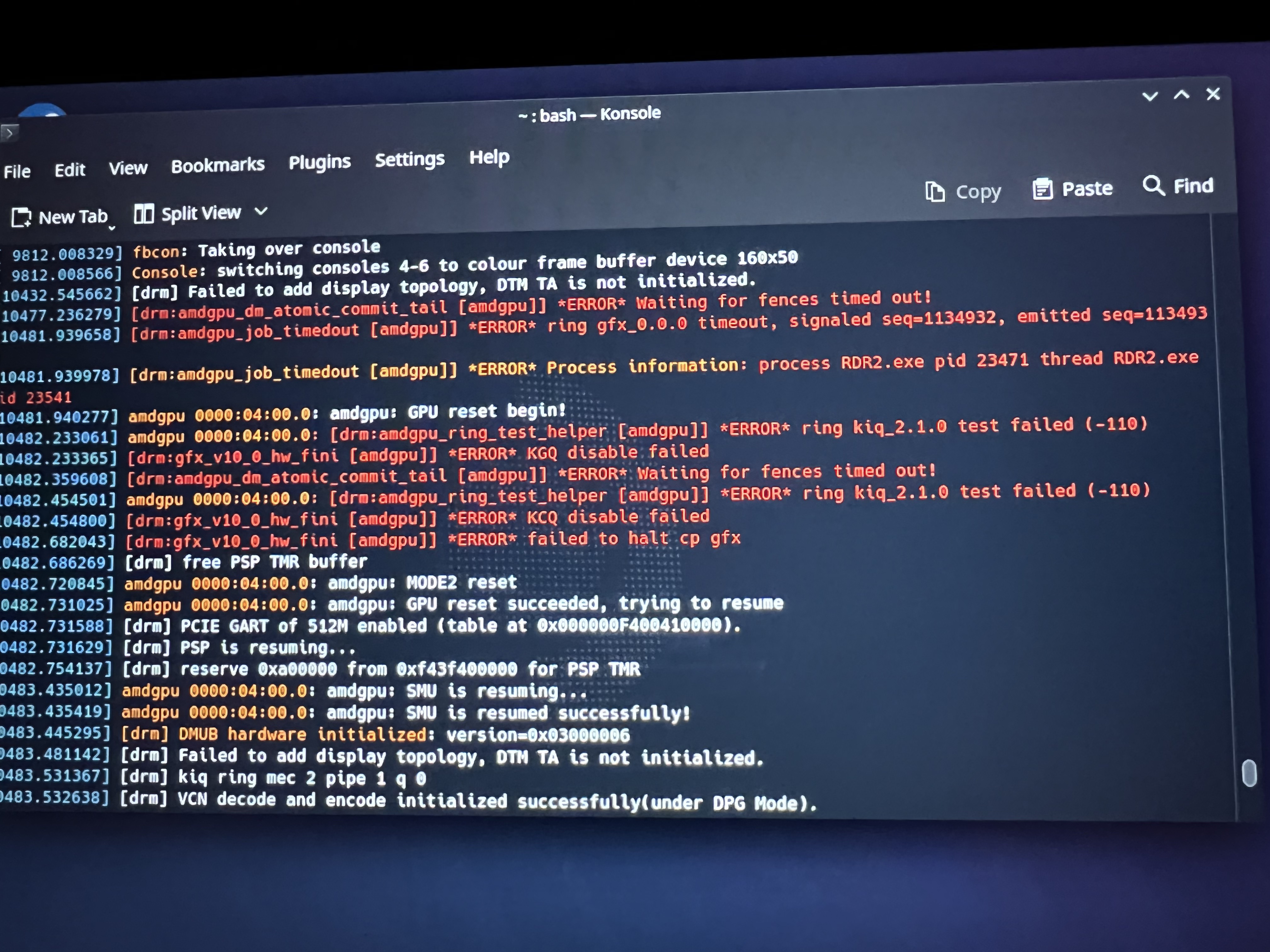
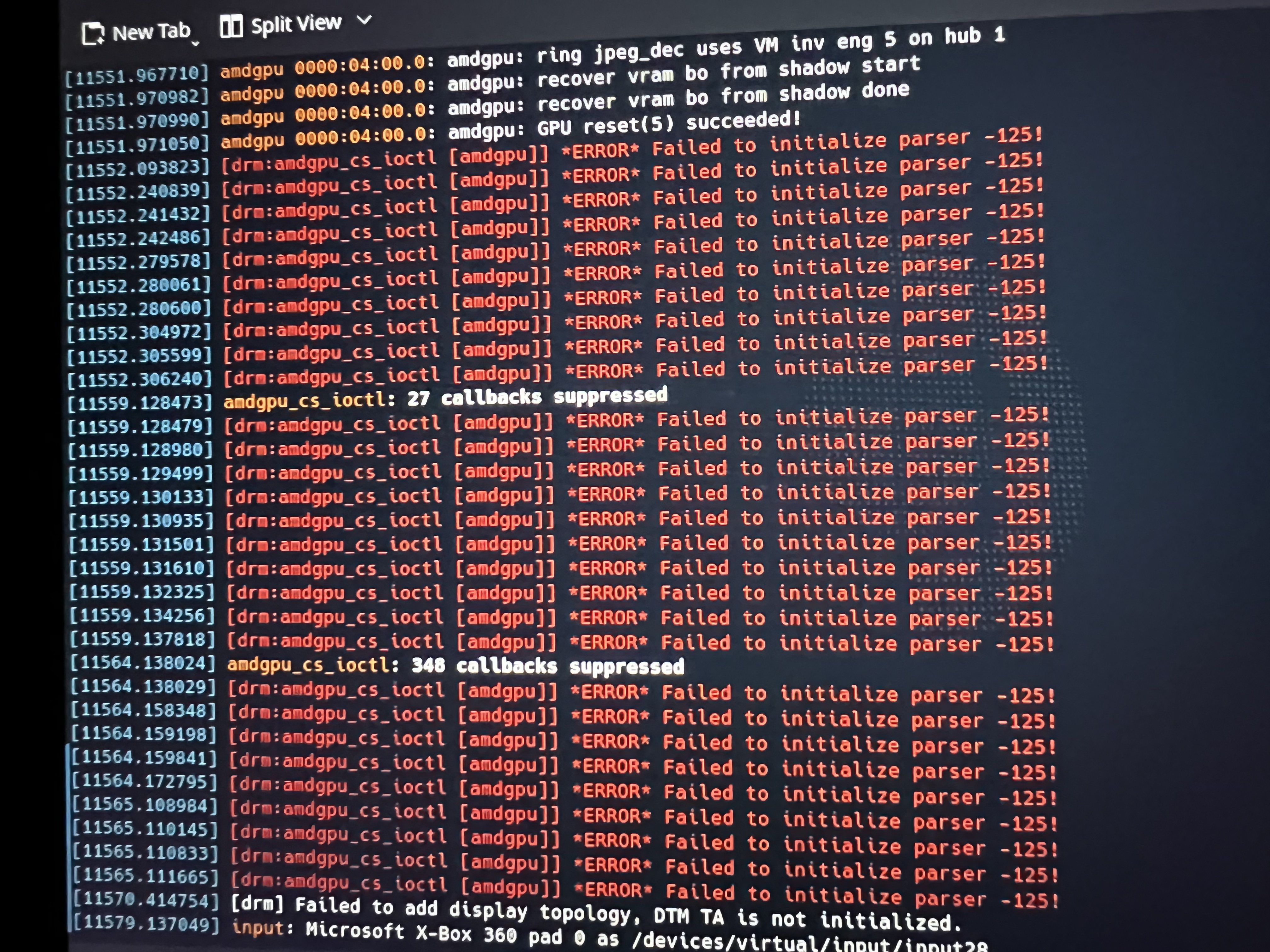
@htkassner This is a GPU hang.
As a temporary workaround for this memory issue, you can do:
radv_report_apu_as_dgpu=false %command% in the command line option.
Please report any other issues with this (including performance diff). Thanks!
@hakzsam Holy guacomole. That really seems to fix my issues. Have now run 3 benchmarks with vsync on, triple buffer on, ultra textures, anisotrophic to 16x and lights to ultra. Everything else even to medium. Benchmarks with 40fps in average. Memory not increasing. So I would say no performance impacts. It really runs great. I will check storymode later this day. Thank you. Will this be fixable permantly?
@hakzsam My first impression was not confirmed in story mode. Game still crashes in story mode with different configurations. Can see that CPU gets very hot even with medium and FPS locked to 30. So this seems not to be the final solution. Benchmark was running great. Story mode with dust and snow scenes kills it again.
@hakzsam My first impression was not confirmed in story mode. Game still crashes in story mode with different configurations. Can see that CPU gets very hot even with medium and FPS locked to 30. So this seems not to be the final solution. Benchmark was running great. Story mode with dust and snow scenes kills it again.
In what way does it crash though? OOM killer or GPU hang? We might have 2 different problems...
@hakzsam Let me log this with dmesg and proton log in some scenarios. I assume mem problem to be gone as this behaves stable in game
At least on my system the RADV hang is very specific, as it does not crash the game, but freezes the whole system. Note I'm not running the Deck, but a desktop PC. The issue is still present in Mesa git version (and it's open in Mesa bugtracker). Unfortunately (or fortunately?) this is the only title in my library which has been unplayable since I bought it.
At least on my system the RADV hang is very specific, as it does not crash the game, but freezes the whole system. Note I'm not running the Deck, but a desktop PC. The issue is still present in Mesa git version (and it's open in Mesa bugtracker). Unfortunately (or fortunately?) this is the only title in my library which has been unplayable since I bought it.
What Mesa issue is that? Is the hang reliable or random? Can you please attach your system info?
@hakzsam Another one. You also need the proton log? Or is it obvious?
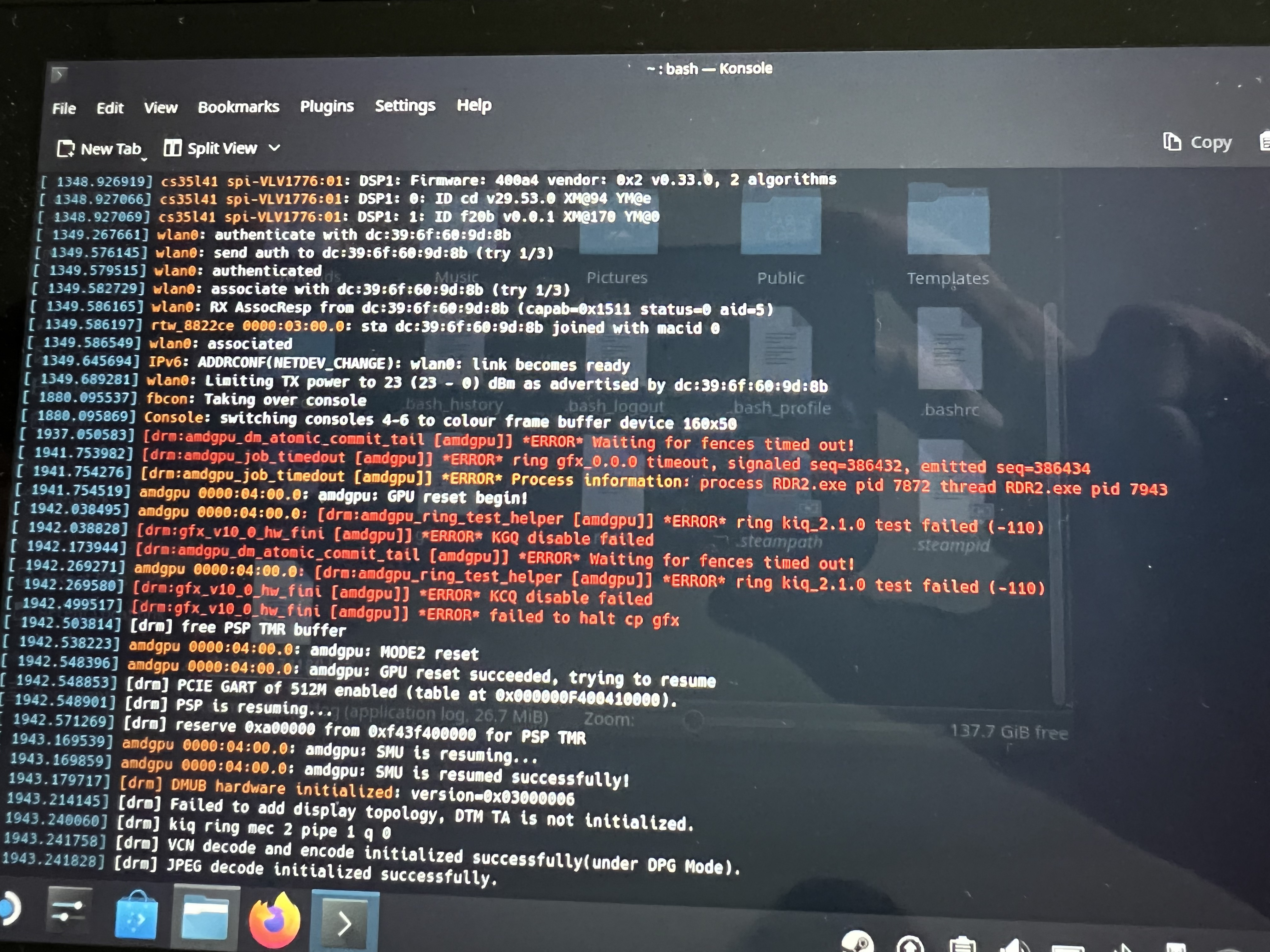
@htkassner Proton log wouldn't be useful. Though, if you can explain how to reproduce it that would be very nice. Graphics settings, etc. As above, is it reliable or random?
What Mesa issue is that? Is the hang reliable or random? Can you please attach your system info?
https://gitlab.freedesktop.org/mesa/mesa/-/issues/5810
It's happening always some seconds/some minutes after loading a game.
I've reported it earlier here, with system logs and all, but it's buried somewhere above now :)
I'll fire up the game and try to get a new proton log and attach the system info with it.
@hakzsam I added the syncshaders option to my startparams as it was mentioned in the mesa issue. Crashed also. Now comes the interesting part. I just played an hour in desktop mode. No crashes, no hangs. Used default settings with textures ultra. During game I set vsync to half because that would also result in 30fps lock as game runs with 60hz. I think game does not like the game mode overlays, measurement tools and so on. It ran absolutely stable with these settings through the whole mission. I will also check if start options are necessary in desktop mode or if game mode is causing issues. Can imagine that mem issue will occur and gpu hang not in desktop mode. I will inform you about my findings. Thanks for caring 👍
@htkassner What do you mean by game mode overlay and measurement tools? I assume you also set radv_report_apu_as_dgpu=true when testing in desktop mode?
@hakzsam On the steam deck in game mode you have the steam button and the ... button which allow you to do some tweaks on the fly. You can activate a game overlay to show cpu temperatures, fps and so on. This is not active / possible in desktop mode.
Regarding the start options I have both commands I mentioned active in desktop mode. The one you mentioned and radv_debug=syncshaders as mentioned in the mesa issue 5810. The combination seems to work for me in desktop mode. I cannot say if it is random, but it seems that the game does not like the overlays which are available in game mode, or the game mode in general. This is where the game crashes constantly after some minutes which I do not experience in desktop mode. I know that is weird, but something steam adds on the deck in game mode seems not to be games best friend. That is what I assume. This is of course hard to reproduce....
@solargazr Can you please upload your savegame (ie. Profiles dir) and include the Settings dir as well?
@htkassner The overlay in question is MangoHUD and it's unlikely to cause any issues. I think your GPU hang is just random and very hard to reproduce. Can you also upload Profiles+Settings dir somewhere on the cloud?
@solargazr Can you please upload your savegame (ie. Profiles dir) and include the Settings dir as well?
Here they go. But I don't think any of these matter if you don't have the unfortunate/edge case hardware combo. I've tried all: lowest settings, highest settings, dx12, vulkan, -ignorepipelinecache (which was recommended by rockstar for windows shader crash), making the settings dir read only so the game does not write cache files, loading 100% save from internet... to no avail. Only things working are syncshaders or forcing amdvlk, both of which result in unplayable performance. The positive thing I can say from the bits I've managed to play is that Proton+RADV performance in RDR2 is really good. Ayway thanks for taking an interest in this!
@hakzsam Could you help me with the location of the profiles and settings folder on the deck as the installation is so widespread between different folders and I am not 100% sure what to zip and upload.
Also look at these reports: https://steamcommunity.com/app/1675200/discussions/1/3269060419624877087/
Maybe it is not mangohud but the "..." overlay
@htkassner Should be in $HOME/.local/share/Steam/steamapps/compatdata/1174180/pfx/drive_c/users/steamuser/Documents/Rockstar Games/Red Dead Redemption 2/Profiles
@htkassner What you can try maybe is to disable the overlay entirely from the ... menu?
Profiles.zip
Settings.zip
@hakzsam Here you go. Sorry 4 the delay
@htkassner Can't reproduce any GPU hangs... Though, given that you and some other users reported that radv_report_apu_as_dgpu=false worked fine wrt this memory explosion, we are going to remove this old workaround. In the meantime, you can keep radv_report_apu_as_dgpu=false in your command line option until Beta becomes Stable.
According to this a long-standing crash should be fixed on the Beta channel for Red Dead Redemption 2 using Vulkan: https://www.gamingonlinux.com/2022/07/steam-deck-beta-gets-scaling-for-external-displays-new-qpreviewq-testing-branch
radv_report_apu_as_dgpu=false
Yes, because radv_report_apu_as_dgpu=true isn't enabled on the Beta channel. Using radv_report_apu_as_dgpu=false on the command line on the Stable channel or removing radv_report_apu_as_dgpu=false and switching to the Beta channel have the same effect for this memory explosion issue.
@hakzsam I just recognized one downside of the command. It reduces the available vram for the gpu by 50%. I just have 3gb instead of 6gb available in game. Wouldn't that explain the gpu hangs when game has less memory with same settings as before?
Maybe this is just a falsy mem recognition in the game settings as mangohud shows game is claiming more than 3gb
This is what the driver hang looks like, when playing windowed:
with this save as soon as it's loaded and I start walking forward it always hangs after couple of seconds. First you can see the game image freezing, then showing a previous frame, then screen goes black, and comes back up, after some time kwin restarts itself and shows error messages after which if you alt tab, you can see an error message in task switcher (ERR_GFX_STATE, for which RS recommends -ignorepipelinecache). The whole desktop is at this point frozen and you must force logout or reset.
I do also get the ERR_GFX_STATE error combined with this weird screen. Also beta is not solving crashing RDR2 for me. A lot of people also report the weird vram decrease in game. Maybe this is really a cause for crashing. So one problems (the mem leak) fix causing another problem (gpu hangs) by taking away memory?
I do also get the ERR_GFX_STATE error combined with this weird screen. Also beta is not solving crashing RDR2 for me. A lot of people also report the weird vram decrease in game. Maybe this is really a cause for crashing. So one problems (the mem leak) fix causing another problem (gpu hangs) by taking away memory?
Beta should solve the memory explosion. Are you saying Beta still hangs though?
Can you please check the integrity of the game files from Steam and try this option too -ignorepipelinecache ?
Yes it still crashes. Let me check this in detail today in the evening. I will switch to beta, delete proton files, remove the command you gave me and check the outcome. Last time I did this it again ran out of memory. But let me re-evaluate this. On top of that I constantly get these ERR_GFX_STATE errors @solargazr is showing in his video. Is it known that the command you gave me decreases vram?
Can you please check the integrity of the game files from Steam and try this option too -ignorepipelinecache ?
I will also try this
radv_report_apu_as_dgpu=false doesn't really decrease VRAM size but the game reports less for some reasons. Shouldn't matter on APU anyways.
@solargazr Tried your savegame on Steam Deck and on my NAVI21 (which should be really close to your), no GPU hangs so far...
EDIT: can you generate a RADV hang report of that scene with RADV_DEBUG=hang, please?
@hakzsam
It does not hang with that option. The performance is unbearably bad though and it seems to tax gpu a lot, VRMs going crazy. Also with that option sga_vulkan_final_init.vkPipelineCacheWindows file inside Settings folder does not grow, without the option it balloons over 18MB before the game hangs. I'll play a bit longer to be sure, but it seems that option beats the game into submission, similar to synchaders.
@hakzsam So finally yesterday was test evening. My findings for Steam Deck and everyone who has comparable problems:
- switched to beta channel which finally kills the mem issue as mentioned
- staying on stable 7.0-3 and using radv_report_apu_as_dgpu=false %command% as startup option is the alternative for people not willing to switch to beta channel
- the startup option -ignorepipelinecache does also solve the ERR_GFX_STATE problem but I had to delete all SGA named files from the settings folder and I created new empty ones with same name which are readonly
- im combination you have to use: radv_report_apu_as_dgpu=false %command% -ignorepipelinecache (correct me if wrong)
- before deleting the SGA files game always crashed at the same places - after deleting I could play on
- now there seems to be no difference more between desktop mode and gaming mode when it comes to stability
- I can use relative high graphic settings with 30FPS locked but I will fiddle around to work with 40
I will continue to play today. Just had one other crash before I created the empty SGA readonly files. After that no crashes were occuring anymore. So for me it was the combination of these two problems it seems. I will do another report tomorrow
@htkassner No GPU hangs so far then?
@hakzsam No, seems to have been the ERR_GFX_STATE error which was not always presented very prominent but also looks like a hang. I will do another intensive test this evening. So far I think my problems are solved.
@htkassner It's great to hear. Though the GPU hangs you got last week (cf. screenshots) are still mysterious because I haven't been able to reproduce any.
@htkassner Did you keep your sga files around?
@solargazr Can you try the things mentioned by htkassner above, please?
Tried everything mentioned and previously I've tried deleting sgas and setting the whole directory readonly. Yesterday I also tried setting the smaller debug sga files readonly, but the driver hangs with them also.
@hakzsam I just created my own with 0kb and same naming as the automatically created ones. And then I changed them to readonly.
@hakzsam I just created my own with 0kb and same naming as the automatically created ones. And then I changed them to readonly.
I don't have those files. Where are they located and what names?
They get generated in the settings folder (where the settings.xml is located) when running the game. In my case it was like that. I first deleted them and started the game (with -ignorepipelinecache) and files were generated again. Than I created the readonly ones. There are several sites describing this. Like: https://www.drivereasy.com/knowledge/red-dead-redemption-2-err-gfx-state-crash/#fix3
The "Rockstar Games Launcher Edition"/non Steam Version doesn't even start for me.
On Steamdeck I add Rockstar-Games-Launcher.exe as a non Steam Game, install Game to the SD card (with STEAM_COMPAT_MOUNTS=/run/media/mmcblk0p1/ %command% as a launch option). Running it with Proton Experimental Beta Channel.
Launcher works fine, downloads game, installs libraries, asks about cloud saves and starts RDR2.exe. Game stays running but no window launches, gpu load is static about 12% on one core, ram usage doesn't change as well.
Nothing happens after that.
Nothing in the Rockstar Games Launcher logs, it doesn't even fetch an exit code when clicking exit game.
Let me know if you need additional info.
@Tschuuuls Same here
@htkassner So, is your issue resolved with radv_report_apu_as_dgpu=false + -ignorepipelinecache ?
@hakzsam It seems so. It still crashes from time to time but very rarely and maybe also depending on other factors like too high settings. For me this is acceptable because it is playable now...
@hakzsam It seems so. It still crashes from time to time but very rarely and maybe also depending on other factors like too high settings. For me this is acceptable because it is playable now...
Crash in what sense? GPU hangs or CPU crashes?
@hakzsam Are there 2-3 points on how I can definitely make a difference between these two types of crashes without logging? Like typical cpu crash, or typical crash caused by gpu hang? For me as non game dev this is a "crash" and without logging I can not really make a difference based on behavior. What I can see is vent is going crazy and game is "hanging" or stuttering and then crashes. Sometimes I also have to restart the Deck then.
@hakzsam Are there 2-3 points on how I can definitely make a difference between these two types of crashes without logging? Like typical cpu crash, or typical crash caused by gpu hang? For me as non game dev this is a "crash" and without logging I can not really make a difference based on behavior. What I can see is vent is going crazy and game is "hanging" or stuttering and then crashes. Sometimes I also have to restart the Deck then.
Ssh to the SD and look at dmesg. Given your symptoms it's likely GPU hangs which is not super cool... but they are "random" I guess?
Yes they are. Let me evaluate this again the next days when I have time to play.
Replying to https://github.com/ValveSoftware/Proton/issues/3291#issuecomment-1183049328
And here too, on the steam deck. I did a strace -fp on the PID of the process running RDR2.exe and it seems to go into a infinite loop of sorts... would this output be useful to solve the issue if I attach it here @ValveSoftware ?
@araujorm @Tschuuuls there may be a fix coming soon: https://github.com/ValveSoftware/Proton/issues/5882 but not 100% sure it's the same problem ...
@araujorm @Tschuuuls there may be a fix coming soon: #5882 but not 100% sure it's the same problem ...
This fix only affects multi-screen setups with mirrored screens. Games running through gamescope (as on Steam Deck) don't need the fix because gamescope presents only one single screen to the games.
@kakra thanks for clarifying. Then there is still some fix needed, as RDR2, installed through Heroic, shows same behaviour as described in https://github.com/ValveSoftware/Proton/issues/5882: Infinite spinning of Rockstar logo animation.
I am not what exactly means "installed through Heroic", but if that means running it not from Steam with Proton that currently won't work OOTB, there are certain tweaks in Proton which are enabled for RDR2 based on SteamGameId. That can probably be helped by starting with SteamGameId set to 1174180.
That can probably be helped by starting with SteamGameId set to 1174180.
Doesn't work with the Rockstar launcher, don't have the exact error but an Rockstar games error comes up.
I don't know the details how it is setup with Proton without Steam. Is it started from Steam as an external game or some other way using Proton's Wine? Does you prefix have win10 version? I could look at WINEDEBUG=+pid,+loaddll,+timestamp,+seh,+unwind log.
Out side of Steam this game -used- to run without any issues if you used the Proton Experimental "files" folder as a wine runner in Lutris or for Heroic.
Sadly, the last time I played was around Wine 5.x and 6.x where the game still worked. Now with wine versions past 6.21 the game refuses to load at all.
My best success outside of Steam Proton has been with lutris-wine-6.21 where the game will show the loading screen and eventually stall at around 90%. You still need to use: PID=$(pgrep RDR2.exe); kill -s SIGSTOP $PID; kill -s SIGCONT $PID
If anyone has more success running the game outside of steam, please chime in!
Besides setting SteamGameId, maybe it also looses vulkan-1 native override which is needed for the game to work (WINEDLLOVERRIDES="vulkan-1=n,b"). It was switched to builtin by default around 5-6x.
I tried setting dxgi and vulkan-1 to n,b to no avail.
Do I just export SteamGameId as an environment variable or pass it as a parameter somehow?
edit: found it, it belongs to the proton wrapper and is indeed a variable.
edit: Ok, apparently I had "installed" the nvidia drivers and "upgraded" my kernel without properly rebuilding nvidia-dkms... this was apparently enough to keep the game from starting with vulkan.
It works as it should with vulkan-1=n,b and winedbg=d overrides plus adding SteamGameId=1174180 to the environment variables.
It works as it should with vulkan-1=n,b and winedbg=d overrides plus adding SteamGameId=1174180 to the environment variables.
Tried that with many proton/wine versions and every time I get error 18 from Social Club (cannot initialize graphics device) while starting the game.
I am using up to date Arch install.
I get this logs from Social Club:
[ERROR] SocialClubVulkanLayer.dll not loaded.
Looks like game connot load this vulkan related dll.
Temporary fix with SteamGameId=1174180 included but error 18 from Social Club:
- Open
(wineprefix)/drive_c/users/$USER/Documents/Rockstar Games/Red Dead Redemption 2/Settings/system.xmlin an editor - Change
<API>kSettingAPI_Vulkan</API>to<API>kSettingAPI_DX12</API>in the<advancedGraphics>block.
This only works if you exclude vulkan-1=n,b dll override!
Another thing I noticed is that the game will freeze when you attempt to change any settings after making this change.
Interesting observation: When on the Steam Deck, using SteamGameId environment variable refuses to launch in game mode but works fine in desktop mode. And it's case sensitive, too: Using STEAMGAMEID for example makes the launcher work but the game does not.
- Open
(wineprefix)/drive_c/users/$USER/Documents/Rockstar Games/Red Dead Redemption 2/Settings/system.xmlin an editor- Change
<API>kSettingAPI_Vulkan</API>to<API>kSettingAPI_DX12</API>in the<advancedGraphics>block.
Tried that before, but game freezes at initial loading screen, at around 90%. Doesn't matter if using Proton or Wine.
I don't know if this appears only on my system or not.
I've got NVIDIA card with newest drivers, if that matters.
@LunaSquee if I remember correctly, using DX12 would cause rendering problems like missing water.
Yeah, not a good "fix" I'm afraid :/
Have you tried dxgi=n,b?
That was needed in the past to get the game working, you could also try to isntall the vulkan tools inside the prefix and try to run vulkaninfo or vkcube to see if Vulkan is working in your prefix!
Also, what GPU are you using? I'm on nVidia, 515.xx driver.
edit: don't try DX12, maybe even try include -vulkan on the command line options for RDR2 on the RGL launcher.
After today's patch, the game is entirely un-launchable on Linux. On my Steam Deck, Proton 7.0-4, Proton Experimental, Proton-GE 27, and Proton 6.3-8 all will start with the Rockstar Launcher launching, before the launcher window disappears and the game doesn't launch.
After today's patch, the game is entirely un-launchable on Linux. On my Steam Deck, Proton 7.0-4, Proton Experimental, Proton-GE 27, and Proton 6.3-8 all will start with the Rockstar Launcher launching, before the launcher window disappears and the game doesn't launch.
Same here :(
Thanks for reporting. Should be fixed in the just updated Proton Experimental [bleeding-edge] branch (can be selected in Proton Experimental properties, BETAS tab).
After today's patch, the game is entirely un-launchable on Linux. On my Steam Deck, Proton 7.0-4, Proton Experimental, Proton-GE 27, and Proton 6.3-8 all will start with the Rockstar Launcher launching, before the launcher window disappears and the game doesn't launch.
Same too ~ Do we have to install Windows to play RDR2 ?
Fixed, thanks for your work.
@yingchangliu You do you. Threatening to use windows is not going to bring you anything.
Hi, @blae-s. No threatening. Just ask for a solution. I want to make sure that is it due to proton or my setup for linux. Wine is banned by some game companies on my side. Now the problem has been fixed in PE.
Thanks for reporting. Should be fixed in the just updated Proton Experimental [bleeding-edge] branch (can be selected in Proton Experimental properties, BETAS tab).
Yes sir, Its working with bleeding edge experimental, thank you for quick fix :)
Same too ~ Do we have to install Windows to play RDR2 ?
@yingchangliu You do you. Threatening to use windows is not going to bring you anything.
I can also confirm the issue is fixed using proton experimental bleeding edge.
Thanks for the quick fix !
Thanks for reporting. Should be fixed in the just updated Proton Experimental [bleeding-edge] branch (can be selected in Proton Experimental properties, BETAS tab).
Bit of a noob here - how do I select this proton experimental, to get RDR2 to work on steam deck? Thanks.
Started RDR2 on Windows, completed on Manjaro, never looked back
Changed to proton experimental, beeding edge channel. Rockstar Launcher window simply doesn't appear on game mode, the steam icon with a spinning circle stays there infinitely. It does appear in desktop mode, but game refuses to launch with the aforementioned graphics error code 18 (which is a progress since a month ago not even that appeared, although a month ago the launcher basic functions worked in game mode and now not even that).
Switched to bleeding-edge, the Rockstar launcher loads but the game never does. Have verified the files already.
Game is running but crashes ever 40-50 mins
The crashes seem to be related to memory usage. My game crashes, when the combined ram and vram reach 22gb. In proton 6.3.8 the combined memory never went over 16gb.
The crashes we experience now seem to be the exact same as the crashes with proton 7.0.4 with the old game version (before today's patch).
Furthermore, the memory leakage/crashes only appear when using vulkan. Dx12 fixes the issue but introduces water rendering problems. Whelp.
Switched to bleeding-edge, the Rockstar launcher loads but the game never does. Have verified the files already.
After reinstalling the game it now launches with bleeding-edge.
Game currently won't start:
wine: Call from 0000000170032198 to unimplemented function ADVAPI32.dll.PerfOpenQueryHandle, aborting
The crashes seem to be related to memory usage. My game crashes, when the combined ram and vram reach 22gb. In proton 6.3.8 the combined memory never went over 16gb. The crashes we experience now seem to be the exact same as the crashes with proton 7.0.4 with the old game version (before today's patch). Furthermore, the memory leakage/crashes only appear when using vulkan. Dx12 fixes the issue but introduces water rendering problems. Whelp.
Shame it seems to be 1 step forward and 2 steps back with the game devs
The crashes seem to be related to memory usage. My game crashes, when the combined ram and vram reach 22gb. In proton 6.3.8 the combined memory never went over 16gb. The crashes we experience now seem to be the exact same as the crashes with proton 7.0.4 with the old game version (before today's patch). Furthermore, the memory leakage/crashes only appear when using vulkan. Dx12 fixes the issue but introduces water rendering problems. Whelp.
Shame it seems to be 1 step forward and 2 steps back with the game devs
I used to have a lot of crashes when I still had 16Gb of RAM, after upgrading to 32Gb they were gone and I've played this game for hours on end! Even online works!
Sadly i cant add more ram to a steamdeck. I will just have to play it on my
pc for the moment.
On Wed, Sep 7, 2022 at 3:59 PM Sjoer van der Ploeg @.***>
wrote:
The crashes seem to be related to memory usage. My game crashes, when the
combined ram and vram reach 22gb. In proton 6.3.8 the combined memory never
went over 16gb. The crashes we experience now seem to be the exact same as
the crashes with proton 7.0.4 with the old game version (before today's
patch). Furthermore, the memory leakage/crashes only appear when using
vulkan. Dx12 fixes the issue but introduces water rendering problems. Whelp.Shame it seems to be 1 step forward and 2 steps back with the game devs
I used to have a lot of crashes when I still had 16Gb of RAM, after
upgrading to 32Gb they were gone and I've played this game for hours on
end! Even online works!—
Reply to this email directly, view it on GitHub
https://github.com/ValveSoftware/Proton/issues/3291#issuecomment-1239506235,
or unsubscribe
https://github.com/notifications/unsubscribe-auth/AO5SJCHEV74AM3Q67KRIUTTV5CUWHANCNFSM4JV54AXQ
.
You are receiving this because you commented.Message ID:
@.***>
Replying to https://github.com/ValveSoftware/Proton/issues/3291#issuecomment-1239510156
Well... your post got me thinking. Maybe a got a solution by increasing swap file size (e.g. ram paging file): https://www.reddit.com/r/SteamDeck/comments/x897f1/quick_and_dirty_read_dead_redemption_2_fix/
Increasing swap won't help, because these are active pages.
Increasing swap won't help, because these are active pages.
Increasing the swap has stopped the crashing to a point but not an absolute fix
increasing the swap stopped the crashes for me, also vram usage seems to cap at 8,2G
Has anyone gotten past error 18 on rockstar launcher on steam deck? It still happens on the bleeding edge branch, but the SteamGameId is no longer required for a window to appear.
Still having the issue same issue I posted over a year ago where VRAM fills up in 30 mins to an hour and the game crashes (I've tried playing on a different computer now, so it's for sure the game that's the problem).
RDR2 is crashing on Proton experimental (20220919) and Steam OS v3.3.1 (20220817.1).
steam-1174180.esync.log
steam-1174180.fsync.log
Red Dead Redemption 2 won't boot on AMD graphics
Issue transferred from https://github.com/ValveSoftware/Proton/issues/6266.
@dklementowski posted on 2022-10-24T16:24:34:
Compatibility Report
- Name of the game with compatibility issues: Red Dead Redemption 2
- Steam AppID of the game: 1174180
System Information
- GPU: AMD RX 6700XT
- Driver/LLVM version: Mesa 22.2.1
- Kernel version: 6.0.2
- Link to full system information report as Gist:
https://gist.github.com/dklementowski/91c16a142a2dffd82018be645eed4c95 - Proton version: 7.0-4, 6.3-8, Experimental, GE-7-26
I confirm:
- [x ] that I haven't found an existing compatibility report for this game.
- [x ] that I have checked whether there are updates for my system available.
Symptoms
Rockstar Games Launcher installs, launches just fine, when it's done starting, nothing more happens, the launcher disappears and the game in Steam is fully stopped (can be launched again).
I changed my GPU recently and I never succeed in running that game, but I don't think it's something with configuration on my end, as my games generally work very well, whether it's Vulkan, D3D11 or D3D12. I use RADV driver with just regular Arch Linux Mesa packages. Previously I used NVIDIA RTX 3060Ti and the game worked (with issues). I tried reinstalling it completely, removing prefix directory many times, using different proton versions, using mesa-git. The effect is the same every time.
Reproduction
Install RDR2 while using RX 6700XT, try to launch it
From the log:
wine: Call from 0000000170032048 to unimplemented function ADVAPI32.dll.PerfOpenQueryHandle, aborting
That is used since the latest game update and is supported in Proton Experimental but not yet in Proton Stable (while your log is from Proton stable 7.0.4). I suggest trying with Proton Experimental. If that still doesn't work, would you please attach the log from Proton Experimental.
From the log:
wine: Call from 0000000170032048 to unimplemented function ADVAPI32.dll.PerfOpenQueryHandle, aborting
That is used since the latest game update and is supported in Proton Experimental but not yet in Proton Stable (while your log is from Proton stable 7.0.4). I suggest trying with Proton Experimental. If that still doesn't work, would you please attach the log from Proton Experimental.
As I mentioned in the report, I tried Experimental as well.
Logs when trying to launch using Experimental:
steam-1174180.log
From the log:
wine: Call from 0000000170032048 to unimplemented function ADVAPI32.dll.PerfOpenQueryHandle, aborting
That is used since the latest game update and is supported in Proton Experimental but not yet in Proton Stable (while your log is from Proton stable 7.0.4). I suggest trying with Proton Experimental. If that still doesn't work, would you please attach the log from Proton Experimental.
As I mentioned in the report, I tried Experimental as well. Logs when trying to launch using Experimental: steam-1174180.log
Yes, but the log from 7.0-4 shows the breakage on already known issue with game update which is fixed in Experimental, while this latest log exposes some unique crash which probably doesn't happen for the most of the users. I think it is not much likely related to AMD 6700XT, probably something else has changed along with that. Unfortunately I can neither reproduce the issue nor guess the core reason from the log. Do you have anything specific, like NTFS drive? Can you think of what else could change in the system configuration? Verifying game files also probably worth a shot.
From the log:
wine: Call from 0000000170032048 to unimplemented function ADVAPI32.dll.PerfOpenQueryHandle, aborting
That is used since the latest game update and is supported in Proton Experimental but not yet in Proton Stable (while your log is from Proton stable 7.0.4). I suggest trying with Proton Experimental. If that still doesn't work, would you please attach the log from Proton Experimental.
As I mentioned in the report, I tried Experimental as well. Logs when trying to launch using Experimental: steam-1174180.log
Hi, Have you tried with unofficial Proton GE? Specifically https://github.com/GloriousEggroll/proton-ge-custom/releases/tag/GE-Proton7-37 has been working fine to me (Rockstar Launcher, with WINEDLLOVERRIDES=vulkan-1=n,b %command% on the parameters) on my steam deck with SteamOS... I can confirm that Proton Experimental does not work with rockstar launcher (never did) and Valve never has seemed to care to fix it so far (I guess that's because since proton experimental works with the steam version so no point in fixing it for them...).
You might need to ensure your mesa drivers are up to date though if you're not on steam deck (which can be a pain if your linux distribution hasn't shipped updated packages for those).
BTW if anyone is trying this on a steam deck, don't fall for those videos that try to convince you that increasing UMA buffer from 1G to 4G will "boost your fps", because not only that's a silly placebo effect, but also because at least with this game (at least on SteamOS) the performance becomes abysmal at several points if the UMA buffer setting is not the default 1G.
Edit: grammar
Replying to https://github.com/ValveSoftware/Proton/issues/3291#issuecomment-1289350831
Nothing specific, no NTFS, tried running the game from both SSDs. It was the same when I used Steam Flatpak, it is the same with Steam from multilib repo.
I can try fresh install on a separate SSD.
@dklementowski, it might be interesting to test if an X-based and a Wayland-based user session have differing behavior.
@dklementowski, it might be interesting to test if an X-based and a Wayland-based user session have differing behavior.
Just tried X11 and it was the same.
@kisak-valve Interesting. I tried with fresh OS and fresh Steam installation on Nobara Linux and it just worked smoothly.
system info.txt
Already tried using mesa-23.0-devel and older kernel on my Arch install. Didn't try fresh Steam profile just yet.
@kisak-valve Ahh, this is a problem with Steam, not with the game, drivers or system. I created new system user, run Steam on clean home, installed the game and it works on the same Arch install. I could probably just remove ~/.local/share/Steam and reinstall everything to get it working, but then the hassle with losing my shared collections and configs :/
Unable to launch the game no matter what, have tried:
- Every combination of launch options recommended from here and protondb (WINEDLLOVERRIDES, -vulkan, etc.)
- Switching between every official proton version from 6.3-8 to bleeding edge experimental, as well as proton-GE versions 33, 38 and 7.0rc6, with a new prefix and shader cache each time
- Completely reinstalling RDR2
Every version of proton tested except 7.0rc6 starts the R* launcher for a moment before giving a "Game executable path not found" error, which I've tried to fix by setting the perms on the game directory to 777, as well as making sure my user owned the dir, with no luck
7.0rc6 makes a slight difference to the game's launch by having the launcher not give any errors, instead having the launcher run for slightly longer and RAM+CPU usage increasing, like the game is actually about to launch, before suddenly closing back to Steam
Any help would be super appreciated 👍
systeminformation.txt
steam-1174180.log (Proton Experimental Bleeding-Edge Beta)
steam-1174180_GE7.0rc6.log (Proton-7.0rc6-GE-1)
I get as far as the shotgun shells and game crashes
GL_RENDERER:   AMD Radeon RX 6800 XT (sienna_cichlid, LLVM 13.0.1, DRM 3.46, 5.18.19-051819-generic)
GL_VERSION:    4.6 (Compatibility Profile) Mesa 22.0.5
even tried this as listed somewhere else
PROTON_NO_GLSL=1 RADV_PERFTEST=aco PULSE_LATENCY_MSEC=60 WINEDLLOVERRIDES="dxgi=n,b" WINEDLLOVERRIDES="dinput8=n,b" taskset -c 0-7 %command% -USEALLAVAILABLECORES -cpuLoadRebalancing -ignorepipelinecach -vulkan
SteamGameId=1174180 WINEDLLOVERRIDES=vulkan-1=n,b WINE_DISABLE_VULKAN_OPWR=1 %command%
Hey @hakzsam, currently I get crashes again on different graphic settings on latest Steam OS stable and Proton Experimental. For me you are the one who knows all the rdr issues best, as you also created the fix inside the OS for radv. Would you have a look at this? Sometimes I also think RDR does not like TDP and gpu capping. Thanks for your great work so far. (CPU at 12 watts on SD, GPU 1400)
@htkassner What image version ID is that?
@hakzsam Sorry for asking. Of what and where to find this? You mean the ID of SteamOS or Proton?
Yeah, ID of SteamOS.
Build 20221005.1
Version 3.3.2
Kernel 5.13.0-valve21.3-1-neptune
Did you update recently? According to your dmesg, you got GPU hangs. Are they random?
They occur very frequently since some time. Normally FPS is very stable at 30FPS and also CPU and GPU are temperatured normal. But if random means from time to time - no currently they occur every 5 minutes or so very regularly
But did you update your OS since? What about performance, is it same as before? FYI, your OS version contains a different RDR2 workaround wrt the memory explosion which should be way better. Though, I don't think your GPU hangs are related to this.
I also switch to beta sometimes when I see cool stuff incoming. But I am on stable now again since last week or so. Yeah I have seen your fix for the memory issue, but still I can´t explain what is causing this. Maybe RDR is reacting like that on deck when fiddling around with the graphic settings. As I am trying a lot of stuff in between to get the most out of this game. I also know that Rockstar screwed up some stuff here regarding memory and so on. I think the deck can run this game really great with also very good looking graphics. Nevertheless I always get these crashes regularly.
I don't know why you get GPU hangs, I have never been able to reproduce any when we talked about earlier this year... :/
Can you upload your savegame+game settings again somewhere? Maybe I will have more luck this time.
I ask myself if I maybe have to RMA my deck because there is something wrong with the hardware. Yes I will upload this stuff here later. No problem. Thank you for your effort
@hakzsam Your last post made me think that there is something wrong with my system. The fact that you never had "gpu hangs" was weird to me. So what I did now was a complete reset of my system to factory settings. Other than the last times I then installed RDR2 on my decks SSD. (256GB) So I have a clean install with latest stable OS and also latest stable Proton. Since than I had no crashes anymore. I ask myself what caused all my trouble. It is no comparison to the situation before.
I even can smoothly run RDR2 now with 40fps on ultra textures. Is maybe switching between OS versions a problem? And what about "updates" in Desktop mode. As desktop mode always offers updates to the system. Even for Mesa driver. Is it useful to update via desktop mode when all drivers are delivered by you in Gaming mode?
So yeah, like you I can not explain what happened here. Just that it defintive runs better after the factory reset and installing it on internal SSD.
@htkassner I have no ideas what could I have caused your system to be unstable, but if the factory reset fixed your problem, I think that's a great news anyways.
@hakzsam But can you tell me if it is advisable to update mesa drivers etc. via desktop mode instead of using the update functionality in the gaming mode? I can imagine that desktop mode delivers updates which are maybe not tested or approved by valve. Would be interesting for me.
@htkassner I have no ideas what could I have caused your system to be unstable, but if the factory reset fixed your problem, I think that's a great news anyways.
Seems that it was the shader pre-cache which caused it. I got the same trouble after my first gaming session after reinstallation. I received a shader cache update and after that game was stuttering, fan was reaching much higher numbers and so on. I disabled the shader pre-cache and deleted the shader cache folder again and game is running smoother and fan is also not going crazy. That´s weird as this shader mechanism should improve performance. I am still doing different tests but first impression is that pre-cache is for RDR2 causing more trouble than benefit for me.
I've just gotten this game on steam deck, and though graphically it works brilliantly, I have no dialog / voice audio in cut scenes (and possibly elsewhere, I've only tried the story mode long enough to be sure something was wrong).
Is seems that this game is more or less working for others on the deck, (and is marked as playable) - is there something I'm missing or doing wrong?
@benklop Which language are you using? Did you have subtitles enabled? I'm looking at the very first cut-scene where they are in the wagon in the snow, and the dialogue is working for me - I'm assuming that is the one that was broken for you?
It was Nvidia drivers update to 525.60.11 last days, Proton experimental and Steam Linux today.
Now RDR2 lags heavily random time later after start, usually 30s later but best I was able to play 20 mins before lags.
Older proton versions do not work at all. Any ideas ?
Update: it was nvidia driver. I made rollback to 520 and game is fine now, even more, I could configure it to ultras using xml file which is not allowed inside game. I think game wrongly detects RAM used from intel gpu.
@benklop Which language are you using? Did you have subtitles enabled? I'm looking at the very first cut-scene where they are in the wagon in the snow, and the dialogue is working for me - I'm assuming that is the one that was broken for you?
I'm using whatever is the default, I made no changes after install. I assume the default would be US english. I did go in and enable subtitles to confirm suspicions that there should be dialog, and found that the subtitles do work, but dialog is missing both with and without subtitles.
You are correct that i'm referring to the very first cutscene, with the wagon in the snow.
I have to RMA my steam deck due to a malfunctioning left bumper, hopefully in a week or two i'll be able to test some more after a factory reset.
Is it possible the issue could be due to being on the preview channel? when I get the deck back i'll be testing on stable.
Not sure if it was mentioned here (it is seemingly impossible to search through all the comments of an issue, not even the GH-api offers something), but i have a strange situation very probably related to suspend operations:
- Game works flawlessly and with nice fps after a fresh boot
- Now i suspend and resume the machine
- Game now complains about bad video drivers and instructs to update or reboot
- After a reboot, game indeed works again till next suspend
Initially, I couldn't believe a reboot would help at first (When does it ever, on a linux system?), so this took me some days to actually figure out.
Problem is: This could be a local or rare issue as the other Debian machine nearby doesn't exhibit that - but it also has different hardware and versions.
I'm running the game with vulkan, tried dx12 but it always got stuck in the loading screen with the gray progress bar at around 85%.
Machine specs:
- AMD Ryzen 3900X
- Nvidia 3060 TI
- 64 GB
- Debian sid with experimental
- Debian packaged Nvidia 515.48.07-1
- libvulkan1 1.3.224.0-1 (not yet tested after a reboot, but upgrade to 1.3.231.1-1 didn't help)
- Kernel 5.17.0
This is the first thing (in a veeery long time) being affected by suspend & resume operations.
Might it help to enable the nvidia supplied systemd scripts for storing the GPU memory in a tempfile? I think, Debian doesn't do this by default, as it generally seems unnecessary.
Thanks in advance for looking into this or pointing me to an existing fix/workaround.
Comment transferred from https://github.com/ValveSoftware/Proton/issues/6385#issuecomment-1357908852:
@luisalvarado commented on 2022-12-19T16:17:35:
@alasky17 I have a huge hunch you are right. So here is what I did step by step:
- Ran GTA 5 with Proton Experimental.
- An Update for the Rockstar Launcher started
- Game started and I was able to play just fine.
- Exit GTA5 and then went to test RDR2 using Proton Experimental.
- Got stuck on the rockstar launcher and game never started
- Changed RDR2 to Proton 7.0.5 but same issue happened
- Changed GTA5 to Proton 7.05 but same issue happened
- Changed GTA5 back to Proton Experimental but same issue happened.
- Exit Steam then came back to test but same issue happened.
So it only worked the first time, every other time it failed. It only worked the moment the rockstar launcher got updated, after that, even with their update, there were issues.
Anything else you need me to test let me know. Thank you friend.
@luisalvarado Since this is no longer a rc issue, transferred here for further troubleshooting (ty @kisak-valve :) ...
Has it been a while since you played these games? It sounds to me like the Rockstar Launcher update potentially broke your prefix. Unfortunately, once it is in the broken state, it is unlikely that we will be able to see exactly what has gone wrong. Just in case though, could you try:
- Renaming/moving the prefix for RDR2 (located by default in ~/.steam/steam/steamapps/compatdata/1174180) eg mv 1774180 1774180.bak
- Launching game again to create a new prefix and seeing if that fixes the problem.
I have problems that seem identical to what @Snakespeed reported (I noted that we both run Gentoo, but not sure if or why that could be relevant). Steam is installed from scratch with nothing else than RDR2. After RDR2s first time setup have finished successfully, the game refuses to start with the message "Game executable path not found. Please reinstall the game.". Same thing happens with Proton Experimental and Proton-GE.
systeminformation.txt
steam-1174180_proton.experimental.log
steam-1174180_GE-Proton7-43.log
launcher.log
Same computer as in my previous post (running Gentoo), but now running Arch Linux. After a fresh installation, the game still refuses to start, but with a different error message: "The Rockstar Games Services are unavailable and offline play could not be verified (code 134). ...". Any thoughts? Or any suggestions on what Linux distribution to run in order to get this game running?
launcher.log
steam-1174180.log
systeminformation.txt
Same computer as in my previous post (running Gentoo), but now running Arch Linux. After a fresh installation, the game still refuses to start, but with a different error message: "The Rockstar Games Services are unavailable and offline play could not be verified (code 134). ...". Any thoughts? Or any suggestions on what Linux distribution to run in order to get this game running? launcher.log steam-1174180.log systeminformation.txt
from your log:
Starting download of 'https://gamedownloads-rockstargames-com.akamaized.net/public/launcher_online_config.xml'
[2022-12-21 19:04:19.775] [ ERROR ] [Workr] [idownloader] Download error for https://gamedownloads-rockstargames-com.akamaized.net/public/launcher_online_config.xml
this link opens for me. So check you can open this link in browser at least. Looks like missing certificates for HTTPS or your IP is blocked or anything like that. You cannot connect to server.
Looks like the last update from today December 21st or from Yesterday December 20th, fix the rockstar issue (Or rockstar fixed the launcher issue, one of those). Here are some videos showing the game right now, when previously it did not work because of the rockstar launcher issue:
GTA 5 - https://youtu.be/JE3Zhz6h47k
RDR2 - https://youtu.be/J5cekBugZug (Love the Youtube code here.. because Jesus, Bugs Suck!)
@alexzk1, thanks didn't notice that. Opens fine in firefox, and (in Arch Linux):
curl https://gamedownloads-rockstargames-com.akamaized.net/public/launcher_online_config.xml
<Options>
	<TunableOption name="PresenceEnabled" value="1"/>
	<TunableOption name="SCUIStaging" value="1"/>
	<TunableOption name="MinNumTitlesDefined" value="1"/>
	<TunableOption name="EnableExchangeTicket2" value="1"/>
</Options>
I now have multiboot between gentoo and arch, and when I switched back to Gentoo I still get the error msg as in my first post...
After I RTFM the game runs fine in Arch Linux. But, still no luck with Gentoo - it continues to exits with "Game executable path not found. Please reinstall the game."
After I RTFM the game runs fine in Arch Linux. But, still no luck with Gentoo - it continues to exits with "Game executable path not found. Please reinstall the game."
If you dump the command to a file, does it look right? (maybe compare it to what you see on Arch)
i.e. Set launch properties to echo %command% > command.txt
Start the game.
cat $(find ~ -wholename *BloonsTD6/command.txt)
@kevinlekiller, thanks for the input. But the launch command is exactly the same in Arch and Gentoo:
/home/steam/.local/share/Steam/ubuntu12_32/reaper SteamLaunch AppId=1174180 -- /home/steam/.local/share/Steam/ubuntu12_32/steam-launch-wrapper -- /home/steam/.local/share/Steam/steamapps/common/SteamLinuxRuntime_soldier/_v2-entry-point --verb=waitforexitandrun -- /home/steam/.local/share/Steam/steamapps/common/Proton - Experimental/proton waitforexitandrun /home/steam/.local/share/Steam/steamapps/common/Red Dead Redemption 2/PlayRDR2.exe
My idea was, if I can get it working on Arch, I should be able to figure out why it does not run in Gentoo. Still no luck though. But (in my ignorance...), I have noticed a couple of differences:
- if i delete all folders in
.local/share/Steam/steamapps/compatdata/, then, in Arch Linux, only1174180is recreated when I (sucessfully) run RDR2. When I do the same in Gentoo, and (unsuccessfully) run RDR2, both0(that is the steam app, no?) and1174180are recreated. .local/share/Steam/steamapps/compatdata/1174180/pfx/drive_c/users/steamuser/Documents/Rockstar Games/Launcher/launcher.logalso show some interesting differenses -- at the start: in Arch i says
[DISPLAY] [Main ] [minmode] Running in Steam mode,
but in Gentoo:
[DISPLAY] [Main ] [minmode] Starting up normally.
Not sure what this could mean though...
launcher_archlinux.log
launcher_gentoo.log
Did anyone notice that even when the game runs fine, after about 1h of game play it has a significant slowdown - literally going from smooth 60 through some dips here and there up to 15 FPS unplayable. No matter what I do in the game, it gets back to working properly after the game reboot.
I could reproduce that on both RTX 3060Ti and RX 6700XT. Maybe there is something specific about my graphics settings that causes to issue, though it's apparently some sort of memory leak. I didn't investigate further, but did anyone notice that?
Also is there something I can do to debug the issue?
Usually that's due to VRAM exhaustion which makes sense when saying that it occurs after some time of playing. You could look if your VRAM starts to fill up before the problem occurs. It's okay to fill up but if the game doesn't properly calculate its memory budget, it will continue to allocate VRAM, and that's taken from system RAM then. That means, a lot of rendering has to fetch data via the PCI bus which is slow. So to finally figure out if this is the issue, look at the bus usage in the NVIDIA settings panel: It's normal to hover around 3% but anything going permanently much higher is an indicator of a previous VRAM exhaustion (allocations will not be moved back from sysmem to VRAM if other VRAM will be freed later).
You could try lowering texture quality, shadow quality or render resolution as that's usually what takes most VRAM. See if this increases the time before the problem occurs. It may also help closing browser tabs or browsers completely (or other Electron apps) as those usually also take a lot of VRAM. Use nvidia-smi to find the biggest VRAM users.
Replying to https://github.com/ValveSoftware/Proton/issues/3291#issuecomment-1379104687
I'm on AMD now and will check that as soon as I find some time to game (it only happens after an hour of actually playing it). When it comes to VRAM budget, the game estimates it's usage at something like 6GB while RX 6700XT has 12GB of its total memory. Also on that setting the game runs perfectly fine for quite some time (60-90 minutes) until the problem starts to occur, so my guess is that it's not freeing the used memory properly.
@dklementowski As far as I understand, DirectX games running under the Windows kernel can swap VRAM allocation back from sysmem to vram - games running under wine cannot do that. It looks like some games rely on that behavior. In theory that means, the game should see similar issues when running with Vulkan in Windows but not when running with DirectX in Windows.
With DXVK you can somewhat work around the problem by limiting the video memory offered to the game.
@dklementowski As far as I understand, DirectX games running under the Windows kernel can swap VRAM allocation back from sysmem to vram - games running under wine cannot do that. It looks like some games rely on that behavior. In theory that means, the game should see similar issues when running with Vulkan in Windows but not when running with DirectX in Windows.
With DXVK you can somewhat work around the problem by limiting the video memory offered to the game.
Well, that game has Vulkan backend and it's the only one usable on Linux, or at least it was like the last time I've checked, so it doesn't use DXVK, right? Limiting available vram is something I can try to do, but I've never done so and honestly don't know how. Must do some research first
or at least it was like the last time I've checked, so it doesn't use DXVK, right?
Yes. Sorry, I didn't explicitly mention it.
Limiting available vram is something I can try to do
I don't know of a way to do that for Vulkan games.
Also, even if DirectX mode would work, it won't fix the issue because that feature of shuffling around memory probably would need kernel driver integration.
On a second thought: Some games tend to over-allocate video memory: They allocate memory they never use. There's a way of measuring that in Windows, here's a German video about it: https://www.youtube.com/watch?v=tjuIRv3zgmY (not sure if it has English subtitles)
I'm not sure how good vkd3d, Vulkan, or DXVK handle this. DXVK has gained some counter measures for it by freeing completely unused memory chunks again. But if games tend to over-allocate memory, and chunk allocators like DXVK actually allocate that from sysmem then, and then a game uses such latter allocations, performance will obviously suffer. OTOH, if games still keep their over-allocations within the budget, there's a good chance no other process in the system (like rendering a web page) will "steal" this memory (because it's already allocated in VRAM). Apparently, the chunk allocator of DXVK has some slack overhead due to how it works and is designed, and games cannot account for that: They do not know about this. In this case, artificially limiting the memory through DXVK actually helps. But obviously, this only works for DXVK titles. In the past, it was discussed that a memory chunk repacker could solve this but it seems technically impossible to do that. Also, it would probably cause latency spikes. BTW: DXVK can show this memory slack in the HUD, it's usually not too big. I found that limiting the memory to what is available before starting the game minus the typical slack caused by the game and some safety buffer works pretty well for preventing such performance drops - but it depends a lot on the game. Elite Dangerous certainly benefits from it, but it slows down texture loading a lot.
But Vulkan and vkd3d memory allocation probably works very different from DXVK and this information won't add to the discussion here. But maybe it helps coming up with some ideas. Since the effectiveness differs per game, it probably would also need some per game tuning or heuristics to tune memory management and allocation.
The game consistently crashes after a few hours of gameplay when entering new areas or talking to NPCs. The issue persists on Experimental and Next. Is this a known issue? For what it's worth I'm using nvidia and have tried driver versions 515.65.01 and 525.60.11.
To clarify I'm not getting any slowdown prior to the crash like I've seen some people reporting
Can you tell me in which specific areas it was crashing (in case there was a consistent pattern or just random) and typically how long it took to crash. This way I can test on my end to see if I can replicate the issue. Do remember to enable proton log to see why it crashed by putting it in the parameters as so:
PROTON_LOG=1 %command%
And then on your home folder you should see a file get created about the steam app ID.
steam-1174180.zip
Here I managed to finish chapters 4 and 5 in one sitting until it happened. Simply opened the menu while riding and the game crashed.
Fresh installed on arch linux, running with proton experimental.
It doesn't work.
Game executable path not found.
By starting the game without the launcher DRM I run into the problem that the game is just a background process.
I think I suffer from the same problem optimus windows users have.
But I can't just deactivate my intel iGPU just for this game.
By starting the game without the launcher DRM I run into the problem that the game is just a background process. I think I suffer from the same problem optimus windows users have. But I can't just deactivate my intel iGPU just for this game.
How are you executing the game, from outside Steam? Can you guide me here, or I can do a video for you at least to show how I do it. But if you can guide me, it would be best to understand your case.
@MartinX3, please do not help other users pirate games on this issue tracker.
@MartinX3, please do not help other users pirate games on this issue tracker.
I'm sorry, I tested it with the steam version I bought and just wanted to help.
The game crashes for me on X11 but works fine when on Wayland.
Replying to https://github.com/ValveSoftware/Proton/issues/3291#issuecomment-1338608370
Well it's taken a bit longer than I intended but I'm trying again with everything stable and I still have the same issue.
I get wind noises during the opening cinematic, and as soon as that cinematic is done suddenly I hear dialogue, but no dialogue at all during the entire subtitled video. I've messed with all the audio settings and I found nothing that actually helps.
Again this is only during the opening storyline stuff, although it may be during every cinematic, I don't know yet.
It’s more something i should report to the mesa drivers, if it haven’t been reported yet, but i’ll mention it there as it doesn’t seems to been said despite the Mesa Drivers/AMD RADV Label.
On those drivers, transparent materials such as glass can sometime appear borked, and create some reflection artefacts.

(Look at the glasses and bottles for this one. Pretty easy to spot)
Note that this doesn’t happen systematically, either with the mesa or RADV drivers. But it happens pretty often. The performance seems to take a hit too when this happens, but I couldn’t measure it properly.
The game AMD FSR 2 implementation does create some issues, especially with the scope, with other reflection artifacts too, but I’ve heard reports of Windows users also having it, so I’m assuming this is a specific game issue.
@PoorPocketsMcNewHold Does it also happen if you launch the game with RADV_DEBUG=zerovram %command% ?
Hello @PoorPocketsMcNewHold, please copy your system information from Steam (Steam -> Help -> System Information) and put it in a gist, then include a link to the gist in this issue report.
@PoorPocketsMcNewHold Are you running RDNA3?
@kisak-valve commented on Mar 27, 2023, 1:05 PM UTC:
Hello @PoorPocketsMcNewHold, please copy your system information from Steam (
Steam->Help->System Information) and put it in a gist, then include a link to the gist in this issue report._Originally posted by @kisak-valve in https://github.com/ValveSoftware/Proton/issues/3291#issuecomment-1485070951_
Can’t seems to be able to create any gist via Github. In the mean time, I’ve paste it in PrivateBin there https://bin.nixnet.services/?30ec7a798ae1dbc6#CeEtHAtACADs531DTk8veyxb9tJYCC1Lpbnu3paLKGyA The code is the game SteamID number.
@hakzsam commented on Mar 27, 2023, 1:12 PM UTC:
@PoorPocketsMcNewHold Are you running RDNA3?
Nope. RDNA2 via an AMD 6900 XT.
@Blisto91 commented on Mar 27, 2023, 12:41 PM UTC:
@PoorPocketsMcNewHold Does it also happen if you launch the game with
RADV_DEBUG=zerovram %command%?_Originally posted by @Blisto91 in https://github.com/ValveSoftware/Proton/issues/3291#issuecomment-1485056979_
Seems to fix that.

Here’s the Proton log from this session with zerovram enabled. https://up.nixnet.services/a3bxry6q.log (GitHub Gist is broke as I said, and PrivateBin doesn’t support such big .log text files)
I've opened https://gitlab.freedesktop.org/mesa/mesa/-/issues/8719 to track if this should be fixed on the RADV side.
Red Dead Redemption 2 via Steam, Rockstar Launcher error popup appears twice and game does not launch
Issue transferred from https://github.com/ValveSoftware/Proton/issues/6706.
@mareofnight posted on 2023-04-21T09:05:39:
My environment:
- Intel® Core™ i7-8750H CPU @ 2.20GHz × 12
- Nvidia GP106M [GeForce GTX 1060 Mobile]
- nvidia-driver-525 (proprietary)
- Ubuntu 22.04.1 LTS
- flatpak installation of Steam client
- Proton 6.3-8 selected in Red Dead Redemption 2 compatibility settings
When I click Play in the Steam client, I get a message that says:
An error has occurred. Please make sure all instances of the Rockstar Launcher have been closed and try again. If you continue to see this error, please visit https://support.rockstargames.com
I watch my Process Monitor window while starting the game, and there is only one instance of the process "Rockstar-Games-" and it only appears when the error popup is visible. When I either close the popup or kill the process, the process and popup both go away. the game continues preparing to launch (processing vulcan shaders, etc) and then the same popup and "Rockstar-Games-" process appear a second time. After I close them, the game does not launch.
At the very end of the failed launch process, I get a new popup error that says:
Failed to locate the Rockstar Games Launcher, please verify your game data and complete the Rockstar Games Launcher installation.
After that, Steam stops trying to launch the game and the play button reappears.
Possibly relevant, the folder "~/.var/app/com.valvesoftware.Steam/.steam/steam/steamapps/compatdata/1174180/pfx/drive_c/Program Files/Rockstar Games/Launcher" was initially empty, and "verify game files" didn't see a problem with that. Some online support articles indicated the launcher was supposed to be here, so I tried both installing the Rockstar-Games-Launcher.exe from Rockstar's website and putting it there, and copying the Rockstar-Games-Launcher.exe from the Steam installation on a different computer and putting it there. Neither of these things changed the result.
I have also tried:
- Earlier Proton version (same error)
- Later Proton versions (the game silently fails to launch without the Rockstar launcher even appearing)
- Reboot the computer and try launching the game first thing after reboot (same error)
- Verify integrity of game files... (no problems found)
Please advise me on what else I can do to fix this issue and play the game.
@FeRChImoNdE commented on 2023-04-21T09:20:32:
I'm having the same problem. Launcher fails twice, then switching to GE-Proton7-33 game launches but crash to desktop. Setting PROTON_LOG=1 can see that:
wine: Unimplemented function winegstreamer.dll.winegstreamer_create_video_decoder called at address 000000007B0124DE (thread 048c), starting debugger...
Replying to https://github.com/ValveSoftware/Proton/issues/3291#issuecomment-1517785017
Deleted the game's prefix in
steamapps/compatdata/1174180
Then selecting only Proton Experimental at compatibility, nothing at launch parameters and letting the Rockstar Launcher install it's stuff again I got it to work. Once I can run the game i've been able to switch again to Steam Tinker Launcher and make all the tweaks in order to run mods.
Replying to [#3291 (comment)](https://github.com/ValveSoftware/Proton/issues/3291#issuecomment-1517785017)
Deleted the game's prefix in
steamapps/compatdata/1174180Then selecting only Proton Experimental at compatibility, nothing at launch parameters and letting the Rockstar Launcher install it's stuff again I got it to work. Once I can run the game i've been able to switch again to Steam Tinker Launcher and make all the tweaks in order to run mods.
Thank you, this worked! For some reason it didn't want to let me "force compatibility tool", but it seems to have selected the right one on its' own.
Seems like Red Dead Redemption 2 is crashing Wayland when you for example enter the general store every time..
I am using proton 8.0-2
Hardware info: https://gist.github.com/coreybruce/3a7dd24ead8b58d8b85b4f94f5906a58
System log: https://gist.github.com/coreybruce/aab68b67c688fc39d8579644fcdc1ab6
@coreybruce Could you try running the game with RADV_DEBUG=nobinning %command%?
If this fixes the issue, then it's this bug on mesa, this bug has been fixed somewhere between version 23.0 and 23.1.2
@coreybruce Could you try running the game with
RADV_DEBUG=nobinning %command%? If this fixes the issue, then it's this bug on mesa, this bug has been fixed somewhere between version 23.0 and 23.1.2
Sure and I have mesa 23.0.4-1
@coreybruce Could you try running the game with
RADV_DEBUG=nobinning %command%? If this fixes the issue, then it's this bug on mesa, this bug has been fixed somewhere between version 23.0 and 23.1.2
Nah it still does it even with that launch option
Unable to launch the game no matter what, have tried:
* Every combination of launch options recommended from here and protondb (WINEDLLOVERRIDES, -vulkan, etc.)

* Switching between every official proton version from 6.3-8 to bleeding edge experimental, as well as proton-GE versions 33, 38 and 7.0rc6, with a new prefix and shader cache each time

* Completely reinstalling RDR2
Every version of proton tested except 7.0rc6 starts the R* launcher for a moment before giving a "Game executable path not found" error, which I've tried to fix by setting the perms on the game directory to 777, as well as making sure my user owned the dir, with no luck 7.0rc6 makes a slight difference to the game's launch by having the launcher not give any errors, instead having the launcher run for slightly longer and RAM+CPU usage increasing, like the game is actually about to launch, before suddenly closing back to Steam Any help would be super appreciated 👍
systeminformation.txt steam-1174180.log (Proton Experimental Bleeding-Edge Beta) steam-1174180_GE7.0rc6.log (Proton-7.0rc6-GE-1)
Update to my previous post, what ended up allowing the R* launcher to proceed and enter the game was enabling CONFIG_CROSS_MEMORY_ATTACH in my kernel config and recompiling. Now RDR2, as well as GTA IV and GTA V work flawlessly without requiring a Proton-GE build. Hopefully this helps @sloshdots as well as any other users using custom kernels encountering the same error.
Oh whoops I did, I'll delete my last comment actually haha
Red Dead Redemption 2 won't launch
Issue transferred from https://github.com/ValveSoftware/Proton/issues/6945.
@jwakely posted on 2023-07-21T11:02:04:
Compatibility Report
- Name of the game with compatibility issues: Red Dead Redemption 2
- Steam AppID of the game: 1174180
System Information
- GPU: NVIDIA GeForce GTX 1060 6GB/PCIe/SSE2
- Driver/LLVM version: nvidia 535.86.05
- Kernel version: 6.3.12-200.fc38.x86_64 (64-bit)
- Link to full system information report as Gist: https://gist.github.com/jwakely/671e929d0257ea2b4a42824d8e1e183d
- Proton version: Experimental / 8.0-2 / 7.0-6 (same problem with all of them)
I confirm:
- [x] that I haven't found an existing compatibility report for this game.
- [x] that I have checked whether there are updates for my system available.
Symptoms
When I click "Play" it says "Launching" and a message appears next to that button saying "Running install script (Vulkan Runtime Installer)" but then nothing ever happens, it just stays like that.
The file /home/jwakely/.local/share/Steam/standalone_installscript_progress_1174180.vdf keeps being recreated with this same content, so it seems to be stuck in a loop:
"progress"
{
        "current_step"          "0"
        "step_count"            "6"
        "current_step_description"              "Vulkan Runtime Installer"
}
When I add PROTON_LOG=1 %command% to the launch options no $HOME/steam-*.log file is created, so I can't attach it here.
I can click "Cancel", but a winedevice.exe process continues to run in the background. If I try to exit Steam it closes the client GUI but the Steam icon stays in the systray and I can't restart Steam. I have to use kill -9 to kill the winedevice.exe and steam processes (or rebooot) to use Steam again.
I'm using the steam-1.0.0.78-1.fc38.i686 RPM on Fedora 38, I've tried both the negativo17.org RPM and the RPMFusion RPM, with the same results.
I get the same results with Proton Experimental, and Proton 8 and Proton 7. I've switched to the Steam Beta client, but still get the same results.
If I install the Steam flatpak from flathub and give it access to my Steam library (so I don't have to download RDR2 again) then I can successfully launch RDR2, install the Rockstar Launcher, and play the game. The flatpak is version 1.0.0.75, so a slightly older version, I don't know if that's why it works. I read online that the latest client is causing this issue with RDR2 for other people too. It also plays perfectly on my Steam Deck.
I changed the game to use Proton 6.3-8 and then launching the game appears to get a further, opening a "Launching Red Dead Redemption 2" popup that shows "Processing Vulkan shaders (xx%)" but after that finishes Steam thinks the game is running (The "Play" button changes to "Stop") but nothing appears. Now if I switch back to Proton 7 or 8 or experimental, it also seems to start, switching the "Play" button to "Stop" ... but no game window appears.
Reproduction
Install steam on Fedora 38 using RPMFusion RPM, then start Steam, install RDR2, and click "Play".
If I install the Steam flatpak from flathub and give it access to my Steam library (so I don't have to download RDR2 again) then I can successfully launch RDR2, install the Rockstar Launcher, and play the game.
Huh, after several rounds of trying to run in the native client (installed from RPM) with different Proton versions, and running via the flatpak version with different proton versions and different --filesystem=... options, something "fixed" itself, and launching the game from the RPM Steam client (not the flatpak one) now works fine using Proton Experimental (which wouldn't launch before). Yay!
RDR2 Launches but stops immediately after starting
probably not any different specs than anyone else.
I have the latest Vulkan-radeon driver and Vulkan-headers driver and I have tried the latest/experimental/GE-8-1 through 7 versions to try and get this game working. Proton logs tell me VK_ERROR_HOST_OUT_OF_MEMORY but I know it's not a memory issue because I have 32GB of system memory and enough vram in a 6700xt. I have tried every fix on protondb plus downgrading system kernel and system drivers. This isn't working and idk why. Unless an update released within the past few days that I don't know about I can't see how I would be getting these issues. Someone told me to report it here as a bug issue PROTON 8.0-3...
https://gist.github.com/GreatKitsune/036beaa3ebb25914b24018b05cb04153
at steam-1174180.log | grep err
12031.720:0104:0108:fixme:uiautomation:uia_get_providers_for_hwnd Override provider callback currently unimplemented.
12031.753:0104:0114:fixme:uiautomation:uia_get_providers_for_hwnd Override provider callback currently unimplemented.
12031.756:0104:0114:fixme:uiautomation:uia_get_providers_for_hwnd Override provider callback currently unimplemented.
12034.412:0104:0114:fixme:uiautomation:uia_get_providers_for_hwnd Override provider callback currently unimplemented.
Fossilize INFO: Overriding serialization path: "/home/lich/.local/share/Steam/steamapps/shadercache/1174180/fozpipelinesv6/steamapprun_pipeline_cache".
12034.699:0104:0114:fixme:uiautomation:uia_get_providers_for_hwnd Override provider callback currently unimplemented.
12034.702:0104:0114:fixme:uiautomation:uia_get_providers_for_hwnd Override provider callback currently unimplemented.
12034.706:0104:0114:fixme:uiautomation:uia_get_providers_for_hwnd Override provider callback currently unimplemented.
12034.708:0104:0114:fixme:uiautomation:uia_get_providers_for_hwnd Override provider callback currently unimplemented.
12034.710:0104:0114:fixme:uiautomation:uia_get_providers_for_hwnd Override provider callback currently unimplemented.
12034.711:0104:0114:fixme:uiautomation:uia_get_providers_for_hwnd Override provider callback currently unimplemented.
12034.713:0104:0114:fixme:uiautomation:uia_get_providers_for_hwnd Override provider callback currently unimplemented.
12034.715:0104:0114:fixme:uiautomation:uia_get_providers_for_hwnd Override provider callback currently unimplemented.
12035.118:0104:0114:fixme:uiautomation:uia_get_providers_for_hwnd Override provider callback currently unimplemented.
12035.143:0104:0114:fixme:uiautomation:uia_get_providers_for_hwnd Override provider callback currently unimplemented.
12036.215:0138:013c:err:kerberos:kerberos_LsaApInitializePackage no Kerberos support, expect problems
12036.215:0138:013c:err:ntlm:ntlm_LsaApInitializePackage no NTLM support, expect problems
12036.247:0104:0114:fixme:uiautomation:uia_get_providers_for_hwnd Override provider callback currently unimplemented.
12036.378:02d0:02d4:err:kerberos:kerberos_LsaApInitializePackage no Kerberos support, expect problems
12036.379:02d0:02d4:err:ntlm:ntlm_LsaApInitializePackage no NTLM support, expect problems
12036.423:02d0:02d4:fixme:nls:RtlGetThreadPreferredUILanguages 00000038, 000000000011EC24, 0000000000000000 000000000011EC20
12036.423:02d0:02d4:fixme:nls:get_dummy_preferred_ui_language (0x38 0x409 000000000011EC24 0000000000000000 000000000011EC20) returning a dummy value (current locale)
12036.423:02d0:02d4:fixme:nls:RtlGetThreadPreferredUILanguages 00000038, 000000000011EC24, 000000000011EC00 000000000011EC20
12036.423:02d0:02d4:fixme:nls:get_dummy_preferred_ui_language (0x38 0x409 000000000011EC24 000000000011EC00 000000000011EC20) returning a dummy value (current locale)
12036.962:0318:031c:err:kerberos:kerberos_LsaApInitializePackage no Kerberos support, expect problems
12036.963:0318:031c:err:ntlm:ntlm_LsaApInitializePackage no NTLM support, expect problems
12037.298:0348:034c:err:kerberos:kerberos_LsaApInitializePackage no Kerberos support, expect problems
12037.299:0348:034c:err:ntlm:ntlm_LsaApInitializePackage no NTLM support, expect problems
12037.332:02d0:02d4:err:combase:RoGetActivationFactory Failed to find library for L"Windows.UI.ViewManagement.UISettings"
12037.337:0104:0114:fixme:uiautomation:uia_get_providers_for_hwnd Override provider callback currently unimplemented.
12037.353:0104:0114:fixme:uiautomation:uia_get_providers_for_hwnd Override provider callback currently unimplemented.
12037.362:0104:0114:fixme:uiautomation:uia_get_providers_for_hwnd Override provider callback currently unimplemented.
12037.383:0104:0114:fixme:uiautomation:uia_get_providers_for_hwnd Override provider callback currently unimplemented.
12037.413:0104:0114:fixme:uiautomation:uia_get_providers_for_hwnd Override provider callback currently unimplemented.
12037.415:0104:0114:fixme:uiautomation:uia_get_providers_for_hwnd Override provider callback currently unimplemented.
12037.444:0104:0114:fixme:uiautomation:uia_get_providers_for_hwnd Override provider callback currently unimplemented.
12037.465:0104:0114:fixme:uiautomation:uia_get_providers_for_hwnd Override provider callback currently unimplemented.
12037.468:0378:037c:err:kerberos:kerberos_LsaApInitializePackage no Kerberos support, expect problems
12037.469:0378:037c:err:ntlm:ntlm_LsaApInitializePackage no NTLM support, expect problems
12037.493:0390:0394:err:kerberos:kerberos_LsaApInitializePackage no Kerberos support, expect problems
12037.494:0390:0394:err:ntlm:ntlm_LsaApInitializePackage no NTLM support, expect problems
12037.512:0104:0114:fixme:uiautomation:uia_get_providers_for_hwnd Override provider callback currently unimplemented.
12037.521:0104:0114:fixme:uiautomation:uia_get_providers_for_hwnd Override provider callback currently unimplemented.
12037.553:0104:0114:fixme:uiautomation:uia_get_providers_for_hwnd Override provider callback currently unimplemented.
12037.612:0104:0114:fixme:uiautomation:uia_get_providers_for_hwnd Override provider callback currently unimplemented.
12038.838:0104:0114:fixme:uiautomation:uia_get_providers_for_hwnd Override provider callback currently unimplemented.
12040.031:0478:047c:err:kerberos:kerberos_LsaApInitializePackage no Kerberos support, expect problems
12040.032:0478:047c:err:ntlm:ntlm_LsaApInitializePackage no NTLM support, expect problems
12040.058:0480:0484:err:kerberos:kerberos_LsaApInitializePackage no Kerberos support, expect problems
12040.060:0480:0484:err:ntlm:ntlm_LsaApInitializePackage no NTLM support, expect problems
12041.552:0104:0114:fixme:uiautomation:uia_get_providers_for_hwnd Override provider callback currently unimplemented.
12042.098:0138:04f0:err:ole:com_get_class_object apartment not initialised
12042.098:0138:04f0:err:ole:com_get_class_object apartment not initialised
12043.280:0104:0114:fixme:uiautomation:uia_get_providers_for_hwnd Override provider callback currently unimplemented.
12064.398:0104:0114:fixme:uiautomation:uia_get_providers_for_hwnd Override provider callback currently unimplemented.
12064.495:0104:0114:fixme:uiautomation:uia_get_providers_for_hwnd Override provider callback currently unimplemented.
12064.598:0104:0114:fixme:uiautomation:uia_get_providers_for_hwnd Override provider callback currently unimplemented.
12071.456:0508:050c:err:winediag:MIDIMAP_drvOpen No software synthesizer midi port found, Midi sound output probably won't work.
Fossilize INFO: Overriding serialization path: "/home/lich/.local/share/Steam/steamapps/shadercache/1174180/fozpipelinesv6/steamapprun_pipeline_cache".
12071.793:0104:0114:fixme:uiautomation:uia_get_providers_for_hwnd Override provider callback currently unimplemented.
Fossilize INFO: Overriding serialization path: "/home/lich/.local/share/Steam/steamapps/shadercache/1174180/fozpipelinesv6/steamapprun_pipeline_cache".
Fossilize INFO: Overriding serialization path: "/home/lich/.local/share/Steam/steamapps/shadercache/1174180/fozpipelinesv6/steamapprun_pipeline_cache".
Fossilize INFO: Overriding serialization path: "/home/lich/.local/share/Steam/steamapps/shadercache/1174180/fozpipelinesv6/steamapprun_pipeline_cache".
Fossilize INFO: Overriding serialization path: "/home/lich/.local/share/Steam/steamapps/shadercache/1174180/fozpipelinesv6/steamapprun_pipeline_cache".
12072.556:0104:0114:fixme:uiautomation:uia_get_providers_for_hwnd Override provider callback currently unimplemented.
12072.575:0104:0114:fixme:uiautomation:uia_get_providers_for_hwnd Override provider callback currently unimplemented.
12072.783:0508:0540:err:seh:call_stack_handlers invalid frame 000000002DB6E648 (000000002D972000-000000002DA70000)
12072.783:0508:0540:err:seh:NtRaiseException Exception frame is not in stack limits => unable to dispatch exception.
wine client error:540: write: Bad file descriptor
EDIT: Fixed by setting ALSA backend in protontricks.
Hello @GreatKitsune, please copy the contents of Steam Runtime Diagnostics from Steam (Steam -> Help -> Steam Runtime Diagnostics) and put it in a gist, then include a link to the gist in this issue report.
For the past 14 days or so, I also had a problem where RDR2 would launch but immediately stop after starting. It just froze during the first loading animation/intro. I use the following:
- OS: OpenSUSE Tumbleweed
- CPU: AMD Ryzen 7 5800X 8-Core
- GPU: AMD Radeon RX 5700 XT (Mesa 23.1.3)
- Steam installed using
zypper - Proton Experimental (also tried a bunch of different version)
No matter what I did, RDR2 failed to load. But for me when I disable the Steam Overlay either global or only for RDR2, my game loads and starts normally! I don't know why, but there every time I enable it my game fails!
The new Steam client seams to be broken on Linux or something.
Steam Version:  1689034492
Steam Client Build Date:  Tue, Jul 11 01:59 UTC -08:00
Steam Web Build Date:  Mon, Jul 10 19:48 UTC -08:00
Steam API Version:  SteamClient020
Same issue as @Dalstroem thanks for the work around. Its working without the overlay now.
OS: EndeavourOS
CPU: AMD Ryzen 7 5800X3d
GPU: AMD Radeon RX 6800 XT (Mesa 23.1.3)
Steam installed using arch repo
Proton GE 8.9
@Dalstroem I tried disabling the steam overlay and no dice... I don't know what would be causing this issue.
@Dalstroem I tried disabling the steam overlay and no dice... I don't know what would be causing this issue.
Have you tried to delete the compatdata folder and let it recreate on launch? Thats fixed a few games for me that had launching issues.
Yep i tried deleting the compdata.
On Sat, Jul 22, 2023, 11:36 PM GnomeBeans @.***> wrote:
@Dalstroem https://github.com/Dalstroem I tried disabling the steam
overlay and no dice... I don't know what would be causing this issue.Have you tried to delete the compatdata folder and let it recreate on
launch? Thats fixed a few games for me that had launching issues.—
Reply to this email directly, view it on GitHub
https://github.com/ValveSoftware/Proton/issues/3291#issuecomment-1646744209,
or unsubscribe
https://github.com/notifications/unsubscribe-auth/A7KAJCSFXCQHTUEBYLOEY3TXRSS5LANCNFSM4JV54AXQ
.
You are receiving this because you were mentioned.Message ID:
@.***>
Anyone else have any idea's or who have it working and can post a gist with their proton log so i have something to compare it too.
Anyone else have any idea's or who have it working and can post a gist with their proton log so i have something to compare it too.
steam-1174180.log
I Fixed it I think it was a problem with pipe-wire not working or something.
Replying to https://github.com/ValveSoftware/Proton/issues/3291#issuecomment-1646444539
oh wow, I've had a problem with the game running just fine offline but crashing whenever I tried to go online - I set alsa in protontricks (my system is natively pulse) and the crashes stopped and I can finally go online in linux again - not sure if the issue I was having is the same though, I suspect mine is voicechat related because disabling ingame voicechat with pulse fixed the problem too, but I never thought of trying that until I saw your post about ALSA.
P.S. This same protontricks method in the GTA V prefix also fixed that game crashing before the main menu loaded for me, very excited, gonna go share this there as well
Red Dead Redemption 2 doesn't start (1174180)
Issue transferred from https://github.com/ValveSoftware/Proton/issues/6988.
@Feinschmecker1 posted on 2023-08-02T11:13:43:
Compatibility Report
- Red Dead Redemption 2
- 1174180
System Information
- GPU: NVIDIA Corporation NVIDIA GeForce RTX 3060/PCIe/SSE2
- Video driver version: 4.6.0 NVIDIA 535.86.05
- Kernel version: 4.6
- Gist: https://gist.github.com/Feinschmecker1/3af54fa82593b362c387cf525b19be50
- Proton version: 8.0-3
I confirm:
- [x] that I haven't found an existing compatibility report for this game.
- [x] that I have checked whether there are updates for my system available.
Symptoms
I have a problem with Red Dead Redemption 2.
Until recently (approx. 2 weeks) the game worked perfectly. But now there is a problem as soon as I start the game. Namely, when I press play, the Rockstar Launcher loads initially. But then it dies in the middle of the loading process and the play button says "running" or something. This means that the game should now be normally on, but I don't see anything.
Any updates or changes in the last 2 weeks? Oh and i would check rockstar
games error log.(usually found in the proton prefix for the game)
On Wed, Aug 2, 2023, 7:59 AM kisak-valve @.***> wrote:
Red Dead Redemption 2 doesn't start (1174180)
Issue transferred from #6988
https://github.com/ValveSoftware/Proton/issues/6988.
@Feinschmecker1 https://github.com/Feinschmecker1 posted on
2023-08-02T11:13:43:
Compatibility Report
- Red Dead Redemption 2
- 1174180
System Information
- GPU: NVIDIA Corporation NVIDIA GeForce RTX 3060/PCIe/SSE2
- Video driver version: 4.6.0 NVIDIA 535.86.05
- Kernel version: 4.6
- Gist:
https://gist.github.com/Feinschmecker1/3af54fa82593b362c387cf525b19be50- Proton version: 8.0-3
I confirm:
- that I haven't found an existing compatibility report for this game.
- that I have checked whether there are updates for my system
available.Symptoms
I have a problem with Red Dead Redemption 2.
Until recently (approx. 2 weeks) the game worked perfectly. But now there
is a problem as soon as I start the game. Namely, when I press play, the
Rockstar Launcher loads initially. But then it dies in the middle of the
loading process and the play button says "running" or something. This means
that the game should now be normally on, but I don't see anything.—
Reply to this email directly, view it on GitHub
https://github.com/ValveSoftware/Proton/issues/3291#issuecomment-1662169099,
or unsubscribe
https://github.com/notifications/unsubscribe-auth/A7KAJCRFH37WDLV7IC74GC3XTJFMRANCNFSM4JV54AXQ
.
You are receiving this because you were mentioned.Message ID:
@.***>
My game for example works but crashes the whole wayland desktop if I walk into the shops, need to test the game again and see if it's still an issue.
It's a real shame that the game isn't working for people with NVIDIA cards also for the Nvidia users
Yes, I think there must have been a couple of updates and patches.
Duplicate of #What does the error.log file do for me?
There it is: (an excerpt of the whole log)
setlocale "de_DE.UTF-8": No such file or directory
pressure-vessel-locale-gen: Missing locale de_DE.UTF-8 (found in $LANG)
pressure-vessel-locale-gen: Generating locale de_DE.UTF-8...
pressure-vessel-locale-gen: Generated locale de_DE.UTF-8 successfully
pressure-vessel-locale-gen: Generating locale en_US.UTF-8...
pressure-vessel-locale-gen: Generated locale en_US.UTF-8 successfully
pressure-vessel-adverb[4741]: W: Container startup will be faster if missing locales are created at OS level
Proton: Upgrading prefix from 7.0-100 to 8.0-103 (/home/feinschmecker/.steam/steam/steamapps/compatdata/346110/)
esync: up and running.
wine: RLIMIT_NICE is <= 20, unable to use setpriority safely
ExecuteSteamURL: "steam://open/steam://open/games"
CAPIJobRequestUserStats - Server response failed 2
ExecuteSteamURL: "steam://open/steam://open/games"
CAPIJobRequestUserStats - Server response failed 2
CAPIJobRequestUserStats - Server response failed 2
src/common/pipes.cpp (885) : stalled cross-thread pipe.
src/common/pipes.cpp (885) : stalled cross-thread pipe.
08/01 15:32:46 Init: Installing breakpad exception handler for appid(steam)/version(1689034492)/tid(2237)
assert_20230801153246_61.dmp[5407]: Uploading dump (out-of-process)
/tmp/dumps/assert_20230801153246_61.dmp
src/clientdll/steamclient.cpp (901) : bufRet.TellPut() == sizeof(uint8)
src/clientdll/steamclient.cpp (901) : bufRet.TellPut() == sizeof(uint8)
assert_20230801153246_61.dmp[5407]: Finished uploading minidump (out-of-process): success = yes
assert_20230801153246_61.dmp[5407]: response: CrashID=bp-1ba7e9bb-04d1-4e19-94c7-16bfc2230801
assert_20230801153246_61.dmp[5407]: file ''/tmp/dumps/assert_20230801153246_61.dmp'', upload yes: ''CrashID=bp-1ba7e9bb-04d1-4e19-94c7-16bfc2230801''
Thread "CJobMgr::m_WorkThreadPool:2" (ID 2427) failed to shut down
Thread "CJobMgr::m_WorkThreadPool:2" (ID 2427) failed to shut down
@coreybruce I recognized your name from the Witcher 3 audio mystery, and I think there is something extremely cursed going on with your setup. For starters, Wayland + NVIDIA is still a fairly cursed combo, so I would suggest switching to X11 to see how many of your issues are solved. If running a game with Proton crashes the entire Wayland desktop, that is very likely a bug in Wayland as we should not be able to crash the desktop environment with Wine.
@coreybruce I recognized your name from the Witcher 3 audio mystery, and I think there is something extremely cursed going on with your setup. For starters, Wayland + NVIDIA is still a fairly cursed combo, so I would suggest switching to X11 to see how many of your issues are solved. If running a game with Proton crashes the entire Wayland desktop, that is very likely a bug in Wayland as we should not be able to crash the desktop environment with Wine.
It might be a mesa related issue and oh no I'm not using a Nvidia card, I am using a RX 6700XT. I was talking about the Nvidia users on here reporting their game isn't working at all or crashing.
I could try xorg and see if there is any crashing issues for me tho
Hmm just to add since I haven't played RDR2 in a while my game also is crashing and on the loading screen when it opens. I was testing it with proton experimental and even on xorg. I am verifying my files now
Edit: ok after verifying the files and switching proton 8.0-3 the game is now running but il going to see if it crashes or causes any issues when I walk into a store
Using a RX 6700XT
@coreybruce I was having the exact same issue. We appear to share a similar setup (AMD GNOME) and my entire desktop environment was crashing when entering/exiting certain buildings, namely the store in the benchmark and the safe house in Chapter 4. What fixed it for me was disabling AMD FSR 2.0 in the settings. I haven't bothered to diagnose the issue further since FSR was also responsible for ghosting and other graphical issues on my end.
@coreybruce I was having the exact same issue. We appear to share a similar setup (AMD GNOME) and my entire desktop environment was crashing when entering/exiting certain buildings, namely the store in the benchmark and the safe house in Chapter 4. What fixed it for me was disabling AMD FSR 2.0 in the settings. I haven't bothered to diagnose the issue further since FSR was also responsible for ghosting and other graphical issues on my end.
Oh wow really you are? That's good to hear someone else can relate haha 😆
Hmm I see, changing to xorg fixes the issue so idk if it's a Wayland problem or a fix proton will have to do for Wayland users
Hi @kisak-valve with Proton 8 experimental, the game does not run, it tries to launch the launcher.exe and it appears as running the game but then it stops.
in windows they say on the internet that one have to launch the launcher in administrator mode.
I have also read that you have to disable the "controlled folder access" option in windows.
I have also tried to disable the firewall in ubuntu. But not results.
I have also tried to delete compatdata/1174180. In this case I choose the language, everything installs perfectly, and then the log problem that I attach appears again.
I have looked at the logs and found the following (something about code error 17)
[2023-09-09 00:57:10.503] [DISPLAY] [Workr] [preqmanager] The Social Club version available matches that currently installed (both: 2.1.9.8)
[2023-09-09 00:57:10.503] [DISPLAY] [Workr] [titleupdater] No prerequisites to install.
[2023-09-09 00:59:10.914] [DISPLAY] [Main ] [launcher] Shutdown requested! Forced: false
[2023-09-09 00:59:10.917] [DISPLAY] [Main ] [launcher] Social club UI in fail state... requesting shutdown.
[2023-09-09 00:59:10.917] [ ERROR ] [Main ] [error] ************************************************************************
[2023-09-09 00:59:10.917] [ ERROR ] [Main ] [error] * Setting error condition
[2023-09-09 00:59:10.917] [ ERROR ] [Main ] [error] * Category: 3 (ERROR_CATEGORY_SOCIAL_CLUB)
[2023-09-09 00:59:10.917] [ ERROR ] [Main ] [error] * Code: 17 (SC_INIT_ERR_WEBSITE_FAILED_LOAD)
[2023-09-09 00:59:10.917] [ ERROR ] [Main ] [error] * Extra:
[2023-09-09 00:59:10.917] [ ERROR ] [Main ] [error] * Localised: El tiempo de espera de Rockstar Games Launcher mientras cargaba el contenido sin conexión y en línea ha expirado. Comprueba tu conexión a Internet y vuelve a intentarlo. Si sigues teniendo problemas, contacta con el servicio de asistencia de Rockstar Games en [https://support.rockstargames.com/es](steam://openurl/https://support.rockstargames.com/es).
[2023-09-09 00:59:10.917] [ ERROR ] [Main ] [error] ************************************************************************
[2023-09-09 00:59:10.917] [ ERROR ] [Main ] [launcher] Displaying error message: El tiempo de espera de Rockstar Games Launcher mientras cargaba el contenido sin conexión y en línea ha expirado. Comprueba tu conexión a Internet y vuelve a intentarlo. Si sigues teniendo problemas, contacta con el servicio de asistencia de Rockstar Games en [https://support.rockstargames.com/es](steam://openurl/https://support.rockstargames.com/es).
[2023-09-09 00:59:10.950] [DISPLAY] [Main ] [launcher] StartShutdown - Now in progress
[2023-09-09 00:59:11.180] [WARNING] [Main ] [launcher] 0 messagebox(es) not shown before shutdown
[2023-09-09 00:59:11.230] [DISPLAY] [Main ] [app] Application quit requested (exit code: 0)
[2023-09-09 00:59:11.258] [DISPLAY] [Main ] [svc] Stopping the background service.
I'm unable to play RDR2
I switch to the latest proton 8.0-3 running on Debian 12 / 6.1.0-11-amd64 / NVIDIA 525.125.06. I tested previous version of proton but no differences
The game loads and have the error 'ERR_GFX_INIT'
The only way to enter the menu is to add "%command% -adapter 1"
That way I can enter the parameters, I can switch between video adapters:
- Adapter 1 have only 2G of Vram
- Adapter 0 have 12Go of Vram
Using adapter 1 is unplayable. The settings are the lowest and the game crash
Using adapter 0 gives me 'ERR_GFX_INIT'
I tried several options listed on https://www.protondb.com/app/1174180 but none works
I'm having the same problem with the game not launching because the Rockstar launcher/Social Club is in a log-in loop/error and kills the process before reaching the intro/splash screen.
OS: EndeavourOS Linux
KERNEL: 6.5.3-zen1-1-zen
CPU: AMD Ryzen 9 5900X 12-Core
GPU: AMD Radeon (gfx1101, LLVM 16.0.6, DRM 3.54, 6.5.3-zen1-1-zen)
GPU DRIVER: 4.6 Mesa 23.1.7-arch1.1
RAM: 32 GB
I've tried multiple Proton version (8.0-3/Experimental/Glorious Eggroll)
I've tried verifying game files
I've tried launching a bunch of Rockstar launcher/Social Club .exe files to see if I can fix it from there but it'll ask for an install
I'll try a fresh install but this is not a practical solution (I'm on ADSL)
Maybe a launch option to remove any 3rd party launchers (Rockstar's in this case) + their saved credentials to allow for a fresh install & log in?
Replying to https://github.com/ValveSoftware/Proton/issues/3291#issuecomment-1730846050
Try to renew your prefix by removing directory in compatdata ~/.local/share/Steam/steamapps/compatdata/1174180 and launching the game again. Rockstar app should then reinstall.
I am having the same problem with the rockstar launcher saying the game is running and then leaving. Trying with regular Proton 8.0-4 and experimental. Removed the prefix twice already to see if things change, but they do not.
steam-1174180.log
I am having the same problem with the rockstar launcher saying the game is running and then leaving. Trying with regular Proton 8.0-4 and experimental. Removed the prefix twice already to see if things change, but they do not.
steam-1174180.log
ignore that, something changed in my Arch that now I must have vk_radv added before each game execution.
Replying to https://github.com/ValveSoftware/Proton/issues/3291#issuecomment-1730846050
I more or less have the same setup with the same problem, did you ever find a solution?
I was told to post a log here, basically when starting the game it freezes on the first loading screen right before the main menu.
I have tried two different distros, two different DEs, and both Wayland and X.11 but nothing worked. The Proton version also appears to make no difference either. The only thing that did get the game to start was Steam Big Picture Mode however it would usually only start once and was quite buggy. The graphics settings didn't work right and once I closed the game there was a solid chance it wouldn't open again unless I deleted the compatdata folder.
OS - EndeavourOS
Kernel - 6.5.7-arch1-1
CPU - Ryzen 5 3600
GPU - RX 6600XT
Driver - 23.2.1-arch1.2
RAM - 16GB DDR4
Hello @LumpyArbuckle, skimming through your Proton log, apparently your issue is audio related. Thread 0548 hits an access violation (c0000005) and has a bad time. This thread was renamed "winealsa_midi_notify."
Hello @LumpyArbuckle, skimming through your Proton log, apparently your issue is audio related. Thread 0548 hits an access violation (c0000005) and has a bad time. This thread was renamed "winealsa_midi_notify."
Is there a solution to this problem? I do have occasional audio glitches since switching to AMD (maybe more than when I used Nvidia) so it makes sense that it's possibly audio-related, it could just be me imagining things though.
The game freezes during the initial loading screen on Nvidia GPUs but works fine on AMD.
Both 535 driver and 545 driver tested
Red dead redemption 2 is currently running
Issue transferred from https://github.com/ValveSoftware/Proton/issues/7239.
@Gimuck posted on 2023-11-05T23:40:10:
After Rockstarr starts up in RDR2 the box comes up as above 'A GAME IS CURRENTLY RUNNING' 'Red dead redemption 2 is currently running. By choosing to exit Red Dead Redempetion 2 will be quit and any unsaved access will be lost. RDR2 then crashes if quit or not quit. I am running proton8.0-4 on Mint 21.2 Victoria - Kernel: 5.15.0-88-generic x86_64.
Graphics:
Device-1: NVIDIA TU116M [GeForce GTX 1660 Ti Mobile] vendor: ASUSTeK
driver: nvidia v: 470.223.02 bus-ID: 01:00.0
Device-2: AMD Renoir vendor: ASUSTeK driver: amdgpu v: kernel
bus-ID: 06:00.0
Device-3: IMC Networks USB2.0 HD UVC WebCam type: USB driver: uvcvideo
bus-ID: 3-4:3
Display: x11 server: X.Org v: 1.21.1.4 driver: X:
loaded: amdgpu,ati,nvidia unloaded: fbdev,modesetting,nouveau,vesa
gpu: amdgpu resolution: 1920x1080~144Hz
OpenGL: renderer: RENOIR (renoir LLVM 15.0.7 DRM 3.42 5.15.0-88-generic)
v: 4.6 Mesa 23.2.1 - kisak-mesa PPA direct render: Yes
Thanks,
Hello @Gimuck, if the game is running your AMD APU, than your video driver is new enough, but if it's running on your NVIDIA GPU, the NVIDIA 470 series video driver provides Vulkan 1.2, but Proton 8.0 (and newer) requires the video driver to provide Vulkan 1.3.
Please update your NVIDIA video driver install to a newer driver series and retest.
Yes that worked thanks..
Steam Overlay causes the game to freeze on the loading screen, killing the gameoverlayui process immediately unfreezes the game and gets you to the menu at the cost of no Steam overlay (Mangohud works fine).
Can personally confirm it happens on both AMD and Nvidia cards.
Thanks to Kuta GreyApe on ProtonDB for pointing this out.
Just a heads up for AMD gpu users:
AMDVLK performs vastly better with this game compared to RADV. So if one has a choice,using it with this game is recommended.
https://www.protondb.com/app/1174180?device=pc
Recent Proton reports have talked about mild artifacts that appear in the game on AMD GPUs (such as occasional flickering objects and blurry textures). I have experienced this behavior on both my PC (RX 6600 XT with Mesa 23.2.1) and Steam Deck. Can this be looked into?
I've run in to a gpu reset, with RADV 6600XT (-vulkan game launch option) 100% reproduceable with mesa 23.1.9 -> 23.3.1, the Emmet Granger side quest triggers it every time, when the TNT explosion happens (otherwise I've managed 50 hours without crashes).
How can I get a useful trace of this, it obviously takes down my graphical session, how can I setup a trace from a separate vt (is gfx reconstruct the right tool?)
[drm:amdgpu_job_timedout [amdgpu]] *ERROR* ring gfx_0.0.0 timeout, signaled seq=3210036, emitted seq=3210038
[drm:amdgpu_job_timedout [amdgpu]] *ERROR* Process information: process RDR2.exe pid 26646 thread RDR2.exe:cs0 pid 26681
amdgpu 0000:03:00.0: amdgpu: GPU reset begin!
Hello @dantob, please copy the contents of Steam Runtime Diagnostics from Steam (Steam -> Help -> Steam Runtime Diagnostics) and put it in a gist, then include a link to the gist in this issue report. Also, are you able to share a save near the crash for a video driver dev to ponder?
@kisak-valve as requested
Steps: You have to start the Emmet Granger side quest (white circle with EG on the map), grab the pitchfork, scoop the 4 pig manure piles into the wheelbarrow, a cutscene plays. you now have tnt in hand, place tnt on manure storage, another cutscene plays (GPU resets during tnt explosion) should be 3-5 mins game time.
Edit: launch options gamescope -W 2560 -H 1440 -r 60 -f -- %command% -vulkan
This game has stopped working after the January 2024 update. The game launches to a black screen now after the error:"Please update your driver. Game requires version 20.2.2 or newer." The game was installed using the default Lutris Epic Games script https://lutris.net/games/install/35275/view
Launcher: Lutris > Epic Games
Distro: Arch Linux
Kernel: 6.7.3-arch1-1
GPU: AMD 7900XT
CPU: AMD 5950X
This should be reported on the Lutris repo, not Proton as it have nothing to do with it.
-------- Message d'origine --------
Le 04/02/2024 03:36, Allie a écrit :
This game has stopped working after the January 2024 update. The game launches to a black screen now after the error:"Please update your driver. Game requires version 20.2.2 or newer." The game was installed using the default Lutris Epic Games script https://lutris.net/games/install/35275/view
Screenshot_20240203_212843.jpg (view on web)Launcher: Lutris > Epic Games
Distro: Arch Linux
Kernel: 6.7.3-arch1-1
GPU: AMD 7900XT
CPU: AMD 5950X—
Reply to this email directly, view it on GitHub, or unsubscribe.
You are receiving this because you were mentioned.Message ID: @.***>
I having flicker issue when using the Nvidia driver and Wayland. Anyone knows someway to fix it?:
https://github.com/ValveSoftware/Proton/assets/7952798/af0b8a1d-15ff-40b5-8b77-35e401f5d2a7
I having flicker issue when using the Nvidia driver and Wayland. Anyone knows someway to fix it?:
This looks like the out-of-order presentation bug I was seeing in other games when using gamescope with NVIDIA. If using no vsync but force full composition pipeline in the driver (maybe an option in X11 only), I did no longer see it - without gamescope at least. I'm not sure if gamescope still would have this issue for me, since it is wayland-based, using wayland may be a problem, too, because it forces vsync by default. If you experience stutter with composition pipeline and vsync off, try using mangohud to limit the fps to your monitor refresh: it should result in smooth gameplay without tearing.
I'd wait for driver 555 (probably, if they keep their versioning) before trying wayland, it may bring a lot of fixes. It's currently in beta as driver 550, so it should become stable soonish.
I already using Mangohud to limit FPS at 60 fps, what is in the video. Changing limit to 30 fps makes it worst. I tryed to use gamescope, but even this couldn't solve the problem.
I already using Mangohud to limit FPS at 60 fps, what is in the video
Try early limiter instead of late limiter (MANGOHUD_CONFIG="fps_limit=60+30+0,fps_limit_method=early" %command%), it should avoid stutter at the cost of higher input latency. 60+30+0 configures three limits: 60fps, 30fps and unlimited, switchable via hotkey. Disable v-sync inside the game, it works exceptionally bad with multi-monitor NVIDIA.
I reported a similar issue here: https://github.com/ValveSoftware/gamescope/issues/495
I tried to but, there wasn't any changes. The flickering remains.
Just in case this helps someone: the Rockstar Launcher refuses to launch RDR2 if you're using firejail, despite the "game executable not found" error.
Been working great. Update to Rockstar Launcher in January/February 2024 killed it. Will not launch. Get errors like "steam not running" when I launch it via steam! Madness.
can't run it on nixos. probably a launcher issue. disappointed because rdr2 was one of my favorite games on the xbox, but i've since switched to PC gaming
I don't know how or why this happens but game is busted on audio department.
When game does positional audio changes ( one channel being louder than other or completely silent ) it doesn't go back to being stereo again as one would expect. It sticks like that.
More over, when that happens and one quits the game; that behaviour sticks through other apps that are not involving Proton usage. So ( as weird as it sounds ) the way Proton interacts with underlaying sound mechanisms causes them to stick with references Proton set for them. Unplugging and plugging the device that was affected fixes the problem.
So far only managed to get that behaviour on RDR 2. Configuration is set to Headphones in game.
Arch Linux, pipewire, fully up to date system, Proton Experimental.
Not a special sound chip is used either, just the one that is on motherboard, which is a midrange B650 board called B650M-DS3H.
Hello @Leopard1907, that's a rather bizarre snafu. You should also mention it to the pipewire dev(s) as Proton shouldn't be capable of influencing other audio clients.
Red Dead Redemption 2 on Framework 13 AMD 7840U
Issue transferred from https://github.com/ValveSoftware/Proton/issues/7887.
@Spaht posted on 2024-07-11T15:49:10:
Compatibility Report
- Name of the game with compatibility issues: Red Dead Redemption 2
- Steam AppID of the game: 1174180
System Information
- GPU: AMD Ryzen™ 7 7840U w/ Radeon™ 780M Graphics × 16
- Video driver version:
- Kernel version: Linux 6.9.7-200.fc40.x86_64
- Link to full system information report as Gist:
- Proton version:
I confirm:
- [X ] that I haven't found an existing compatibility report for this game.
- [X ] that I have checked whether there are updates for my system available.
Log attached to this report
Symptoms
Once loaded, the game runs at 1-2 FPS and is unplayable. System is Fedora 40 running GNOME under Wayland
Reproduction
Red Dead Redemption 2 AppID 1174180
AMD Ryzen™ 7 7840U w/ Radeon™ 780M Graphics × 16
Driver= amdgpu
https://gist.github.com/Spaht/de82829d8ad87b86d75009a9d848b4f0#file-gistfile1-txt
https://gist.github.com/Spaht/416c40b1b8f0894bb0c6cba35864b2a3#file-gistfile1-txt
@Spaht commented on 2024-07-11T15:51:30:
I am trying to run Red Dead Redemption 2 on a Framework 13 laptop with an AMD7840 APU (integrated Radeon 780M) with 16 GB of RAM. The game is slow to launch and gets terrible FPS in the 1-2 per second range. My system is running Fedora 40 with GNOME and Wayland.
Replying to https://github.com/ValveSoftware/Proton/issues/3291#issuecomment-2223365875
I finally found the answer in a ProtonDB post. This system uses an iGPU. You have to edit the settings of the game to use it.
You need to edit: /home/USERNAME/.local/share/Steam/steamapps/compatdata/1174180/pfx/drive_c/users/steamuser/Documents/Rockstar Games/Red Dead Redemption 2/Settings/system.xml so that adapterIndex value = 0 instead of 1.
I made that edit and it is working fine as can be expected on this hardware. My issue can be closed. Thanks for all that you do.
Does anyone have flickering lights or other flickering textures with "Screen Space Ambient Occlusion" set to medium?
I can have it on all settings, but with medium there seems to be some Z fighting. I know this should probably goto Rockstar Support instead, but I just wanted to know if anyone else can replicate this. You can see it in the house with the party, the lights flicker and the windows go completely nuts! Same with the first camp windows and the broken mirror between the cabinets.
Same here! However, I've noticed that in any configuration, the lights flicker on both the stores and the bar. To be honest, I'm not sure why this happens because it seems like nobody else has experienced the same issue.
[Red Dead Redemption 2] Frame spikes / stutter when using keybord
Issue transferred from https://github.com/ValveSoftware/Proton/issues/8116.
@geludwig posted on 2024-09-21T18:38:11:
Compatibility Report
- Name of the game with compatibility issues: Red_Dead_Redemption_2
- Steam AppID of the game: 1174180
System Information
- GPU: AMD Radeon RX 7900 XTX
- Video driver version: Mesa 24.0.3-1pop1~1711635559~22.04~7a9f319
- Kernel version: 6.9.3-76060903-generic
- Link to full system information report as Gist: https://gist.github.com/geludwig/7bc5e67726a1957ef2a687dd218816d6
- Proton version: Experimental, 9.0-3, 8.0-5
I confirm:
- [X] that I haven't found an existing compatibility report for this game.
- [X] that I have checked whether there are updates for my system available.
Symptoms
Frame spikes / stutter when using Keyboard since around 19/09/2024. No updates to system, only to game and Rockstar launcher (BattleEye update).
No issues when using gamepad.
Capping framerate to 60Hz mitigates this issue to an extend.
Game options: 3440x1440, 144Hz, Borderless Window, Ultra
Reproduction
Press or hold any key when ingame.
Issue might be connected to:
7510.164:0550:0600:fixme:keyboard:NtUserActivateKeyboardLayout flags 40000000 not supported
7510.164:0550:0600:fixme:keyboard:X11DRV_ActivateKeyboardLayout 0x4090409, 40000000: semi-stub!
steam-1174180.log
Gamepad:
Keyboard:
Can confirm the input issue with keyboard+mouse
for me it happens when i hold at least 2 keys on keyboard and turn with mouse. when i hold just 1 key from keyboard like "W" and move the mouse then frametimes are fine. as soon as i touch more keys from keyboard it starts to cause issues.
Quick video about it:
https://drive.google.com/file/d/1oIou1FgiE4E2BW-qMRC4QRRvO1A3VVLn/view?usp=sharing
Distro: Arch Linux
DE: MATE desktop, X11
CPU: AMD Ryzen 5800X3D
GPU: Nvidia RTX 3080
Video driver version: 560.35.03
Kernel version: 6.11.0-1-cachyos
Proton version: Experimental
I can also reproduce this same stuttering issue on keyboard+mouse.
Distro: Gentoo Linux
DE: KDE 6.2 Beta
CPU: AMD Ryzen 5950X
GPU: Nvidia RTX 4090
Video driver version: 560.35.03
Kernel version: 6.11.0-melatonin
Proton version: GE-Proton9-14
Did some additional troubleshooting without any success.
- Reinstalled game
- Changed graphics driver to kisak-turtle
- Changed graphic settings (including refresh rate, fullscreen/window etc, settings ...)
- different keyboard (and layout)
What I noticed!
I mapped my game controller inputs to keyboard keys using AntiMicroX (for example left stick forward to "W"). And the same problem occurs as using the keyboard directly. So likely not a polling-rate related issue.
@geludwig Your original report highlights
7510.164:0550:0600:fixme:keyboard:X11DRV_ActivateKeyboardLayout 0x4090409, 40000000: semi-stub!
Which makes me curious if forcing native wayland for wine might resolve this issue. I havent been able to test this thoroughly because when using alternative builds such as wine-tkg-git with native wayland forced on, I am unable to interact with any steam game whatsoever (despite the game running fine at the menu). However this seems to be an unrelated proton/steam issue and not a wine issue as playing non-steam games with wine wayland forced on works fine.
Out of curiosity, I wrote a patch for wine and did a quick build of proton to prevent the large number of calls to NtUserActivateKeyboardLayout, and this has still not resolved the stuttering issue for me. However, I no longer see 7510.164:0550:0600:fixme:keyboard:X11DRV_ActivateKeyboardLayout 0x4090409, 40000000: semi-stub!
flooding my log.
Ive recorded the games behavior with both keyboard and controller alongside the proton log.
7510.164:0550:0600:fixme:keyboard:X11DRV_ActivateKeyboardLayout 0x4090409, 40000000: semi-stub!
Yeah those messages are spammed with other games also in the proton logs. games that dont suffer from any frametime stutters.
so i think thats unrelated to the RDR2 issue
Yes, I can freez the whole game when spamming my keyboard... And only RD2 has this issue, not seen this in every other game in my libary.
The severe fps drop when holding a key should be fixed in the just updated Proton Experimental (bleeding-edge branch, https://github.com/ValveSoftware/Proton/wiki/Proton-Versions ). It might happen some minor drop is still there (like 1-2 fps at ~110fps) but should be nothing like it was.
Do you have a link for the commit that solved this issue? I have built a few different configurations of proton experimental bleeding edge and I havent seen any improvement.
Proton Experimental bleeding-edge build is available through Steam, see the link above for details. There is a tag in github public repo which corresponds to it, but it is probably interesting to try the official build first to exclude potential issues with custom builds.
Per your previous response, it seems that wine @ de12886 does indeed solve this issue. Both my custom build of experimental bleeding edge as well as the official build no longer stutter with simultaneous key presses and mouse input.
Tested it with a complete fresh install of Pop!OS 22.04 on my second disk. Nothing but Steam, MangoHud and RD2 (Proton Experimental). Same exact issue. Im giving up.
@geludwig have you tried giving Bleeding Edge a try? It's a beta for regular experimental
@Blisto91 I knew I forgot something, thanks. Beta fixed it. Now I can use my non-existent free time again ; )
Replying to https://github.com/ValveSoftware/Proton/issues/3291#issuecomment-2436705155
You'll be shocked but this error mostly occurs when your vram is full. I have 16 gb of vram and this game uses only 5-6 of it at start but it raises slowly and reaches 16 gigs about 2 hours. If you often fast travel, it raises quicker.
So the problem is, this game cannot remove of the vram it uses when it's not necessary. And only works on vulkan selected in the settings, otherwise game wont run at all on dx12.
Replying to [#3291 (comment)](https://github.com/ValveSoftware/Proton/issues/3291#issuecomment-2436705155)
You'll be shocked but this error mostly occurs when your vram is full. I have 16 gb of vram and this game uses only 5-6 of it at start but it raises slowly and reaches 16 gigs about 2 hours. If you often fast travel, it raises quicker.
So the problem is, this game cannot remove of the vram it uses when it's not necessary. And only works on vulkan selected in the settings, otherwise game wont run at all on dx12.
yes i noticed that also, my vram would be touching 10gb, does this happen on windows tho? if it doesnt then could it be a proton or driver problem on the linux side?
I would like to play longer then 2 hours lol and wouldnt this affect steamdeck owners also?
Looks like your issue is being discussed in other places
https://www.reddit.com/r/linux_gaming/comments/1gbwd28/rdr2_stacking_vram_like_a_slices_of_bread_other/
https://steamcommunity.com/app/1174180/discussions/0/7073555028225775075/
Replying to https://github.com/ValveSoftware/Proton/issues/3291#issuecomment-2439187706
I was using dx12 api of the game on windows. There was no issue but also i didnt try the vulkan version while using windows
Replying to https://github.com/ValveSoftware/Proton/issues/3291#issuecomment-2440484082
Yeah can't use dx12, has graphical problems and some Vulkan extension errors appear when launching
I reset the graphics settings, it hasn't crashed since and I was able to complete Arthur's story :)
[2024-12-26 08:08:26.890] [DISPLAY] [ 1456] [gamelaunch] Launching game...
[2024-12-26 08:08:26.890] [DISPLAY] [ 1456] [gamelaunch]  Path: F:\SteamLibrary\steamapps\common\Red Dead Redemption 2\RDR2.exe
[2024-12-26 08:08:26.890] [DISPLAY] [ 1456] [gamelaunch]  Command Line: "F:\SteamLibrary\steamapps\common\Red Dead Redemption 2\RDR2.exe" -skipPatcherCheck -steamLocation "F:\SteamLibrary\steamapps\common\Red Dead Redemption 2" -vulkan -width 1920 -height 1080 @args.txt -enableCrashpad -useSteam -steamAppId=1174180 -scCommerceProvider=4 @commandline.txt -fromRGL -rglLanguage=en-US
[2024-12-26 08:08:26.890] [DISPLAY] [ 1456] [gamelaunch]  Working Directory: F:\SteamLibrary\steamapps\common\Red Dead Redemption 2
[2024-12-26 08:08:27.196] [DISPLAY] [ 1456] [gamelaunch] Game exited with code 0xc0000135 (3221225781)
[2024-12-26 08:08:27.203] [DISPLAY] [ 1456] [crashdetection] Game left no exit file.
[2024-12-26 08:08:27.203] [ ERROR ] [ 1456] [crashdetection] Exit code 0xc0000135 indicates a fatal game exit (reason: STATUS_DLL_NOT_FOUND)
[2024-12-26 08:08:27.203] [ ERROR ] [ 1456] [gamelaunch] Game did not create a window and exited with code 0xc0000135, which likely indicates a fatal game exit during startup
[2024-12-26 08:08:56.175] [DISPLAY] [Main ] [cloudsaveop] Cloud Save sync requested for app 'rdr2'
[2024-12-26 08:08:56.192] [DISPLAY] [Main ] [cloudsaveop] Starting cloud save enabled check for app 'rdr2'
[2024-12-26 08:08:56.192] [DISPLAY] [Main ] [cloudsaveop] Received cloud saves enabled state for app 'rdr2' = disabled
[2024-12-26 08:08:56.192] [DISPLAY] [Main ] [cloudsaveop] Finished syncing cloud saves for app 'rdr2'
[2024-12-26 08:08:26.890] [DISPLAY] [ 1456] [gamelaunch] Launching game...
[2024-12-26 08:08:26.890] [DISPLAY] [ 1456] [gamelaunch]  Path: F:\SteamLibrary\steamapps\common\Red Dead Redemption 2\RDR2.exe
[2024-12-26 08:08:26.890] [DISPLAY] [ 1456] [gamelaunch]  Command Line: "F:\SteamLibrary\steamapps\common\Red Dead Redemption 2\RDR2.exe" -skipPatcherCheck -steamLocation "F:\SteamLibrary\steamapps\common\Red Dead Redemption 2" -vulkan -width 1920 -height 1080 @args.txt -enableCrashpad -useSteam -steamAppId=1174180 -scCommerceProvider=4 @commandline.txt -fromRGL -rglLanguage=en-US
[2024-12-26 08:08:26.890] [DISPLAY] [ 1456] [gamelaunch]  Working Directory: F:\SteamLibrary\steamapps\common\Red Dead Redemption 2
[2024-12-26 08:08:27.196] [DISPLAY] [ 1456] [gamelaunch] Game exited with code 0xc0000135 (3221225781)
[2024-12-26 08:08:27.203] [DISPLAY] [ 1456] [crashdetection] Game left no exit file.
[2024-12-26 08:08:27.203] [ ERROR ] [ 1456] [crashdetection] Exit code 0xc0000135 indicates a fatal game exit (reason: STATUS_DLL_NOT_FOUND)
[2024-12-26 08:08:27.203] [ ERROR ] [ 1456] [gamelaunch] Game did not create a window and exited with code 0xc0000135, which likely indicates a fatal game exit during startup
[2024-12-26 08:08:56.175] [DISPLAY] [Main ] [cloudsaveop] Cloud Save sync requested for app 'rdr2'
[2024-12-26 08:08:56.192] [DISPLAY] [Main ] [cloudsaveop] Starting cloud save enabled check for app 'rdr2'
[2024-12-26 08:08:56.192] [DISPLAY] [Main ] [cloudsaveop] Received cloud saves enabled state for app 'rdr2' = disabled
[2024-12-26 08:08:56.192] [DISPLAY] [Main ] [cloudsaveop] Finished syncing cloud saves for app 'rdr2'
Distro, hardware, drivers, kernel, what proton runner are using, have you cleared the wine prefix, is this game on a ext4 or btrfs partition?
This game is on an Exfat partition. I cannot move it over to my main hard drive for space reasons.
Fedora 41
AMD Ryzen 9
Gigabyte RTX 4070 Ti
Proton Experimental
I'll try clearing the wineprefix. It wont help I think though
I've tried Proton 8, 9, EXP and I cannot get past the loading screen before it crashes. It loads to about 50% and then crashes to desktop. PROTON_LOG is about 4GB and it's spammed with this:
1055243.027:0630:07b0:warn:seh:dwarf_virtual_unwind backtrace: 0x7d3d9d573aac: /usr/lib/pressure-vessel/overrides/lib/x86_64-linux-gnu/libc.so.6 + 0x119aac.
1055243.027:0630:07b4:trace:unwind:dwarf_virtual_unwind function 7d3d9d573aac base 0x7d3d9d573aa5 cie 0x7d3d9d61c970 len 14 id 0 version 1 aug 'zR' code_align 1 data_align -8 retaddr %rip
1055243.027:0630:07a4:trace:unwind:dwarf_virtual_unwind   r12=00000001001ff6c0 r13=fffffffffffffb68 r14=0000000000000002 r15=00000001000ff230
1055243.027:0630:07b0:trace:unwind:execute_cfa_instructions 7d3d9d573aa5: DW_CFA_def_cfa %rsp, 8
1055243.027:0630:07a4:trace:unwind:dwarf_virtual_unwind function 7d3d9d573aac base 0x7d3d9d573aa5 cie 0x7d3d9d61c970 len 14 id 0 version 1 aug 'zR' code_align 1 data_align -8 retaddr %rip
1055243.027:0630:07b4:warn:seh:dwarf_virtual_unwind backtrace: 0x7d3d9d573aac: /usr/lib/pressure-vessel/overrides/lib/x86_64-linux-gnu/libc.so.6 + 0x119aac.
1055243.027:0630:07b0:trace:unwind:execute_cfa_instructions 7d3d9d573aa5: DW_CFA_offset %rip, -8
1055243.027:0630:07b4:trace:unwind:execute_cfa_instructions 7d3d9d573aa5: DW_CFA_def_cfa %rsp, 8
1055243.027:0630:07a4:warn:seh:dwarf_virtual_unwind backtrace: 0x7d3d9d573aac: /usr/lib/pressure-vessel/overrides/lib/x86_64-linux-gnu/libc.so.6 + 0x119aac.
1055243.027:0630:07b0:trace:unwind:dwarf_virtual_unwind fde 0x7d3d9d631ebc len 10 personality (nil) lsda (nil) code 7d3d9d573aa5-7d3d9d573ab6
Any thoughts?
Well I fixed mine by installing VulkanRT using protontricks, because for some reason it didn't install (even though the Vulkan Runtime was packaged with RDR2 in the Redistributibles folder)
I've tried Proton 8, 9, EXP and I cannot get past the loading screen before it crashes. It loads to about 50% and then crashes to desktop. PROTON_LOG is about 4GB and it's spammed with this:
False alarm, prefix got corrupted. Deleted the prefix and all good now!
I switched to Proton 10, and noticed some keys not working. For instance the "²" key, which on my FR keyboard is the key before 1 / 2 / 3 / 4 / 5 / 6 / 7 / 8 / 9 / 0 key above the letters, I was using it to open my map, so I went to the settings, tried to rebind the key for opening the map, and it now recognize that key as "F14" key...
With similar issues with keybindings on Hunt Showdown, and rising Storm Vietnam I have since switching to Proton 10, I am fairly confident something is completely messed up in Proton 10 regarding key bindings. What is weird is that each game has similar but different issue than the other games..
Issue on Hunt Showdown here https://github.com/ValveSoftware/Proton/issues/3898#issuecomment-2848323148
Issue on Rising Storm Vietnam here https://github.com/ValveSoftware/Proton/issues/2726#issuecomment-2848721547
@kisak-valve is there a known issue I didn't find, or is there a dedicated thread I didn't find either for Proton 10?
@Zorrototo I don't think there is a dedicated thread for this, but we were able to repro and we are looking into it -- if you'd like to create one, that would be appropriate at this point I think ... it is hard to remember to update all the issues 😅 And please tag me if you do :)
I don't think there is a dedicated thread for this, but we were able to repro and we are looking into it
@alasky17 There may be a dedicated thread: https://github.com/ValveSoftware/Proton/issues/8658
It looks like other input devices (HOTAS joysticks) may also be affected unless this is very specific to keyboards.
@kakra Thank you! I think the HOTAS issue is separate, but yes, I think what @Zorrototo described is the same. @Zorrototo Nevermind :D
I think the HOTAS issue is separate
@alasky17 Just to confirm: yes, it is different. My tests in the Elite Dangerous issue seem to hint a race condition... There's no reliable reproducer...
Red Dead Redemption 2 - Rockstar Launcher error
Issue transferred from https://github.com/ValveSoftware/Proton/issues/8689.
@AlvaroDavi5 posted on 2025-05-12T13:53:16:
Compatibility Report
- Name of the game with compatibility issues: Red Dead Redemption 2
- Steam AppID of the game: 1174180
System Information
- GPU: AMD ATI Radeon Vega 8 Picasso (integrated with AMD Ryzen 5 3500U)
- Video driver version: AMD Radeon Graphics (radeonsi, raven, LLVM 19.1.2, DRM 3.59) version: 4.6 (Compatibility Profile) Mesa 24.3.0-devel
- Kernel version: 6.8.0-59-generic
- Link to full system information report as Gist: Sys Info
- Proton version: Proton Experimental (also tried with Proton 9 and Proton-GE)
I confirm:
- [x] that I haven't found an existing compatibility report for this game.
- [x] that I have checked whether there are updates for my system available.
Logs
Symptoms
The game not starts because the Rockstar Launcher stops before run the game.
The log file shows the error: D3D11InternalCreateDevice: Failed to create D3D11 device
Reproduction
- Open the Steam
- Execute the game
- Wait for the launcher starts the game
- The error window will show up with the message:
Cannot run the game, try reinstall it.
Of course, I tried reinstall and the error persists. Also tried add game startup arguments and upgrade all my drivers but it stills.
Tryng with OpenGL (for tests) and with Proton-GE the game starts but crashes on loading screen (before open the menu).
Hello @AlvaroDavi5, info: Driver : radv 23.2.1 and info: Required Vulkan extension VK_KHR_maintenance5 not supported looks like your video driver is older than you expected. DXVK needs this driver feature and it looks like mesa 24.0 and newer provides it (https://github.com/doitsujin/dxvk/wiki/Driver-support).
Can you test how the game behaves with a newer mesa release from a PPA like kisak-mesa stable?
@kisak-valve its work!
Thanks so much!!!
I already had troubles with this default driver in Ubuntu 20.04 in another game (Death Stranding) and the kisak-mesa save me. Now, in Ubuntu 22.04 saved me again, thanks!
After like 10 minutes of gameplay, the audio simply stops. Sometimes the game already opens with no audio.
Anyone with that issue? I'm on Ubuntu 24.04, outputting audio to a TV through HDMI.
EDIT: when I use headphones it consistently works, so it's probably something on my end.
Rockstar laucher
Issue transferred from https://github.com/ValveSoftware/Proton/issues/8915.
@GyomeiHimejima9906 posted on 2025-07-19T16:45:42:
Compatibility Report
- Name of the game with compatibility issues: read red redemtion II (Rockstar laucher) NOT THE GAME
- Steam AppID of the game: not applicable
System Information
- GPU: 3060
- Video driver version: 4.6.0 NVIDIA 575.64.03
- Kernel version:: 6.15.6-103.bazzite.fc42.x86_64
- Link to full system information report as Gist: too big for gist system report.txt
- Proton version: 1752216587 experimental-10.0-20250711
I confirm:
- [x] that I haven't found an existing compatibility report for this game.
- [x] that I have checked whether there are updates for my system available.
Symptoms
THIS IS NOT A COMPATIBILITY REPORT FOR RED DEAD REDEMPTION II, BUT FOR ROCKSTAR LAUCHER ONLY
the option for age selection is not reachable
https://github.com/user-attachments/assets/b7357f57-11af-4f52-8e69-76eaf58b51ef
Reproduction
- Install
- open the game (YOU MUST HAVE TO INSTALL WITH A FRESH INSTALLATION)
- click "create account"/sing-up on the rockstar laucher
- try to insert the age, is impossible (i'm not have a rockstar account)
try to insert the age, is impossible (i'm not have a rockstar account)
@GyomeiHimejima9906 you can create a Rockstar account through the browser, at https://www.rockstargames.com/
Then, after opening the game you just have to sign in. That's probably the quickest way to solve it.
I have some performance issues when starting red dead redepton (or other rockstar games from rockstar laucher), it take a lot of time to laucher when on windows lauche istantly
When exiting or entering Red death redeption where is a littly sistem frezze (audio, video, cursor, etc)
by clicking the rockstar laucher icon the game crashed (occasionally)
steam-1174180.tar.gz
I have some performance issues when starting red dead redepton (or other rockstar games from rockstar laucher), it take a lot of time to laucher when on windows lauche istantly
When exiting or entering Red death redeption where is a littly sistem frezze (audio, video, cursor, etc)
by clicking the rockstar laucher icon the game crashed (occasionally)
steam-1174180.tar.gz
Proton Experimental fails to detect my controller (xbox controller) as input for just this game. It is otherwise working fine, appears as /dev/input/js0, works in other games running proton experimental, etc. But for some reason does not appear to be visible to RDR2. Using Proton 9.0 fixes the problem.
Hello @jpsalm, as an extra data point, how does the game behave with Proton 10.0? Please add PROTON_LOG=1 %command% to the game's launch options, reproduce the regression, and attach the generated $HOME/steam-$APPID.log to this issue report as a file. (Proton logs compress well if needed.)
Proton Experimental fails to detect my controller
I've seen something similar in Elite Dangerous but affecting my HOTAS. This seems to be fixed since https://github.com/ValveSoftware/wine/commit/ca5ceaae14ac57900fa4fca46467620f4e7af765.
The gist of the issue is that it rarely worked after switching from an older Proton version to Experimental (thus after switching the prefix version). It only worked for one or two starts of the game, then fell back to the broken behavior. I cannot tell for sure if this also affected my Xbox controller.
@rbernon gave me two other commits which have an effect on this:
- https://github.com/ValveSoftware/wine/commit/b83f288df5728163633f0c0227131315592c7745
- https://github.com/ValveSoftware/wine/commit/ef4b11fd5063ac6e08f114cf85c4e2729ec0e3d4
Both handle environment preservation. So if you used environment variables previously, namely some SDL_* variables, those may no longer apply due to env filtering.
Some games, namely all of the newer Ubisoft titles I tried, also won't detect the controller. But this has already been the case with Proton 9. To get the controller working, I need to unplug and replug it when the game is already running.
I think one of the problems at least for me is that SDL identifies many HID joysticks as gamepads - which may confuse some games. Preferring hidraw (or ignoring them on the SDL bus) will then fix usage in games. Alternatively you could try disconnecting other analog inputs if you have some. I think this needs to be fixed in SDL, tho.
I wonder if this is the same or a similar issue.
Hmm it looks like Proton introduced a new env variable WINEBUSCONFIG="VID/PID=<hidraw|nohidraw>" which could do somthing similar: https://github.com/ValveSoftware/wine/commit/943c820b7295aa5d76cabf3342048f68adde06df. Although, according to my findings, one issue is that some devices need to be hidden from SDL in the first place which fails in Proton 10 due to env filtering.
BTW: /dev/input/js* is not the device node to look at because that's not what SDL or wine use. Look in /dev/input/by-id to see if the /dev/input* node exists for the device. Wine uses SDL, and SDL uses /dev/input*, unless hidraw is enabled properly, then both wine and SDL should prefer that.
Hello @jpsalm, as an extra data point, how does the game behave with Proton 10.0? Please add
PROTON_LOG=1 %command%to the game's launch options, reproduce the regression, and attach the generated $HOME/steam-$APPID.log to this issue report as a file. (Proton logs compress well if needed.)
10.0-2 (beta) reproduces the issue as well, 9.0-4 works. Logs attached
steam-1174180-9.0.log
steam-1174180-10.0.log
steam-1174180-experimental.log
@jpsalm which xbox controller do you have? I tried a xbox series controller, wired, with steam input disabled and enabled, and the gamepad worked with the game with both proton 10 and experimental.
It's an Xbox One controller connected via USB. I also tried Steam Input, it was broken as well.
Does it act the same outside of Steam?
steam deck. proton 9.0-4
game is unplayable.
i get maybe 30 seconds to a minute of gameplay at best, and then the game simply exits for no apparent reason. no popup or error appears. usually, i wont even get past loading screen.
same behavior on proton ge 10-17.
happens in both gaming and desktop mode
Replying to https://github.com/ValveSoftware/Proton/issues/3291#issuecomment-3393644422
If you could add PROTON_LOG=1 %command% as the launch command for the game in steam it will output a log in the home folder when you try playing the game, you can then upload the log to here so people can see what the game is doing on the steamdeck.
nvmd, after steam client beta update today, game is playable on deck now.
crashing is happening again. Steam Deck.
proton 9.0-4
i play the game with all the graphics settings all the way down. my logic is that lower stress might make battery last longer.
proton log output is attached.
i suspect the issue stems from line 4923 of my log. which states.
52199.368:030c:0310:err:vulkan:X11DRV_vkCreateWin32SurfaceKHR HACK: Failing surface creation for other process window 0x100f6.
cant seem to gather any further useful information myself.
im still just a CS college student, so my ability to read and understand these traces is minimal.
@mathew2214 the game defaults to proton experimental, so first it's good to see if you get the issue there (though I tried proton 9 for a while without crashing).
If it also crashes on experimental, more details would be helpful.
- How many times has it crashed?
- how long does it take to crash? rough estimates are fine
- In the case it happens when loading a save, does a new save have the same issue?
@mathew2214 the game defaults to proton experimental, so first it's good to see if you get the issue there (though I tried proton 9 for a while without crashing). If it also crashes on experimental, more details would be helpful.
- How many times has it crashed?
- how long does it take to crash? rough estimates are fine
- In the case it happens when loading a save, does a new save have the same issue?
it crashes every time i play the game on Steam Deck.
yep, still crashes on proton experimental.
takes about 10 minutes to do so.
new save appears to do the same, only takes closer to 30 minutes to crash.
proton log with experimental version, github does not allow me to make it into a gist, nor am i allowed to attach it to this comment. not sure how i can get it to you.
this time experimental crashed 2 minutes into gameplay. attached is THAT log.
@mathew2214 I installed it on my Steam Deck yesterday and had zero issues.
I played it in two different sessions, the first one for more than an hour, and the second one for about 20 minutes.
I didn't mess with any settings (using default Proton and no launch options).
I was hoping that it would also crash for me since we're on the same hardware, and maybe help with my logs too.
Anyway, I'll leave some data below about my Steam Deck so you can compare, hope it helps.
OS Version: 3.7.15
OS Build: 20250903.1
Kernel Version: 6.11.11-valve24.2-neptune-611-gfd0dd251480d
Steam Version: 1759461205
System Update Channel: Stable
i mostly play while docked in Desktop mode. but the crashes also occur in game mode.
maybe SteamOS does something different when docked to cause this?
maybe somebody smarter than myself can get some useful info from my crash logs in previous comments.
@mathew2214 I'm not a Proton expert, but I'm a developer so I figured I could try to help looking at your logs.
I think the following line is a bit suspicious (there are two instances of that error):
err: Failed to create Vulkan surface, VK_ERROR_OUT_OF_HOST_MEMORY
I did a little research about this error and found this issue for Dota 2.
This comment suggests using the -vulkan_disable_graphics_pipeline_library launch option. It's not the same game, so I'm not sure it will work, but you could give it a try.
Hello @jgtvares, that's a game engine specific launch parameter, and not relevant here.
Next time I play, I'll monitor memory use. See if steam deck actually doesn't have enough ram to play rdr2 at minimum settings, or if there's something else going on.
YES! looks like the steam deck actually just doesnt have enough memory to play rdr2 for more than about an hour!
ive confirmed the game uses over 15GB of ram at minimum settings.
the steam store says game "performs well" on steam deck. i'd argue that not having enough ram for minimum settings to be stable warrants that store page to be changed.
@mathew2214 haven't had the game crash on deck yet, ran it today for a day and ram usage was 10.9Gb so plenty left before even hitting swap. This is with low settings as you're using. Are you using any plugins that may be increasing ram usage on your deck?
Also, if the game is being killed due to running out of ram, that will be reflected on a system report.
Steam menu > settings > system > create report > save to desktop
This will create a text file in your desktop, please upload it here. You need to create the report after you run into the issue, the system report will take a few minutes to be generated.
okay. here is the report i generated immediately after the game crashed from running out of ram.
systemreport-20251018215902.txt
here is my settings
https://steamcommunity.com/sharedfiles/filedetails/?id=3589509258
https://steamcommunity.com/sharedfiles/filedetails/?id=3589509457
https://steamcommunity.com/sharedfiles/filedetails/?id=3589509349
https://steamcommunity.com/sharedfiles/filedetails/?id=3589509511
@mathew2214 Log those show early oom killing rdr2 due to memory. Are you playing docked? So far, the differences between your setup and mine that I've noticed are:
- Resolution, 1080p vs 800p
- Reserved vram, it seems you've reduced it to 256mb
- Decky installation
1 and 3 are more likely to make a difference here. When I try the game again, I'll try it docked
yes, im playing docked.
i havent touched the reserved vram? at least, not that i remember. what SHOULD it be? and where do i set it?
Decky shouldnt cause any issues, i'd like to avoid having to uninstall it if i can.
@mathew2214 tried playing docked which increased the initial ram usage to 11GB, which after over an hour grew to 11.9GB and didn't grow past that.
To modify the reserved vram you have to enter the bios.
You shutdown the deck, then hold the power and volume + button simultaneously. In advanced settings, you modify the uma frame buffer size and switch it to 1G. That's the default, but I'll be surprised if it's affecting things here.
it happened again after setting uma size back to 1g.
here is the system report i generated immediately after
Hi,
I just bought the game on Steam and the installation of the launcher already crashed. After some help from the Proton discord, the installation of the launcher starts. But stating it causes a crash again.
Any suggestions?
And yes, I had similar difficulties with other rock star games and its launcher in the past.
Hello @BeBe79, from your Proton log:
info:  Found device: NVIDIA GeForce RTX 3050 (NVIDIA 535.18.2)
info:    Skipping: Device does not support required feature 'maintenance5' (extension: VK_KHR_maintenance5)
info:  Found device: llvmpipe (LLVM 15.0.7, 256 bits) (llvmpipe 0.0.1)
info:    Skipping: Device does not support required feature 'maintenance5' (extension: VK_KHR_maintenance5)
warn:  DXVK: No adapters found. Please check your device filter settings
warn:  and Vulkan drivers. A Vulkan 1.3 capable setup is required.
The NVIDIA 535 series video driver is missing features and is too old for DXVK bundled with Proton Experimental. Update your video driver to the NVIDIA 550 series or newer.
The launcher just loops after launching it. I don't get why it fails.
https://github.com/user-attachments/assets/0ffba1fa-5ad2-44c1-af78-74cf76970d1b
Try deleting the game prefix in the compatdata folder (backup if necessary for savegames in case you do not have Rockstar cloud save feature enabled), and verify the game files.
Didn't fix it.
proton.log errors
❯ cat steam-1174180.log | rg  :err:
329620.939:0090:00b4:err:hid:get_container_id_for_usb_udev_device Failed to get parent device.
329620.939:0090:00b4:err:hid:get_container_id_for_usb_udev_device Failed to get parent device.
329622.228:0090:009c:err:ntoskrnl:ZwLoadDriver failed to create driver L"\\Registry\\Machine\\System\\CurrentControlSet\\Services\\winebth": c0000142
329622.757:0020:0150:err:vrclient:initialize_vr_data Failed to initialize VR info.
329624.442:0178:017c:err:kerberos:kerberos_LsaApInitializePackage no Kerberos support, expect problems
329624.442:0178:017c:err:ntlm:ntlm_LsaApInitializePackage no NTLM support, expect problems
329625.677:0318:031c:err:kerberos:kerberos_LsaApInitializePackage no Kerberos support, expect problems
329625.677:0318:031c:err:ntlm:ntlm_LsaApInitializePackage no NTLM support, expect problems
329626.073:0370:0374:err:kerberos:kerberos_LsaApInitializePackage no Kerberos support, expect problems
329626.074:0370:0374:err:ntlm:ntlm_LsaApInitializePackage no NTLM support, expect problems
329626.356:0318:031c:err:ole:com_get_class_object class {aa509086-5ca9-4c25-8f95-589d3c07b48a} not registered
329626.356:0318:031c:err:ole:com_get_class_object class {aa509086-5ca9-4c25-8f95-589d3c07b48a} not registered
329626.356:0318:031c:err:ole:create_server class {aa509086-5ca9-4c25-8f95-589d3c07b48a} not registered
329626.356:0318:031c:err:ole:com_get_class_object no class object {aa509086-5ca9-4c25-8f95-589d3c07b48a} could be created for context 0x17
329626.417:0318:031c:err:ole:marshal_object Failed to create an IRpcStubBuffer from IPSFactory for {00020404-0000-0000-c000-000000000046} with error 0x80004002
329626.424:0318:031c:err:ole:marshal_object Failed to create an IRpcStubBuffer from IPSFactory for {00000114-0000-0000-c000-000000000046} with error 0x80004002
329626.441:013c:0400:err:virtual:virtual_setup_exception stack overflow 3392 bytes addr 0x6ffffff6f420 stack 0x4e902c0 (0x4e90000-0x4e91000-0x4f90000)
329626.525:03ec:03f0:err:kerberos:kerberos_LsaApInitializePackage no Kerberos support, expect problems
329626.526:03ec:03f0:err:ntlm:ntlm_LsaApInitializePackage no NTLM support, expect problems
329626.536:0404:0408:err:kerberos:kerberos_LsaApInitializePackage no Kerberos support, expect problems
329626.536:0404:0408:err:ntlm:ntlm_LsaApInitializePackage no NTLM support, expect problems
329626.575:0440:0444:err:kerberos:kerberos_LsaApInitializePackage no Kerberos support, expect problems
329626.576:0440:0444:err:ntlm:ntlm_LsaApInitializePackage no NTLM support, expect problems
329627.467:05ac:05b0:err:kerberos:kerberos_LsaApInitializePackage no Kerberos support, expect problems
329627.467:05ac:05b0:err:ntlm:ntlm_LsaApInitializePackage no NTLM support, expect problems
329627.665:0318:031c:err:ole:marshal_object Failed to create an IRpcStubBuffer from IPSFactory for {e89f726e-c4f4-4c19-bb19-b647d7fa8478} with error 0x80004002
329628.285:0318:0358:err:combase:RoGetActivationFactory Failed to find library for L"Windows.Devices.Sensors.Accelerometer"
329628.286:0318:0358:err:combase:RoGetActivationFactory Failed to find library for L"Windows.Devices.Sensors.Gyrometer"
329628.286:0318:031c:err:ole:marshal_object Failed to create an IRpcStubBuffer from IPSFactory for {e89f726e-c4f4-4c19-bb19-b647d7fa8478} with error 0x80004002
329628.406:069c:06a0:err:kerberos:kerberos_LsaApInitializePackage no Kerberos support, expect problems
329628.407:069c:06a0:err:ntlm:ntlm_LsaApInitializePackage no NTLM support, expect problems
329628.423:06a4:06a8:err:kerberos:kerberos_LsaApInitializePackage no Kerberos support, expect problems
329628.423:06a4:06a8:err:ntlm:ntlm_LsaApInitializePackage no NTLM support, expect problems
329628.838:0318:031c:err:ole:marshal_object Failed to create an IRpcStubBuffer from IPSFactory for {e89f726e-c4f4-4c19-bb19-b647d7fa8478} with error 0x80004002
'329629.177:0748:074c:err:kerberos:kerberos_LsaApInitializePackage no Kerberos support, expect problems
329629.177:0748:074c:err:ntlm:ntlm_LsaApInitializePackage no NTLM support, expect problems
329631.663:0318:031c:err:ole:marshal_object Failed to create an IRpcStubBuffer from IPSFactory for {e89f726e-c4f4-4c19-bb19-b647d7fa8478} with error 0x80004002
329633.825:0318:031c:err:ole:marshal_object Failed to create an IRpcStubBuffer from IPSFactory for {e89f726e-c4f4-4c19-bb19-b647d7fa8478} with error 0x80004002
329644.928:0888:088c:err:kerberos:kerberos_LsaApInitializePackage no Kerberos support, expect problems
329644.928:0888:088c:err:ntlm:ntlm_LsaApInitializePackage no NTLM support, expect problems
329646.978:08fc:0900:err:kerberos:kerberos_LsaApInitializePackage no Kerberos support, expect problems
329646.979:08fc:0900:err:ntlm:ntlm_LsaApInitializePackage no NTLM support, expect problems
329648.374:0ac4:0ac8:err:kerberos:kerberos_LsaApInitializePackage no Kerberos support, expect problems
329648.374:0ac4:0ac8:err:ntlm:ntlm_LsaApInitializePackage no NTLM support, expect problems
329648.888:0b24:0b28:err:kerberos:kerberos_LsaApInitializePackage no Kerberos support, expect problems
329648.889:0b24:0b28:err:ntlm:ntlm_LsaApInitializePackage no NTLM support, expect problems
329649.181:0ac4:0ac8:err:ole:com_get_class_object class {aa509086-5ca9-4c25-8f95-589d3c07b48a} not registered
329649.181:0ac4:0ac8:err:ole:com_get_class_object class {aa509086-5ca9-4c25-8f95-589d3c07b48a} not registered
329649.182:0ac4:0ac8:err:ole:create_server class {aa509086-5ca9-4c25-8f95-589d3c07b48a} not registered
329649.182:0ac4:0ac8:err:ole:com_get_class_object no class object {aa509086-5ca9-4c25-8f95-589d3c07b48a} could be created for context 0x17
329649.353:0b84:0b88:err:kerberos:kerberos_LsaApInitializePackage no Kerberos support, expect problems
329649.354:0b84:0b88:err:ntlm:ntlm_LsaApInitializePackage no NTLM support, expect problems
329649.360:0ba0:0ba4:err:kerberos:kerberos_LsaApInitializePackage no Kerberos support, expect problems
329649.361:0ba0:0ba4:err:ntlm:ntlm_LsaApInitializePackage no NTLM support, expect problems
329649.405:0bc8:0bcc:err:kerberos:kerberos_LsaApInitializePackage no Kerberos support, expect problems
329649.406:0bc8:0bcc:err:ntlm:ntlm_LsaApInitializePackage no NTLM support, expect problems
I think the biggest issue is 329626.441:013c:0400:err:virtual:virtual_setup_exception stack overflow 3392 bytes addr 0x6ffffff6f420 stack 0x4e902c0 (0x4e90000-0x4e91000-0x4f90000)
Does anyone know how to fix that error?
Red Dead Redemption - Input freeze during "Magicians for Sport" mission
Issue transferred from https://github.com/ValveSoftware/Proton/issues/9544.
@Jerycho95 posted on 2026-03-04T19:32:47:
Compatibility Report
- Name of the game with compatibility issues: Red Dead Redemption 2
- Steam AppID of the game: 1174180
System Information
Operating System: Fedora Linux 43
KDE Plasma Version: 6.6.1
KDE Frameworks Version: 6.23.0
Qt Version: 6.10.2
Kernel Version: 6.18.13-200.fc43.x86_64 (64-bit)
Graphics Platform: Wayland
Processors: 16 × AMD Ryzen 7 9800X3D 8-Core Processor
Memory: 64 GiB of RAM (60.4 GiB usable)
Graphics Processor 1: NVIDIA GeForce RTX 5080 (Driver ver. 590.44.01),
Graphics Processor 2: AMD Ryzen 7 9800X3D 8-Core Processor
Manufacturer: Gigabyte Technology Co., Ltd.
Product Name: X870 EAGLE WIFI7
System Version: Default string-CF-ADO
- Proton version: GE-Proton10-32 (issue is the same on Proton Experimental as of 2026-02-27).
I confirm:
- [X] that I haven't found an existing compatibility report for this game.
- [X] that I have checked whether there are updates for my system available.
Symptoms
I have a game-breaking bug in RDR2 during the Chapter 3 mission "Magicians for Sport". In the woods scene where I have to fight two bounty hunters, my mouse buttons suddenly stop responding and I can't throw any punches or block. It seems like a compatibility issue with how the game handles inputs during this specific scripted fight. My logs show these specific errors:
08ec:fixme:keyboard:NtUserActivateKeyboardLayout flags 40000000 not supported

0948:fixme:keyboard:NtUserActivateKeyboardLayout flags 40000000 not supported
Reproduction
- Start the Chapter 3 mission "Magicians for Sport" and follow Charles to Trelawny's caravan.
- Track the kidnappers to the woods using Eagle Eye.
- Reach the camp and trigger the scripted fistfight with the two bounty hunters.
- During the fight, the mouse buttons (left/right click) stop responding, making it impossible to attack or block.
Aren't you supposed to fight with keyboard keys? I recall something similar probably in another part of the game where it took me time to figure keyboard keys would work instead of clicks.
Red Dead Redemption 2 Crash While playing
Issue transferred from https://github.com/ValveSoftware/Proton/issues/9565.
@D4rthM3m0 posted on 2026-03-11T21:42:08:
Compatibility Report
- Name of the game with compatibility issues: Red Dead Redemption 2
- Steam AppID of the game: 1174180
System Information
- GPU: AMD Radeon RX 9070 XT
- Video driver version: Mesa 25.3.5 (git-8418351c7c)
- Kernel version: 6.17.7-ba28.fc43.x86_64
- Link to full system information report as Gist:
- Full System Report
- https://gist.github.com/D4rthM3m0/61ff772d421ed3eacc9df75329675de5
- Stream Runtime System Information
- https://gist.github.com/D4rthM3m0/0d7c2660dcae7b7cb90794792e1f0a88
- Proton version: 10.0-4 , 9.0-4, Experimental, and 8.0-5 I have tried with the same result.
I confirm:
- [ X] that I haven't found an existing compatibility report for this game.
- [ ]X that I have checked whether there are updates for my system available.
Symptoms
Game starts without issues, you can play sometimes for a couple of minutes, some times hours, but sudenly the game freezes, and after a couple of seconds you get:
Once you close the windows on the upper right corner X, the Ok button doesnt work, you get:
Steams closes, goes back to the desktop and you see on the notificacions:
"kwin desktop effects were restarted due to a graphics reset"
You can sometimes re-open the game and keep playing, but sometimes you need a full reboot for the game to work, you can play other games no issue.
Reproduction
Play the game I suppose, I have already open a ticket with Rockstar, but doubfull they will help.
My issue in particular was caused by my GPU being undervolted with LACT, undervolt deactivated issue solved, tried to test different undervolting values but even the bare minimum caused this.
I played with the GPU undervolted CP 2077 and Black Myth Wukon entirely without issues, looks like RDR2 just doesn't like it at all. Oh well, hope my experience help someone.
Steam Deck OLED, SteamOS 3.7.20, RDR2 (Steam version)
Rockstar Launcher v1.0.106.2857 (built March 31 2026) introduced a regression that breaks RDR2 on Steam Deck/Proton.
Root cause found via launcher logs:
- Launcher crashes with Exception 0xc0000005 (ACCESS_VIOLATION) at offset 0x228AE5 immediately after login
- Workaround: launching with --disable-gpu prevents the crash
- However Steam passes --disable-gpu to RDR2.exe which causes STATUS_ACCESS_VIOLATION (0xc0000005) in RDR2 itself
- Session tokens don't persist between Launcher instances so login via protontricks doesn't carry over to Steam launch
The March 31 2026 Launcher update appears to have broken CEF browser rendering under Wine/Proton, requiring --disable-gpu to function, but this flag is incompatible with RDR2.exe.
Tested with: GE-Proton 10.28, Proton Experimental, Proton 9.0-4, Proton 8.x — all affected.
@marcobartoli1987-ai have you tried a fresh prefix? I tried proton experimental and 10 and I have no issue launching the game
@simifor Yes, I have tried multiple fresh prefixes (deleted compatdata 1174180 several times). The issue is specifically with the Rockstar Launcher v1.0.106.2857 built on March 31 2026. Which version of the Launcher do you have installed? You can find it in the launcher log file at:
Documents/Rockstar Games/Launcher/launcher.log
Look for the line "Built on:"
@marcobartoli1987-ai [DISPLAY] [Main ] [startupinfo] Version: 1.0.106.2857 checkedon desktop and deck and they are both on the same build from march 31. Any system modifications you've made to your deck? can you share your launcher log and proton log?
@simifor No system modifications on the Deck. Fresh SteamOS 3.7.20 install.
Here are the key findings from my logs:
Launcher log shows crash immediately after login:
[2026-04-09 21:19:12.603] [launcher] User 'Jared_Marcas' is now signed in
[2026-04-09 21:19:12.649] [main] Exception: 0xc0000005 (-1073741819)
[2026-04-09 21:19:12.649] [backtrace] [0] 0000000140228AE5 (Launcher.exe)
Workaround found: launching Launcher with --disable-gpu prevents the crash and allows login. However Steam then passes --disable-gpu to RDR2.exe which causes STATUS_ACCESS_VIOLATION in RDR2 itself.
The session token also doesn't persist between Launcher instances - login done via protontricks doesn't carry over when Steam launches the game normally.
What GPU do you have? And are you on desktop Linux or Steam Deck? It's possible the issue is specific to the AMD VANGOGH GPU on Steam Deck.
@marcobartoli1987-ai as mentioned, I tried on both deck and desktop, both work on my end. How and why are you using protontricks to login?
And please upload the whole log, not just snippets, both for launcher and proton's own log which you'd get by running the game with the following launch parameter PROTON_LOG=1 %command%. launcher.log has two "user" instances that you might want to censor
@simifor As you can see in the launcher log (full log: https://gist.github.com/marcobartoli1987-ai/9b55024e634f7442c8511f1ff88ea611), the Launcher passes --disable-gpu to RDR2.exe in the command line:
"RDR2.exe" -skipPatcherCheck ... --disable-gpu @args.txt ...
This flag is necessary for the Launcher to function under Proton, but it causes RDR2.exe to crash with STATUS_ACCESS_VIOLATION (0xc0000005).
Without --disable-gpu the Launcher crashes after login with 0xc0000005 at offset 0x228AE5 in Launcher.exe. With --disable-gpu the Launcher works but RDR2 crashes. Catch-22.
Is there a way to prevent the Launcher from passing --disable-gpu to the game executable? Or a Proton fix for the CEF browser crash that requires --disable-gpu in the first place?
System: Steam Deck OLED, SteamOS 3.7.20, GE-Proton 10.28
@marcobartoli1987-ai I think we need to start over:
- Change proton version: Proton GE is a third party project, so stick to upstream versions. For the sake of bringing logs it's usually best to go with the newest version, so try proton experimental for the time being.
- Delete the prefix: Tap the cog in the game's steam page, select developer > delete proton files.
- Change the launch parameter: Set this and only this as the launch parameter
PROTON_LOG=1 %command%, don't add--disable-gpubecause that's just hiding the original issue. - Run the game: Just tap play and if the issue still happens make sure to grab both the launcher.log and the proton log. When you use
PROTON_LOG=1to run a game you'll get an extra text file in your home folder calledsteam-1174180.log
@simifor
Here are the logs as requested.
Fresh prefix, Proton Experimental, launch parameter PROTON_LOG=1 %command% only (no --disable-gpu).
Launcher log: https://gist.github.com/marcobartoli1987-ai/bd839b5f11102d820d3461c7a199af0d
Proton log:
Key finding: without --disable-gpu, the Launcher works fine and logs in successfully, but RDR2.exe still crashes with STATUS_ACCESS_VIOLATION (0xc0000005) before creating a window.
Command line used by Launcher to launch RDR2:
"RDR2.exe" -skipPatcherCheck ... @args.txt -upgrade -enableCrashpad -useSteam -steamAppId=1174180 -onSteamDeck @commandline.txt -fromRGL
No --disable-gpu this time, yet same crash. So the issue is not just --disable-gpu but something deeper in how RDR2.exe initializes under Proton Experimental on Steam Deck OLED (AMD VANGOGH GPU, SteamOS 3.7.20).
@marcobartoli1987-ai Your log contains this:
4906.927:0ae0:0ae4:trace:loaddll:free_modref Unloaded module L"Z:\\home\\deck\\.local\\share\\Steam\\steamapps\\common\\Red Dead Redemption 2\\dxgi.dll" : native
Which means you've dropped files into the game's folder. If you don't remember all your changes you'll need to first uninstall the game and then manually remove any leftover files (which will be the files that were added manually).
If the issue persists after removing the extra files, upload a new log (as long as you keep PROTON_LOG=1, steam-1174180.log will be remade anew with each launch)
@simifor
SOLVED! The issue was leftover OptiScaler files in the game folder, specifically dxgi.dll and other related DLLs. After removing them and verifying game files through Steam (which found and redownloaded 2 corrupted files), the game now launches correctly with Proton Experimental.
Thank you so much for spotting that in the log!
[Steamdeck/OS Stable] Red Dead Redemption 2 Light bloom glitch
Issue transferred from https://github.com/ValveSoftware/Proton/issues/9683.
@Gabble02 posted on 2026-04-19T00:22:57:
Hardware: Steam Deck
OS Version: Latest Stable
Proton Version: Any
Around certain parts of the map. Particularly during the day and around Saint Denis and Valentine. The games light bloom system that typically occurs when turning the camera towards a brighter light source or walking outdoors from a dark location seems to break and produce bloom values that are so high the entire screen becomes engulfed in white light, leaving only the hud visible. Turning the camera away allows the bloom levels to return to normal, but if you look back in the problem direction again, it just happens again. I tired to attach a small clip demonstrating the issue but it wouldn’t let me unfortunately. Thank you for your help.
@Gabble02 could you share screenshots of a location in the map where this happens as well as a screenshot of the issue itself as well as ingame time (pause menu shows a watch with the time)? This is the brightest I managed
@Jerycho95 the fist fight issue is also present on windows
I can attempt to get a proper screenshot! Assuming this issue hasn't already been inadvertently fixed. All i have is a crude video at the moment, that doesn't show the time of day unfortunately, and i don't remember the exact places it was occurring.
Frame time is completely broken since SteamOS 3.8 unless you set UMA Frame buffer to 512M.
Can't create a proton log unfortunately. Launch command does nothing.
SteamOS 3.8.20 greatly improves that but still frame times are better at 512M UMA frame buffer size
https://steamcommunity.com/sharedfiles/filedetails/?id=3755099112
https://steamcommunity.com/sharedfiles/filedetails/?id=3755097938
Since Proton 11, Lenny's Mod Loader has completely stopped working for RDR2.
No matter what I tweak, no mod that goes through the LML pipeline loads in-game.
The Proton game log wasn't particularly useful; however, I found this in the log file of the LML Mod Manager:
ModManager.log:
2026-08-15 01:47:14.2291|WARN|?????????????????????????????????????????|Error during pipe communication System.TimeoutException: The operation has timed out.
  at System.IO.Pipes.NamedPipeClientStream.ConnectInternal (System.Int32 timeout, System.Threading.CancellationToken cancellationToken, System.Int32 startTime) [0x00048] in <0b07f60071504121b14f78a0d9bec3ef>:0
  at System.IO.Pipes.NamedPipeClientStream.Connect (System.Int32 timeout) [0x0002a] in <0b07f60071504121b14f78a0d9bec3ef>:0
  at (wrapper remoting-invoke-with-check) System.IO.Pipes.NamedPipeClientStream.Connect(int)
  at ?????????????????????????????????????????.????????????????????????????????????????? (System.IO.Pipes.NamedPipeClientStream , System.Int32 ) [0x00000] in <5040c087756e4a919cd72b7a2bc6be6c>:0
  at ?????????????????????????????????????????.????????????????????????????????????????? (System.String ) [0x00024] in <5040c087756e4a919cd72b7a2bc6be6c>:0
2026-08-15 01:47:14.2311|FATAL|ModManager.Core.UnmanagedHost|Exception during initial load System.InvalidOperationException: Not connected to game
  at ?????????????????????????????????????????.????????????????????????????????????????? () [0x00039] in <5040c087756e4a919cd72b7a2bc6be6c>:0
  at ?????????????????????????????????????????.????????????????????????????????????????? () [0x00006] in <5040c087756e4a919cd72b7a2bc6be6c>:0
  at ModManager.Core.UnmanagedHost.Load () [0x00144] in <5040c087756e4a919cd72b7a2bc6be6c>:0
This has been a go-to modding solution for many mods since the game came out, and most people playing RDR2 in 2026 use it with at least some mods that enhance the game's graphics or add quality-of-life features. Does anyone have an idea of what could cause this regression? I'm happy to provide more info for reproduction if needed
@pavles6 as a general rule of thumb,y ou always want to provide as much information as possible when it comes to reproducing an issue. In this case instructions about setup, dependencies and example mods to try with would be appreciated
Proton versions
proton experimentalx125 2026-04proton 10.28x2 2026-04proton 9.0-4x3 2026-04ge-proton10-32x1 2026-03proton 10.0x2 2025-09proton 9.0x1 2025-09ge-proton9-14x1 2024-09proton 8.0x1 2023-11proton8.0-4x1 2023-11proton 8.0-4x2 2023-10proton 8.0-3x3 2023-09proton 6.3-8x9 2023-07proton 8.0-2x1 2023-07ge-proton7-33x1 2023-04proton 7.0x6 2022-12
Launch options
PROTON_LOG=1,x3 2026-04PROTON_LOG=1x53 2026-04PROTON_LOG=1`x1 2026-04PROTON_LOGx6 2025-02MANGOHUDx2 2024-02WINEDLLOVERRIDESx25 2023-07RADV_DEBUG=nobinningx3 2023-07RADV_DEBUG=zerovramx2 2023-03WINEDLLOVERRIDES="dxgi=n,b"x35 2022-11RADV_PERFTEST=acox9 2022-11WINEDLLOVERRIDES=vulkan-1=n,bx2 2022-11PROTON_NO_GLSL=1x1 2022-11WINEDLLOVERRIDES="dinput8=n,b"x1 2022-11WINE_DISABLE_VULKAN_OPWR=1x1 2022-11WINEDLLOVERRIDES="vulkan-1=n,b"x1 2022-08
Launch lines
MANGOHUD_CONFIG="fps_limit=60+30+0,fps_limit_method=early" %command%x1 2024-02gamescope -W 2560 -H 1440 -r 60 -f -- %command% -vulkanx1 2023-12%command% -adapterx1 2023-09RADV_DEBUG=nobinning %command%x3 2023-07RADV_DEBUG=zerovram %command%x2 2023-03%command% -USEALLAVAILABLECORES -cpuLoadRebalancing -ignorepipelinecach -vulkanx1 2022-11SteamGameId=1174180 WINEDLLOVERRIDES=vulkan-1=n,b WINE_DISABLE_VULKAN_OPWR=1 %command%x1 2022-11WINEDLLOVERRIDES=vulkan-1=n,b %command%x1 2022-10STEAM_COMPAT_MOUNTS=/run/media/mmcblk0p1/ %command%x1 2022-07radv_report_apu_as_dgpu=false %command%x2 2022-07radv_report_apu_as_dgpu=false %command% -ignorepipelinecachex1 2022-07RADV_DEBUG=syncshaders %command%x1 2022-05WINEDLLOVERRIDES=dxgi=n,b gamemoderun %command% -vulkanx1 2022-05PROTON_HIDE_NVIDIA_GPU=0 PROTON_ENABLE_NVAPI=1 WINEDLLOVERRIDES=dxgi=n,b PULSE_LATENCY_MSEC=60 %command% -ignorepipelinecache -vulkan -USEALLAVAILABLECORES -cpuLoadRebalancingx1 2022-02__GL_ALLOW_UNOFFICIAL_PROTOCOL=1 __GL_GSYNC_ALLOWED=0 __GL_SHADER_DISK_CACHE=0 __GL_YIELD="NOTHING" __NV_PRIME_RENDER_OFFLOAD=1 __VK_LAYER_NV_optimus=NVIDIA_only __GLX_VENDOR_LIBRARY_NAME=nvidia %commx1 2021-12
Upstream links
- ValveSoftware/Proton/issues/9683x1 2026-04
- ValveSoftware/Proton/issues/9565x1 2026-03
- ValveSoftware/Proton/issues/9544x1 2026-03
- ValveSoftware/Proton/issues/8915x1 2025-07
- ValveSoftware/Proton/issues/8689x1 2025-05
- ValveSoftware/Proton/issues/8658x1 2025-05
- ValveSoftware/Proton/issues/2726x1 2025-05
- ValveSoftware/Proton/issues/3898x1 2025-05
- ValveSoftware/Proton/issues/8116x1 2024-09
- ValveSoftware/Proton/issues/7887x1 2024-07
- ValveSoftware/gamescope/issues/495x1 2024-02
- ValveSoftware/Proton/issues/7239x1 2023-11
- ValveSoftware/Proton/issues/6988x2 2023-08
- ValveSoftware/Proton/issues/6945x1 2023-07
- ValveSoftware/Proton/issues/6706x1 2023-04
DLLs
dxgi.dllx4 2026-04winegstreamer.dllx1 2023-04advapi32.dllx5 2022-10socialclubvulkanlayer.dllx5 2022-08_nvngx.dllx1 2021-07nvngx.dllx1 2021-07nvngx_dlss.dllx1 2021-07vulkan-1.dllx11 2021-06oo2core_5_win64.dllx3 2021-02amd_ags_x64.dllx1 2021-02bink2w64.dllx1 2021-02dxilconv7.dllx1 2021-02steam_api64.dllx1 2021-02atiadlxx.dllx1 2021-01ntdll.dllx1 2020-12
Error codes
0xc0000005x4 2026-040x80004002x1 2026-020xc0000135x2 2024-120x80000003x1 2021-050x80004001x2 2020-060xc0000409x2 2019-12
Compatibility Report
System Information
I confirm:
steam-1174180.log
Symptoms
Rockstar Game Launcher said that unable to launch the game and recommend verify game data, but the game data successfully validated by steam.
Reproduction
Just launch the game.