Call of Duty: Black Ops poor performance
Does it run better with WineD3D? I'm not sure if this is a DXVK issue rather than a Wine one.
Please upload an apitrace so I can take a quick look.
Uploading but it seems to be pretty big at 1.7GB. Is that normal?
I made it via disabling DXVK in the config file and used Nvidia's FPS/rendering overlay from nvidia-settings to confirm I was running WineD3D. I then used Protontricks to override the DLLs. Seems to have worked but let me know if it isn't ideal.
Yes, 2GB is a perfectly normal size for an apitrace. You can usually get it down quite a bit by compressing it as a zip/7z/tar.xz.
Alright, done. Should be here:
https://drive.google.com/file/d/1UjqlCEWUmGU-_whGES5H_BoDvv7QSf8k/view?usp=sharing
Was the Apitrace any good? Can anyone reproduce the performance issues?
I haven't looked into it yet.
You deleted the apitrace.
Still available if you aren't logged into Google. I don't have a lot of space left so if no one wants to look into it then I'll just delete it. Not complaining, just saying I don't have much space.
I'll re-upload as compressed.
Still available if you aren't logged into Google
The site says you moved it into the bin.
Don't know, I was able to download it again while not logged in.
Here is the compressed version:
https://drive.google.com/file/d/1LyWuBtJRXdo8NWAYLZTShCeWb6-d5rJU/view?usp=sharing
The new link is not public. I can't access it.
Yeah forgot to change it. Fixed.
That trace quits the game around 2 seconds after loading the level. And in those two seconds there's nothing obviously wrong.
I don't think I'll be able to do anything here without having access to the game and even then, chances are, the game just pushes a lot of draw calls. CoD games famously never really drop in price on Steam for some reason, so not a lot I can do for you here.
I guess you could try creating a dxvk config file (see README.md) and setting d3d9.apitraceMode = True.
Also, just as a sanity check, do you have a iGPU in your setup?
How is GPU utilization when you launch with DXVK_HUD=full %command% in steam?
That trace quits the game around 2 seconds after loading the level. And in those two seconds there's nothing obviously wrong. I don't think I'll be able to do anything here without having access to the game and even then, chances are, the game just pushes a lot of draw calls. CoD games famously never really drop in price on Steam for some reason, so not a lot I can do for you here.
I guess you could try creating a dxvk config file (see README.md) and setting
d3d9.apitraceMode = True.
Alright, spent more time in-game this time with that flag set. It's around 8 GB uncompressed so hopefully it provides better info.
Trying to do anything in a game running at 1FPS is painfull...
Also, just as a sanity check, do you have a iGPU in your setup? How is GPU utilization when you launch with
DXVK_HUD=full %command%in steam?
Not an iGPU.
Can you post a ingame screenshot with the full hud enabled.
Sure. It kills the framerate even more somehow...

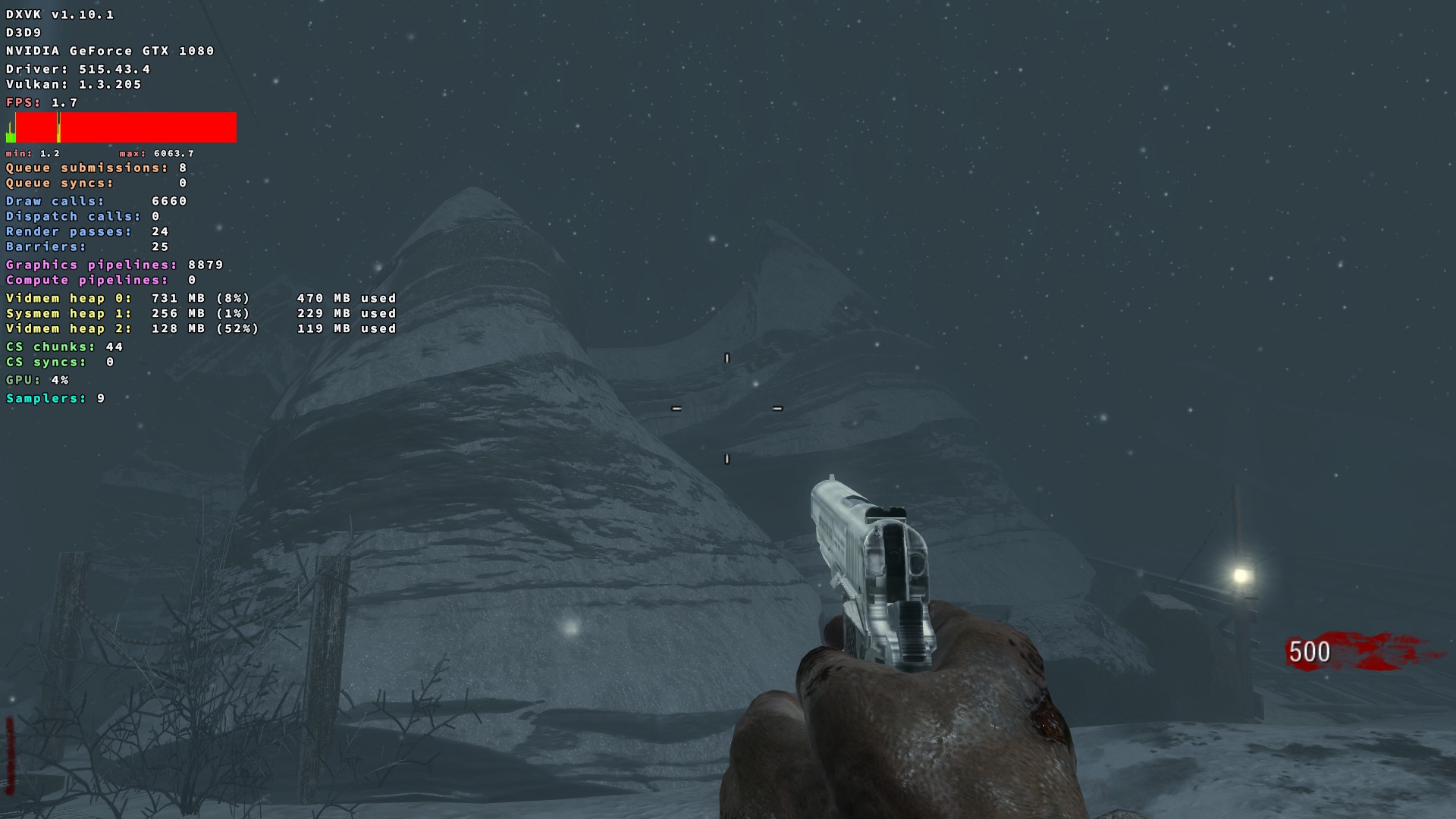
So, does apitraceMode help or not? And make sure you remove the apitrace dll before you try.
The option isn't enabled in your screenshot.
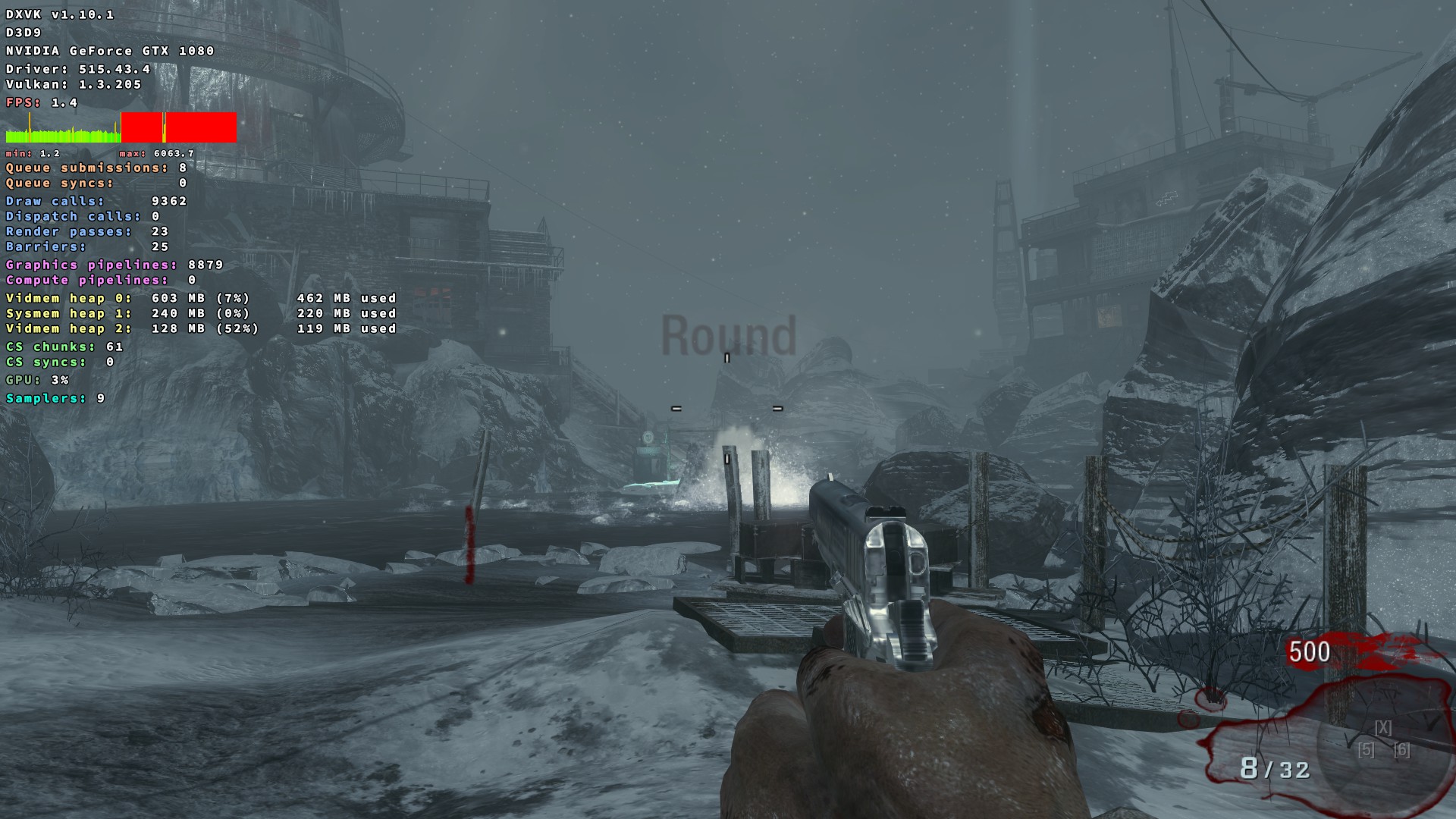
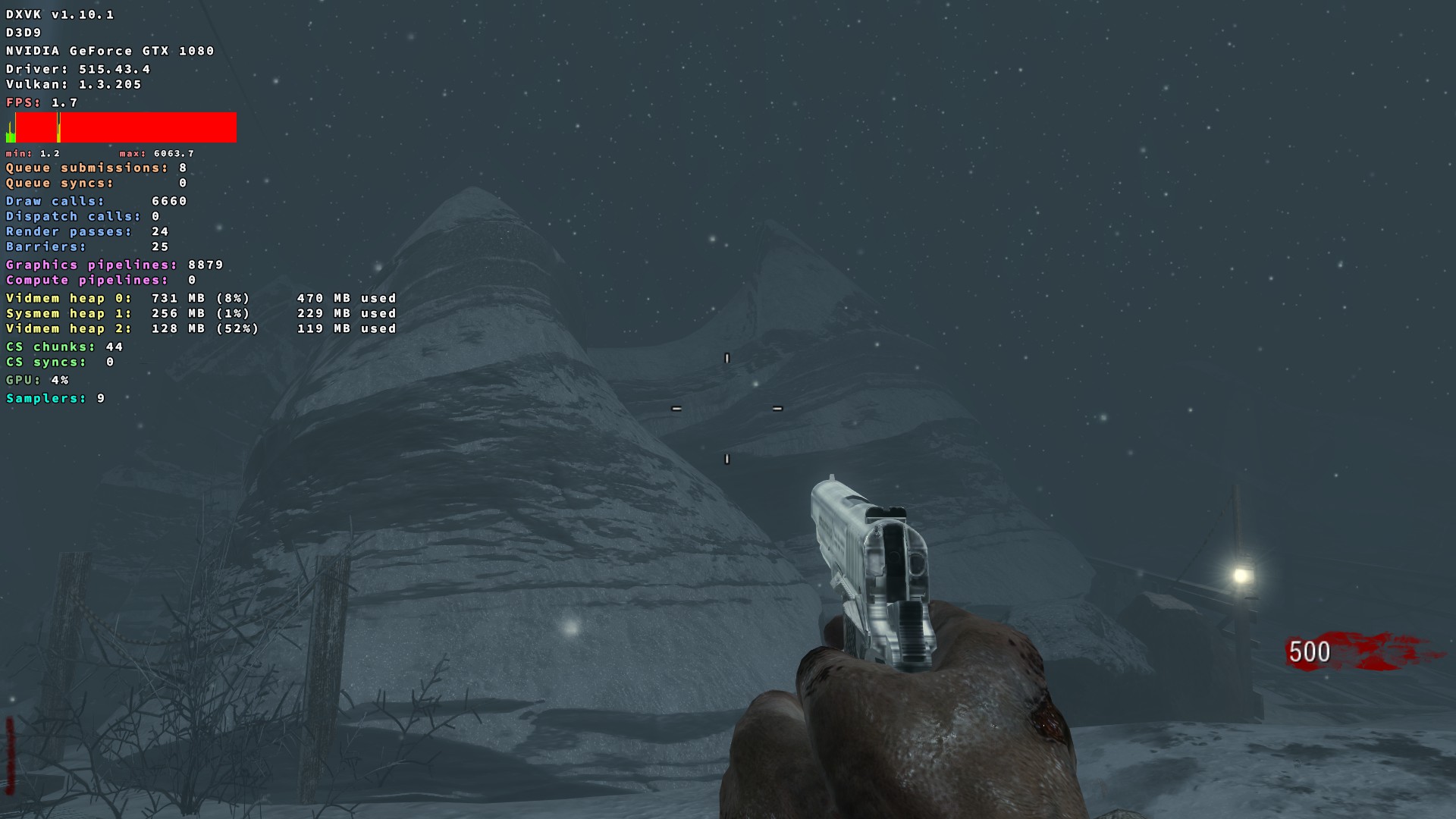
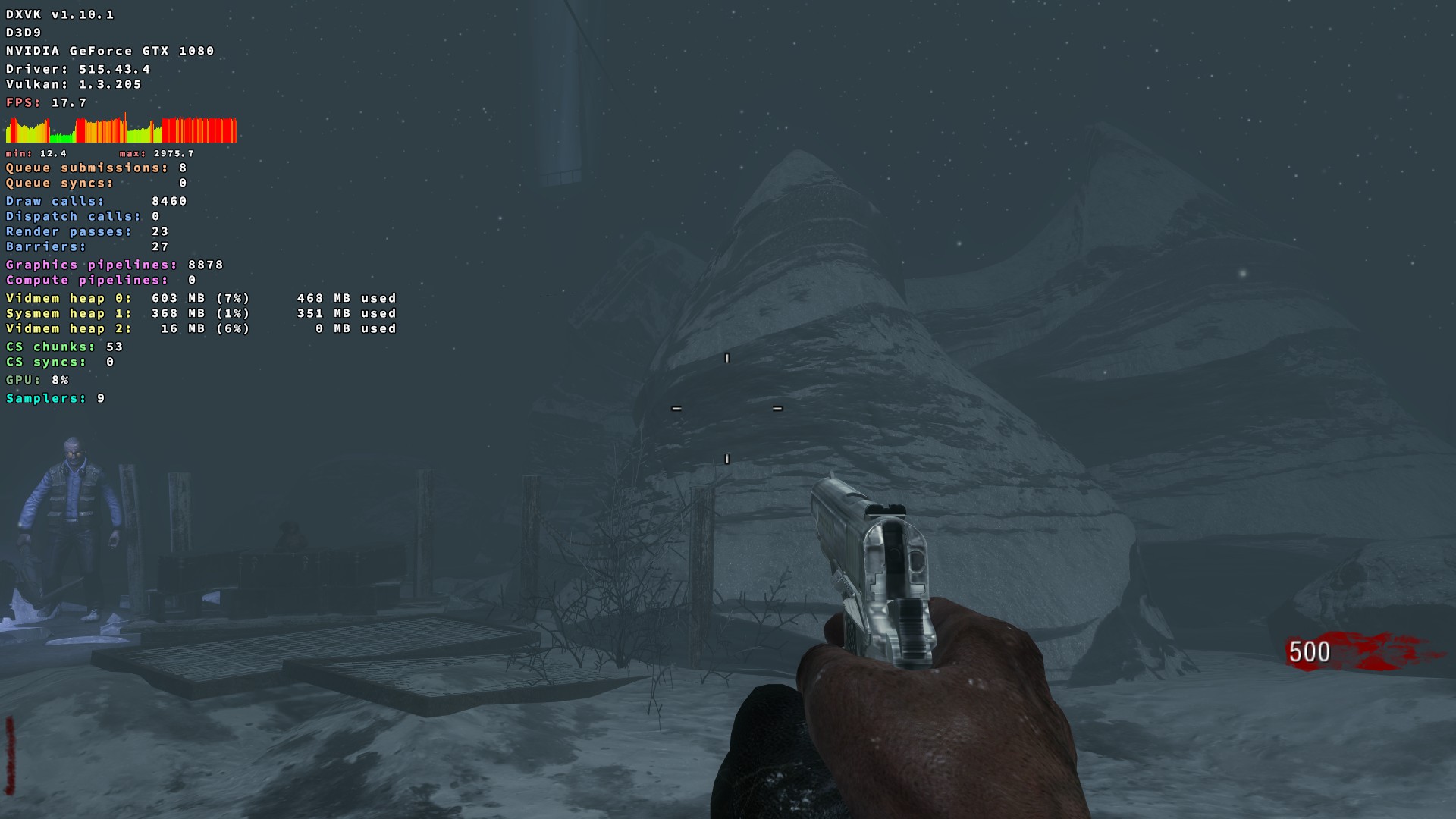
File finally finished uploading too: https://drive.google.com/file/d/1M7Ew9AY__akC-DGhcyLzSi0fKGbuvyaw/view?usp=sharing
Are you sure this is better and Windows and not just a problem with the game itself.
Draw calls jump between 2000 which is pretty normal and 10,000 which is a lot for a d3d9 game.
You also never answered my question about whether d3d9.apitraceMode = True impacts performance.
It is worse on Linux. Windows does not have this performance problem.
d3d9.apitraceMode = True helps with performance when making a trace, yes. Still runs terribly.
d3d9.apitraceMode = True helps with performance when making a trace, yes. Still runs terribly.
I'm not asking about performance when making a trace. I'd like to know if that option helps with performance when playing it normally.
No.
It is worse on Linux. Windows does not have this performance problem.
d3d9.apitraceMode = Truehelps with performance when making a trace, yes. Still runs terribly.
Hi. I got Black Ops also and I want to know how can I trigger the issue you mentioned.
I stay constant 90fps with gamescope and 60fps without gamescope.
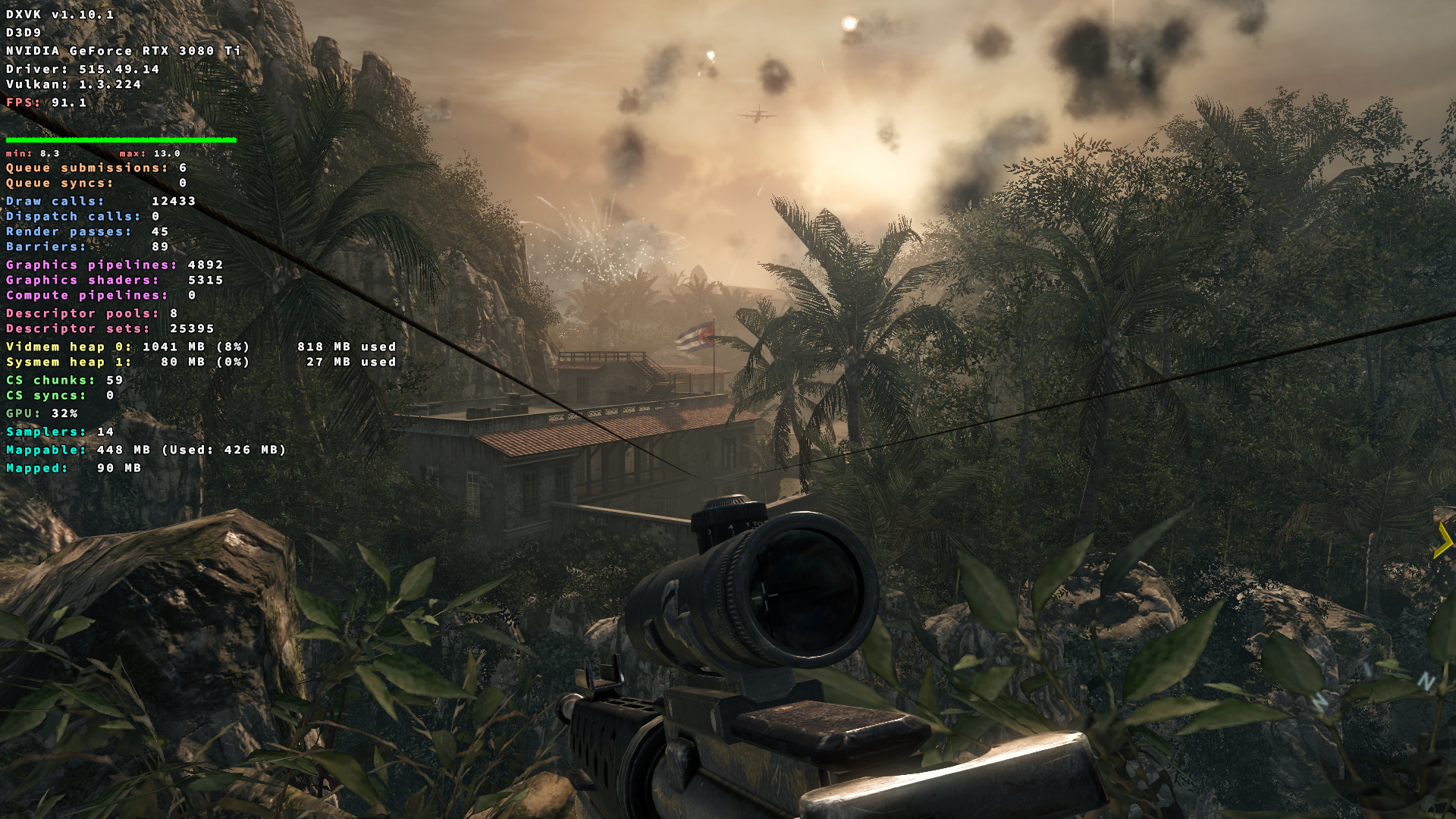
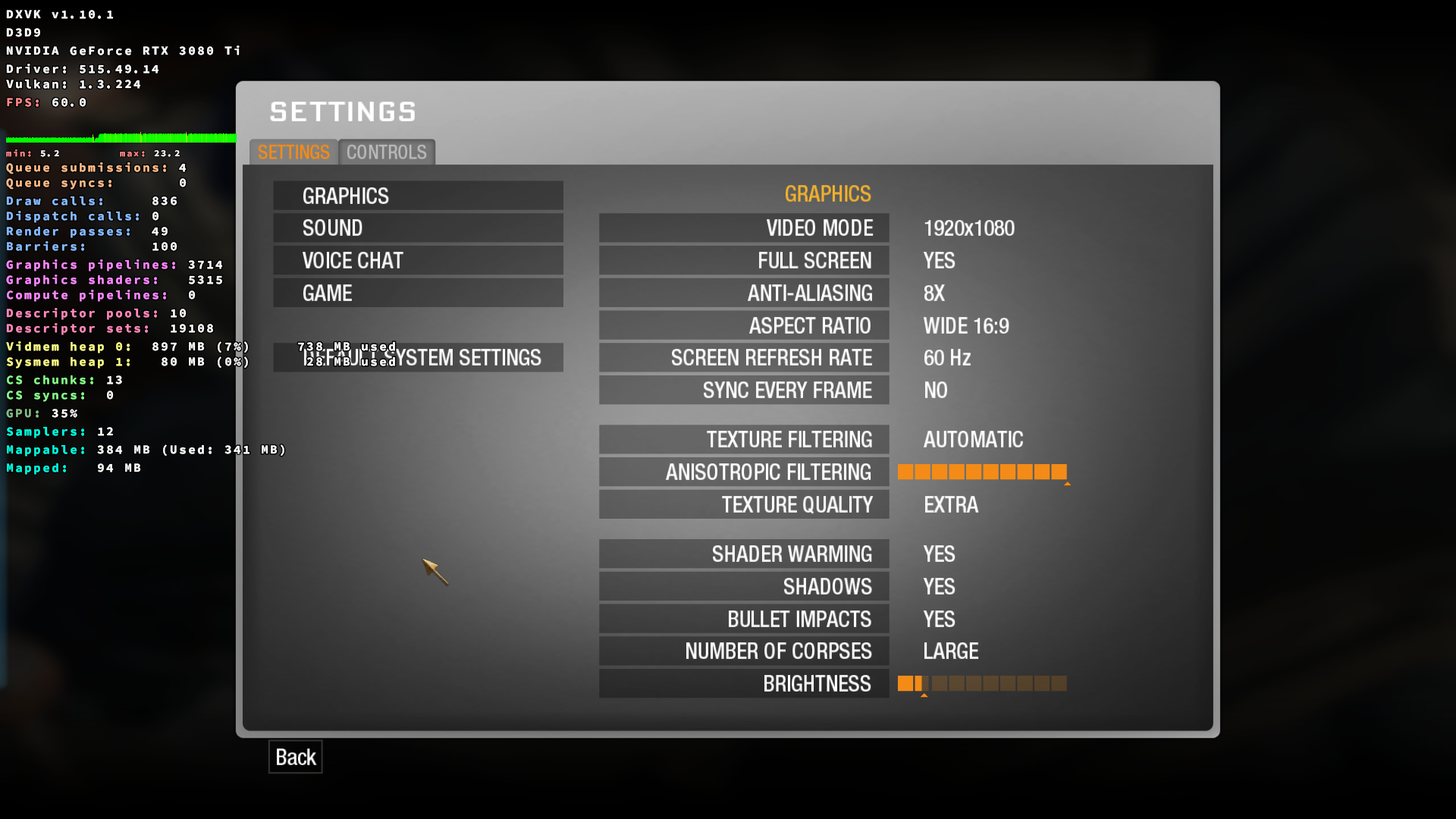
- GPU: NVIDIA Geforce RTX 3080 Ti
- Driver: 515.49.14
- Wine/DXVK version: Proton Experimental
- OS: Arch Linux
Don't know what to tell you. I use Gnome X11. Maybe this is only an issue with Pascal and older.
Even on Proton GE 7.30 and the newest drivers this is still an issue for me.
Don't know what to tell you. I use Gnome X11. Maybe this is only an issue with Pascal and older.
Even on Proton GE 7.30 and the newest drivers this is still an issue for me.
I use KDE Wayland. I don't know if there is any difference.
I played the first 2 single player mission without any problem.
Maybe as you said this is only an issue with Pascal and older.
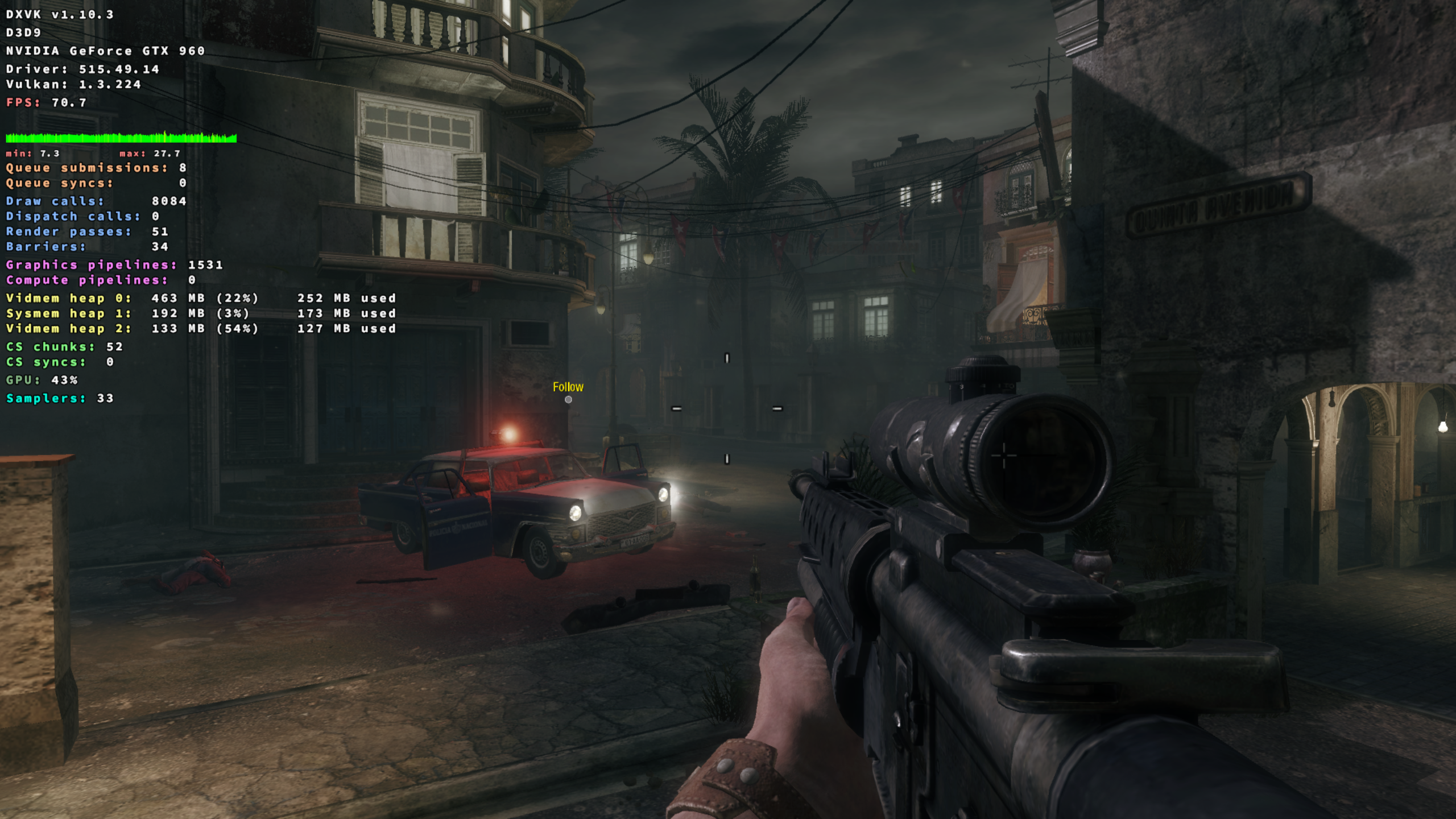
Is it in general or specific maps or effects?
I haven't compared to windows yet. Will do that in a moment.
I haven't really played much but i tried comparing the same scene on windows with and without dxvk.
native
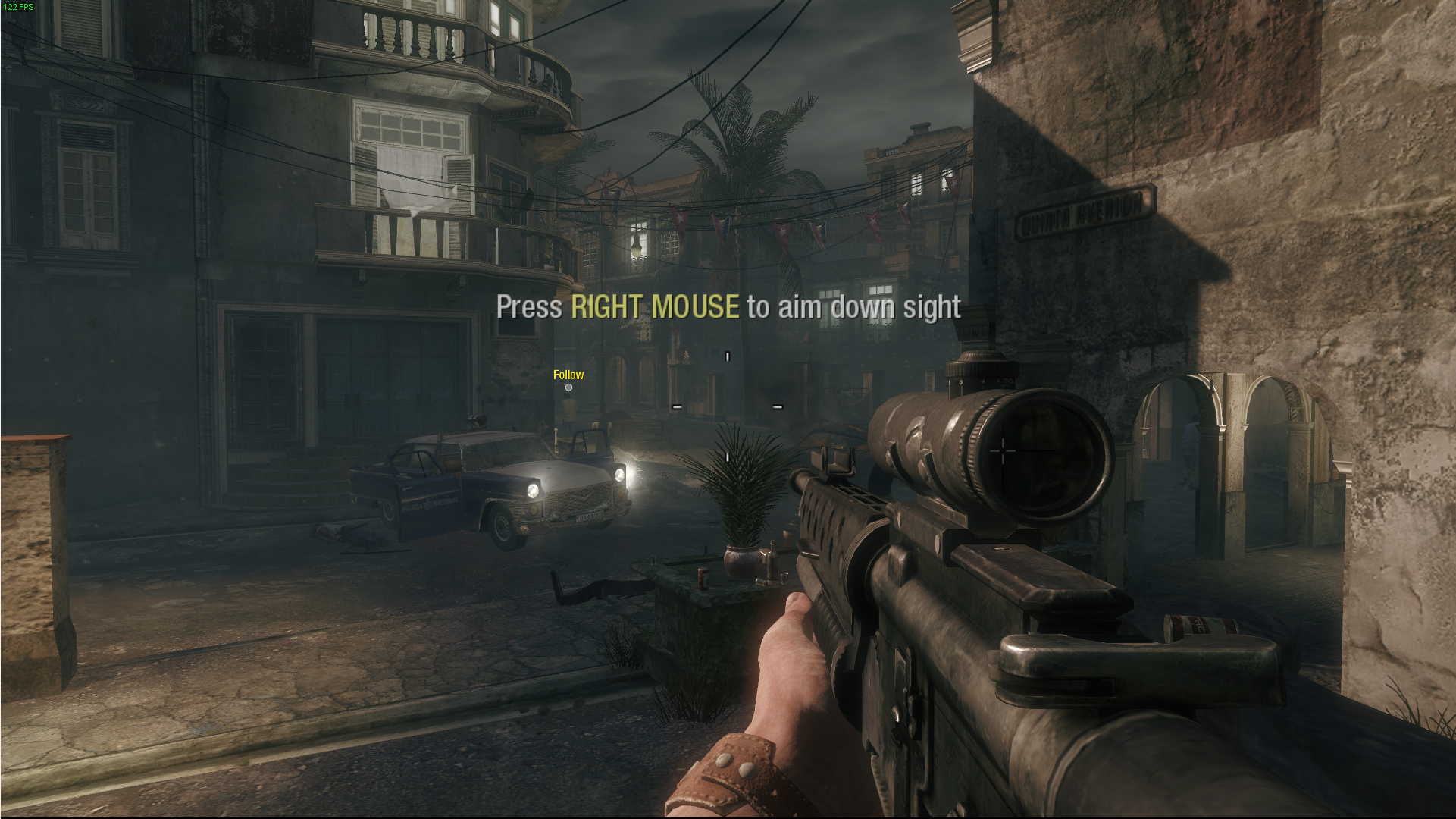
dxvk
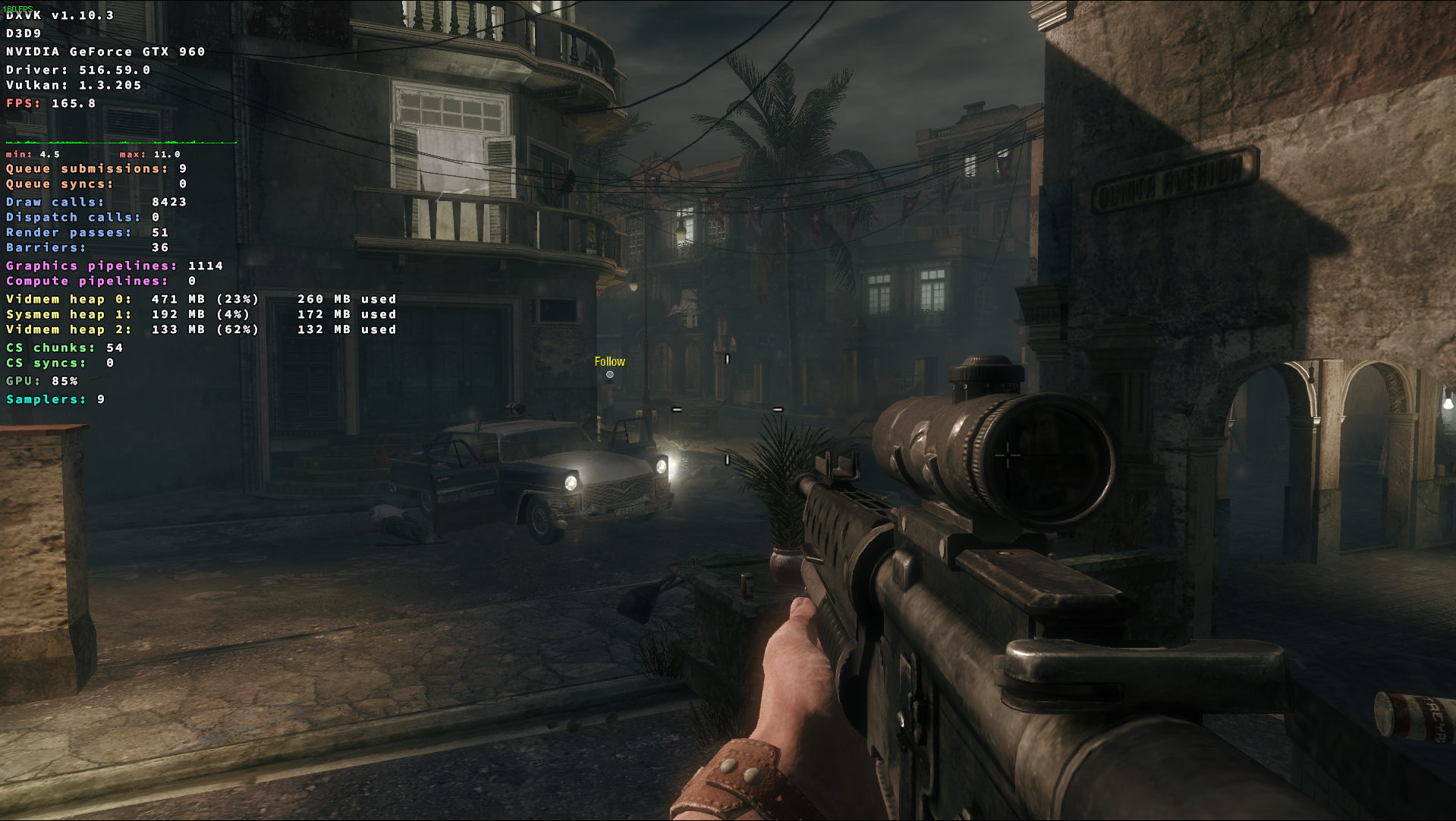
Dxvk actually gives me a nice boost, at least in this specific scene. The performance dip i get on linux seems to be wine or something else
Edit: i will try the map you showed above
Maybe it's a CPU issue? Are there any known performance issues with first gen Ryzen?
I also get performance issues in Borderlands 2 when enabling PhysX(low -> high). If Black Ops uses PhysX maybe that's to blame?
Maybe it's a CPU issue? Are there any known performance issues with first gen Ryzen?
Pretty much every performance problem with D3D9 games these days is on the CPU side of things. GPUs are orders of magnitudes faster these days than when those games were released.
@Blisto91 Has tried that level you picked for your apitrace on Windows with DXVK and on Proton and it runs very well on Windows and terribly on Proton. That means we're likely looking at a Wine problem here.
@BlueGoliath okay you are right. There are big issues with this game on linux in some places. But it's something else besides dxvk.
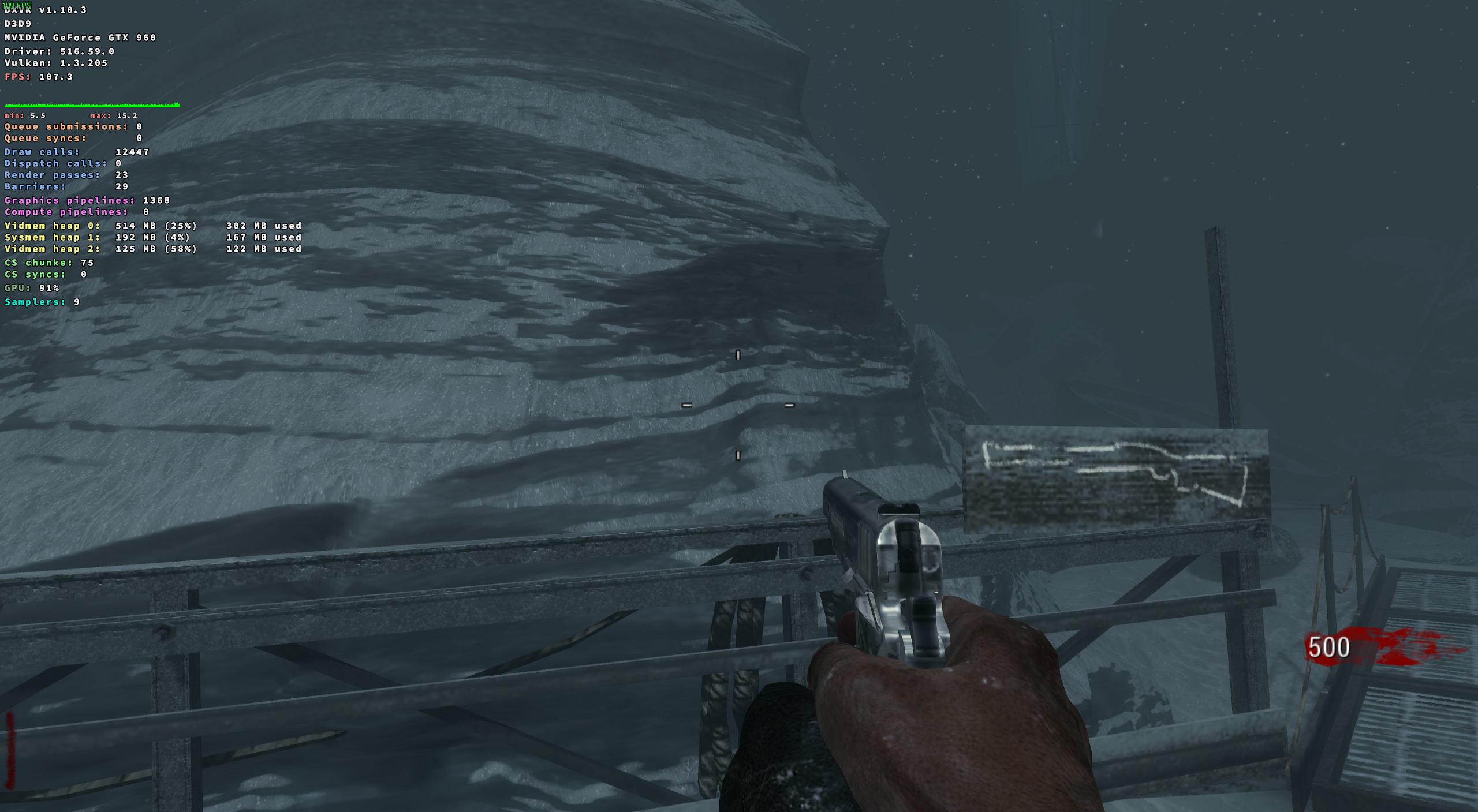
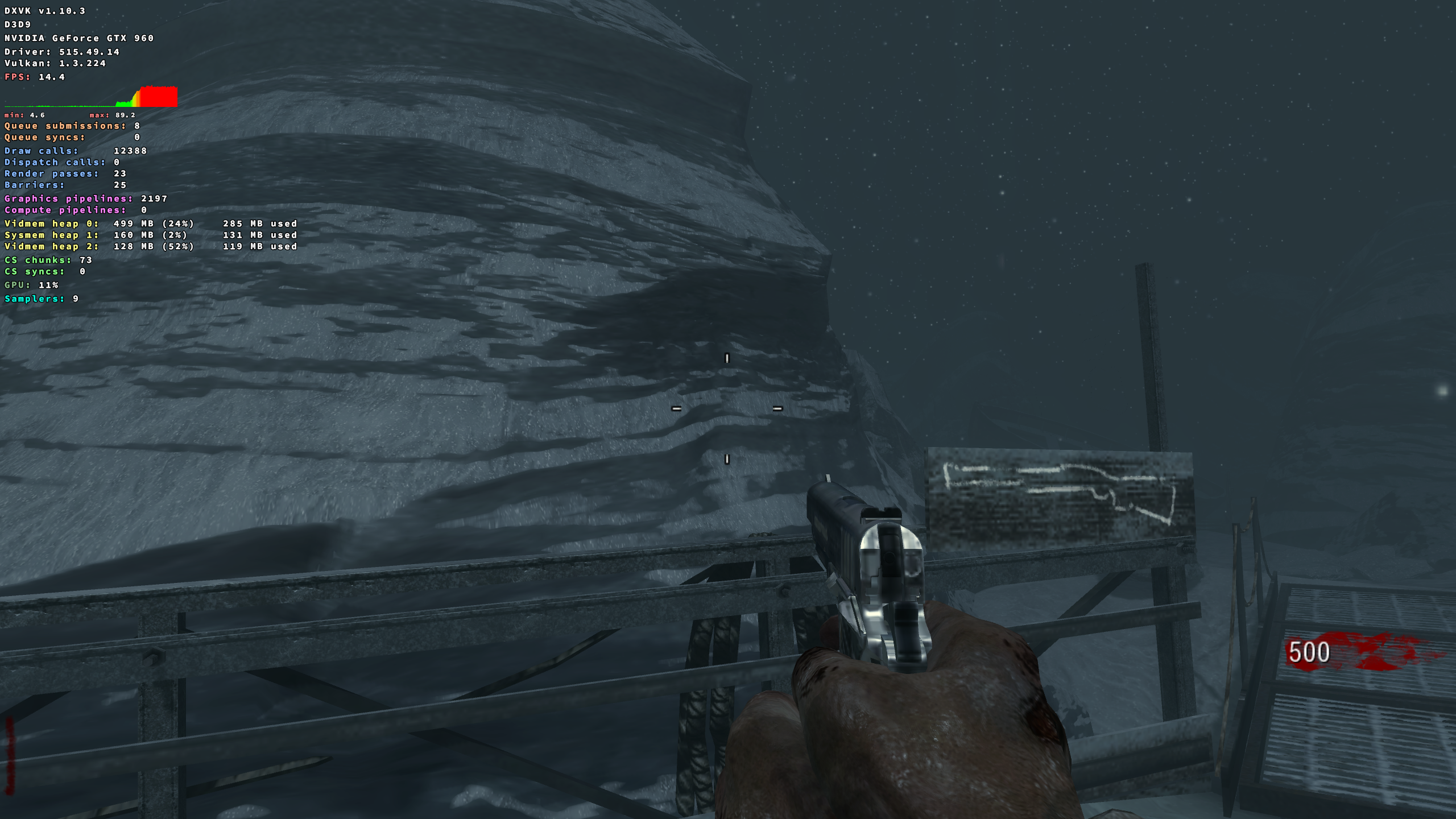
Here is windows with dxvk vs proton on linux. wined3d on linux shows similar
Windows:
Linux proton:
I dunno if the game uses physx. I tried to install newer physx into prefix as a test. But didn't do anything.
I'm pretty sure it doesn't use PhysX.
It seems to be an issue with the CFS kernel scheduler and possibly the game's DRM as other games that use the same engine (IW 3.0) don't have an issue with CFS from my testing and switching to a Project C kernel scheduler solves the issue entirely (PDS/BMQ).
I haven't been able to get Bgamer working on linux to fully test the DRM theory though. (Bgamer is an alt-client for offline/lan co-op that disables the DRM)
I have tested this and reproduced it on multiple kernel versions, GPU driver versions, and DXVK versions over the past few months.
Sys Info
- CPU: 5950x
- GPU: 1080-ti
- Driver: 525.60.11
- OS: Artix
- Kernel: 6.1.1 compiled using the Linux-TKG scripts (both screenshots use the exact same config options, only difference is the kernel scheduler)
- Proton: Proton-GE 7-42 (I have had the same results with more versions, 7-42 was used for the screenshots)
The 14 FPS one is CFS, the one that is CPU bound at 140 FPS was with PDS, BMQ gives the same result as PDS.
I think I tested BORE on accident and it gives the same result as CFS but don't quote me on it.
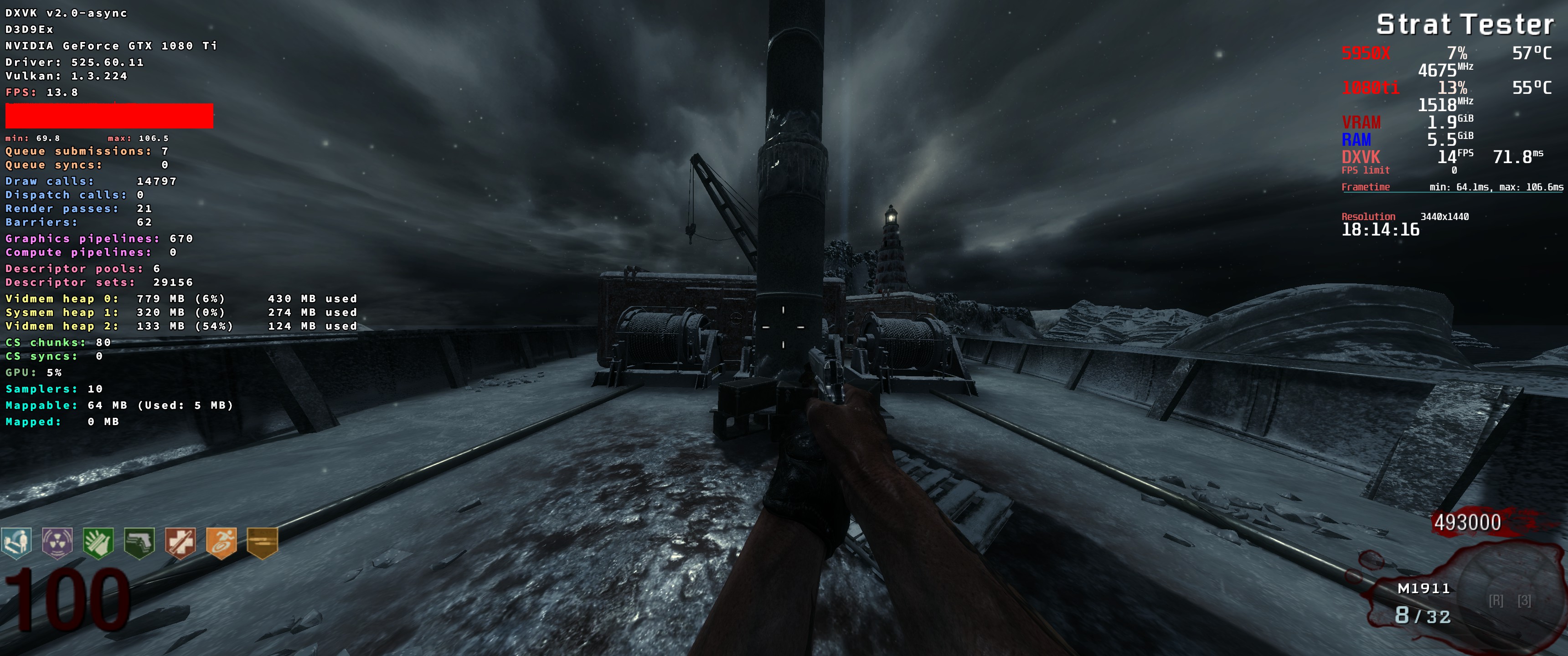
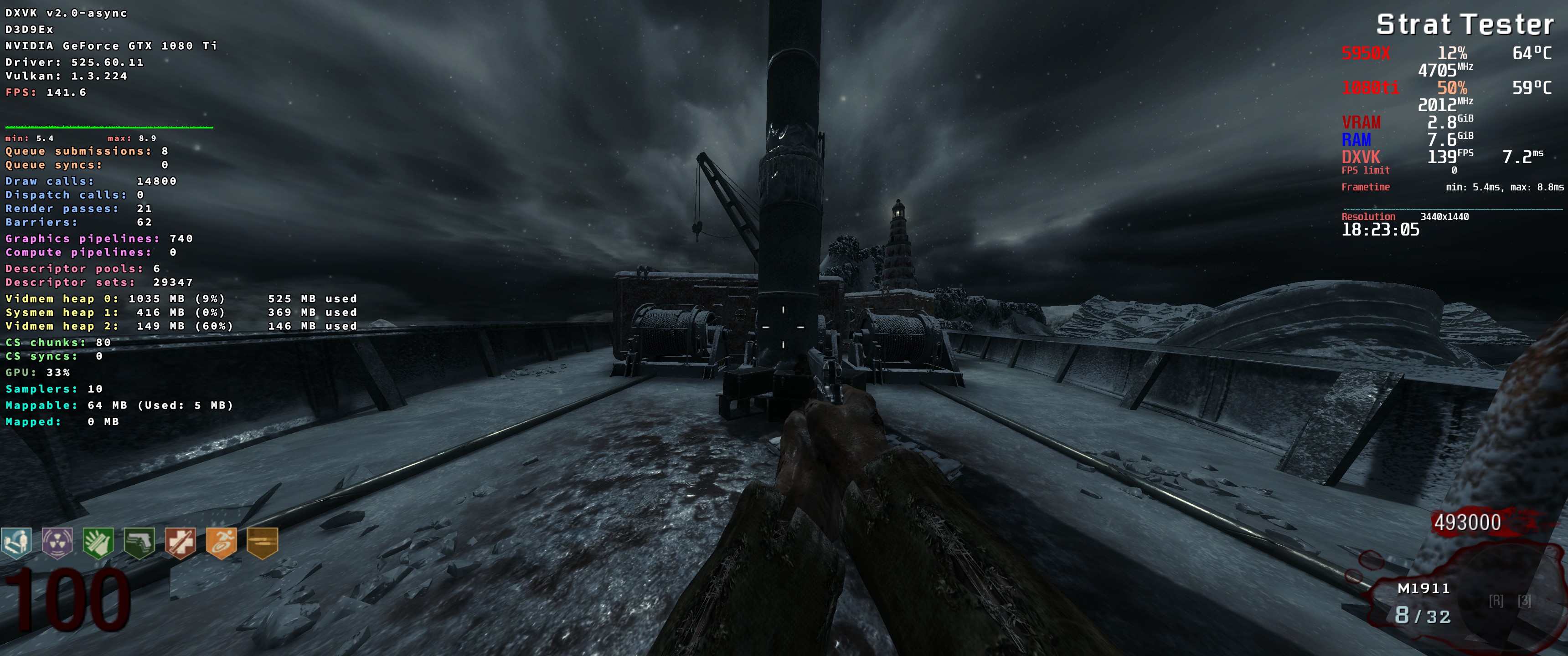
Ignore the round, it's a strategy testing mod I use to disable zombie spawns for consistent FPS testing
I think that's every important detail to it? If not let me know if I missed anything.
Proton versions
proton experimentalx1 2022-08
Launch options
DXVK_HUD=fullx2 2022-05PROTON_NO_ESYNCx1 2022-05PROTON_NO_FSYNCx1 2022-05
Launch lines
DXVK_HUD=full %command%x2 2022-05
When playing the original Call of Duty: Black Ops, the performance will be extremely poor, almost "slow-motion" like with occasional stuttering. Happens in both Singleplayer/zombies and multiplayer. Disabling both PROTON_NO_ESYNC and PROTON_NO_FSYNC doubles the framerate and reduces the issues above, but it's clearly not running how it should.
Software information
Call of Duty: Black Ops(42700). Low or high settings, don't matter.
System information